

Auking Smart Projector with Roku TV
Product description
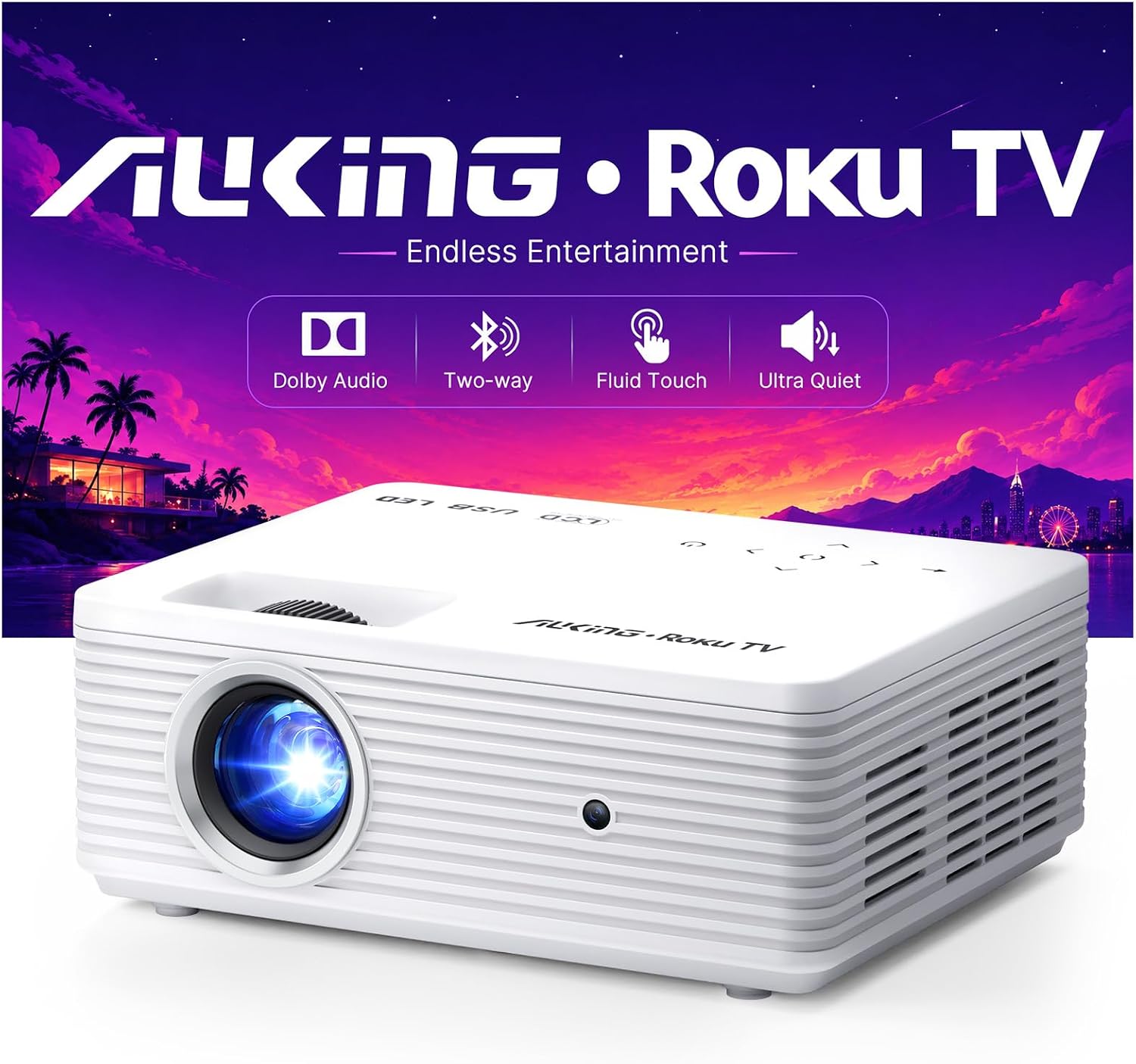
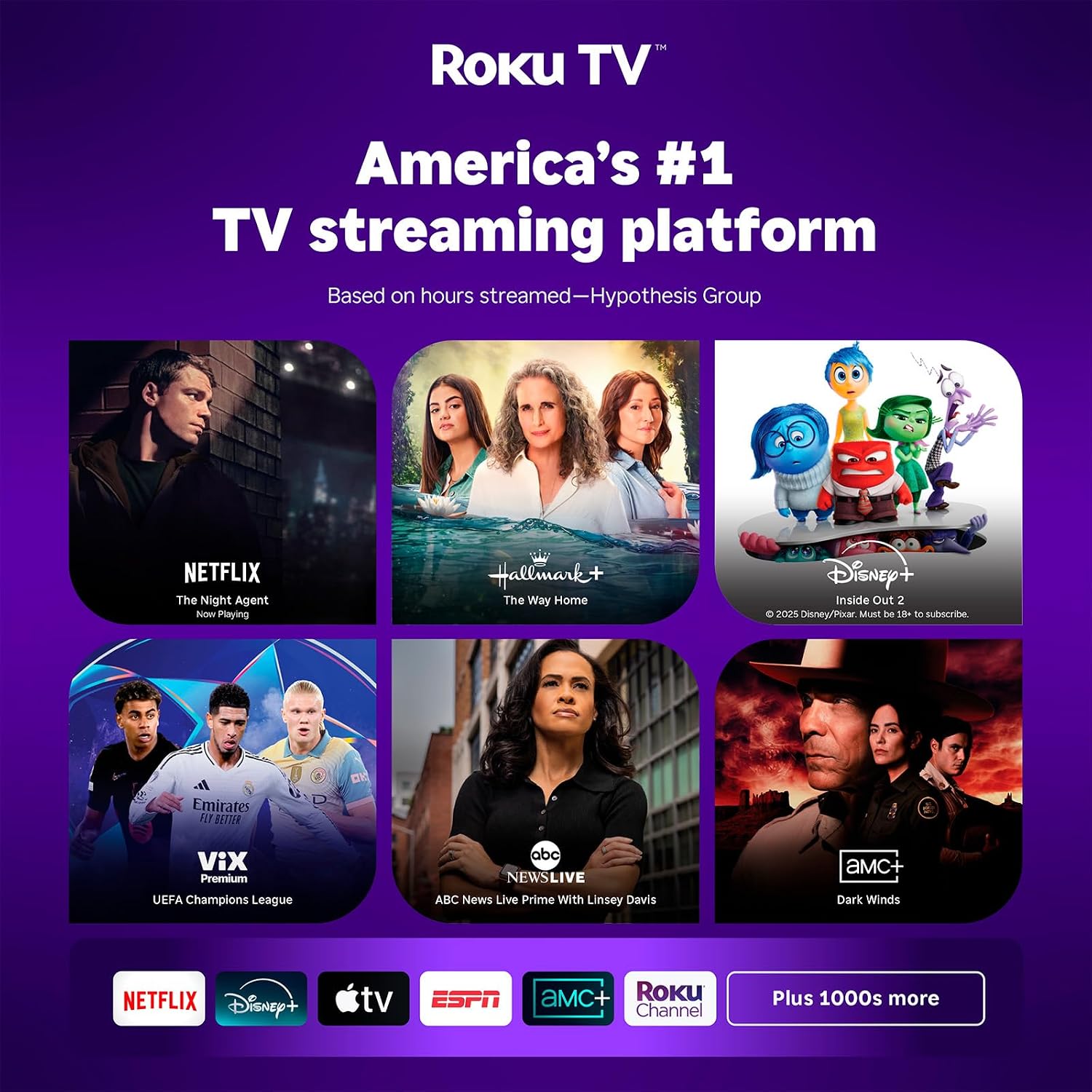
Built-in Roku TV is the Auking projector’s clearest advantage: you can open streaming apps from its home screen without adding a separate streaming stick or box. That makes it easier to set up for a bedroom movie night or a casual show in the living room.
If you prioritize quick access to streaming, the built-in system is appealing, if you prefer a simple screen with fewer smart features, a basic projector may be a better fit.
Getting the most from it
Choose a wall or other suitable surface, connect the projector to Wi-Fi, and use the manual focus ring to sharpen the image. The projector supports a 40–120-inch display, and automatic vertical keystone correction can straighten the picture when projecting onto a wall or ceiling. Focus is manual, though, so expect to adjust it when you move the projector rather than relying on autofocus.
For a practical setup, place it on a stable surface in the bedroom, focus the image once, then use Roku’s home screen to find a show. It also has HDMI, USB, and 3.5mm audio-out ports for connecting devices such as a laptop or game console. Wireless mirroring from iPhone and Android is listed, too.
Why it’s worth it
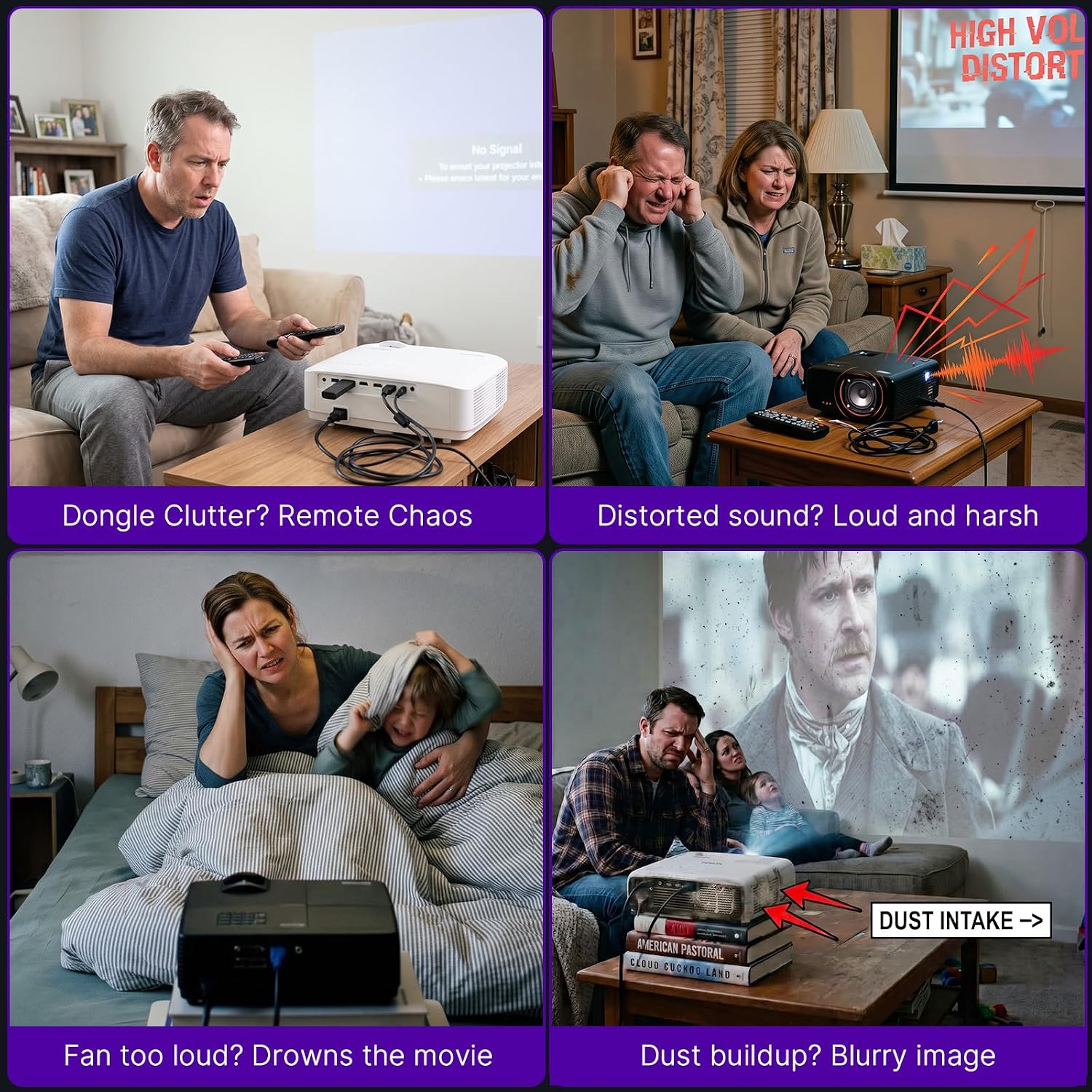
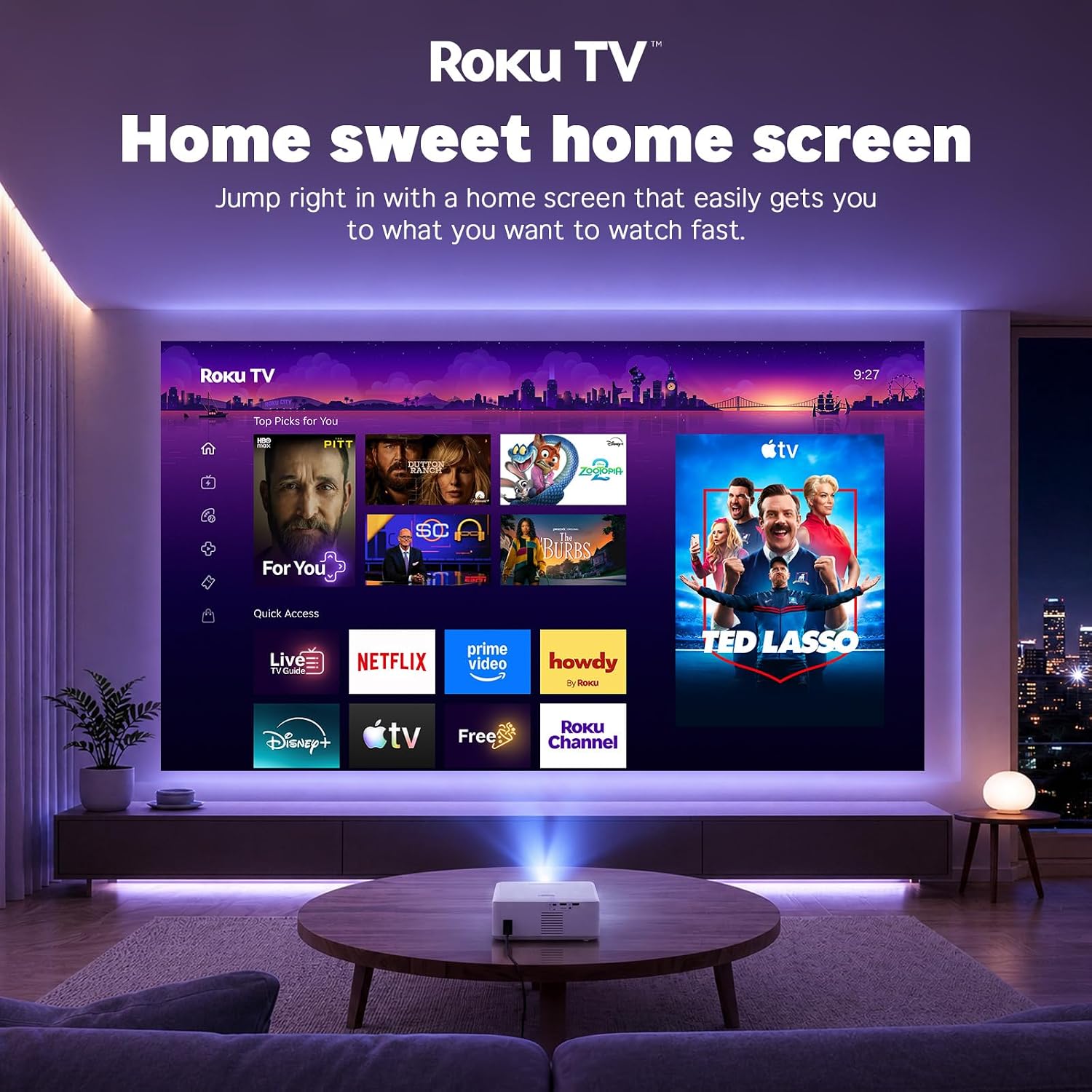
The all-in-one approach can reduce setup clutter: streaming, projection, and built-in speakers are combined in a compact unit. It also makes the projector more useful for occasional viewing than a model that depends on an external streaming device. The maker lists Netflix, Prime Video, Hulu, Disney+, YouTube, and more, plus access to 500+ free live TV channels.
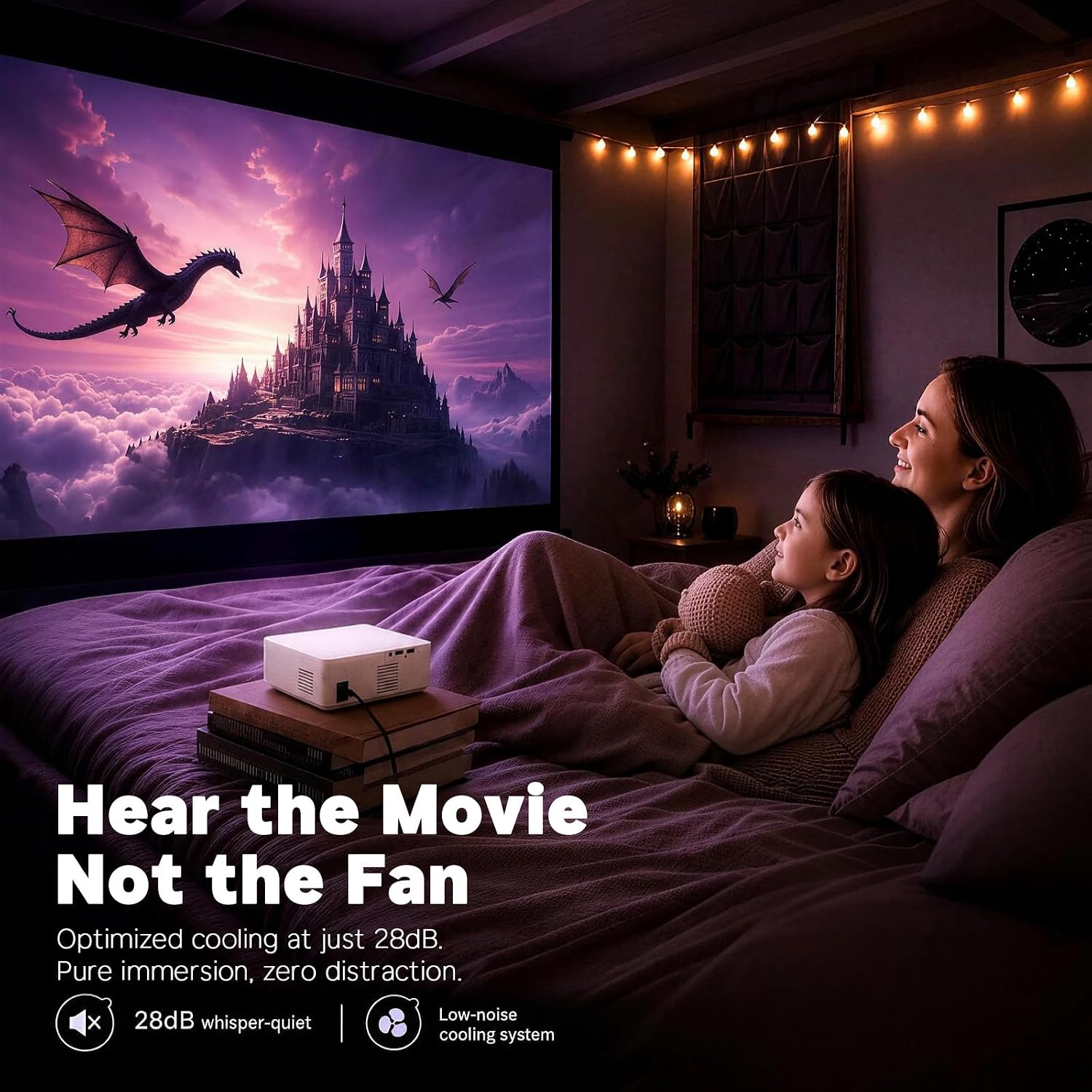
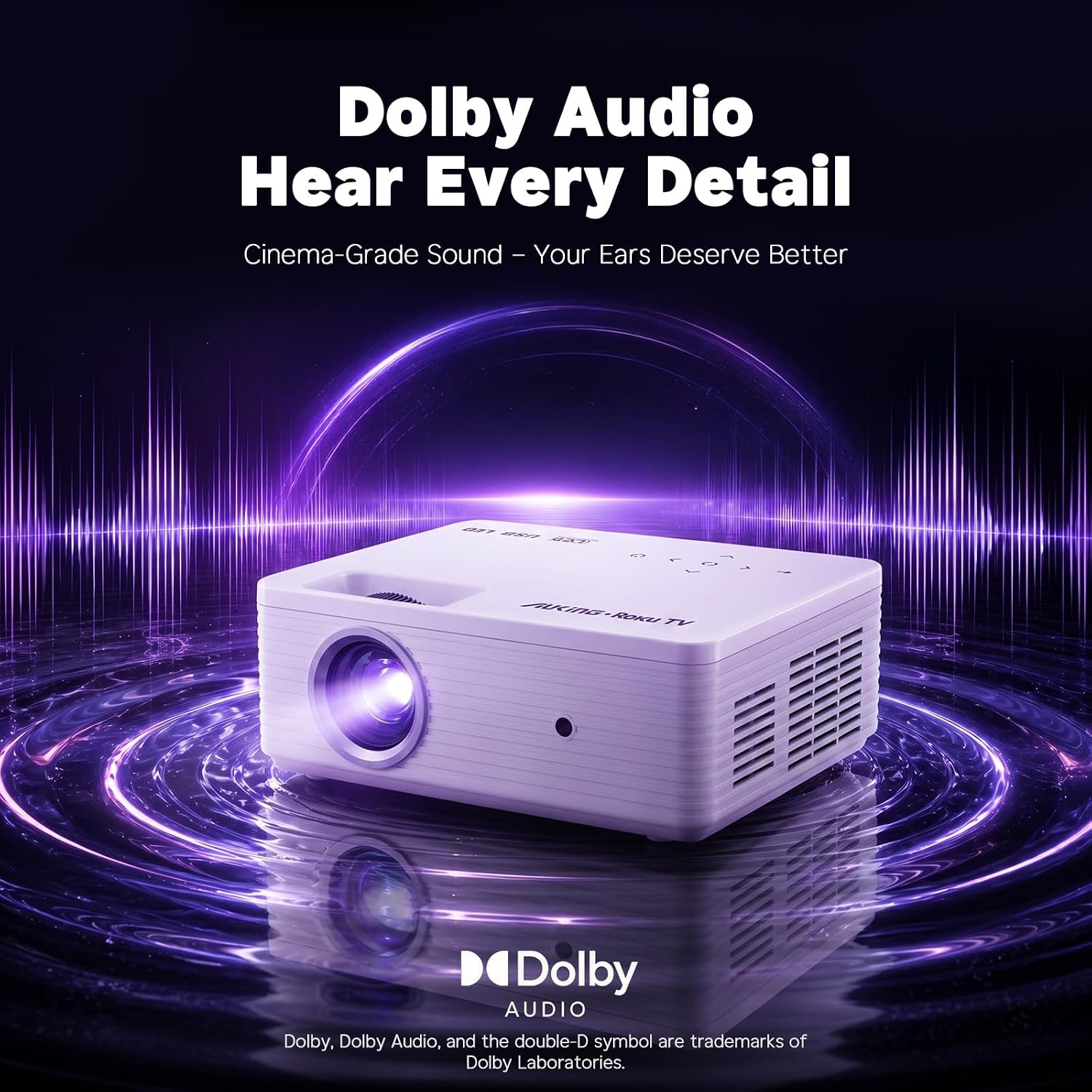
According to the maker, the projector runs at 26dB and includes dual speakers with Dolby Audio. That could suit everyday viewing when you don’t want to add separate speakers, though built-in audio won’t offer the same flexibility as connecting headphones or an external speaker over Bluetooth. The two-way Bluetooth connection supports both listening through paired audio gear and playing phone music through the projector’s speakers.
Key features
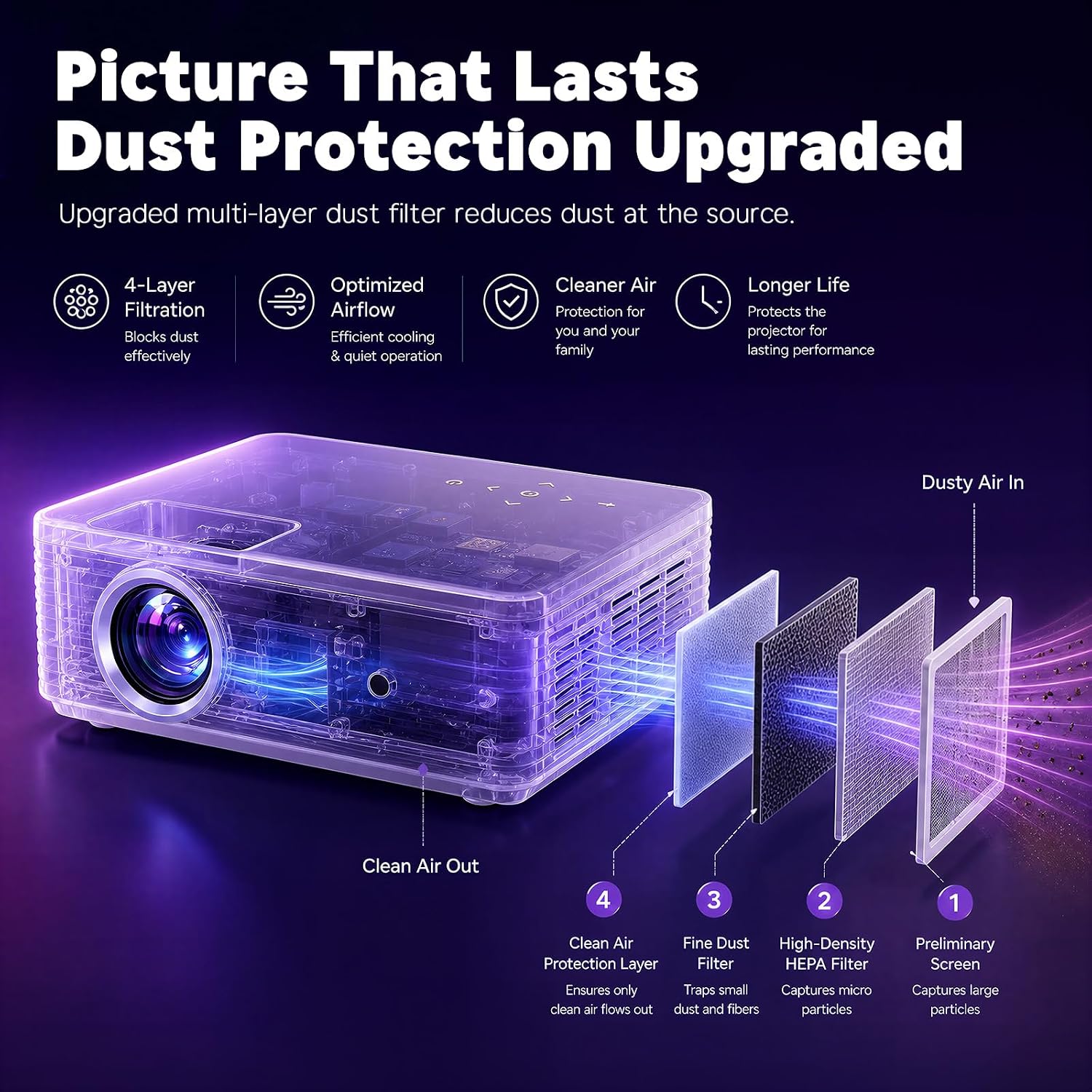
The compact design is intended for home use and travel, including backyard gatherings and camping trips. A multi-layer dust-proof filter is included to help protect the optical engine. The product listing also states a 3-year warranty, 24/7 customer support, and lifetime technical service.
One practical limit is the manual focus: if you regularly move a projector between rooms, you may need to sharpen the picture again each time. For outdoor use, plan around the viewing environment and available projection surface, the listing doesn’t provide brightness information to help assess performance in brighter conditions.
Should you buy it?
You’ll appreciate it if you want Roku streaming built into a portable projector, along with straightforward connections for a laptop, console, or audio device. The 40–120-inch image range gives you room to choose a smaller bedroom picture or a larger movie-night setup, while the automatic vertical correction can save some positioning effort.
It may not suit you if autofocus is a must-have or if you need brightness details before planning daytime or well-lit viewing. Choose it for convenient indoor streaming and occasional backyard use, choose a more basic projector if you don’t need built-in streaming, or look for a model with clearly stated brightness if bright-room viewing is central to your plans.