


Apple 2026 MacBook Air 13-inch with M5 chip: Portable powerhouse for AI and study
Reviews
Price
Product description
What this is and what it aims to solve
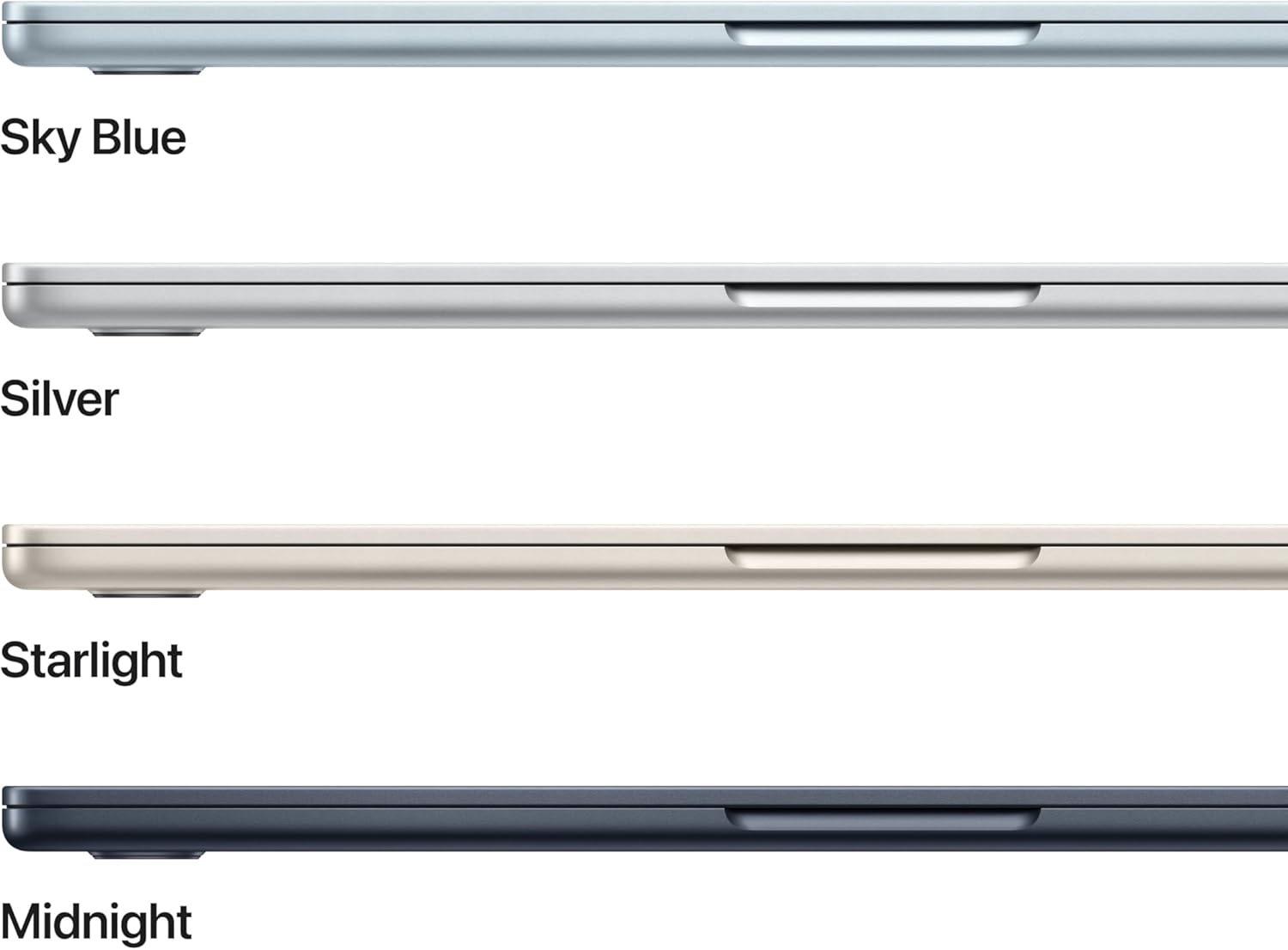
The Apple 2026 MacBook Air 13-inch (Midnight) pairs a slim, feather-light chassis with the M5 chip to handle both everyday tasks and more demanding workloads. If your needs include studying, writing, light creative work, and multitasking across several apps, this laptop is designed to be a portable all‑rounder. It’s meant to be the daily driver for college life and beyond, with long battery life that keeps you in class, in libraries, or on campus without frequent recharges.
Performance and AI capabilities on the move
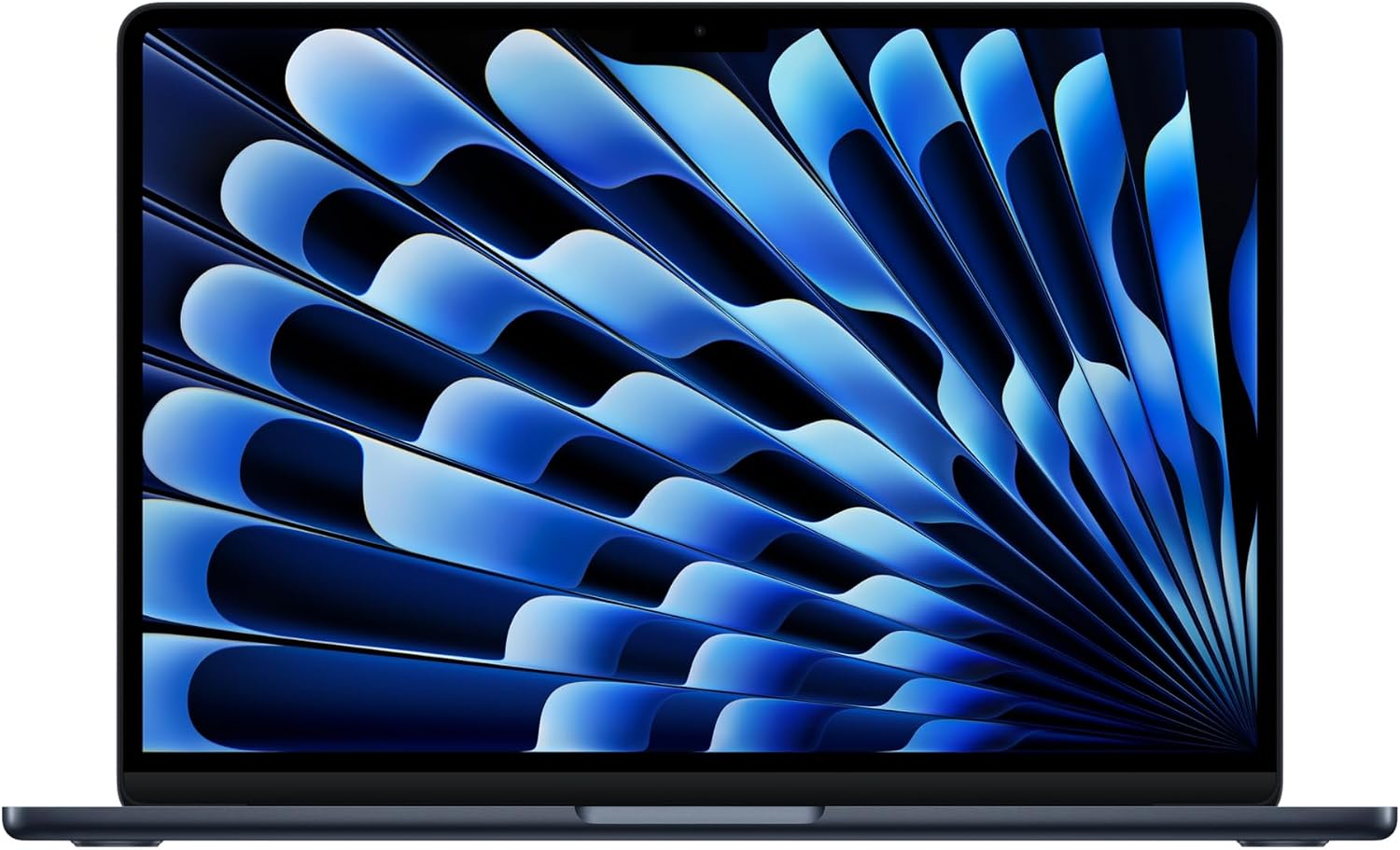
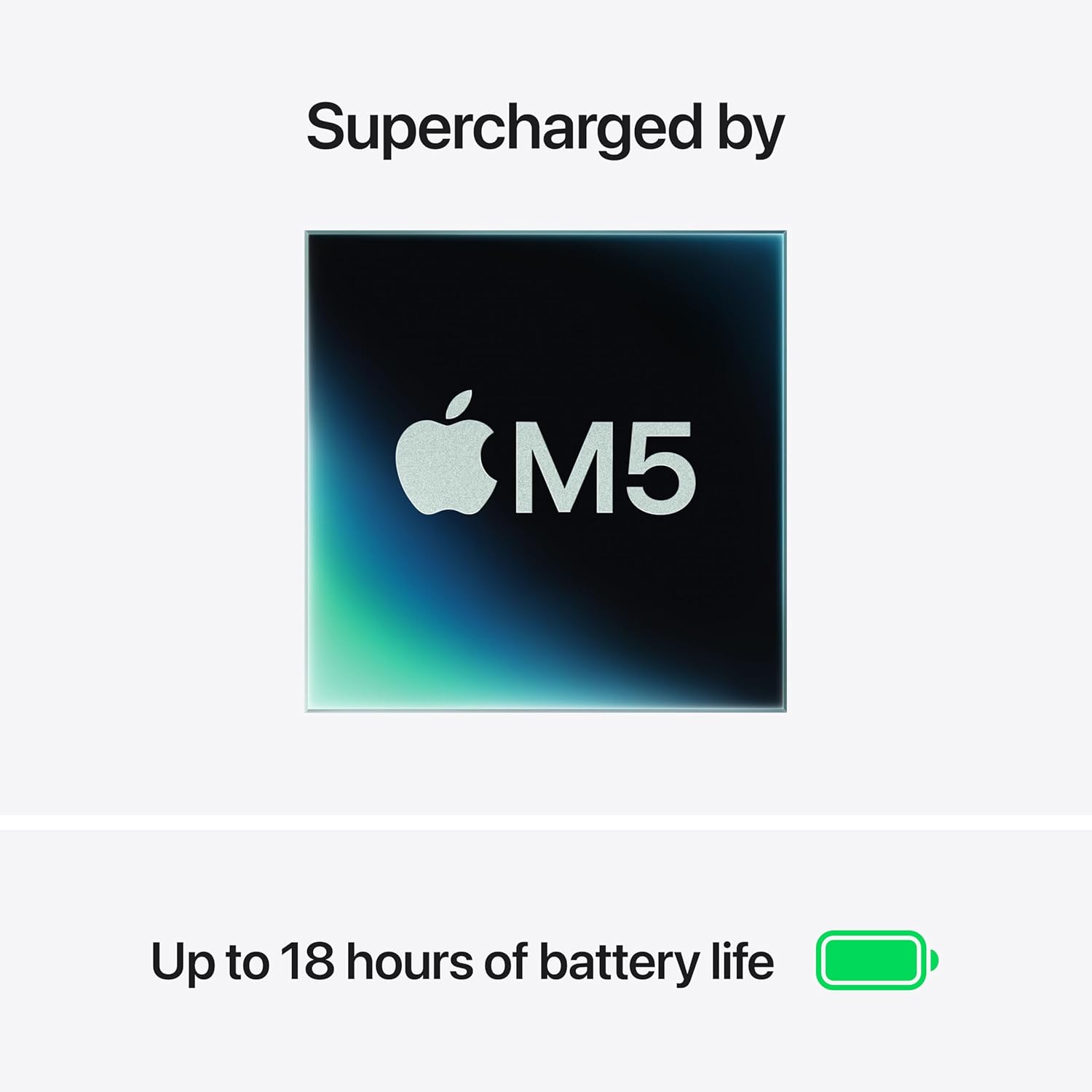
On paper, the M5 delivers faster CPU performance and a unified memory architecture intended to smooth multitasking and creative workflows. The Neural Engine and a next‑gen GPU with Neural Accelerators point toward better on‑device AI tasks, which can help with things like voice-to-text, photo editing, and productivity automation. If you prioritize responsive app switching and a smoother feel when juggling several tasks, this setup is worth considering. That said, it’s prudent to note that real-world gains depend on your software and workload mix, and you may encounter limits on heavier professional tasks.
Display and visual experience
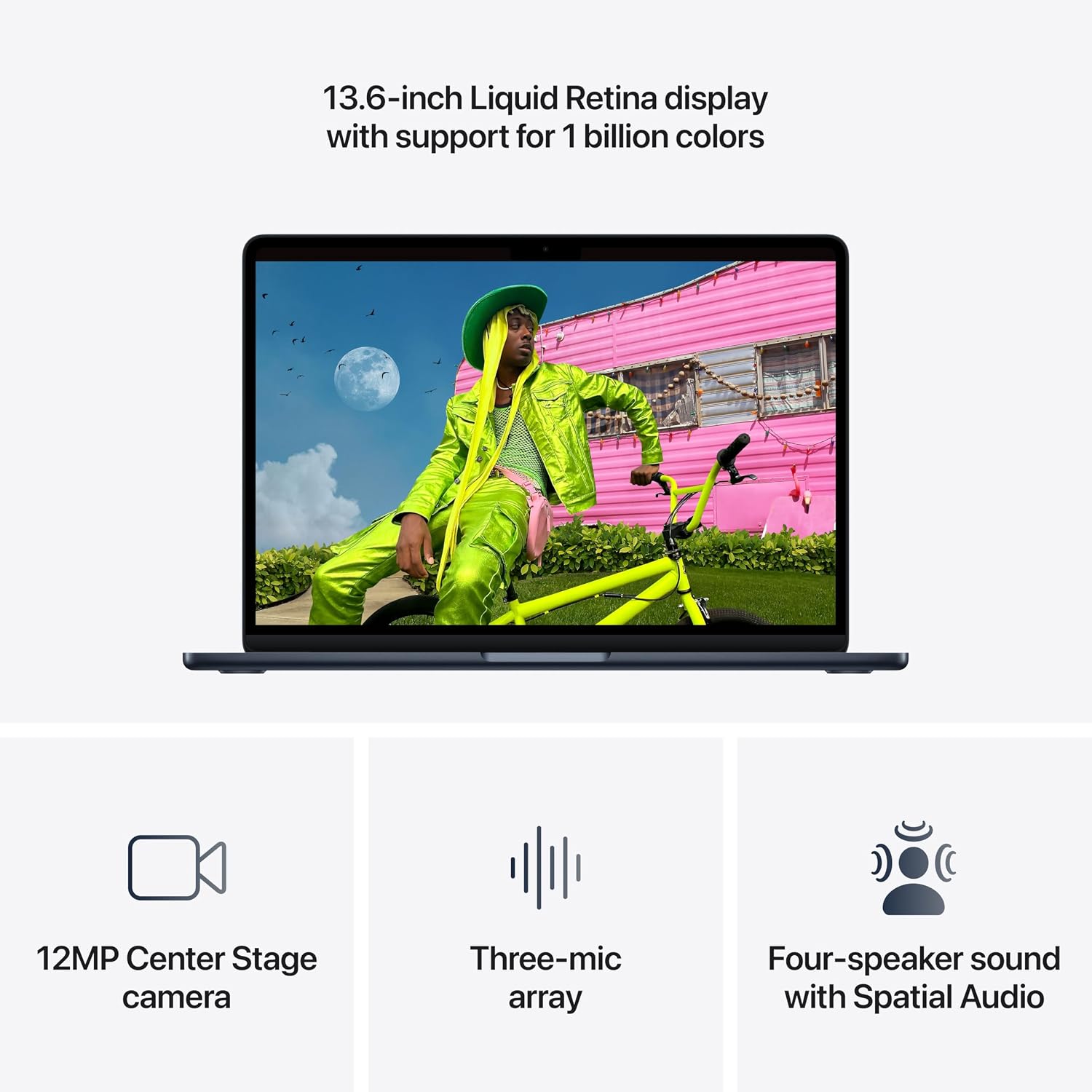
The 13.6‑inch Liquid Retina display is a standout feature for a laptop of this size. It supports a wide color range and sharp text rendering, making everything from slides to video calls look crisp. For students who rely on presentations or media viewing, the visual clarity and color depth can be a meaningful benefit. It’s not a gaming machine, but for everyday media consumption and productivity, the display is solid.
Camera, audio, and mic quality in online settings
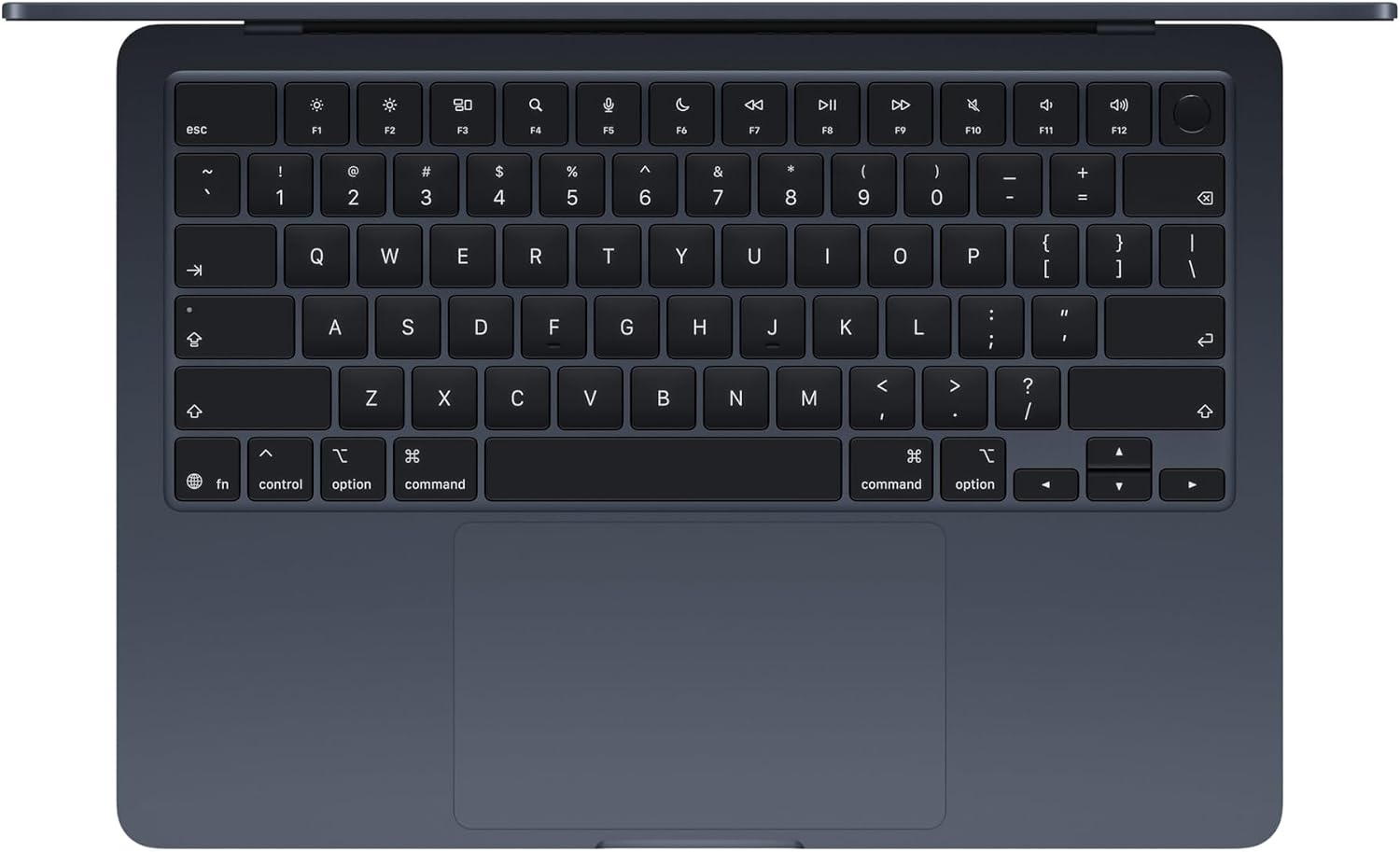
Video calls get a new level of reliability with a 12MP Center Stage camera that can help you stay in frame during online classes. The array of microphones and the four‑speaker system with Spatial Audio and Dolby Atmos support should translate to clearer voice capture and more engaging audio during lectures or study groups. If you frequently attend virtual sessions, this combination aims to reduce the friction of being seen and heard clearly.
Connectivity and expansion
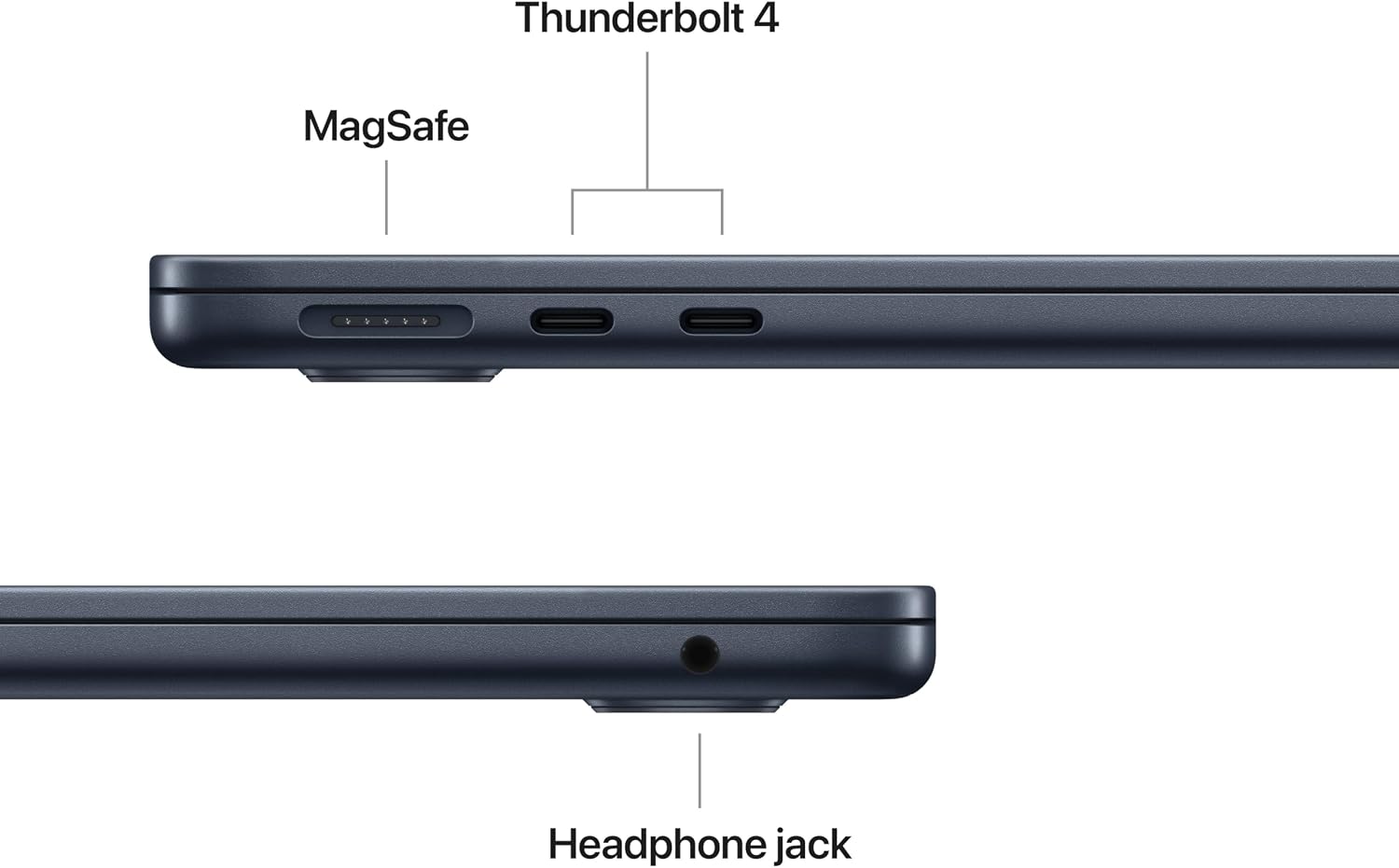
Two Thunderbolt 4 ports, a MagSafe charging port, a headphone jack, and the Apple N1 wireless chip for Wi‑Fi 7 and Bluetooth 6 give you dependable options for accessories, external displays, and fast wireless connectivity. It supports up to two external displays, which can be a meaningful upgrade if you later decide to set up a longer study station or a compact workstation at home. Depending on your workflow, the port selection should cover most everyday needs without forcing an adapter kit.
Battery life and portability
Apple advertises up to 18 hours of battery life, which is a strong selling point for students who spend long days away from power outlets. In practice, battery life depends on brightness, workload, and background tasks, but the emphasis here is on all‑day performance that suits a full class schedule or extended library sessions without constant plugs.
Who this is for and who might skip it
If you’re a student, writer, or casual creator who values portability, an integrated AI workflow, and a premium ecosystem, this MacBook Air aligns with those goals. It’s likely to feel like a good balance of weight, battery, and performance for everyday tasks and light creative work. On the flip side, if your day-to-day involves sustained heavy rendering, 3D modeling, or software that’s extremely GPU‑bound, you may find the M5‑powered Air lacks the headroom of higher‑tier machines.
What to check before buying
- Confirm you’re comfortable with macOS for your apps and workflow, software compatibility can influence perceived speed and usefulness.
- Consider your storage needs, 512GB can be ample for many students, but photo/video projects or large media libraries can grow quickly.
- If you rely on external displays, verify your setup supports two displays at your preferred resolutions and refresh rates.
- Evaluate the value of the AI‑related features as they apply to your typical tasks and whether you benefit from the on‑device acceleration offered here.
Practical usage snapshot
Imagine opening a research notebook, writing up a paper, and compiling a presentation all in the same day. You can keep multiple apps open, switch between documents, and run AI-powered assistants to draft outlines or refine wording, all while staying in a portable frame that fits a backpack and a coffee shop corner without worrying about a power outlet.
How this compares to the broader landscape
For someone choosing between portability and performance, this model sits in the middle ground: lighter than pro laptops, but with more capable AI and efficiency than basic ultrabooks. It’s a reasonable choice if you want a premium feel and the convenience of macOS together with a strong daily battery and a quality display—without stepping up to a heavier, more power‑hungry machine.
Decision and final thoughts
Is it worth it?
Worth considering if you want a compact, polished macOS experience with solid all‑day battery, reliable connectivity, and AI‑driven features that support study workflows. It isn’t the cheapest option, and if you expect to push heavy professional software regularly, you may want to weigh how much headroom you need.
Quick FAQ
- How long does the battery last in typical use? Up to 18 hours are advertised, but real-world life will vary with brightness and workload.
- Can I connect multiple external displays? Yes, up to two external displays are supported.
- Is AI acceleration a real benefit for everyday tasks? It can improve responsiveness in multitasking and certain AI‑driven apps, but results depend on software support.