

AOC Vertical Mouse 4800 DPI
Product description
When a standard mouse leaves your wrist turned toward the desk, a vertical design offers a different hand position without giving up adjustable tracking or wireless options. This AOC mouse is angled at 52° and made for right-handed use, with six programmable buttons, quiet main clicks, and three connection modes. It may suit a work setup where comfort and shortcut access matter, but the fit and button noise deserve a closer look before you choose it.
What to know
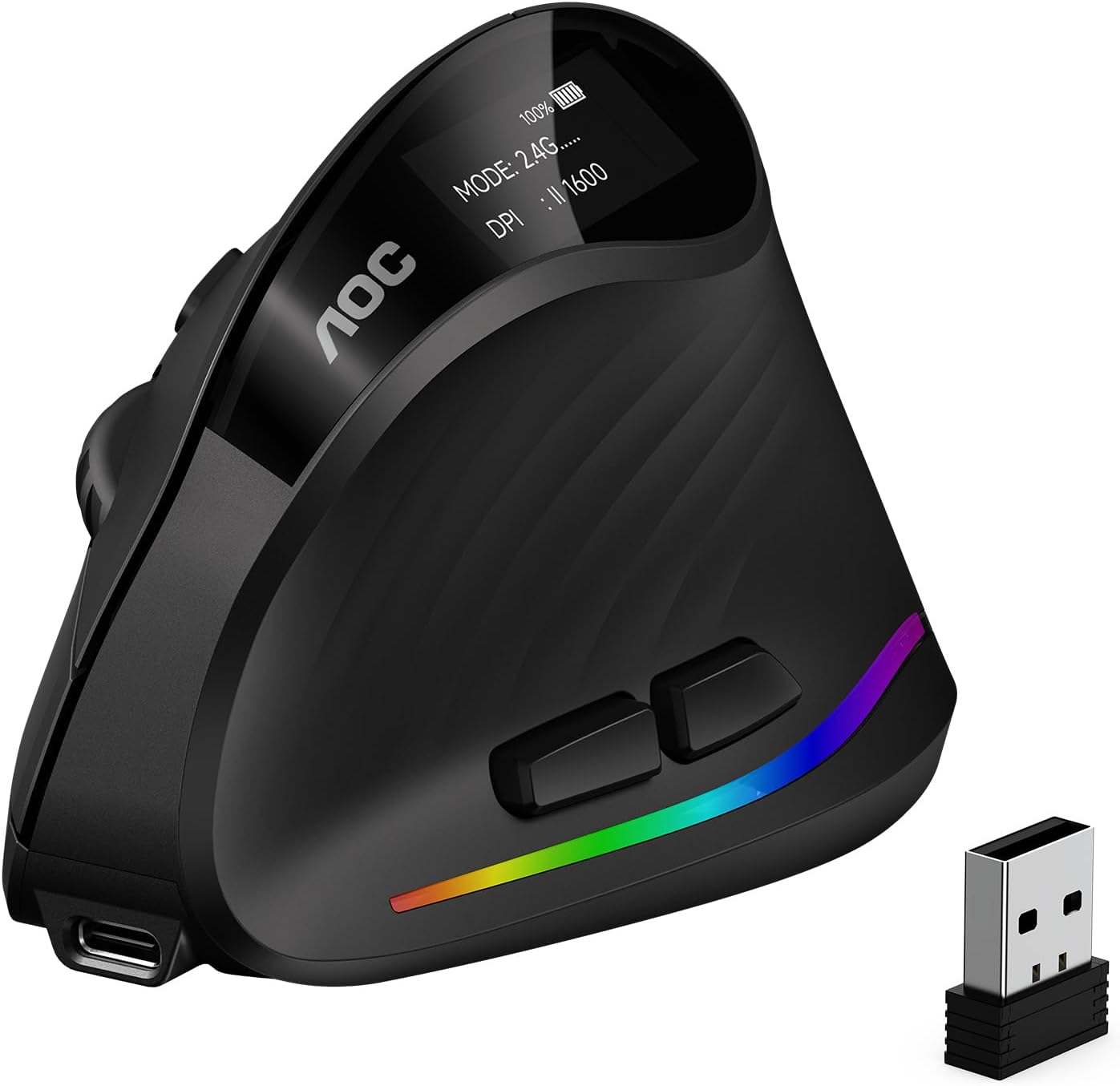
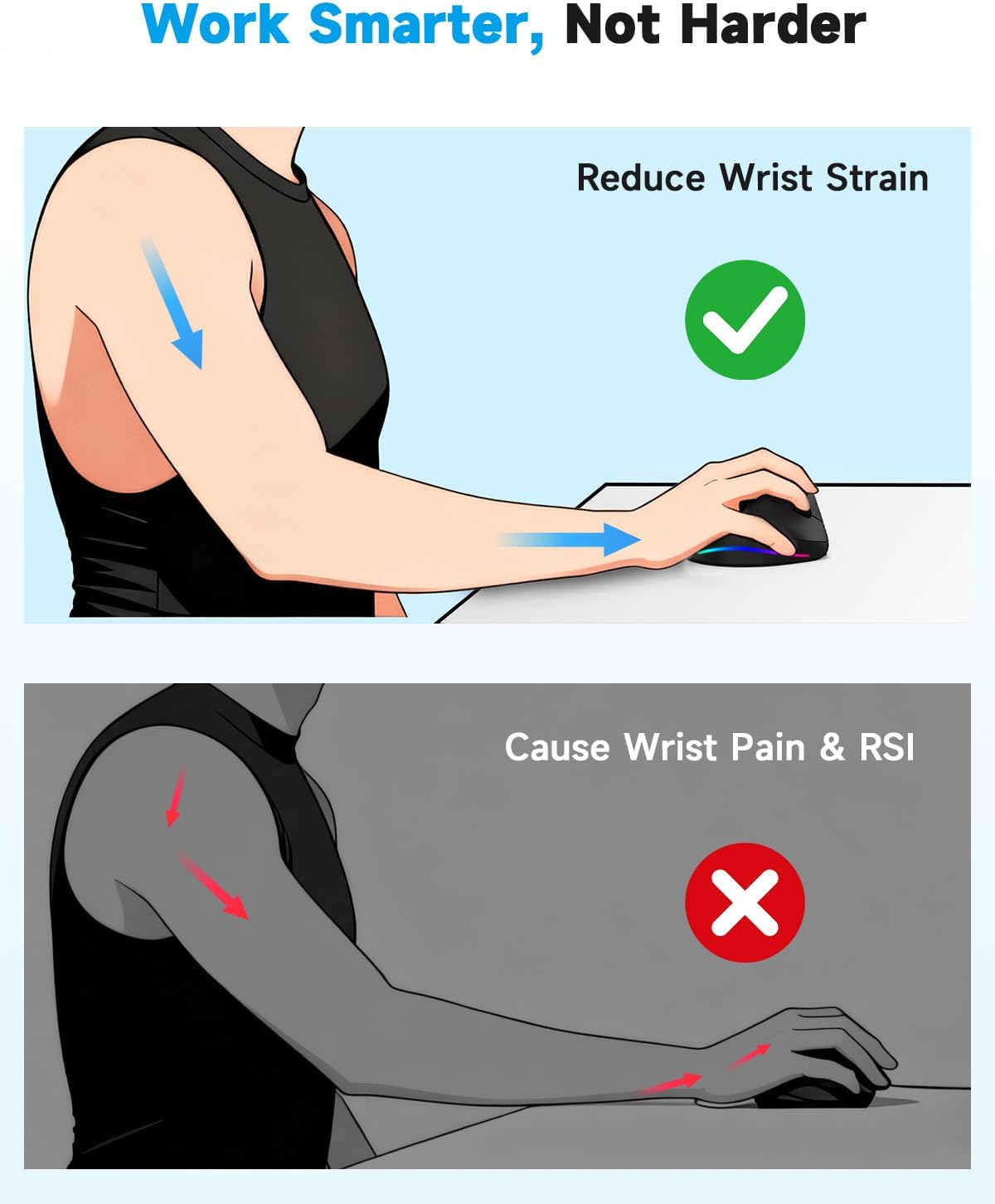
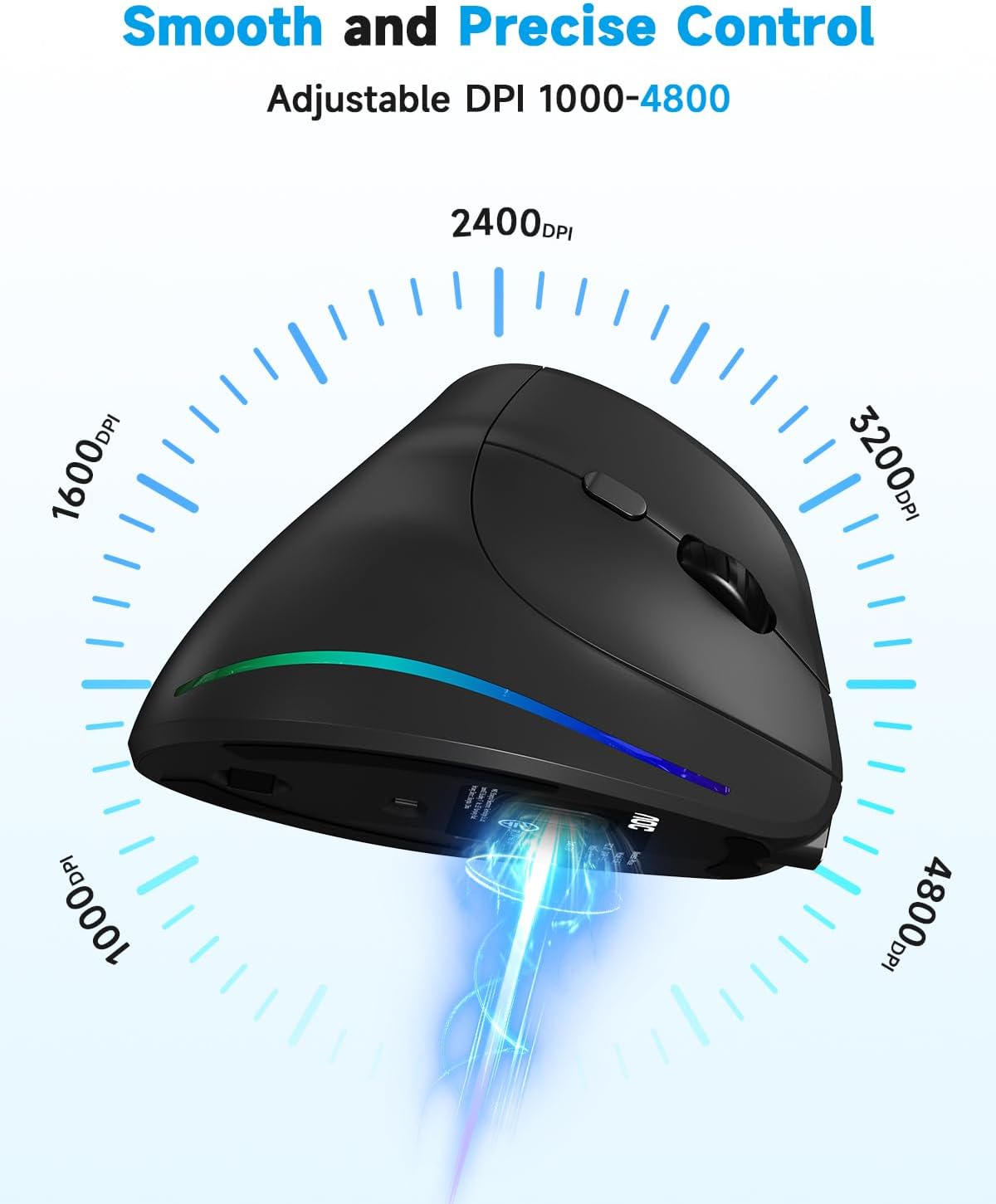
The main difference is the upright shape: the 52° angle is intended to keep your hand closer to a handshake position instead of resting palm-down. Tracking can be set to 1000, 1600, 2400, 3200, or 4800 DPI, so you can choose slower cursor movement for detailed edits or faster movement across a larger screen. Six programmable buttons add room for personal shortcuts, though the listing doesn’t specify which software or operating systems support button programming.
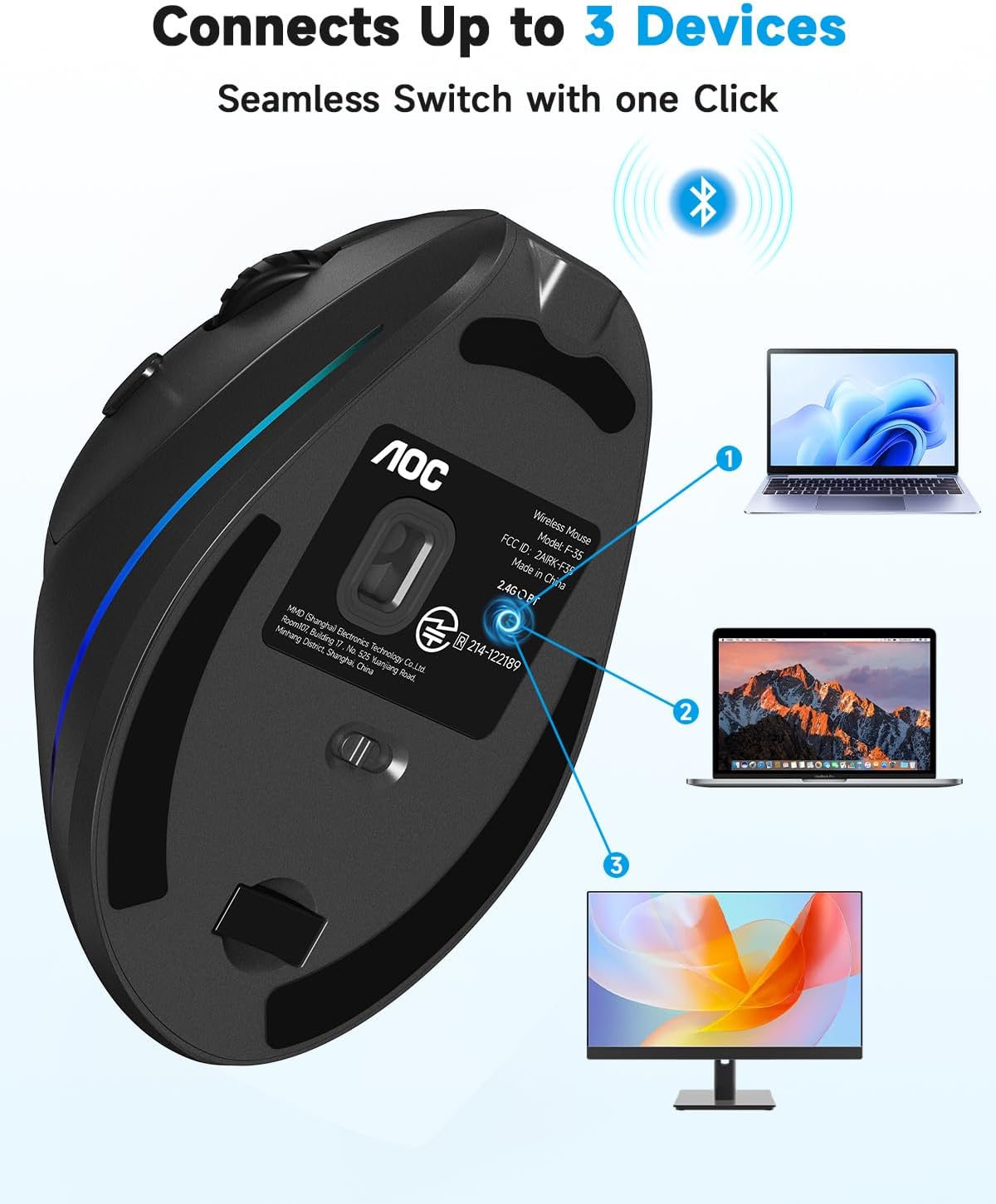
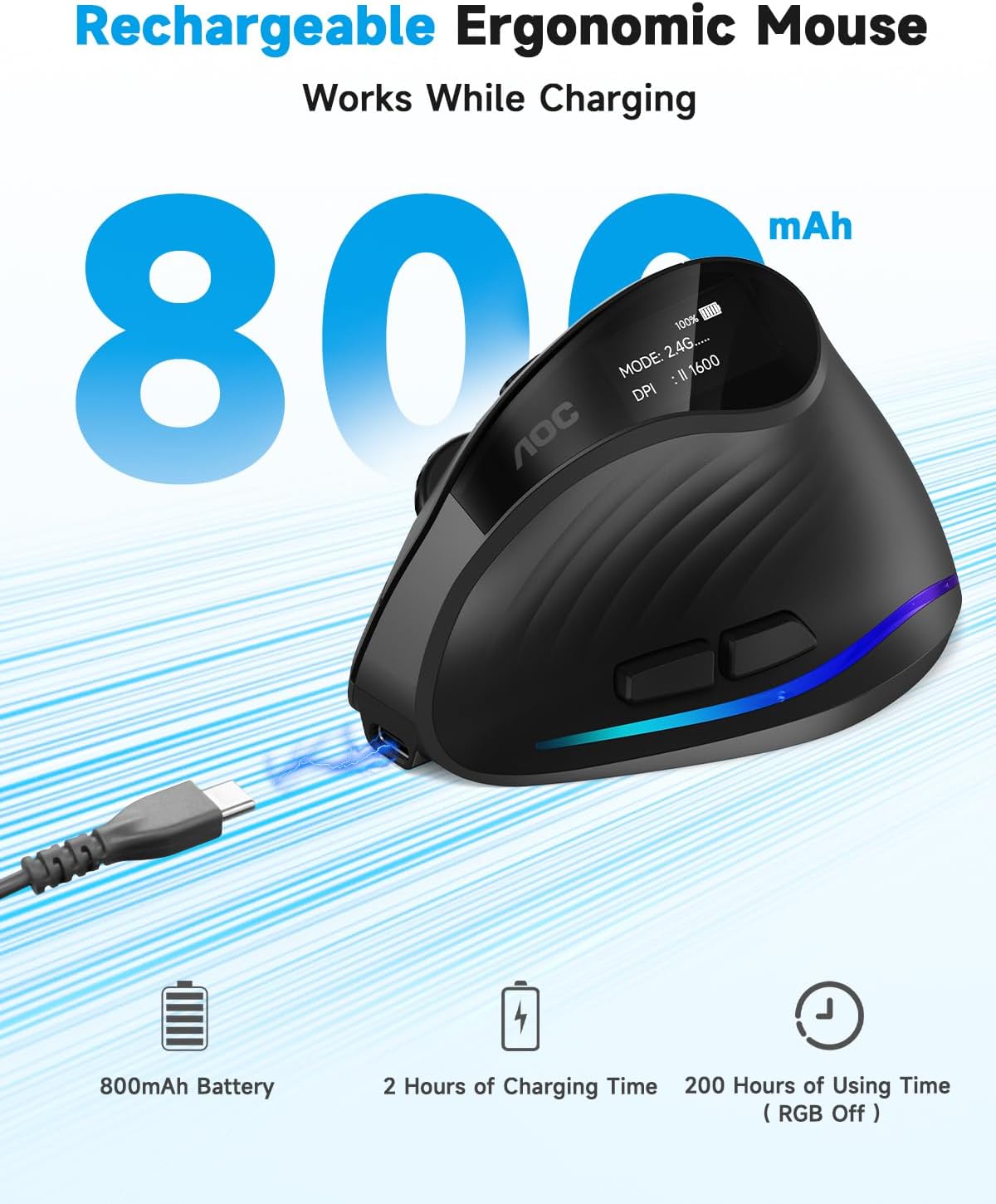
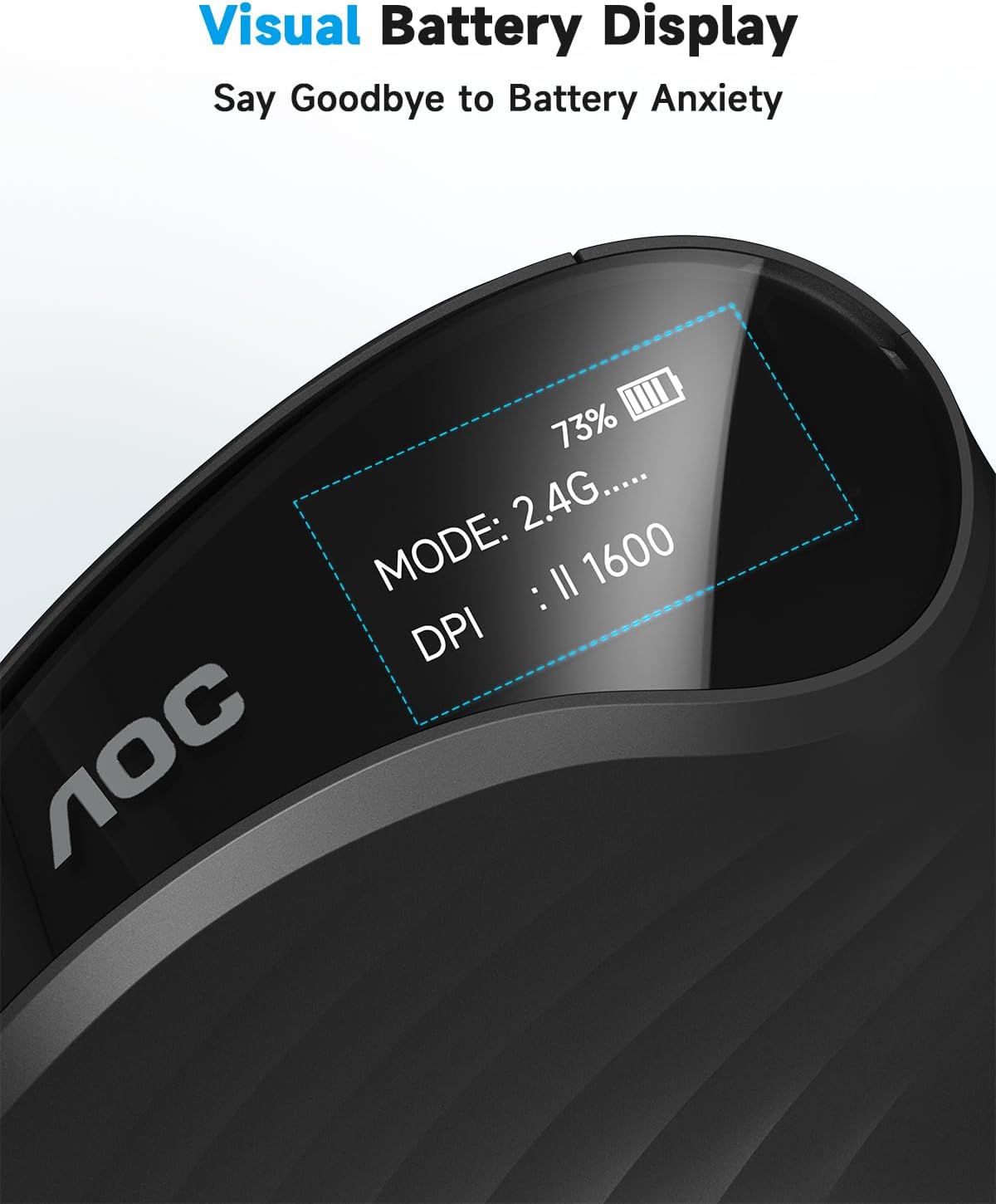
You can connect through Bluetooth 5.4, a 2.4GHz wireless receiver, or a USB wired connection. The maker says Bluetooth mode can switch among up to three devices. The rechargeable 800mAh battery has a built-in display for its percentage, and USB-C charging allows the mouse to be used while charging. Battery life is listed as up to 200 hours with RGB off and 40+ hours with RGB on, actual use will depend on keeping the lighting enabled or not. RGB colors are customizable through an app downloaded to a computer, according to the maker.
On-body feel
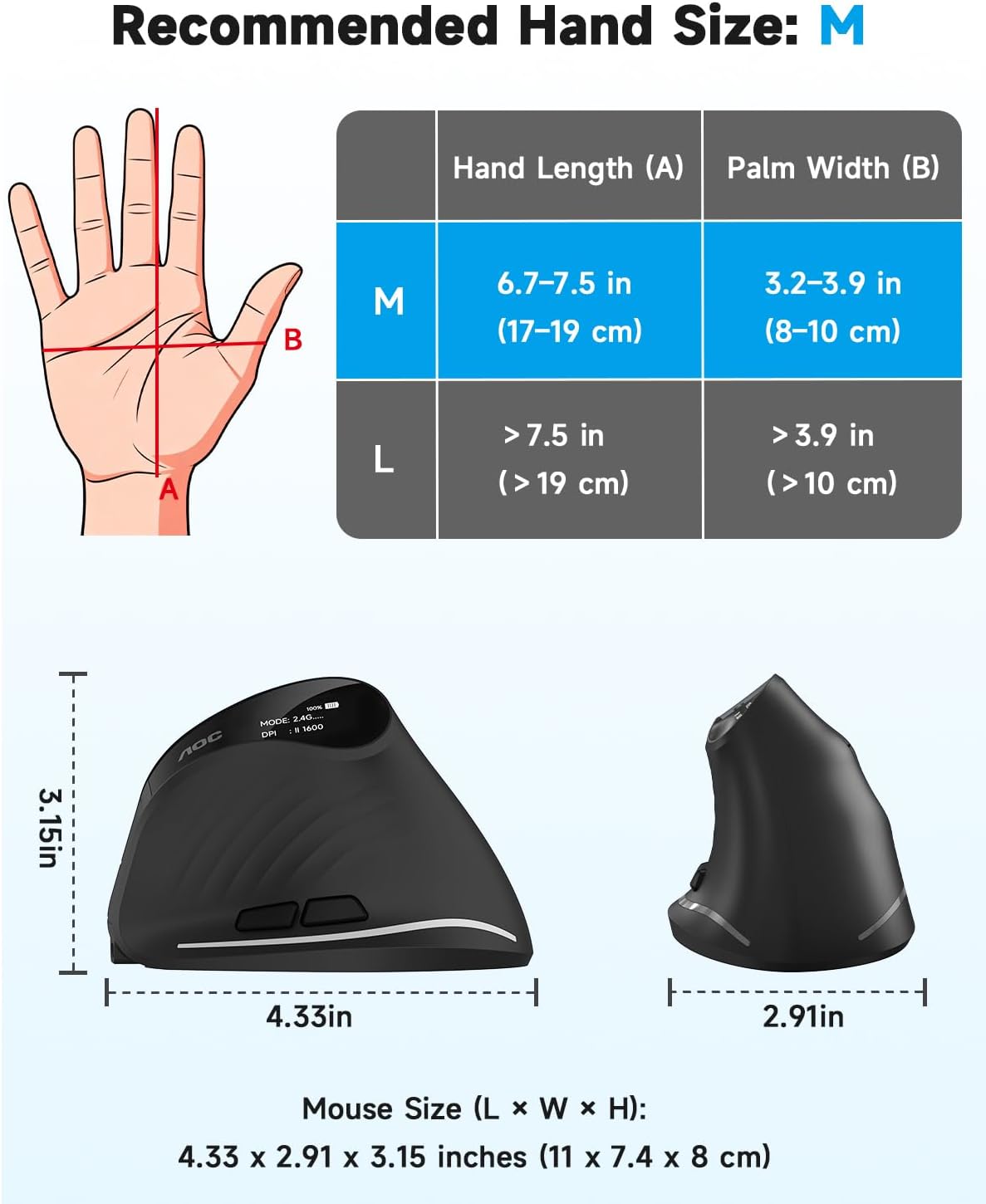
The shape is aimed at small-to-medium right hands, not a universal fit. If your palm is larger, the mouse’s body may feel cramped rather than relaxed, ten en cuenta que the product is specifically not recommended for large hands. The 52° angle also changes how you grip and move a mouse, so anyone used to a flat, low-profile model may need time to adjust. The maker describes the fit as palm-supportive, but there are no dimensions here to help compare it with a mouse you already own.
The left and right buttons are rated below 35dB, which can be useful when you’re working in a shared office or reading room. That quiet-click claim doesn’t cover every control: the other buttons make normal clicking sounds. A solid pick if you want a vertical shape and mostly quiet primary clicks, It might not be a great match if you need every button to be silent or want a mouse designed for a left hand.
Tips for day-to-day use
For a desk session with repeated editing, you could set a lower DPI for precise cursor placement, then assign a frequently used command to one of the programmable buttons. If you move between a laptop and another device, Bluetooth switching may help reduce cable or receiver changes, for a fixed workstation, the 2.4GHz receiver or wired connection gives you another setup option. These are useful alternatives to a basic one-connection mouse, though the listing doesn’t explain the programming app’s specific features.
Keep RGB off if longer listed battery life matters more than lighting, and use the battery display to check charge before a long work session. You can continue using the mouse while it charges over USB-C, so a low battery doesn’t necessarily mean stopping work. Keep in mind that RGB customization requires an app on a computer, and the quieter clicks apply only to the left and right buttons.
Before you decide
Is it made for left-handed use? No. The product is described as right-hand oriented.
Can it connect without a wireless receiver? Yes. Bluetooth 5.4 is an option, alongside the 2.4GHz receiver and USB wired connection.
Can you use it while charging? Yes. The listing says USB-C charging supports use while charging.
Is it worth it?
This mouse makes the most sense if you specifically want a right-handed vertical shape, adjustable DPI, programmable controls, and a choice of wired or wireless connections. It’s a more feature-rich approach than a basic mouse with a single connection and fixed controls, but those extras won’t fix a poor fit. Choose it when the small-to-medium hand sizing works for you and you value its connection choices, look elsewhere if you have large hands, need a left-handed design, or expect every button to click quietly.