

ASUS ROG Strix Z890-E Gaming Motherboard 7X M.2
Reviews
Price
Product description
This ASUS ROG Strix motherboard brings high-end power delivery and extensive connectivity for building an AI-capable gaming or workstation PC. It targets builders who need DDR5 memory support, multiple PCIe and M.2 storage options, and advanced cooling and networking to run demanding applications and next-generation CPUs.
Key Points
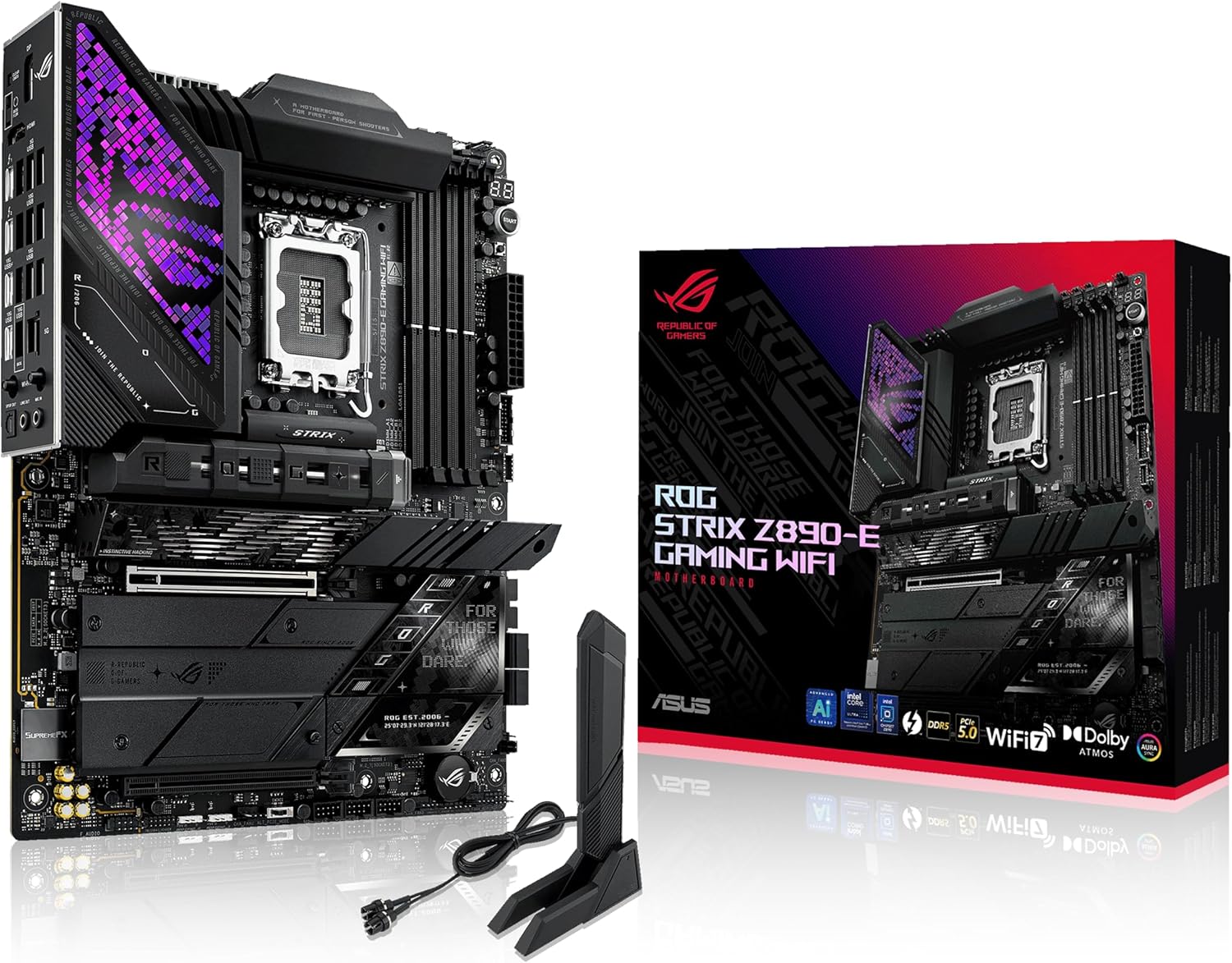
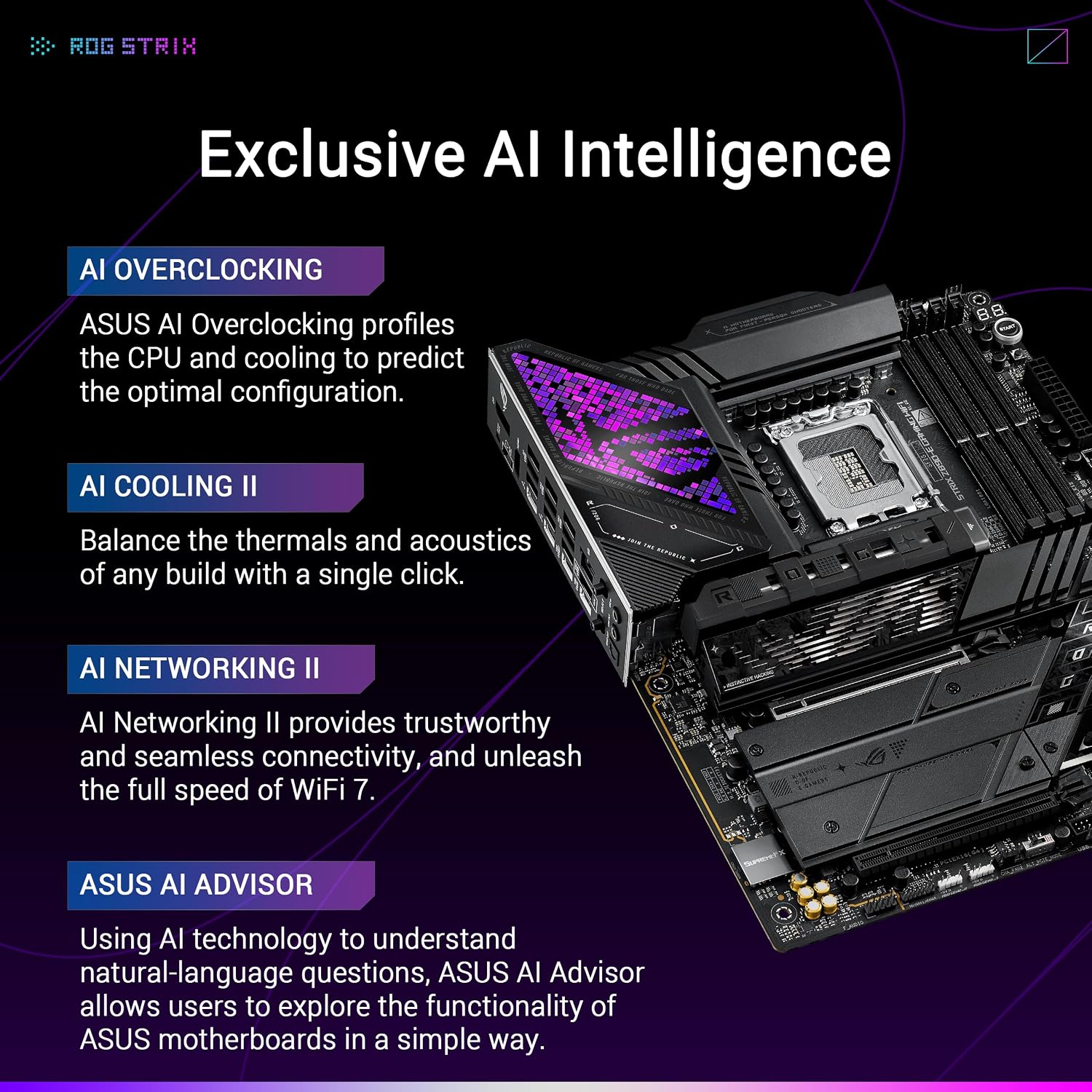
The board supports Intel LGA 1851 socket processors and includes a robust power design rated at multiple high-current stages to help power modern multi-core chips. It integrates Intel Wi‑Fi 7 for faster wireless throughput and a 5 Gb Ethernet controller for wired connections. The platform also focuses on AI-enhanced utilities like AI Overclocking and AI Cooling according to the manufacturer, which aim to simplify performance tuning and thermal control during heavy workloads. Note that some AI features are software-dependent and may require driver updates.
Technical Specifications
- Name: ASUS ROG Strix Z890-E Gaming WiFi
- CPU socket: LGA 1851
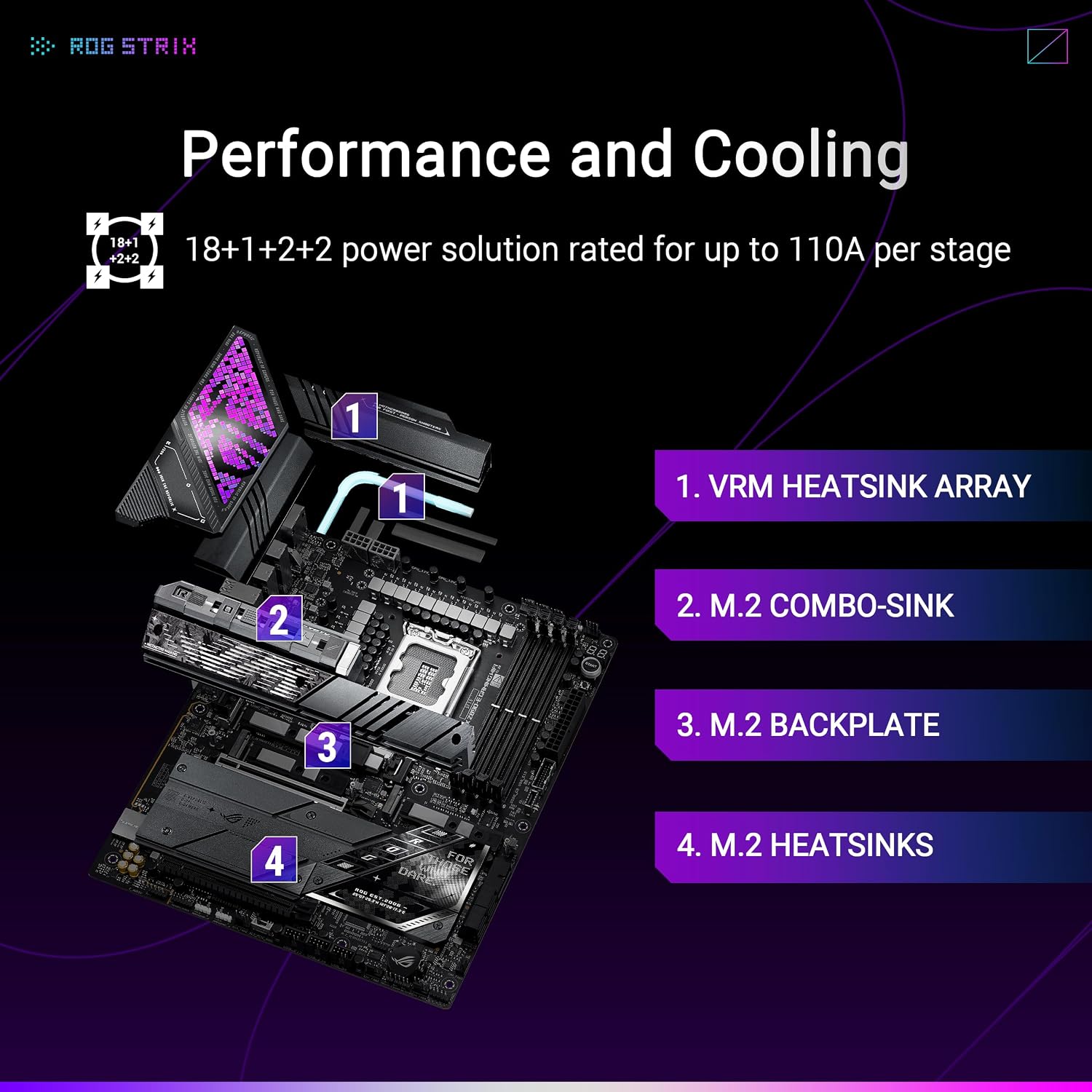
- Power stages: - 18x 110 A + 2x 90 A + 1x 90 A + 2x 80 A
- Memory: - DDR5 support with DIMM Fit, DIMM Flex and AEMP III technologies
- Storage: - 7x M.2 slots (three PCIe 5.0 M.2 and four PCIe 4.0 M.2)
- Networking: - Intel Wi‑Fi 7 (802.11be) and Realtek 5 Gb Ethernet
Advantages
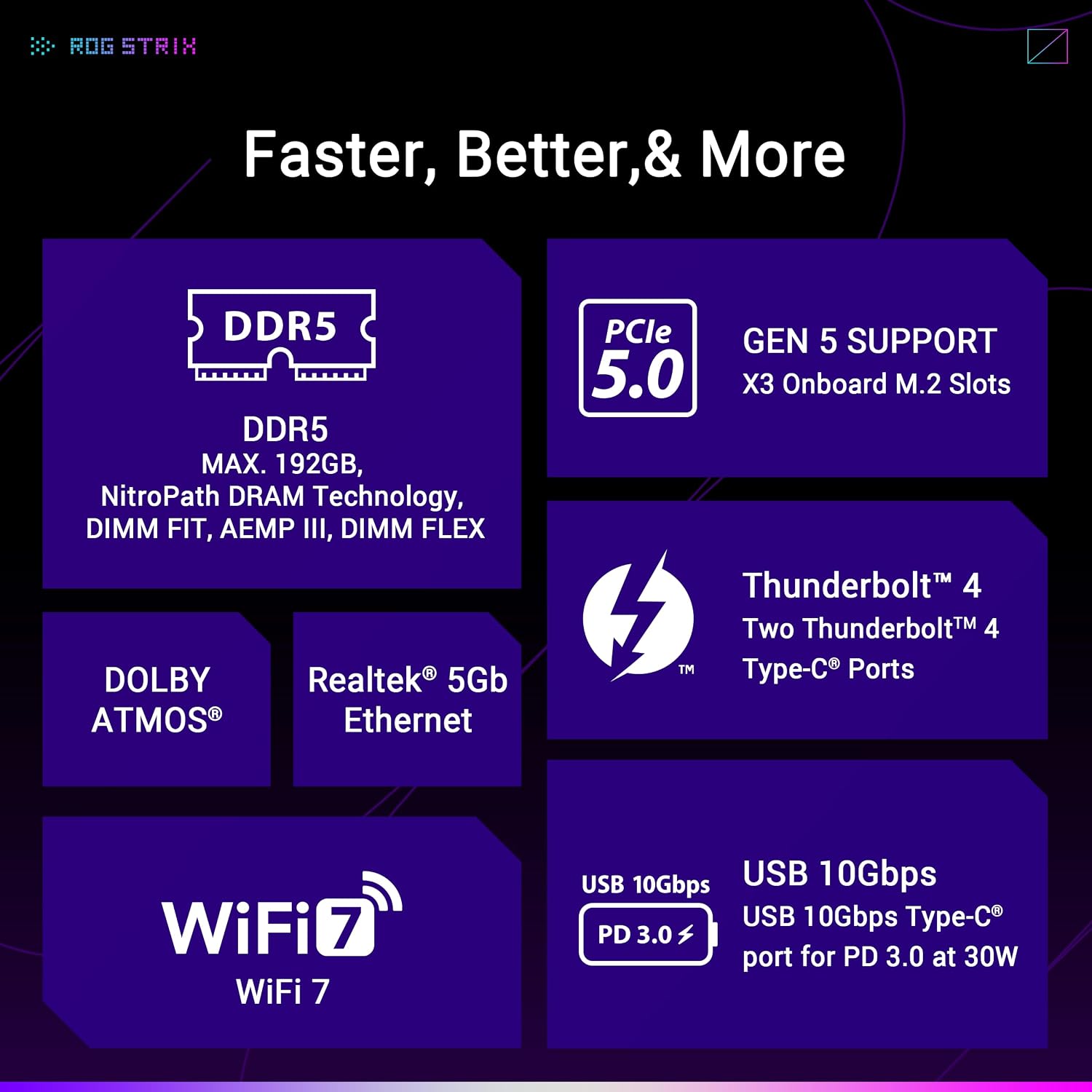
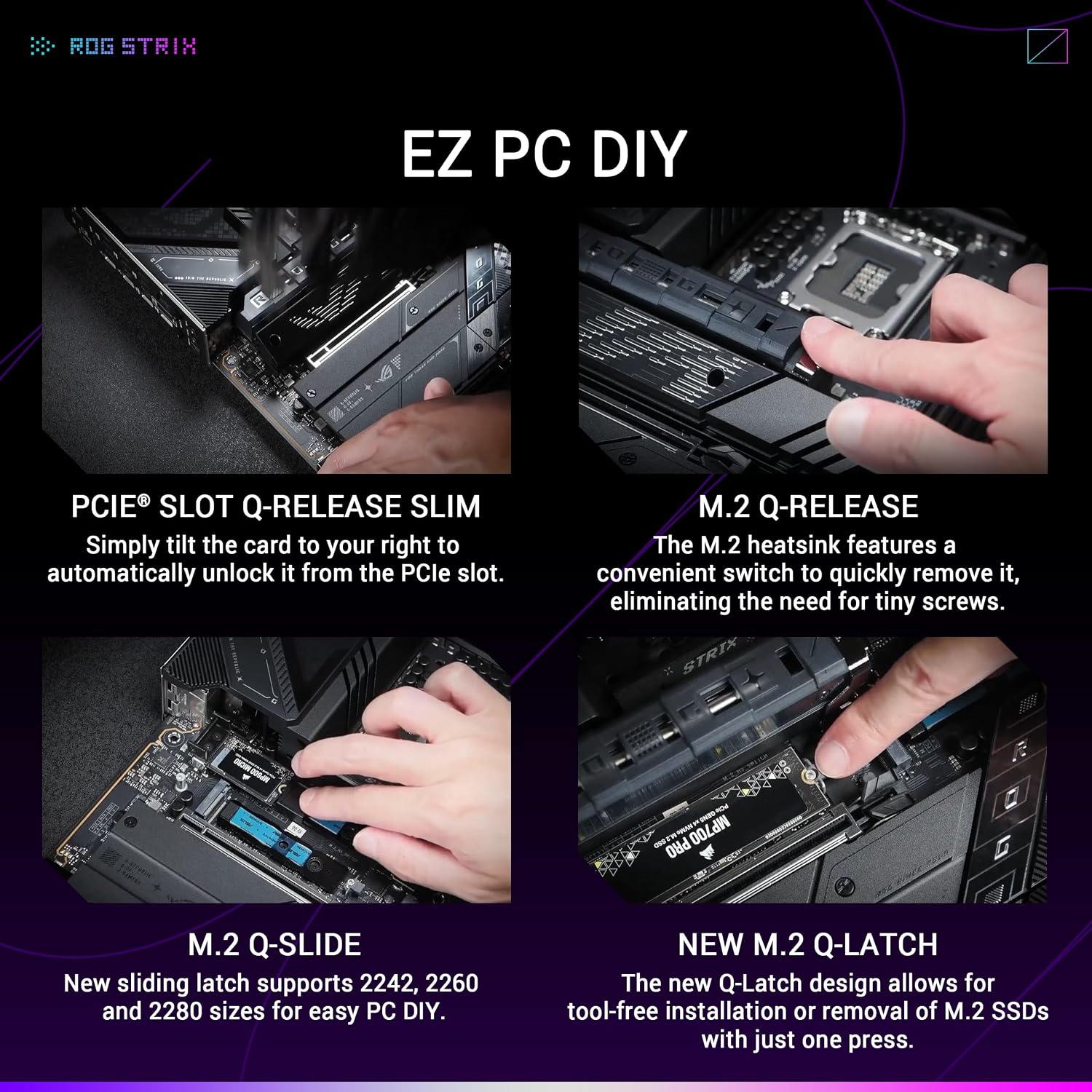
This ROG Strix model includes dual Thunderbolt 4 USB Type-C ports and a rear USB Type-C port capable of up to 30 W power delivery, which helps with high-speed external devices and docking scenarios. The board offers a comprehensive set of USB 10 Gbps ports for peripherals and fast external storage. Design touches such as a pre-mounted I/O shield, Q-Release mechanisms, and multiple Q-tools make hardware installation and maintenance more convenient.
How to Use It
Assemble the system around an Intel Core Ultra series processor compatible with LGA 1851 and populate DDR5 modules to take advantage of the memory enhancements. Configure storage across the multiple M.2 slots and use the provided cooling features for heavy workloads. Utilize the ASUS AI Advisor and AI Overclocking to get automated tuning suggestions, and monitor temperatures while testing settings to balance performance and thermals.
Technical Notes and Limitations
The advanced AI features and full functionality of networking and Thunderbolt may require the latest firmware and software from the manufacturer. Also consider that using many high-speed M.2 drives simultaneously can increase thermal load, so follow the board’s recommended cooling layouts and keep airflow optimized.