Amazon Fire TV Stick HD with Alexa Voice Remote and Live TV
Amazon
Brand: Amazon
P/N: 53-035645
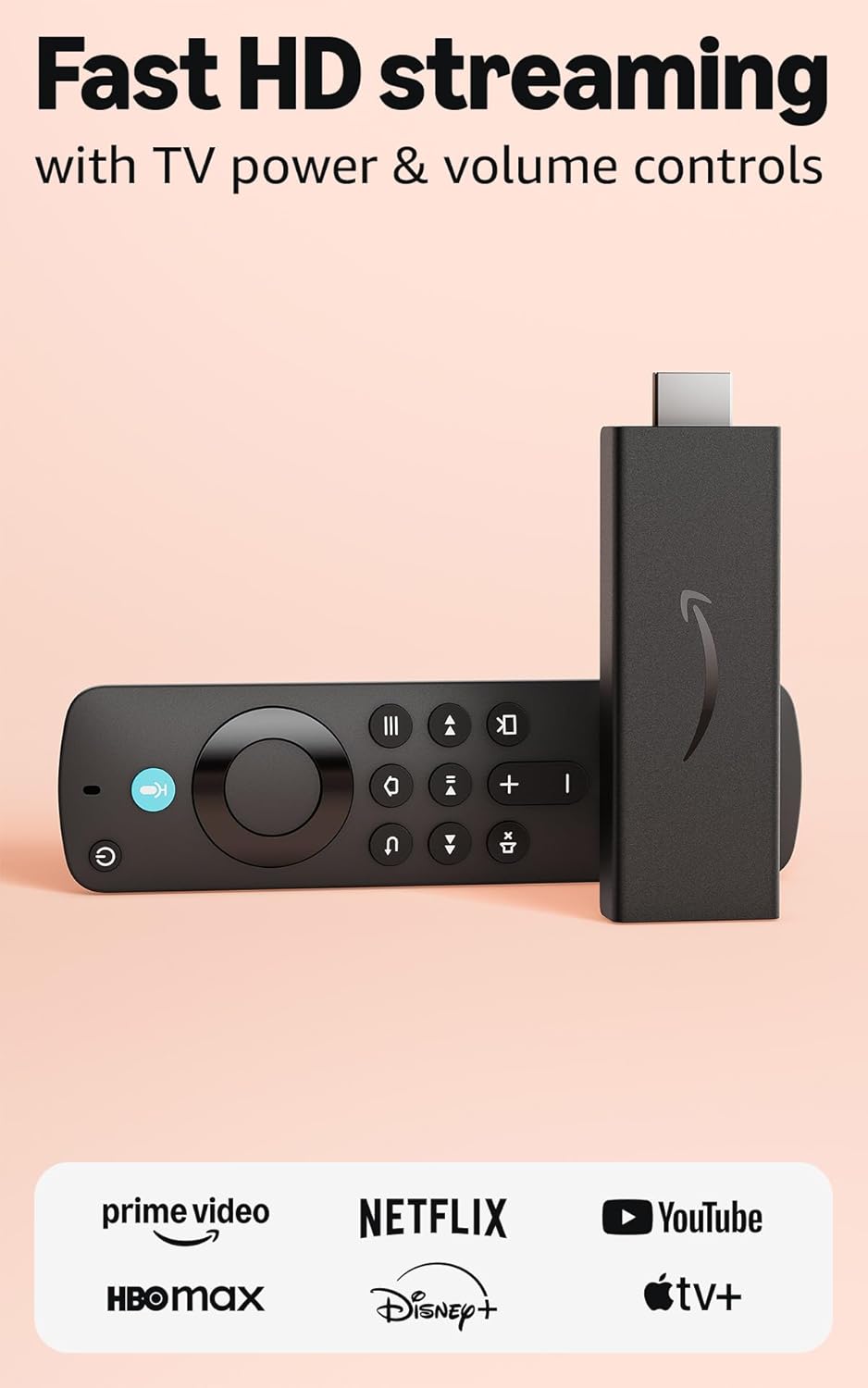
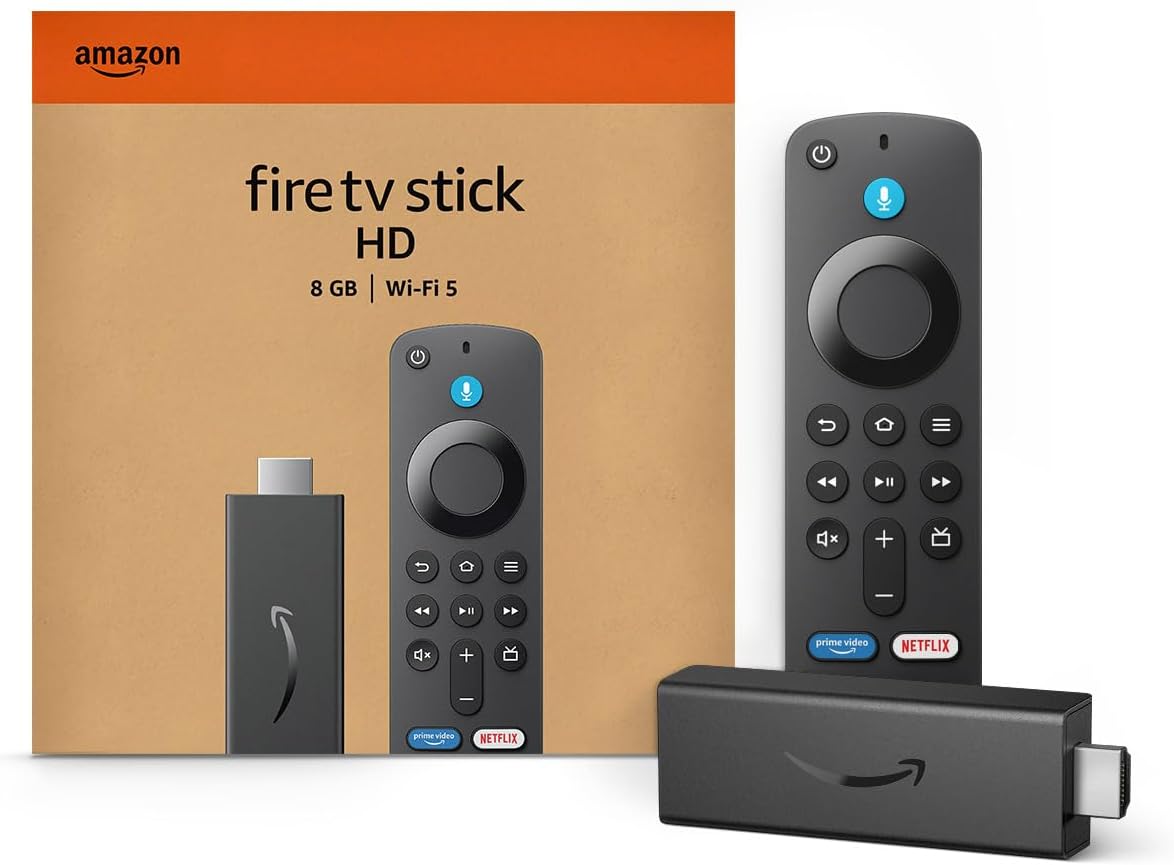
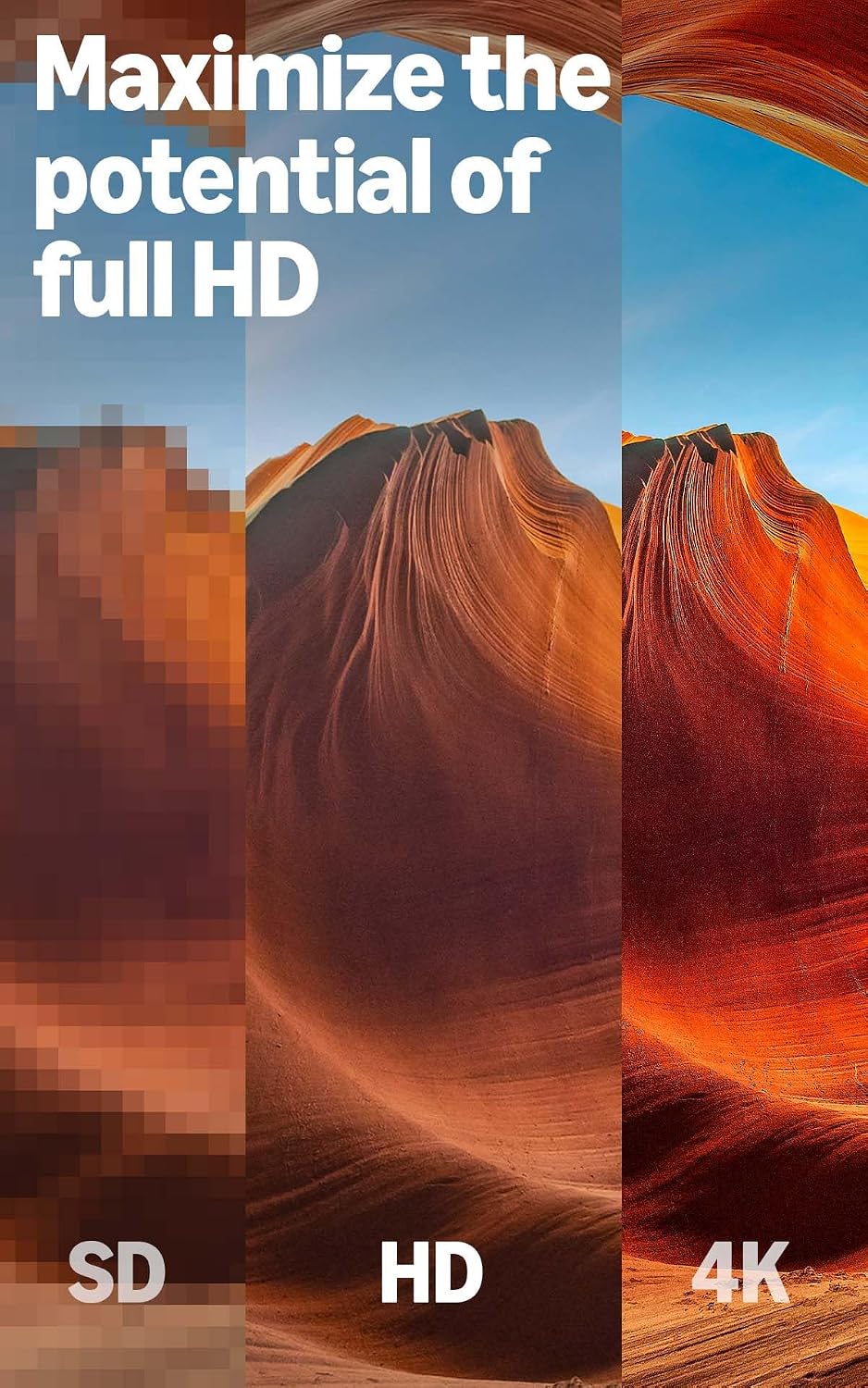
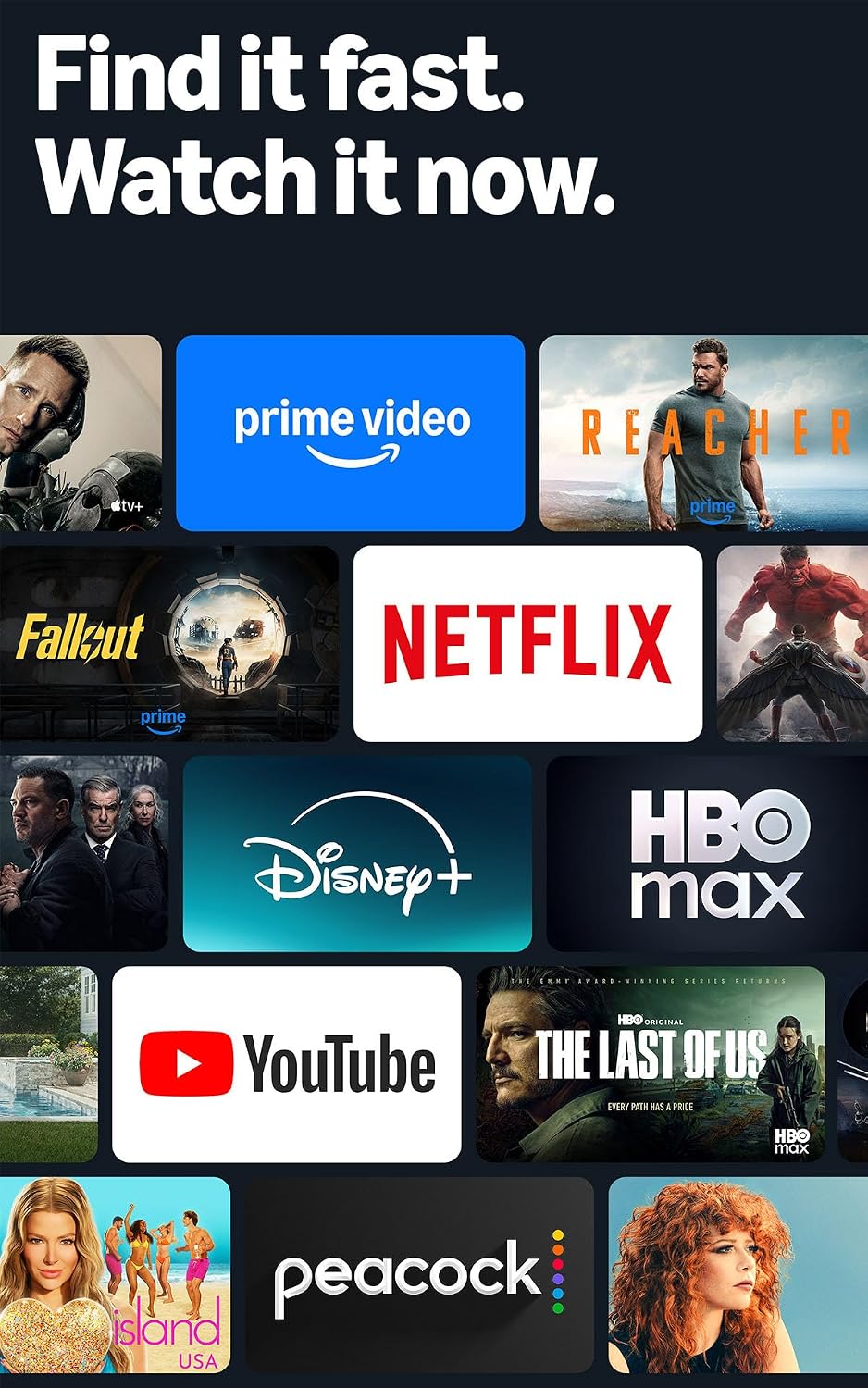
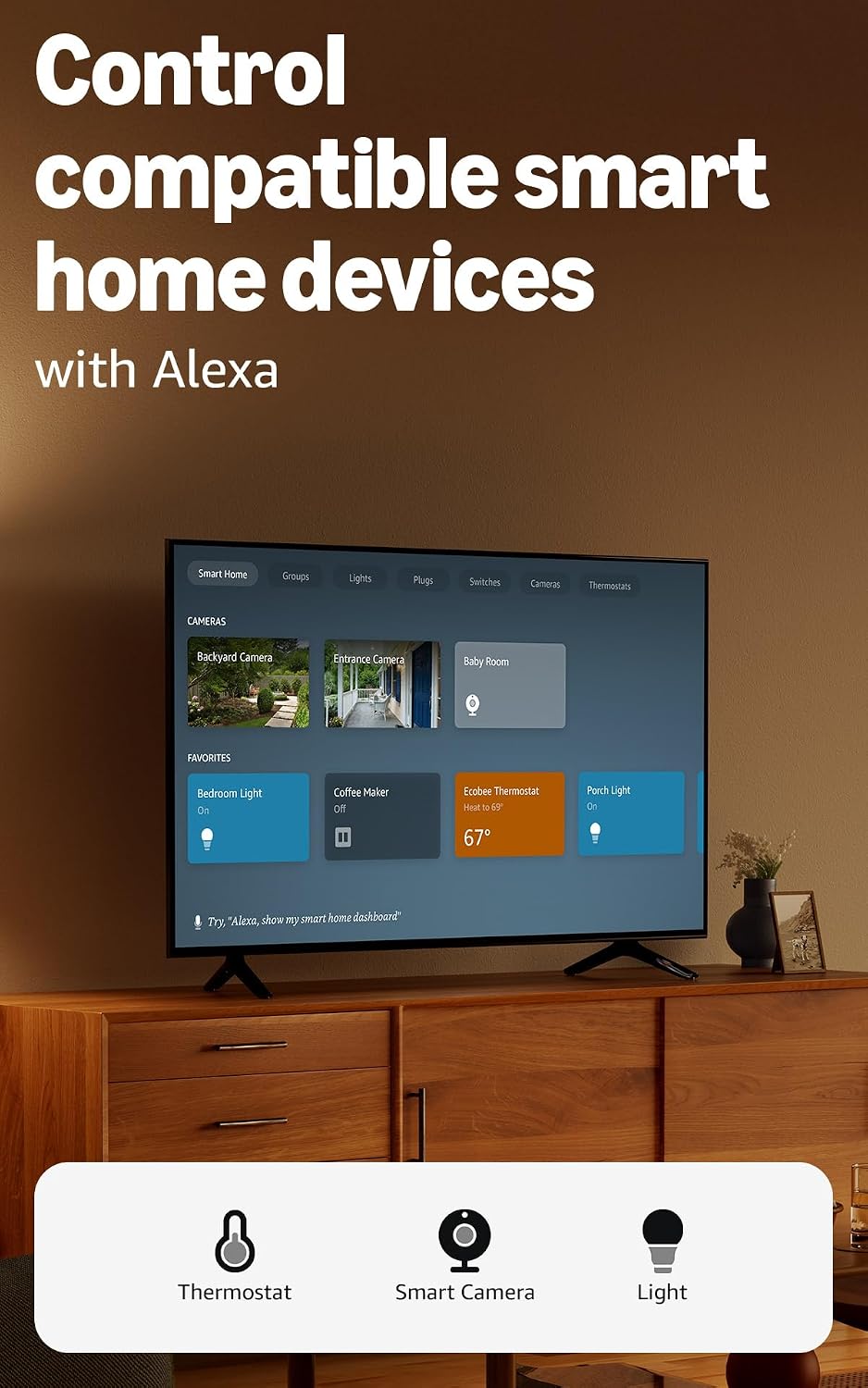
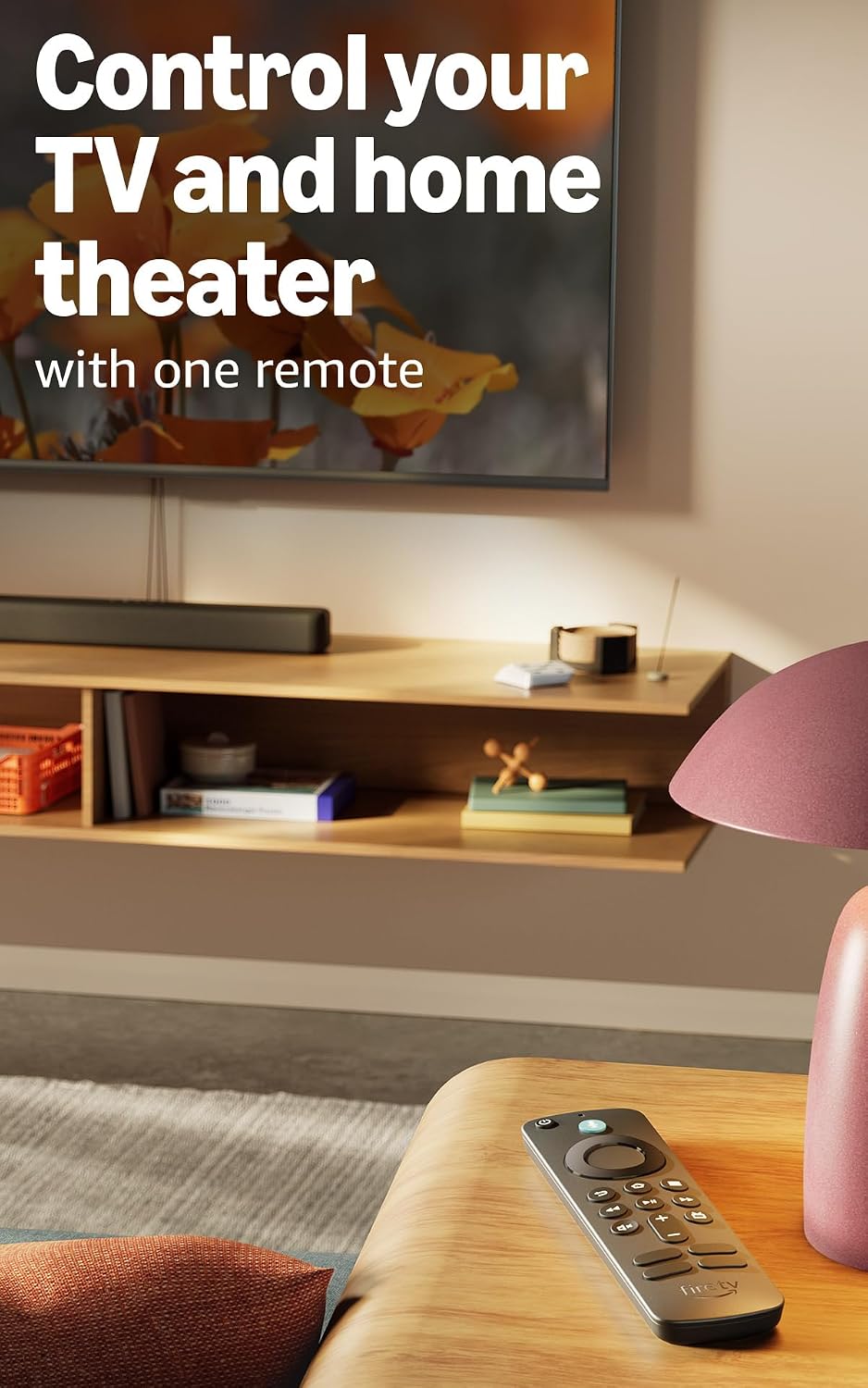
What it is and what it tries to solve\nThe amazon Fire TV Stick HD is a compact streaming device that plugs into any TV's HDMI port to bring a broad mix of free and live content, apps, and voice control to your screen. It’s aimed at simplifying entry-level streaming on HD televisions, letting you access ad-supported shows, live TV options, music, and smart home controls without a high upfront cost. If you’re upgrading a basic setup or testing the waters of streaming, this little stick offers an approachable route to a personalized viewing menu.\n\n## How it fits in your living space\nOn the surface, this hardware centers on easy setup and voice search. The remote is Alexa-enabled, which means you can search for titles, launch apps, and control compatible smart-home devices with simple voice commands. If you value quick access to a wide range of free and live content without battling menus, this setup can feel immediate and convenient.\n\n## What stands out in use\nOn the positive side, you can browse hundreds of thousands of free movies and TV episodes through apps like Prime Video, Tubi, and Pluto TV, plus streams from major services with subscriptions. The device is designed to support live TV through services such as SLING TV and YouTube TV, which broadens its appeal for real-time news and sports. The voice remote can speed up searches across multiple apps without juggling remotes.\n\n## Strengths you’ll notice day to day\n- Quick setup and simple navigation suitable for first-time streamers.\n- Access to free and live content alongside paid streaming options.\n- Integrated voice control for hands-free searching and launching shows.\n- Compact, portable form factor that works with any TV’s HDMI port.\n- Smart home compatibility lets you check weather, control lights, or view camera feeds via Alexa.\n\n## Where it might fall short\nIf you’re chasing 4K resolution, ultra-high-end picture processing, or top-tier gaming performance, this HD-focused stick may feel limited. The experience is largely defined by the apps you choose and the quality of those streams, which can vary. Also, some users may find app buttons or interface changes that come with updates to be a bit inconsistent over time. If you rely heavily on a handful of premium services, you’ll want to confirm those apps run smoothly on the HD streaming stick.\n\n## Who should consider this product\n- Newbies testing streaming for the first time and on a budget.\n- Homes with HD TVs that want easy access to free and live content without extra hardware.\n- People who value voice search and hands-free control for basic viewing and smart-home routines.\n- Viewers who don’t need 4K, ultra-fast gaming, or top-tier app performance for complex streaming.\n\n## Who might want to pass or wait\n- If you already own a higher-end streaming device with 4K capability and a wider app ecosystem, this stick may feel limited by its HD focus.\n- If your priority is a seamless experience for heavy streaming from premium services with the very best picture quality, consider alternatives that emphasize higher resolution and faster processing.\n\n## Before you buy: quick checklist\n- Do you have an HD TV and a stable Wi-Fi connection?\n- Are the apps you want to use available on the Fire TV platform in HD?\n- Is voice control a priority for your viewing habits or smart-home routines?\n- Do you want portable streaming at a low cost or a more feature-rich setup later on?\n\n## Practical usage example\nImagine streaming a live sports game while checking weather and turning on a smart light scene with a single voice command. You don’t need to juggle multiple remotes or switch inputs—everything happens through the Alexa remote and the home’s compatible devices.\n\n## Quick FAQ\n- Does it support 4K or HDR? Not in this HD-focused model, look for higher-end devices if you need 4K.\n- Can I watch live TV with it? Yes, via supported apps like SLING TV and YouTube TV.\n- Is the setup user-friendly for beginners? Generally yes—it's designed to be straightforward, with voice search helping you skip complex menus.\n\n## Is it worth it?\nFor someone starting out with streaming on an HD TV, prioritizing ease of use and budget, the Fire TV Stick HD offers a reasonable balance of free/live content, voice control, and smart-home integration. If your needs include 4K visuals or a deeper app catalog, it may be worth evaluating alternatives. Overall, it’s a sensible starter kit that can scale as your streaming habits grow, but don’t expect it to replace a mid/high-end streaming player for power users.