

Silkland 8K 4K Micro HDMI to HDMI Cable 10ft (HDMI 2.1) — 48Gbps, 8K@60Hz, 4K up to 240Hz
Product description
What it is
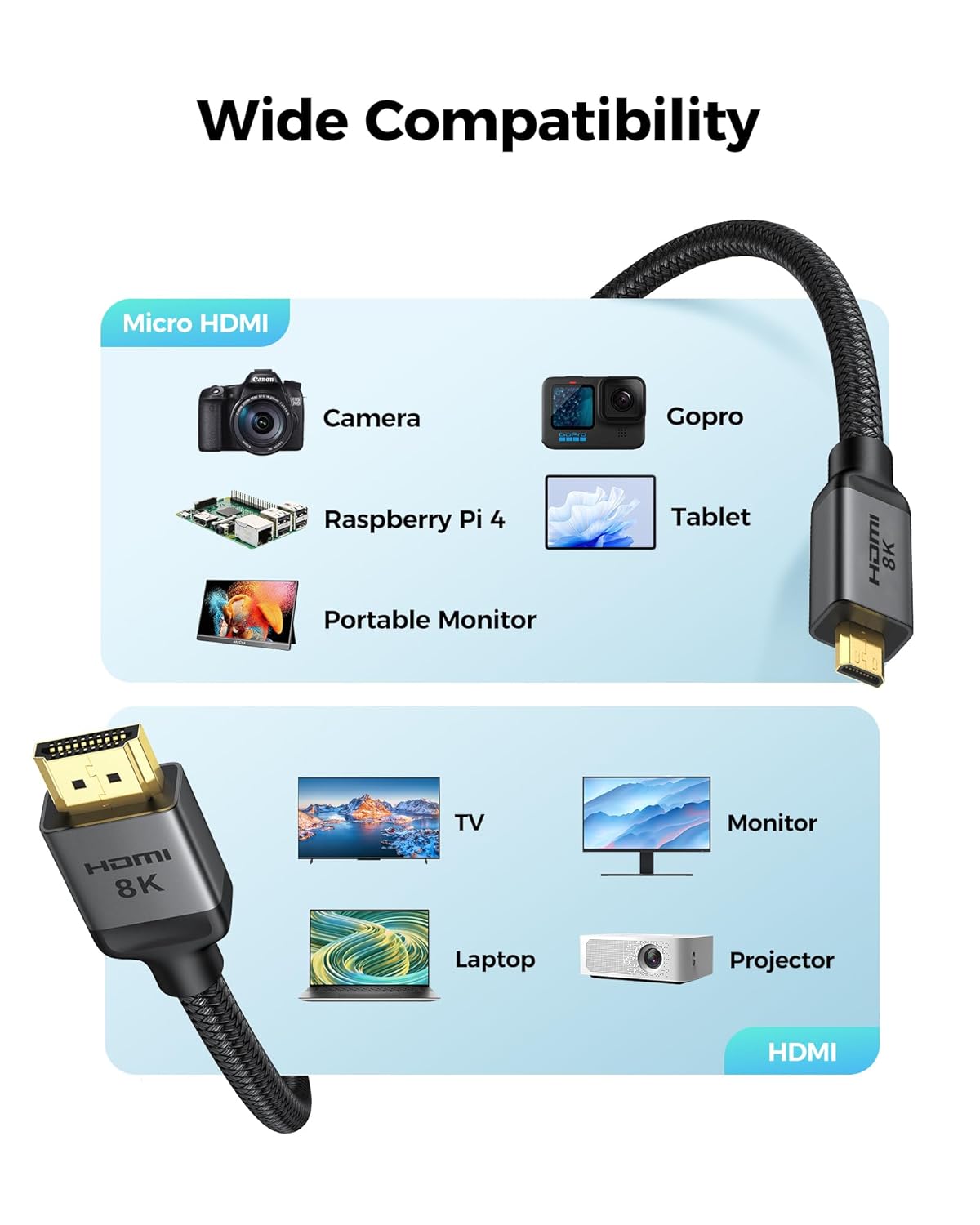
The Silkland 8K 4K Micro HDMI to HDMI Cable is a 10-foot cable designed to bridge devices with Micro HDMI outputs to standard HDMI displays. It emphasizes high-bandwidth HDMI 2.1 support and compatibility with a wide range of cameras, tablets, ultrabooks, and action cameras listed in the product notes.
Core benefits at a glance
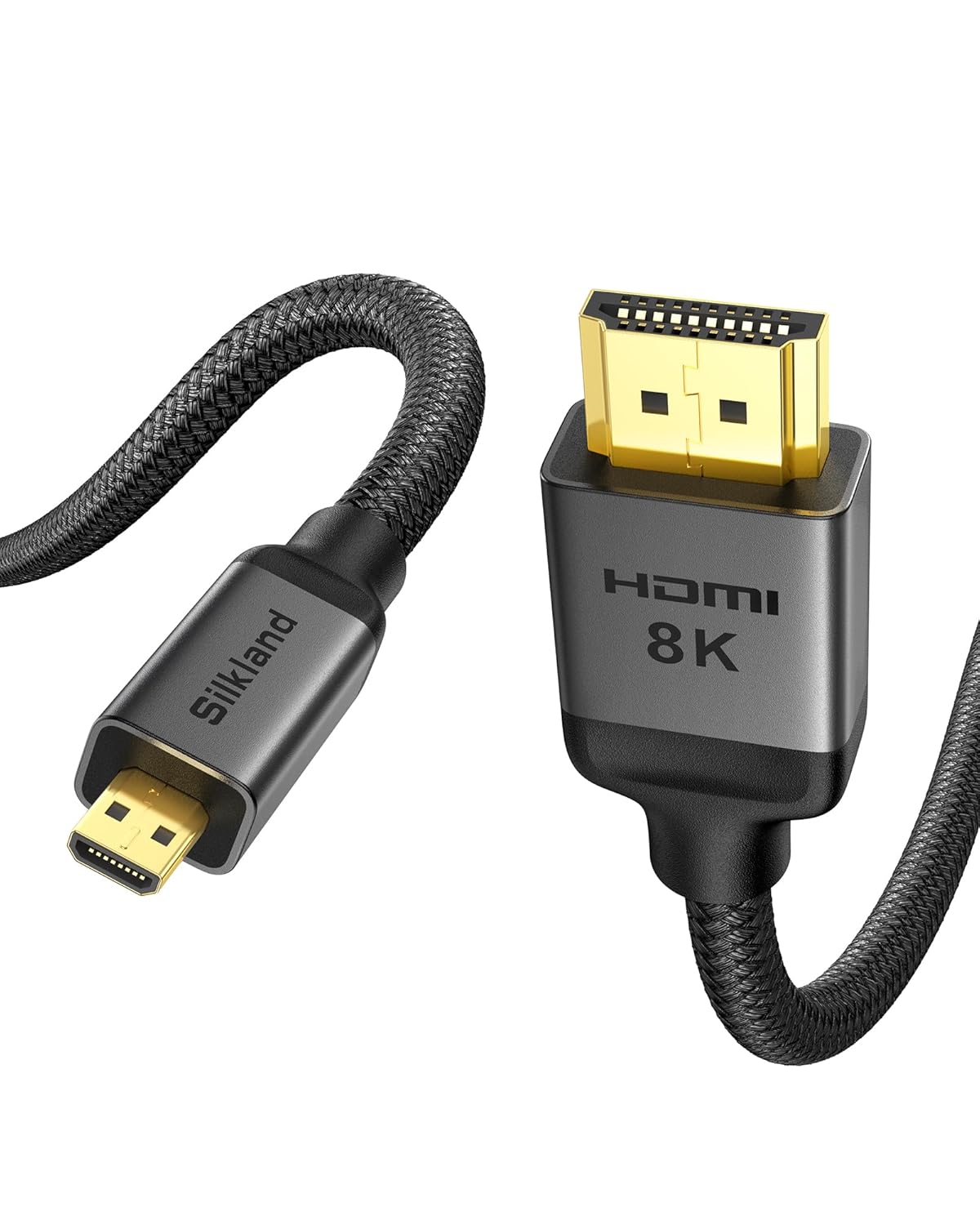
On paper this cable promises ultra-high data throughput (HDMI 2.1, 48Gbps) and support for impressive refresh rates and resolutions. The combination of copper cores and ferrite beads is aimed at reducing signal loss and avoiding issues like black screens or flicker. It’s marketed for use with devices like Go Pro Hero series, Sony Alpha A-series, Canon EOS M-series, Raspberry Pi 5/4, ThinkPad/Yoga/ASUS ZenBook lines, and Samsung’s OLED-driven displays.
Key features and what they mean in practice
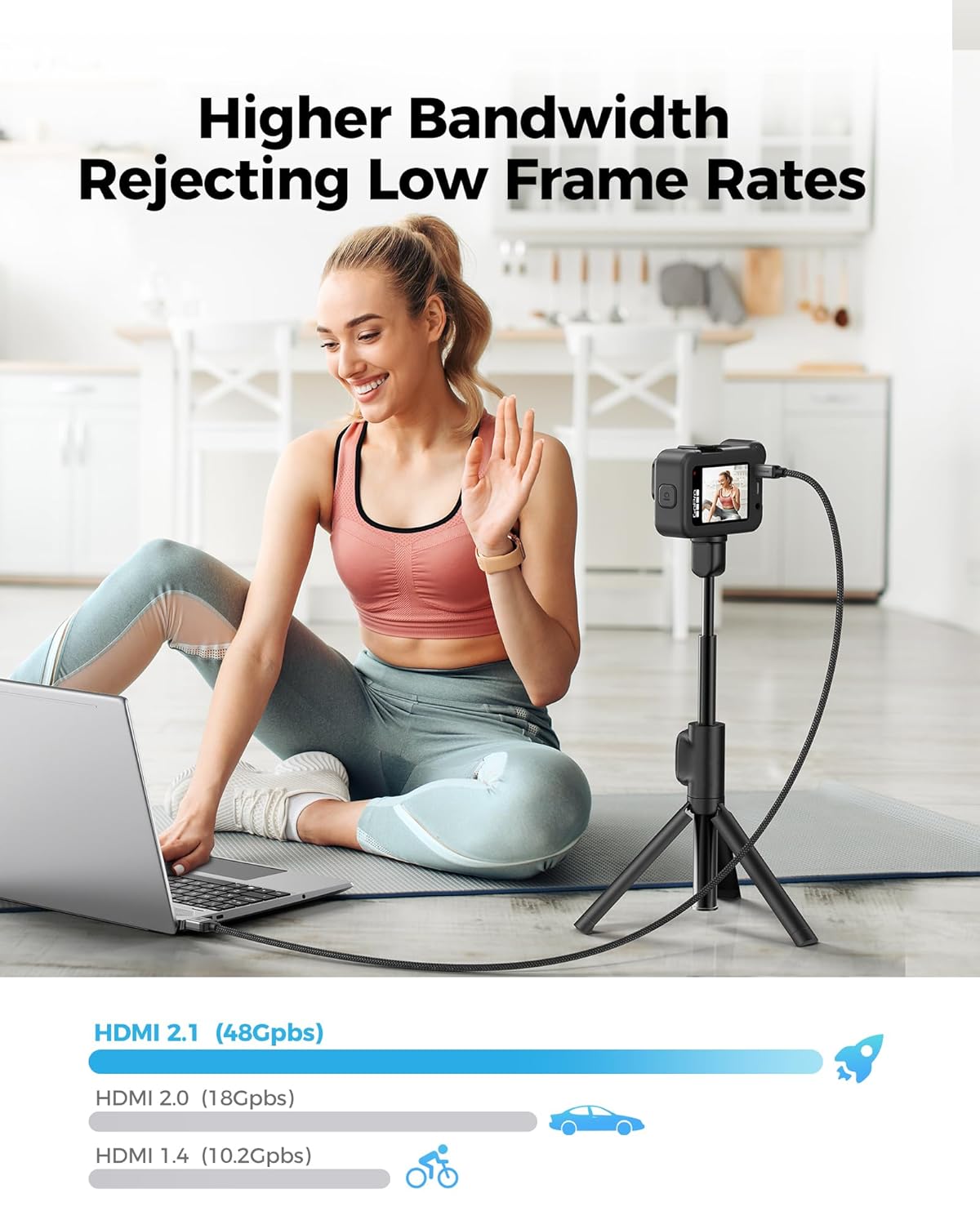
- High bandwidth: 48Gbps bandwidth enables scenarios that push clean video delivery, including high refresh rates and higher color depth on compatible displays.
- Extreme resolution support: Capable of 8K@60Hz (12-bit) and 4K@240Hz/144Hz/120Hz (12-bit), plus 2K variants at very high refresh rates, which matters if you’re chasing future-proofing or gaming/creative workflows.
- HDR and dynamic HDR: HDR support aims to deliver richer contrast and color nuance for compatible content and displays.
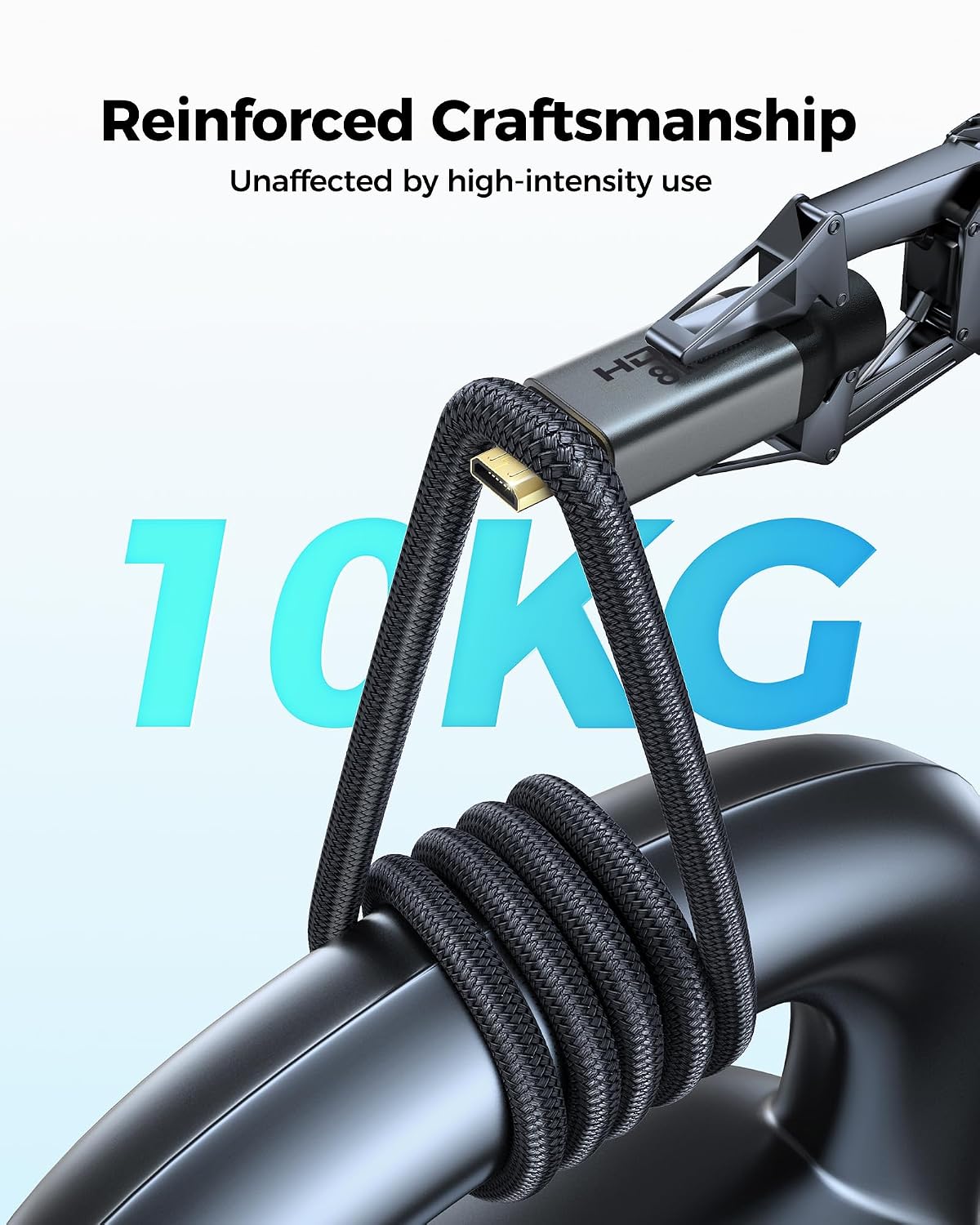
- Durable build: The “E-Braid” double-layer fishnet winding and nylon braiding, combined with copper cores and ferrite beads, are pitched as durability plus signal integrity features.
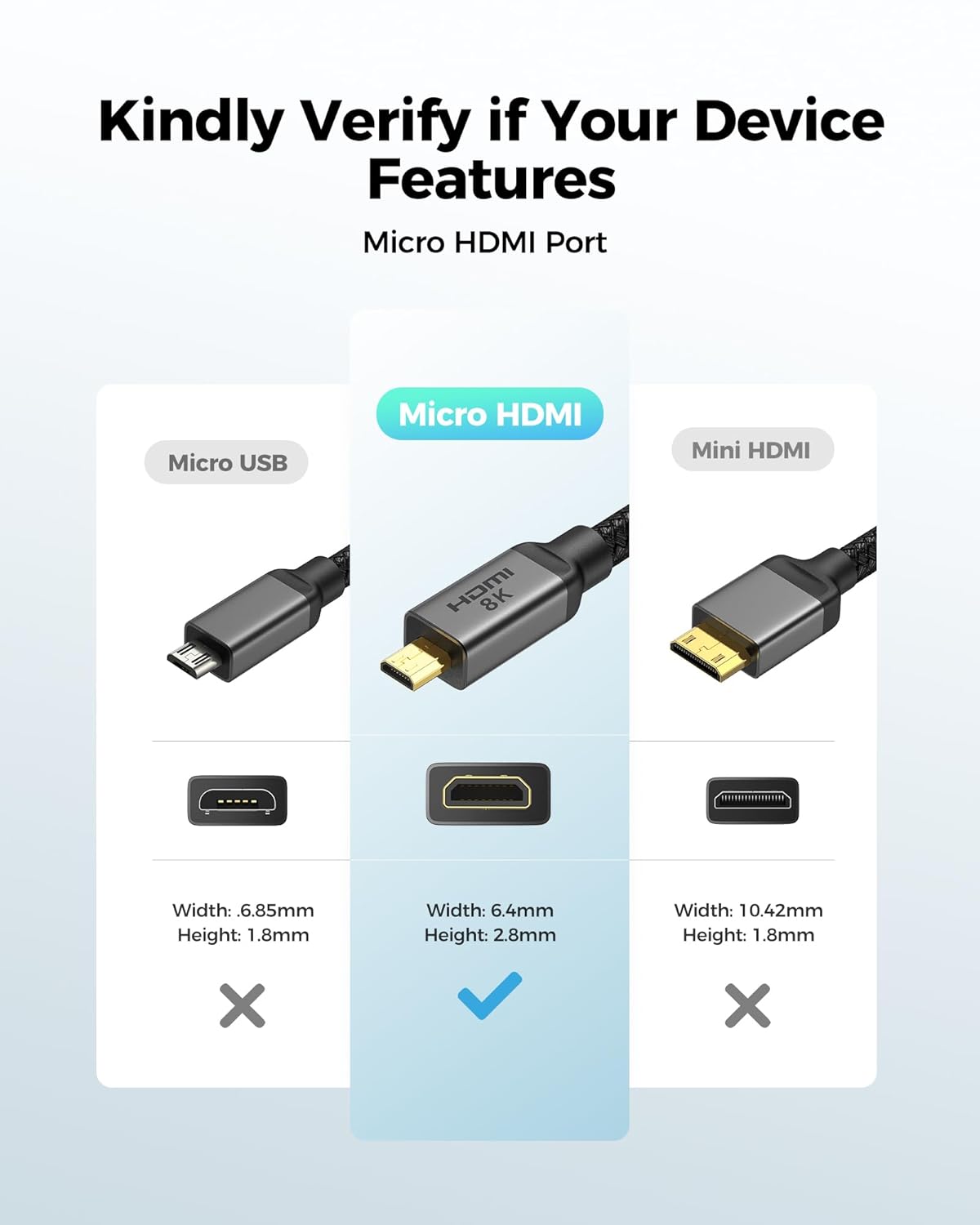
- Clear compatibility notes: It’s explicitly a Micro HDMI to HDMI cable, not Micro USB or Mini HDMI, and it lists a broad set of compatible devices in the description.
What to know before buying
This cable is not a universal adapter for every micro-connector device. If your device uses Micro HDMI, you’re likely covered, if you’re unsure whether your port is Micro HDMI (vs Mini HDMI or Micro USB), check the product images and port type. The description emphasizes compatibility with a long list of cameras, tablets, ultrabooks, and specific Samsung OLED displays, but actual performance will depend on your source device, HDMI port version, and display capability.
Pros and possible drawbacks
- Pros: Very high potential bandwidth and supported refresh rates, durable construction, clearly labeled micro-to-standard HDMI pathway, and broad device compatibility from cameras to Raspberry Pi and laptops.
- Cons/limitations: Real-world outcomes hinge on device support for HDMI 2.1 features, some older devices or non-4K displays may not fully leverage 8K/240Hz capabilities. The product notes also warn about using Micro HDMI ports only, which could trip up users who aren’t familiar with port identifiers.
Who it’s for
- Creative professionals and enthusiasts who work with cameras, micro HDMI outputs, and high-refresh displays.
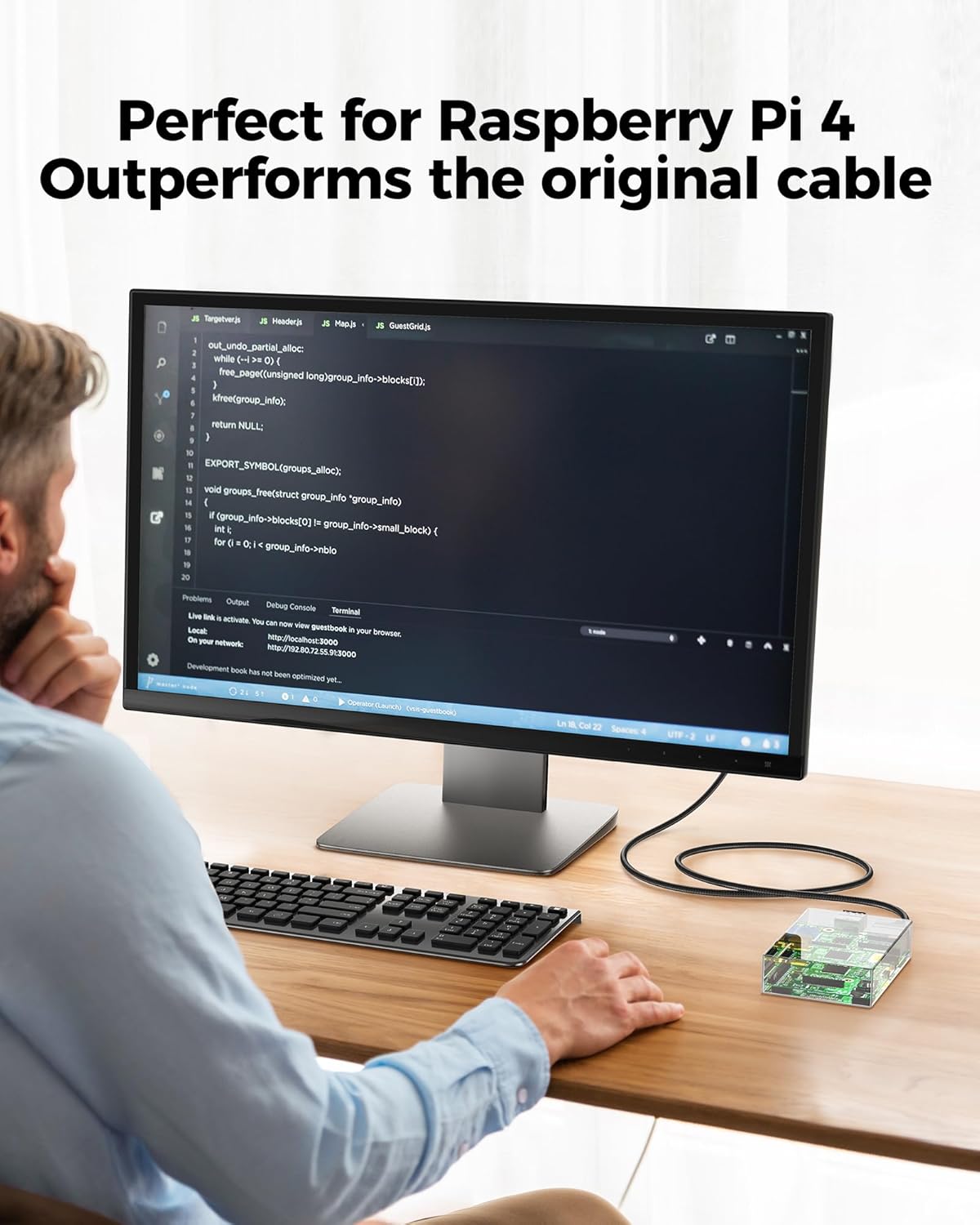
- Tech hobbyists using Raspberry Pi or compact laptops that require a robust micro-to-HDMI connection.
- Anyone prioritizing high bandwidth for streaming, gaming, or high-refresh-rate content on compatible screens.
Who it’s not ideal for
- If your setup doesn’t support HDMI 2.1 features (8K, 4K at 240Hz, or HDR) or if your display is older or limited to lower bandwidth.
- If you need Micro USB or Mini HDMI connectivity, or if you’re unsure about port type and can’t confirm Micro HDMI compatibility from your device.
When it makes sense to buy
- You have devices with Micro HDMI outputs and a display that can take advantage of HDMI 2.1 bandwidth and high refresh rates.
- You want a long, durable micro-to-HDMI cable designed to minimize signal degradation in demanding setups (video production, live streaming, or high-end gaming).
- You value a braided construction and ferrite-based shielding as a hedge against signal issues in cluttered environments.
When to hold off
- If you don’t need HDMI 2.1 bandwidth or if your sources and displays cap at lower resolutions/refresh rates.
- If you’re unsure about your device’s port type, you might want to confirm Micro HDMI vs Mini HDMI or other connectors before purchasing.
What to check before buying
- Confirm your device uses Micro HDMI (not Micro USB or Mini HDMI).
- Verify that your display and source can actually render 8K@60Hz or 4K@240/144/120Hz to benefit from HDMI 2.1.
- Consider your length needs, 10 ft is convenient but may introduce a little signal loss if runs are not clean.
Practical usage example
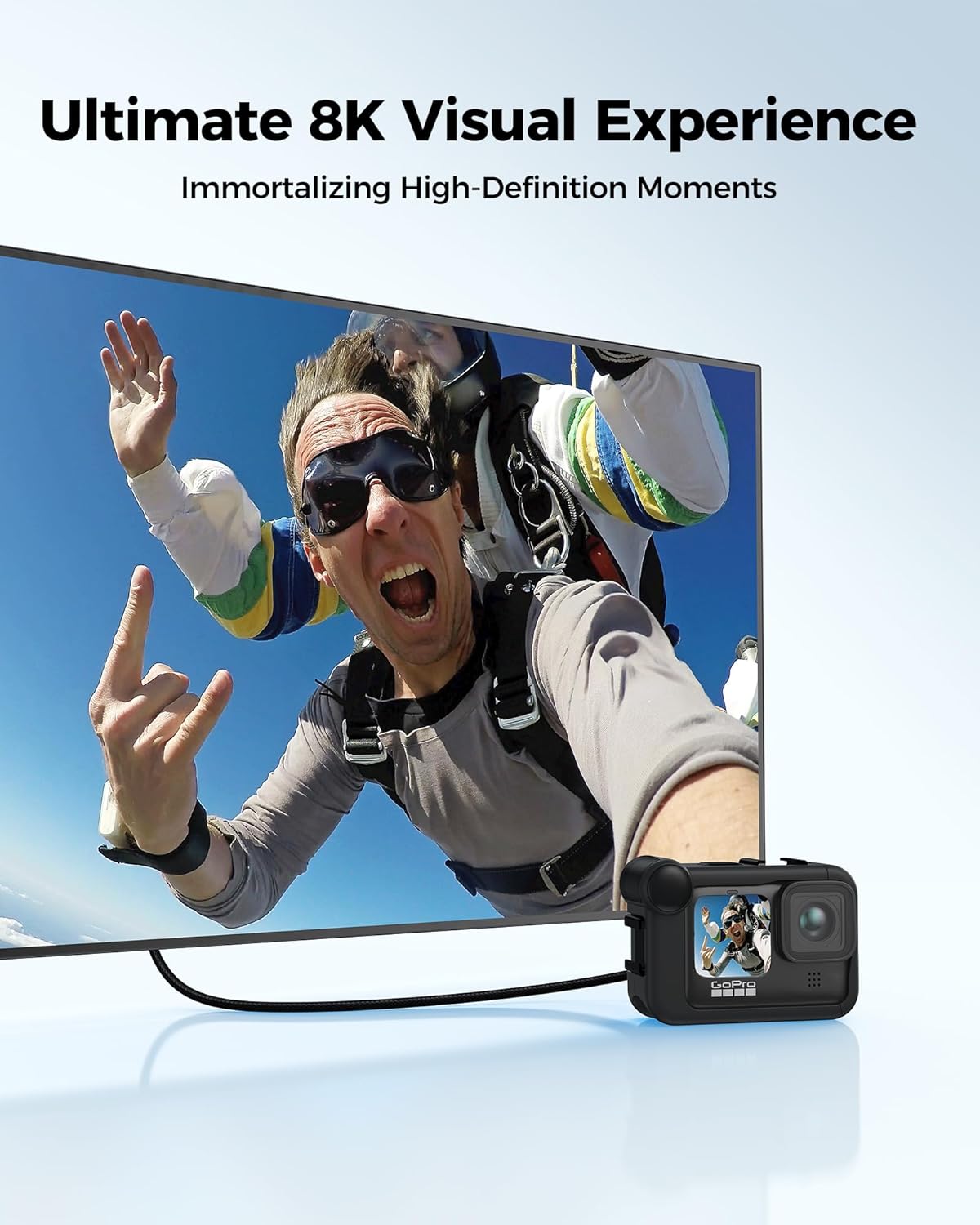
Imagine attaching a Go Pro Hero to a high-refresh OLED monitor for a live recording session. If both devices support HDMI 2.1, you could, in theory, push 4K visuals at very high refresh rates with HDR, resulting in a smooth, vibrant feed. In practice, success hinges on the camera’s output capabilities and the display’s input support, plus the reliability of the cable path (avoiding kinks and interference).
FAQ (based on available data)
- Does it work with Micro HDMI to HDMI on all Go Pro models listed? The description includes several Hero models, but confirm your exact model’s Micro HDMI port to ensure compatibility.
- Can I achieve 8K@60Hz with any device? The cable advertises 8K@60Hz support, but real results depend on device capability and display compatibility.
- Is this suitable for everyday charging or data transfer? The description focuses on video signal integrity and display output, power delivery isn’t specified, so treat it as a video/data cable within HDMI signaling expectations.
Is it worth it?
Worth considering if you specifically need a Micro HDMI to HDMI solution with HDMI 2.1 bandwidth and you have compatible devices. If your setup already runs perfectly fine at lower resolutions and you don’t plan to leverage 8K or ultra-high refresh rates, you may not notice a practical difference over a standard HDMI cable.