

UGREEN DisplayPort to HDMI Cable, 6.6 ft
Product description
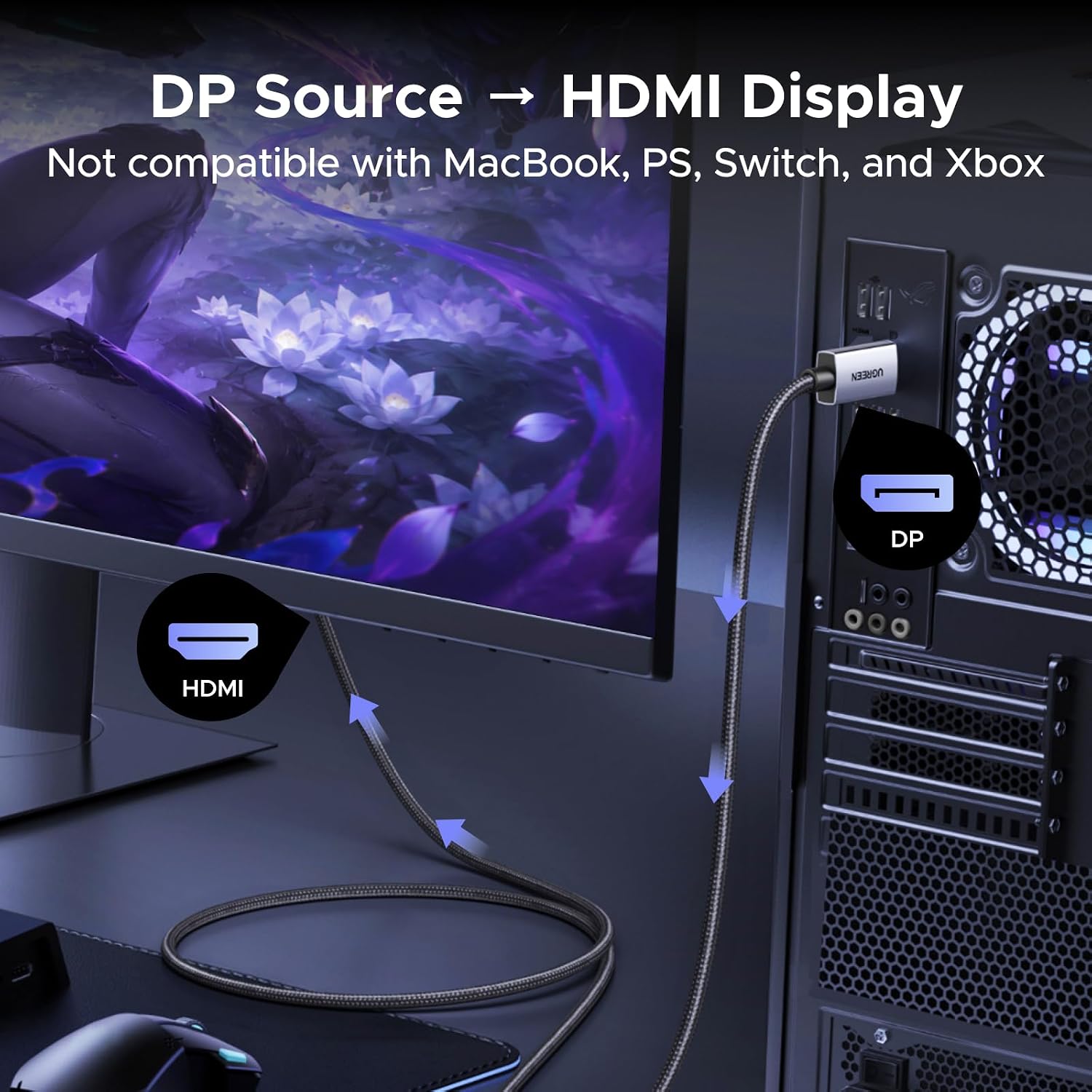
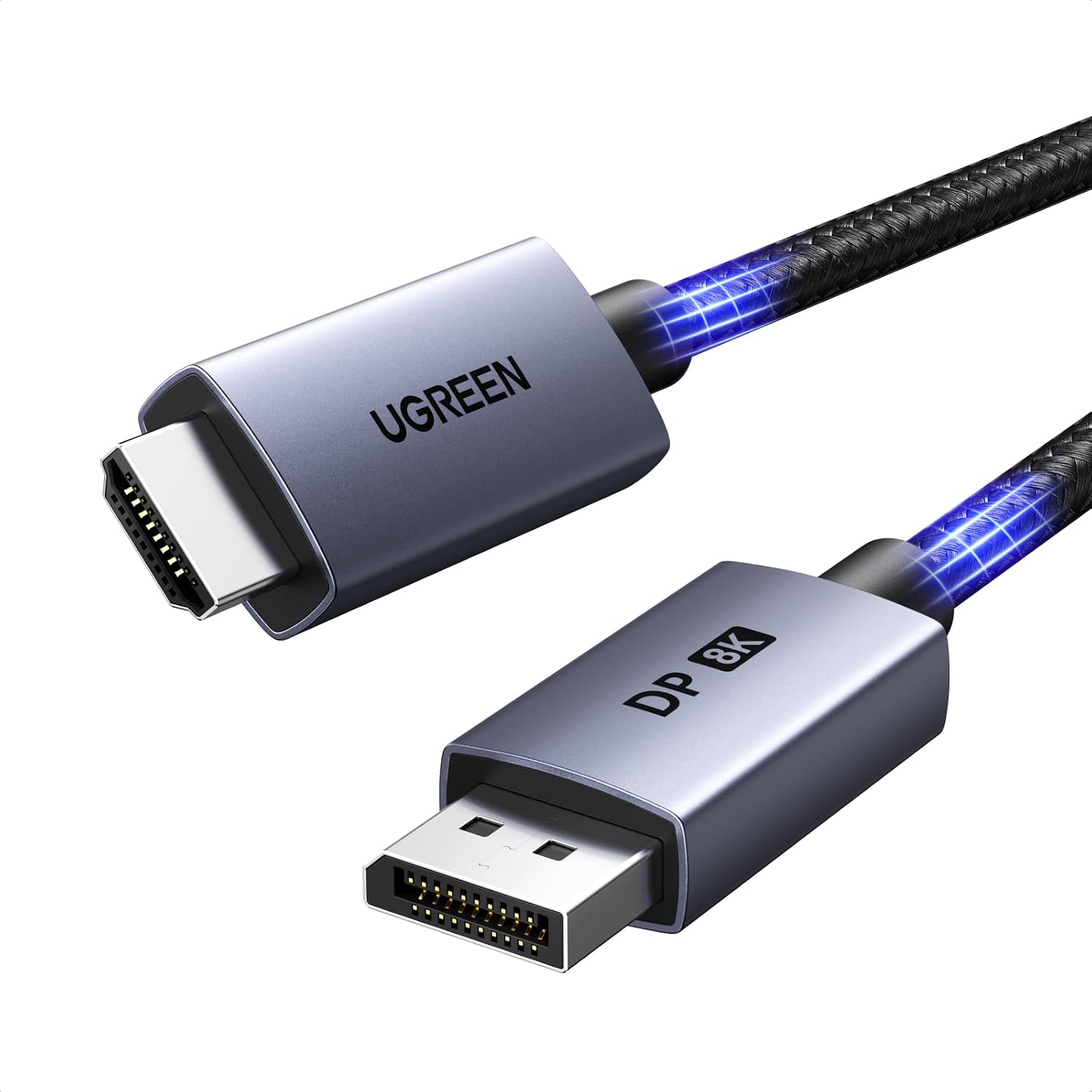
For someone connecting a DisplayPort-equipped desktop or graphics card to an HDMI monitor, TV, or projector, this UGREEN cable is built to carry video and audio in one direction. It converts a DisplayPort 1.4 source to an HDMI 2.1 display, with listed support for up to 8K at 60Hz and 4K at 240Hz. That makes it worth a look for a high-refresh setup, but the display and source still need to support the resolution and refresh rate you want. One key restriction: it will not send a signal from an HDMI source to a DisplayPort display.
How to use it
Connect the DisplayPort end to the computer or graphics card and the HDMI end to the screen. The cable is male-to-male, active, and described as plug-and-play, with no driver required. For instance, you could connect a desktop GPU directly to an HDMI gaming monitor instead of routing the signal through a hub or dock. The manufacturer advises a direct connection to avoid display errors related to hardware limitations, so this is not the right pick if your setup depends on an intermediary dock.
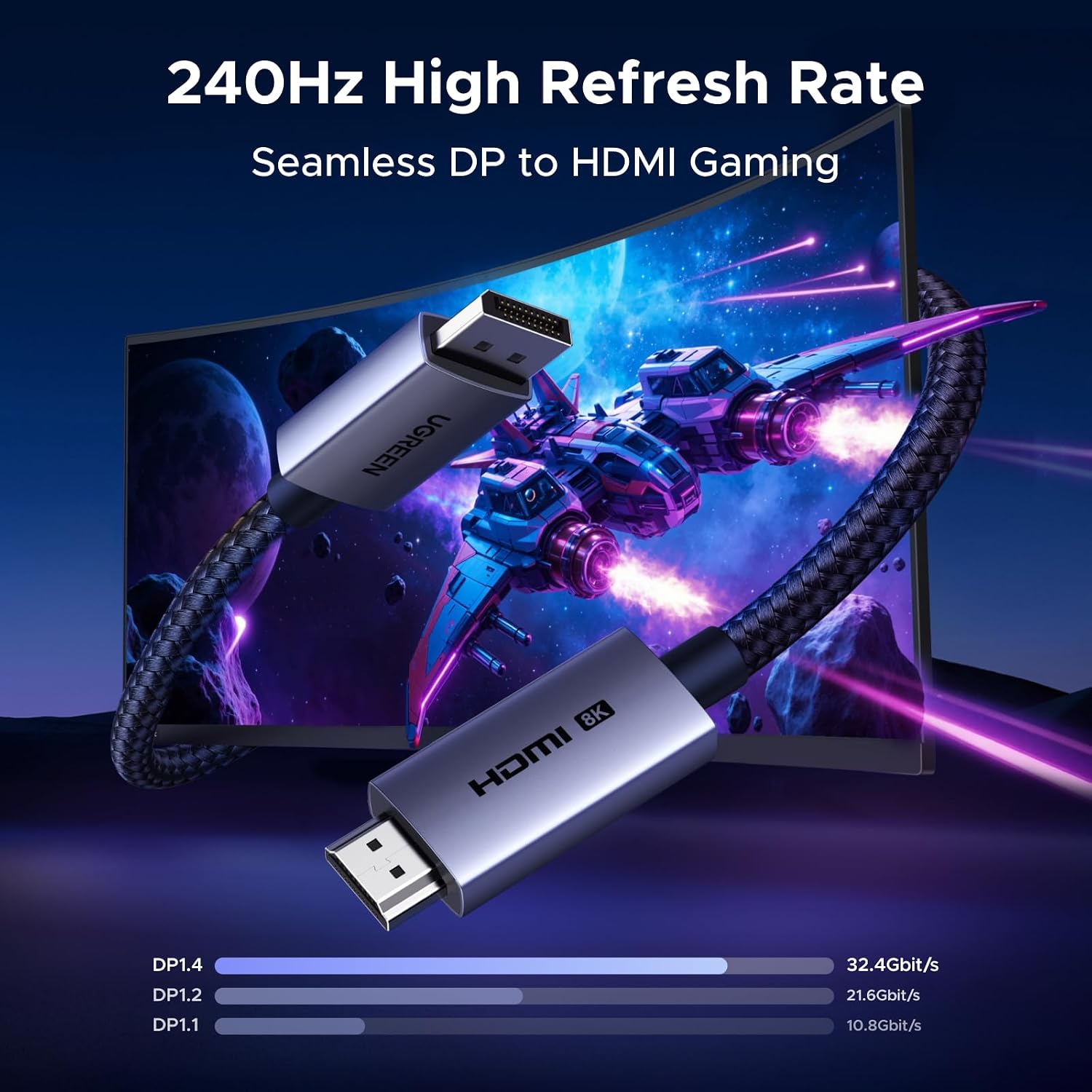
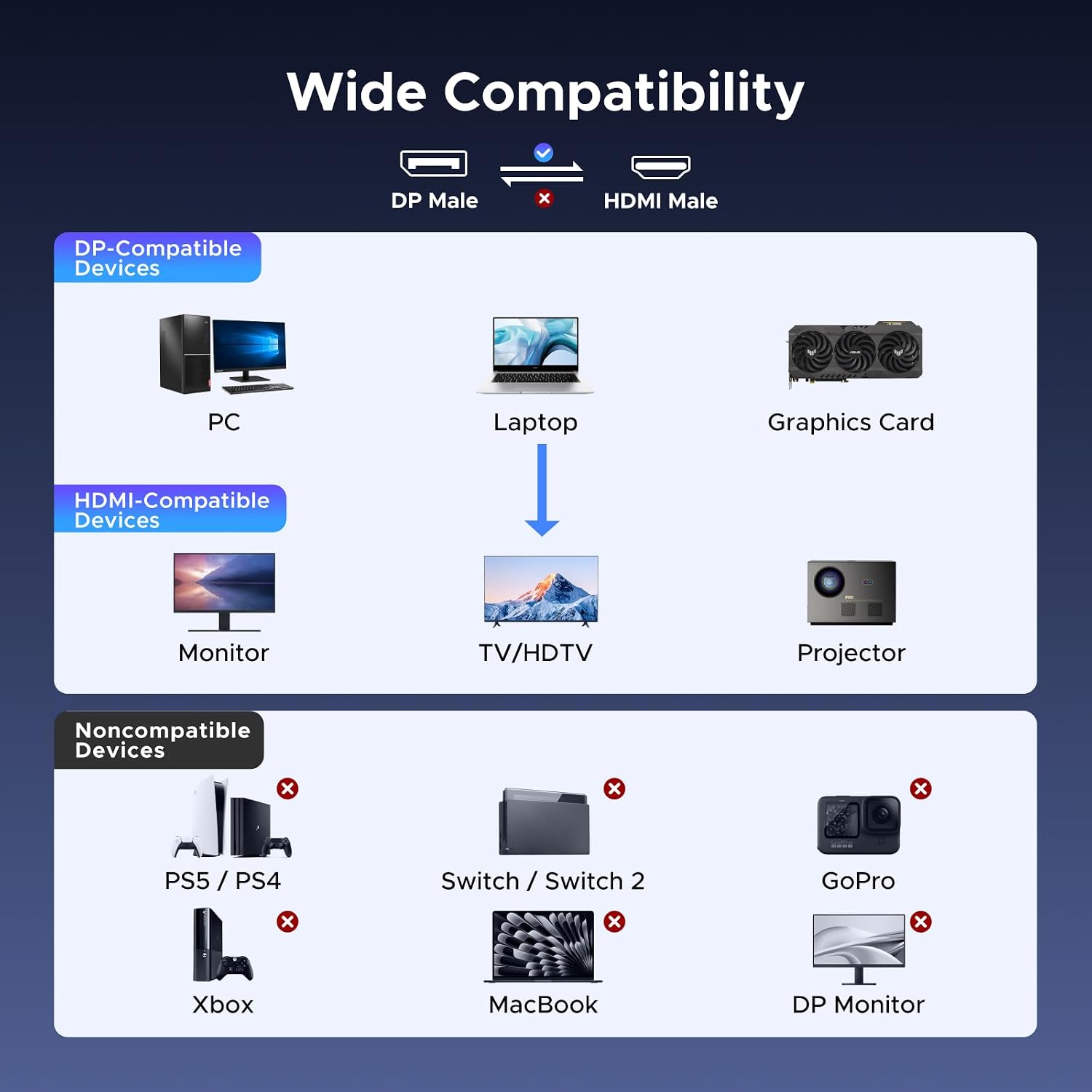
The listed compatibility includes DisplayPort-equipped desktops, laptops, and AMD or NVIDIA graphics cards, with HDMI monitors, TVs, projectors, and VR headsets as possible displays. However, a device having an HDMI port does not make it a suitable source: HDMI-source products such as MacBook, PlayStation, Switch, and Xbox are specifically excluded. Is the cable a fix for every high-refresh display issue? No, the screen, source, and connection must all support the mode you’re trying to use.
Pros
- Supports listed video modes up to 8K at 60Hz, 4K at 240Hz, 2K at 240Hz, and 1080p at 480Hz.
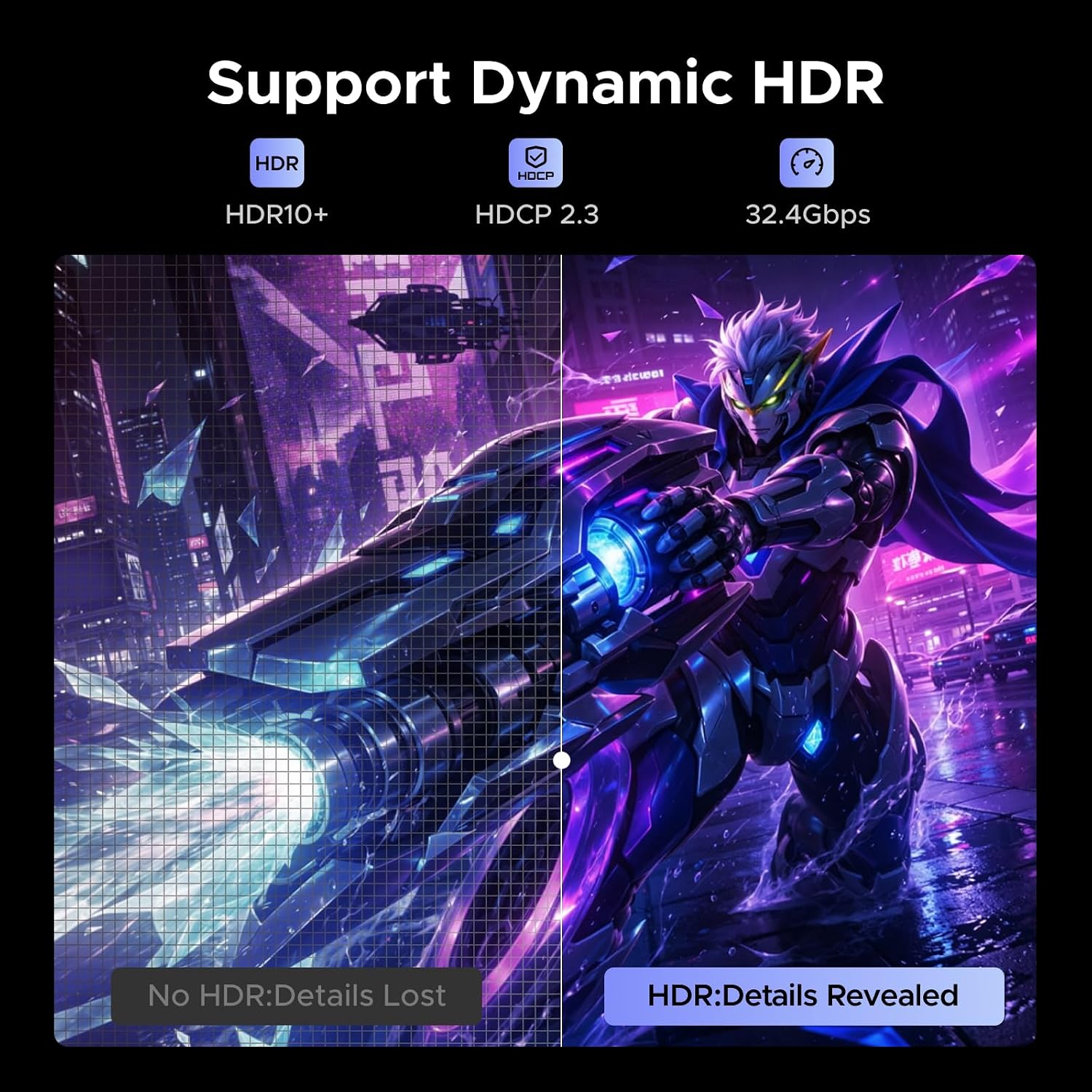
- Offers a stated transmission rate of up to 32.4Gbps, plus HDR and DSC 1.2a support.
- Carries both video and audio, without requiring a driver.
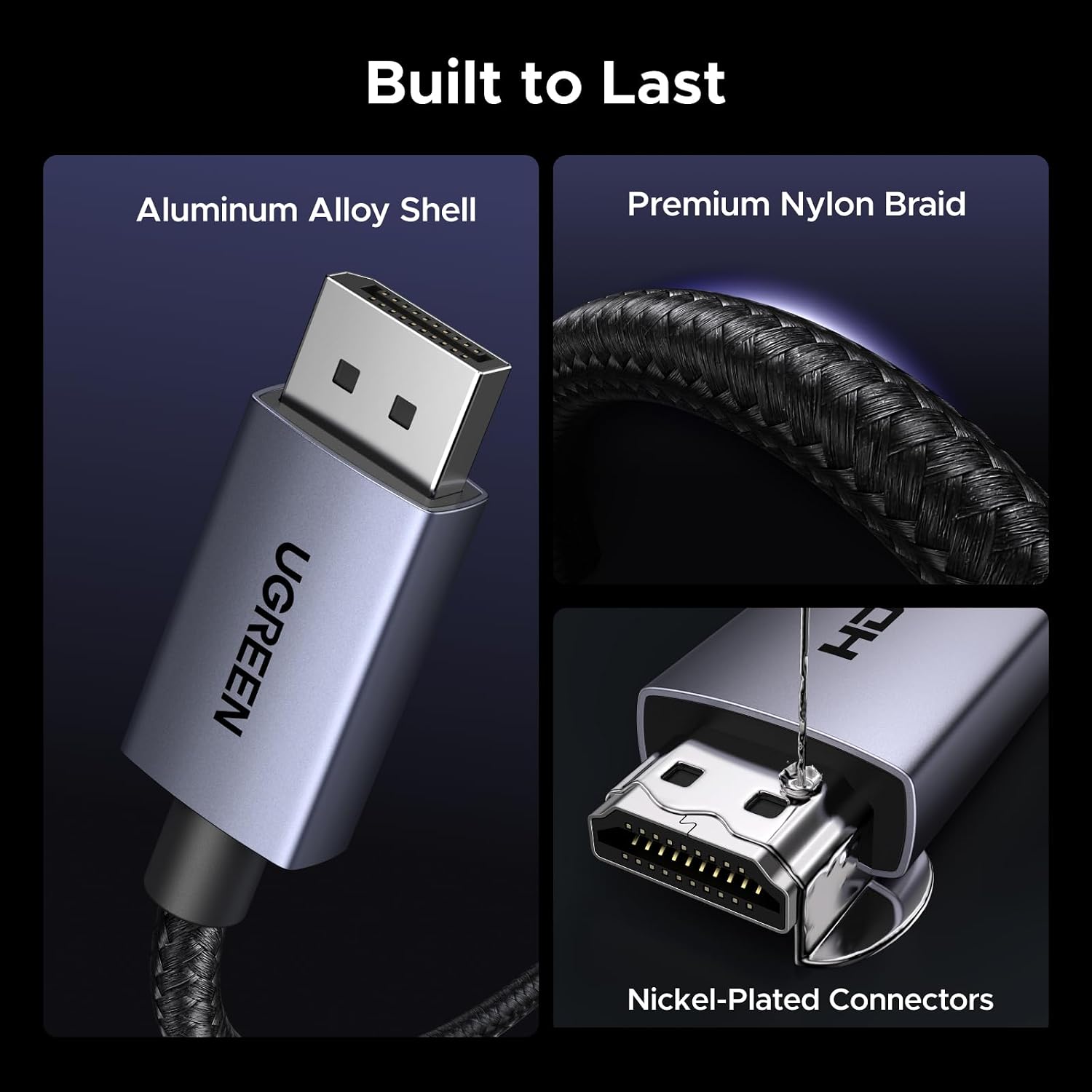
- A braided jacket, aluminum housing, tinned copper conductors, and gold-plated pins are specified in the construction.
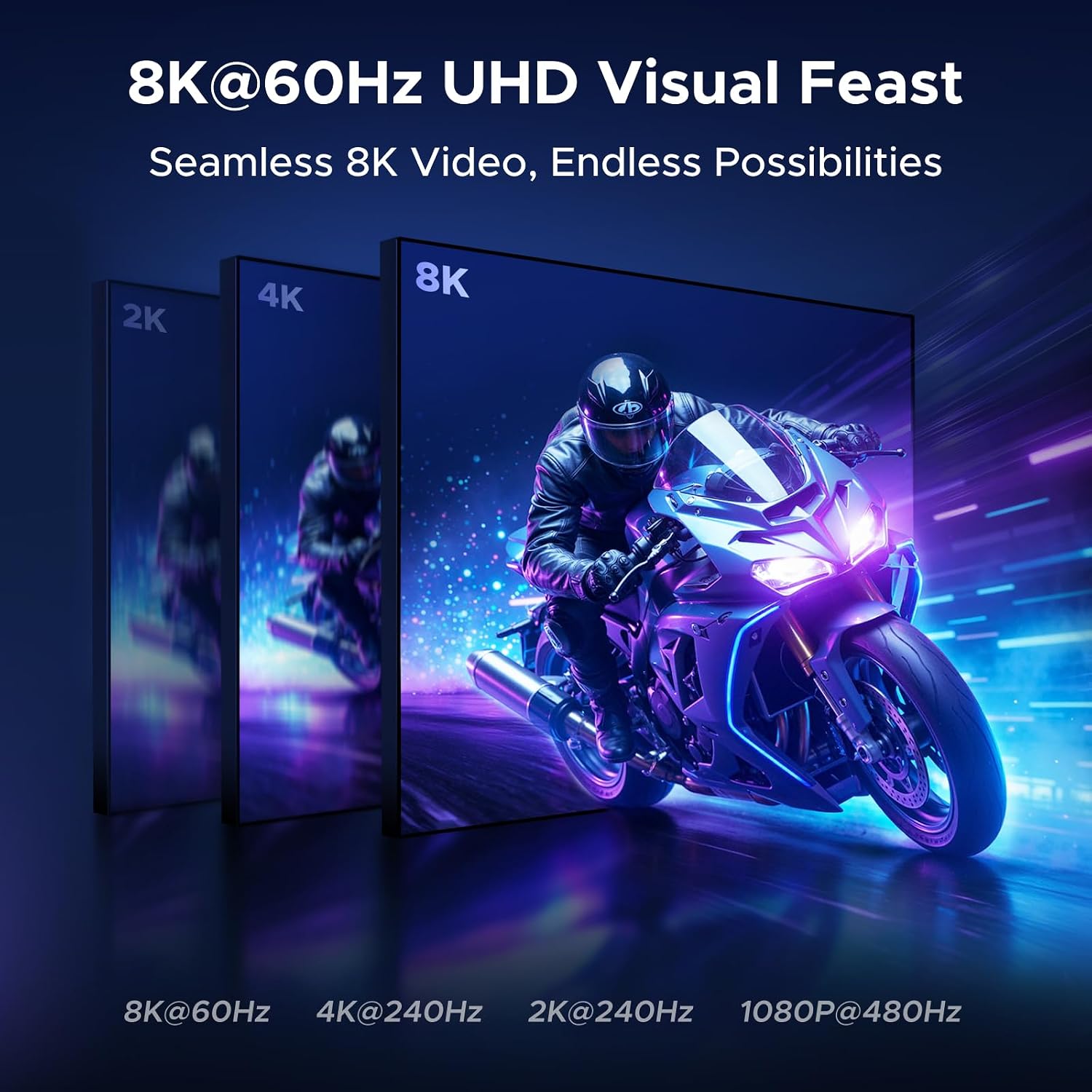
The headline refresh rates are useful when matching a capable PC to a compatible HDMI display, but they are not a promise that every connected setup will reach them. The cable explicitly does not support VRR, so shoppers who need variable refresh rate should choose a connection that lists that feature. It also uses an active conversion design, rather than being a simple cable for sending HDMI back to a DisplayPort screen.
Spec sheet
- Type: Active DisplayPort 1.4 to HDMI 2.1 cable
- Format: Unidirectional, male-to-male
- Length: 6.6 ft
- Maximum listed modes: 8K at 60Hz, 4K at 240Hz, 2K at 240Hz, 1080p at 480Hz
- Transmission rate: Up to 32.4Gbps
- Other listed features: HDR, DSC 1.2a, audio transfer
- Limitation: No VRR, does not support HDMI source to DisplayPort display
When it makes sense
Worth considering if you have a DisplayPort output on a desktop or graphics card and want to connect directly to an HDMI screen, especially when high refresh rates matter and both devices support the target mode. The braided cable and metal housing may also appeal if you prefer a more reinforced jacket than a basic PVC cord. Better avoided if you need HDMI-to-DisplayPort conversion, VRR, or a connection through a dock or hub, for those setups, a different cable or connection path is a better match. From the way it is set up, its strongest use is a direct PC-to-HDMI-display link—not a universal adapter for mixed ports.