

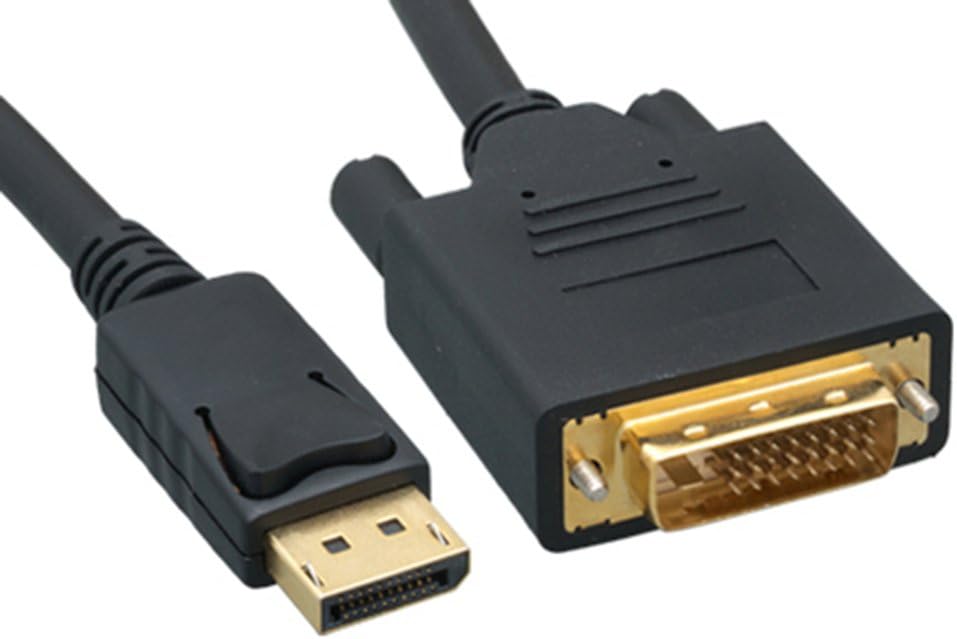
DisplayPort to DVI Cable, 6 ft Black (Passive) — secure latching connectors
Product description
What this cable is for
If you have a computer with a DisplayPort output but your monitor, TV, or projector only has a DVI input, this DisplayPort to DVI Cable (6 ft) is the practical bridge. On paper, it’s a simple, passive cable designed to deliver digital audio/video from DisplayPort over to a DVI port—no box, no setup wizard.
It’s the kind of connection you choose when you want the signal to just work and you don’t want to switch hardware or replace a display. The short length (6 ft) also helps keep the cable run tidy for desk setups and small rooms.
The essentials (and the important limits)
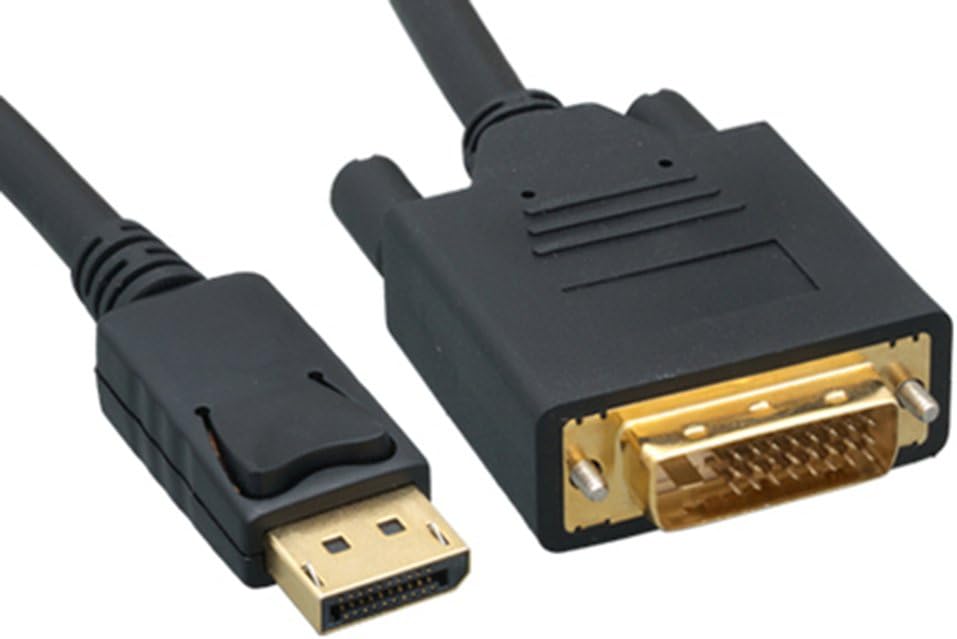
This cable is described as passive, which matters a lot for compatibility. It requires a DP++ (DisplayPort++) port on the source device. Without DP++, it won’t give you the DisplayPort-to-DVI handoff you’re expecting.
There’s also a clear limitation: it can only pass signal from DisplayPort to DVI. It is not bi-directional. So if you were hoping to run DVI back into DisplayPort or swap directions depending on the device, this isn’t that kind of cable.
And yes—this is a “look before you plug in” situation. The cable can be perfectly fine, but the wrong output type on your computer will stop it from working.
What you’ll notice in use
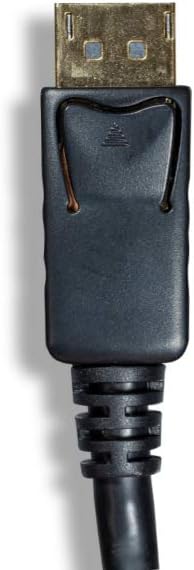
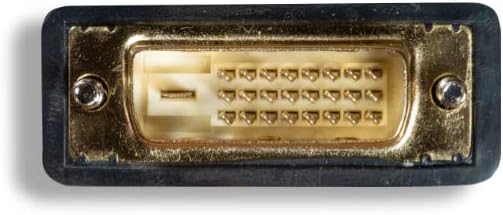
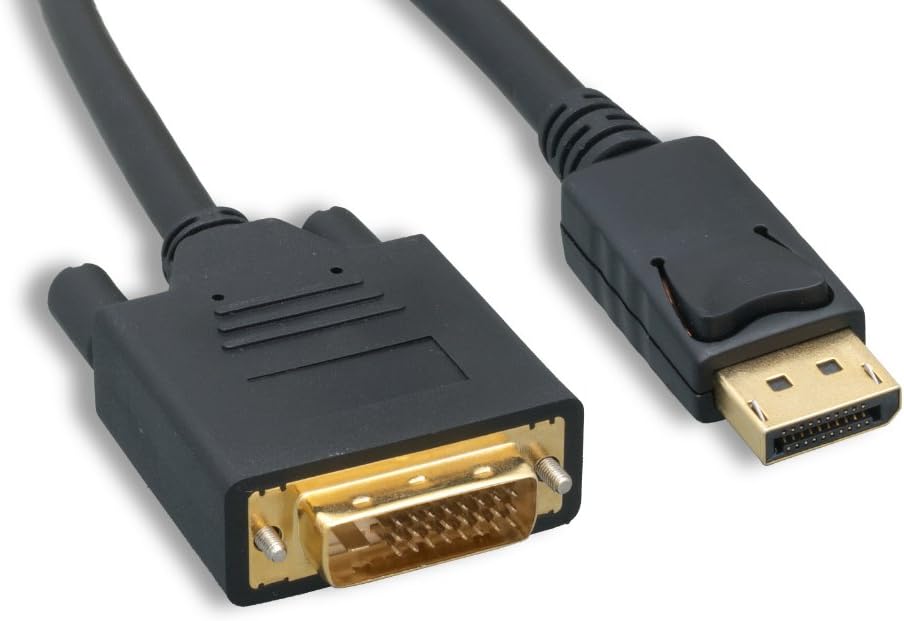
The connectors are gold-plated and the cable uses double shielding, both aimed at maintaining a stable connection in real-world environments where cables get moved, routed around furniture, and occasionally sit near other electronics.
The DisplayPort male connector includes latches with a release button that you have to depress before unplugging. That latch-style fit tends to feel more secure than friction-only connectors, especially if the cable gets tugged slightly while you adjust your setup.
Key specifications (quick tech check)
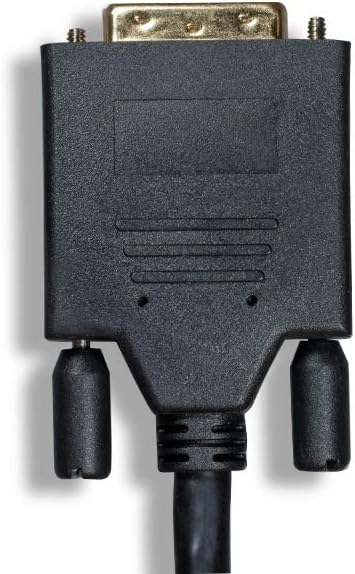
- Type: DisplayPort male to DVI input cable (passive)
- Length: 6 ft
- Color: Black
- Connectors: Gold-plated, DisplayPort male with latches
- Signal direction: DisplayPort to DVI only (not bi-directional)
- Compatibility requirement: Source must have a DP++ (DisplayPort++) port
Who it makes sense for—and who should skip it
It’s a solid pick if you already know your PC/laptop has a DP++ DisplayPort output and you mainly need to connect to an existing DVI-equipped display like a monitor, TV, or projector.
You may want to skip it if: - Your DisplayPort port is not DP++ (then the “DP to DVI” conversion won’t happen). - You need bi-directional switching between devices. - You’re looking for a cable that’s going to magically support other video port types—this one is specifically about DisplayPort to DVI.
If you’re trying to cover multiple display standards, it may be worth rethinking the approach (for example, choosing a different connection path that matches your devices directly). A mismatch here is one of the most common reasons people end up frustrated.
Simple setup scenario
Imagine your desk setup: your laptop has DisplayPort, but your monitor only accepts DVI. With the right DP++ port confirmed, you connect the DisplayPort side to the laptop, plug the DVI end into the monitor, and then switch your monitor’s input to DVI. If the source device supports DP++ and recognizes the DVI sink correctly, you’re usually past the hard part quickly.
If you don’t see a picture, don’t blame the cable first—re-check that DP++ requirement.
Is it worth it?
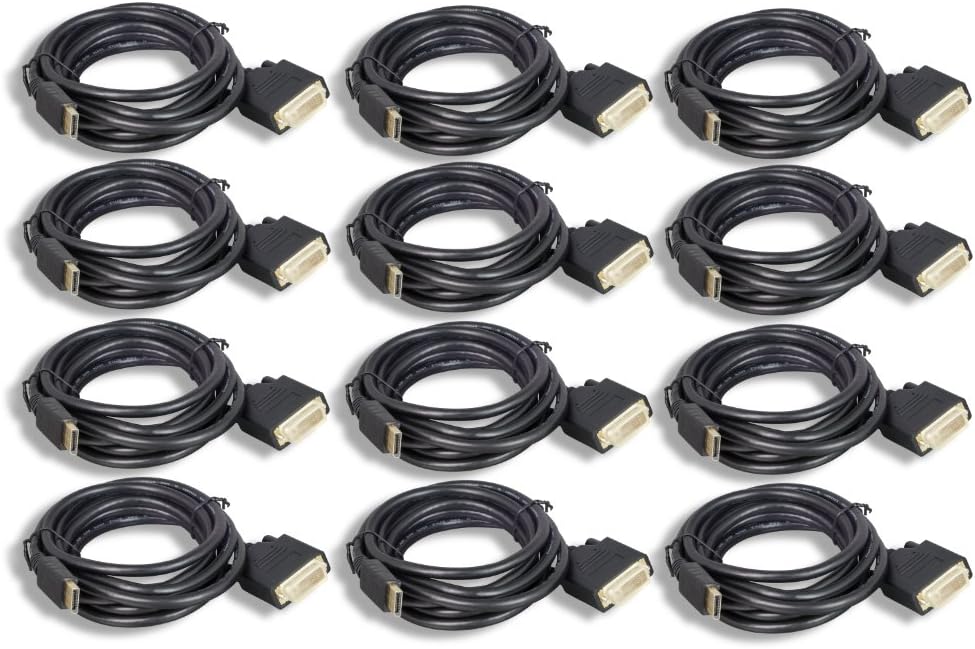
Worth considering if you have a DP++ DisplayPort output and want a passive, straightforward DisplayPort-to-DVI link for a 6 ft desk or room run. The latch-style connection, gold-plated connectors, and double shielding are all sensible choices for keeping the connection stable.
It might not be a great match if your DisplayPort port isn’t DP++ or if you need bi-directional behavior. In those cases, you’d likely be better off choosing a setup that matches the ports you already have rather than relying on a passive conversion cable.
Mini FAQ
Frequently asked questions
Does this work with any DisplayPort port?
No. It requires a DP++ (DisplayPort++) port on the source device.
Is this cable bi-directional?
No. It only passes signal from DisplayPort to the DVI input.
What devices does it connect?
It’s intended for connecting a computer DisplayPort output to a DVI input on a monitor, TV, or projector.
Why is the latching connector mentioned?
The latch helps keep the DisplayPort connection secure, and you release it by depressing the release button before unplugging.