

XPPen Artist Pro 19 Gen 2 18.4-inch drawing tablet
Reviews
Price
Product description
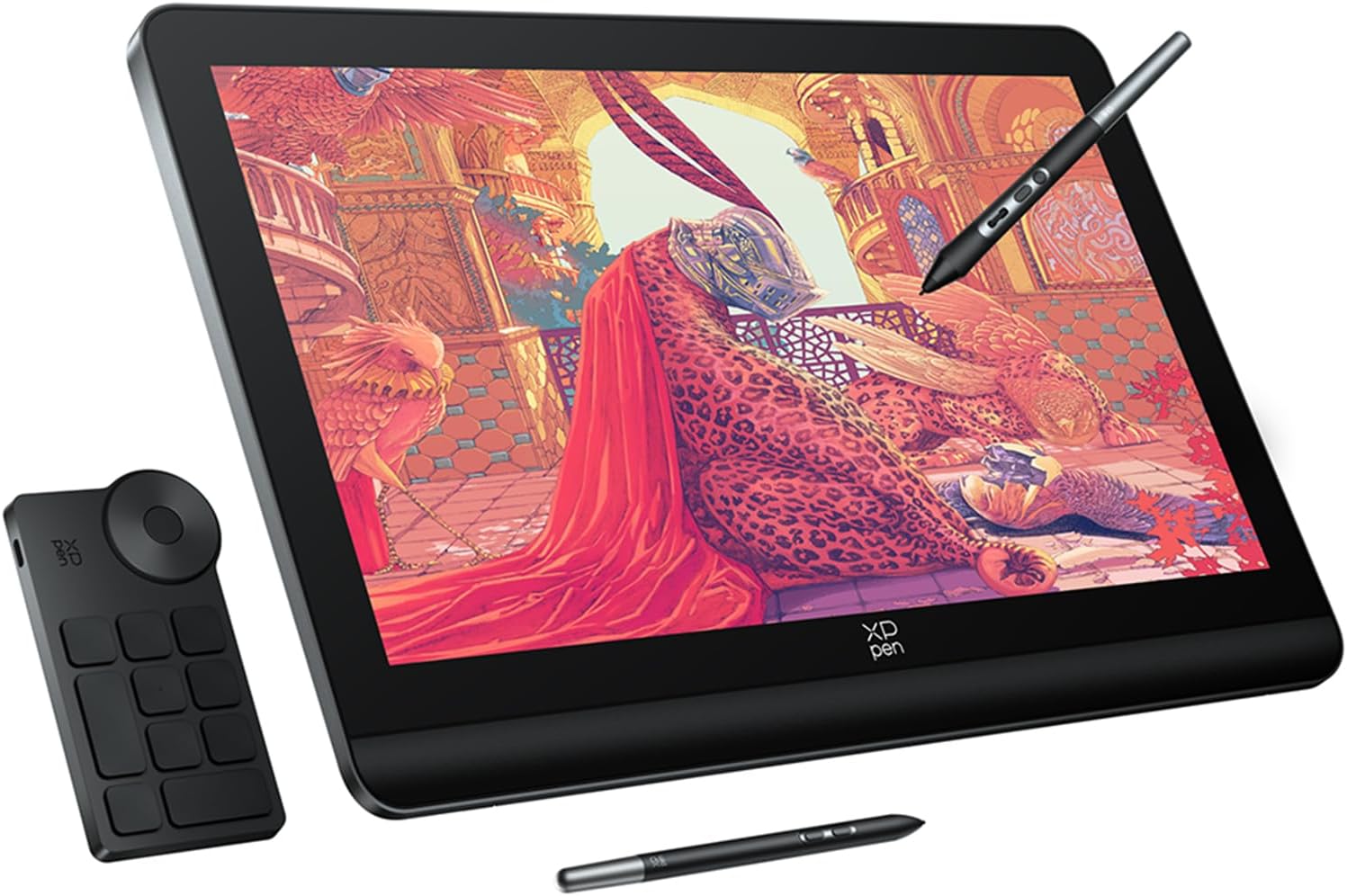
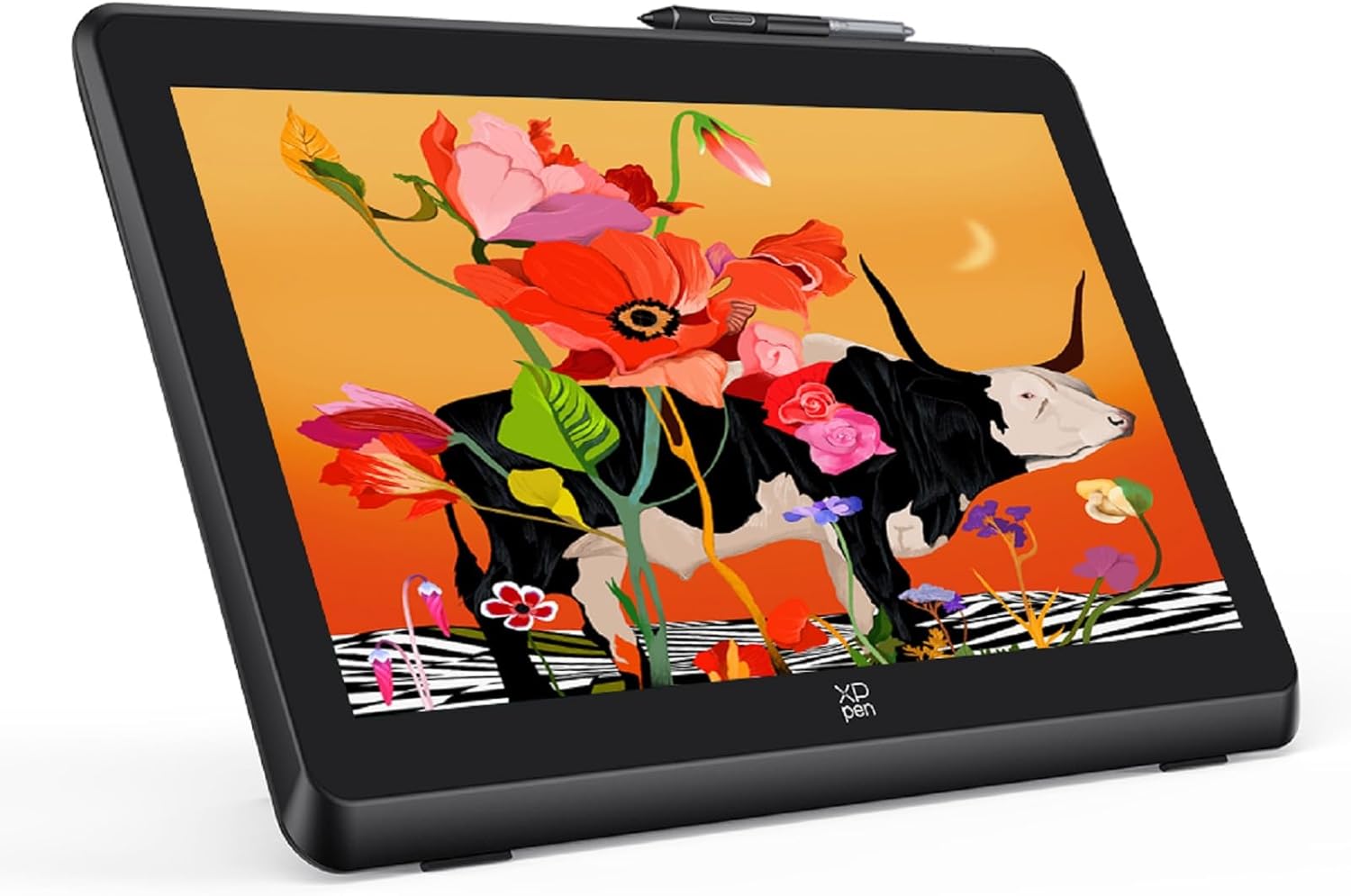
This 18.4-inch graphics tablet brings a 4K display to the creative workspace, offering a high-resolution canvas for illustration, retouching and concept art. It suits those who need accurate colour and responsive pen input, and it can be used with Windows, macOS and compatible Android devices 🎨.
Key Points
The panel uses a full-laminated screen with anti-glare and anti-fingerprint coatings that reduce reflections and minimise parallax, helping strokes feel closer to pen on paper. Brightness is 250 cd/m² and the display covers 99.8% of the sRGB colour space, which supports faithful colour work according to the manufacturer. The package includes two styluses: a multifunction pen with a control wheel and a slimmer precision pen for extended drawing sessions ✏️. Also provided is a compact Bluetooth mini keyboard with 10 keys and four programmable modes to map up to 40 shortcuts, which can speed up workflow for both creative projects and general productivity.
Technical Specifications
- Name: XP-Pen Artist Pro 19 (Gen 2)
- Screen size: 18.4 inches
- Resolution: 4K UHD (3840 x 2160)
- Colour gamut: 99.8% sRGB
- Brightness: 250 cd/m²
- Pen sensitivity: 16K pressure levels with 60° tilt support
Usage Recommendations
Use the multi-function stylus for actions that benefit from a tactile control wheel, such as zooming or brush size adjustments. The thinner precision pen is better for fine detail and long sessions thanks to its lighter profile. When working on colour-critical tasks, allow the screen to warm up for a few minutes and, if possible, calibrate it with your usual profiling tool because manufacturer figures are a reference rather than a guarantee. For portable setups, confirm your Android device supports USB3.1 DP1.2 to enable display output and full functionality.
Practical Tips
Place the tablet on a stable desk at a slight angle to reduce wrist strain, and experiment with the two express keys on each pen to map commonly used functions. The mini Bluetooth keyboard can be used to switch between shortcut sets quickly by pressing the K1 key, which is useful when alternating between sketching, painting and editing tasks. Note that compatibility includes Windows 7 or later and macOS 10.13 or later, and support for Chrome OS and Linux is mentioned by the manufacturer, so check specific operating system behaviour if you rely on less common platforms.