

Tablet 2026 Android 16 with Gemini AI 3.1 – 11" FHD, 24GB RAM, Keyboard & Mouse
Reviews
Price
Product description
What it is and who it’s for
This tablet is a 11-inch Android 16 device that comes bundled with a keyboard, mouse and stylus, aimed at modern work, study and everyday family use. It’s positioned as a practical option for productive tasks, online lessons and content consumption, with emphasis on AI-assisted features via Gemini AI 3.1. If you’re after a compact, all‑in‑one setup for typing, video calls, note‑taking and document review, this model tries to cover those needs without requiring a separate computer.
How it’s put together on paper
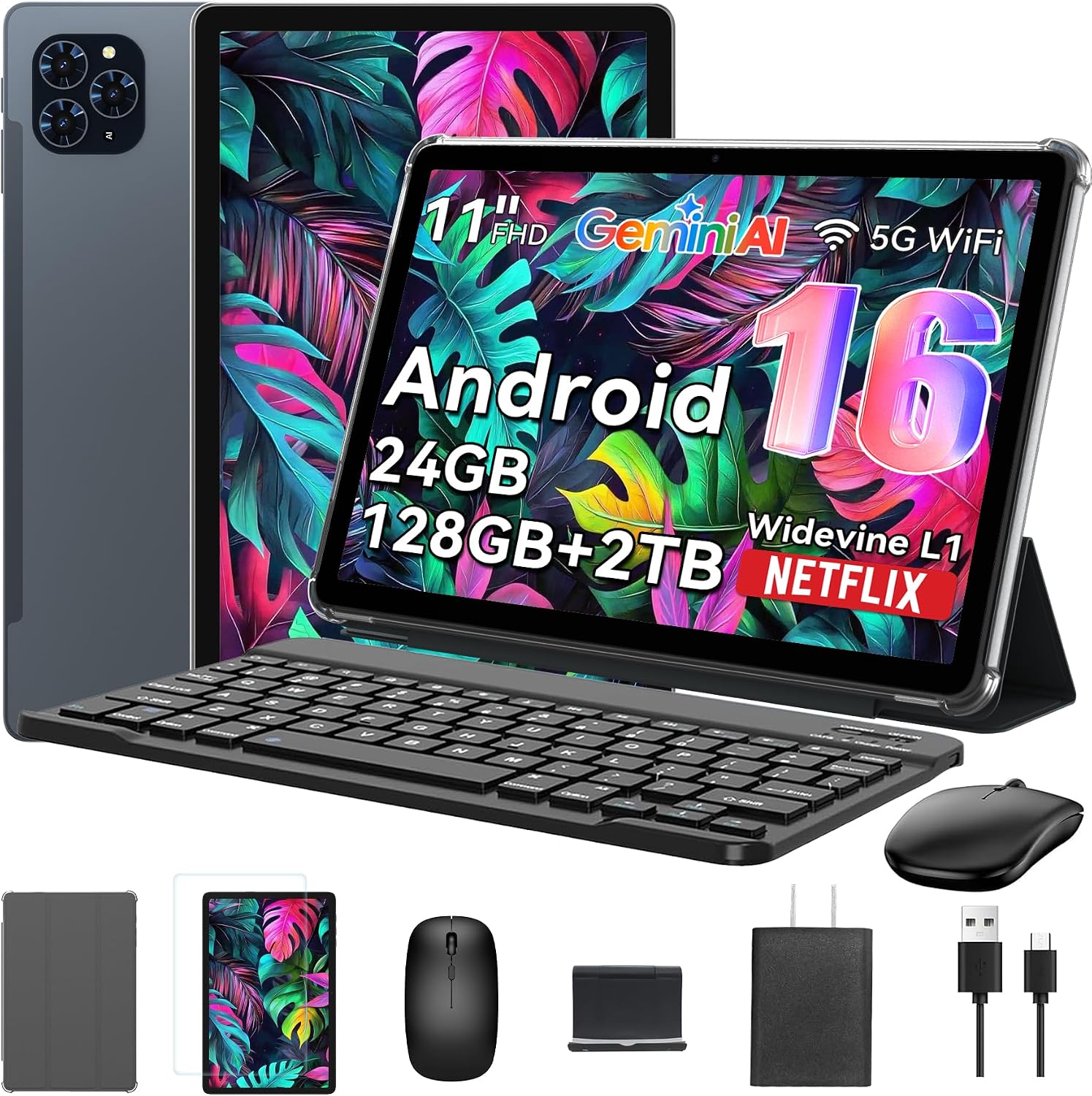
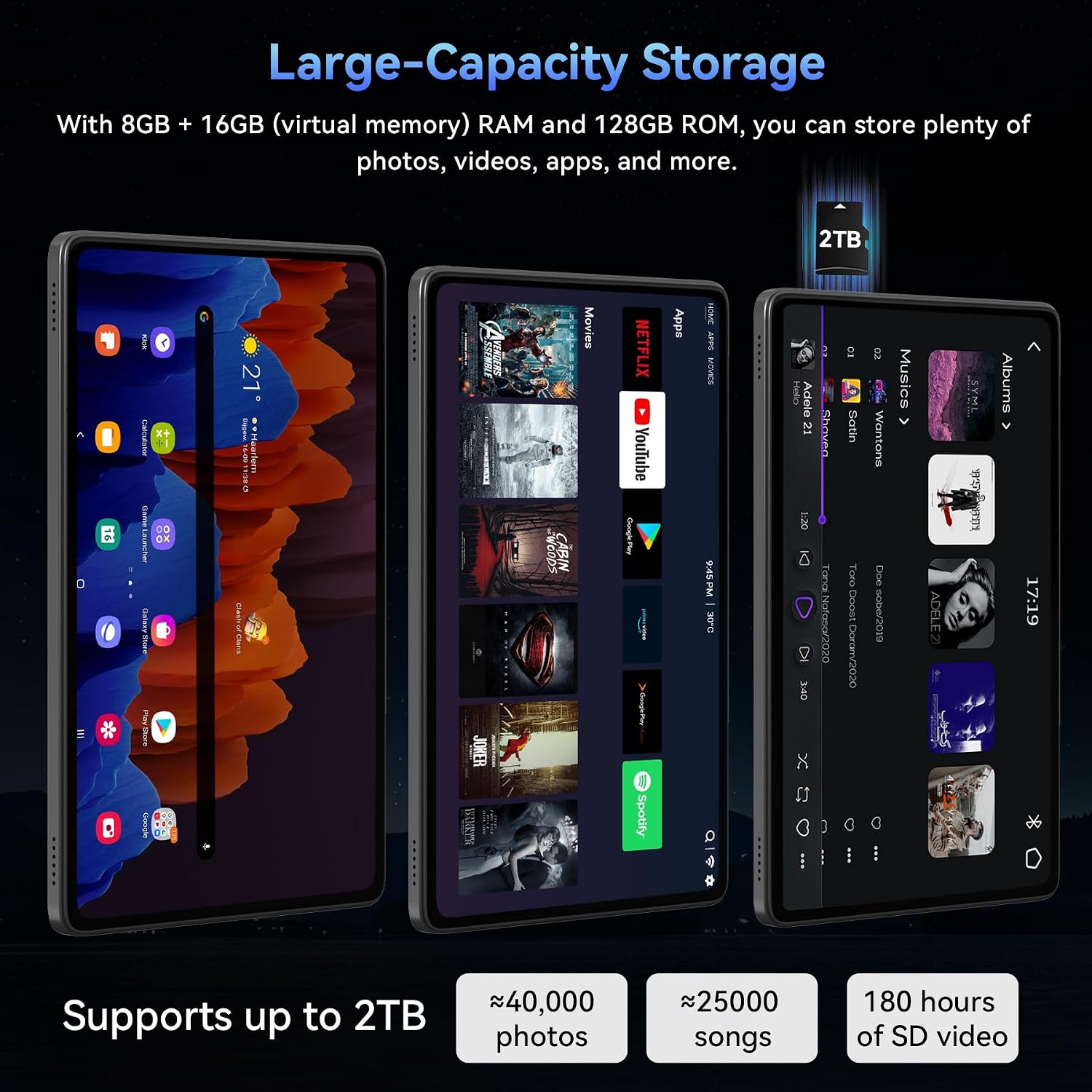
On the surface, you’re looking at an 11-inch Full HD IPS display with a resolution of 1920 x 1200 and a screen‑to‑body ratio around 84.9%. The panel is fully laminated for crisper text and smoother touch, which helps with reading, reading online lessons and streaming. Widevine L1 is specified, which matters for Netflix‑style streaming at high definition on a tablet. The device ships with a sizeable 24GB RAM configuration (8GB built‑in plus 16GB virtual expansion) and 128GB of onboard storage, plus a microSD/TF card slot that can go up to 2TB if additional space is needed.
Core performance and daily use
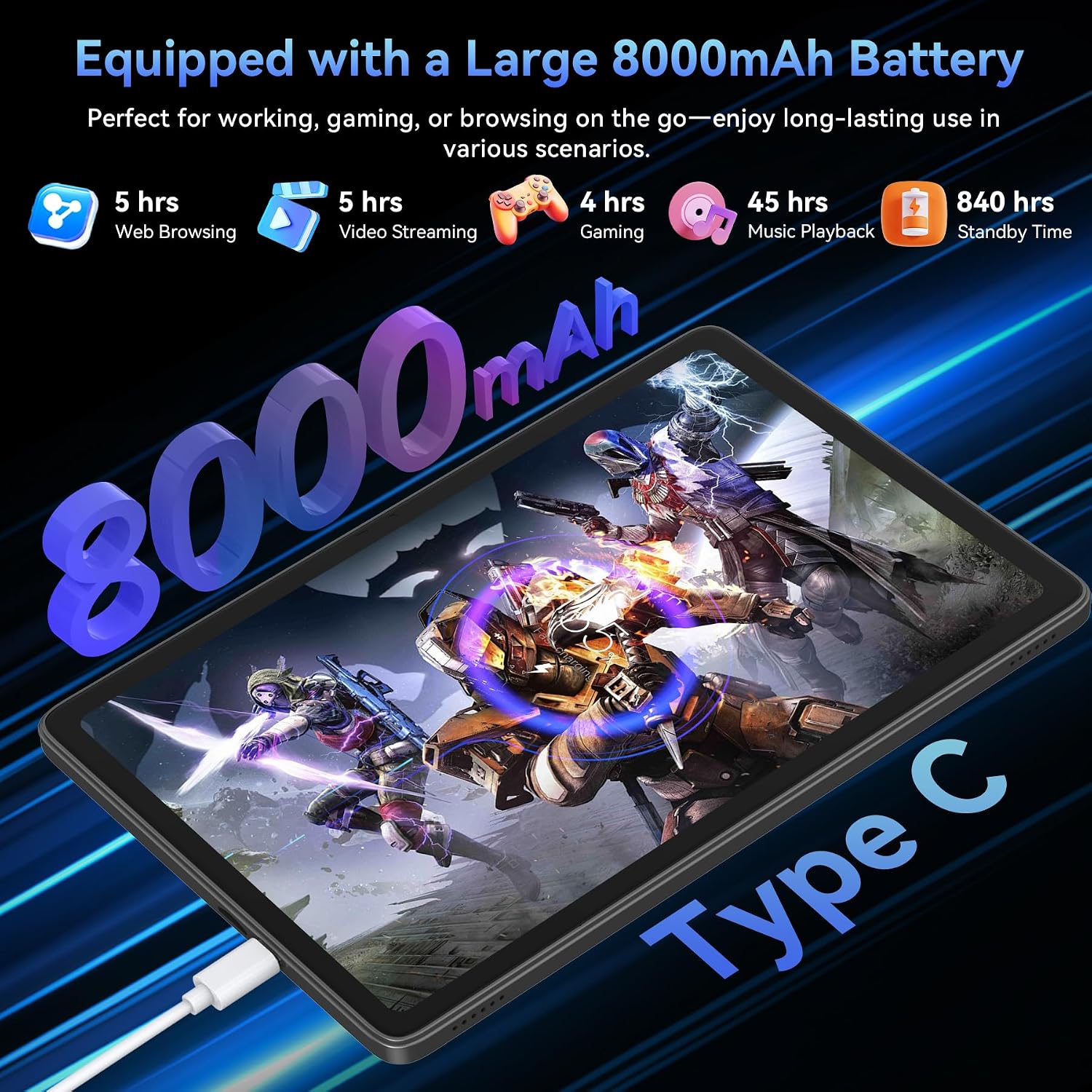
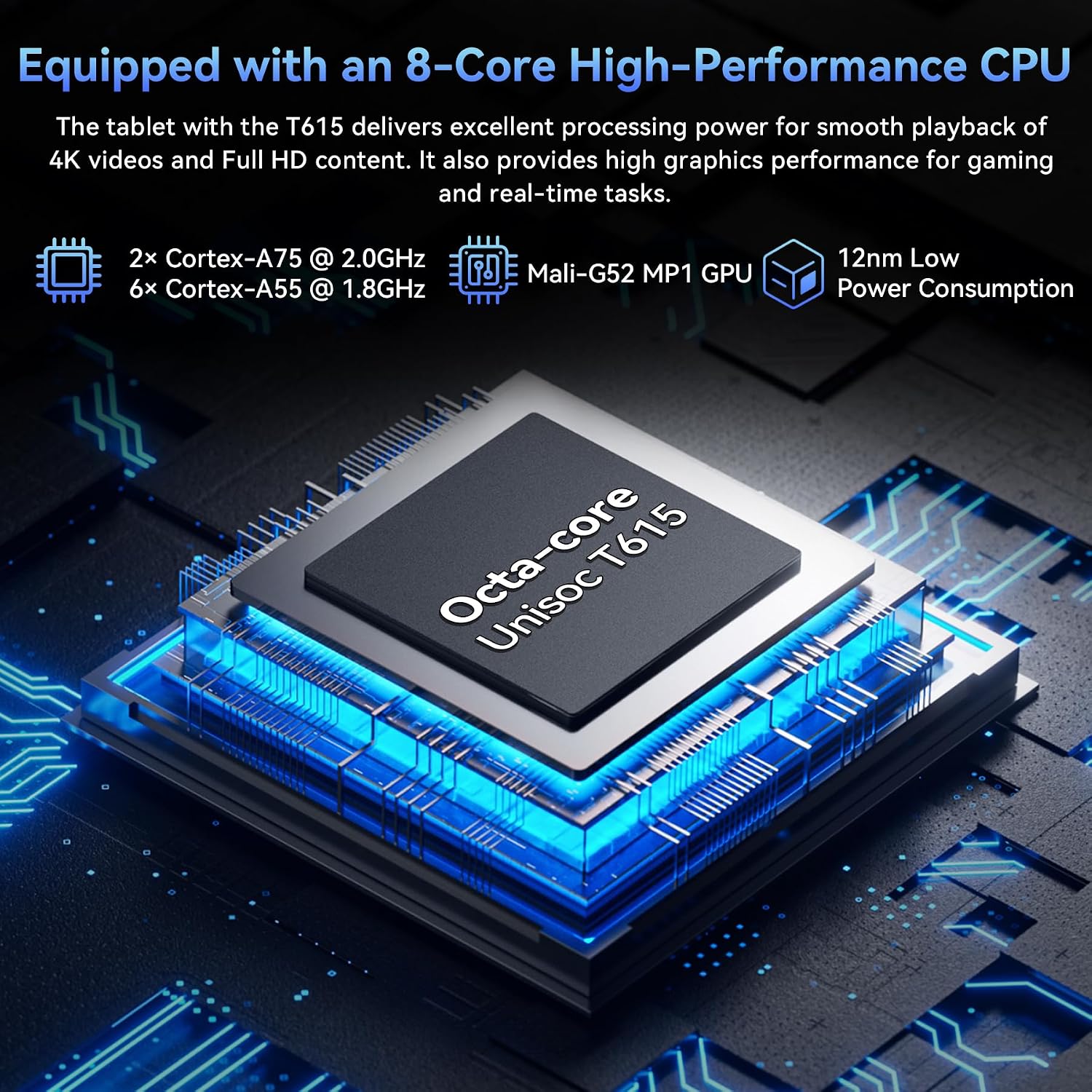
Powered by a T7250 CPU, it’s designed for everyday speeds—browsing, video calls, light office tasks and note‑taking in class or work. The claim of long battery life is supported by an 8000mAh cell, with estimates suggesting solid endurance for video playback and light use across a workday or study session. Connectivity includes dual‑band Wi‑Fi, Bluetooth 5.0 and GPS, helpful for map apps and offline positioning when needed.
Camera, AI and productivity features
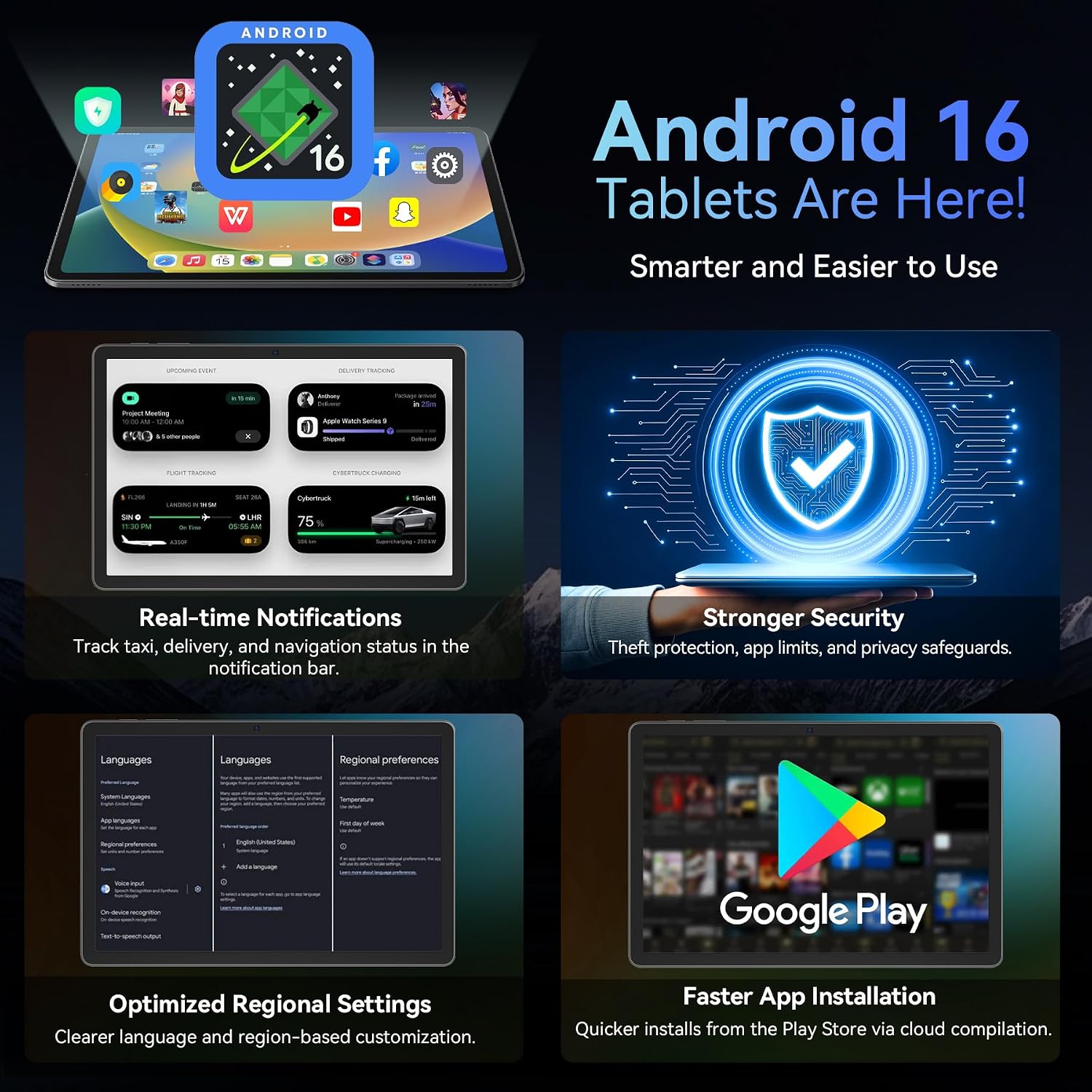
A 13MP rear camera and a 5MP front camera cover video calls and document scanning. The rear camera works with Google Lens for text recognition, translating text, identifying items and saving useful info—handy for study or field tasks. Gemini AI 3.1 aims to assist with searching, translating, summarising notes and organising tasks, which could streamline study sessions and project planning. The Android 16 software layer is described as bringing a simplified lock screen and improved quick settings, plus enhancements for cloud photo selection and Linux terminal support.
What stands out and what to watch

The bundled keyboard and mouse add real value for typing tasks and longer work sessions without needing extra accessories. The 2TB TF expansion option is a notable storage headroom if you anticipate fitting a lot of media or large documents. However, the claims around performance and AI features should be weighed against real-world usage, with the hardware‑advertised RAM, you might still see limits when multitasking heavily or running demanding apps.
Pros and cons in practice
- Pros: complete accessory bundle (keyboard, mouse, stylus), strong storage expansion potential, decent display for reading and streaming, AI features to aid study and planning, versatility for work and home use.
- Cons: exact CPU performance isn’t documented in depth, RAM configuration is unusual (high virtual RAM on a mobile platform can help but also depends on OS and app optimisation), and battery life estimates are not backed by test data in the available material. If you prioritise top‑tier gaming or pro‑level creative apps, this may feel mid‑range.
Who it’s for
Ideal for students and remote workers who want an affordable 2‑in‑1 approach with a keyboard and mouse included, plus AI tools to help with summarising notes, translating and organising tasks. It also suits light media consumption and classroom use where portability matters.
Who it isn’t for
Not the best option if you need the absolute fastest performance for demanding multitasking, high‑end photo or video editing, or if you expect long hours away from a power source without recharging. Depending on your expectations of AI features, real‑world usefulness may vary and could depend on app support and software updates.
What to check before you buy
- Confirm the exact RAM and storage configuration available in your region and how the 24GB RAM is allocated (built‑in plus virtual expansion vs. actual active RAM).
- Ensure the keyboard and trackpad/mouse are comfortable for your typical typing style and workload.
- Check any software updates for Android 16 and Gemini AI 3.1 to understand what features are readily available and how they integrate with everyday apps.
- Consider your primary use: if you’re leaning toward heavy document work and online lessons, the value of the bundled accessories increases, if you mainly browse, the extras may be less critical.

Practical usage snapshot
Imagine a typical online class: you open your notes, translate a few snippets with Gemini AI, skim a document in Split View, and jot down ideas with the keyboard while the video plays in the background. When you need to scan a page or a receipt, Google Lens kicks in via the 13MP camera. For a commute, you can download videos for offline viewing and keep files in the 128GB internal storage with room to spare for course materials.
Comparison in context
If you’re weighing this against a more basic tablet setup or a smaller laptop alternative, the combination of the included keyboard, mouse, and a high expandability storage path with 2TB TF support makes it a plausible candidate for hybrid use in education and light work. It sits in a middle ground where you’re not paying a premium for flagship specs, but you gain a practical, all‑in‑one package for day‑to‑day tasks.
Is it worth it?
Is it worth it?
- You’ll like it if you want a compact, capable Android tablet that doubles as a mobile workstation for studying and light office tasks, with AI features to assist planning and note management.
- You may want to skip it if you routinely run intensive professional software or need the absolute fastest performance for demanding workloads.
- This is a sensible pick for students and remote workers who value bundled accessories and flexible storage, provided the AI features align with your workflow.
FAQ
- What storage options are there? It includes 128GB ROM with support for up to 2TB TF expansion.
- Does it support Netflix in high resolution? Yes, Widevine L1 is listed, which supports higher‑quality streaming.
- Can I use it for long video calls? The 13MP camera supports video calls, battery life is stated as up to 11H video playback, which may translate differently in calls depending on usage.