

XPPen Magic Note Pad 10.9" Paper Tablet with 90Hz display and 16K pressure pen
Product description
The essentials
If you like the idea of handwriting notes, marking up documents, or sketching on something that feels closer to paper than a typical tablet, the XPPen Magic Note Pad 10.9" is built around that goal. It pairs a 10.9" anti-glare, paper-like experience with a 90Hz refresh rate for smoother writing and reading, plus a 16.7M colour panel aimed at vivid visuals.
On paper, it also tackles some of the annoying daily issues: it includes a smart pen (16K pressure sensitivity with a “gel-pen feel” approach), it comes with switching colour modes for different viewing needs, and it’s designed to run for days thanks to an included battery. That combination is what makes it feel more like a digital notebook you can actually use every day rather than a gadget you try once.
That said, no device like this is perfect. If you’re expecting it to behave exactly like a top-tier creative screen or if you need very specific software workflows, it’s worth tempering expectations and checking your priorities around note-taking versus broader creative use.
Where it shines in everyday use
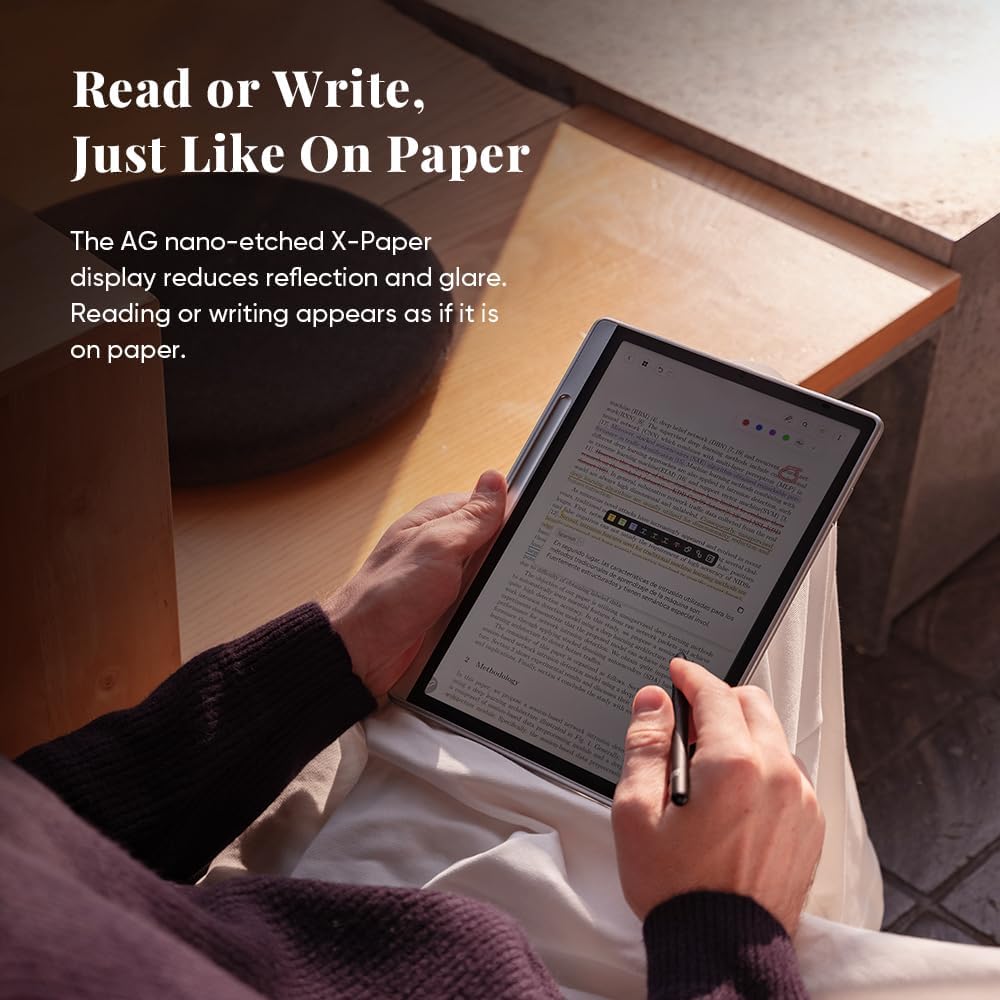
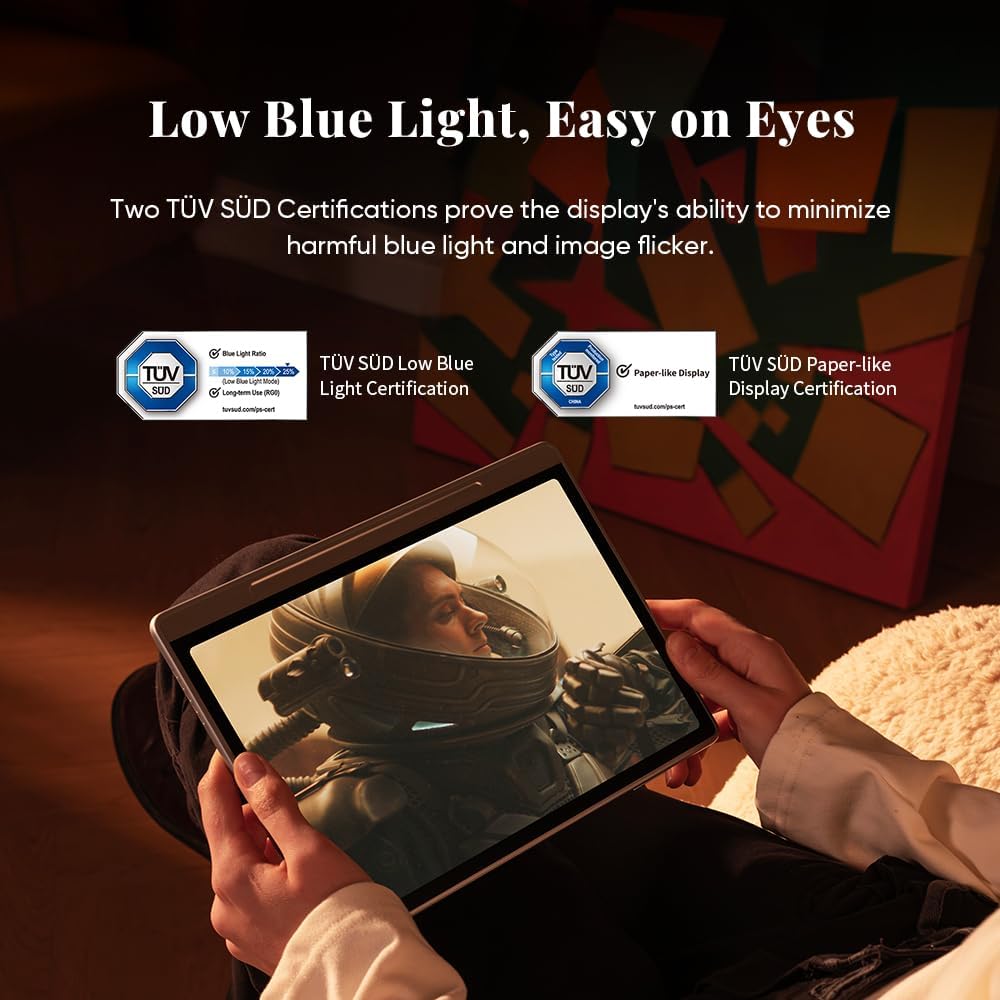
The headline is the “paper-like” concept. With an anti-glare display and a focus on natural writing and reading, this is the kind of screen-first notebook that suits people who take a lot of notes, annotate PDFs or documents, and want to reduce the friction between writing with a stylus and reading what they’ve written.
A simple example: imagine you’re revising from printed handouts. You can switch colour modes with a one-touch control—Ink Paper for writing, Light Color for a brighter reading mood, or Nature Color depending on what’s easiest on your eyes. Instead of constantly changing settings, the device is designed for quick toggles during a study session or when you’re in “heads-down” mode.
Display and colour modes: why they matter
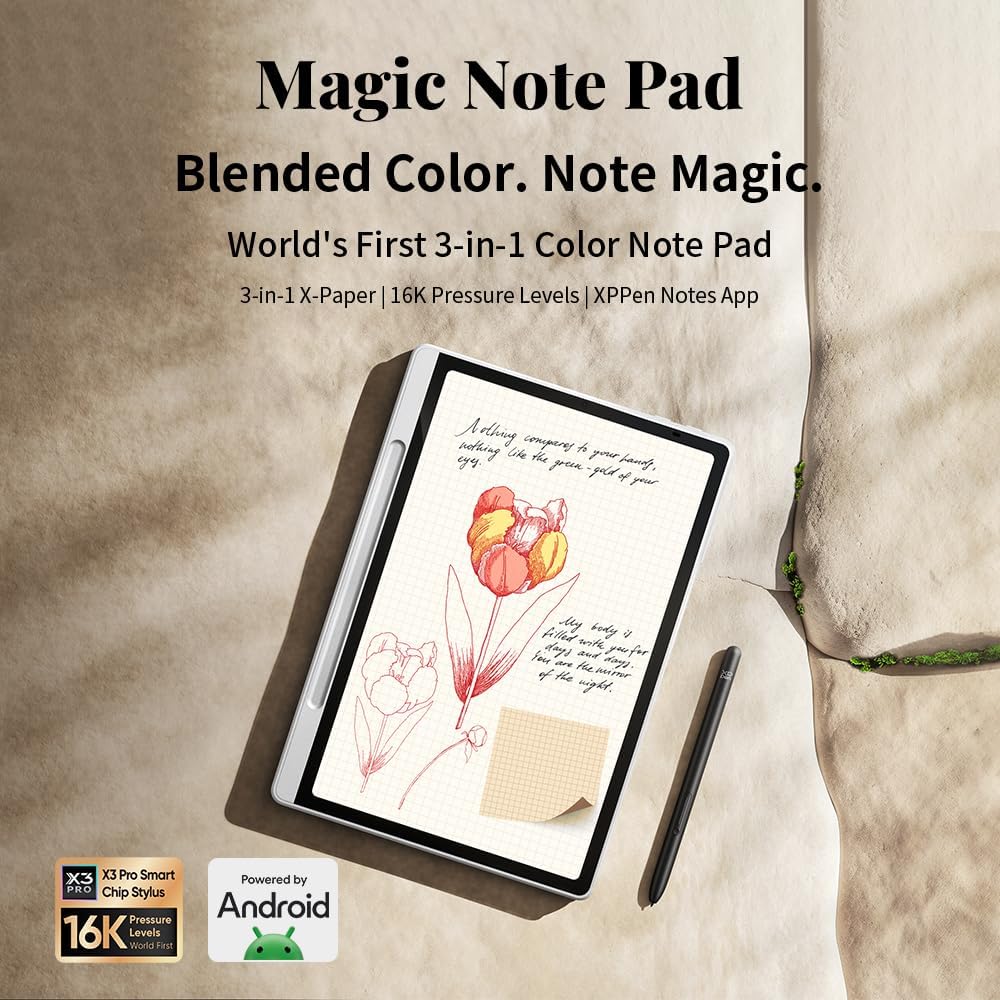
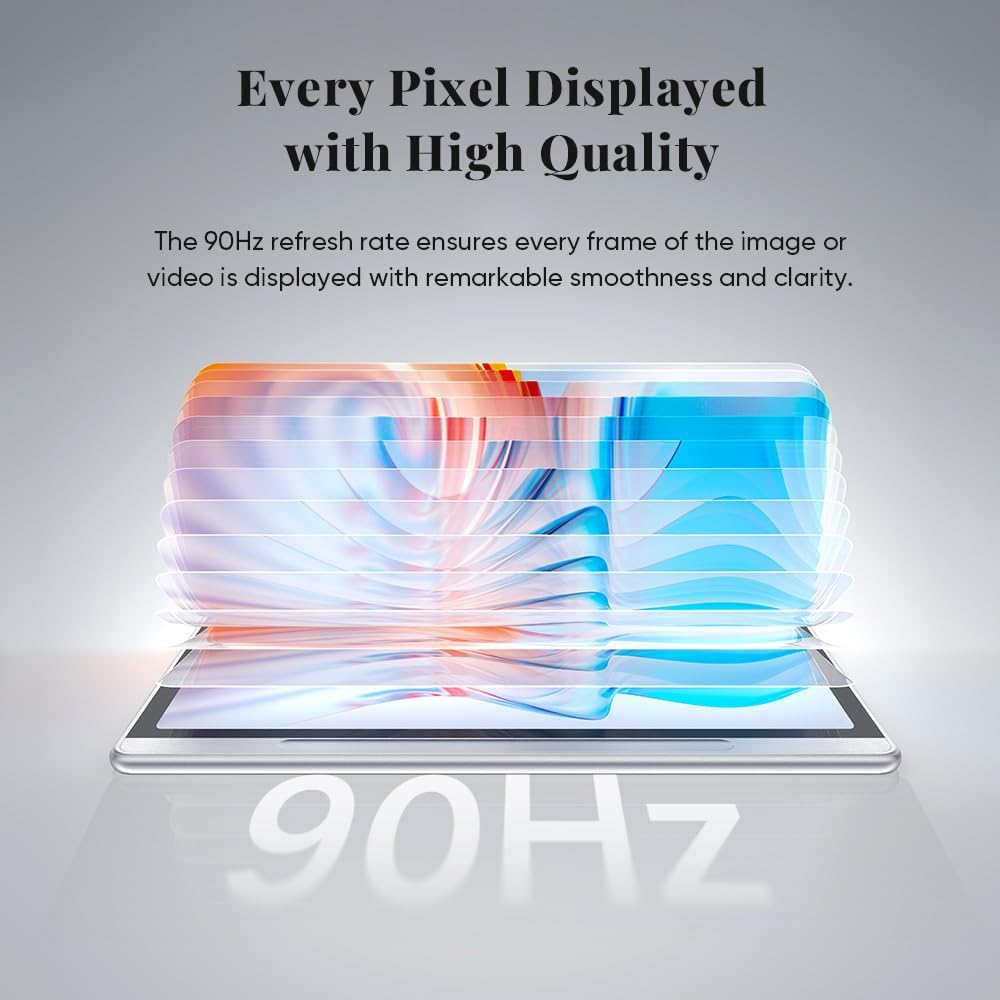
The Magic Note Pad is positioned around a comfortable viewing experience. The 10.9" anti-glare display plus 90Hz refresh rate should help keep pen lines looking smoother and less “laggy” when you move quickly.
For colour, it’s rated at 16.7M colours and 400 nit brightness (so, generally sensible for clear viewing). The practical touch is the one-touch switching between three modes: Ink Paper, Light Color, and Nature Color. Depending on your use, that can make a noticeable difference—writing may feel better in Ink Paper, while reading might be more comfortable in a lighter mode.
Worth noting: if your main priority is professional-grade colour accuracy for serious creative work, spec-led brightness and vivid colour don’t automatically guarantee that. For annotation and notes, though, it looks like the kind of setup that will cover most day-to-day needs.
Pen experience and control
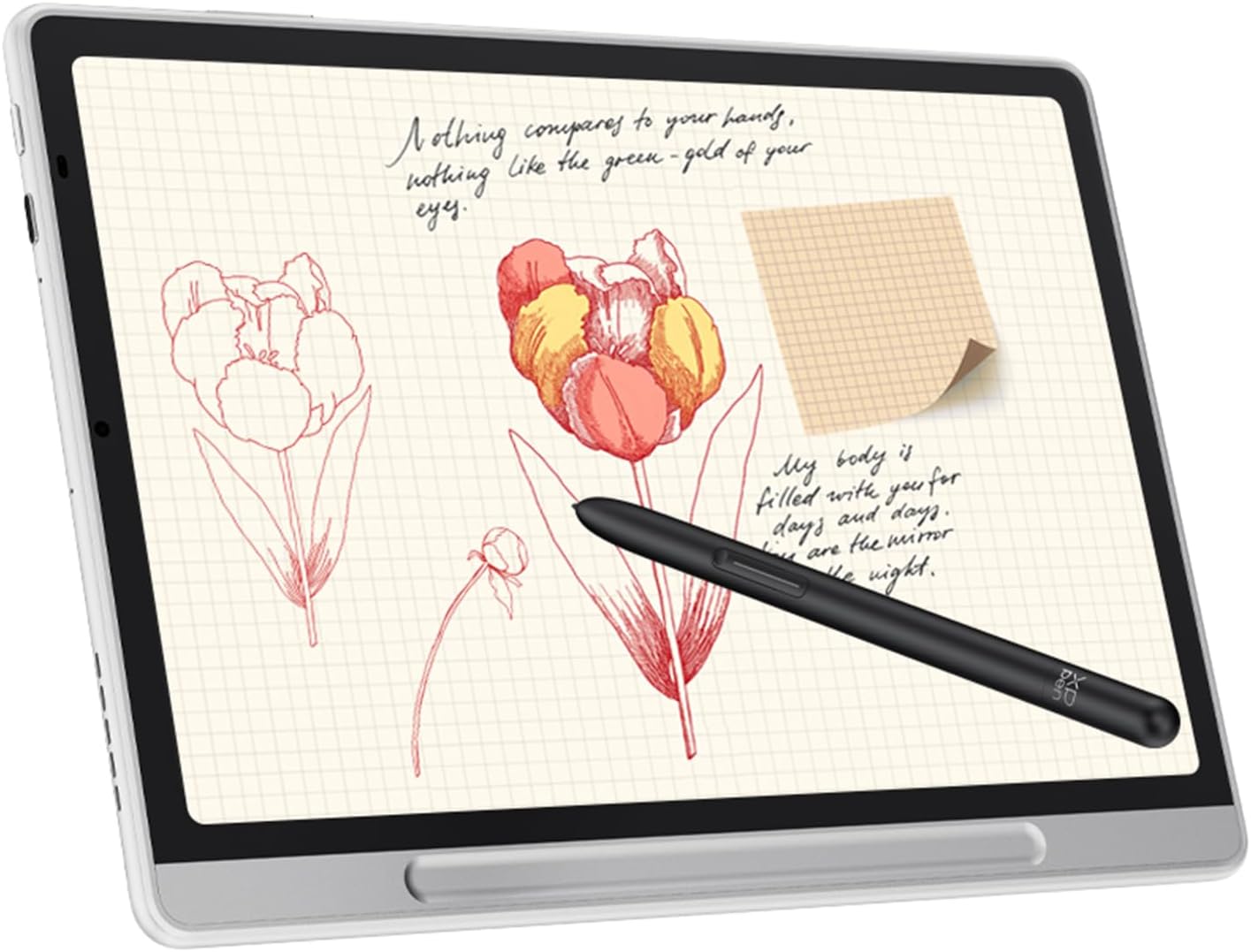
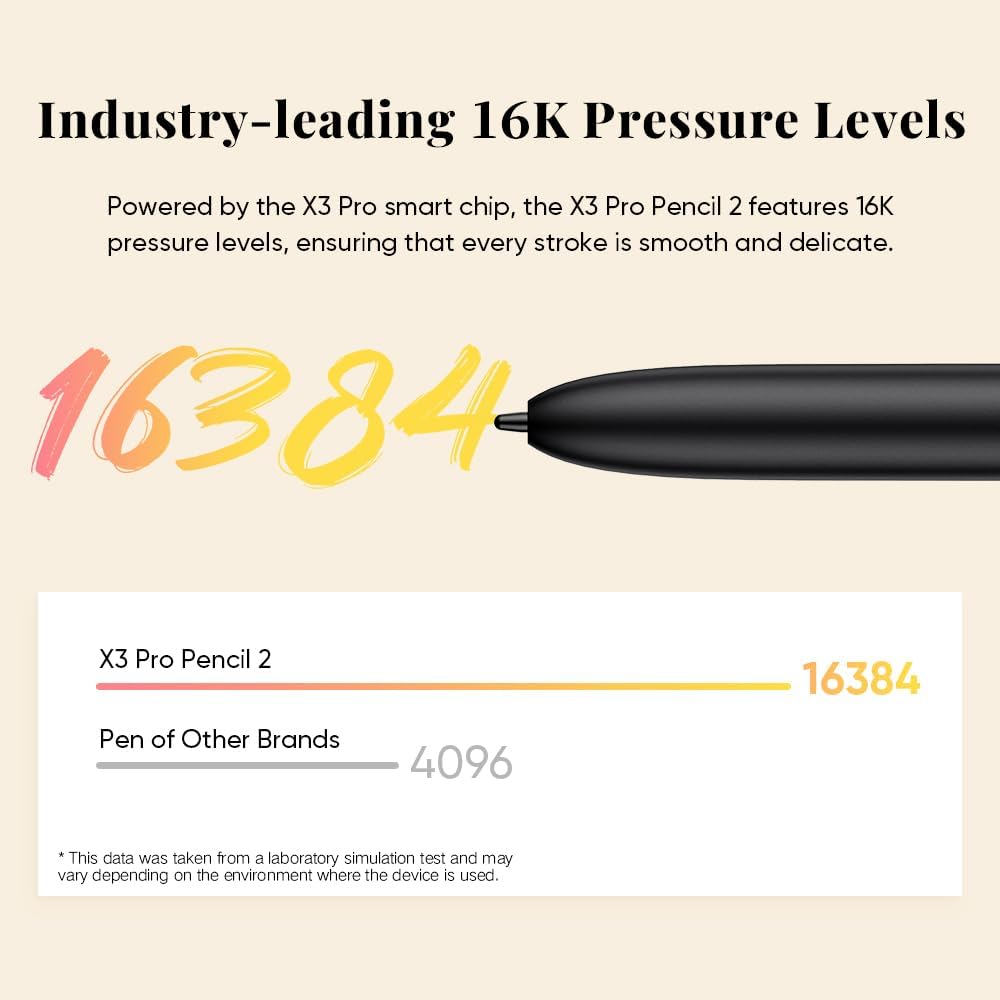
The included stylus is the part you’ll feel most. The X3 Pro Pencil 2 approach brings 16K pressure sensitivity with a “gel-pen feel” aim, plus magnetic attachment so it can be kept in place rather than rolling around the desk.
There are also customised shortcut options mentioned, which matters more than people think. When you’re taking notes fast, small controls you don’t have to hunt for can keep your flow intact. If you’re the sort of person who splits attention between writing, highlighting, and switching tools, this is clearly trying to reduce friction.
App and storage/battery: day-to-day practicality
The device includes the XPPen Notes app, described as free for life. It’s specifically presented as designed for note-taking, annotating, and drawing—so if those are your core tasks, it’s not asking you to immediately figure out a complex setup.
Battery and storage are also covered in the pitch: it includes 128GB storage and an 8000mAh battery, with a battery-focused “no anxiety” framing. In real terms, that means you’re less likely to worry about charging every day just to keep the notebook usable, and you have room on-device for content.
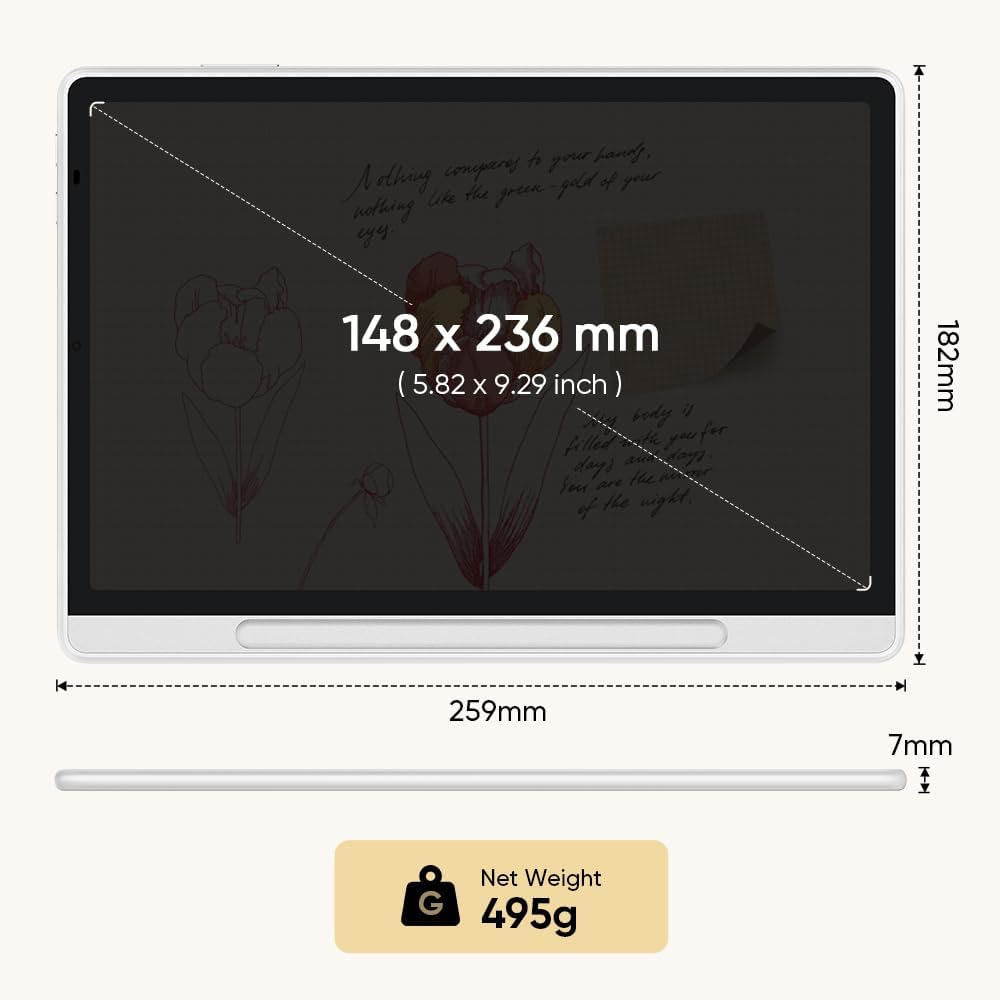
One more detail: it’s described as ultra-light (495g, 7mm). That makes it more plausible to treat as a portable note companion—grab-and-go for meetings, commuting, or sitting at a desk without it feeling like a brick.
Tech specs that influence buying decisions
Technical details
- Name: XPPen Magic Note Pad 10.9" Color Paper Tablet
- Type: Digital notebook tablet for note-taking, reading and document annotation
- Display: 10.9" anti-glare display with 90Hz refresh rate
- Colour: 16.7M colours
- Brightness: 400 nit
- Colour modes: Ink Paper, Light Color, Nature Color
- Pen: X3 Pro Pencil 2
- Pressure sensitivity: 16K
- Storage: 128GB
- Battery: 8000mAh
- Body size/weight: 495g, 7mm (described as ultra-light)
Who it suits (and who should pause)
It makes sense if you: - want a paper-like writing experience for notes and annotations - prefer a smoother feel, helped by the 90Hz refresh rate - like switching display modes quickly during studying or document review - want a portable digital notebook with included pen and a battery/storage story
It may not suit you as well if: - your expectations are based on a high-end creative display ecosystem beyond notes and annotation - you need very specific third-party software support (the notes app is included, but the details of broader workflow compatibility aren’t provided here) - you’re primarily buying a “tablet for everything”, because this is clearly designed around writing, reading and marking documents rather than general tablet versatility
Final verdict
Final verdict
The XPPen Magic Note Pad 10.9" looks like a sensible buy if you’re shopping for a digital notebook that leans into handwriting comfort: anti-glare paper-like display, 90Hz for smoother motion, 3 colour modes for different reading/writing moods, and an included 16K pressure pen that’s designed to feel like writing with a gel pen.
Where it could fall short is in the areas not spelled out—if you’re chasing professional creative screen performance or very specific software workflows, you may find it a bit too “notes-focused” for what you had in mind. But for study sessions, meetings, marking up documents, and everyday note-taking, it’s positioned as a practical device rather than a novelty.
Mini FAQ
The essentials
Does it include a pen? Yes. The X3 Pro Pencil 2 is included and supports 16K pressure sensitivity.
Can I switch display styles while using it? Yes. The device is described as having one-touch switching between Ink Paper, Light Color and Nature Color.
Is it mainly for note-taking or can it annotate documents too? Both. The notes app is presented as designed for note-taking, annotating and drawing, and the product description frames it for document annotation.
How portable is it? It’s described as ultra-light (495g, 7mm), which should suit people who want something easier to carry than a typical larger tablet.
Is the battery likely to last more than a day? The product positioning is “battery anxiety” free, with an 8000mAh battery and days of use mentioned, but exact real-world runtimes aren’t given.