

TUOHAITIME Android 16 Tablet review: 10.1-inch, 30GB RAM with Keyboard & Mouse
Reviews
Price
Product description
What this is and what it solves
The TUOHAITIME Android 16 Tablet is an Android tablet aimed at multi‑taskers who want a larger screen for media, work and casual gaming without needing to carry multiple devices. On paper, it blends a sizeable RAM stack with expandable storage, a responsive octa‑core processor and a modern connectivity suite. If you’re after a device that can handle everyday productivity, video streaming and light gaming, this model provides a broad feature set at a pragmatic price point. It’s not perfect, but it can work well for students, remote workers and families who value a versatile, all‑in‑one tablet.
Core specs at a glance
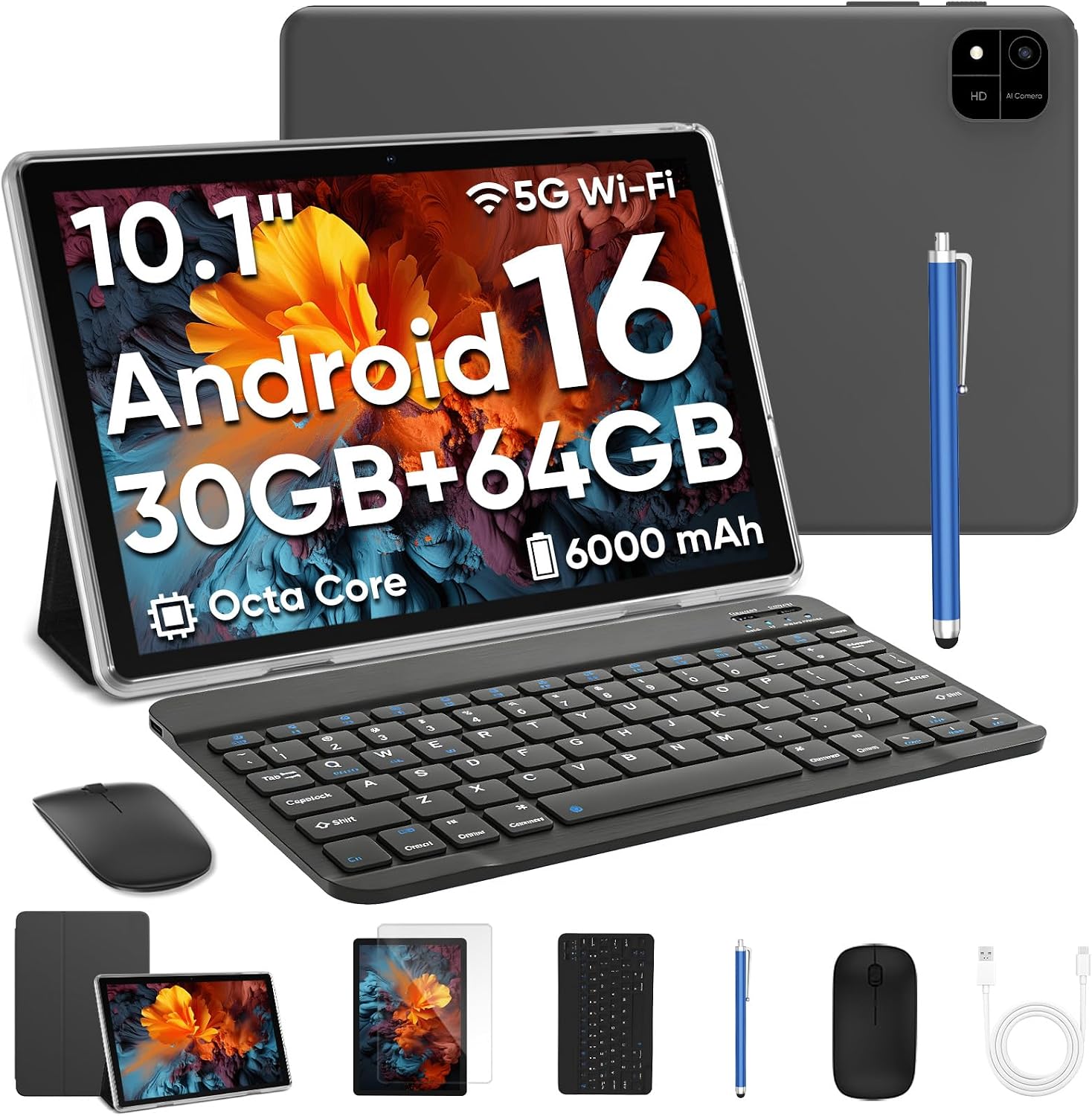
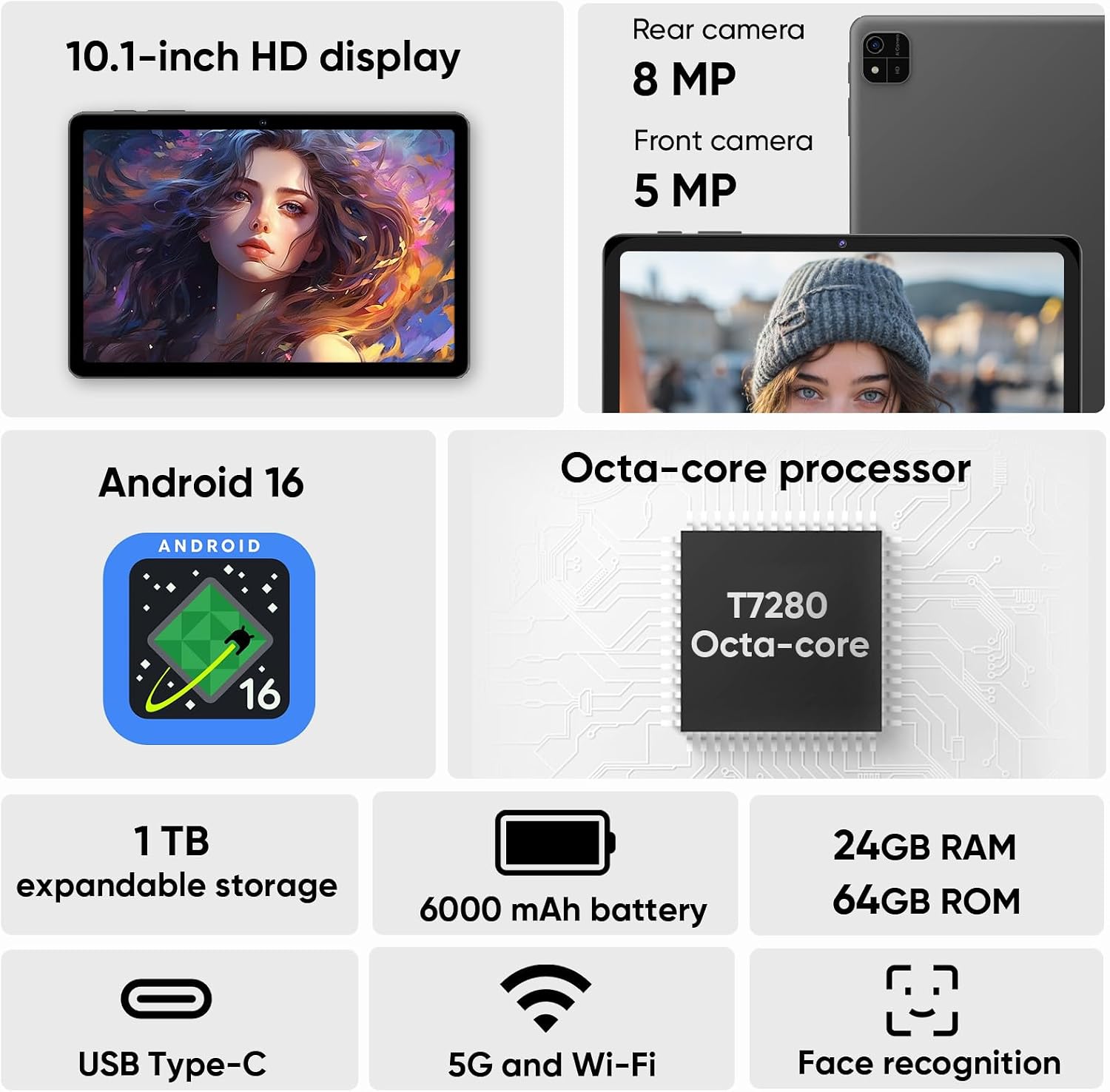
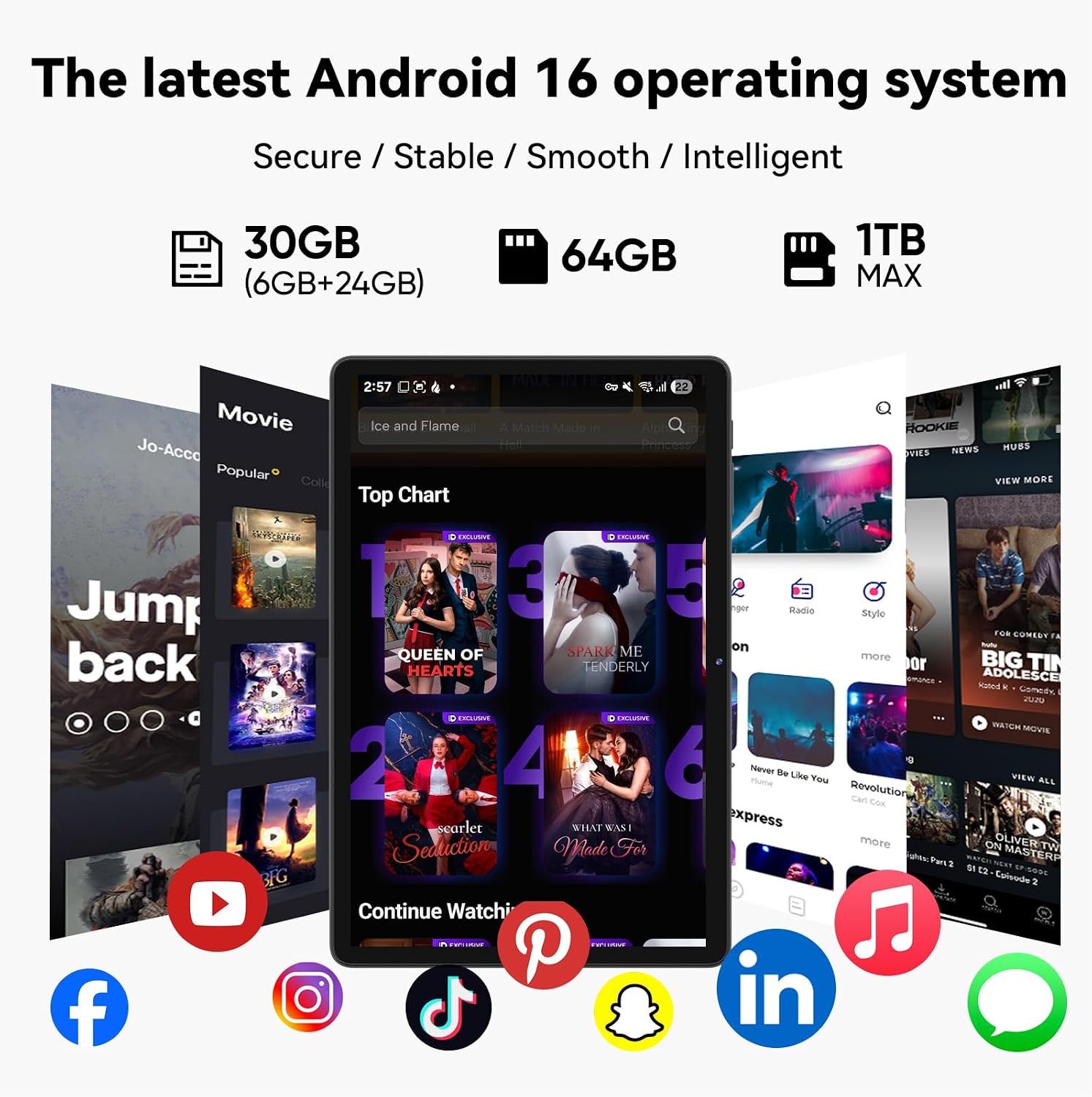
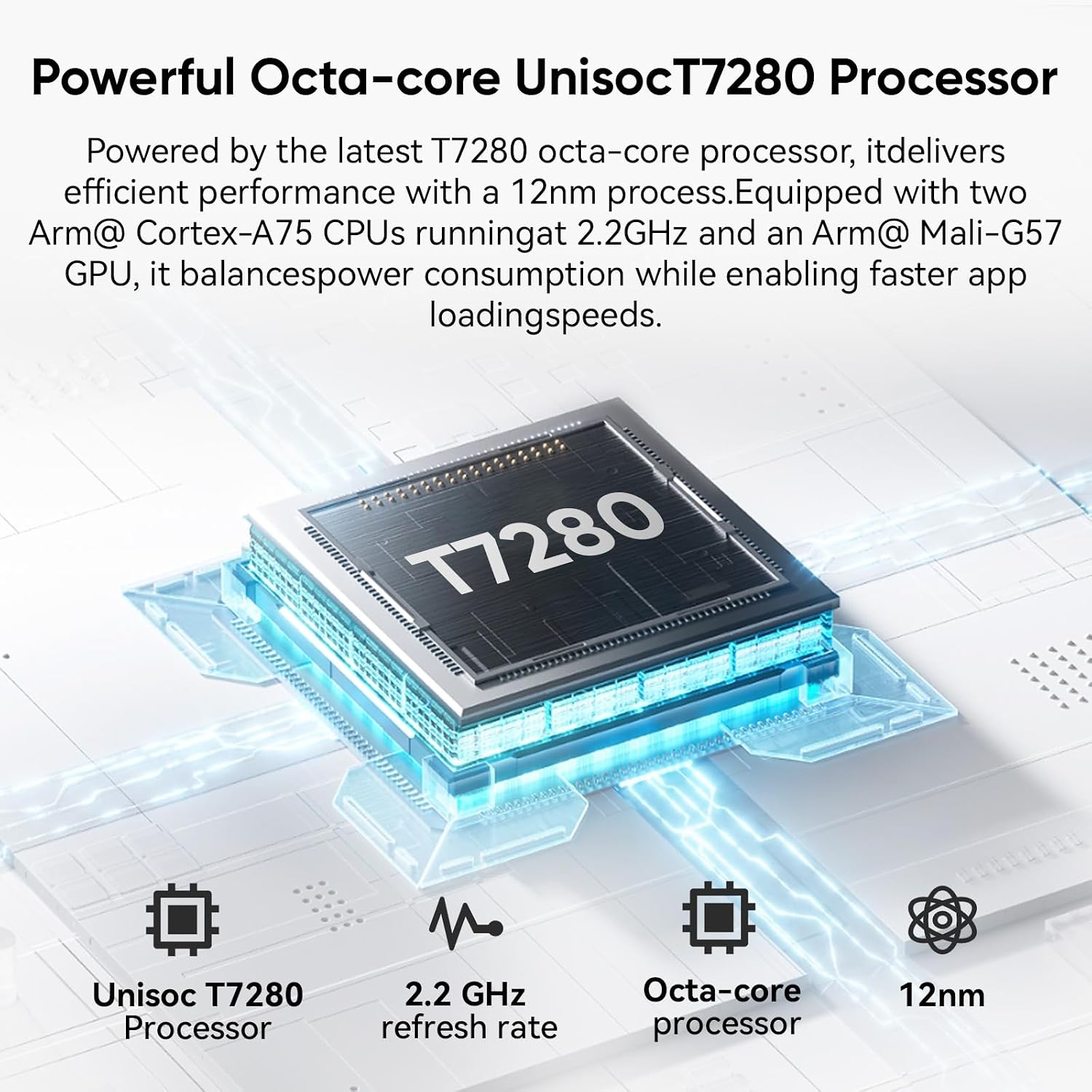
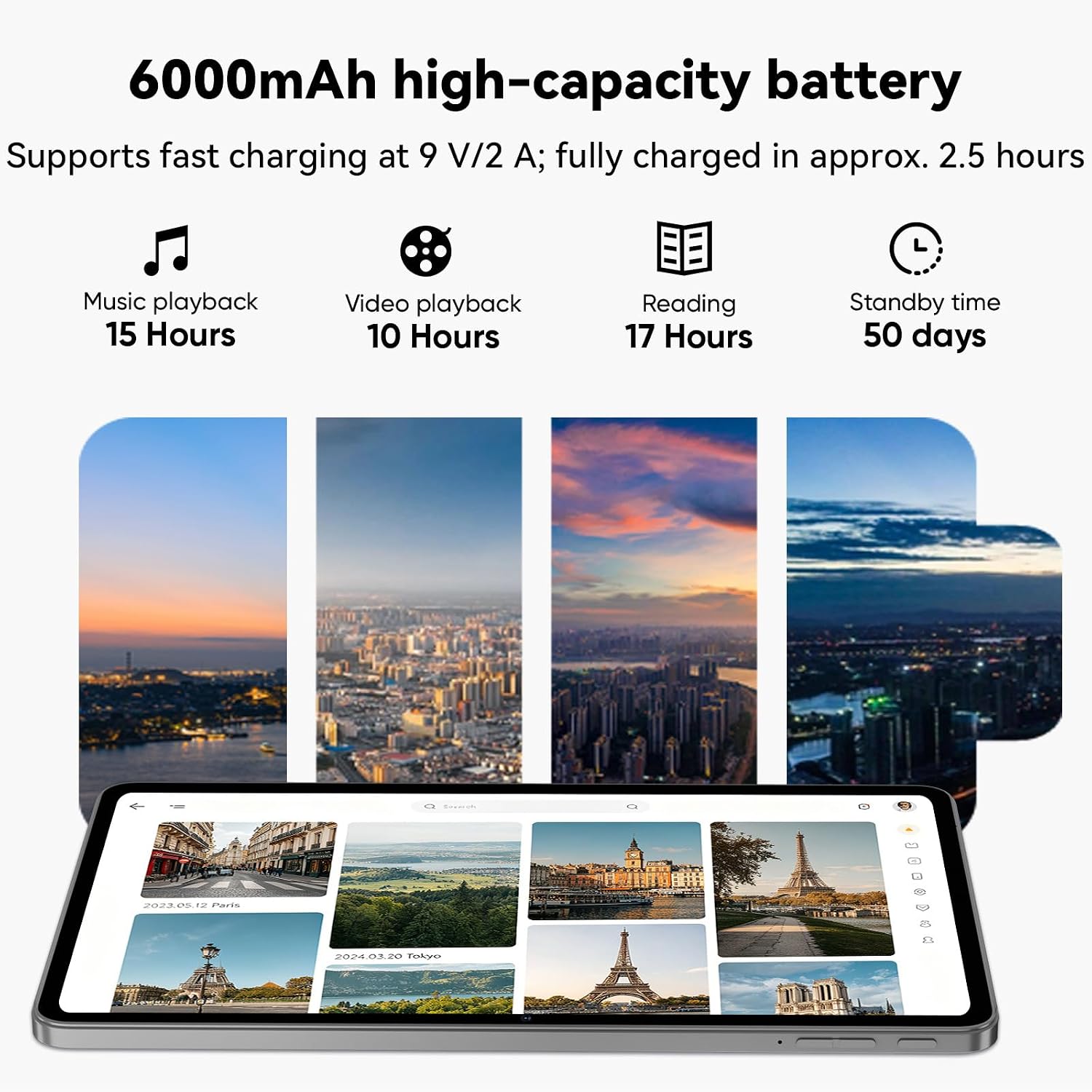
This model stresses big memory and storage: 30GB RAM (listed as 6+24) and 64GB ROM, plus a TF card slot that supports up to 1TB for extra space. The processor is octa‑core at around 2.0GHz, which is aligned with mid‑range performance needs. It runs Android 16, which is presented as a newer software layer with features such as multi‑window, eye protection mode and three‑finger screenshots. Bluetooth 5.0 and WiFi 6 offer modern wireless connectivity, and the 6000mAh battery with 18W fast charging aims to balance longevity with quick top‑ups.
Display, media and how it feels to use
The 10.1‑inch display is described with 1280×800 resolution and an IPS panel, which should deliver reasonable sharpness and wide viewing angles for everyday tasks. Widevine L1 support is noted, which means straightforward access to HD streaming content from compatible services. The tablet includes dual stereo speakers and a 3.5mm audio jack for flexible listening. In daily use, you can expect decent visual clarity for web pages, video calls and casual video playback, it won’t be the sharpest option for photo editing or high‑end gaming, but it’s adequate for typical media consumption on the go.
Real‑world performance and software experience
With 30GB of RAM (6+24) and a 2.0GHz octa‑core processor, the device is positioned to handle multiple apps simultaneously and maintain responsive multitasking. Android 16 brings up‑to‑date management features, which can help with battery life and background processes. Touch input, face unlock and the bundled keyboard and mouse improve productivity on a tablet that’s intended for work tasks and study sessions. However, as with many tablets in this category, heavy gaming or intensive photo/video editing may push the hardware toward its limits, especially if you push many apps at once.
Battery life and charging expectations
The 6000mAh battery paired with 18W USB PD fast charging should enable longer periods between recharges for typical use, such as streaming, browsing and light productivity. Real‑world endurance will depend on screen brightness, WiFi usage and how many apps are open. If you’re planning long flights or full workdays without a plug, you may still need to top up mid‑day depending on workload and background activity.
Cameras and video calls
The tablet features dual cameras (8MP rear and 5MP front). For video calls, scanning documents or quick snapshots, they should be serviceable, they aren’t a standout feature for photography. If your primary need is high‑quality photography, a dedicated camera would be preferable, but for video conferencing and casual photos, they are adequate.
What’s in the box and setup notes
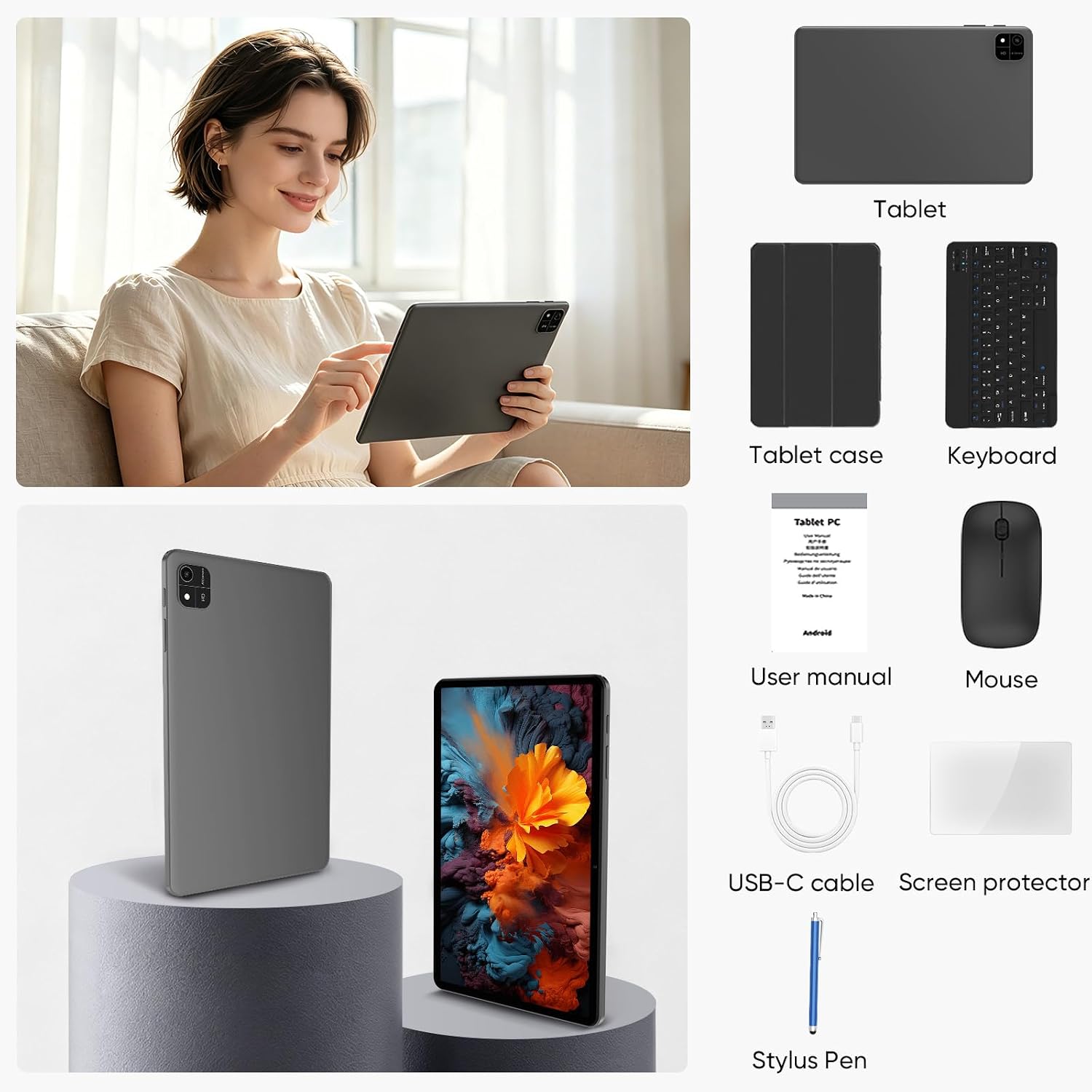
Package contents include the 10.1 inch tablet, a keyboard, a mouse, a stylus, a protective case, a USB charger, a USB‑C cable and a user manual. This packaging is useful for immediate productivity out of the box, especially if you value a ready‑to‑go work setup. Quick setup is helped by the face unlock feature, which can speed up access alongside your existing WiFi network.
Who it’s for and when to buy
This tablet is worth considering if you prioritise a flexible, budget‑friendly device with strong multitasking potential and external peripherals for productivity. It suits students, remote workers and families who want a single device for learning, streaming and light content creation on the move. It may not be the best option for power users who demand top‑tier gaming performance or high‑resolution photography, or for those who require the very latest processor generation.
What to check before buying
- Confirm the local software availability and any regional tweaks for Android 16, as experiences can vary slightly by region.
- Review battery use expectations with your typical apps, if you run many heavy apps, you may notice shorter endurance than the stated figure.
- Consider whether you need more than 64GB of internal storage, the TF card expansion helps, but swapping SD cards can be a hassle for some users.
- Check that the keyboard and mouse integration works smoothly with the OS version and your habitual workflows.

Practical use case thought experiment
Imagine using this tablet on a commute, typing up notes with the keyboard while streaming a lecture in another tab. The multi‑window feature can help you switch between a document and a reference page without leaving your current app. If you’re looking for a compact workstation for writing, presenting from a tablet, or joining a video call while taking notes, this model offers a coherent setup with minimal extra gear required.
Final decision: Is it worth it?
Is it worth it? For buyers seeking a pragmatic blend of large RAM, expandable storage and a bundled keyboard/mouse to support everyday tasks, it is worth considering if you prioritise versatility over raw performance. It’s not the premium option, but the package presents good value for those who want a ready‑to‑use productivity tablet with modern connectivity.
FAQ
- Does the device support high‑definition streaming? Yes, thanks to Widevine L1.
- Can I expand storage easily? Yes, via the TF card slot supporting up to 1TB expansion.
- Will it handle multiple apps at once? The 30GB RAM helps multitasking, but heavy gaming or professional editing may require compromises.