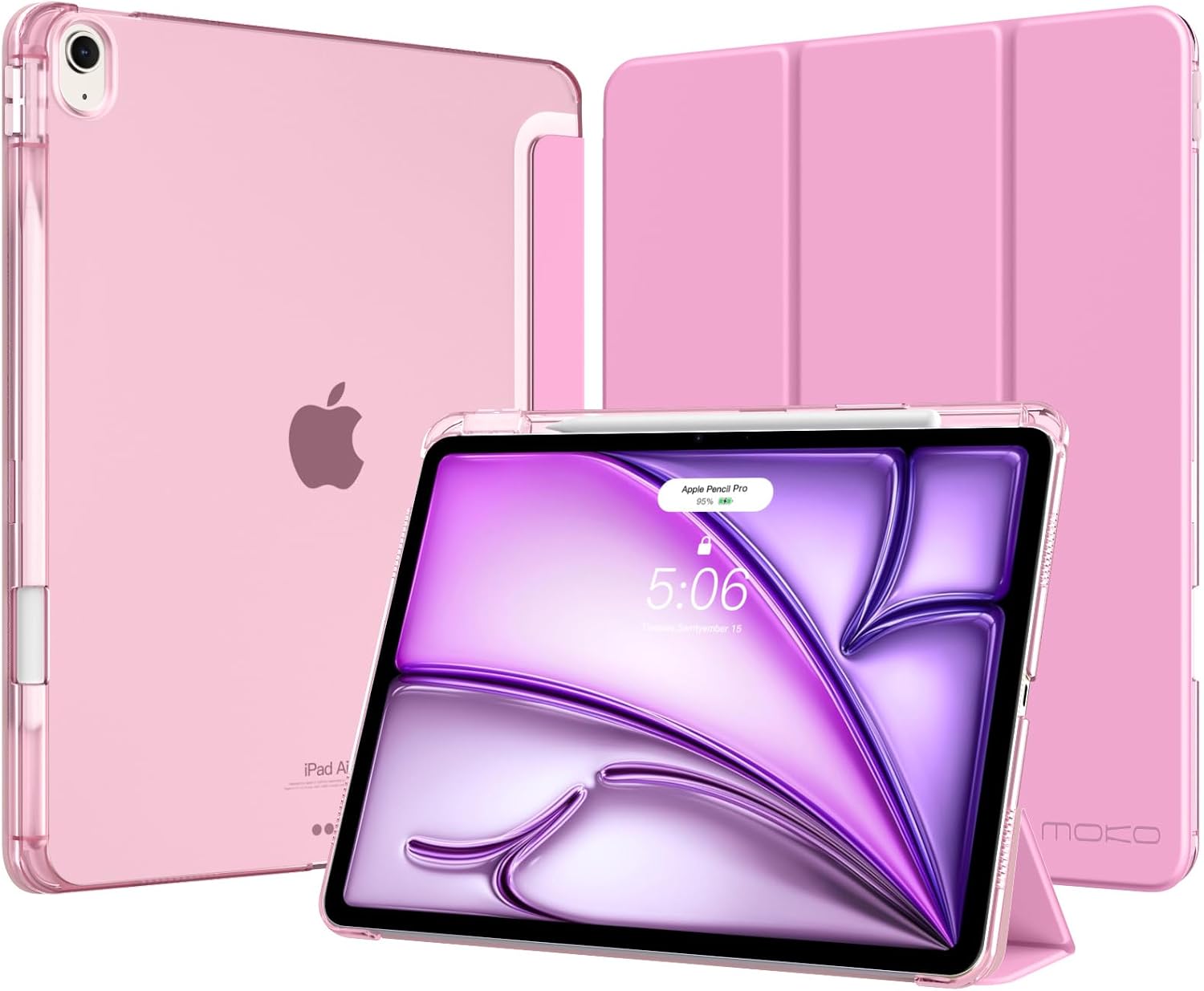
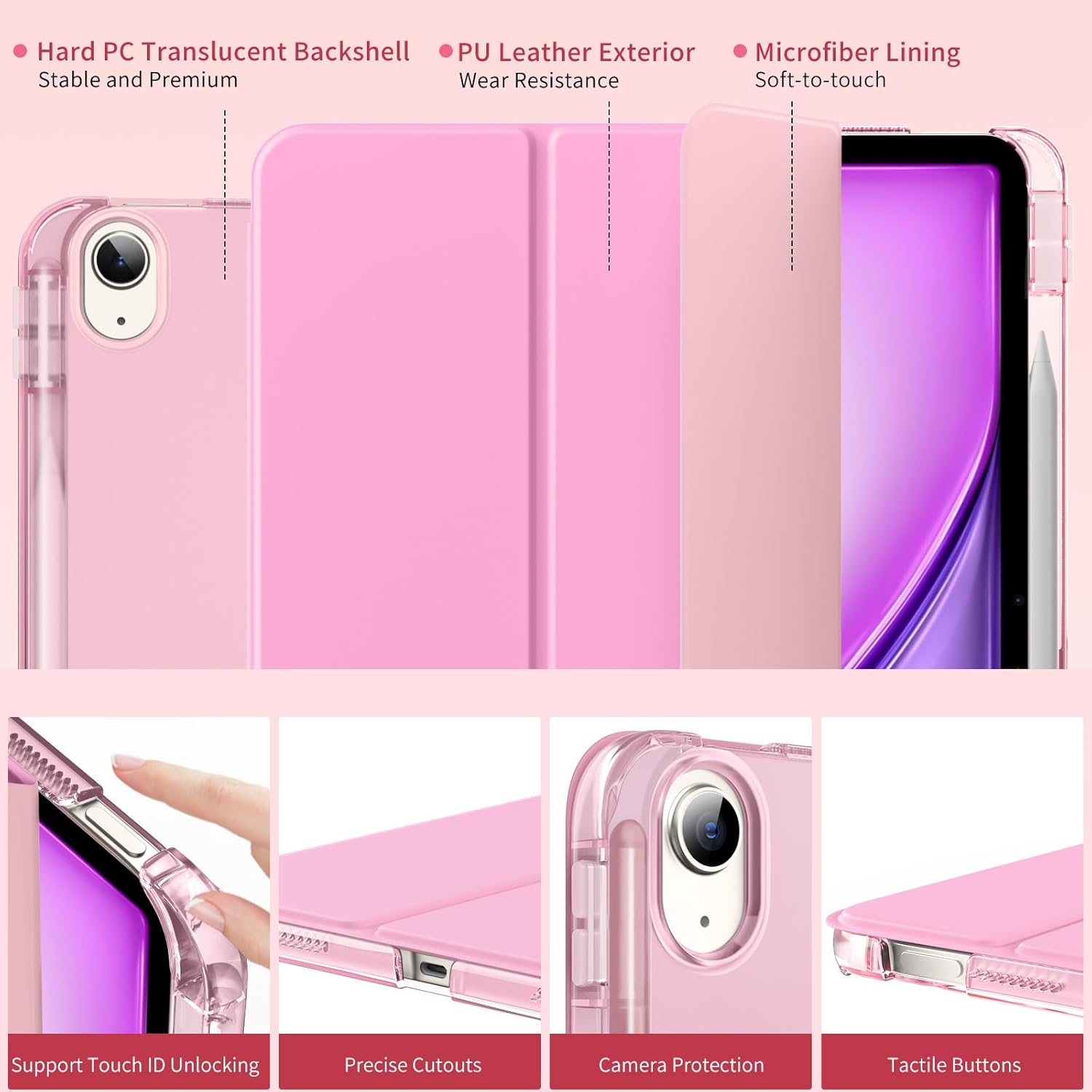
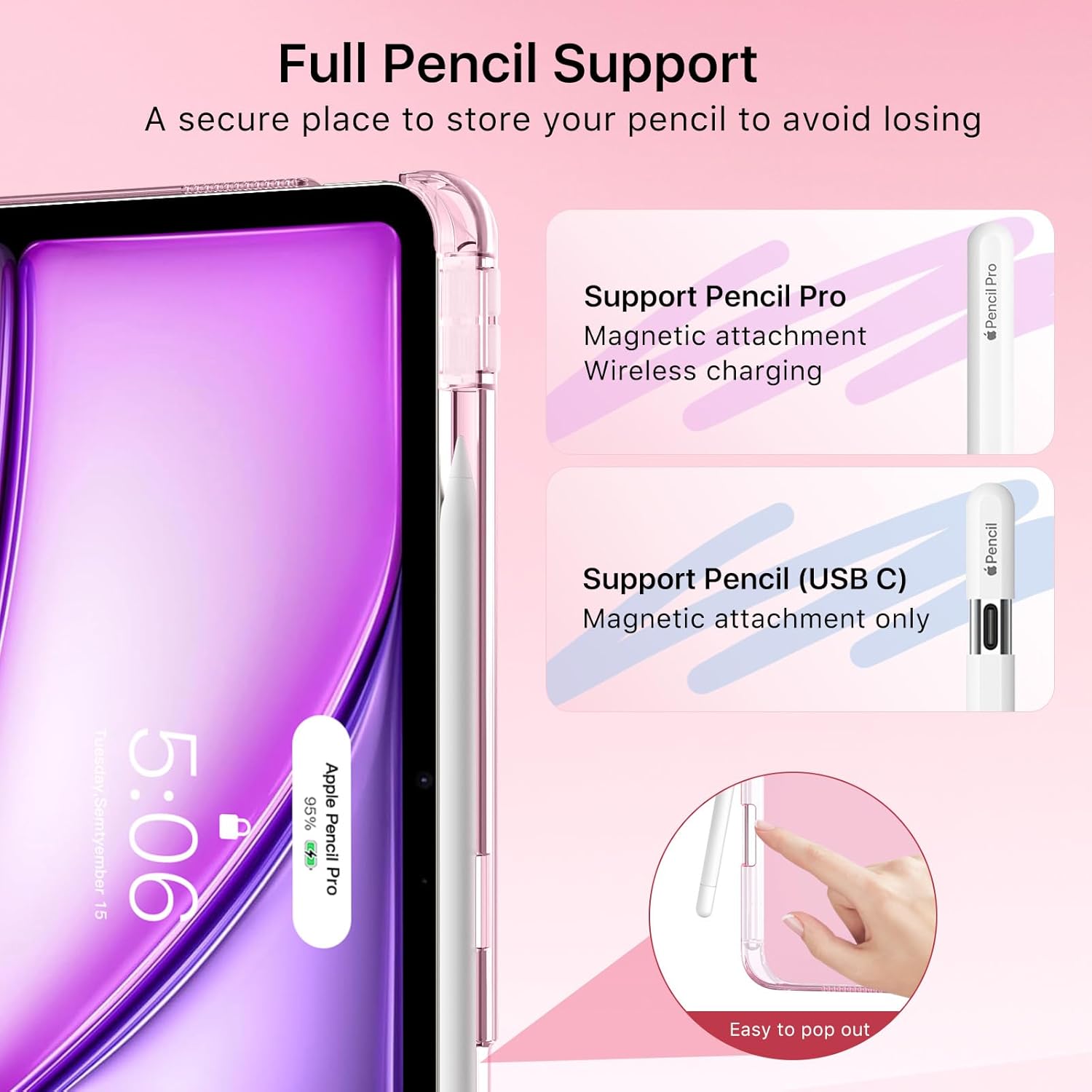
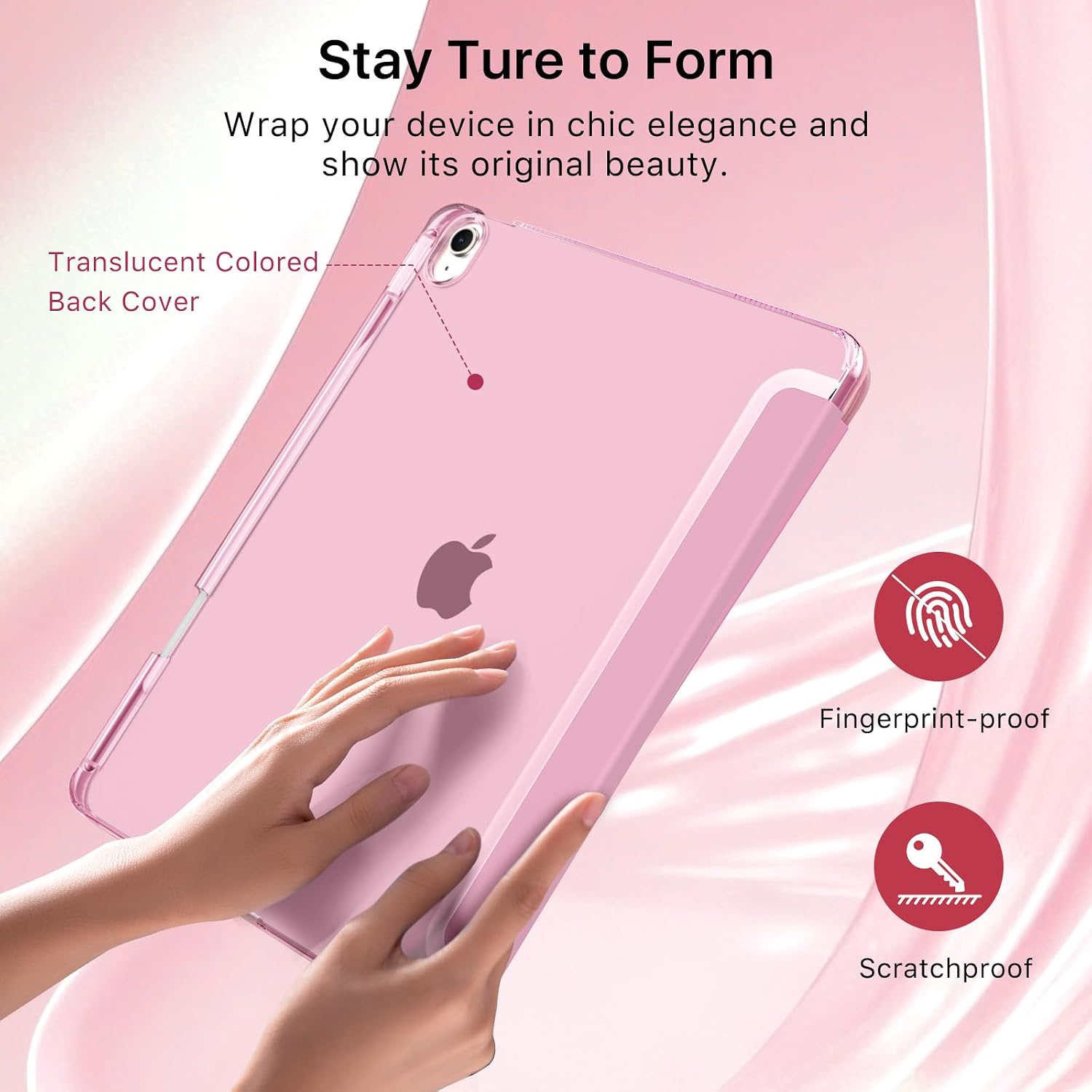
What it is and what it solves\nThe MoKo case for iPad Air 13-Inch is a slim protective cover designed specifically for the M4 2026, M3 2025 and M2 2024 iPad Air models. It combines a soft microfiber interior with a translucent hard PC back shell and a PU leather exterior to guard against scratches, bumps and everyday wear. A built-in Pencil holder keeps your Apple Pencil Pro or USB-C pen close at hand, reducing the chance of misplacing it. If you prioritise simplicity and portability without adding bulk, this case aims to deliver that balance.\n\n## Compatibility and fit\nThis model explicitly lists compatibility with iPad Air 13-Inch M4 (A3462, A3464), M3 (A3268, A3269, A3271) and M2 (A2898, A2899, A2900). It does not claim compatibility with other devices. Before purchasing, verify your iPad’s model number on the back to ensure a proper fit. The design relies on precise cutouts for Touch ID, buttons, ports and speakers, so the experience should feel familiar to use.\n\n## Construction and materials\nOn the outside, a PU leather finish provides a neat, understated look, while the inner microfiber lining protects the screen from dust and smudges. The back is a translucent PC shell, which helps keep the design slim while still offering rigidity. The combination aims to resist daily knocks and casual drops without adding significant weight. If you value a lighter, less bulky setup, this approach can be appealing.\n\n## Pencil compatibility and use\nA notable feature is the built-in pencil holder, which helps you keep the Apple Pencil Pro or USB-C pencil handy. Do note that the product only supports wireless charging for the Pencil Pro—so charging efficiency is tied to that accessory’s compatibility. The pencil is not included. In practice, this can reduce the hassle of hunting for a loose pen in a bag.\n\n## Stand function and everyday usability\nThe case uses a magnetic connection to provide two adjustable angles for viewing and typing. This makes it convenient for reading articles, watching videos, or typing emails without needing a separate stand. The auto wake/sleep feature is a practical battery saver: opening the cover wakes the iPad, closing it puts it to sleep. For daily use, that small automation can translate into meaningful idle-time savings.\n\n## What stands out and where it may fall short\nWhat stands out is the combination of a slim profile, a dedicated pencil slot and practical wake/sleep automation. It may not be the most rugged option on the market, and the translucent back shell will show fingerprints more readily than a matte finish. If you’re after premium grip or a heavier-duty case, you might want to compare with other rugged styles.\n\n## Who it’s for and who it isn’t ideal for\nIt fits users who want a lightweight sleeve that protects the back and screen while keeping the Apple Pencil within reach. It’s a sensible choice for students, professionals or commuters who prioritise portability and convenience. It may not be ideal for those who routinely work in harsh environments, or for anyone seeking a fully rugged, shock‑proof shell.\n\n## When it makes sense to buy\nIf you need a slim, purpose-built case for the M4/M3/M2 iPad Air with an integrated Pencil holder, and you value auto wake/sleep and straightforward viewing/typing angles, this MoKo option could fit the bill. It’s a practical mid-range choice that focuses on daily usability rather than high‑end protection.\n\n## What to check before you buy\n- Confirm your iPad model number matches one of the listed variants.\n- Consider whether you’ll rely on the Pencil holder daily and if wireless charging is important for your Pencil Pro.\n- Think about the level of scratch resistance you expect from a translucent back shell and PU leather.\n- Assess whether you prefer a light, unobtrusive case versus something with deeper edge protection.\n\n## Practical usage scenario\nImagine commuting to work with a light case in your bag. You open the cover to watch a quick video, prop the iPad at a comfortable angle for a brief read, then click the pencil into the holder when you sketch a quick note. The auto wake/sleep feature helps pull the device from sleep during a short break, and back again when you resume. That kind of routine highlights the case’s strengths: portability, everyday convenience and a tidy pencil solution.\n\n## FAQ highlights (where data allows)\n- Does it support Apple Pencil Pro wireless charging? Yes, the design notes that Pencil Pro wireless charging is supported.\n- Is the back fully transparent or slightly tinted? It is a translucent PC back shell.\n- Will touch ID work through the case? Yes, the cutouts are designed to support Touch ID functionality.\n\n## Final verdict\nIs it worth it? Worth considering if you prioritise a slim, protective shell with a pencil holder and practical stand angles for daily tasks. It’s a sensible match for users who want to avoid bulk while keeping essential accessories close. If you need maximum rugged protection or a fully rugged exterior, this may fall short. If you value a clean,轻weight profile with smart features, it’s a reasonable mid‑range option that aligns with everyday use.