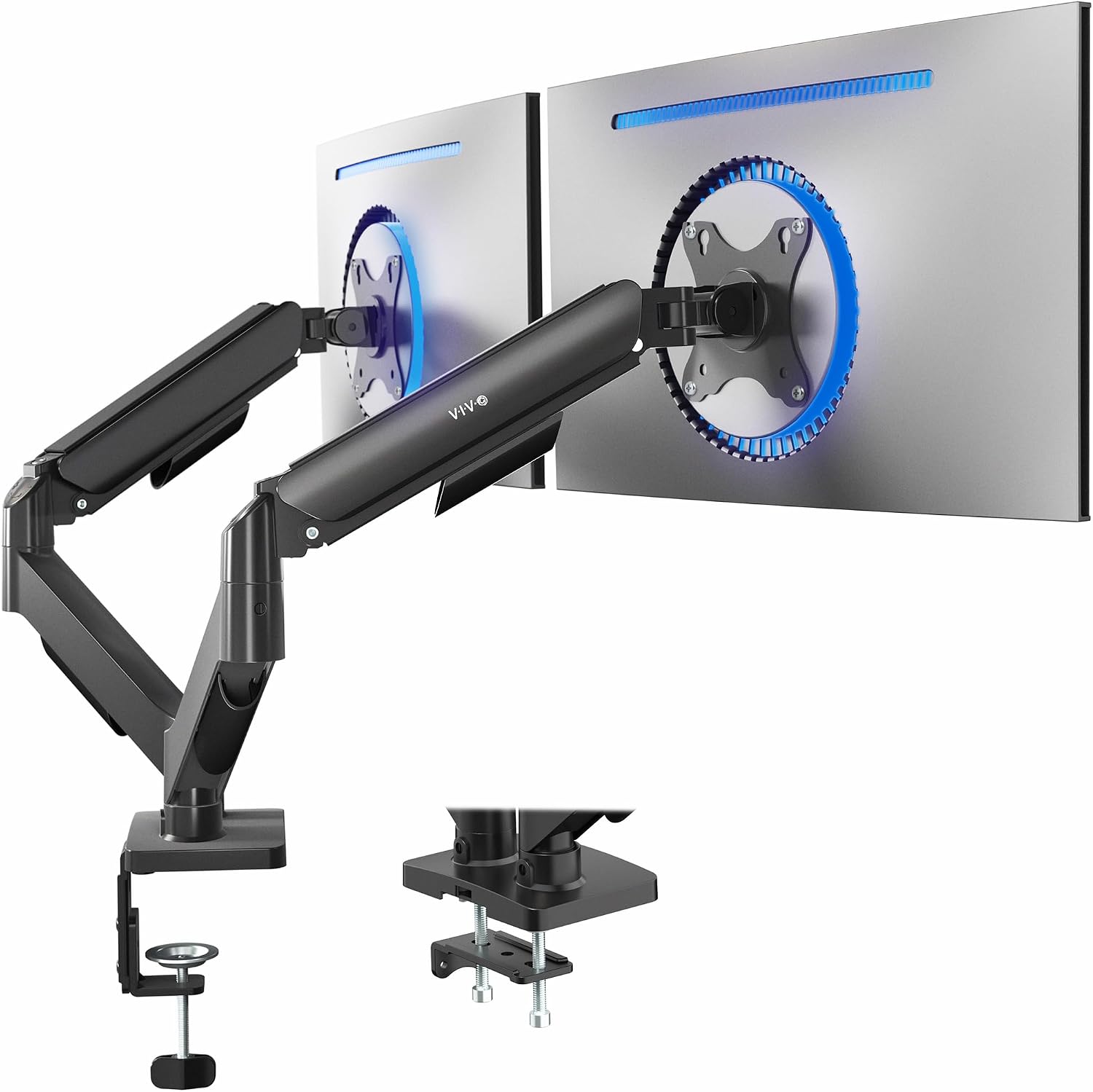
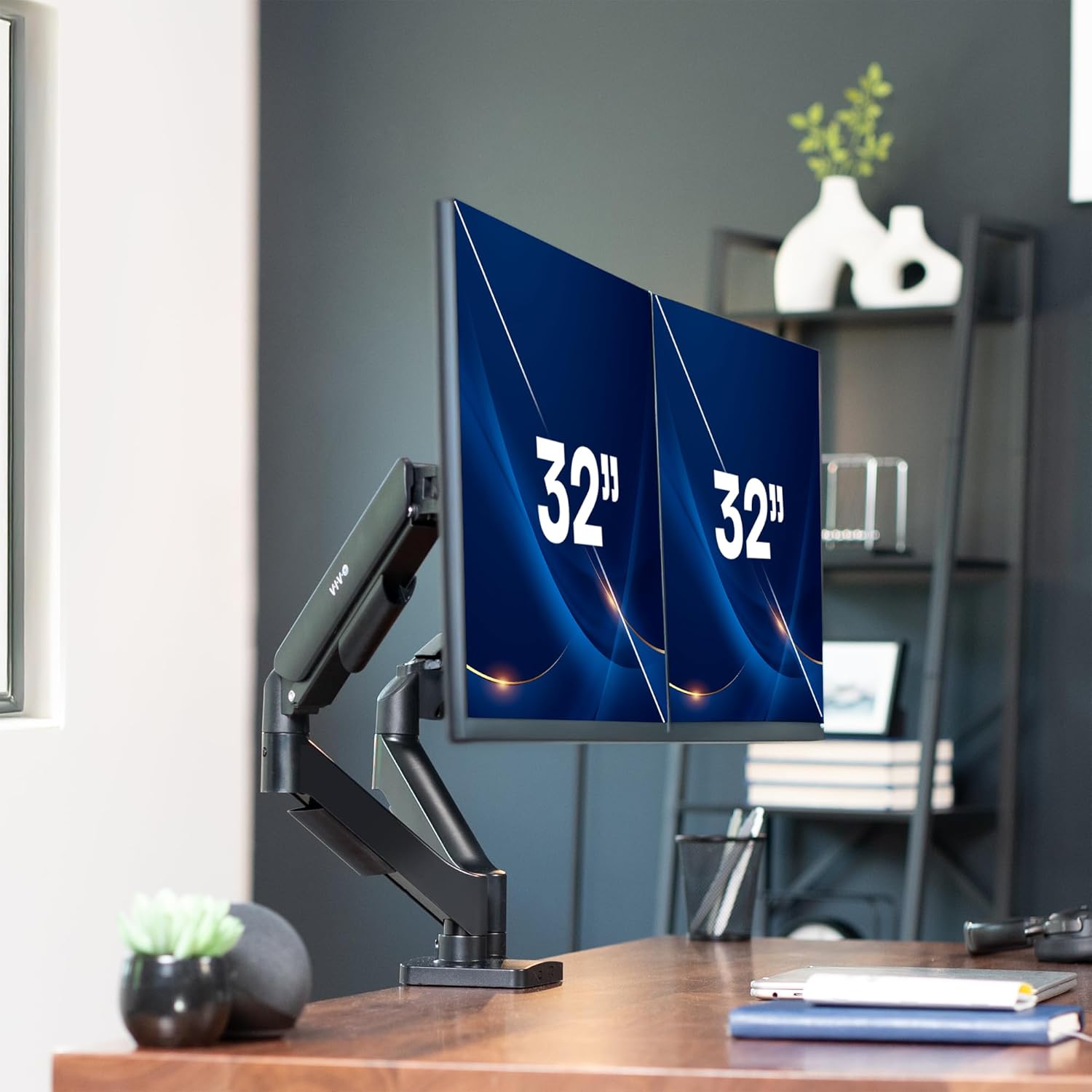
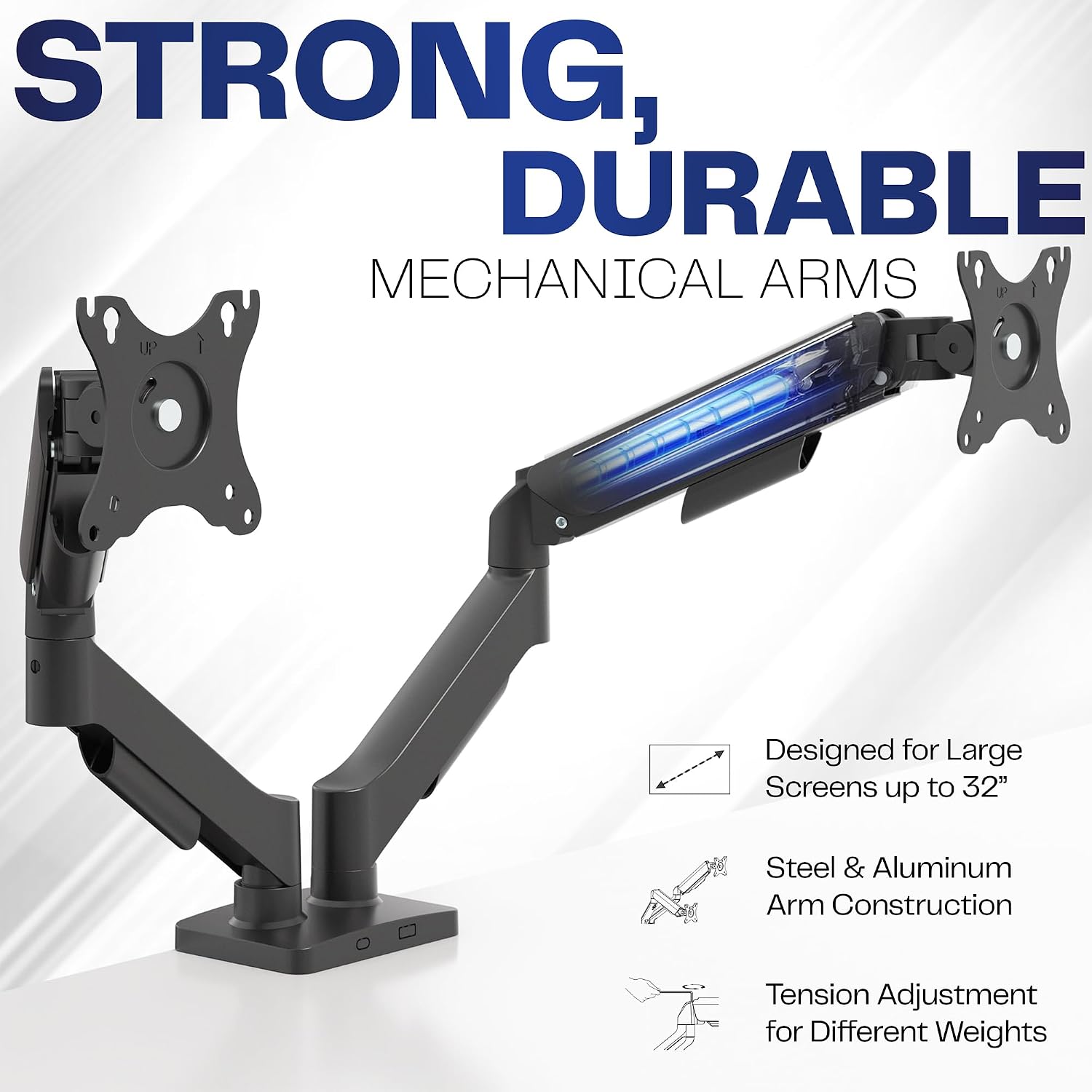
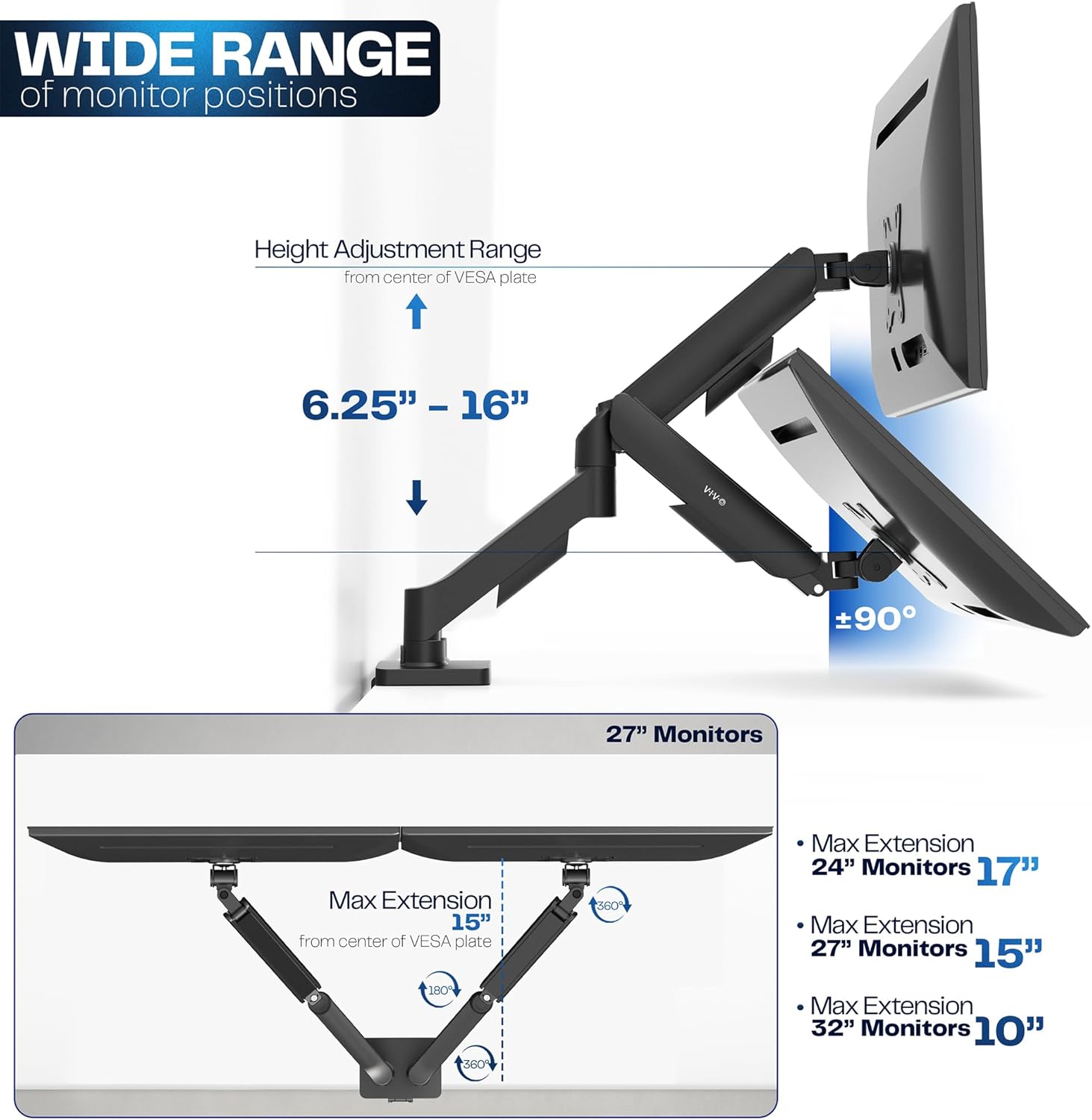
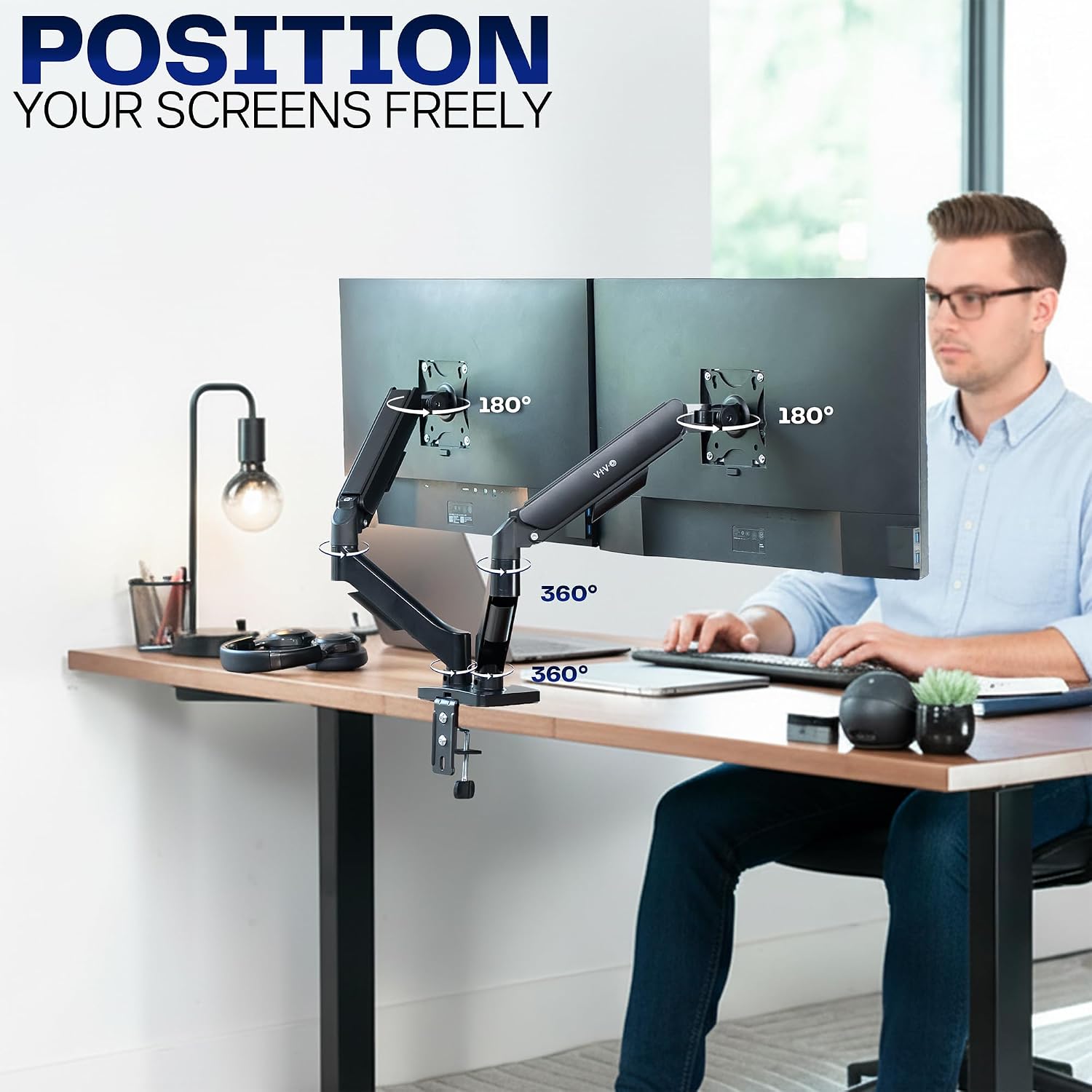
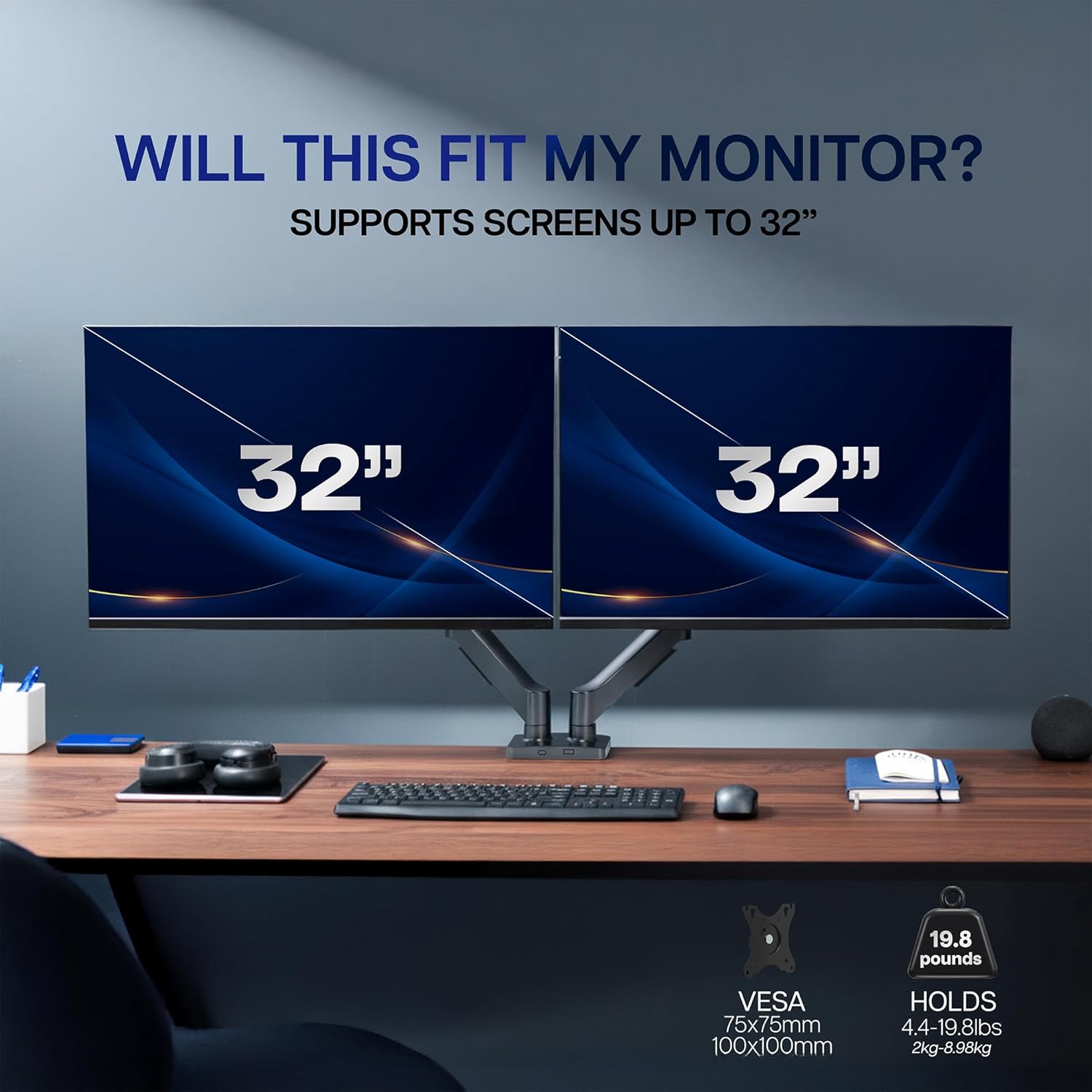
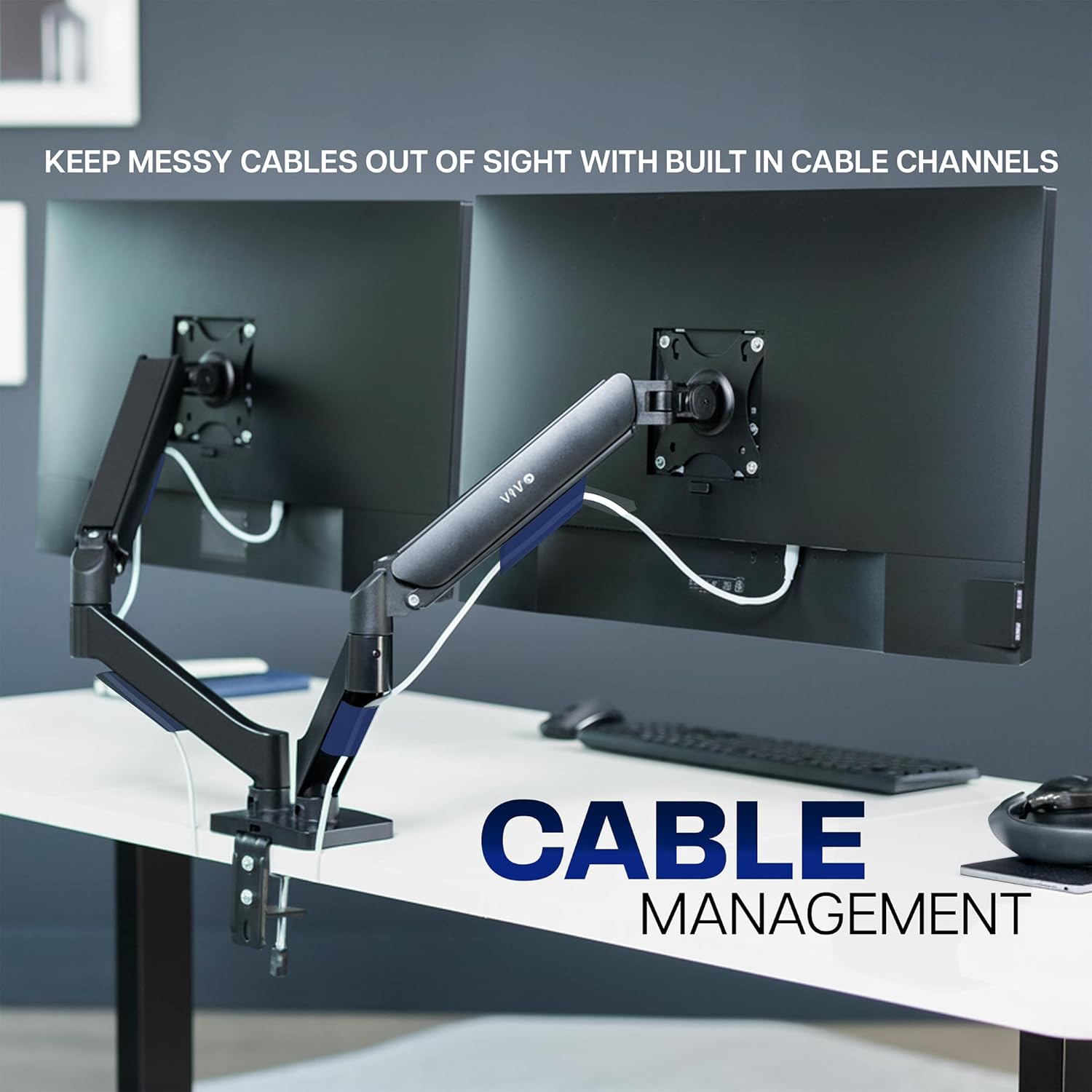
What it is and what problem it solves\nThe VIVO STAND-V002O is a dual‑arm desk mount designed to hold two screens up to 32 inches each. If you’re trying to reclaim desk space, improve ergonomics, and keep two displays within easy reach, this stand offers a straightforward solution. It supports most 17–32" flat or curved monitors that weigh up to 9 kg per arm and use VESA patterns of 75x75 mm or 100x100 mm, so it fits a wide range of mainstream screens without requiring custom brackets. The open‑top VESA plates help with quick, tool‑free installation, and the counterbalance pneumatic mechanism makes positioning intuitive across all directions.\n\n## How it works and what to expect\nWith this setup you can lift, tilt, swivel, and rotate each monitor to find the most comfortable viewing angle. The arms offer a full tilt range of +90° to −90°, a 180° swivel, and a 360° rotation, so you can adapt the layout for coding, design work, or dual‑screen productivity. The counterbalance feature means you don’t have to fiddly‑tighten clamps as you adjust. It’s designed to stay in place once you’ve found your preferred posture. Note that the back of the arms can extend beyond the desk edge, so you’ll want to ensure there’s adequate clearance behind the workstation.\n\n## What’s good about it\nThe key strength is its versatility across a broad monitor range and configurations. Setting up two screens gives you a more expansive workspace and can reduce neck strain when you adjust heights to eye level. The lightweight to mid‑weight monitors that fall within the weight limit will feel stable, thanks to the heavy‑duty C‑clamp or optional bolt‑through grommet mount. For desks with limited depth, the compact footprint of a dual‑arm mount can still deliver substantial desk real estate when you raise the monitors off the surface.\n\n## What might put you off\nIf your desk edge is particularly shallow or you frequently push monitors far back, check clearances before purchase. The back of the arms extending past the desk edge could interfere with nearby drawers or peripherals on some setups. While the installation is described as easy, you’ll still need to verify that your desk can accommodate a 3.3" thick clamp area and that the grommet option is compatible with your desk mounting hole pattern.\n\n## Who it’s for\nThis mount is well suited for users with two desktops or laptops requiring shared screen real estate—e.g., office workers, designers, or developers who value adjustable ergonomics and a tidy desk. It suits those who don’t want to dedicate wall mounting or who need a flexible desk solution that can be repositioned without tools.\n\n## When it makes sense to buy\nConsider this stand if you need dual monitors with independent adjustment, want to reclaim desk space, and prefer a straightforward, tool‑free installation. It’s particularly sensible if your screens are within the 17–32" range and fall under the 9 kg per monitor limit, and if your desk can accommodate the 3.3" thickness and the extension of the arms beyond the desk edge.\n\n## What to check before buying\n- Confirm your monitors use the 75x75 mm or 100x100 mm VESA patterns.\n- Measure desk depth and edge clearance to allow full arm extension without obstruction.\n- Decide between C‑clamp or bolt‑through mounting based on desk material and permanence.\n- Ensure both displays are within the 9 kg weight limit per arm.\n\n## Practical usage example\nImagine two 24" screens on your desk: you can raise them to eye level, tilt slightly for comfortable viewing, then rotate one screen to face you while the other turns away for collaborators. When you’re moving between tasks, a simple push or lift repositions both monitors without rebalancing screws.\n\n## FAQs\n- Do the arms support independent height adjustment for each screen? Yes, the dual arms provide independent articulation within the stated pose ranges.\n- Can I mount two curved monitors? Yes, as long as each monitor falls within 17–32" and 9 kg, with compatible VESA patterns.\n- Is it difficult to install? The kit includes hardware and step‑by‑step instructions for straightforward setup, with a slide‑on VESA plate design for convenience.\n\n## Final decision\nShould you buy it? It makes sense if you prioritise space savings and ergonomic flexibility for two screens in a practical, budget‑minded package. If you rarely use two monitors or need minimal desk footprint with wall mounting, you might prefer a simpler or fixed solution. For dual‑monitor users seeking easy adjustability without committing to a permanent wall install, this VIVO model offers a sensible balance of versatility and value.