

Jungle Leopard Build Blocks UNI Daisy Chain RGB 120 mm PC Fan (White) – Pack of 3
Product description
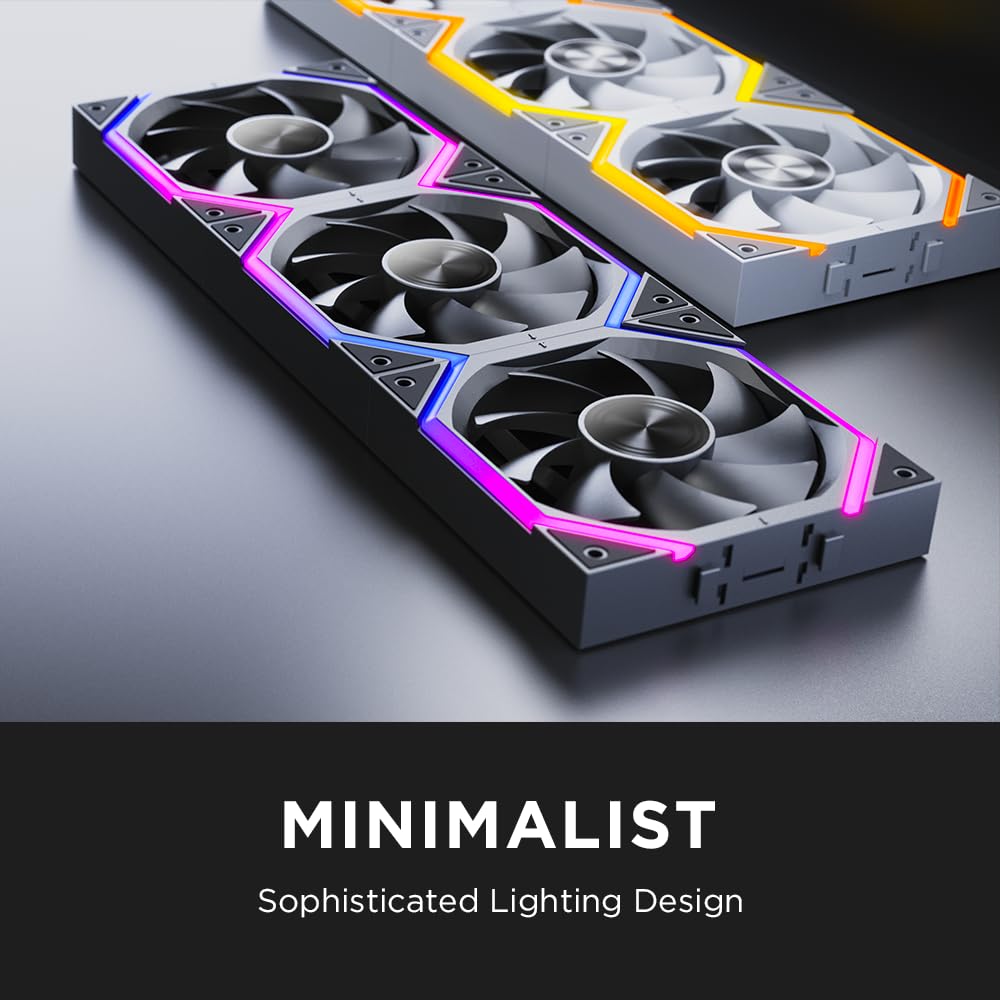
If you’re building a cleaner-looking PC, cabling can be the difference between “assembled” and “finished”. These Jungle Leopard Build Blocks UNI Daisy Chain fans are designed to keep the setup tidy, while still aiming for strong airflow and decent silence for a 120 mm RGB case fan.
Before you commit, though, it’s worth noting the usual trade-off with daisy-chain style setups: the connection method is convenient, but there are limits on how many fans you should link before things get less reliable.
The essentials
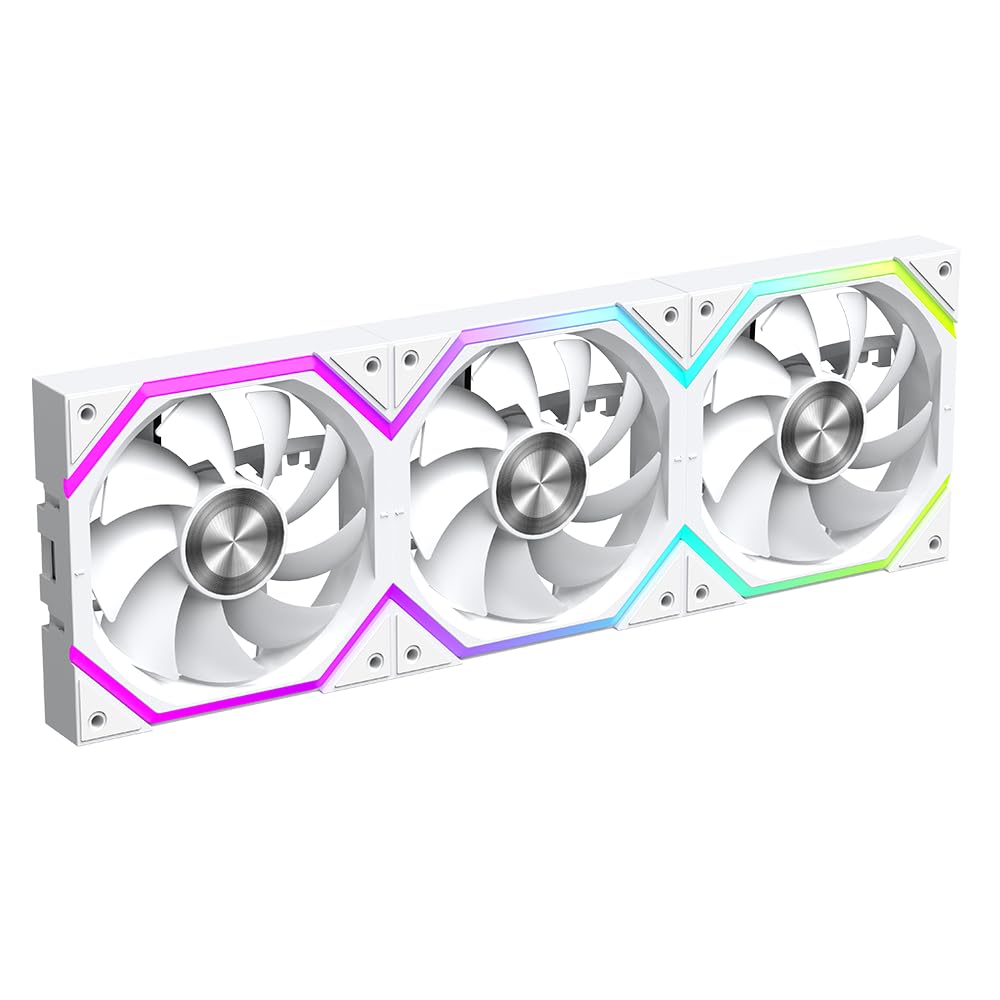
These are 120 mm RGB case fans sold as a pack of 3, with a “positive / inverted” fan direction option listed for the model. In practice, that means you can arrange them for more typical airflow patterns in your case (though you’ll want to double-check your case fan layout, since the wording alone doesn’t tell you what you’ll end up with).
They’re also positioned as an easy-to-install option thanks to a UNI locking connection design. On paper, that’s meant to simplify mounting and make the wiring less messy than conventional daisy-chaining, because the connection cable is routed in a way that’s described as hiding it within the ARGB fan.
What stands out in everyday use
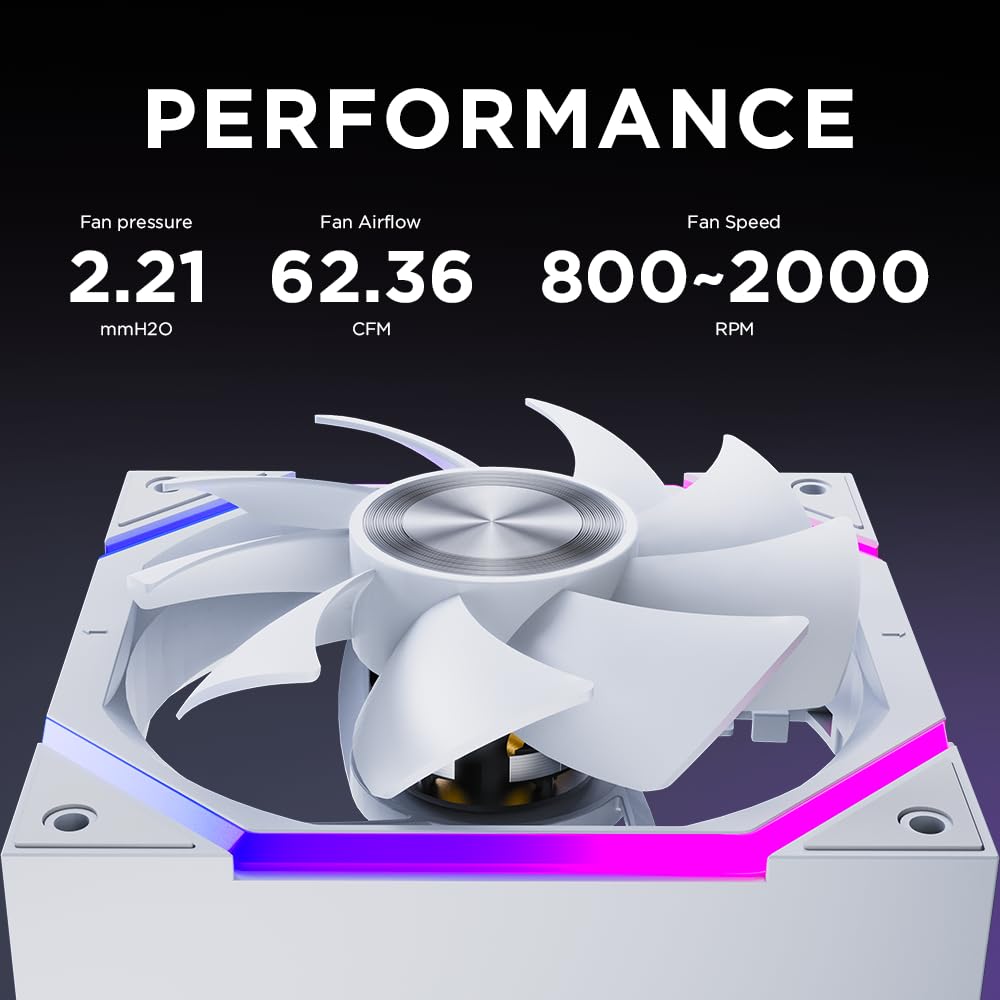
The headline for performance is the stated range up to 2000 RPM (with ±10% listed tolerance) and an airflow of 62.36 CFM. Pressure is listed as 2.21 mmH2O, which helps if you’re pushing air through a more restrictive setup (like denser filters), not just open space.
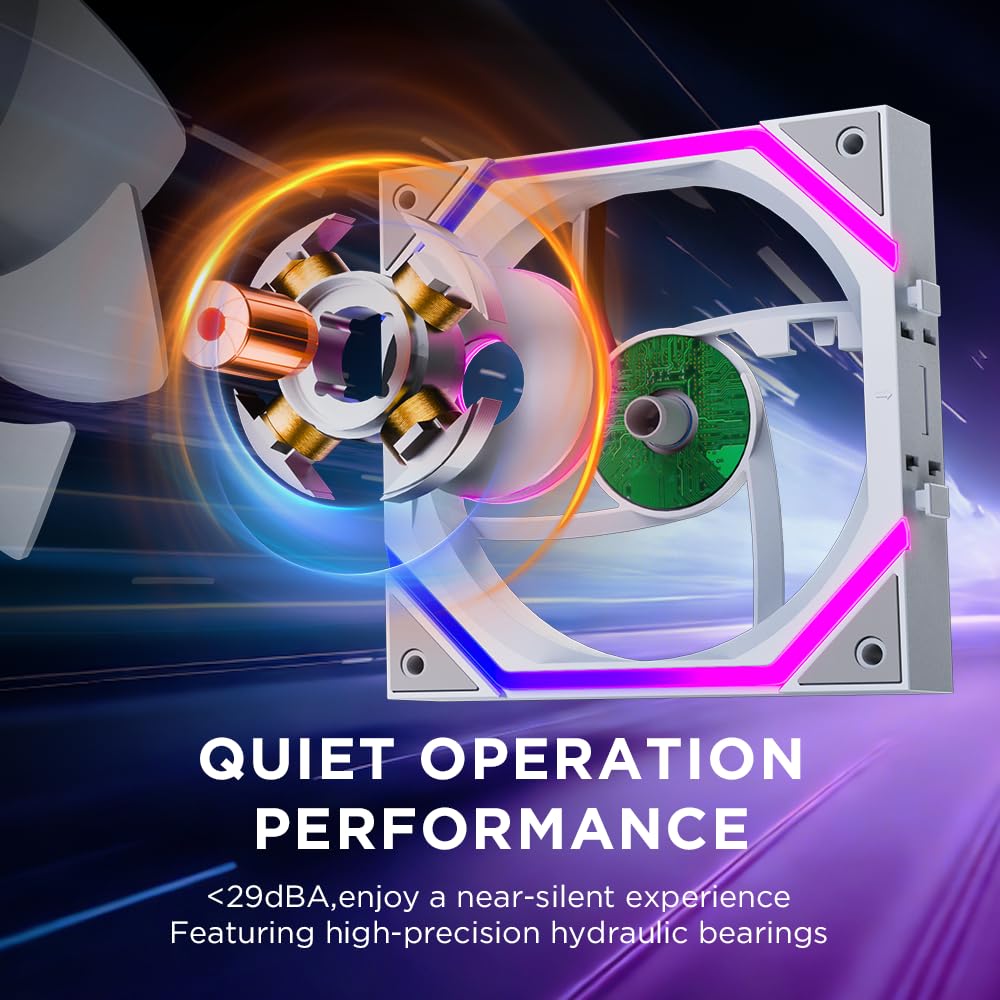
The noise figure is quoted as ≤29 dB(A) at the maximum noise level. That doesn’t automatically mean it’ll be silent under your own fan curve—especially since airflow needs depend on how you set control—but it gives you a reasonable reference point if your goal is “not annoying”.

There’s also mention of a 9-blade design, plus materials and engineering intended to reduce vibration and wind noise.
Control options: ARGB and PWM
This pack is described as using 5V 3PIN ARGB and 12V 4PIN PWM. The practical upside is that you’re not locked into only one type of control: the ARGB lighting and the PWM speed control are treated separately in the description.
That’s the sort of thing that can matter if your motherboard supports PWM fan headers but you also want ARGB managed cleanly.
The catch? The listing doesn’t spell out what exact controller/hub you might need in every scenario, so if your planned setup involves more fans than the chain supports, you’ll want to plan for extra power/control routing.
Daisy chain limits you should respect
The connection design is the selling point, but it comes with an important limitation: connecting four or more Build Blocks Daisy Chain PC fans may cause unstable fan operation, and that isn’t recommended.
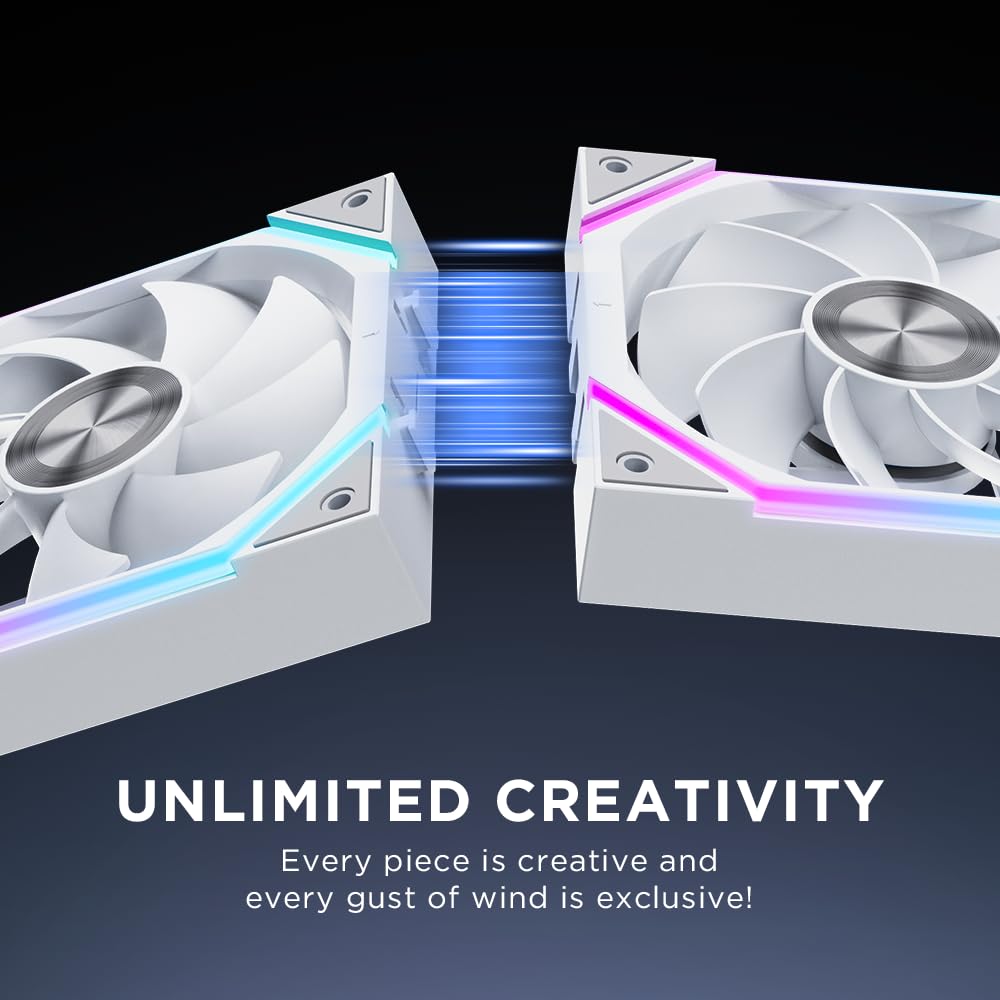
It also says if more than three fans need to be connected in series at the same time, they should be powered by a hub. So this pack of 3 is right in the “safe zone” for linking, but expanding beyond that may mean you’ll need extra hardware beyond just adding more fans.
So, ask yourself: are you building a simple 3-fan set (front/top or similar), or are you planning a larger multi-fan layout where everything is chained together? The second scenario can turn fiddly if you don’t account for that hub requirement.
Bearings and longevity (what you’re likely to notice)
It uses a hydraulic bearing with a stated life of more than 50,000 hours. The listing also explains a high-performance oil seal approach described as a closed oil path system, designed to extend bearing life by maintaining an oil film between the shaft and housing.
Long-life claims are always “on paper” until you see how it behaves in your case, but the bearing approach is at least a sensible one for the sort of fan use-case where you don’t want to think about maintenance for years.
Tech specs
- Name: Jungle Leopard Build Blocks UNI Daisy Chain RGB PC Fan
- Type: 120 mm PC case fan (RGB)
- Quantity: Pack of 3
- Size: 120 × 120 × 2.5 mm
- Fan direction: Positive / Inverted (model listing)
- Fan speed: 800–2000 ±10% RPM
- Noise level: ≤29 dB(A)
- Air volume: 62.36 CFM
- Air pressure: 2.21 mmH2O
- Bearing type: Hydraulic bearing
- Bearing life: More than 50,000 hours (stated)
- Compatibility: Compatible with 240 / 360 mm CPU water cooler (as stated)
- RGB / control: 5V 3PIN ARGB and 12V 4PIN PWM
Is it worth it?
This is a solid buy if you want three 120 mm RGB fans that are designed to reduce cable clutter, with the convenience of UNI locking connections and a daisy-chain approach that’s meant to keep the build looking neat.

It may not be the best choice if you’re planning to link four or more of these in one chain expecting everything to stay stable without extra routing. In that kind of multi-fan expansion, the listing itself nudges you towards using a hub.
You’ll get the most value if you’re building around a typical front/top triple-fan setup, and you want airflow up to 2000 RPM without pushing noise too high (based on the quoted 29 dB(A) ceiling). If your goal is to run very quiet at low RPMs, you can still benefit from the PWM control—just remember the noise rating is a maximum reference.
Mini FAQ
Can these fans be connected as a chain?
Yes, they’re specifically described as Build Blocks Daisy Chain fans with a UNI connection design. However, the listing warns that connecting four or more may lead to unstable operation.
Do I need a hub for more than three fans?
The description says that if more than three fans need to be connected in series at the same time, they should be powered by a hub.
Are they suitable for a radiator setup?
The product description states compatibility with 240 / 360 mm CPU water coolers. The listing doesn’t include more radiator-specific details, so you’ll want to confirm your specific radiator mounting arrangement.
What connectors do they use?
They’re described as 5V 3PIN ARGB for lighting and 12V 4PIN PWM for fan speed control.