

Jungle Leopard Build Blocks UNI Daisy Chain RGB PC Fan (3-pack) 120 mm – Reverse, up to 2000 RPM
Product description
The essentials
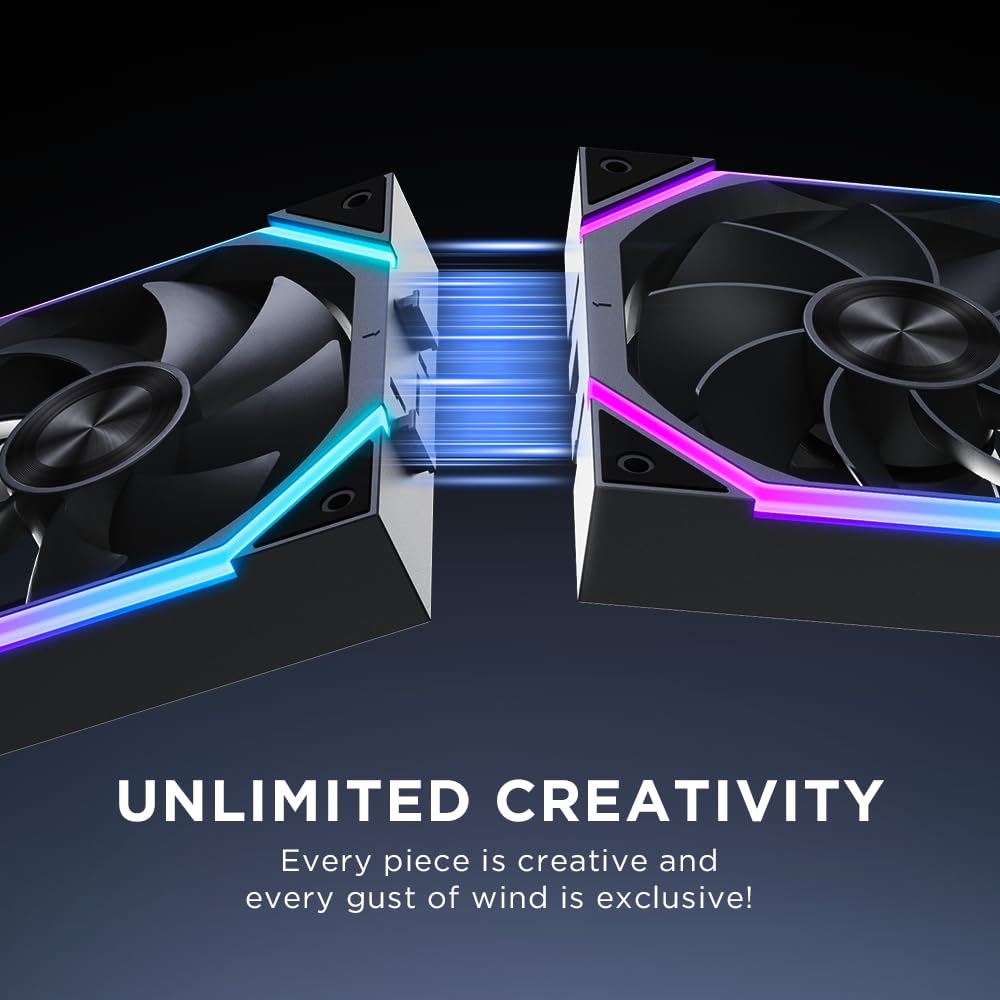
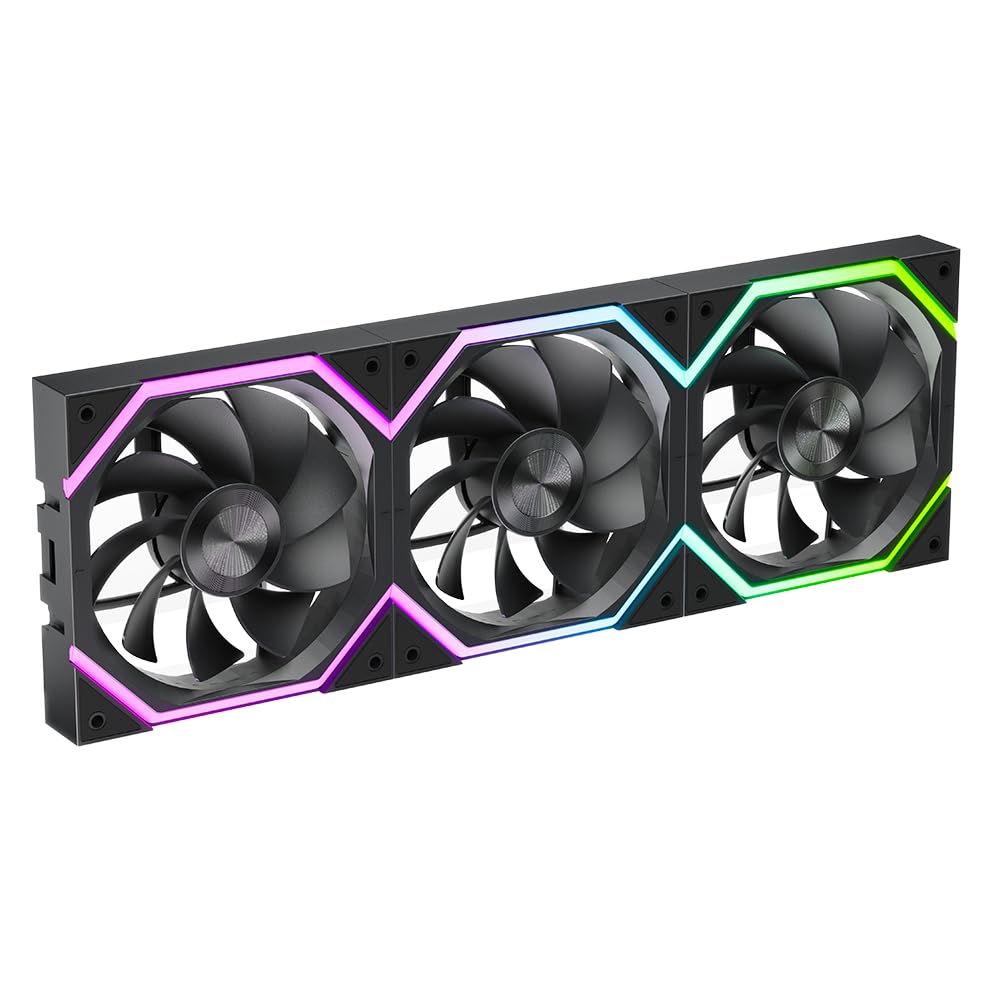
If you’re trying to tidy up a PC case while still getting proper airflow, this Jungle Leopard Build Blocks UNI Daisy Chain RGB PC Fan 3-pack is built around a specific idea: simplify the way the fans connect to each other (and keep cabling out of the way). It’s a 120 mm setup, aimed at people who want RGB style without turning the inside of their tower into a cable mess.
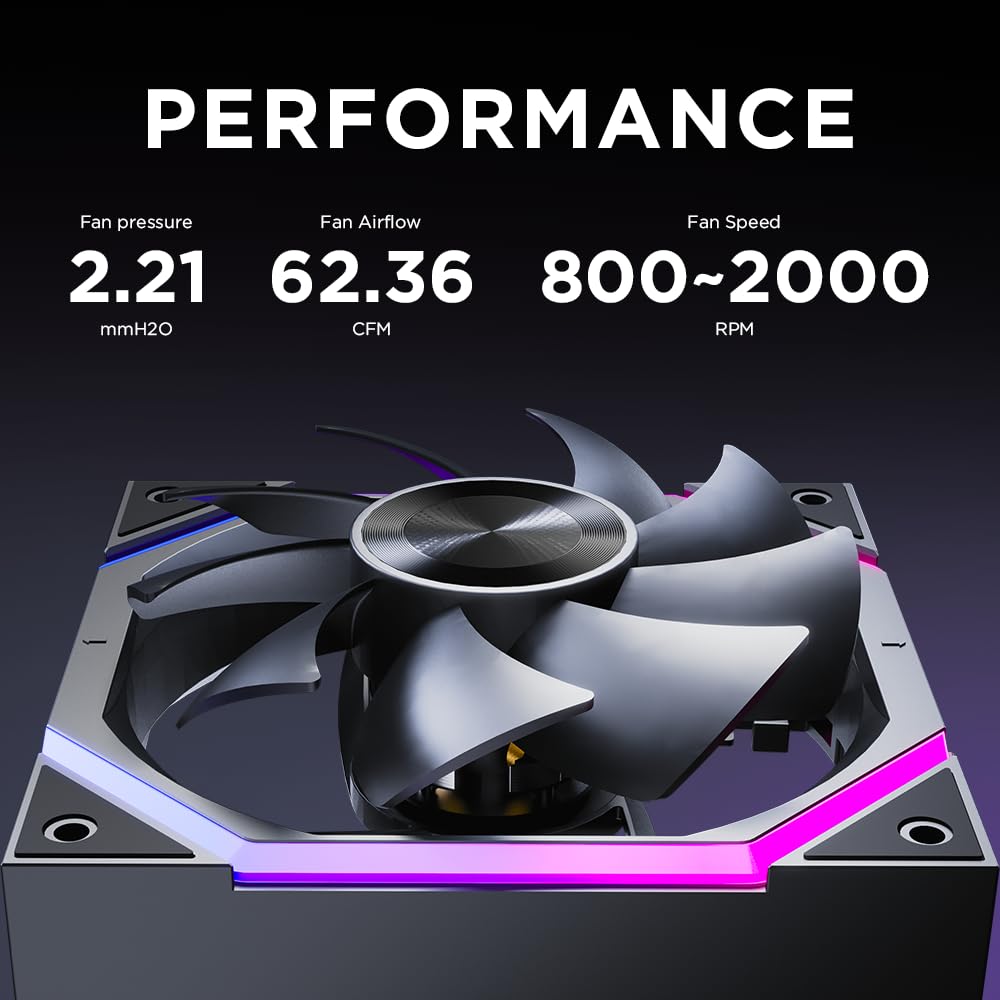
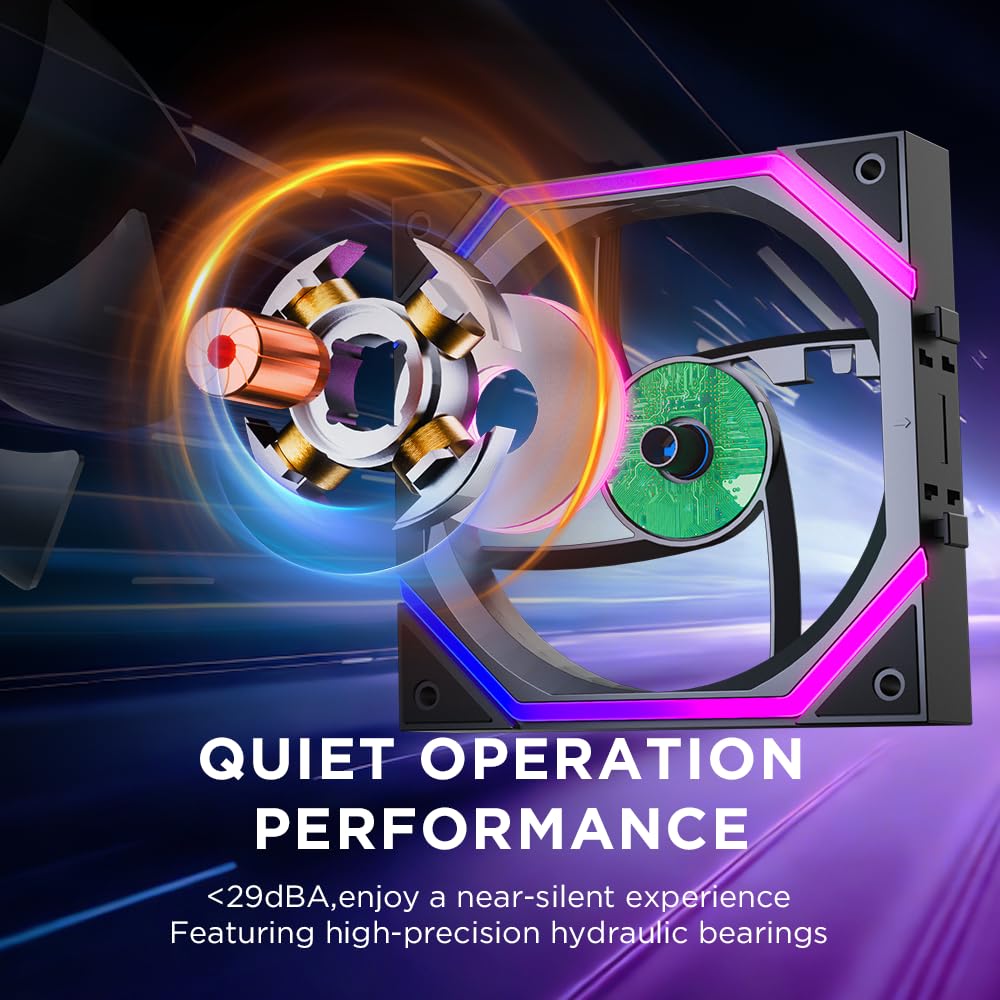
On paper, the numbers look fairly confident for a 120 mm family fan: a 800–2000±10% RPM range, a rated noise level of ≤29 dB(A), and quoted airflow of 62.36 CFM with 2.21 mmH2O air pressure. It’s also designed for longer-running reliability with a hydraulic bearing rated for over 50,000 hours.
Still, it’s worth being realistic. The daisy-chain approach is convenient, but the brand notes that chaining four or more Build Blocks fans may cause unstable operation—so expansion plans matter.
What it’s for (and what it isn’t)
This pack suits you if your priority is case cooling with an eye on build neatness and light visual impact. A practical example: in a mid-tower build, you can run two of these as front intake and one as rear exhaust, using the daisy-chain connection to keep the internal fan wiring more controlled than with fully separate cables.
It’s not the best match if you’re planning a bigger, highly daisy-chained multi-fan layout. If you expect to link more than three in series, the manufacturer advises using a hub for more stable results.
Also, the “1201202.5mm” sizing info and the mention of positive/inverted direction suggest this is a case fan intended for standard mounting setups where orientation matters. If you’re replacing a proprietary or very tight-fit fan, you’ll want to double-check clearance in your case before committing.

Key features that matter day to day
The headline here is the UNI Daisy Chain + “unique connection technology”. The connection design is meant to hide cabling by routing it through the ARGB fan arrangement (rather than letting loose wires sit across the case). In everyday terms, that can make cable management calmer during a build or upgrade.
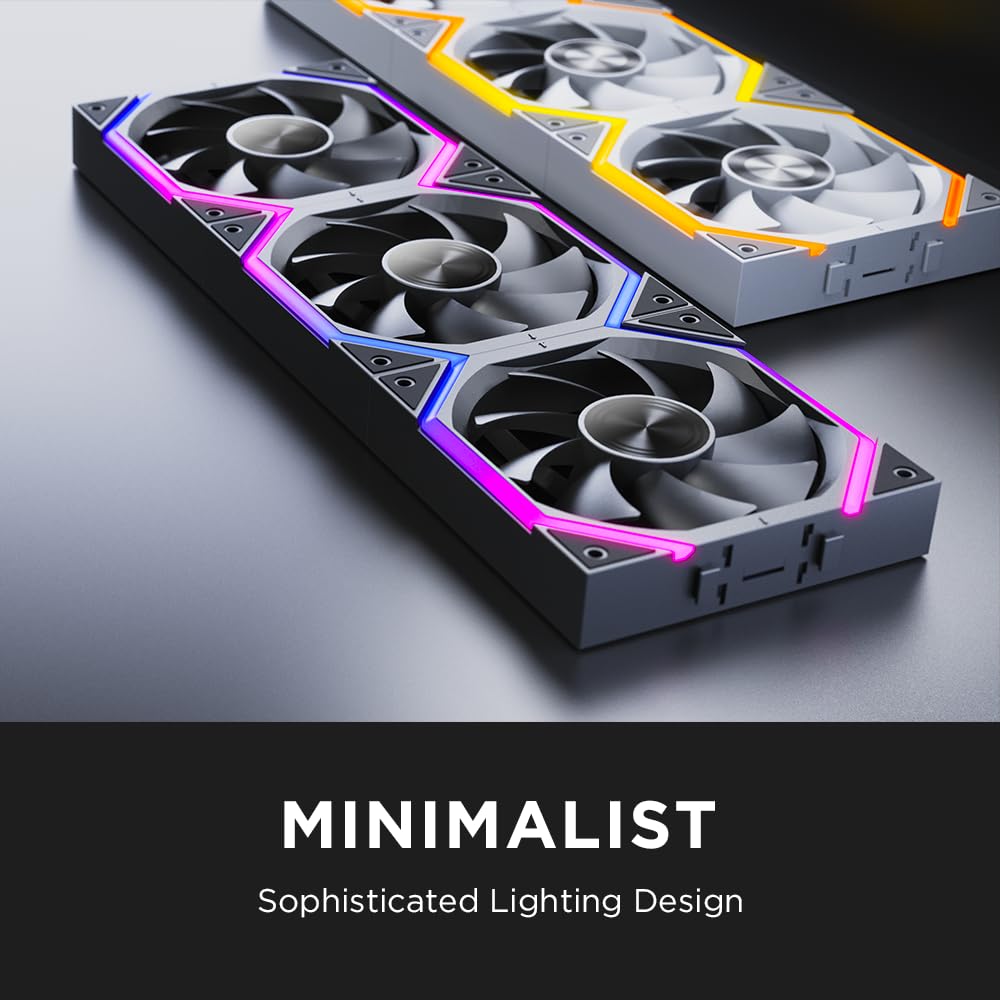
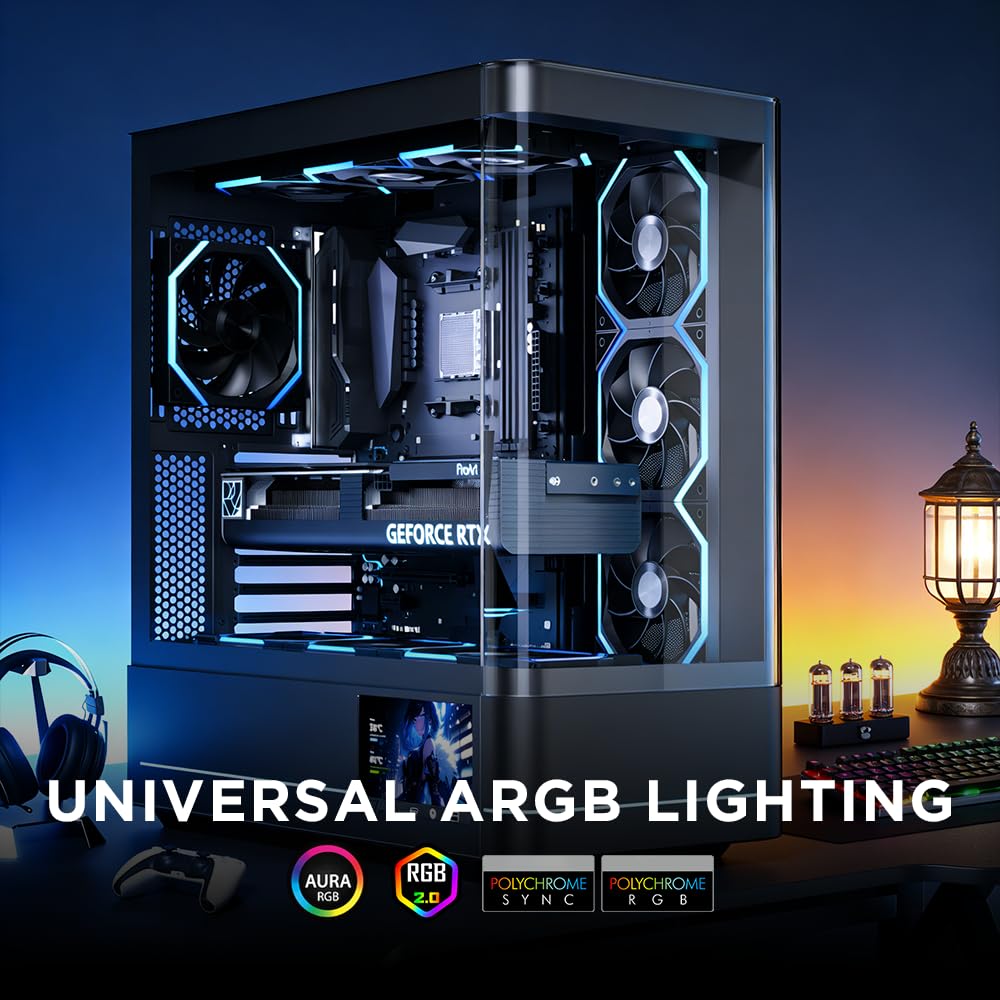
Other details that should show up in use: - A 9-blade design intended to improve cooling while reducing wind noise and vibration. - A hydraulic bearing with a stated lifespan of more than 50,000 hours. - RGB support via a 5V 3-pin ARGB connection, alongside a 12V 4-pin PWM fan connection for speed control.
Tech specs (quick sanity check)
- Name: Jungle Leopard Build Blocks UNI Daisy Chain RGB PC Fan (120 mm)
- Type: Case fan (positive/inverted)
- Format: 3-pack
- Size: 1201202.5mm
- Fan speed: 800–2000±10% RPM
- Noise level: ≤29 dB(A)
- Air volume: 62.36 CFM
- Air pressure: 2.21 mmH2O
- Bearing type: Hydraulic bearing
- Bearing life: more than 50,000 hours
The connection limit you should take seriously
Daisy chaining is the convenience feature, but it comes with a clear limitation: connecting four or more Build Blocks Daisy Chain PC fans may lead to unstable fan operation, so it isn’t recommended. If you do want to connect more than three fans in series, the manufacturer’s suggestion is to use a hub.
This is one of those “sounds minor, affects your build” points. If you’re buying for a small 3-fan setup, you can probably relax. If you’re building a larger airflow project with lots of fans, it’s the kind of detail that can save you a lot of fiddling later.
Should you buy it?
It’s a good fit if
It’s a good fit if you want a 3-fan 120 mm RGB case cooling set-up with daisy-chain convenience, and you’re keeping the fan count within the manufacturer’s “up to three in series” approach.
It makes sense if you care about quieter operation on paper (≤29 dB(A)) and you’d rather not deal with messy cabling inside the case.
It may not suit you if
It might not be a great match if you plan to connect four or more of these daisy chain fans directly in series—because the stated risk is unstable fan operation.
You may want to skip it if your case setup needs very specific clearance and you can’t confirm fit, especially since this is a “120MM-Reverse” variant (direction matters for intake/exhaust planning).
Mini FAQ
Can I control speed and lighting with separate headers?
The model description points to both a 5V 3-pin ARGB connection (for lighting) and a 12V 4-pin PWM connection (for fan speed). If your motherboard or controller has both types of headers, that’s the straightforward path.
How many of these fans can I daisy chain together?
The manufacturer notes that connecting four or more Build Blocks Daisy Chain fans may cause unstable operation, and suggests using a hub if you need more than three connected in series.
What’s the biggest reason to choose this over “standard” 120 mm fans?
On paper, the standout is the connection approach aimed at reducing cable clutter inside the case, while still delivering a defined airflow and pressure target for 120 mm cooling.
What should I double-check before buying?
Double-check your intended intake/exhaust direction (it’s the 120MM-Reverse variant), and confirm you have suitable ARGB and PWM header support (or an appropriate controller/hub if you’re expanding beyond three fans).
Final verdict
If you’re building a clean-looking PC and staying within a sensible 3-fan daisy-chain layout, this Jungle Leopard Build Blocks UNI Daisy Chain RGB 120 mm (Reverse) 3-pack looks like a practical, no-drama option based on the stated airflow, pressure, and low noise figure. Just don’t treat the daisy chain as “unlimited”—the guidance about unstable operation once you go beyond three in series is the main limitation to plan around.