

Unitek Type C Wireless HDMI Display Adapter with PD 3.0 (1080P@60Hz) Miracast Dongle for TV/Monitor Mirroring
Product description
If you want to move video and audio from a USB-C device to a TV or monitor without running cables, this Unitek wireless HDMI display adapter is built for exactly that kind of situation. It’s designed around a plug-and-play setup, plus a USB-C PD port so you can charge while you’re streaming.
On paper it’s the sort of dongle you grab for meetings, a classroom, or a quick movie night where pulling HDMI leads around is more hassle than it’s worth. That said, wireless display adapters can be a bit “it depends” on your device and your environment, so it’s worth checking the key limits before you commit.
The essentials
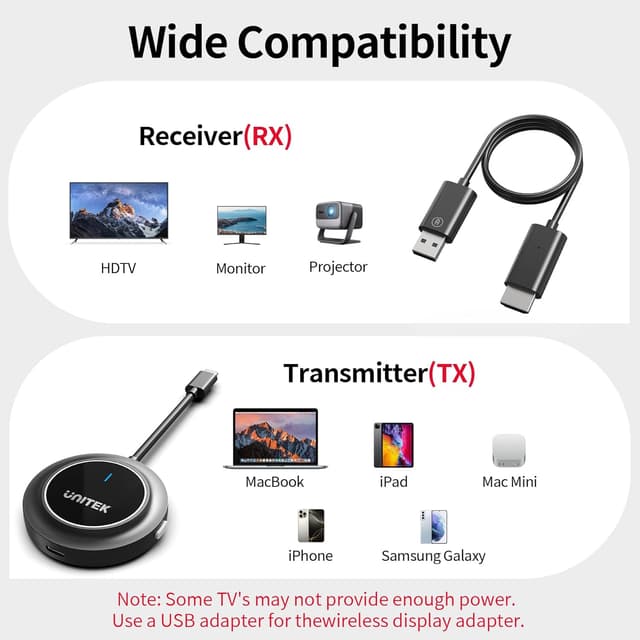
This is a Type C wireless display adapter kit (transmitter and receiver) that supports screen mirroring to a TV or monitor. The goal is straightforward: send video and audio to a bigger screen for mirrored or extended-style use depending on the source device. It’s also positioned for modern USB-C devices with DisplayPort Alt mode support.
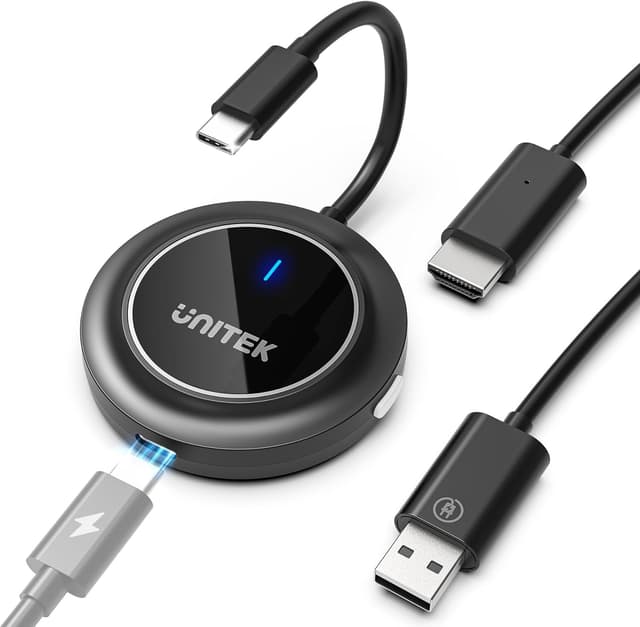
A practical way to think about it: you plug the transmitter into your laptop/tablet/phone, connect the receiver to the TV/monitor, power both sides, and use the device’s display output to mirror the screen. It aims to avoid delays and long setup steps—so you’re not spending your time troubleshooting instead of presenting.
What to know before buying
Wireless HDMI adapters aren’t universal in every sense. The base guidance here is clear: you should make sure your device’s USB-C port supports video output (and it also notes USB-C devices with DisplayPort Alt mode). If your USB-C port only supports charging/data but not video output, the adapter won’t do what you want.
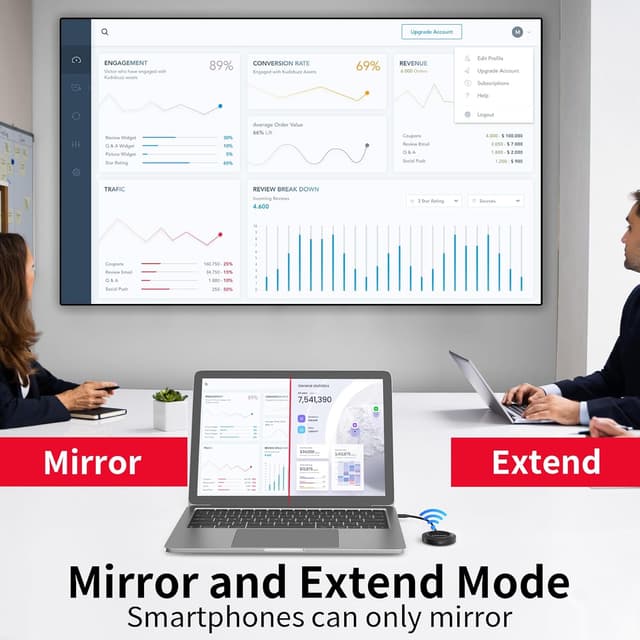
There’s also a mode limitation to understand. For tablets and smartphones, the adapter can only be used in Mirror Mode, Extended Mode isn’t supported for those devices. So if your plan is to use the TV/monitor as a separate desktop workspace, that may not be realistic on mobile hardware.
One more “don’t skip this” point: the kit needs power. The notes mention connecting both the transmitter and receiver to the power supply to ensure adequate power supply. If you forget that, you may end up blaming the wrong thing.
Key takeaways (what stands out)
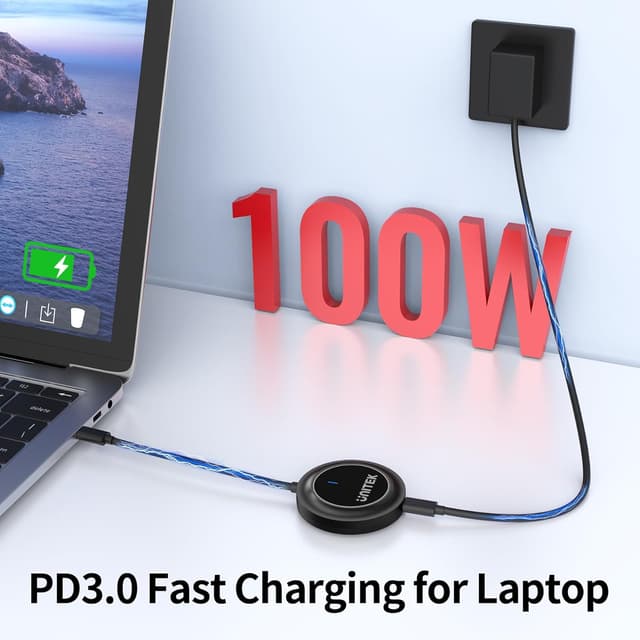
The standout idea is combining wireless screen mirroring with USB-C Power Delivery (PD 3.0). The PD port is there for fast charging while you stream, and the description states it supports charging up to 100W (so you’re not stuck watching your laptop or phone battery drain during a long session).
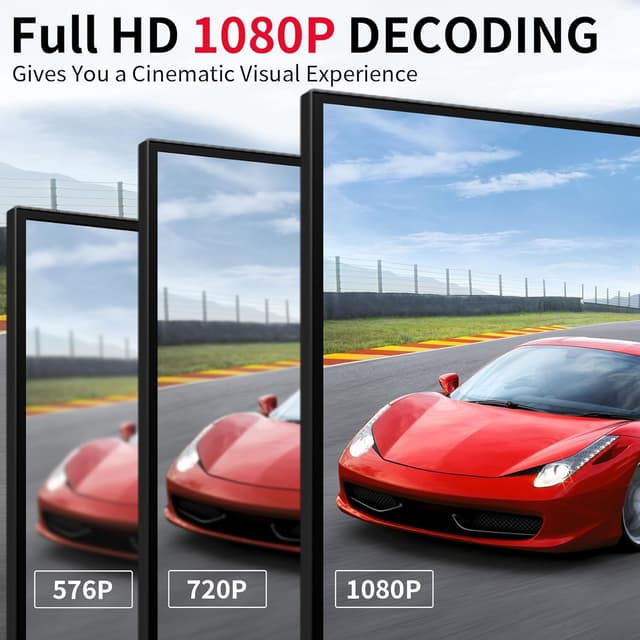
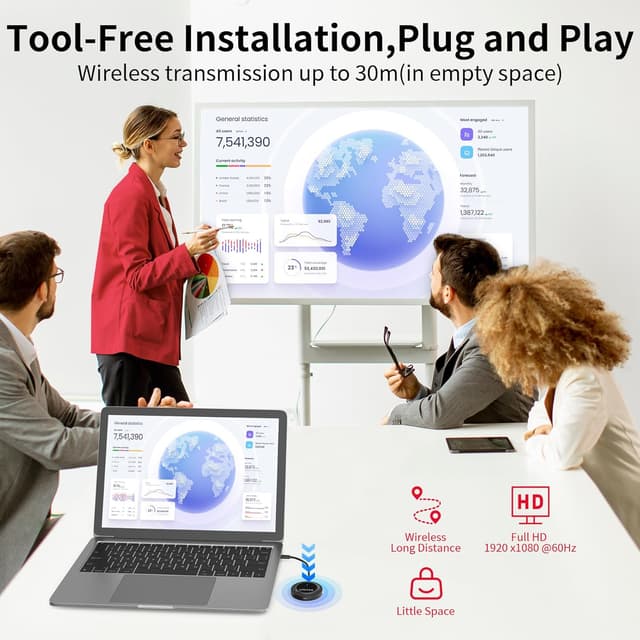
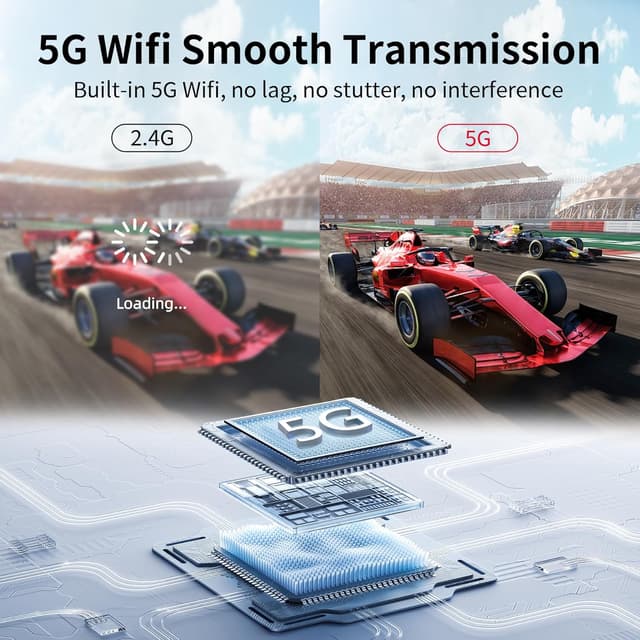
On the performance side, it’s pitched as 1080P at 60Hz, using a 5G frequency for fast and reliable transmission. It also claims a range up to 30 metres (98 feet) for audio/video transmission to the display, which can be handy if you’re projecting across a room.
Finally, it uses the “no app blocks” approach for mirroring. The description claims the hardware captures the screen directly (not relying on software tricks), aiming to stream content even from services that might be restricted by standard adapters failing with HDCP content. This is useful if you’ve ever had a wireless dongle that works fine for your desktop but struggles with protected streaming.
Tech specs
- Type: Type C wireless display adapter / wireless HDMI extender (transmitter + receiver)
- Resolution: 1080P@60Hz
- Wireless: 5G frequency (dual 2.4/5G WiFi chipset mentioned)
- Charging: USB-C PD 3.0 fast charging (up to 100W)
- Modes: Mirroring supported, Extended Mode stated as not supported for tablets and smartphones
- Range: up to 30 metres (98 feet) to the display
- Connection note: USB-C devices with DisplayPort Alt mode
- Installation: No drivers, plug-and-play described
Everyday use: where it fits best
This kind of dongle makes most sense when you want “big screen, minimal fuss”. For example, you could set it up for a small meeting: your laptop plugs into the transmitter, the receiver sits behind the TV, and you mirror the screen so everyone can see slides without passing around cables. In classes, it can help a teacher show content from a tablet/laptop without reconfiguring the room.
It can also be a good option for informal streaming nights—especially if you’re specifically trying to avoid the usual headache of adapters that don’t handle protected content well. The description explicitly calls out issues with HDCP on standard adapters, and it positions this dongle as a solution.
That said, wireless links can be sensitive to interference and distance. Even with the stated range, real-world performance depends on your WiFi environment and how much stuff is between the transmitter and receiver.
Pros and limits that matter
Pros you’ll likely notice: - Quick setup approach (drivers not required, installs in seconds is claimed) - Wireless screen mirroring plus audio - PD 3.0 charging support while streaming (up to 100W stated) - A 1080P@60Hz target for smoother playback than many basic wireless options
Limits to be aware of: - You need a USB-C port that supports video output / DisplayPort Alt mode - Tablets and smartphones only support Mirror Mode, Extended Mode isn’t supported there - You must power both the transmitter and receiver to ensure adequate power supply - Wireless can vary by environment, so don’t assume it’ll behave perfectly in every room
Is it worth it?
Worth buying if you’ve got a USB-C device that supports video output (DisplayPort Alt mode) and you want a genuinely portable way to mirror video and audio to a TV or monitor—particularly for business trips, classes, or impromptu presentations. The PD 3.0 charging feature is a strong practical bonus if you hate ending sessions with a drained battery.
Better avoided if your USB-C port doesn’t support video output, or if you need Extended Mode from a tablet or smartphone (that’s not supported per the notes). It may also be a frustrating pick if you regularly need a rock-solid wired-style connection with zero variables, because wireless performance can depend heavily on surroundings.
If you’re still deciding, check two things first: (1) that your source device can output video over USB-C, and (2) whether you need mirrored output or extended desktop behaviour.
Quick FAQ
Does it need an app or drivers?
The description says it requires no drivers and is set up as plug & play.
Can I use it with a tablet or phone for extended desktop?
No—tablets and smartphones are stated to only support Duplicate/Mirror Mode. Extended Mode isn’t supported for display output on those devices.
Will it charge my laptop while mirroring?
It includes a USB-C PD 3.0 port for fast charging while streaming, with support up to 100W stated.
Does it support streaming services with protected content?
It claims to capture the screen directly and avoid restrictions seen when standard adapters fail with HDCP content.
What should I double-check for compatibility?
Make sure your USB-C port supports video output and the notes specifically mention USB-C devices with DisplayPort Alt mode.