

UGREEN Wireless USB-C Transmitter & HDMI Receiver: 1080P@60Hz, 5G Wi‑Fi, 50m
Product description
What it is
The UGREEN Wireless USB-C Transmitter and HDMI Receiver is a wireless link kit designed to output video and audio from a USB‑C source to an HDMI display. It aims to simplify extending a laptop, phone, camera or other DP Alt Mode‑capable device to a TV, monitor or projector without cables.
Core capabilities
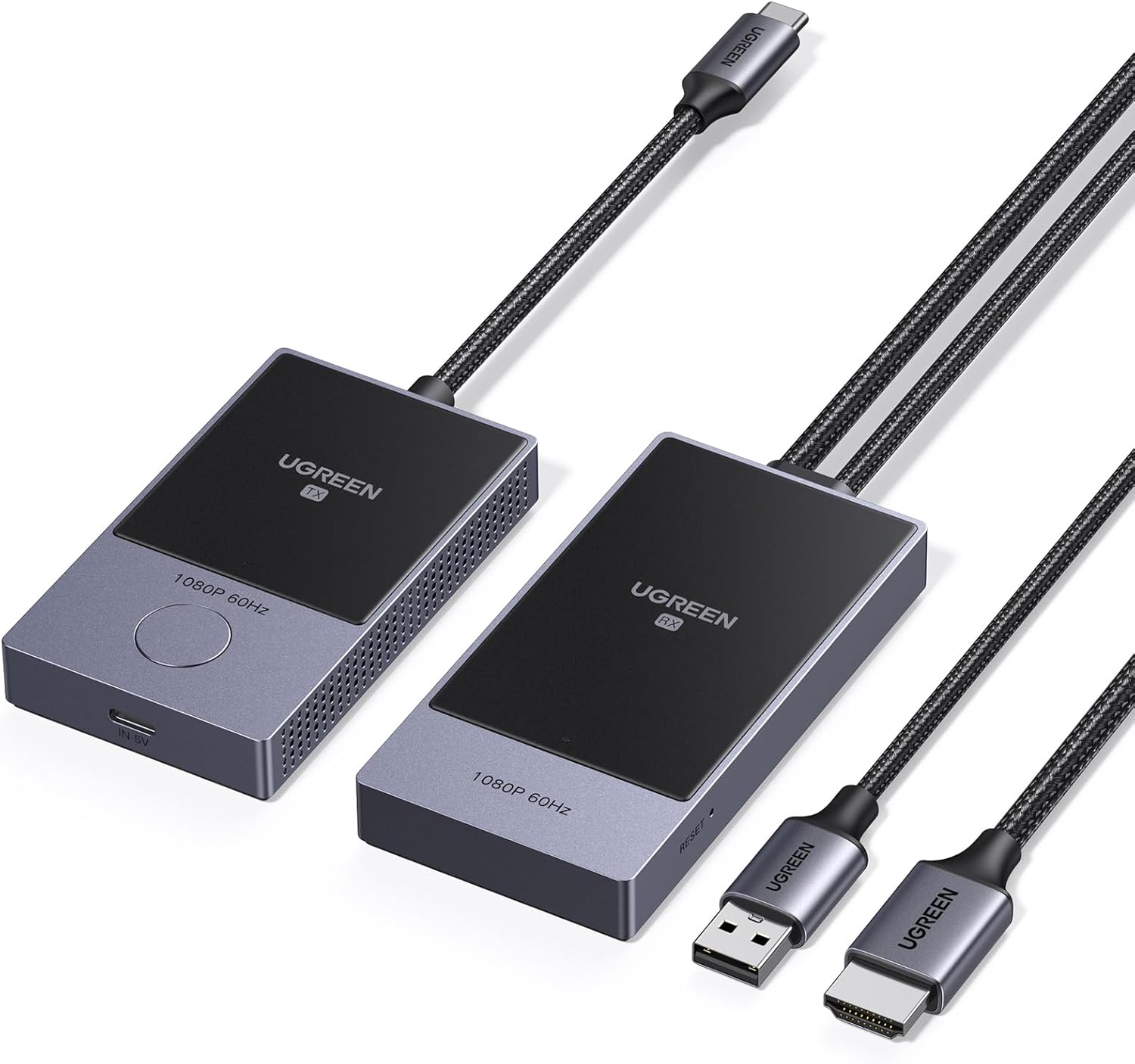
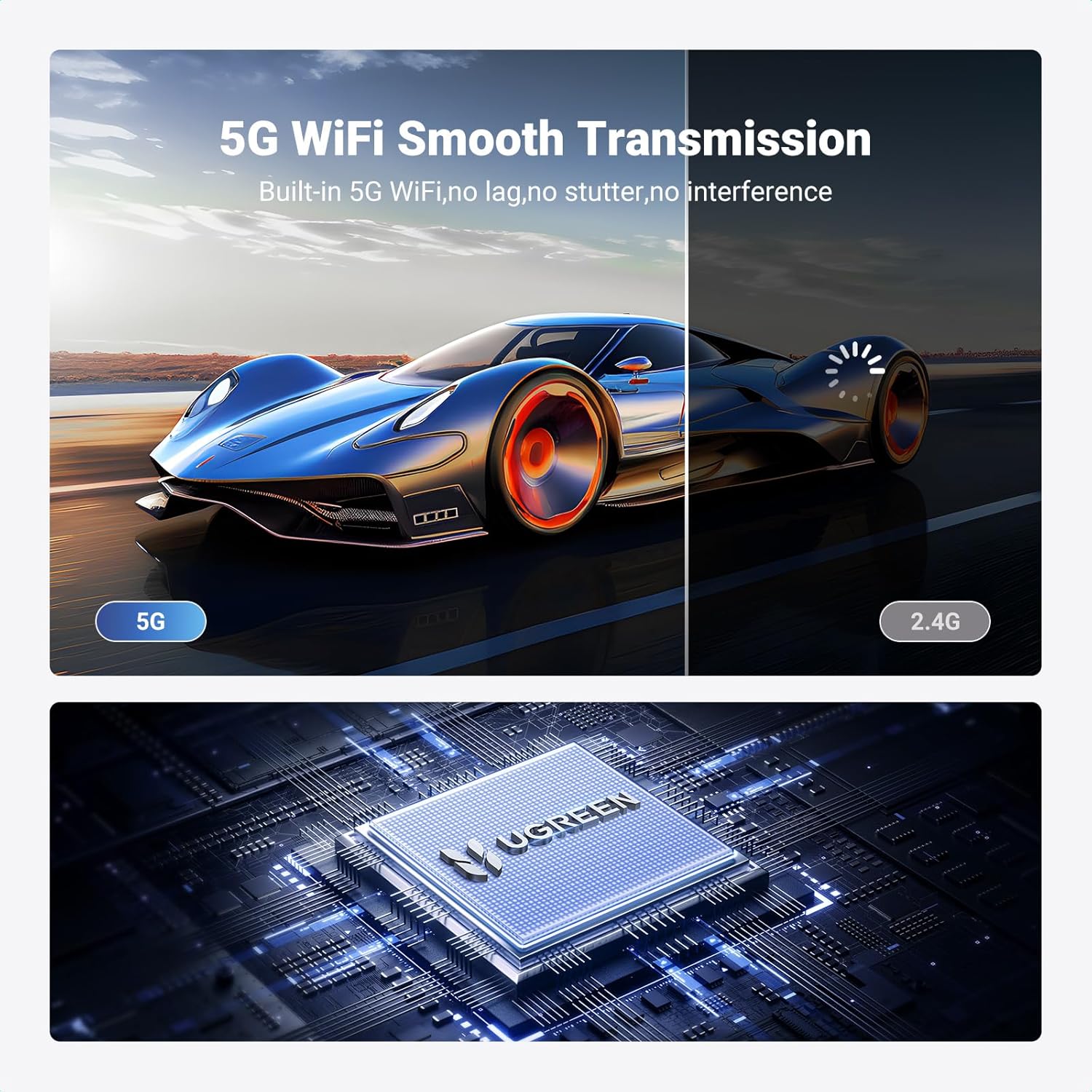
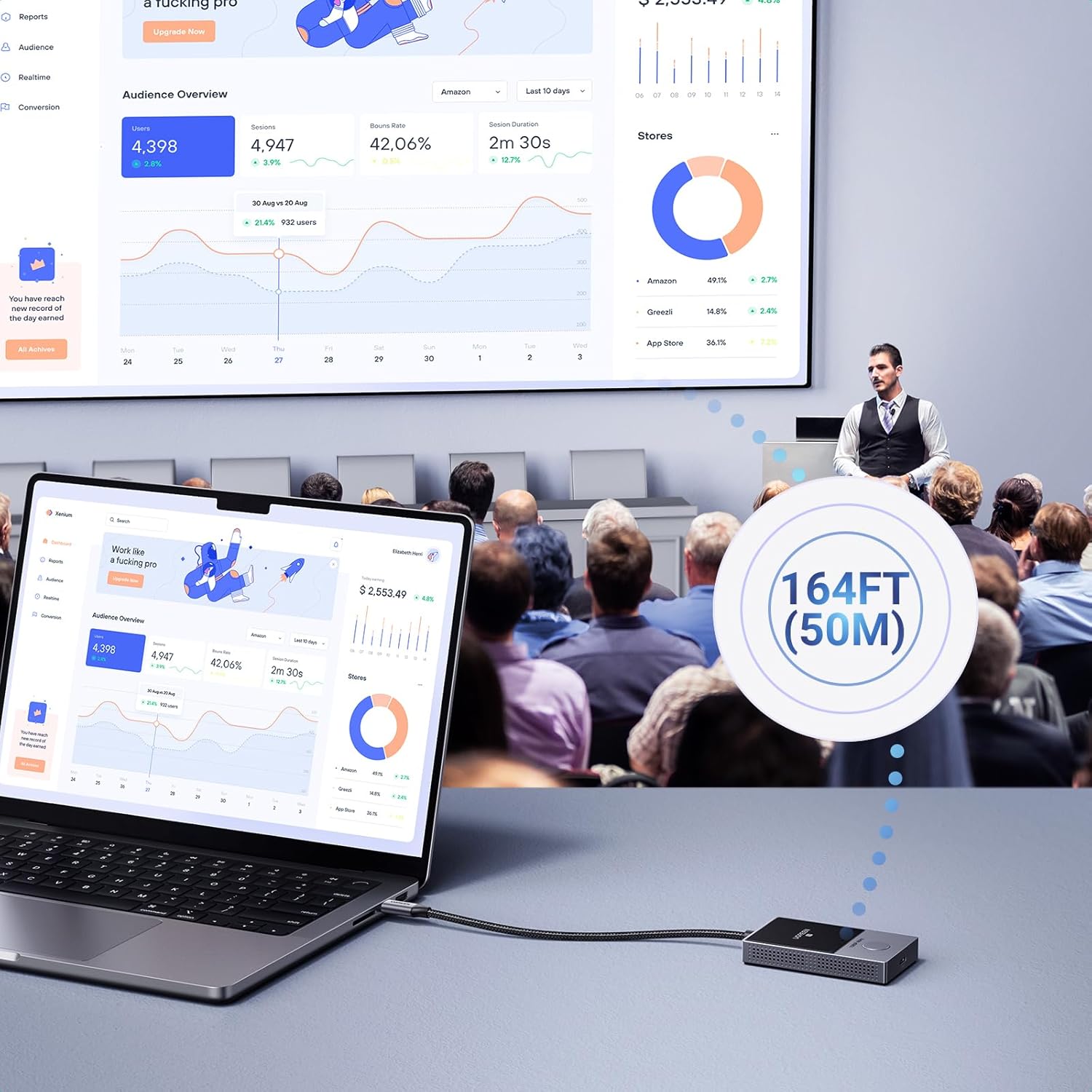
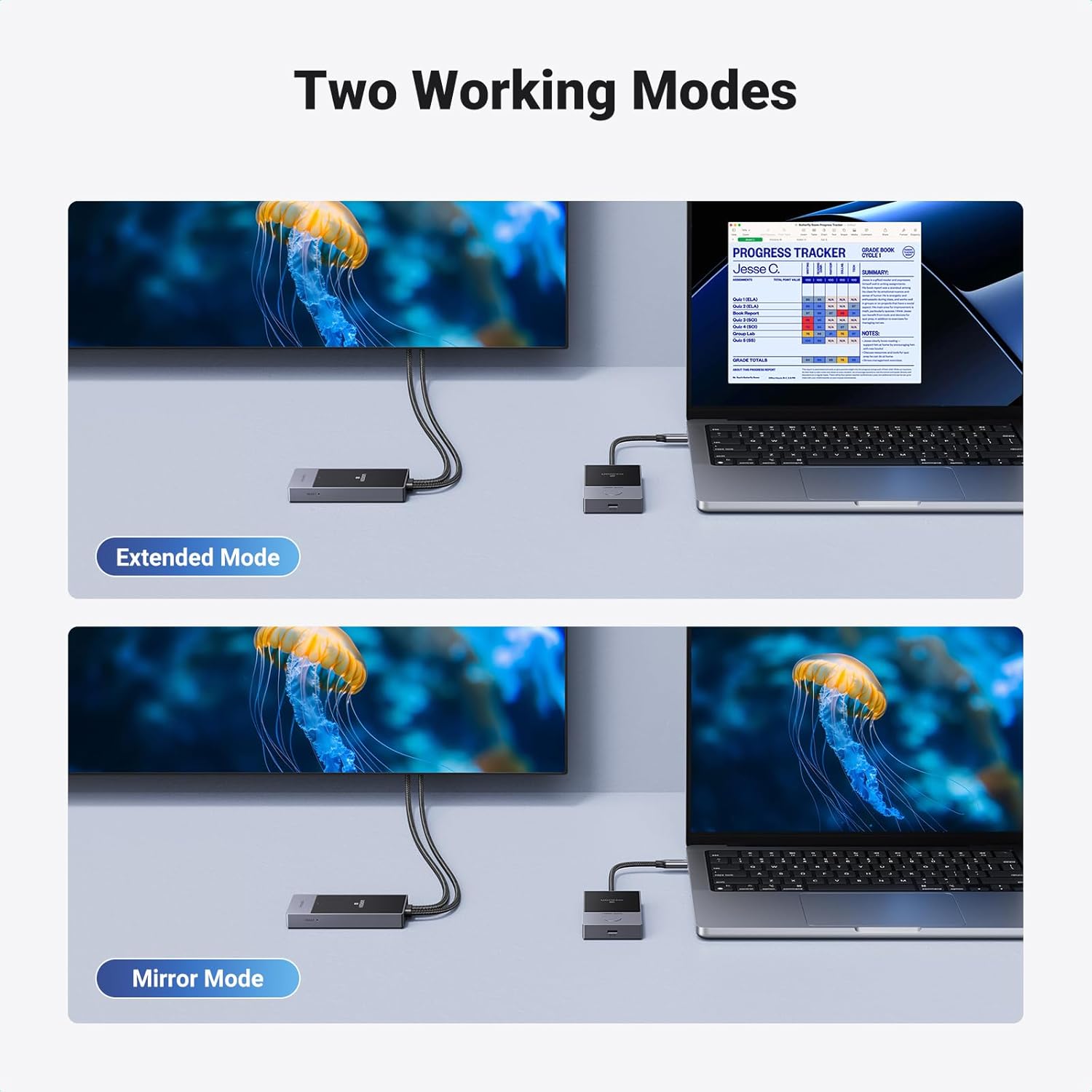
On paper, you’re looking at 1080P at 60Hz, with a claimed wireless distance of up to 164ft (50m) under open space. The kit uses a 5.8 GHz wireless link to minimise interference and provide a direct point‑to‑point connection. It’s presented as plug‑and‑play: insert the transmitter into a USB‑C/DP Alt Mode device and the receiver into the display, with no apps, Wi‑Fi or Bluetooth setup required. This setup can be particularly appealing for meetings, demonstrations or classrooms where stability matters more than ultimate resolution.
How it fits into your devices
Compatibility is broad on paper: Windows, macOS, Linux, iOS and Android are listed, with emphasis on devices that support DP Alt Mode via USB‑C. The receiver’s HDMI output means it should pair with TVs, monitors, projectors and similar displays. Practically, you’ll want to verify that your source device can output via USB‑C/DP Alt Mode and that the display accepts HDMI input. If your workflow hinges on higher resolutions or gaming, note that 1080p is the ceiling here.
Why it might be appealing
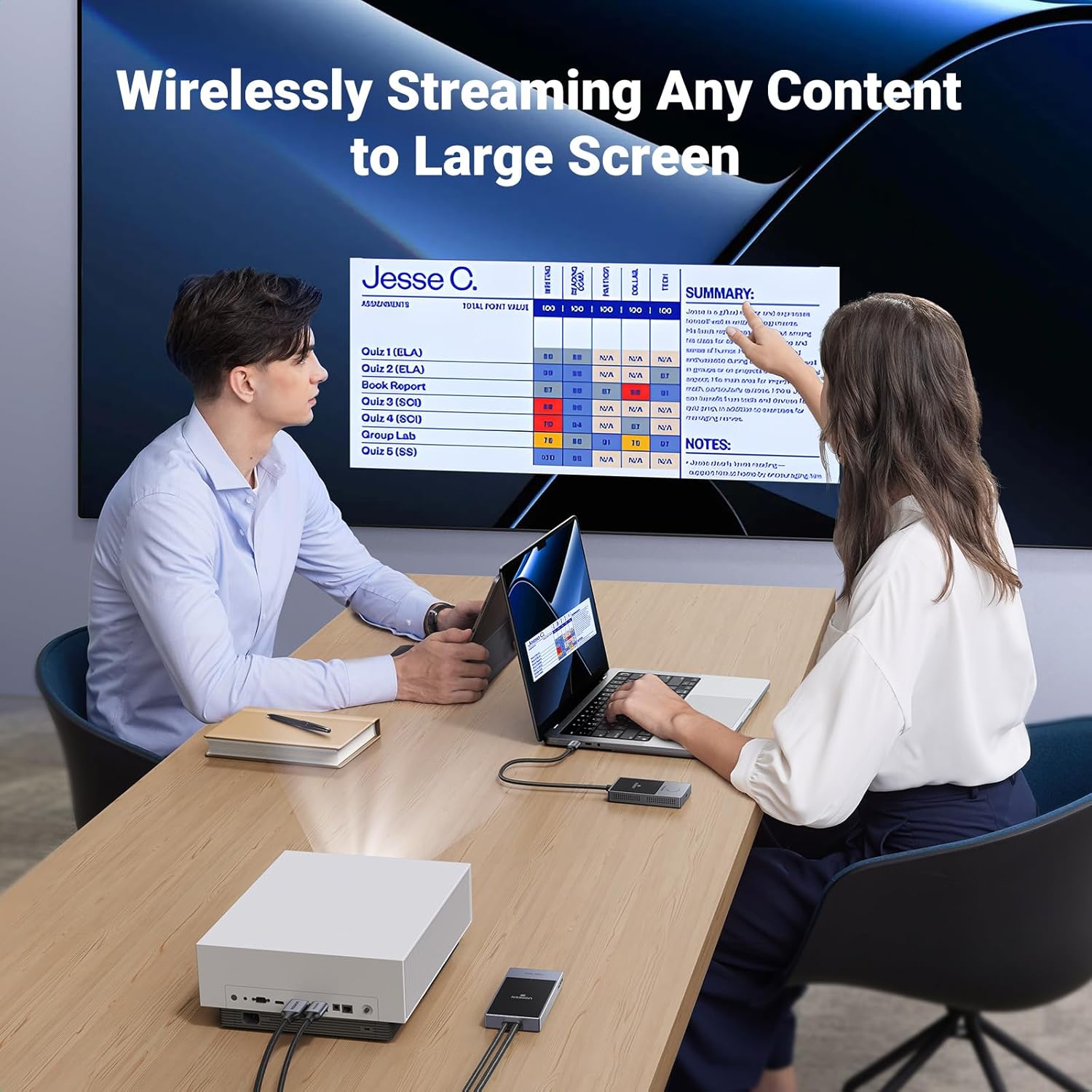
If your priority is a relatively long wireless reach and a straightforward setup, this kit offers a clean, cable‑free way to mirror or extend content from a USB‑C device to a larger screen. It’s positioned as handy for short‑range presentations, live demonstrations or basic media playback from a laptop, phone or camera without fiddling with network configurations.
Potential drawbacks
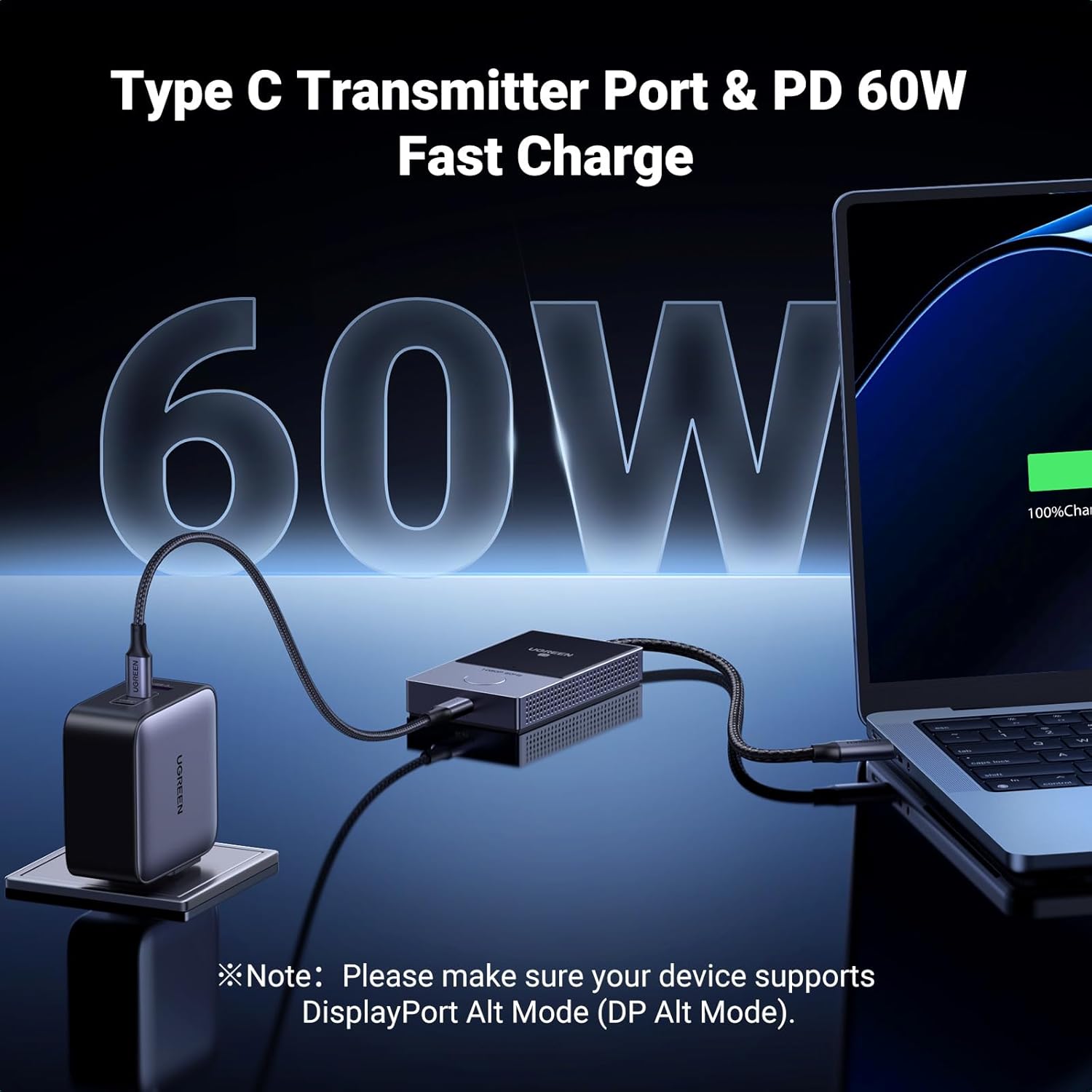
There are a few caveats to keep in mind. Real‑world wireless performance depends on line of sight, obstacles and interference, so the 50m claim may not hold in busy environments. Also, being limited to 1080P@60Hz means it isn’t suited to 4K content or high‑refresh gaming. Finally, the kit’s reliability hinges on the source device providing DP Alt Mode over USB‑C, if a device can’t output video through USB‑C, compatibility won’t help.
Who it’s for
This product is likely to suit office environments, teachers or presenters who need a simple, reliable wireless link from a USB‑C device to a larger display. It can also serve casual home use where a cable‑free connection is preferred, and the emphasis is on easy setup rather than cutting‑edge resolution.
Who it’s not for
If you require 4K/60Hz playback or a low‑latency gaming experience, this device may not meet expectations. It’s also not ideal if your space has many wireless devices that could introduce interference or if your source device cannot output video via USB‑C/DP Alt Mode.
What to check before buying
- Confirm your source supports DP Alt Mode over USB‑C and can output video to HDMI via the transmitter.
- Ensure your display has an HDMI input and is within a reasonable line of sight for best performance.
- Consider the environment: open spaces favour the stated distance, cluttered spaces can reduce range.
- Think about your typical usage: meetings, demos, or casual media playback—where 1080P may be acceptable and wires are a hassle.
Practical usage example
Imagine giving a live product demonstration from a USB‑C laptop to a wall‑mounted TV in a small briefing room. You’d plug the transmitter into the laptop, the receiver into the TV, and share your content without running HDMI cables across the room. If a colleague moves around or the room fills with people, you’ll notice whether the signal remains stable or encounters drops—useful in deciding if this setup suits regular use.
What’s included and setup notes
The base description implies a straightforward plug‑in approach, no app or network setup is required. If you’re migrating from a wired HDMI link, this can feel liberating, though you’ll want to test alignment and range in your typical meeting space before an important presentation.
Final decision
Is it worth it?
Worth considering if you prioritise a simple, cable‑free link from a USB‑C device to HDMI display with a decent wireless range and straightforward use. It makes sense for light‑to‑moderate workloads in classrooms, meeting rooms or home setups where 1080P@60Hz is sufficient and you value reliability over ultra‑high resolution.
FAQ
- Will this support 4K content? Not according to the specification provided, it targets 1080P@60Hz.
- Do I need apps or Wi‑Fi to use it? No, the product claims plug‑and‑play with no app or network setup.
- Is it compatible with Android phones and iPads? It lists Android and iOS as compatible platforms, subject to DP Alt Mode output on the source device.