

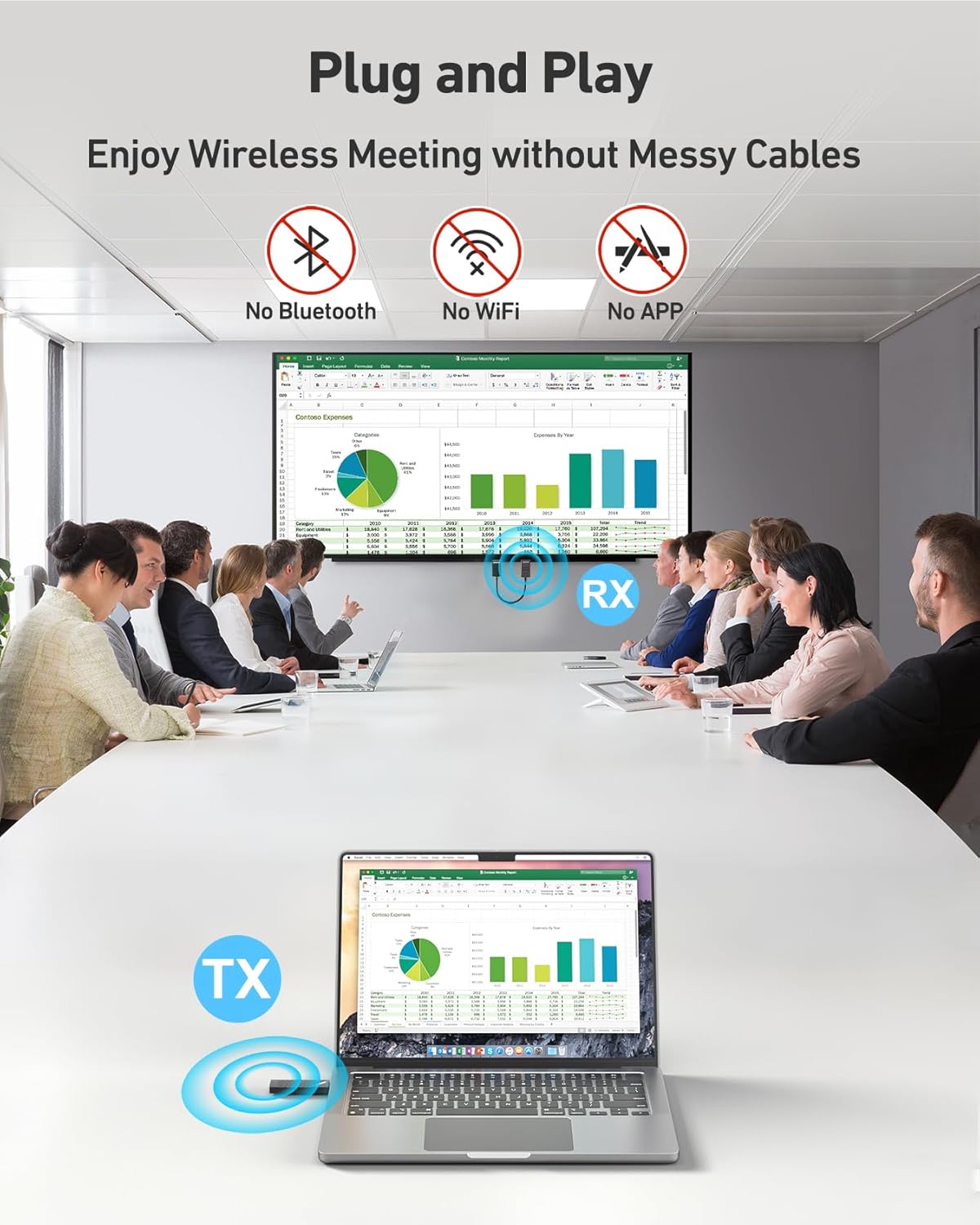
BENFEI Wireless USB-C Transmitter & HDMI Receiver Kit
Product description
What to know
This BENFEI kit is a wireless USB-C transmitter and HDMI receiver designed to mirror content from a compatible USB-C device to a TV, projector or large display without cables. It supports HD video up to 1080p and advertises a substantial wireless range, making it a practical option when you want to avoid long HDMI cables. A key point is that the USB-C port used for charging can’t transfer data or video, so you’ll still need a separate data-capable connection for the device itself.
How it works
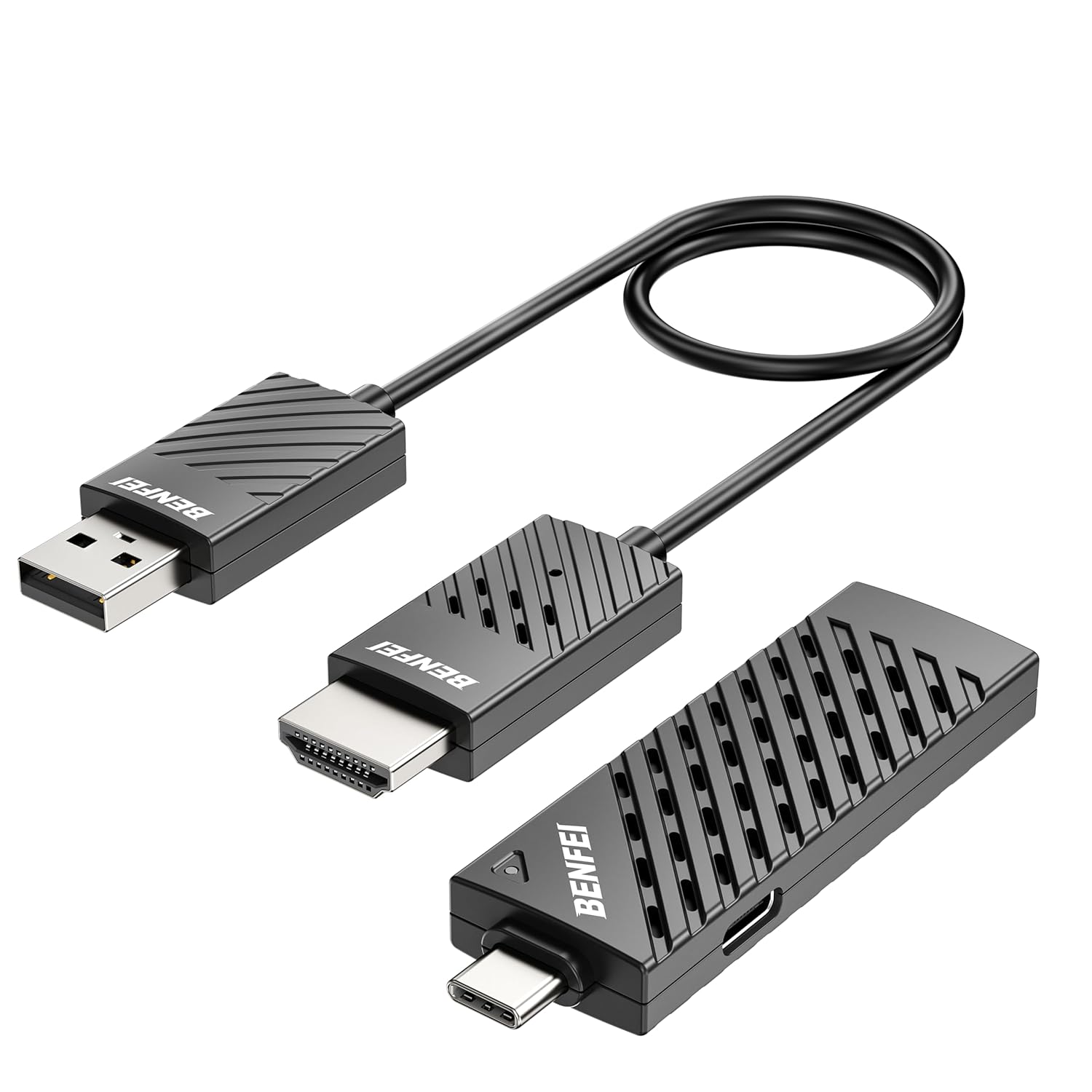
Installation is described as plug & play with auto pairing and no apps, Bluetooth or Wi‑Fi required. Attach the USB-C transmitter to your device and connect the HDMI receiver to the display. In 5–10 seconds, you should see content projected to the big screen. The setup aims for simplicity, and the kit is designed to be portable for home, office or school use.
Tech specs
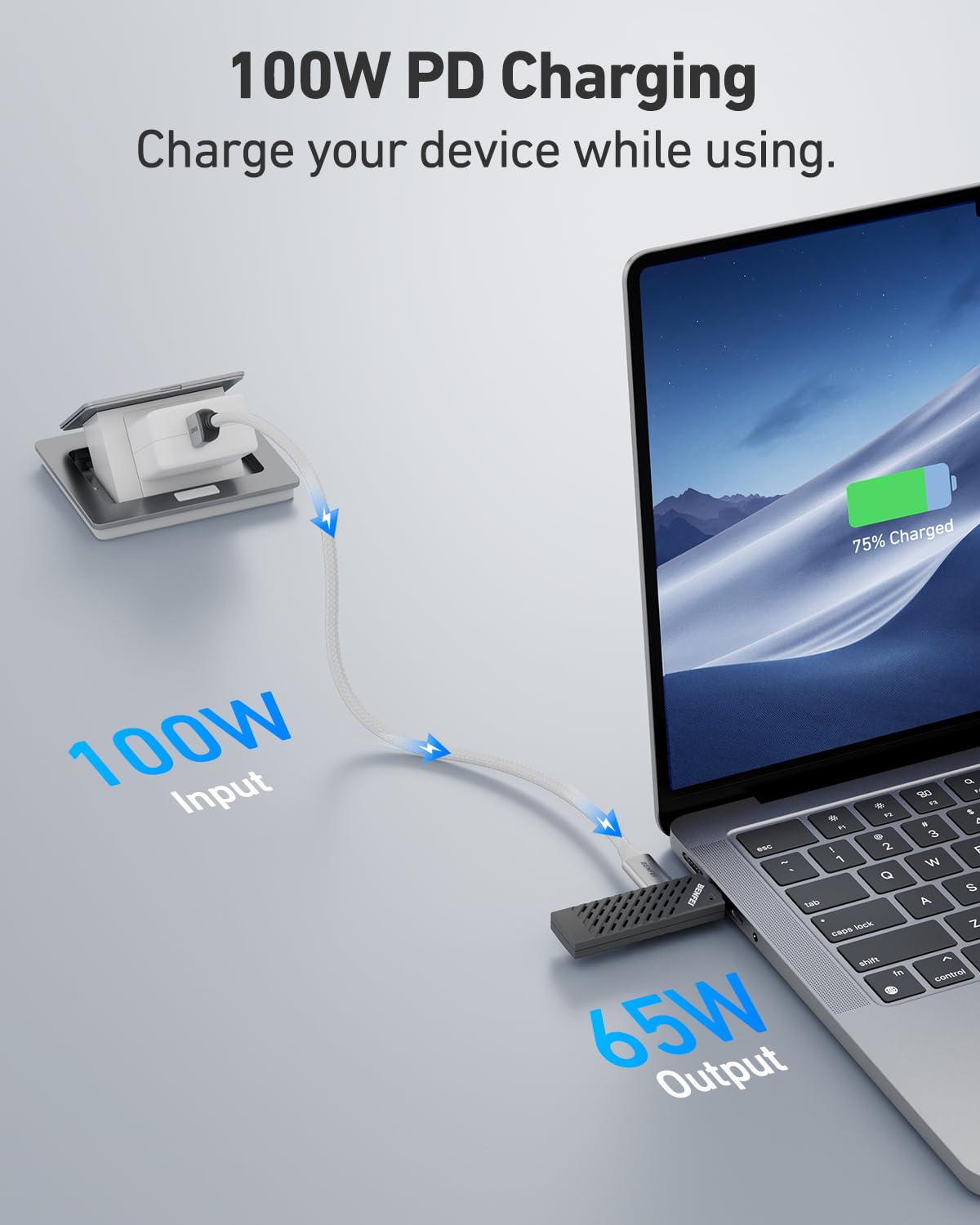
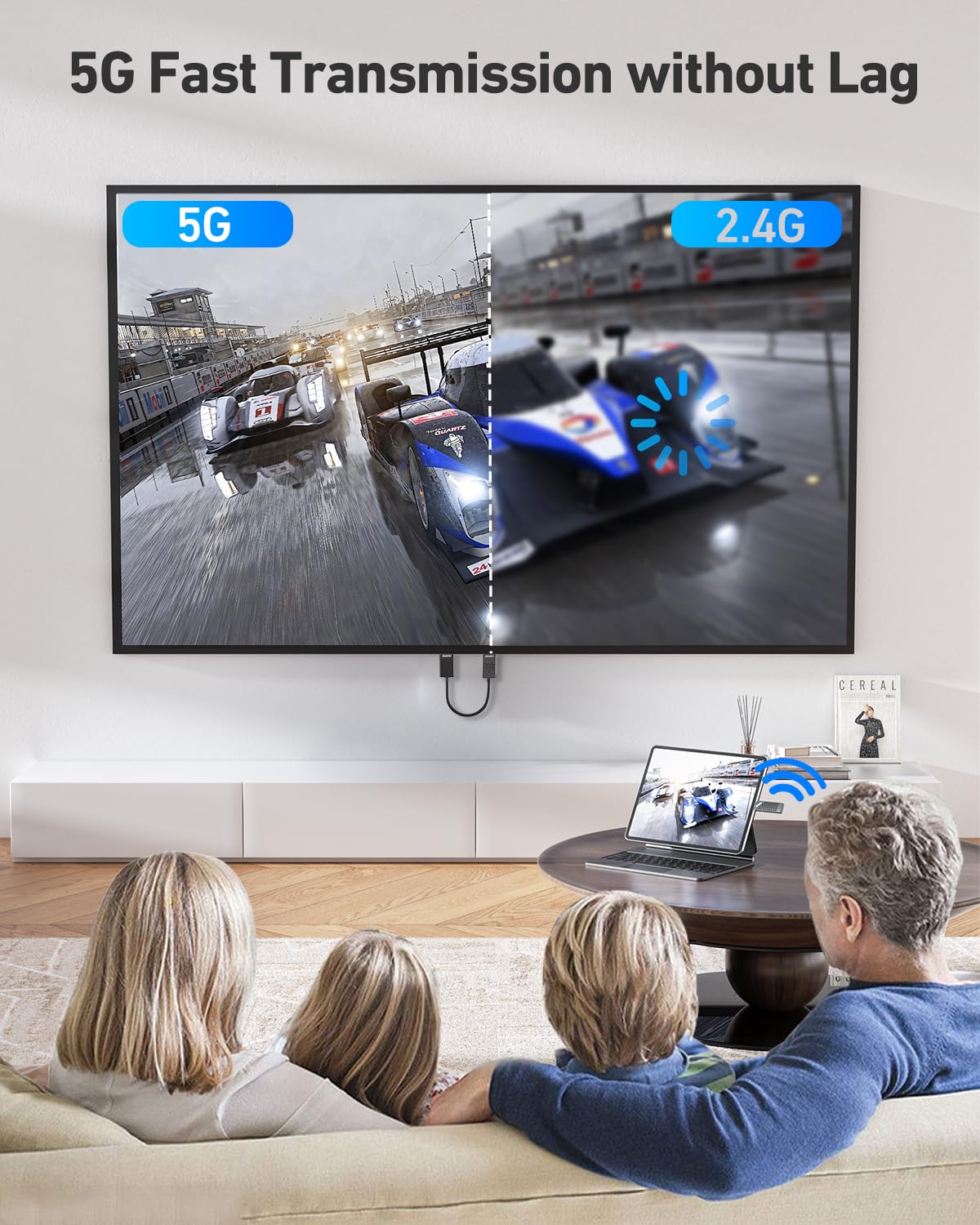
The system supports up to 1080p output and offers a pass-through charging feature of up to 65W via the USB-C port (note that this port does not carry data or video). Transmission uses 2.4G/5G dual-band wireless technology with automatic band selection to mitigate interference. The claimed range is up to 98 feet (30 metres). Compatibility is broad in terms of operating systems, including Windows, macOS, Android and iOS, but the USB-C port must support DisplayPort video output. If a red light appears, that indicates the USB-C source does not support DisplayPort video output.
What’s included
The kit comprises a USB-C transmitter and an HDMI receiver designed to pair quickly and work with devices such as MacBooks, iMacs and some Windows laptops. The product name also highlights compatibility with a range of devices (e.g., S23, XPS17), though actual limits will depend on device DP output support.
Performance and range
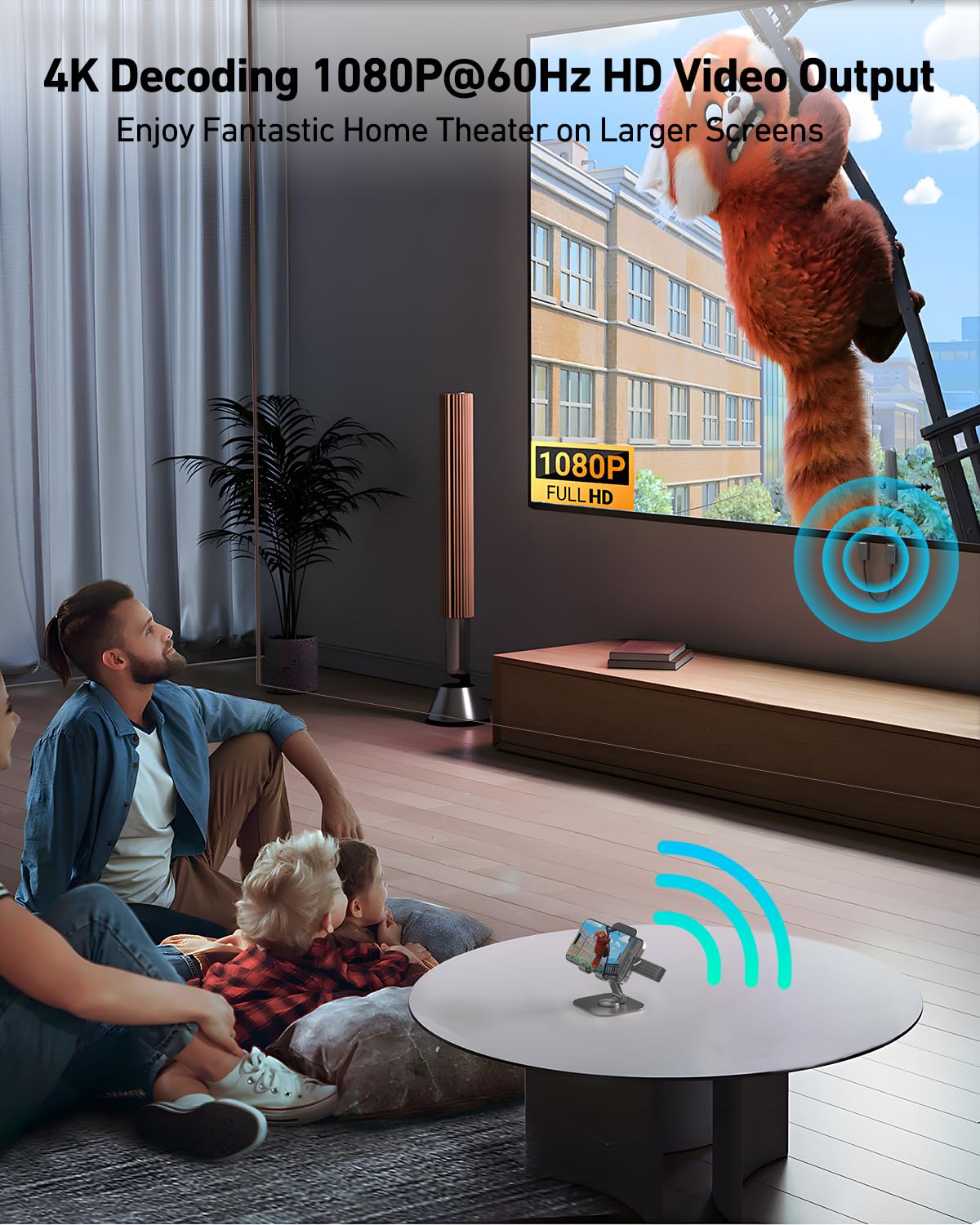
advertised range of 98 feet/30 metres and dual-band operation are aimed at reducing latency and maintaining signal quality in typical home or light-office environments. In practice, wireless performance can depend on physical obstacles, interference, and device compatibility. It’s reasonable to expect solid performance for video playback and screen mirroring in spacious rooms, but there may be occasional lag or dropouts in highly congested spaces or with incompatible DP configurations.
Use cases and who it’s for
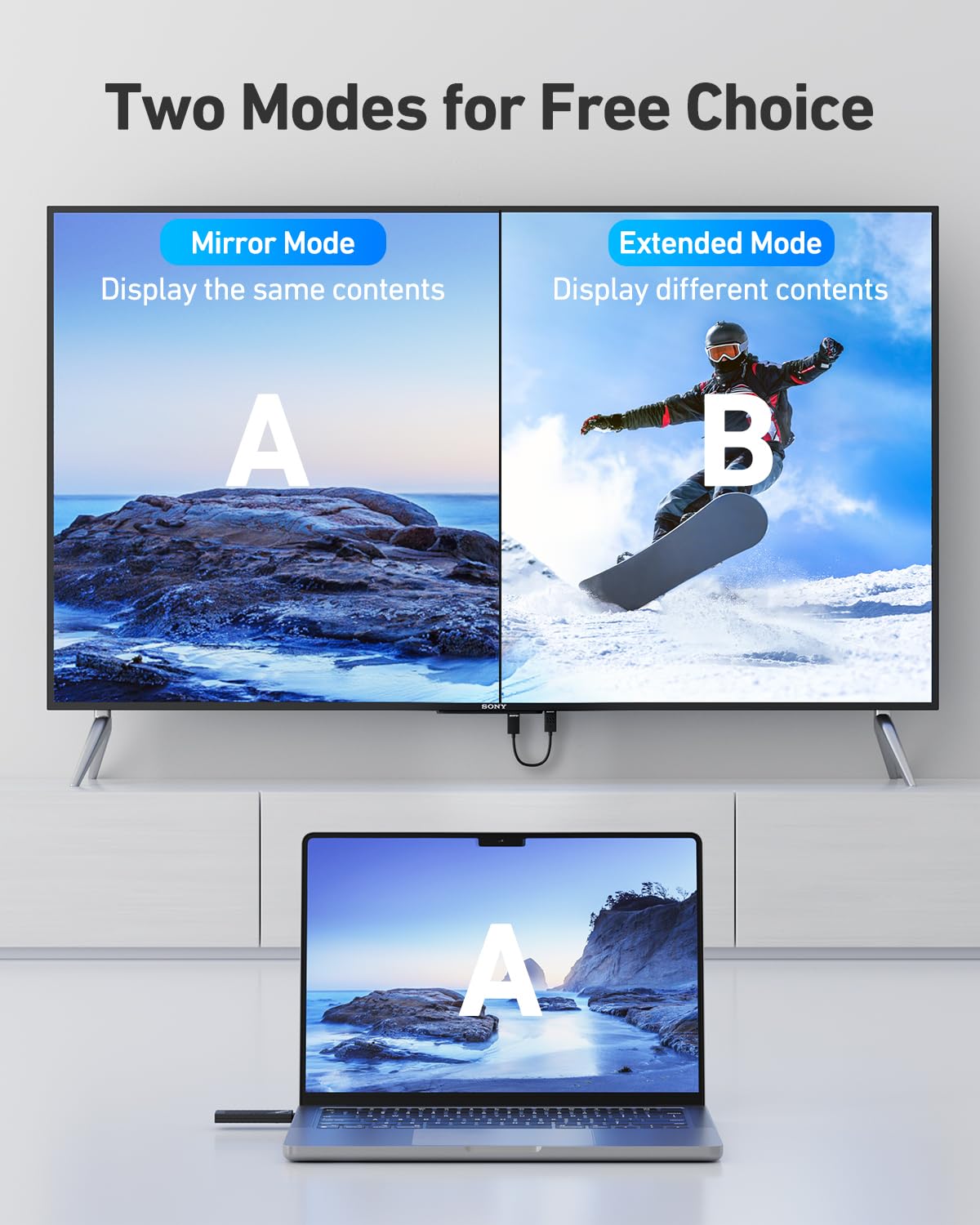
This solution is aimed at users who want to project content from a USB‑C device to a larger display without running cables. It can be practical for home theatre setups, classroom presentations, or temporarily sharing a screen during meetings. It’s worth noting that if you prioritise high‑end gaming or require ultra‑low latency, wireless HDMI solutions may vary in performance depending on environment and hardware. If you primarily need to charge while using the display, the 65W pass-through is helpful, though note that no data travels through the USB‑C charging port.
Pros and cons
What stands out: straightforward plug‑and‑play setup, respectable 1080p output, solid wireless range on a dual‑band link, and a useful 65W charging pass‑through. The auto‑pairing and lack of required apps also contribute to user ease. What may not be perfect: the device explicitly outputs up to 1080p, so 4K content isn’t supported, the USB‑C charging port cannot carry data, so you’ll still need a separate data connection for the source device if it lacks other video output. The red light indicator helps diagnose DP output issues, but compatibility ultimately hinges on the source’s DisplayPort capability.
Before you buy
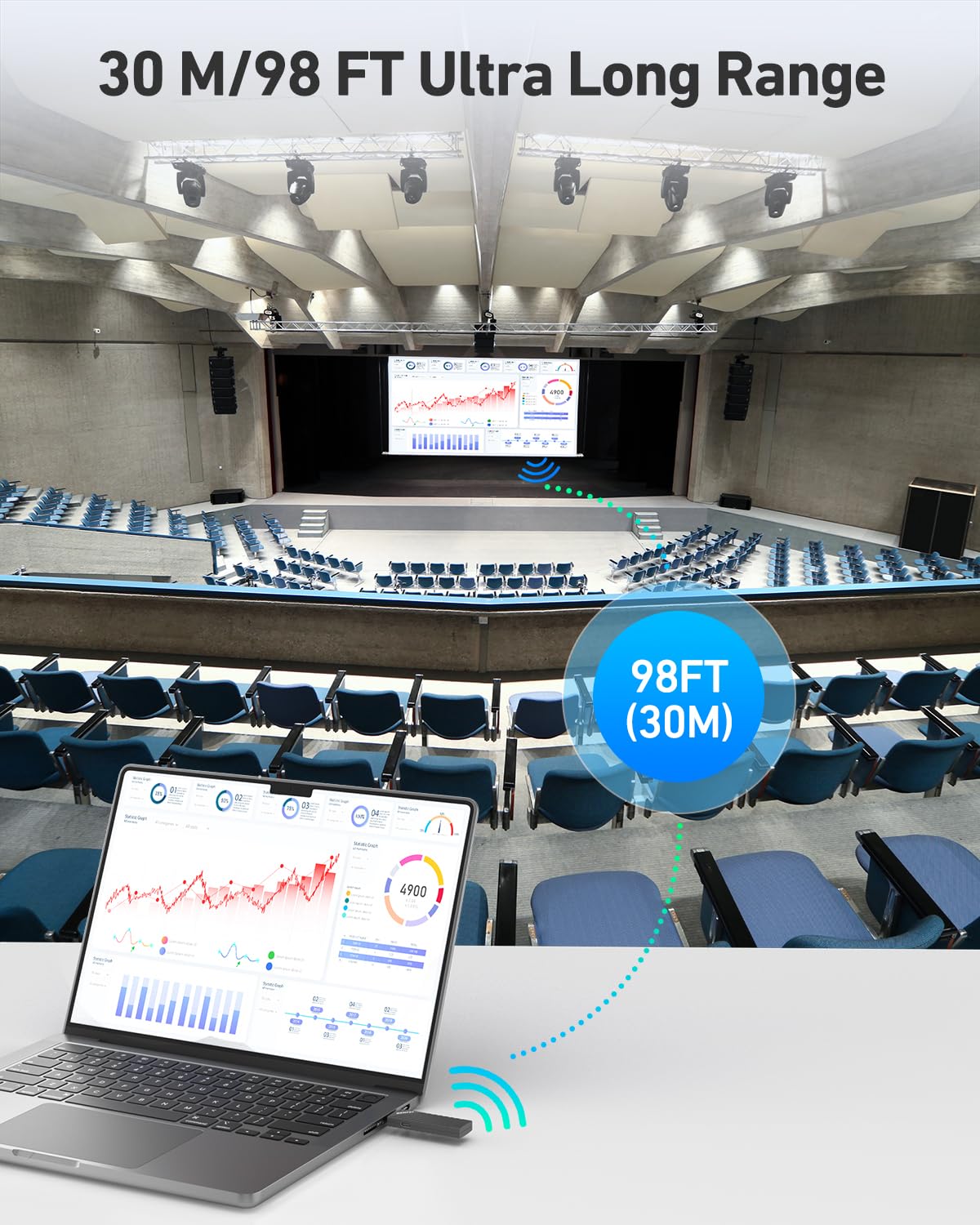
Check that your USB‑C device supports DisplayPort video output, as this is essential for the transmitter to work with the receiver. Confirm that your display can accept HDMI input and that you’re comfortable with file and video content playing back at 1080p rather than 4K. Consider your space, the 30 m range is impressive, but real-world performance will depend on walls, furniture and interference. If you need data transfer or charging while transmitting video, keep in mind the distinction between the charging port and data channels.
Buying decision
Final verdict
It makes sense if you want a simple, cable‑free way to mirror or extend your screen from a USB‑C device to a larger display, provided you’re content with 1080p and the device supports DisplayPort video output. It’s a practical fit for casual viewing, presentations or classrooms where quick setup and 65W charging are advantageous, but not the best option if you require 4K quality, ultra‑low latency gaming, or data transfer over USB‑C.
FAQ
- Do I need drivers or apps to use this? No, it’s marketed as plug & play with auto pairing.
- Can it handle 4K content? No, it supports up to 1080p.
- What happens if the USB‑C port light is red? The source likely doesn’t support DisplayPort video output.
- Will it charge my laptop while in use? Yes, up to 65W pass‑through charging via the USB‑C port, but data isn’t transmitted through that port.
- How should I position the transmitter and receiver for best performance? Aim for line‑of‑sight where possible and try to avoid thick walls or metal obstacles between the two units.