

Wireless HDMI Transmitter and Receiver (USB-C, 5GHz) for 1080P Full HD streaming to TV/monitor
Product description
The essentials
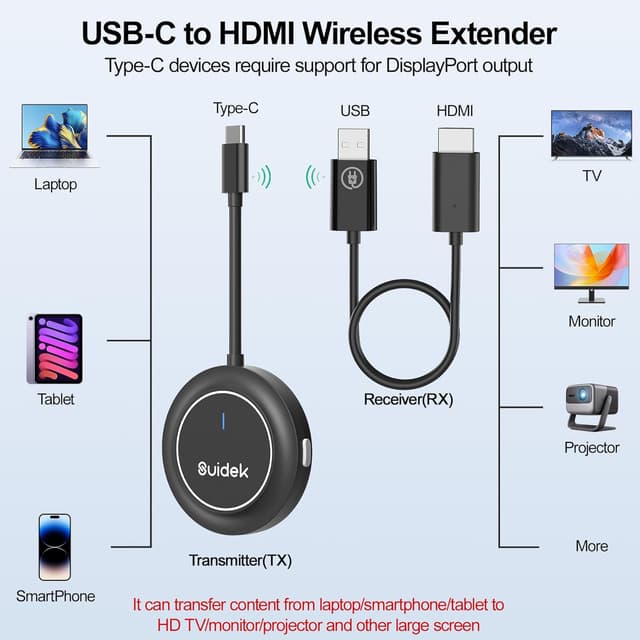
If you want a tidy way to stream what’s on a phone, laptop or camera to a TV, monitor or projector, this Wireless HDMI Transmitter and Receiver is built for exactly that. It’s a USB-C wireless HDMI setup that aims to keep things simple: connect the transmitter and receiver, and use mirroring or extension so you can display content without running long cables across the room.
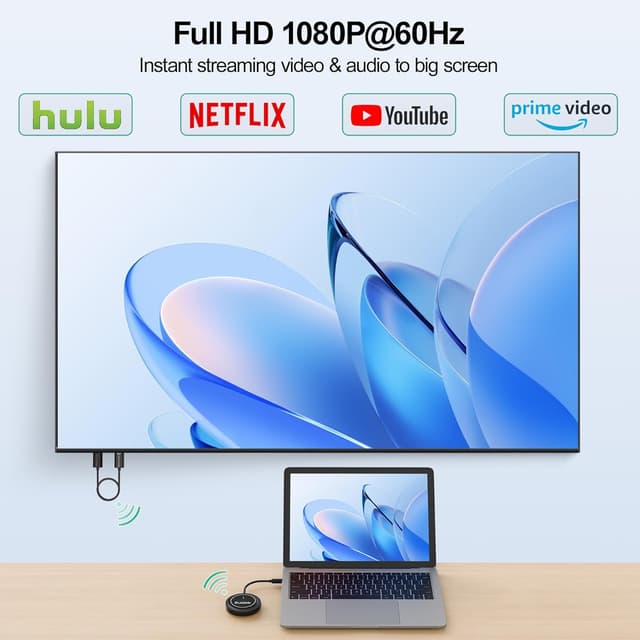
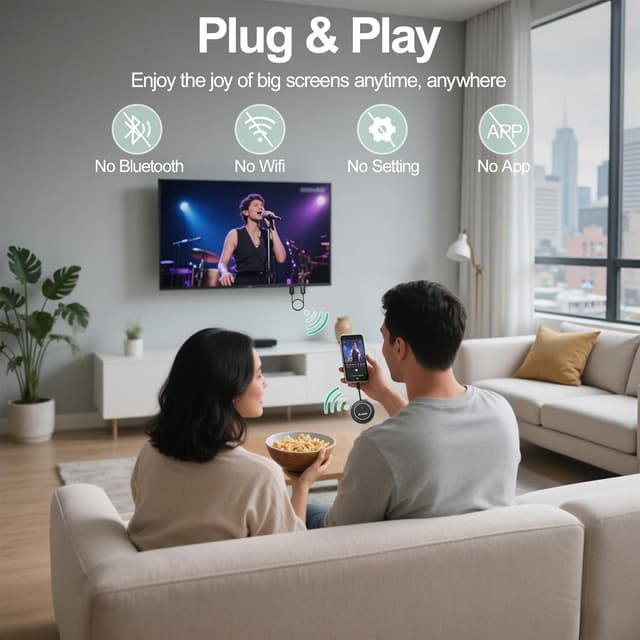
On paper, the headline is 1080P Full HD combined with a 5GHz chip. The other thing that stands out is the “no app / no Bluetooth / no Wi‑Fi pairing required” approach. That can make a difference if you’re the sort of person who’s wary of extra software and setup steps.
Key takeaways
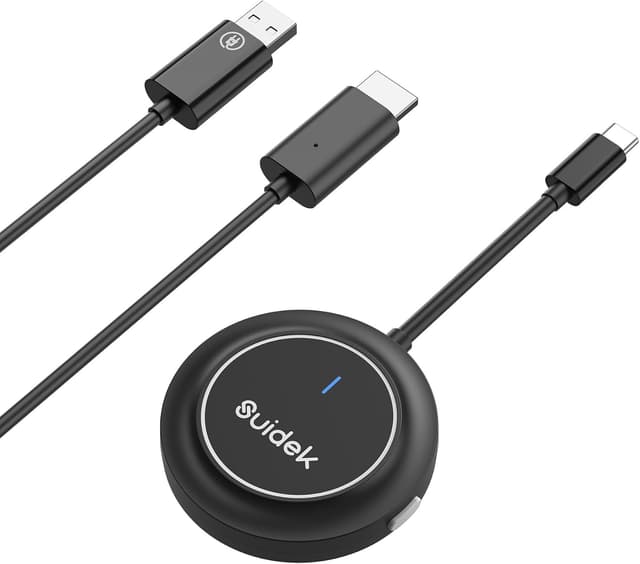
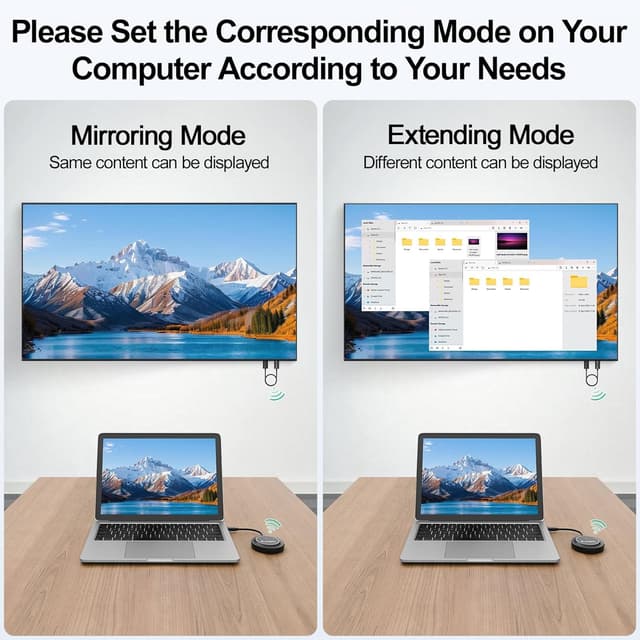
You’re getting a straightforward wireless display adapter concept: transmitter for the source device, receiver for the screen. The package supports both screen mirroring and screen extension modes, which is useful if you sometimes want the connected display to act like a separate workspace rather than duplicating everything.
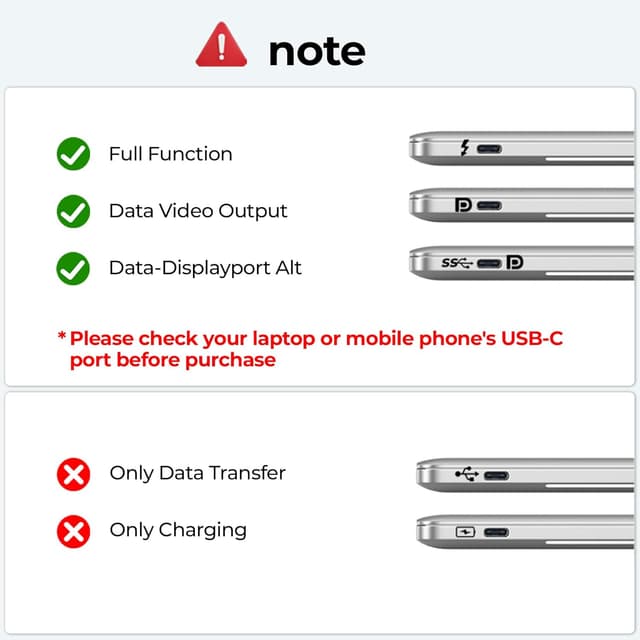
That said, there are a couple of practical limitations worth noting. Tablets and mobile phones are only supported in Mirror Mode, with Extended Mode not supported. Also, it relies on USB‑C devices with DisplayPort Alt mode for the broader compatibility angle, so it’s worth double-checking your device’s USB‑C capabilities before you buy.
What matters most for everyday use
The “plug and play” promise is one of the main reasons people look at products like this. In real-life terms, it usually means fewer moving parts: you connect transmitter to the source, connect receiver to the display, then power the receiver (the notes specify you’ll need to plug the receiver power into an adapter).
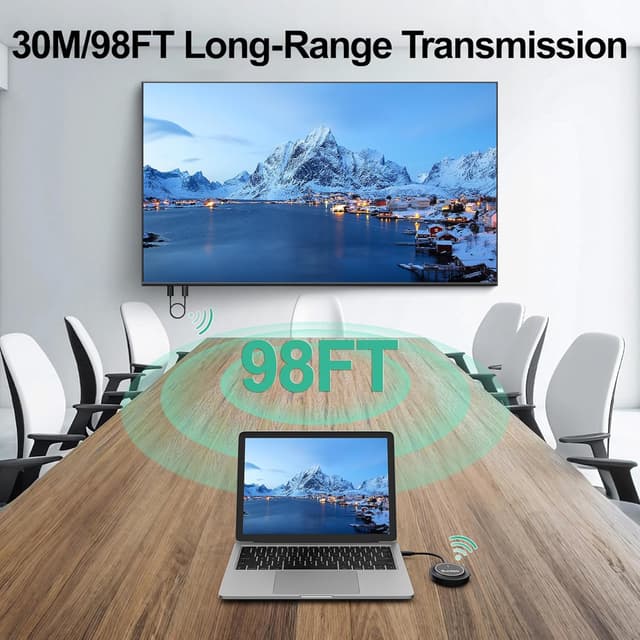
There’s also a stable transmission claim, with a range stated up to 98ft / 30m. The realistic caveat is also included: walls and obstacles can reduce effective distance. So if you’re hoping for reliable performance through thick internal walls or across awkward layouts, you may need to position the kit more carefully.
A small “micro-experience” example: imagine giving a quick training demo from your laptop to a TV in another room. If you place the receiver close to the TV and keep the transmitter within line-of-sight as much as possible, it’s the kind of setup that can turn “let’s plug in cables” into “start the presentation and go”.
Tech specs
- Type: Wireless HDMI transmitter and receiver (USB‑C) for display mirroring/extension
- Video quality: 1080P Full HD
- Wireless band/chip: 5GHz
- Supported modes: Screen mirroring and screen extension (tablets/mobile only mirror)
- Transmission range: up to 98ft/30m (may vary with obstacles)
- Compatibility note: works with USB‑C devices with DisplayPort Alt mode
- Platforms mentioned: Windows, Linux, macOS, Android, iOS
Where it shines (and where it may not)
This setup makes sense if your main goal is wireless screen sharing from a laptop or other USB‑C source to a TV, monitor or projector—particularly when you don’t want to install an app or deal with Bluetooth pairing. The 5GHz focus is also geared towards keeping the connection more consistent than older wireless approaches.
It’s not the best choice if you specifically need extended mode on a tablet or mobile phone, because Extended Mode isn’t supported there. And while it’s marketed as wide-compatible across multiple operating systems, the compatibility still depends on your USB‑C device supporting DisplayPort Alt mode—so if your device doesn’t, you could end up with frustration rather than a clean wireless display.
Should you buy it?
A solid choice if you have a USB‑C laptop (or another USB‑C DisplayPort Alt mode device) and you want wireless HDMI for mirroring or extending your desktop to a TV/monitor/projector, without apps or Bluetooth pairing. It also fits well for presentations and home entertainment where a clean setup matters.
You may want to skip it if you mainly use tablets or mobile phones and expect extended mode, or if you’re not sure your USB‑C port supports DisplayPort Alt mode. In those situations, it could feel more limited than you hoped, and you’ll be spending time troubleshooting rather than streaming.
Quick FAQ
Will I need an app or Bluetooth to use it?
No app or Bluetooth is required, according to the information provided. The expectation is a plug and play style connection.
Does it support both mirroring and extending?
Yes for screen mirroring and screen extension in general, but tablets and mobile phones are limited to Mirror Mode (Extended Mode is not supported).
How far does the wireless connection reach?
The claimed range is up to 98ft/30m, but real distance can vary depending on obstacles like walls.
What do I need to connect the receiver to a TV or monitor?
You connect the receiver to the display using HDMI, and you’ll need to power the receiver by plugging its power into an adapter (as noted).