

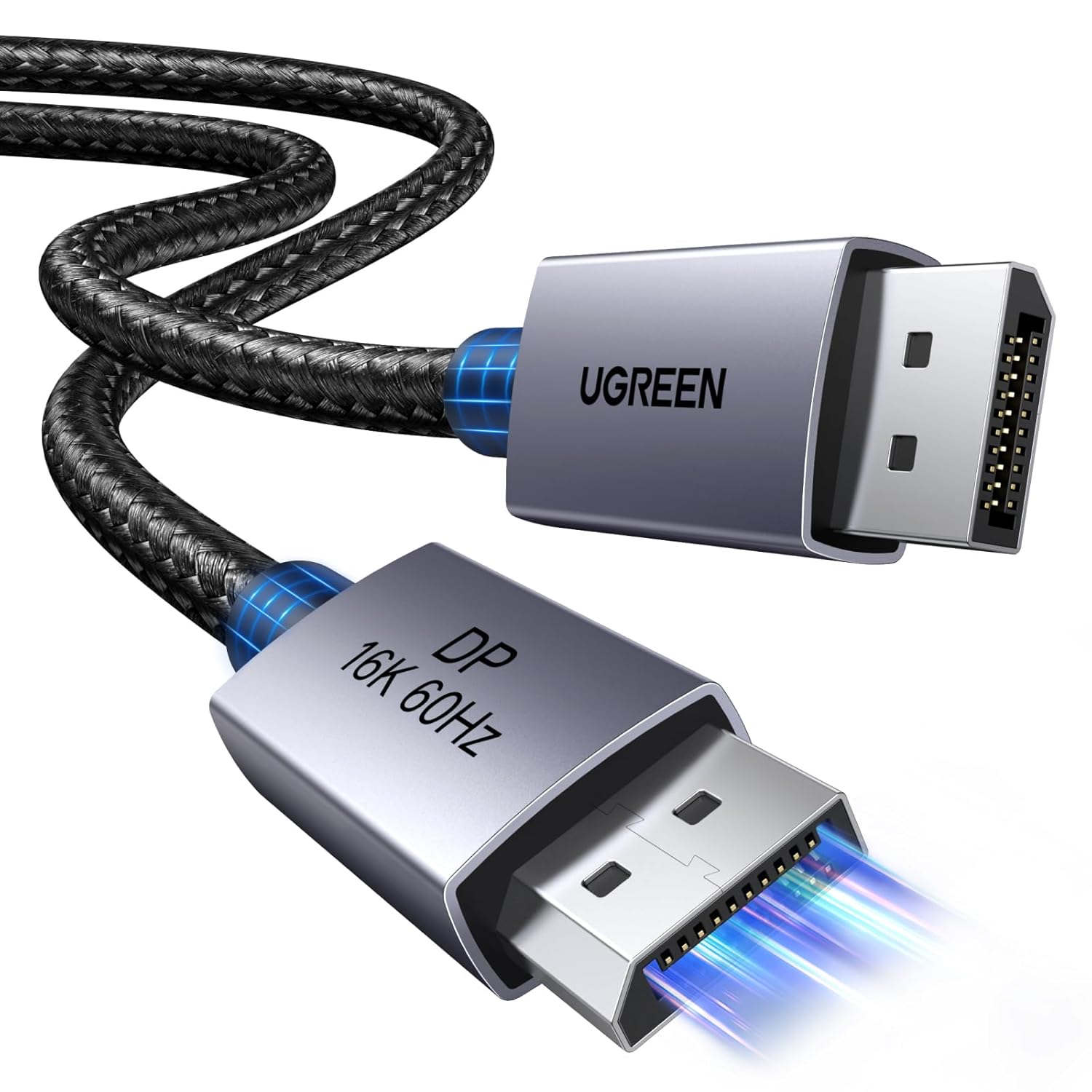
UGREEN 16K@60Hz DisplayPort 2.1 to DisplayPort Cable (3.3ft/1m) 80Gbps, DP 2.1, HDCP 2.3, DSC 1.2a
Product description
The essentials
If you’re trying to get the most out of a modern PC or games console with a DisplayPort setup, this UGREEN DP 2.1 cable is designed for high-spec video without needing any driver or extra software. On paper, it’s built for today’s fast refresh rates and higher-resolution targets, with support for up to 16K at 60Hz, plus up to 8K at 240Hz and 4K at 480Hz.
It also leans into the stuff gamers tend to care about: VRR support (FreeSync and G-Sync), plus features like Auto Low Latency Mode (ALLM). For anyone using it for work too, there’s MST support for multi-monitor setups, alongside the ability to mirror or extend a display for presentations or streaming.
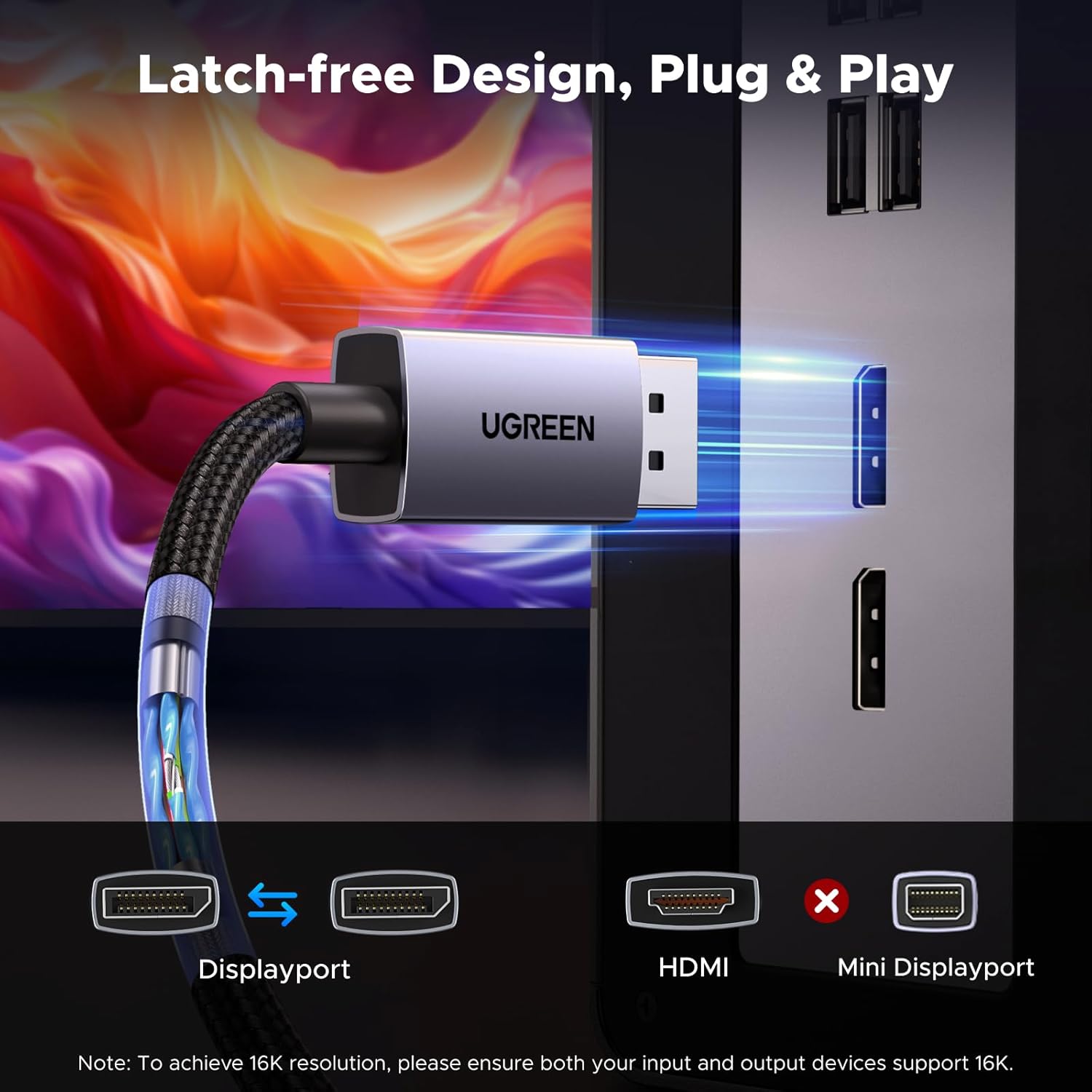
One small caveat worth keeping in mind: this is a DisplayPort-to-DisplayPort lead, so if your kit uses HDMI or mini DisplayPort, you can’t just swap it in. It’s also not a cable that’s meant to “convert” formats—UGREEN explicitly flags that point.
Key points: where it fits best
This cable is for people who already have DisplayPort devices and want to avoid compromises when chasing smooth motion and better signal handling. It’s positioned more as a “capable link” than a basic budget lead.
You’ll likely appreciate it if you care about: - gaming smoothness via VRR (FreeSync/G-Sync) - higher-bandwidth goals (the stated 80Gbps) - reducing fuss, since it requires no driver/software
It’s also the sort of cable that can make sense if you’re building a multi-screen arrangement, because it supports MST and even daisy chain/daisy-chain style flexibility for adding display devices (within whatever your monitors and GPU support).
Where it may fall short is in situations where you actually need a different port type. If your monitor only takes HDMI, or you’re working with a mini DisplayPort device, this won’t be the answer—at best you’d still end up needing the right adapter/cable approach.
What really stands out in use
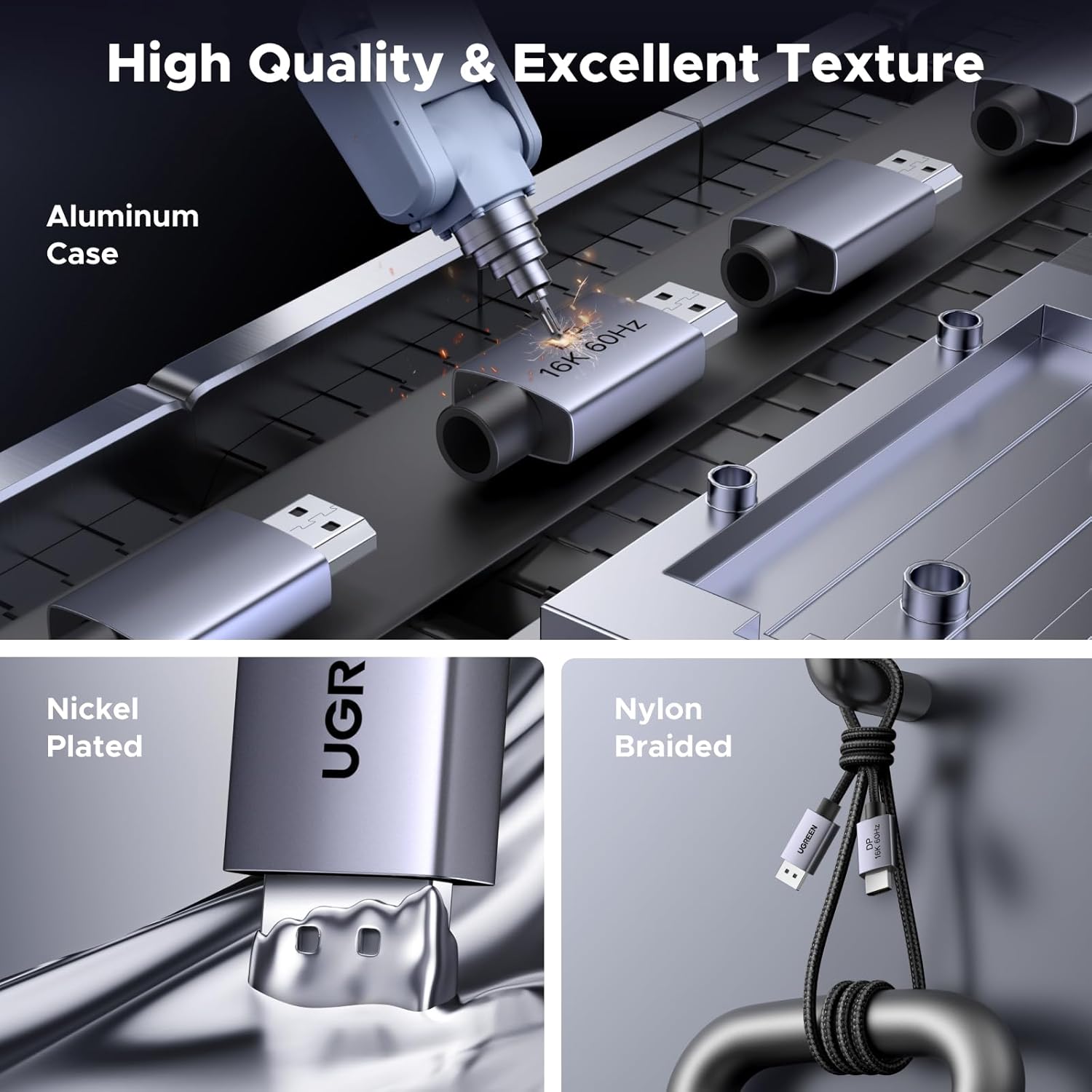
A braided DisplayPort cable like this is often bought for a practical reason: it’s easier to keep tidy and less prone to the “bendy failure” people get with flimsy PVC leads. UGREEN’s design choices are fairly specific—nylon braided jacket and a “no buckle design” intended to prevent accidental damage.
The cable also focuses on signal integrity: it uses triple shielding and is described as resisting EMI. In plain terms, that’s aimed at delivering a steadier connection when you’ve got a typical desktop layout with power cables, peripherals, and the occasional cramped desk.
Here’s a concrete example: if you’re setting up a gaming monitor on a desk and you swap between a single-screen day setup and a multi-screen layout for work, you can mirror/extend when needed (for example, a game window for play and a second screen for chat or a browser tab). When you want more screens, MST support is there so you can build a multi-monitor workflow instead of being stuck with one output.
The essentials on video features and compatibility
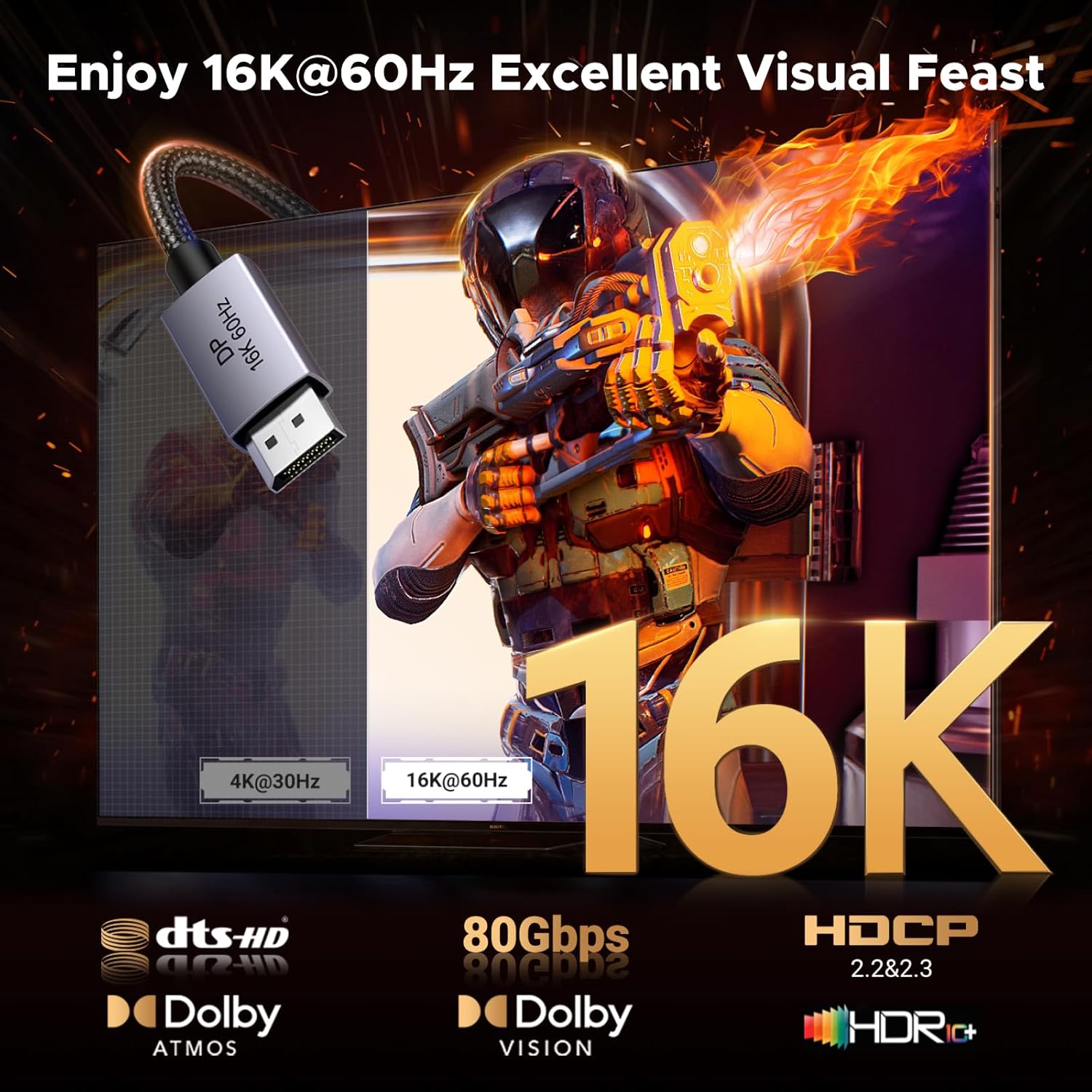
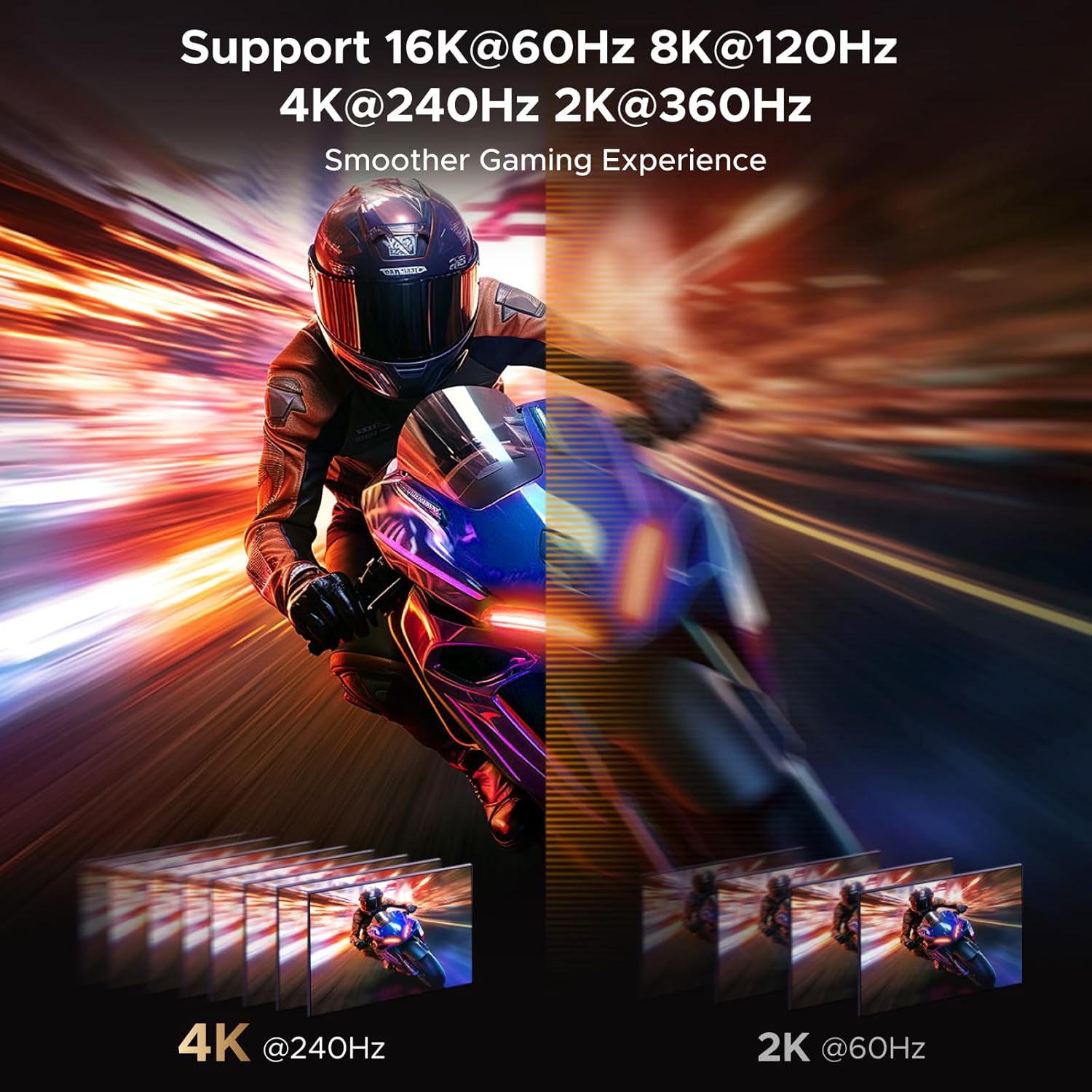
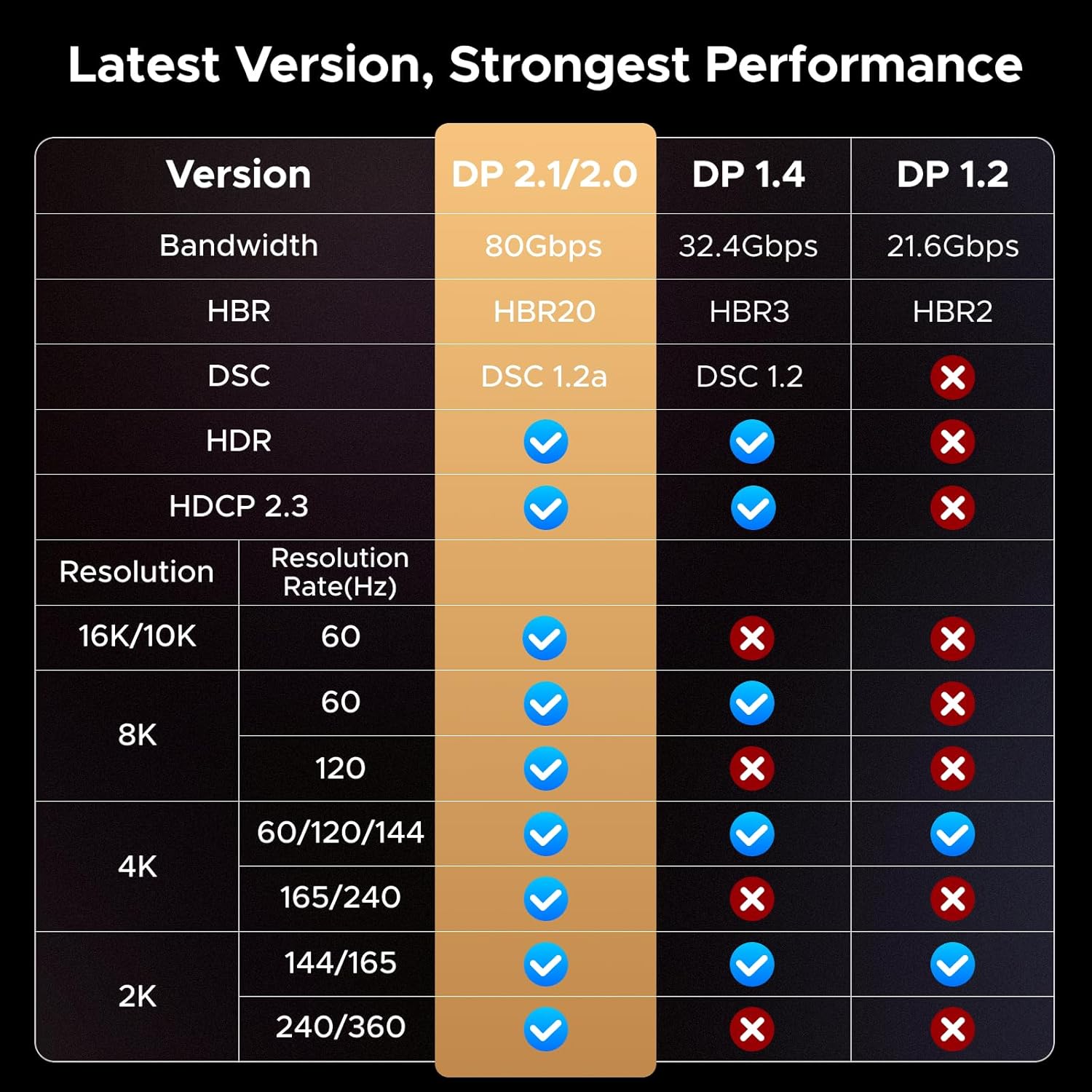
The headline spec support is the reason this cable exists. The description states: - 16K at 60Hz - 8K at 240Hz - 4K at 480Hz - backward compatibility with DisplayPort 1.4 and 1.2
It’s also listed as supporting Display Stream Compression (DSC 1.2a) and HDR. There’s also HDCP 2.3 support and mention of eARC and audio formats (DTS 7.1 and Dolby) for a more immersive setup.
For gaming features, the cable is described as supporting FreeSync and G-Sync, plus VRR. ALLM is mentioned too, which can be helpful if your TV or monitor responds well to console-style low-latency modes.
Compatibility notes you should not skip
UGREEN positions this for “DP to DP” connections and asks you to differentiate ports. It’s also not compatible with HDMI or mini DP based on the provided note. So before buying, double-check the physical port on both ends: it needs full DisplayPort-to-DisplayPort matching.
Tech specs
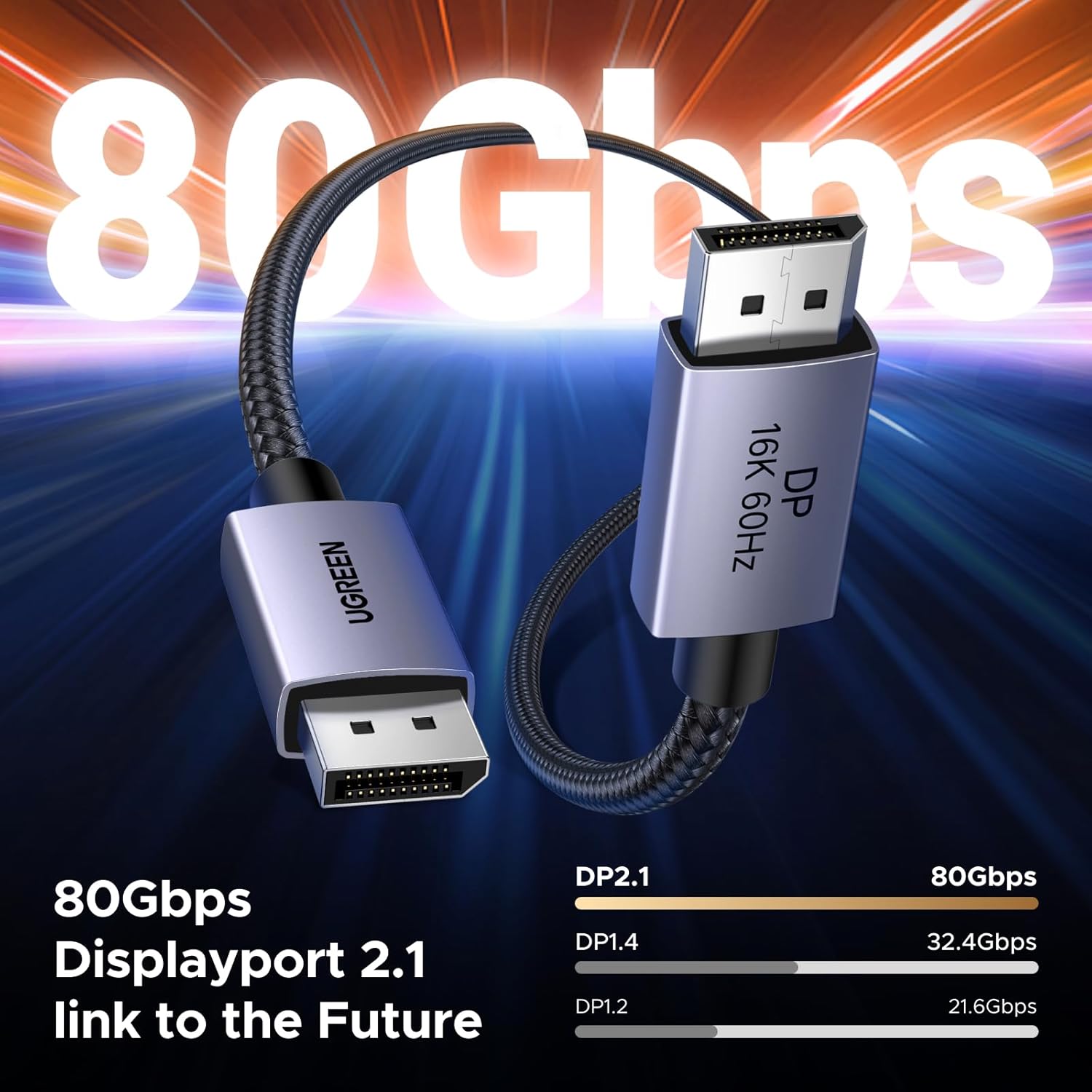
- Bandwidth: up to 80Gbps
- Supported resolutions: 16K@60Hz, 8K@240Hz, 4K@480Hz
- Standards: DisplayPort 2.1 (backward compatible with DisplayPort 1.4/1.2)
- Copy protection: HDCP 2.3
- Compression: DSC 1.2a
- Refresh/VRR: FreeSync & G-Sync, VRR support mentioned
- Latency feature: Auto Low Latency Mode (ALLM)
- Video features: HDR support
- MST: multi-stream support mentioned for multi-monitor use, daisy chain mode mentioned
- Audio mentions: eARC, DTS 7.1, Dolby listed
- Build: 28AWG tinned copper (as described), triple shielding, nylon braided jacket, aluminium alloy housing
- Connection type: DisplayPort to DisplayPort lead
- Length: 3.3ft (1M)
Care, durability and what to check before you buy
This cable is built to be handled day-to-day, with a nylon braided jacket and an aluminium-alloy housing designed to resist rust and help heat dissipation. The “10x more durable than PVC” claim is marketing language, but it does align with the physical braided design and the anti-buckle idea.
Still, cables aren’t magic—performance depends on the full chain. If you’re trying to reach the top-end refresh/resolution modes, it’s worth checking that your GPU and monitor actually support those modes over DisplayPort. The cable supports the features, but the display and graphics hardware have to meet the requirement.
Also, consider how you route it. A 1m lead can be convenient, but in deeper desks or monitor stands you may want extra length, otherwise, tension on the connectors becomes more of an issue than the cable’s shielding.
Is it worth it?
This UGREEN DisplayPort 2.1 cable is a strong “value-for-function” choice if you’ve got DisplayPort equipment and you want a higher-spec link aimed at gaming smoothness (FreeSync/G-Sync/VRR and ALLM) plus high-resolution targets, with MST support if you’re running more than one display.
You may want to skip it if you don’t actually use DisplayPort on both ends, or if your setup needs HDMI or mini DisplayPort connectivity—UGREEN explicitly flags that it’s not compatible with HDMI or mini DP. Also, if your main priority is just basic single-monitor use at moderate settings, you might not need this level of spec.
When it makes sense: when you’re building a modern DP-focused desktop or TV gaming setup and you care about fewer compromises, steadier signal handling, and multi-monitor flexibility.
Mini FAQ
Does it need a driver or software?
UGREEN states that it requires no driver or software.
Can I use it with HDMI or mini DisplayPort?
No. The provided note says it’s not compatible with HDMI or mini DP.
Will it work for multi-monitor setups?
It supports MST, and daisy chain mode is mentioned, but whether you get the exact multi-screen behaviour depends on what your GPU and monitors support.
What gaming features are mentioned?
The description includes support for FreeSync and G-Sync, VRR, and Auto Low Latency Mode (ALLM).
Will it hit the highest refresh rates?
The cable supports high-end targets on paper (including 4K@480Hz and 8K@240Hz), but your monitor and graphics card must support those settings over DisplayPort.