

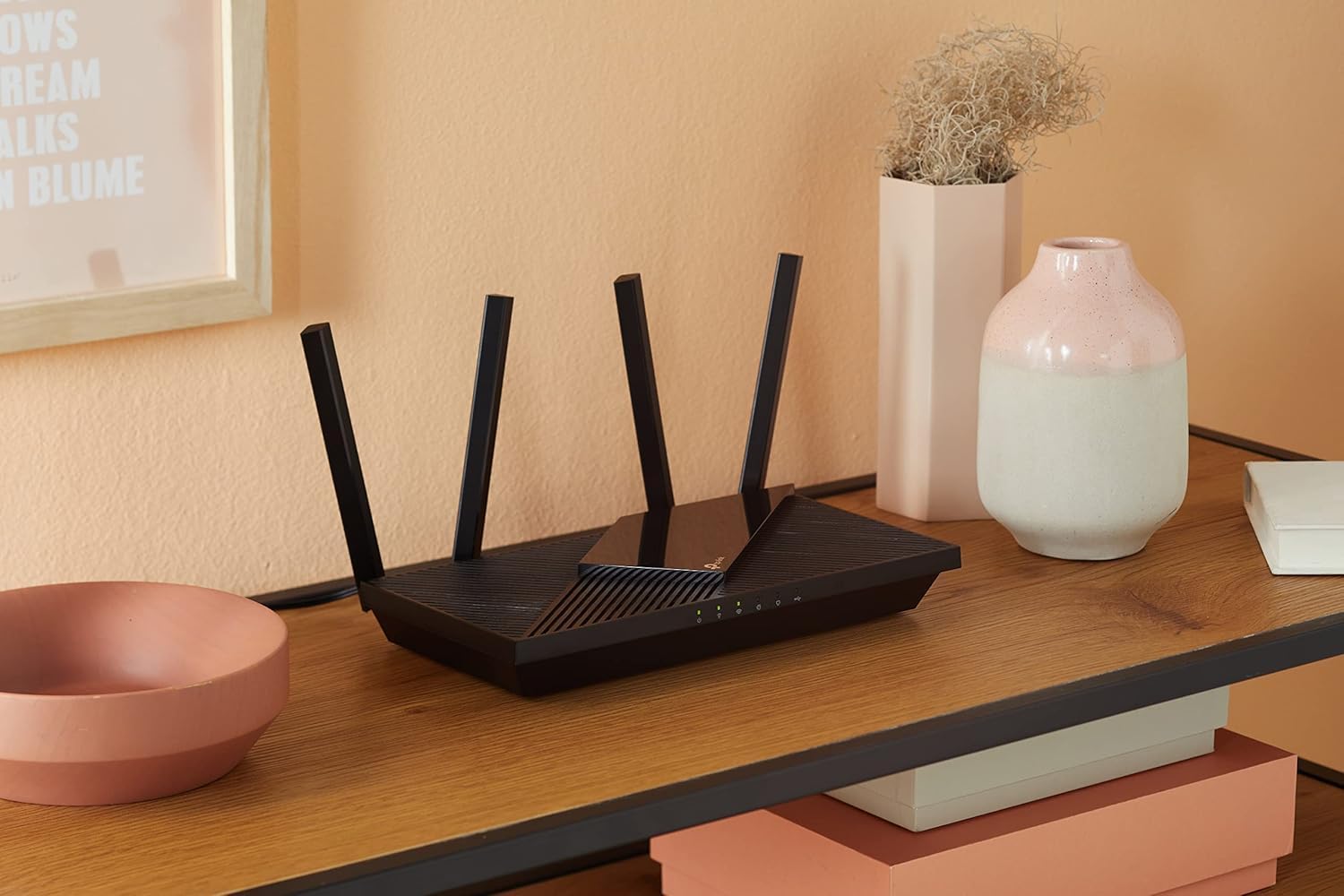
TP-Link Archer AX55 AX3000 WiFi 6 router
Product description
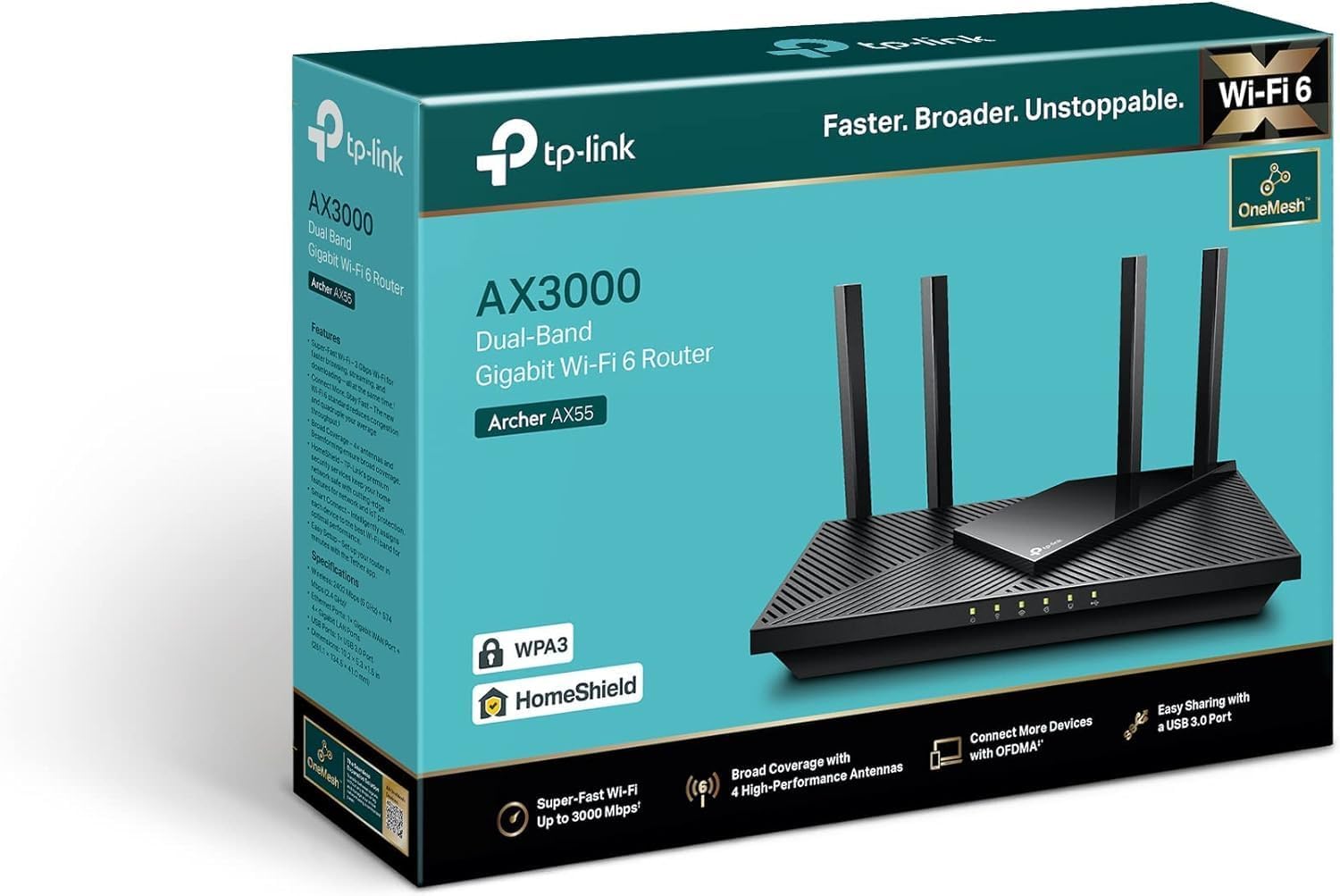
If you want a steadier home Wi Fi connection for streaming, downloads, and everyday browsing, the TP-Link Archer AX55 WiFi 6 Router is built to deliver reliable dual band performance. With gigabit wired ports, Wi Fi 6 speeds that support smoother activity, and features that help the network cope with multiple devices, it suits households where connectivity is constantly in use. 👌
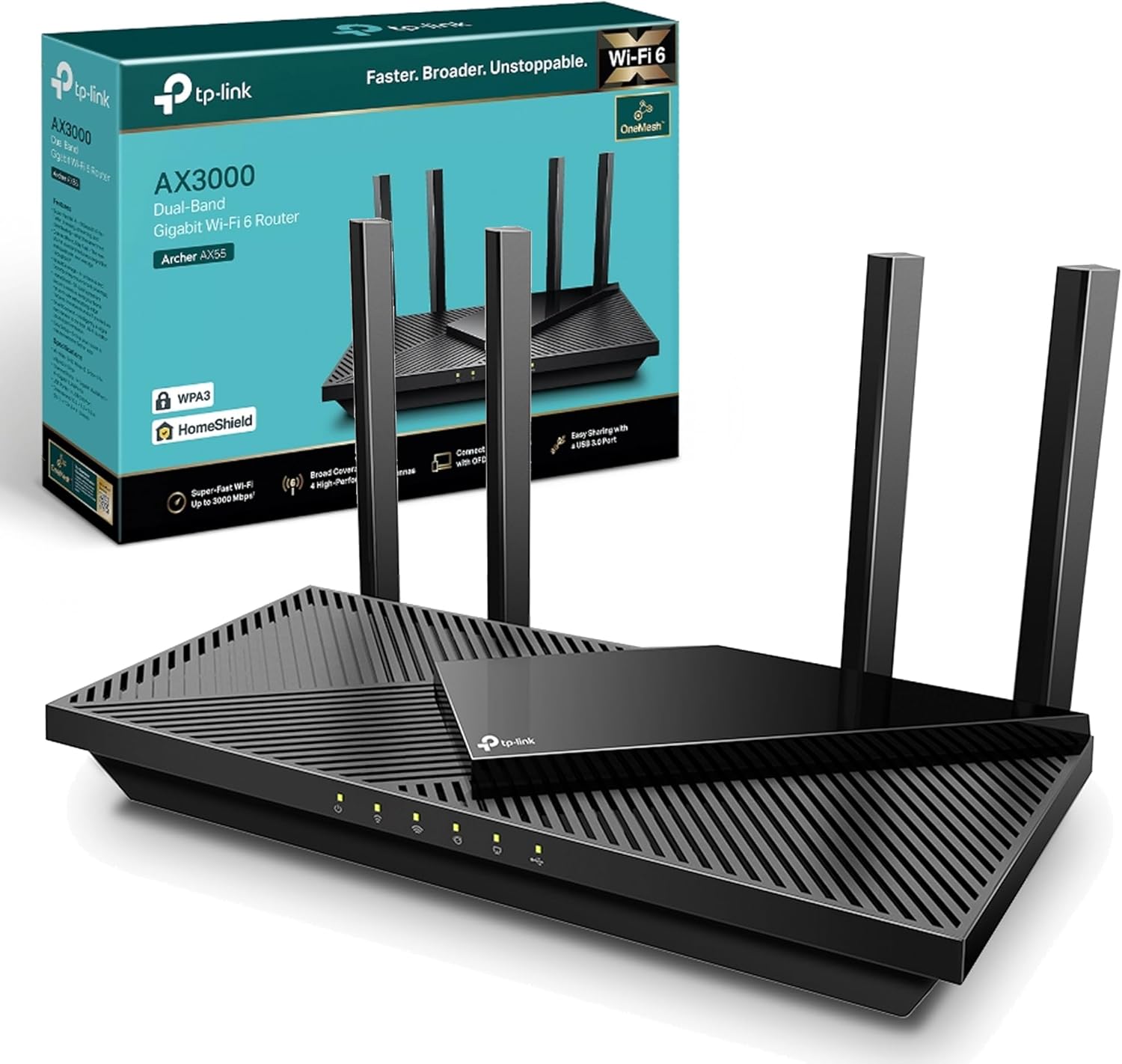
The Archer AX55 also focuses on practical coverage across a typical home. Four high performance antennas and beamforming help direct signal strength where it matters, rather than spreading it evenly everywhere. For security and day to day reliability, it includes enhanced protection via TP-Link HomeCare, and you can add shared files easily using the USB 3.0 port.
Key points
A modern Wi Fi setup should feel calm, even when several devices are online at once. This router is designed around Wi Fi 6 performance, with dual band speeds intended to support smoother streaming and faster downloads. The dual band approach can help balance your devices across 5 GHz and 2.4 GHz depending on what they need.
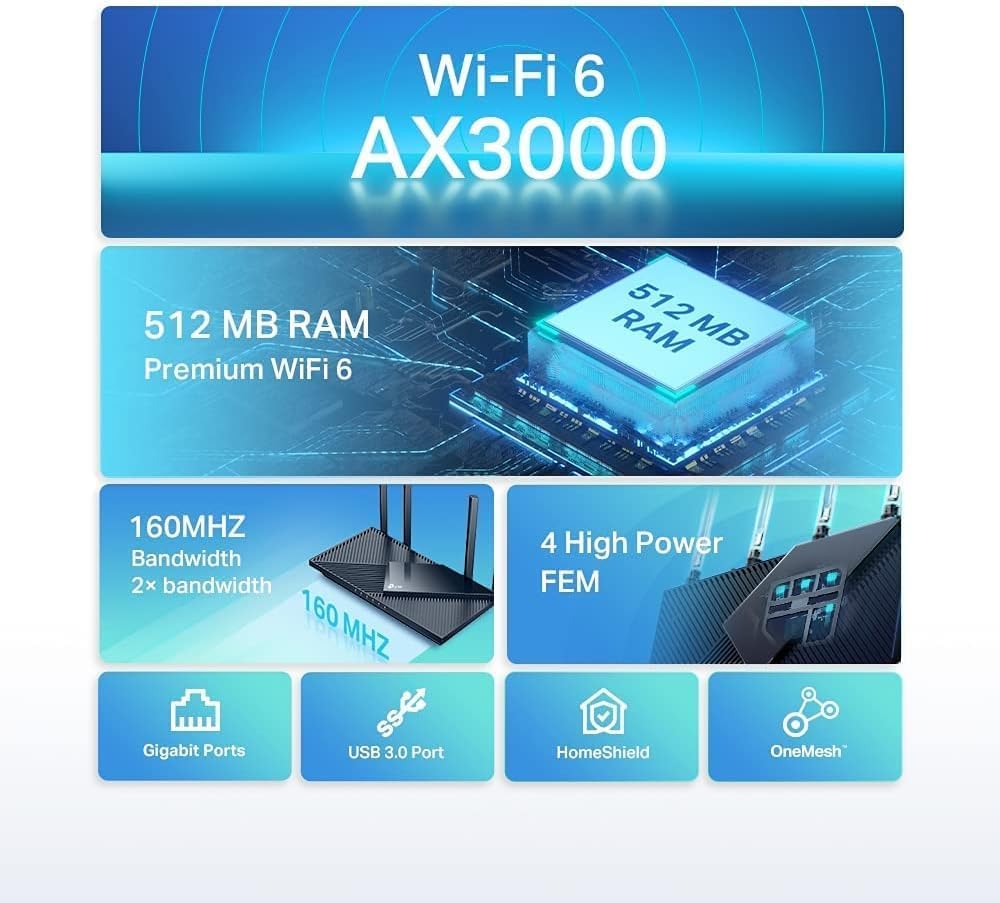
Capacity matters when your household uses multiple phones, laptops, tablets, consoles, and smart devices in parallel. The Archer AX55 uses OFDMA technology, which is intended to increase capacity by enabling more efficient simultaneous transmission to multiple devices. That means less waiting when the network is busy, especially during busy evening use.
Coverage is handled with beamforming and four high performance antennas, so you get stronger, more consistent Wi Fi throughout your home. It is also easy to expand your setup when you want whole home connectivity, as the router is EasyMesh compatible. If you use smart assistants, it also works with Alexa, which can make routine tasks more convenient. ✅

There is also an added practical angle for media sharing. The USB 3.0 port lets you connect an external storage device and share files, photos, and videos across your network. You can also look for peace of mind in the included manufacturer warranty period, which is listed as three years.
What you’ll notice day to day
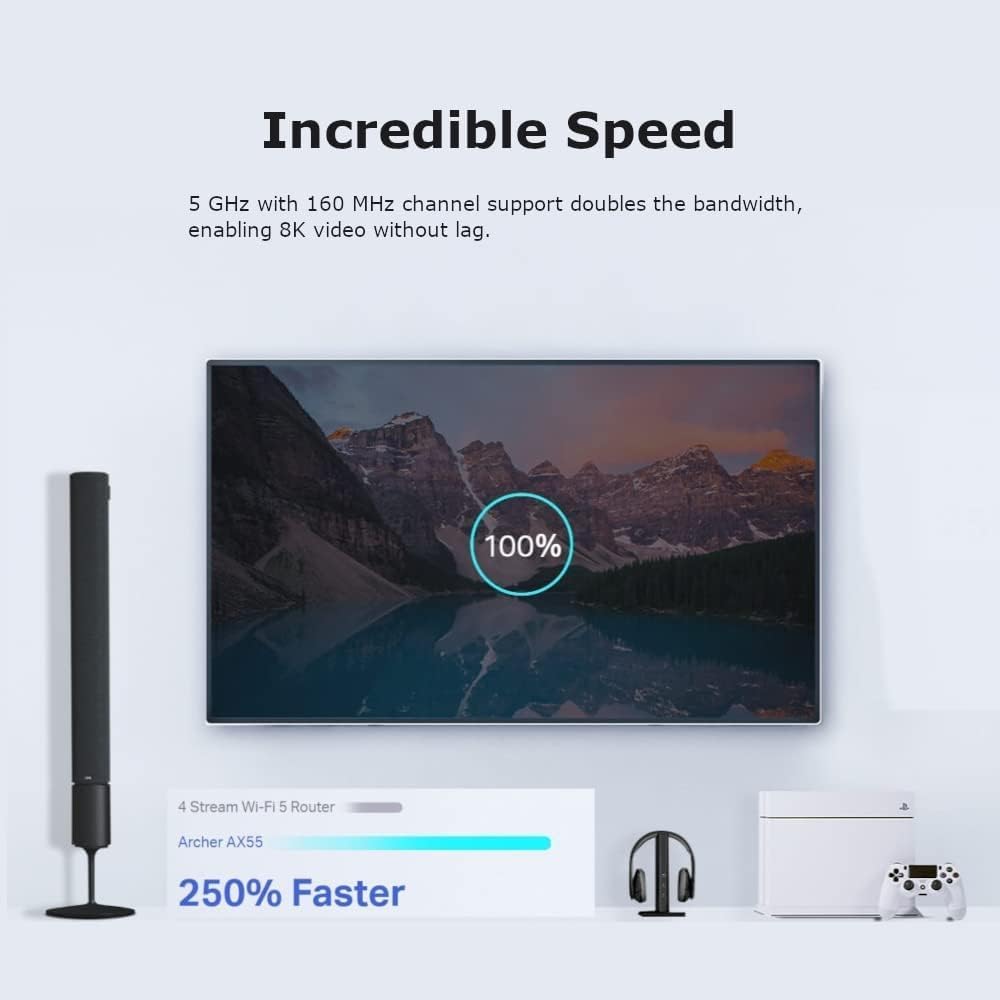
Setup and daily use tend to be where most routers win or lose, because you live with them every day. With the Archer AX55, the focus is on keeping connections stable for real world activities, such as streaming services, online gaming sessions, and frequent downloads. Wi Fi 6 performance is intended to help maintain smoother behaviour when your network is under load 😊.
In busy homes, the ability to handle multiple devices at once is often more important than raw speed on a single device. OFDMA is included to improve capacity by supporting simultaneous transmissions, which helps when many devices request data concurrently. If you regularly find your Wi Fi slowing down when several people are on their devices, this feature is the kind of improvement you can feel.

Coverage is another practical point. Beamforming and four antennas help extend strong signal around the home, which reduces the chance of weak spots when you move between rooms. If you have areas where Wi Fi tends to drop, it is worth placing the router where the main living spaces benefit most.
For those who like to share media without extra gadgets, the USB 3.0 port can be a straightforward addition. Connect a compatible external storage device to share files, photos, and videos across your home network. Enhanced security via TP-Link HomeCare also adds an extra layer of protection for day to day browsing and connected devices.
Tech specs
- Name: TP-Link Archer AX55 WiFi 6 Router
- Type: Wi-Fi 6 router
- Capacity: AX3000
- Resolution: 2402 Mbps on 5 GHz and 574 Mbps on 2.4 GHz
- Refresh rate: 160 MHz bandwidth
- Connectivity: Dual band gigabit ports
- Security: TP-Link HomeCare
Compatibility & requirements
It’s worth considering this router if you want a single device that can cover your home while also supporting wider mesh style expansion. EasyMesh compatibility is useful when you plan to add compatible Wi Fi extenders to improve coverage in rooms that are harder to reach. If you already use a smart assistant at home, Alexa compatibility can also fit naturally into your routines.
You may want to check your household’s connectivity habits, as device performance can depend on factors like where you place the router and how your devices connect. The router supports use with an external storage device via the USB 3.0 port, which is relevant if you want to share photos, videos, or files over your network. If smoother streaming and faster downloads are your priorities, the dual band performance described by the manufacturer is designed to support those everyday tasks.