

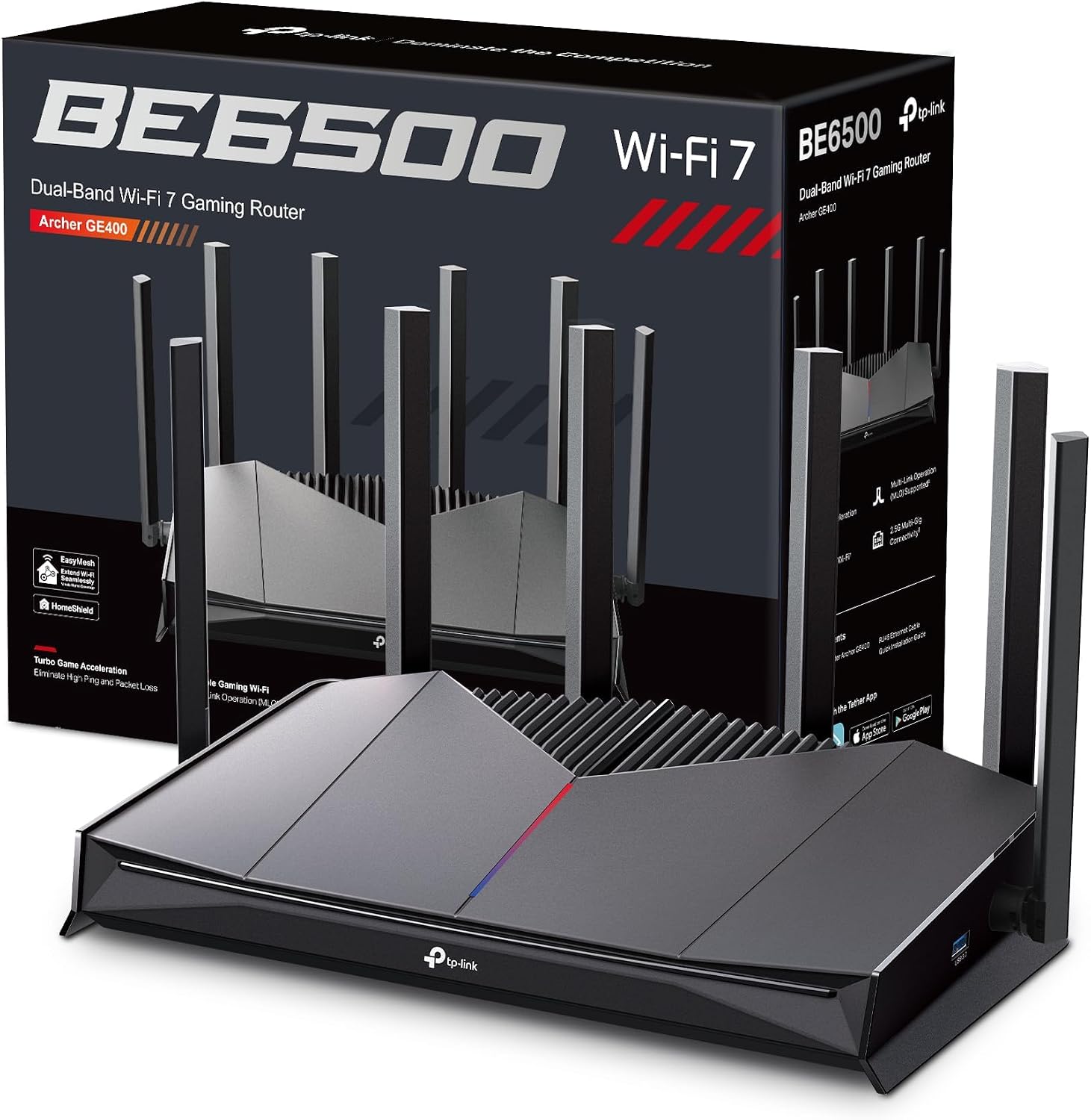
TP-Link Archer AX12 Next-Gen WiFi 6 AX1500 Dual-Band Router
Reviews
Price
Product description
What it is and what it can do
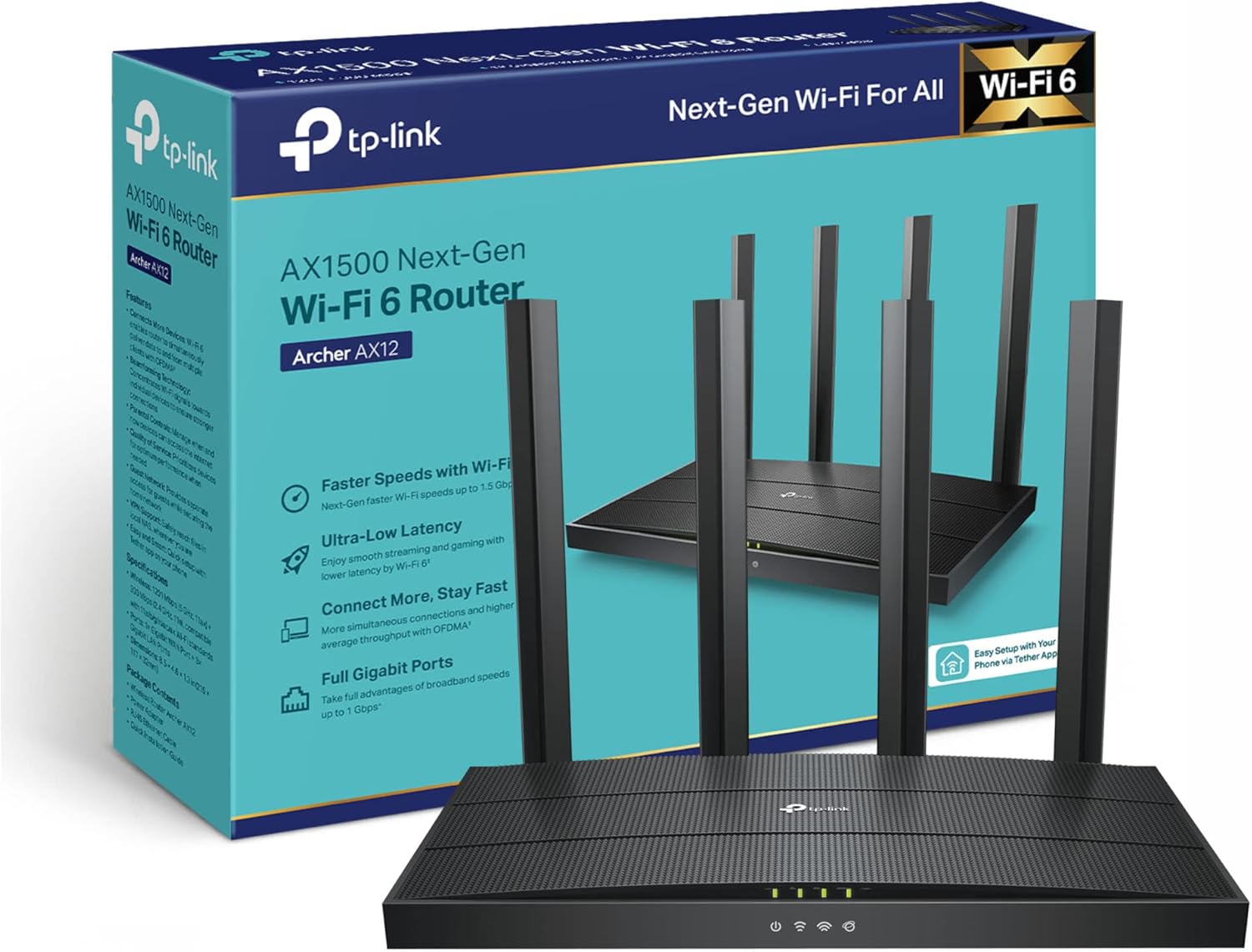
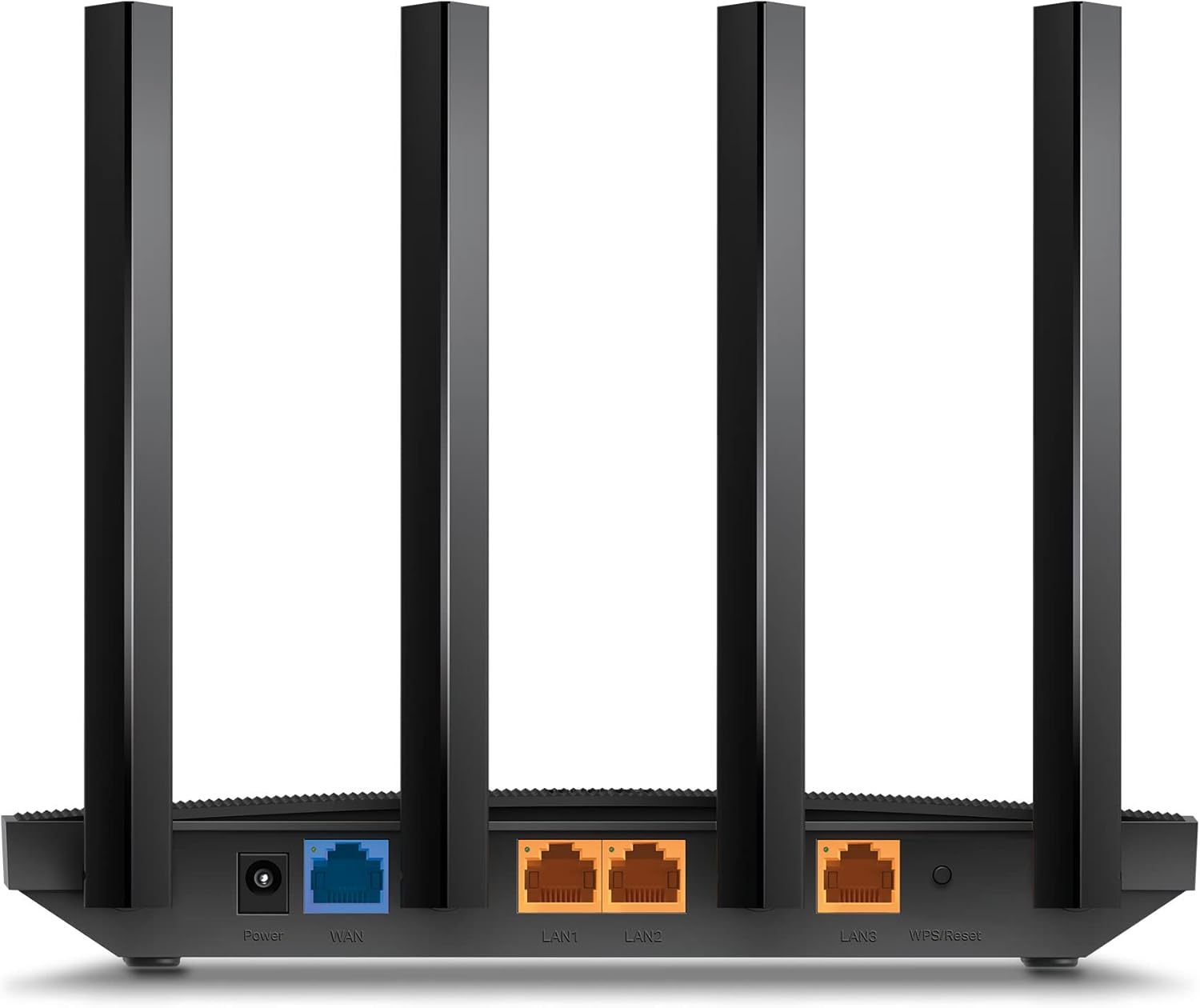
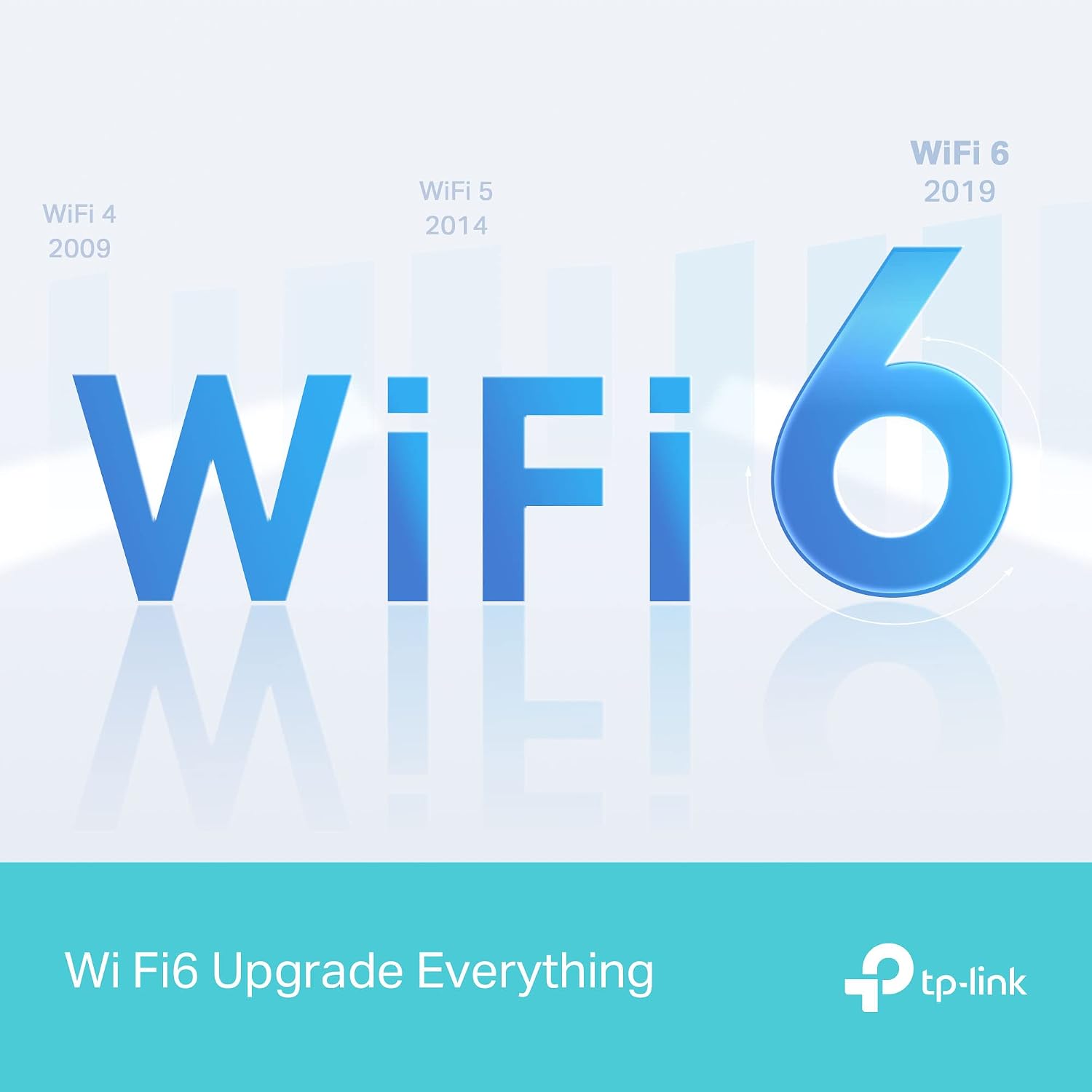
The TP-Link Archer AX12 is a consumer router built to deliver next‑generation Wi‑Fi via Wi‑Fi 6. It targets households looking to improve capacity and speed across multiple devices, with a stated AX1500Mbps total performance and a dual‑band design. On paper, the 5 GHz band can reach up to 1201 Mbps and the 2.4 GHz band up to 300 Mbps, which is suitable for streaming, light gaming and everyday browsing when the network isn’t saturated.
How it helps with everyday use
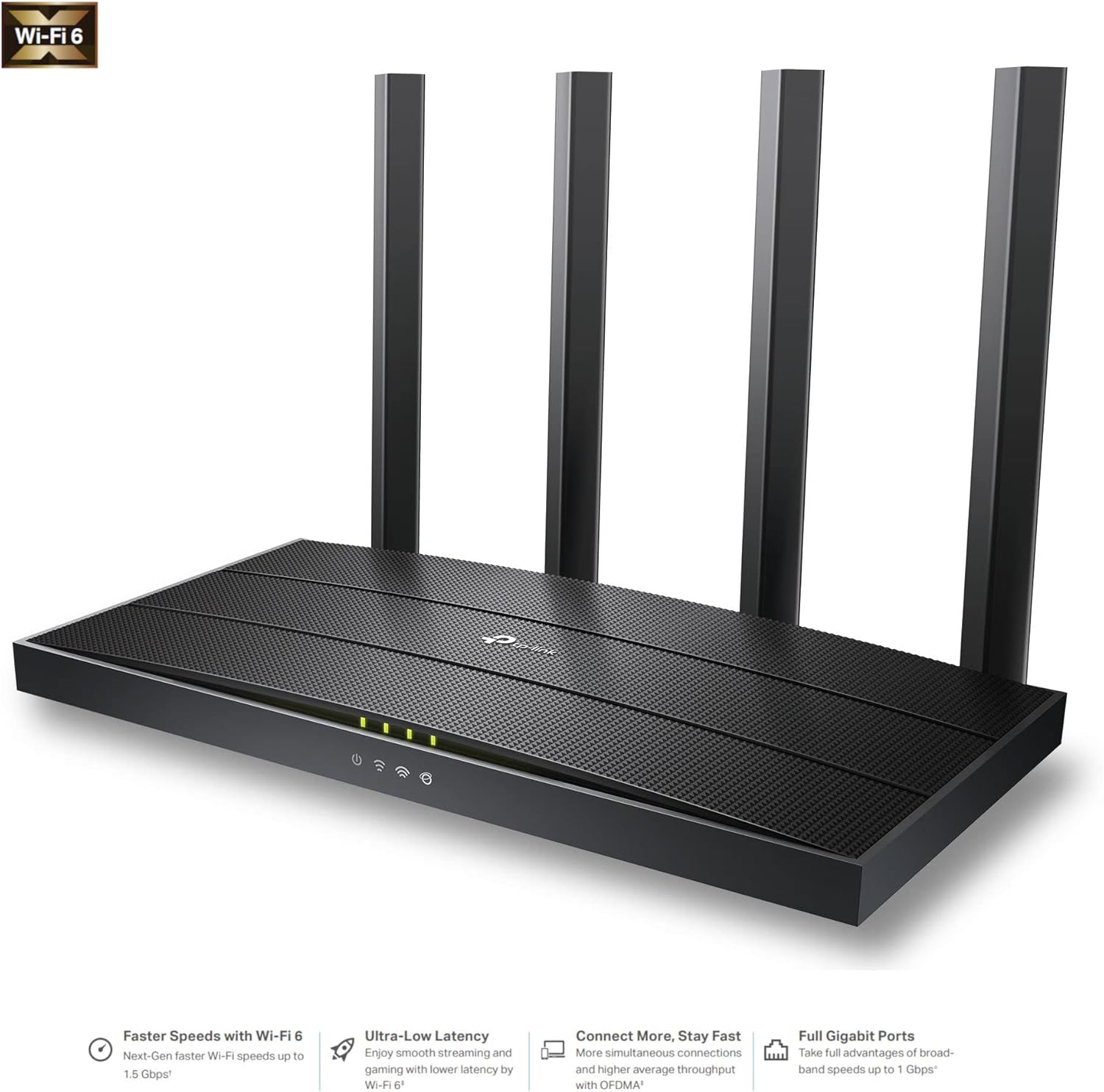
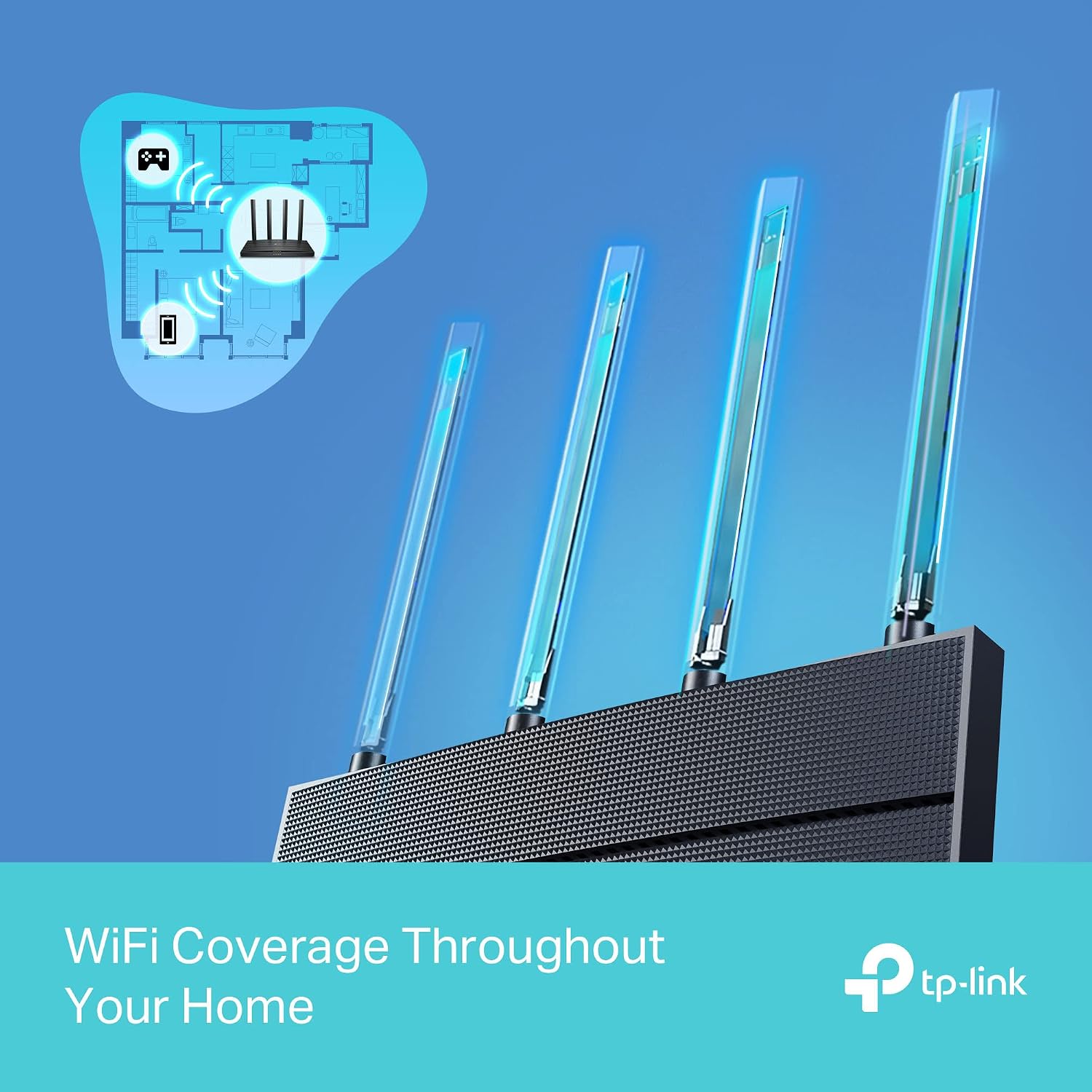
This router aims to reduce congestion in busy households by using OFDMA and MU‑MIMO technology, allowing more devices to share airtime more efficiently. Beamforming and four external antennas are claimed to provide stronger coverage in typical living spaces, which can help when devices are spread across rooms or floors. A feature highlight is Target Wake Time, which is designed to reduce idle power consumption on connected devices, potentially extending battery life for some mobile devices.
Pros and what to watch for
On the plus side, the Archer AX12 offers a straightforward setup (plug & play) and a practical 1.5 Gbps combined capability that aligns with common home internet speeds and a modest number of connected devices. It also comes with WPA3 security, which is a current best practice for home networks.
However, there are caveats worth noting. The AX1500 class sits below higher‑end Wi‑Fi 6 options, so while it can improve performance over an older router, it may not provide peak capability in very large homes or networks with many concurrent 4K streams, gaming sessions and smart home devices. Real‑world speeds depend heavily on the internet plan, device capabilities and wireless interference.
Ideal user and best use cases
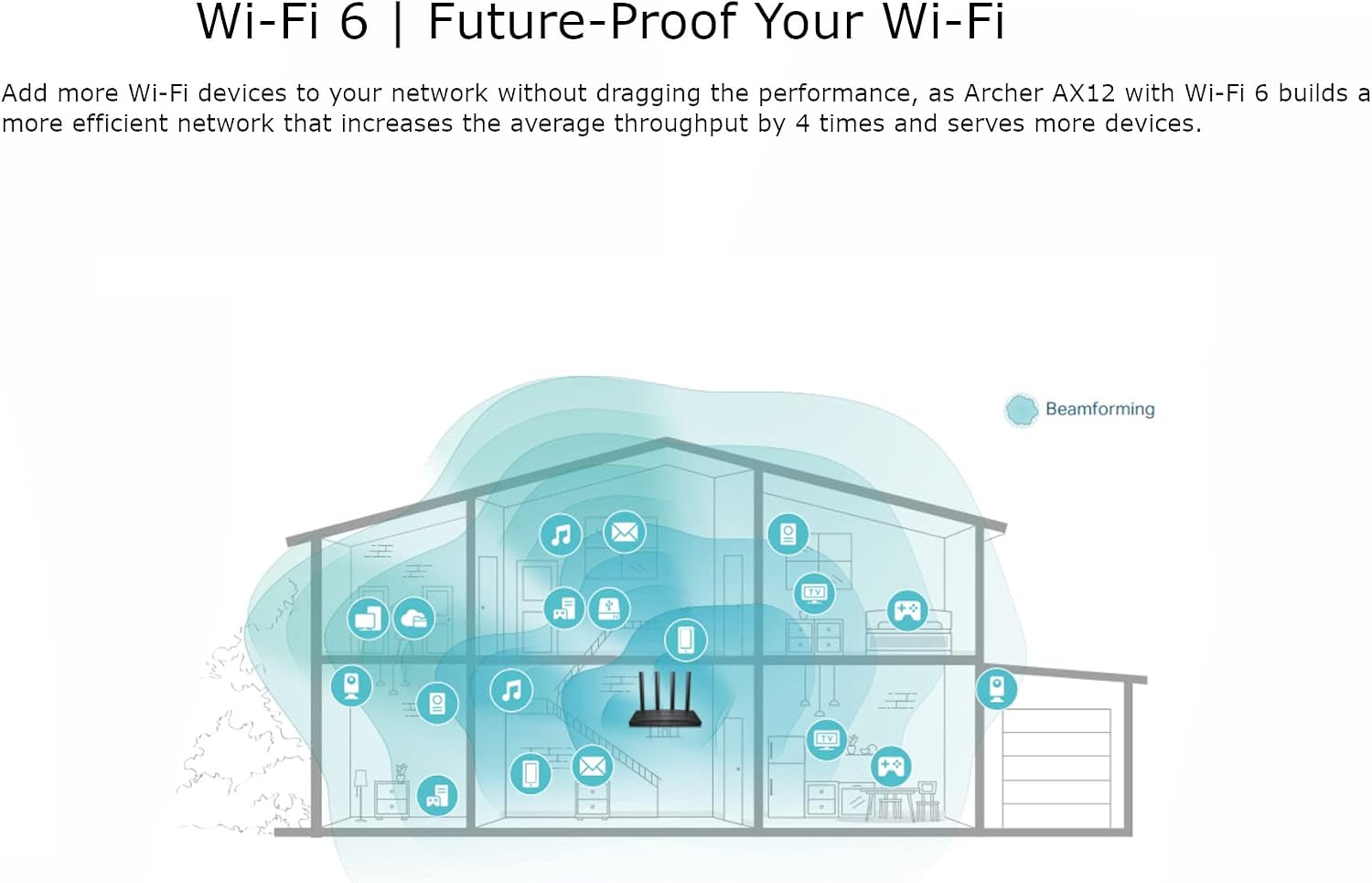
This router is well suited for small to mid‑sized homes where a handful of devices are online at once—think a couple of smartphones, a smart TV, a gaming console and a laptop at once. It’s a pragmatic choice if you want an affordable upgrade to Wi‑Fi 6 without jumping to higher price brackets. If you prioritise cloud gaming, 4K streaming on multiple devices or a large network with many simultaneous connections, you might want to compare with higher‑capacity options.
Notable limitations and when to think again
If you have a very busy network in a large property or you rely heavily on extremely high‑throughput tasks, the AX1500 class may feel limiting. Also, the exact performance will depend on your ISP plan and in‑home layout, walls and interference can eat into theoretical speeds.
What to check before buying
- Confirm your internet plan’s speed and how many devices typically connect at once.
- Consider placement: central location away from thick walls helps Beamforming work best.
- Check for firmware updates from TP‑Link after setup to keep security and features current.
- If you plan to use features like VPN or advanced QoS, verify that the model supports your desired configurations.
Practical use example
Imagine a living room where a gaming console, a smart TV and a couple of phones are in use simultaneously. With a basic Wi‑Fi 5 router, you might notice buffering or lag. Upgrading to the Archer AX12 can smooth this load by handling multiple devices more efficiently, reducing jitter during online gaming and maintaining smoother 4K streaming on the TV.
Final decision
Is it worth it?
Worth considering if you want a practical, budget‑friendly step into Wi‑Fi 6, with decent coverage for a typical home and straightforward setup. It may not be the strongest choice for very large homes or peak‑demand networks, but for many households it represents a sensible balance of performance and value.
FAQ
- How many devices can it support effectively? Real‑world performance depends on your devices and layout, but it’s designed to handle multiple devices with improved efficiency over older standards.
- Does it support WPA3? Yes, it includes WPA3 security.
- Will it be enough for gaming and 4K streaming on a small‑to‑mid home? It should handle casual gaming and 4K streaming for several devices, though in very busy scenarios you might notice limits compared with higher‑end routers.