

Tivique 18.5-Inch FHD Laptop with 13th Gen N150 Quad‑Core Processor
Product description
What it is and who it’s for
The Tivique AX18 is an 18.5‑inch full HD laptop designed for everyday tasks, light multitasking and media consumption. It aims to balance a large display with practical all‑round performance, making it a reasonable option for students, remote workers or anyone who wants a sizeable screen without stepping into premium pricing.
Display and visual experience
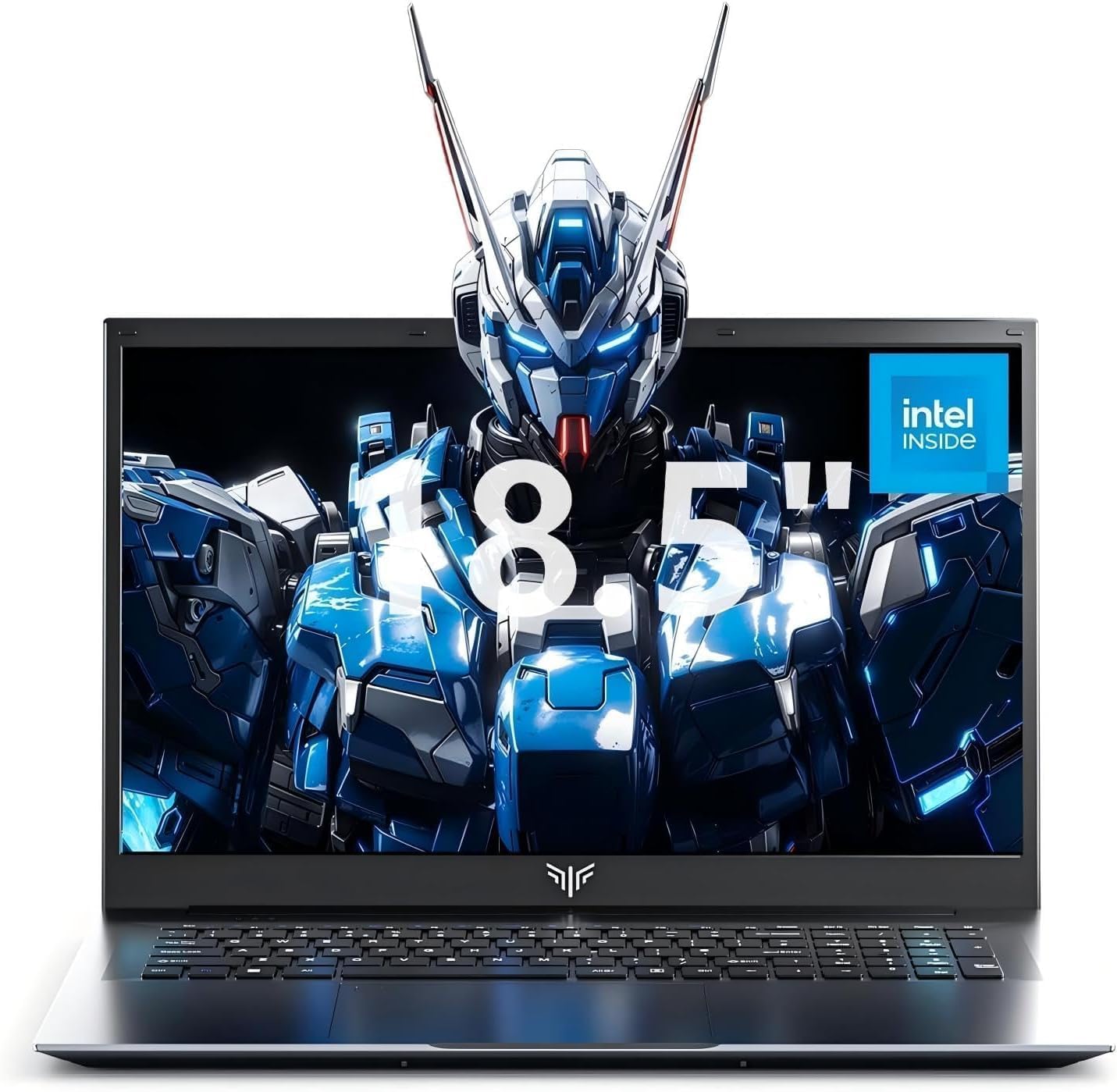
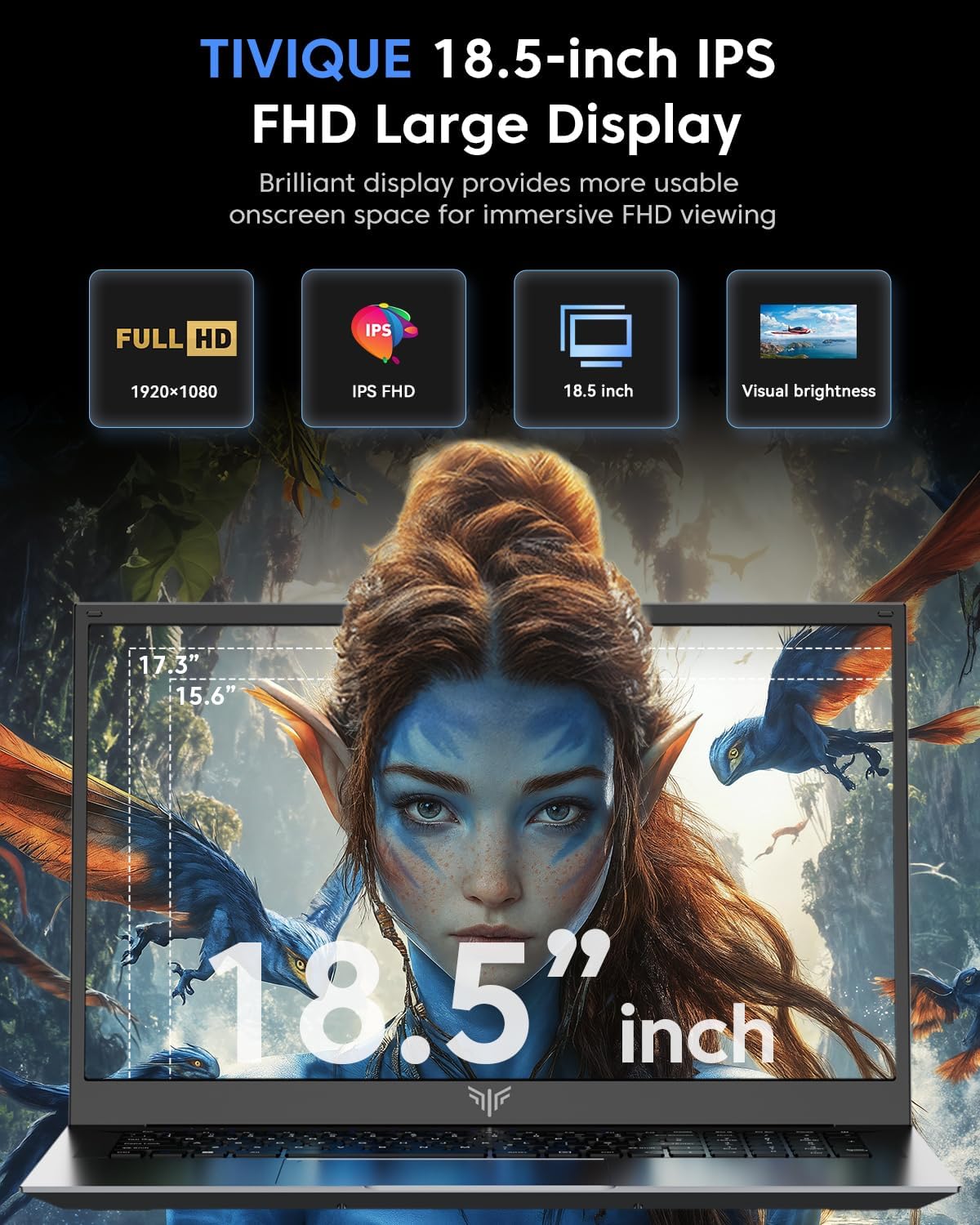
On a generous 18.5‑inch IPS panel, you get 1920×1080 resolution and a 60Hz refresh rate. The large screen helps with multitasking, browsing and watching media, and IPS panels typically offer wide viewing angles and reasonable colour accuracy. If you’re aiming for precise photo edits or colour-critical work, you may want to manage expectations about colour reproduction and calibration being more limited compared with higher‑tier panels.
Performance and daily tasks
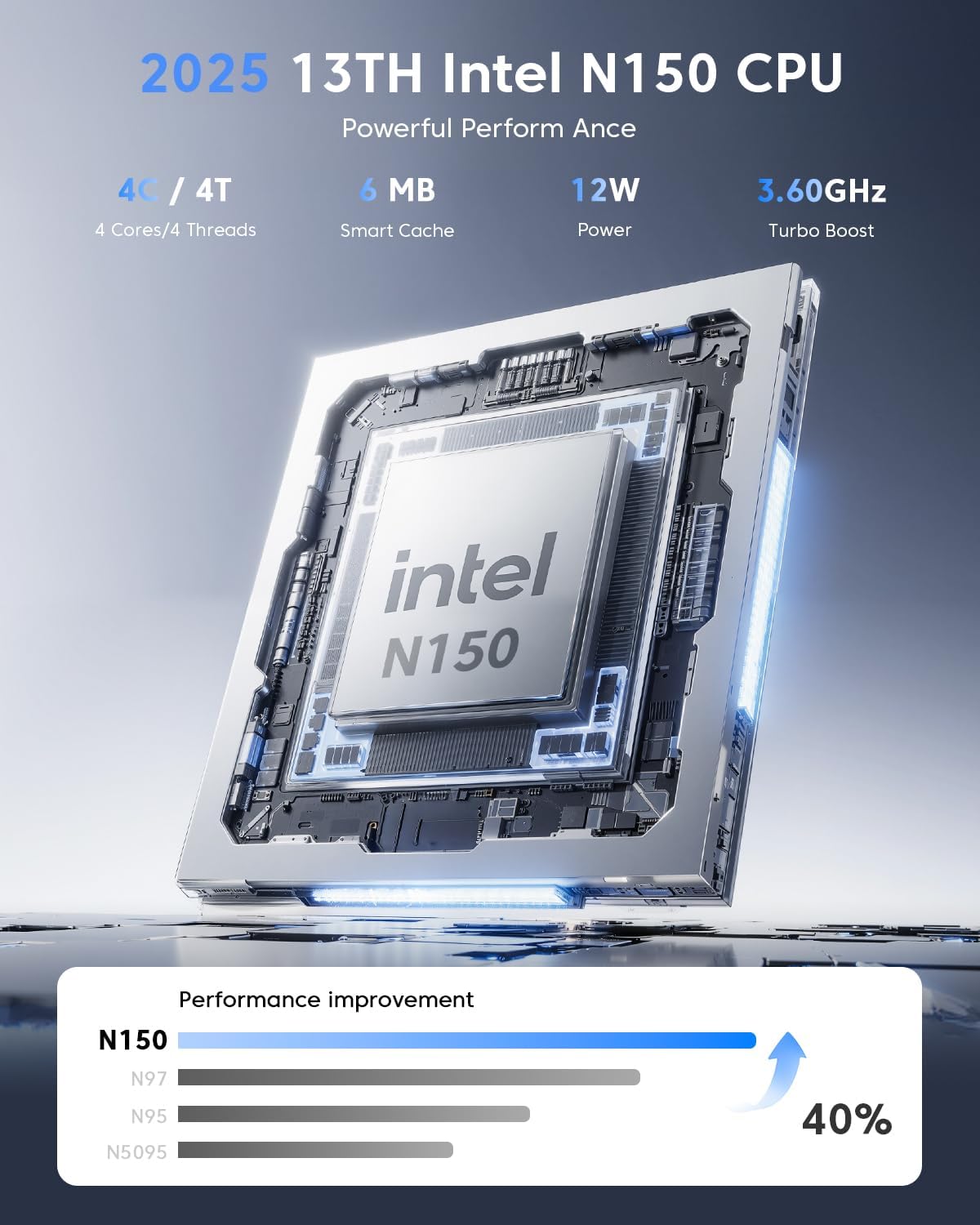
Powered by the N150 quad‑core processor (up to 3.6GHz), the device is positioned for everyday office tasks, light multitasking and casual use. On paper this should feel smoother than older entry‑level CPUs for common workloads like document editing, web browsing and video streaming. It’s not a gaming rig, but you might enjoy light gaming or casual title play at modest settings. If you prioritise peak speed for heavy workloads or professional video editing, you’ll likely notice the limits of the processor’s capabilities.
Memory and storage
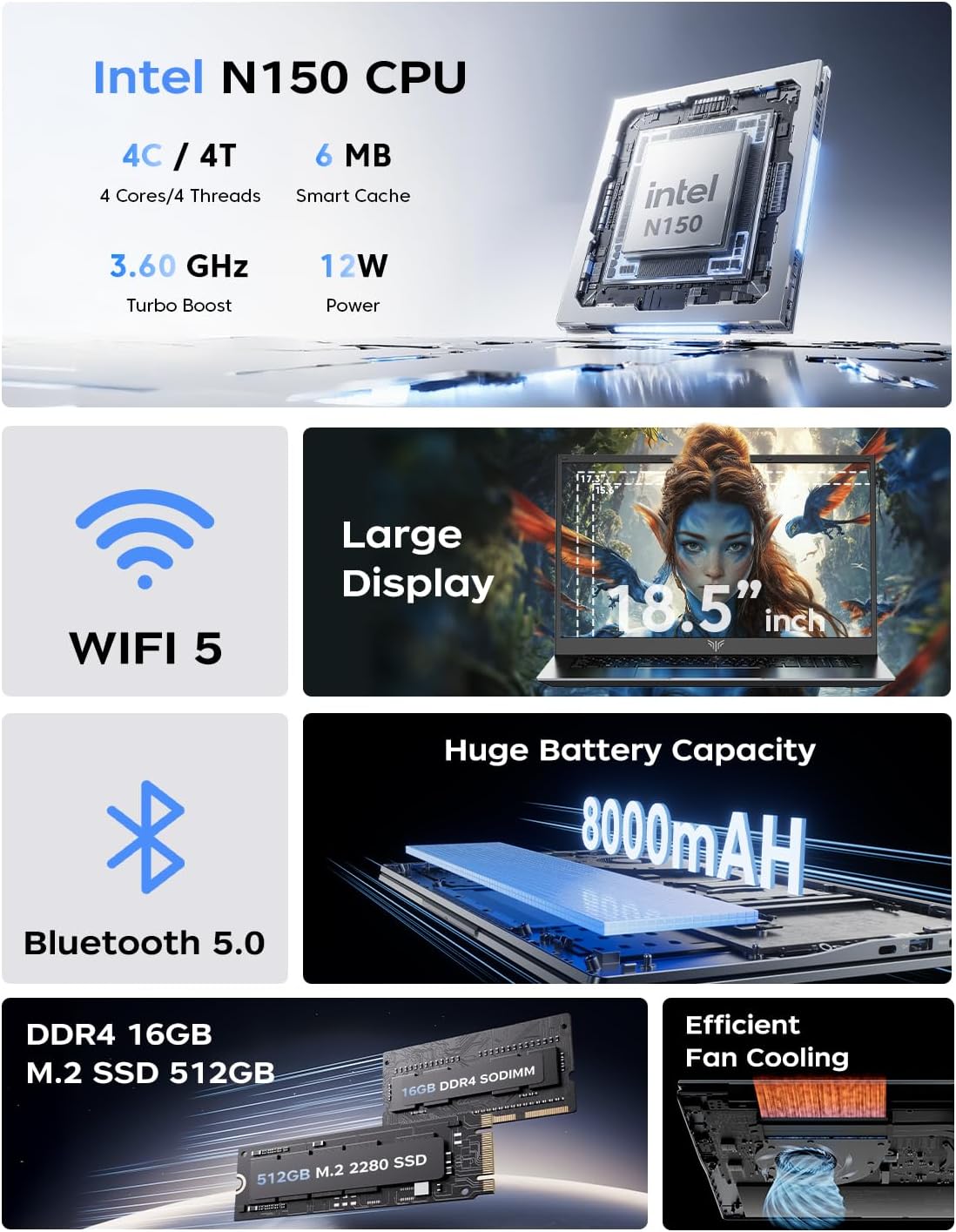
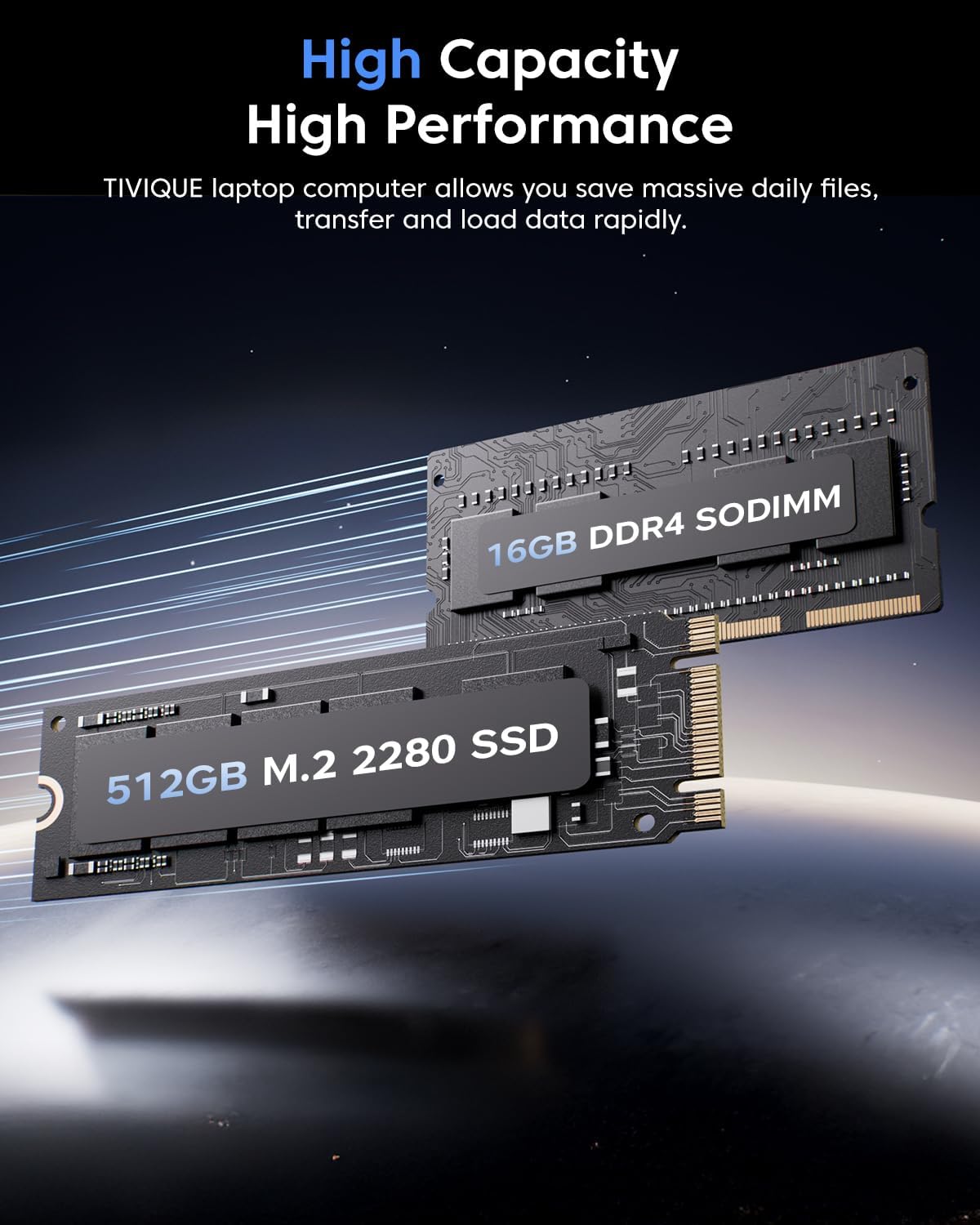
With 16GB of DDR4 RAM and a 512GB M.2 SSD, the Tivique AX18 is set up to handle multiple apps at once and offer faster boot and load times compared with traditional HDD systems. There’s also the option to expand storage further—through an upgrade path or microSD—though exact upgrade steps aren’t detailed here. For many users, 512GB provides a practical space for documents, media and applications, but consider your media library size if you tend to save large video files locally.
Battery life and charging
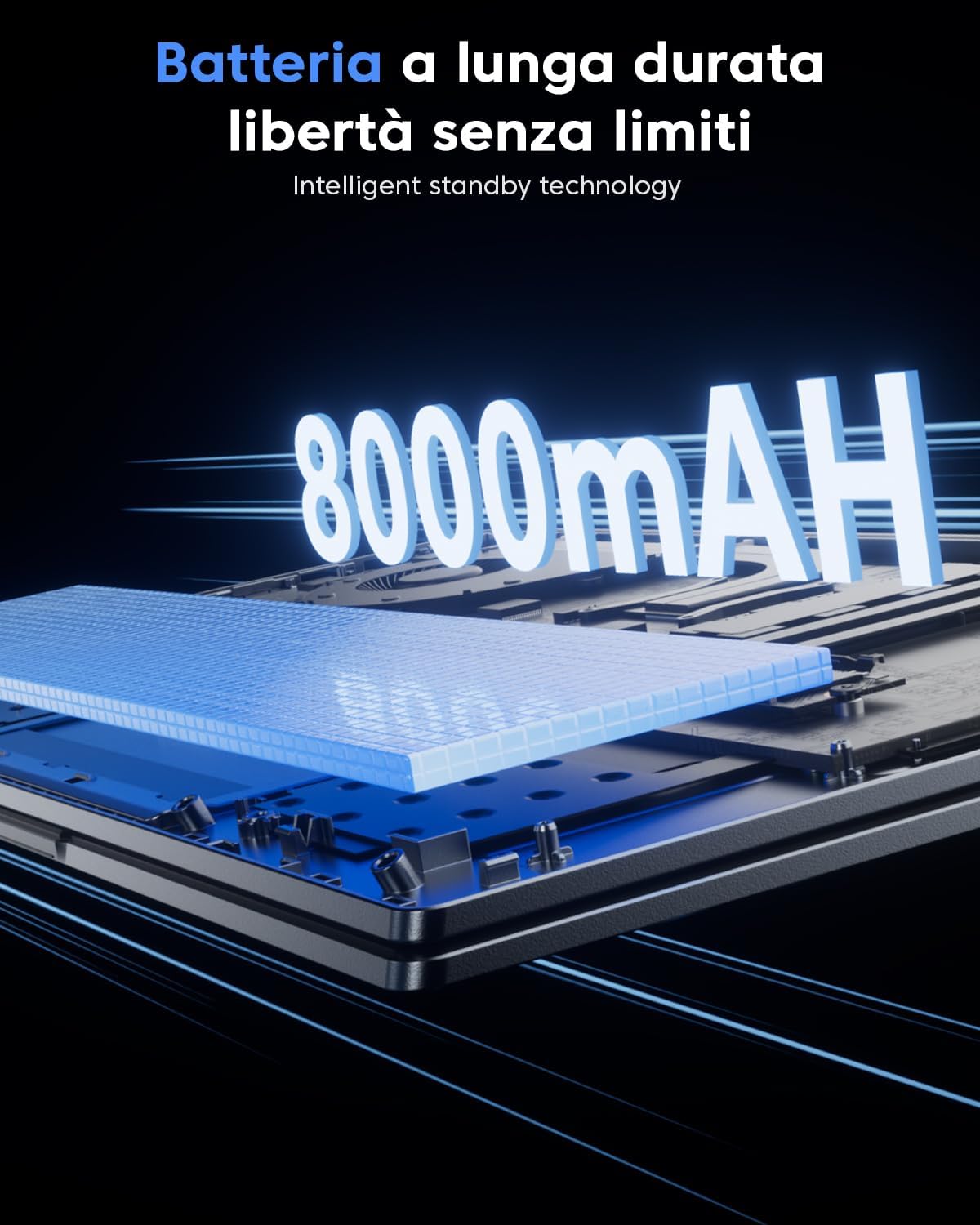
An 8000mAh (60.8Wh) battery is in the mix to support on‑the‑go productivity, with a supplied 40W adapter for recharging. In real‑world use, expect a trade‑off between screen brightness, running multiple applications and battery longevity. The claim of all‑day productivity will vary with workload and power settings, so if you rely on long sessions away from a power socket, you’ll want to test battery endurance under your typical usage.
Connectivity and ports
The AX18 includes three USB 3.2 ports, an HDMI output and a Type‑C connection, which is handy for external displays, drives and accessories. Dual‑band Wi‑Fi provides reasonable wireless performance for streaming and conference calls, while Bluetooth 5.0 supports easier pairing with wireless peripherals. If you frequently connect multiple peripherals or external displays, the port selection should cover most everyday setups.
Audio, webcam and input
Dual 1W speakers offer basic multimedia audio, suitable for calls and light media consumption. The built‑in microphone helps with calls, and the responsive all‑in‑one touchpad complements everyday navigation. The webcam is a practical inclusion for video calls, though image quality will depend on lighting and the camera’s native capabilities.
Design, build and practicality
The model leans into a straightforward, pragmatic design aimed at value for money rather than premium materials. A larger screen and reasonable internals provide a comfortable workspace for home and office use. If compactness and weight are priorities, this 18.5‑inch configuration is naturally bulkier than smaller notebooks.
What to watch out for
- The battery life in real use will depend heavily on screen brightness and workload, it may not deliver ultra‑long unplugged sessions compared with more efficiency‑focused laptops.
- The screen, while large and pleasant for general use, may not satisfy pros needing superior colour accuracy or higher refresh rates for fast gaming.
- Check for RAM and storage upgrade paths if your needs outgrow the baseline specs.
Who it’s for and who it isn’t
It’s a sensible choice for anyone seeking a budget‑friendly, large‑screen daily laptop for browsing, office work and entertainment. It may be less compelling for hardcore gamers, professional video editors or photographers requiring top‑tier display accuracy and processing power. If you value a simple, broad‑appeal machine with a generous display, this could fit well.
When it makes sense to buy
- You want a large screen for productivity and media without paying premium prices.
- Your typical tasks are documents, web apps, video calls and light photo/video editing.
- You value a practical mix of RAM and solid‑state storage with straightforward connectivity.
What to review before purchasing
- Confirm the exact Bluetooth specification if you rely on newer peripherals.
- Consider your storage needs and whether you’ll need extra internal space or external drives.
- Check real‑world battery life based on your favourite tasks and brightness settings.
Practical use example
Imagine editing a presentation while having a web browser and a email client open in split screen—on a large, clear display. You can connect an external monitor via HDMI or USB‑C, transfer files quickly with the SSD, and transition between tasks with minimal lag thanks to 16GB of RAM.
FAQ snapshot
- Is the display truly 18.5 inches in practice? Yes, the model specifies an 18.5″ Full HD IPS panel.
- Can I upgrade storage? The base configuration is 512GB SSD, expansion options are implied but not detailed.
- Will it handle video calls well? The built‑in webcam and dual speakers support calls, though performance will depend on lighting and network quality.
Is it worth it?
If you prioritise a large screen, reasonable everyday performance and solid value for money, this Tivique model offers a balanced proposition for general use. It may not satisfy users seeking premium colour accuracy, long‑haul battery life, or high‑end gaming performance. Consider your daily tasks and how much you value screen real estate when judging the fit.