

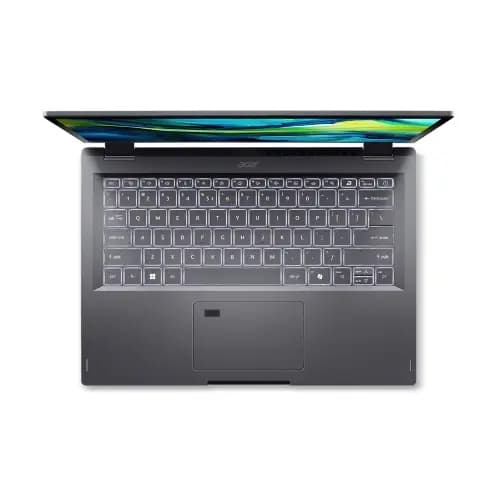
Acer Aspire Spin 14 Core Ultra 7
Price evolution
Product description
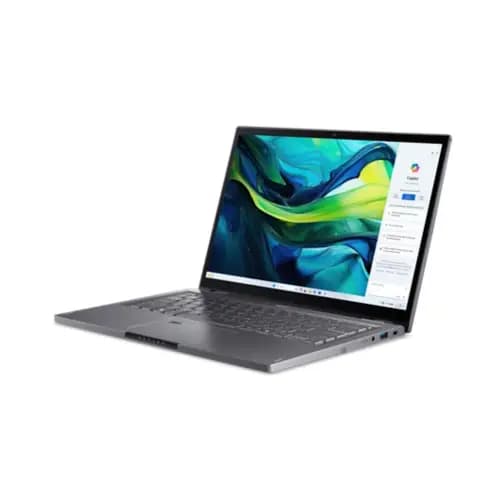
Acer Aspire Spin 14 is a 2-in-1 convertible laptop that aims to make everyday work and study feel more flexible. With a 14 inch touchscreen display and an Intel Core Ultra 7 processor, it is built for tasks like writing documents, attending video calls, and handling everyday multitasking. Windows 11 Home adds a modern, familiar interface, while the 16 GB RAM and 1 TB SSD help keep day to day apps responsive. ✅
The essentials
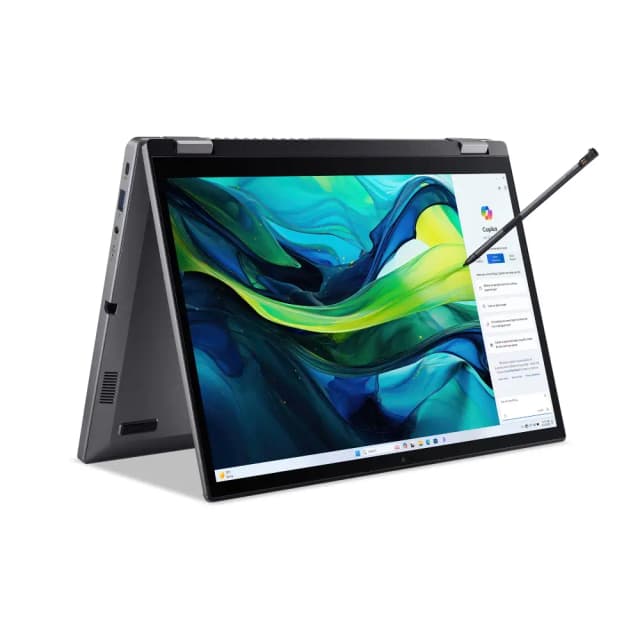
If you want a laptop that can shift between laptop mode and tablet style use, the Aspire Spin 14 gives you that versatility in one machine. The 14 inch 16:10 WUXGA display is designed to offer extra vertical space for reading and working across spreadsheets, documents, and web pages. Thanks to the touchscreen, you can switch from typing to touch based control when it suits what you are doing. The included stylus pen support is particularly handy for taking notes, making quick edits, and sketching ideas directly on the screen. ✍️
Key features
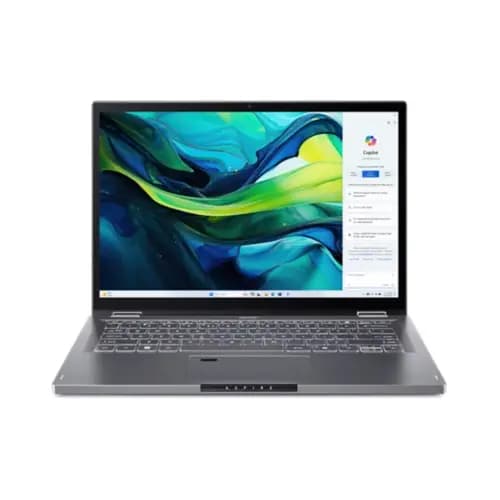
Acer Aspire Spin 14, ASP14-52MTN combines Windows 11 Home with Intel Core Ultra 7 processing to support a wide range of everyday computing tasks. The processor is listed as the Intel® Core™ Ultra 7 155U running at 1.70 GHz, which positions it as a capable option for productivity and general use, according to the manufacturer. With 16 GB of LPDDR5X memory, multitasking should feel more comfortable when you have multiple tabs or apps open at the same time. For storage, the 1 TB SSD gives you a lot of room for files, downloads, and applications.
You also get an Intel Graphics solution with shared memory, so this build is best considered for typical work and media use rather than specialist graphics heavy workflows. The touchscreen panel is specified as an IPS display with a resolution of 1920 x 1200, giving a crisp look for text and UI elements. You might find the 16:10 aspect ratio helpful if you often work with content that benefits from taller layouts, like documents and coding or spreadsheets. Ten out of ten? No, but it is a practical setup for home, study, and office style routines.
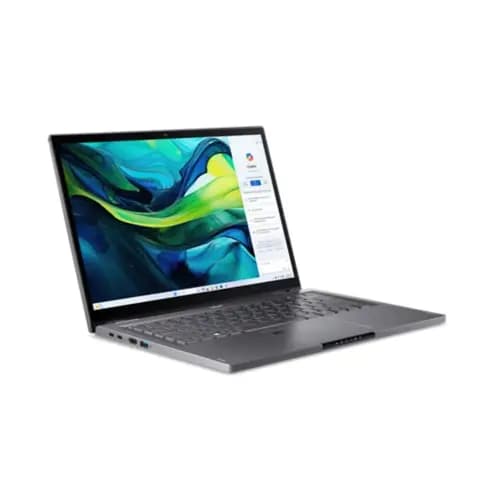
It is also worth noting that shared graphics memory uses system memory, so performance for graphically demanding tasks can depend on what else is running. If your priorities are smooth office work, browsing, and creative note taking, the touchscreen plus stylus pairing is a strong daily driver. For travel days, the convertible design reduces the need for separate note taking accessories. Would you prefer a model without touch? If not, this one keeps those input options in one device.
Tech specs
- Name: Acer Aspire Spin 14, ASP14-52MTN
- Type: Convertibles
- Size: 14 inch
- Resolution: 1920 x 1200 WUXGA
- Display: 16:10 IPS Touchscreen
- Processor: Intel® Core™ Ultra 7 155U 1.70 GHz
- Memory: 16 GB LPDDR5X and 1 TB SSD
Who it’s for
It makes sense if you want a 2 in 1 laptop for everyday productivity with touch control and pen input. This setup suits people who write, plan, annotate, or edit content regularly, because the stylus pen support is included and designed to work with the touchscreen. It can also fit students and home users who want Windows 11 Home and enough memory and SSD storage for typical coursework, streaming, and browsing. It might not suit you if you only ever use a laptop with keyboard and mouse and never take advantage of touch, because you would be paying for features you do not need.