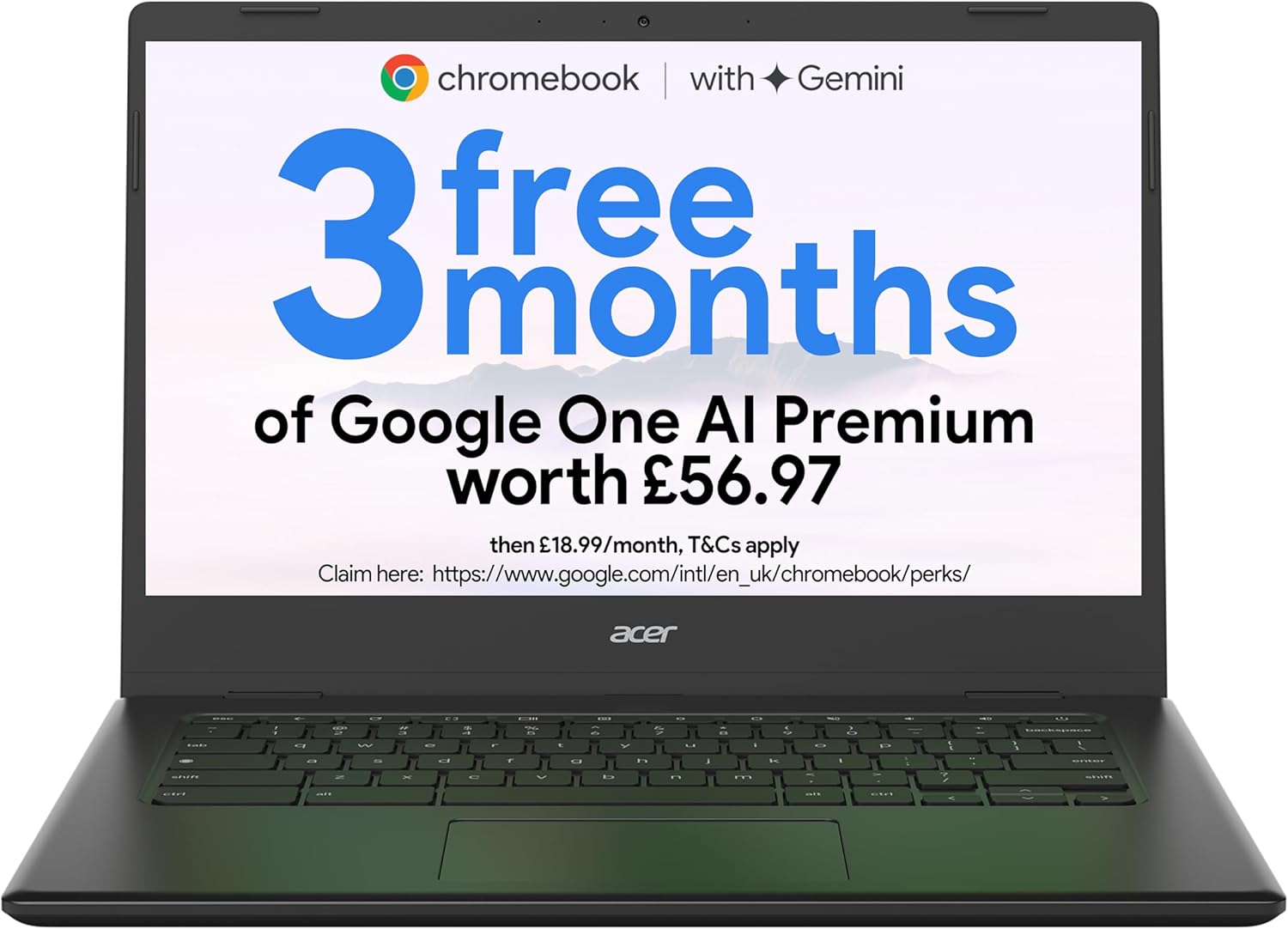
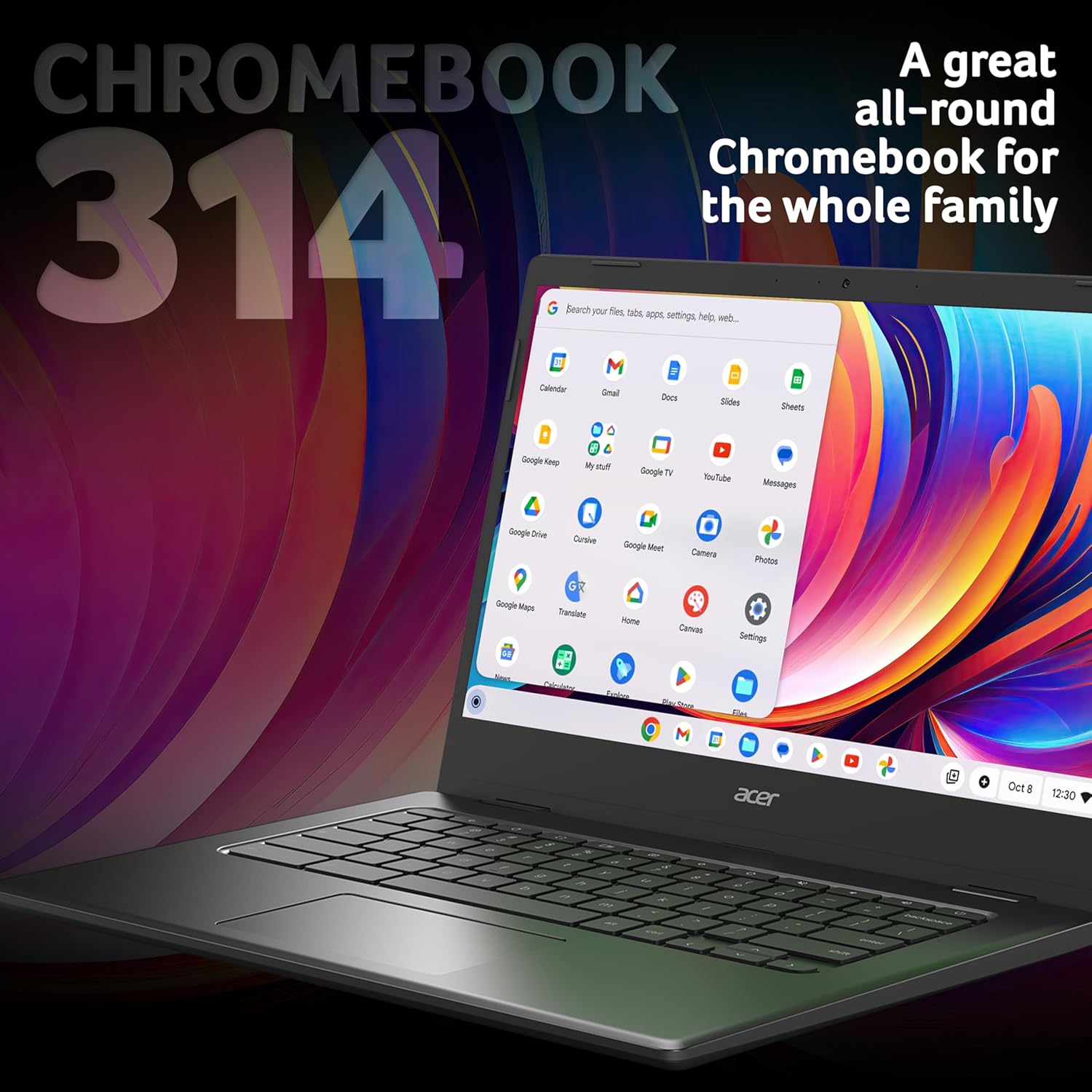
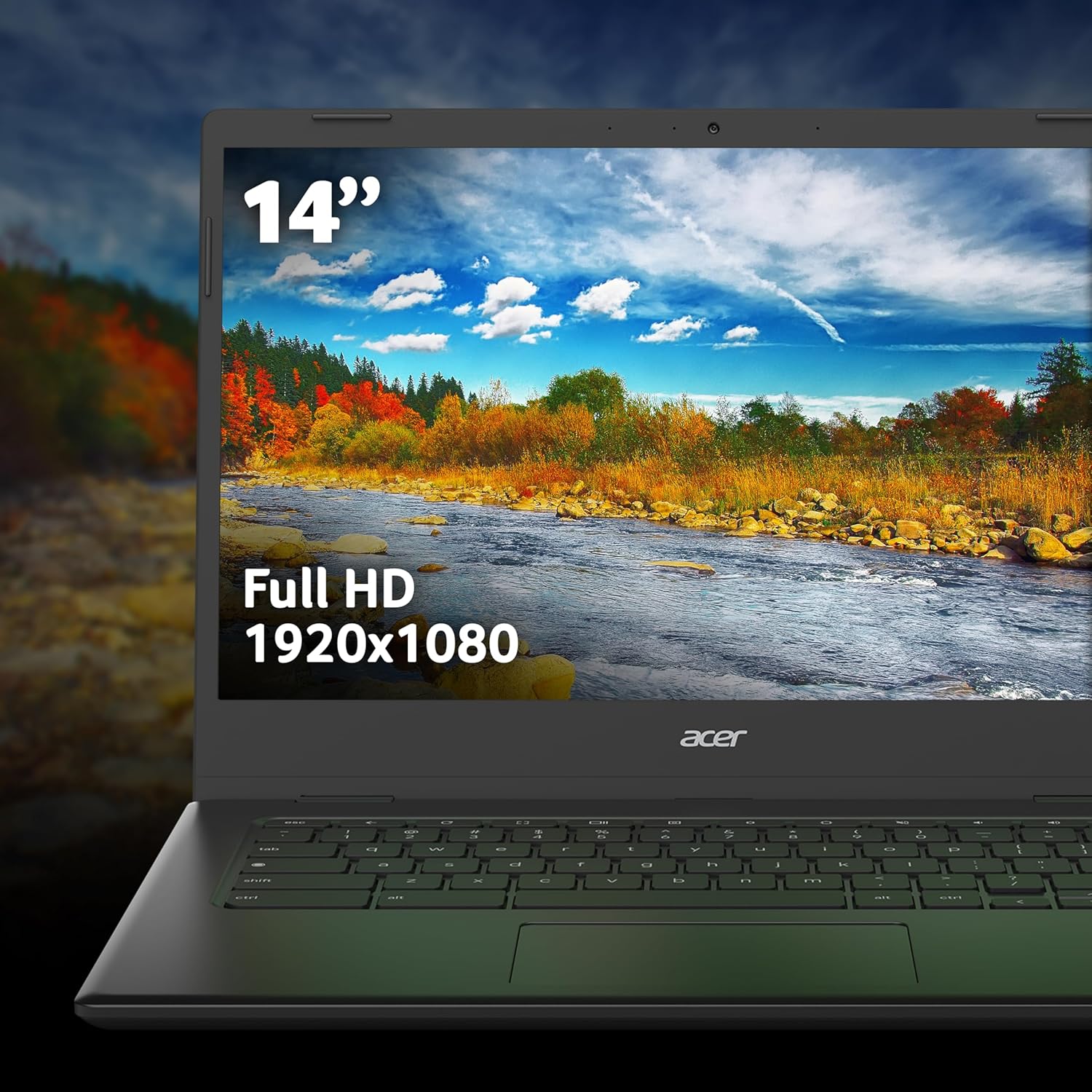
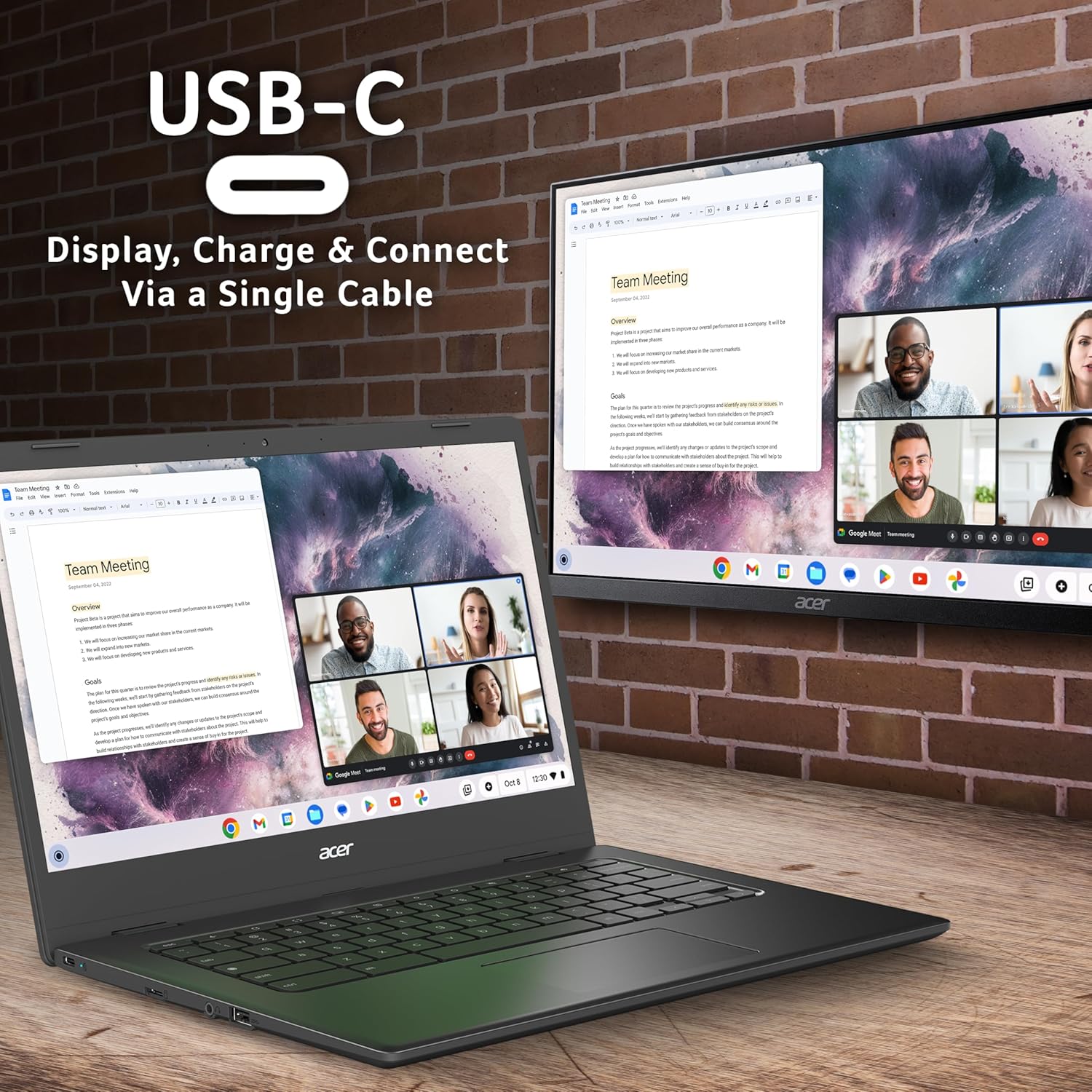
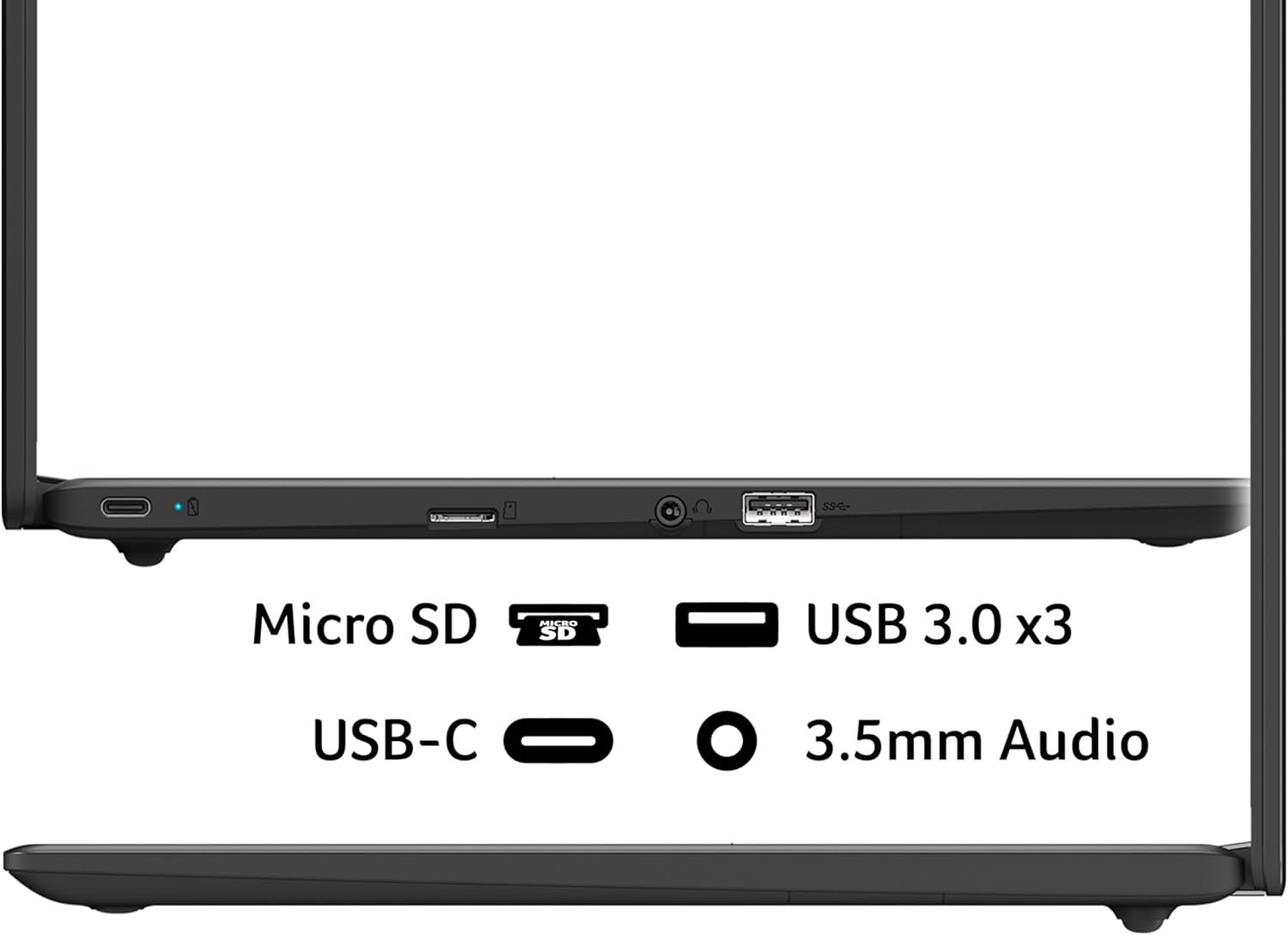
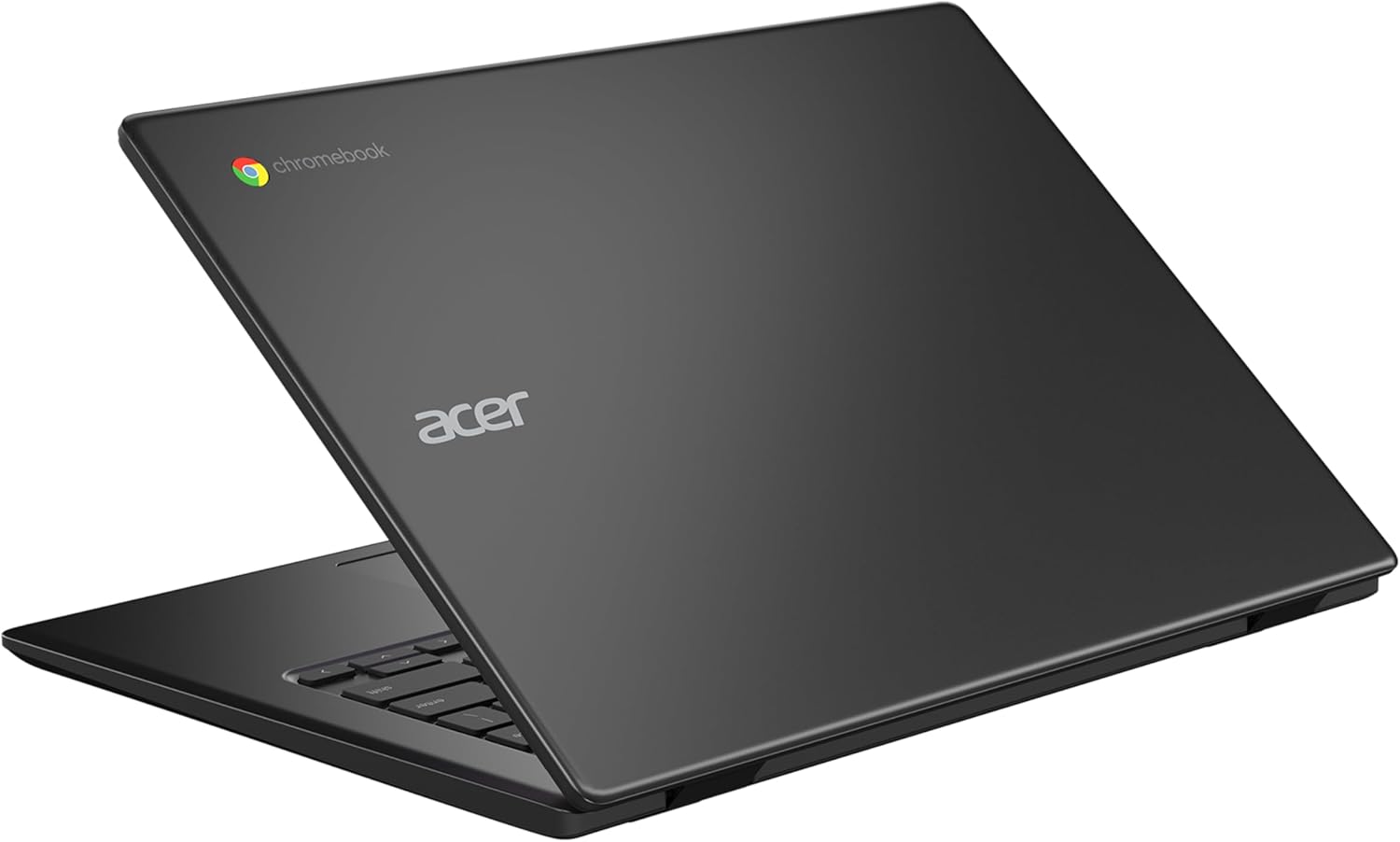
What it is and who it’s for\nThe Acer Chromebook 314 CBOA314-1H is a compact 14-inch Chrome OS notebook aimed at everyday tasks such as web browsing, document editing and light media. With an Intel Celeron N4500 processor, 4GB of RAM and 64GB of eMMC storage, it’s built for basic efficiency and easy portability rather than heavy lifting. If your needs include quick access to Google Workspace, cloud storage and a simple, low-maintenance laptop for everyday use, this model fits the bill on paper.\n\n## Design, display and build\nThe device ships in black and features a 14-inch Full HD display. The chromebook form factor typically emphasises long battery life and a compact footprint, which is useful for commuting or studying. While the screen resolution is stated as Full HD, practical results depend on lighting conditions and task type. The integrated graphics and modest storage mean you’ll rely on cloud apps or local lightweight files, rather than demanding multimedia or software packages.\n\n## Performance and software rationale\nWith 4GB of RAM and an entry-level processor, multitasking will feel restrained if you push many browser tabs and apps simultaneously. Chrome OS is streamlined for cloud-based workflows, fast boot times and straightforward updates, which makes the notebook appealing for light productivity and online learning. If you prioritise offline storage or require heavy software, this configuration may feel limited.\n\n## What stands out and what may fall short\nOn the plus side, the combination of a clean Chrome OS experience, small form factor and relative affordability can deliver solid value for students or casual users who mostly rely on web-driven tasks. However, the 64GB eMMC storage could be tight if you store local media or large documents offline. The lack of dedicated graphics means it’s not the best for graphics-intensive tasks or modern gaming.\n\n## Who it’s for and who it isn’t\nIt suits light users: browsers, email, word processing, online learning, and streaming at modest quality. If you need robust multitasking, local media storage or a more powerful CPU, this model isn’t the best match. It’s better for those who are prepared to lean on cloud storage and light apps rather than sizeable offline datasets.\n\n## When it makes sense to buy\nConsider this Chromebook if you want an affordable, compact laptop primarily for web-based work, quick start-up, easy updates and long battery life in a simple, durable shell. It’s a sensible pick when you emphasise value-for-money over raw performance.\n\n## What to check before buying\n- Verify the keyboard and trackpad feel in person if possible, as comfort matters for extended use.\n- Consider whether 64GB of local storage will meet your offline file needs or if you’ll rely heavily on cloud services.\n- Confirm that the Chrome OS feature set aligns with your preferred apps and workflows.\n\n## Practical use case\nA typical session might involve writing a document in Google Docs, organising notes, and streaming a lecture while keeping other browser tabs lightweight. It’s not designed for heavy photo or video editing, but it handles everyday tasks with straightforward efficiency.\n\n## Alternatives and context\nIn this segment of the market, there are higher-spec laptops with more RAM or larger storage, or Windows-based alternatives offering local software versatility. If you need a clearer division between price and capability, this Acer model leans towards the affordable end of the spectrum and foregrounds ease of use and cloud-first workflows.\n\n## Final verdict\nIs it worth it? Worth considering if you need a compact, budget-friendly Chrome OS option for light, cloud-centric tasks and you’re comfortable with limited local storage. It’s less suited to heavy multitasking or offline workloads, so weigh your typical use before committing.\n\n## FAQ\n- Can I run Android apps on this Chromebook? Yes, Chrome OS typically supports Android apps from the Google Play Store, subject to compatibility.\n- Will 4GB RAM be enough for my use? For light browsing and document editing, it should be adequate, but heavy multitasking may feel sluggish.\n- Is 64GB storage limiting? It can be, especially if you download many files offline, cloud storage will help mitigate this.\n- What about battery life? Chromebooks often prioritise battery life, but actual endurance depends on usage patterns and display brightness.