

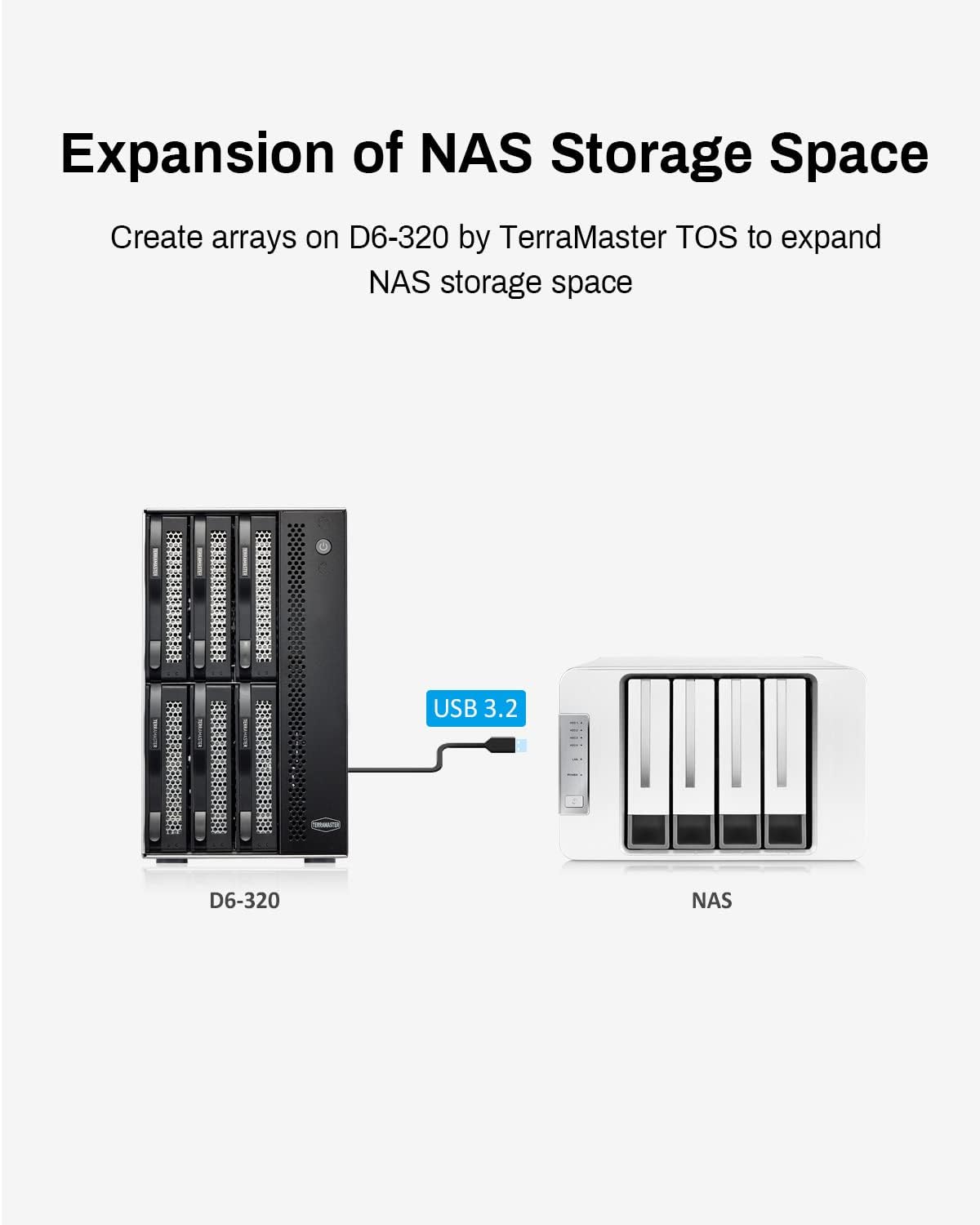
TERRAMASTER D6-320 USB 3.2 10Gbps 6-bay
Product description
If you need a straightforward way to expand storage with multiple SATA drives, the TERRAMASTER D6-320 external hard drive enclosure is built for fast, flexible connections. It uses USB 3.2 Gen2 up to 10Gbps for high-speed data transfer, and it’s designed for practical day-to-day use where you want to add or swap drives without fuss 🧩.
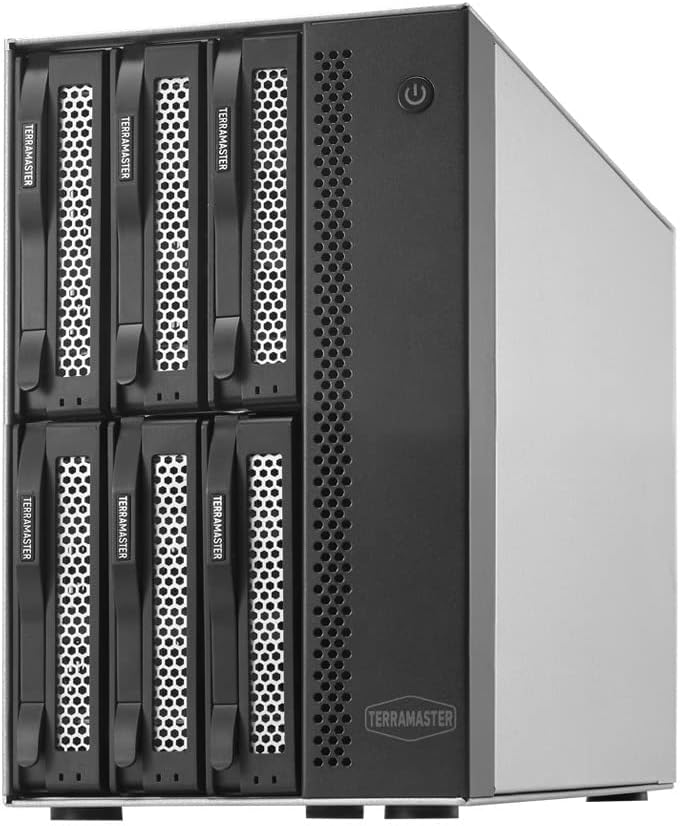
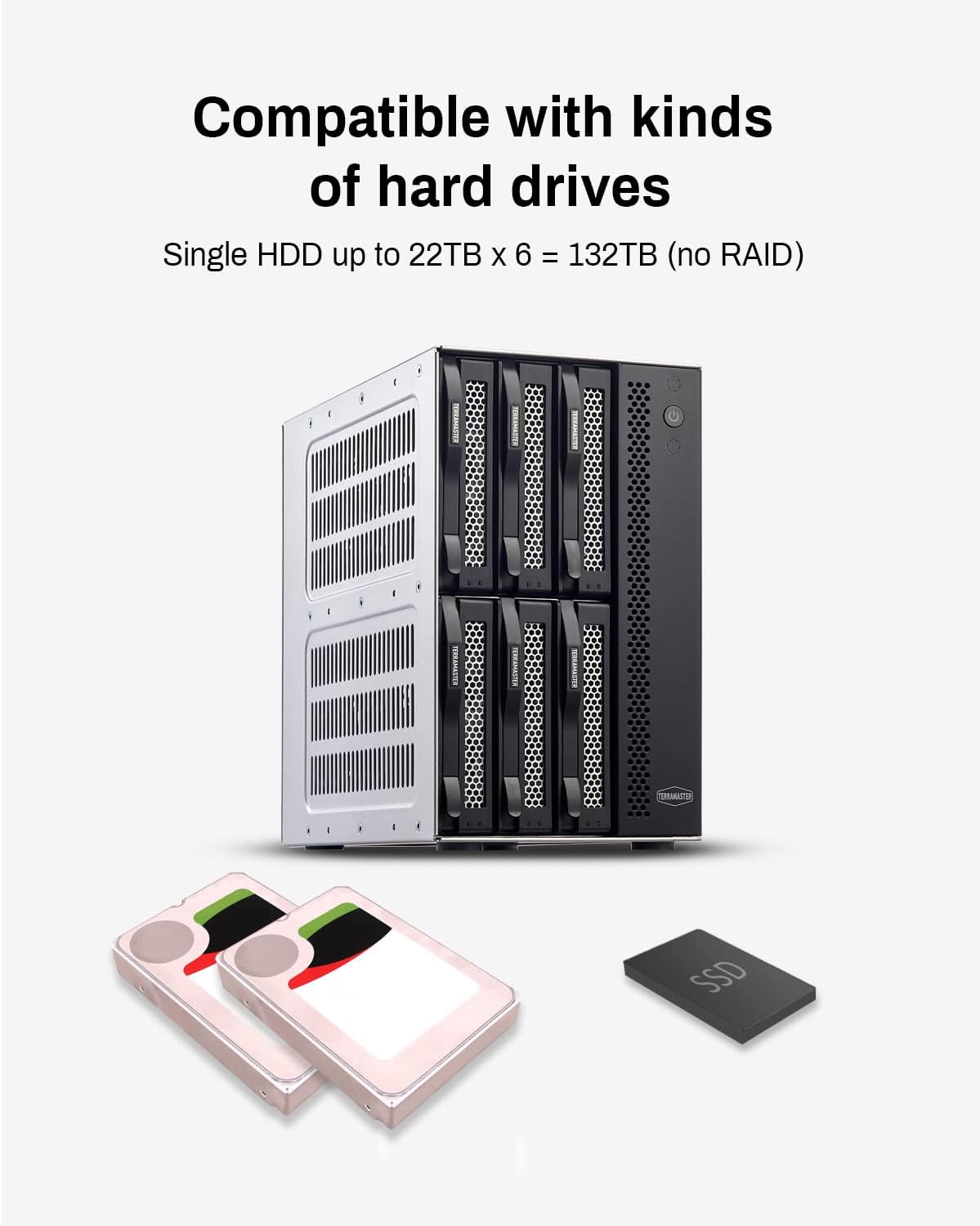
With six bays for 3.5 inch and 2.5 inch SATA drives, this enclosure can hold large totals across compatible disks. That makes it a useful choice for home media libraries, backups, and work files where you want capacity that can grow over time, rather than relying on a single internal drive.
Key features
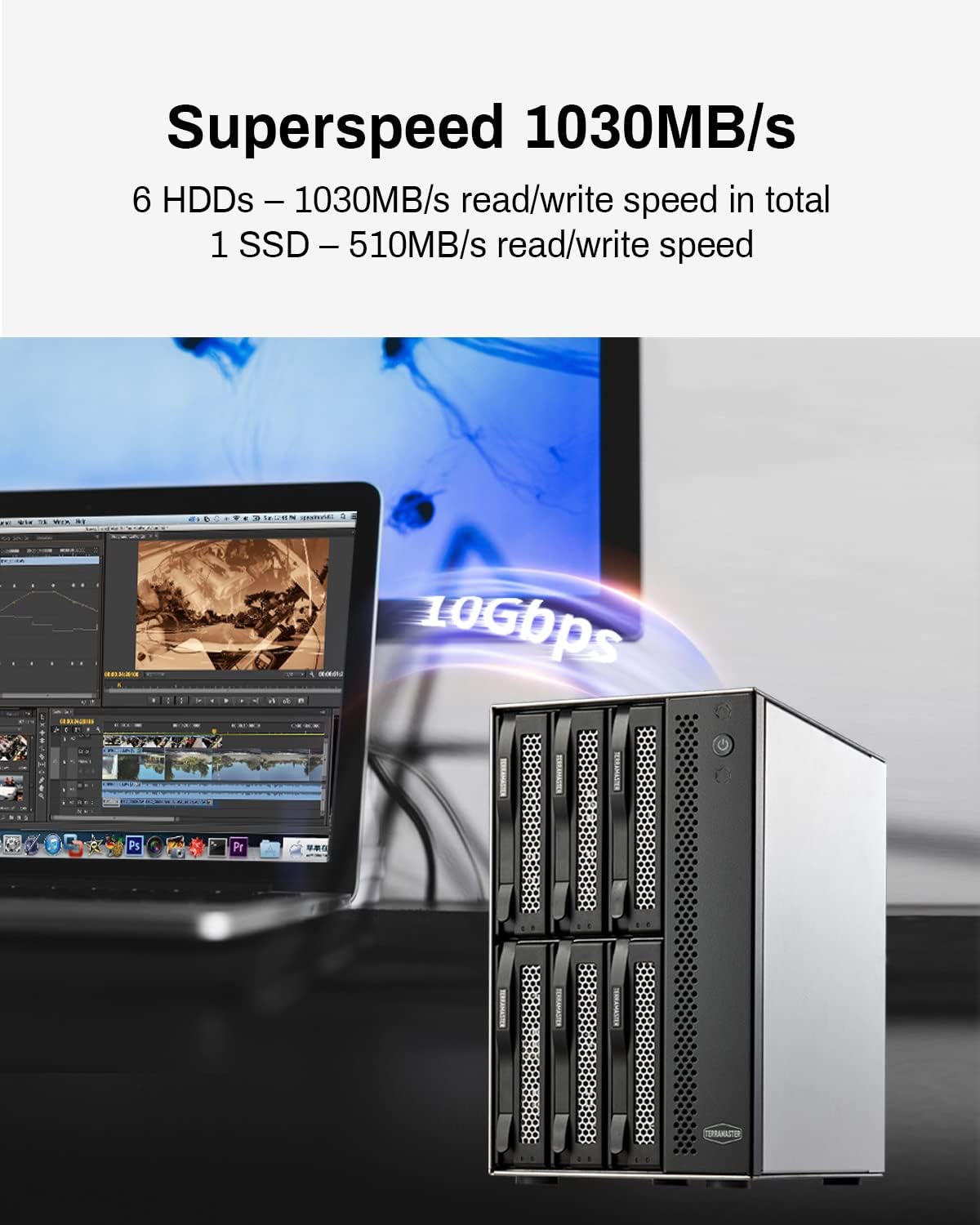
The D6-320 hard drive enclosure brings together a modern USB connection, multiple drive bays, and hot swap capability in one compact unit. It uses the USB 3.2 Gen2 protocol, supporting data transfer speeds up to 10Gbps, which helps when moving large files such as videos, photo archives, and backup images. With full use of the six bays, the manufacturer states read and write speeds can reach up to 1,030MB/s for SATA III HDD combinations. With fewer drives fitted, the stated speed figures adjust, so real-world performance will reflect the drive setup you choose.
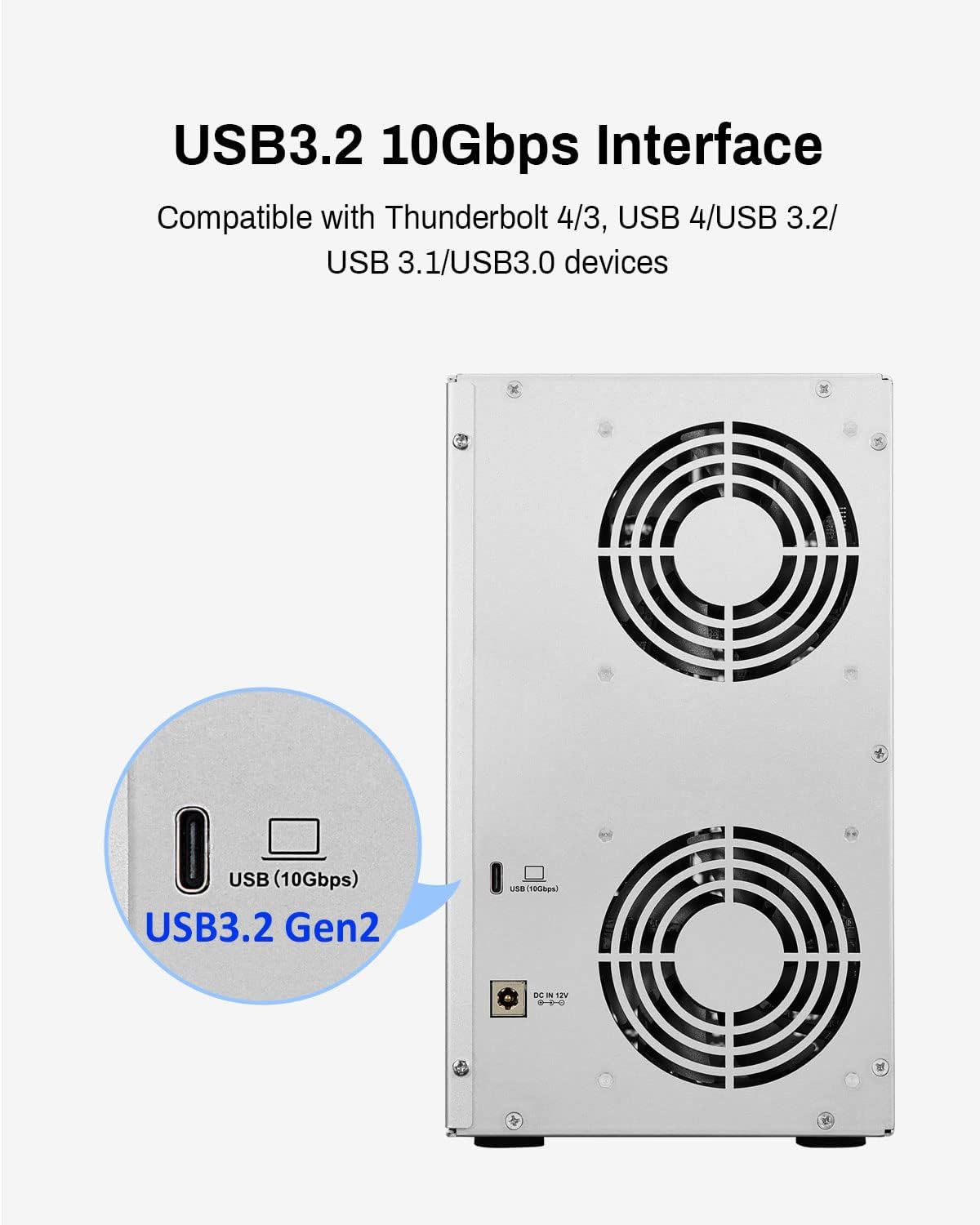
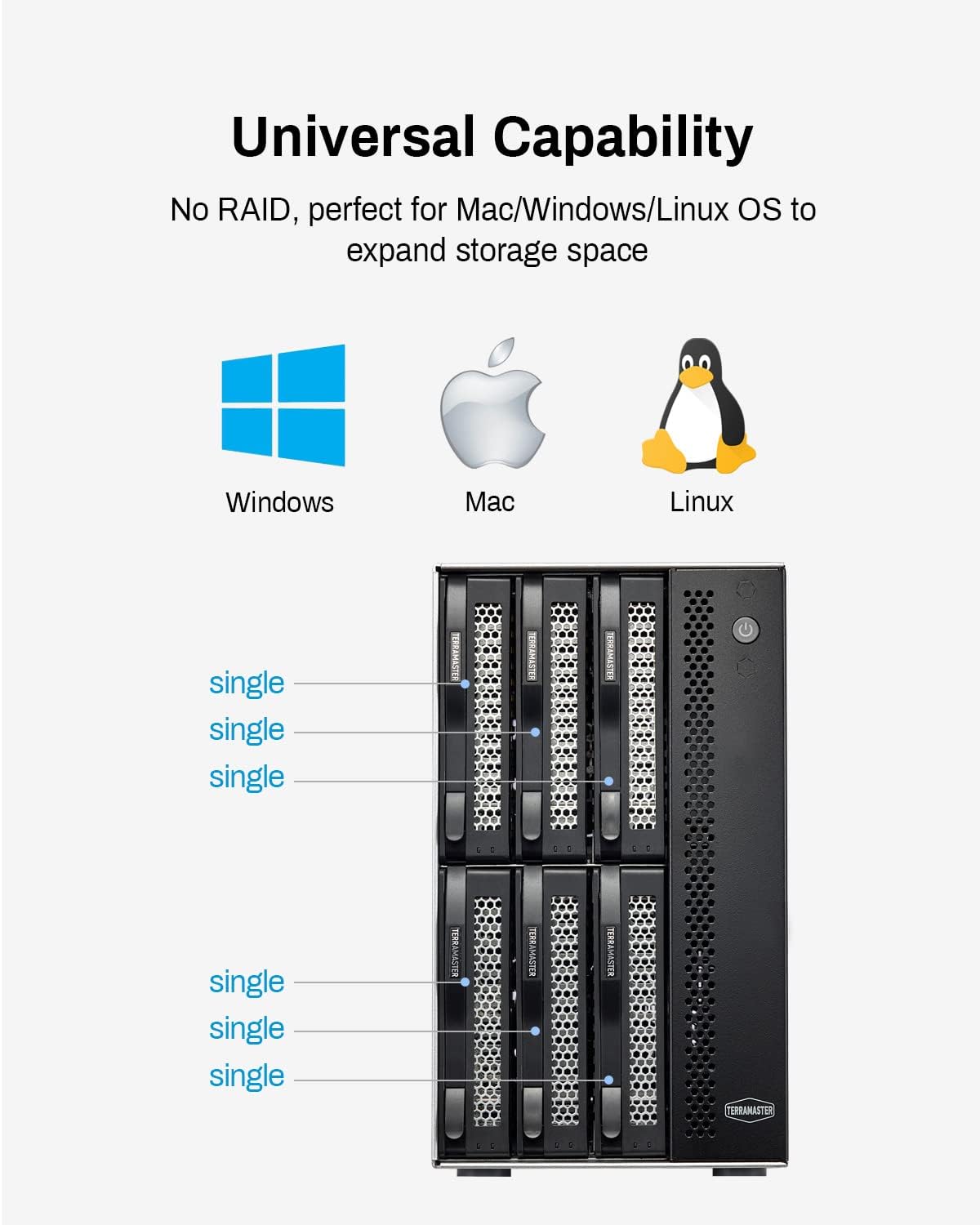
A standout practical point is that it supports plug and play operation, so you don’t need to install drivers in order to use it. It also lists compatibility across MAC, Windows, and Linux operating systems, which is helpful if your setup includes more than one computer. You get a USB Type-C interface, along with a USB Type A to Type-C cable in the box, making it easier to connect to a wider range of systems.
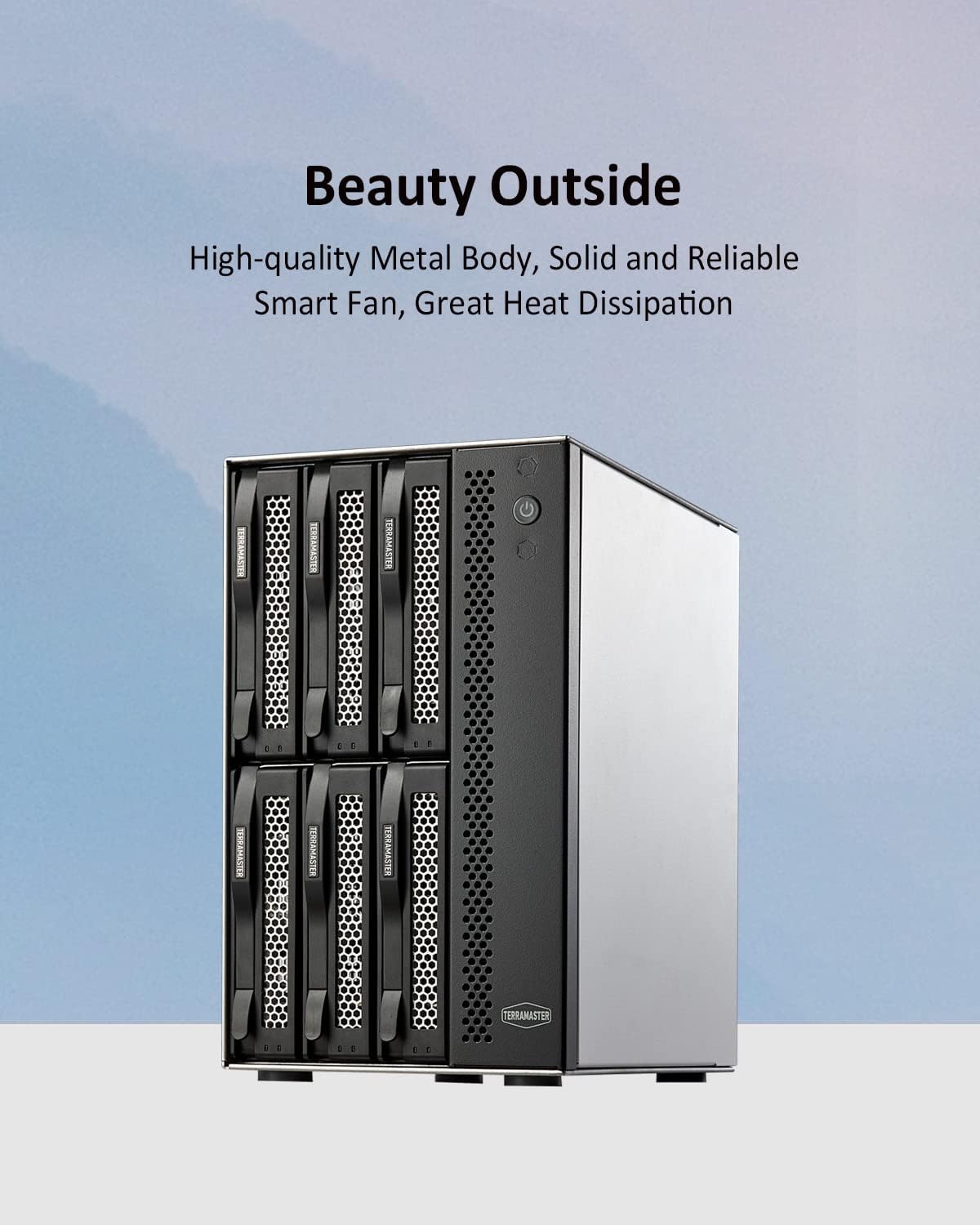
Another element worth noting is heat management. The enclosure includes an intelligent, temperature-controlled and low-noise fan that adjusts speed based on the hard drive temperature, supporting better heat dissipation during sustained transfers. Better thermal control can matter when you’re copying large amounts of data for longer sessions 😊.
Finally, keep in mind one important limitation. The D6-320 does not support arrays, so it works with individual disks rather than combining drives into a RAID array.
Tech specs
- Type: External hard drive enclosure
- Interface: USB Type-C
- Data transfer: USB 3.2 Gen2 up to 10Gbps
- Bays: 6-bay enclosure
- Supported drives: 3.5 inch and 2.5 inch SATA HDD, plus 2.5 inch SATA SSD
- Max capacity per drive: 22TB
- Hot swap: Hot swapping supported
What you’ll notice day to day
Using the D6-320 is designed to feel uncomplicated because it supports plug and play operation and hot swapping. Hot swapping means you can replace a drive without powering off the device, which can be convenient when you need to update storage volumes or rotate disks for different tasks. In everyday terms, that reduces downtime between transfers and helps keep your workflow moving when drives are being swapped around.
For compatibility, the enclosure is described as working with MAC, Windows, and Linux operating systems. It is also listed as compatible with a range of computer interface standards, including USB 3.0, USB 3.1, USB 3.2, Thunderbolt 3, and Thunderbolt 4. If your device has a suitable USB or Thunderbolt port, you can connect this enclosure without building a complex setup.
From a performance perspective, the stated read and write outcomes depend on how many drives are installed and the mix of HDD and SSD. When six drives are installed, the manufacturer states the speed can reach up to 1,030MB/s for SATA III HDD combinations, while a single drive setup is stated at up to 510MB/s with a SATA III HDD 1TB SSD configuration example. These figures help set expectations, but actual results will vary with your drives and transfer type.
If you prioritise flexible capacity across several SATA drives, the D6-320 makes sense. It suits projects where you want to manage multiple disks as separate volumes rather than building an array, and where hot swapping plus sensible cooling can make long transfers more comfortable.
It suits you if
It’s a good fit if you want an external enclosure for up to six 3.5 inch and 2.5 inch SATA drives, plus 2.5 inch SATA SSDs, with USB Type-C connectivity and hot swap support. It also makes sense if you are comfortable managing drives individually and you prefer a plug and play setup that works across MAC, Windows, and Linux.