

Stylus Pen for iPad (11th–14Mins faster charging, pencil holder, tilt + palm rejection)
Product description
The essentials
If you’ve got an iPad from the 2018–2025 range and you want a stylus that behaves more like a pen than a basic pointer, this Stylus Pen for iPad looks built for everyday note-taking and sketching. On paper it targets a specific sweet spot: compatibility across a lot of iPad generations, faster Type-C charging, and drawing features like tilt sensitivity and palm rejection.
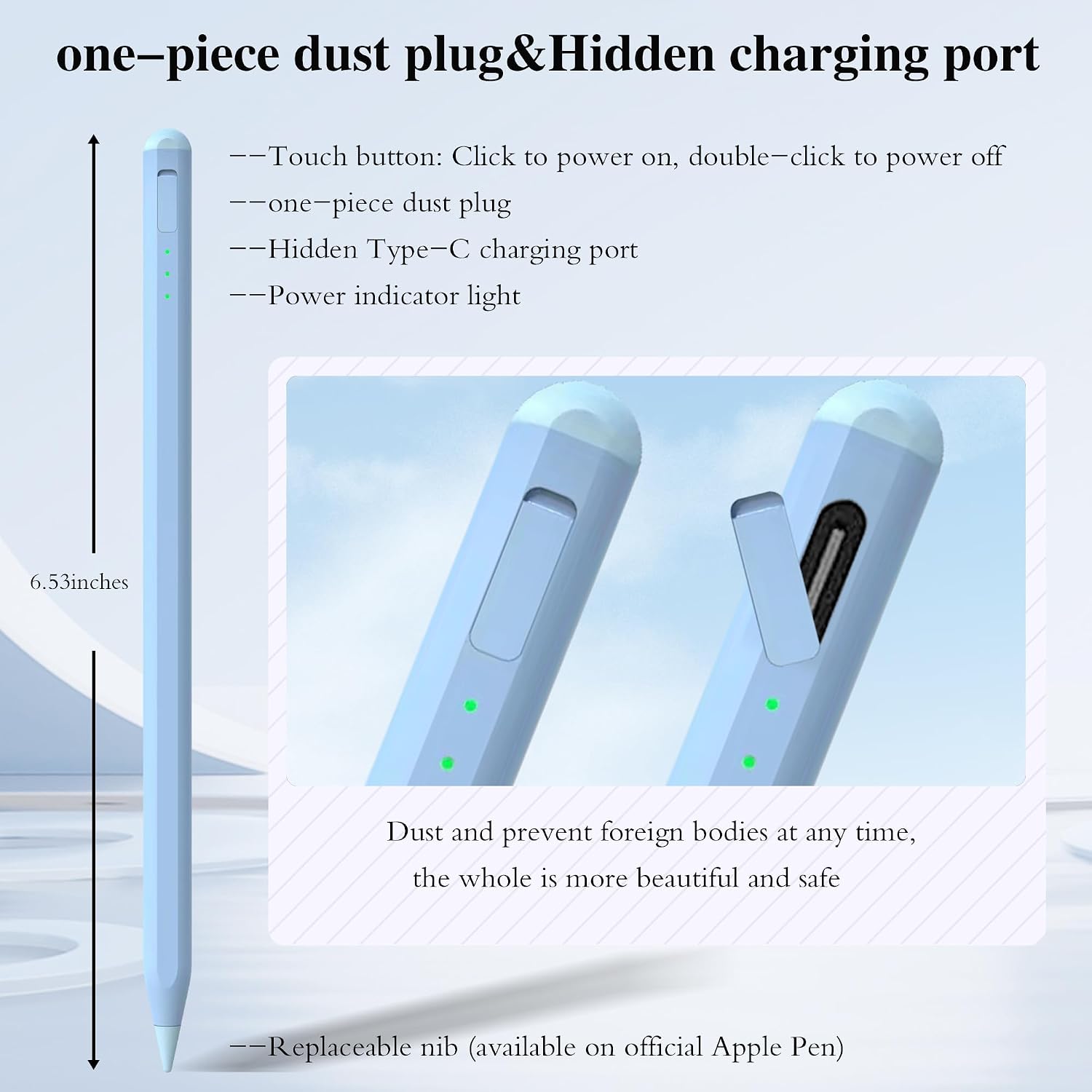
The headline extras here are the charging convenience (Type-C with a claim of a full charge in about 14 minutes), plus a design that includes a pencil holder and a one-piece dust plug so you’re less likely to misplace small parts. It’s not trying to be the most premium option in the world, but it does tick several “use it regularly” boxes.
Key points
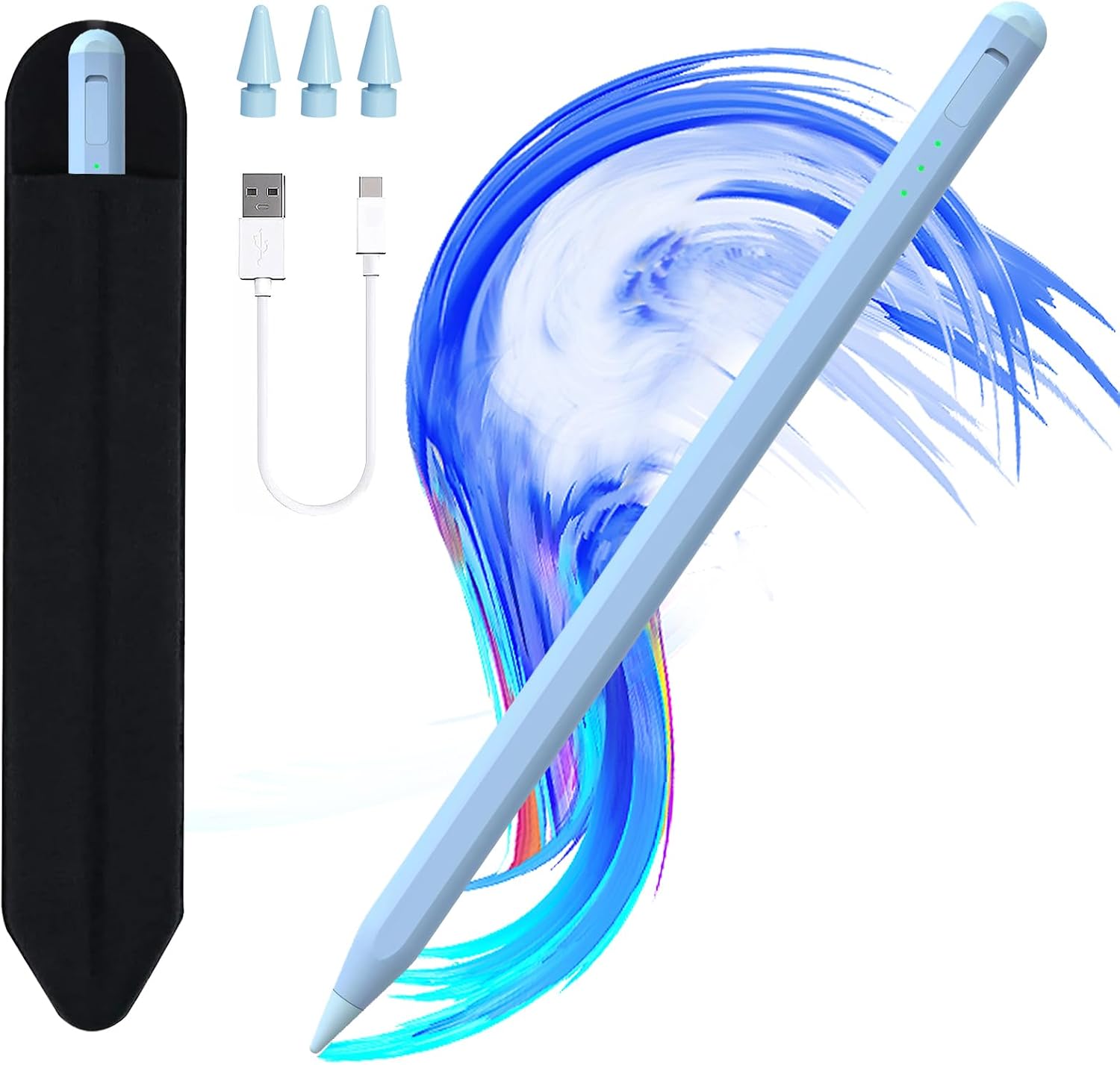
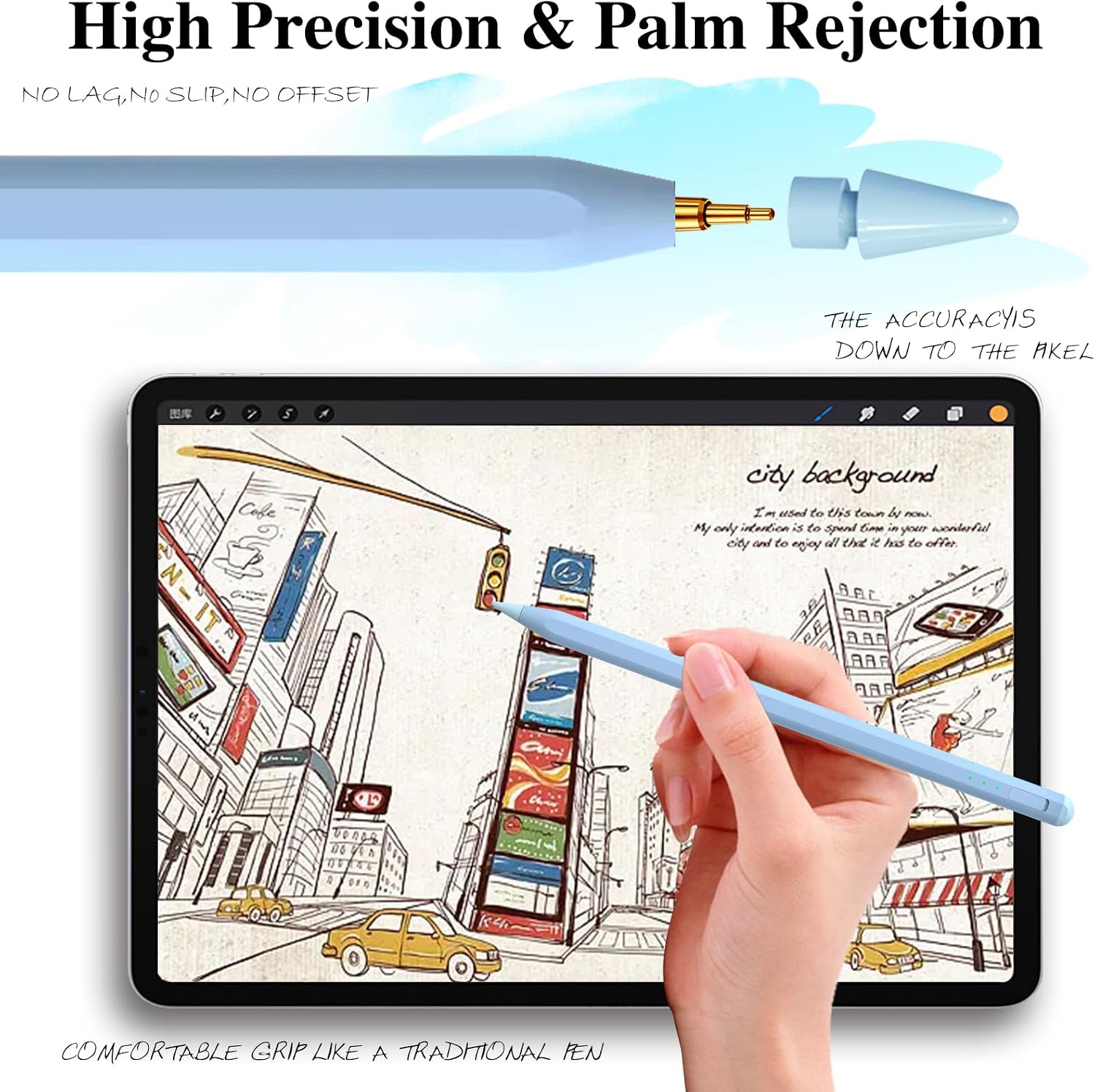
This stylus is designed to work with many iPads (including iPad Air 11–13-inch, iPad Pro 11–13-inch and iPad models from earlier generations listed by the brand). It focuses on practical writing and drawing: tilt sensitivity for different stroke effects, and palm rejection so you can rest your hand on the screen while you work.
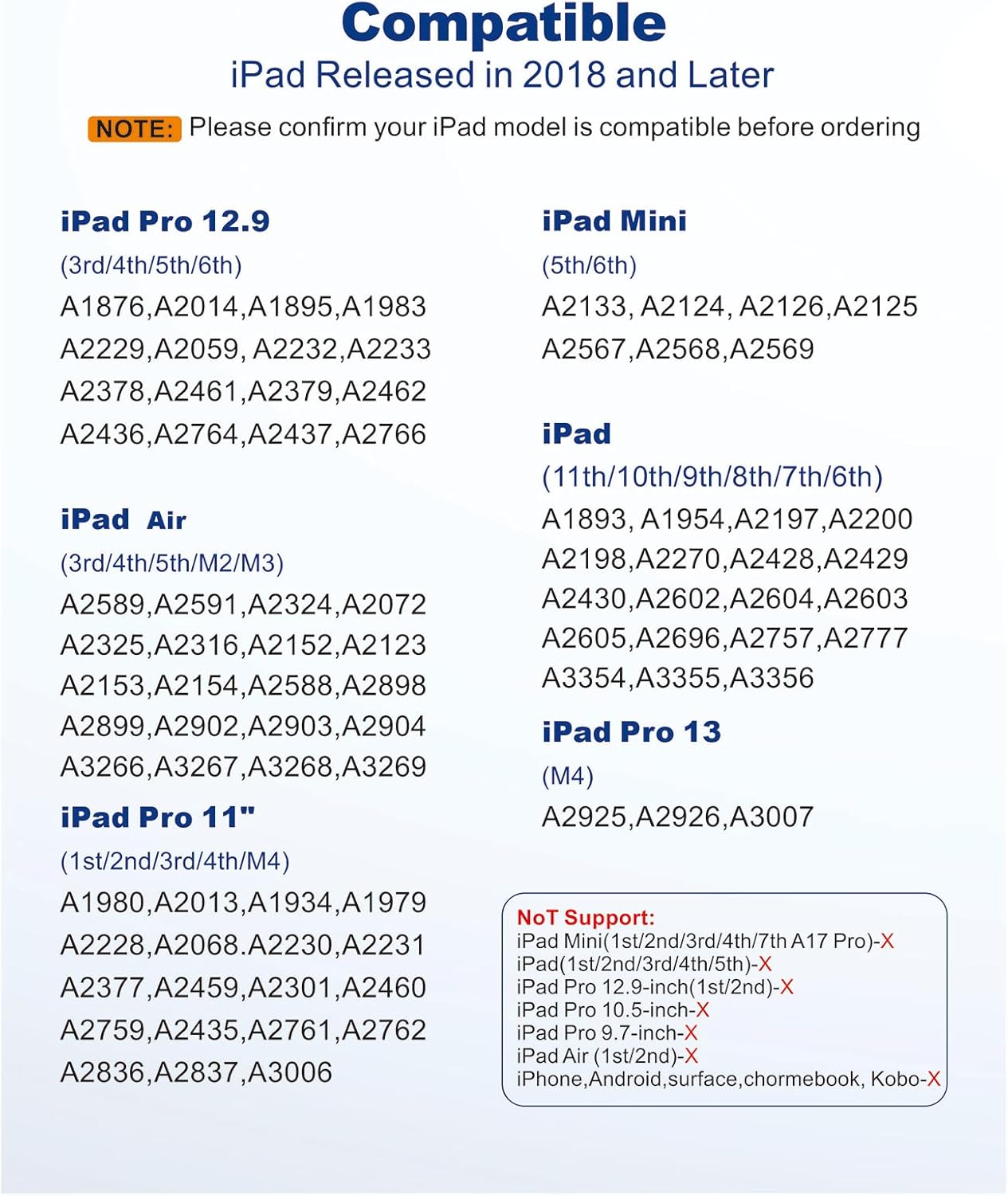
For charging, it uses a Type-C charging port and includes 3 LED indicators to show charging progress and remaining battery life. There’s also a note about power saving: it says there’s no automatic shutdown function within 5 minutes, which may matter if you pause briefly mid-session.
And yes, there’s a genuine “small detail” angle too: the one-piece dust plug and the pencil holder are meant to reduce the faff and avoid losing the plug after you take it off.
What matters most for day-to-day use
The most noticeable difference between styluses is usually how they feel on the screen—whether they skip, lag, or scratch. This one claims a 0.9 mm upgraded POM tip for better sensitivity and precision, with a promise of no lagging, no skips, and no scratches. That’s the kind of claim you’ll only fully judge after you’ve used it, but it’s at least aimed at the right thing.
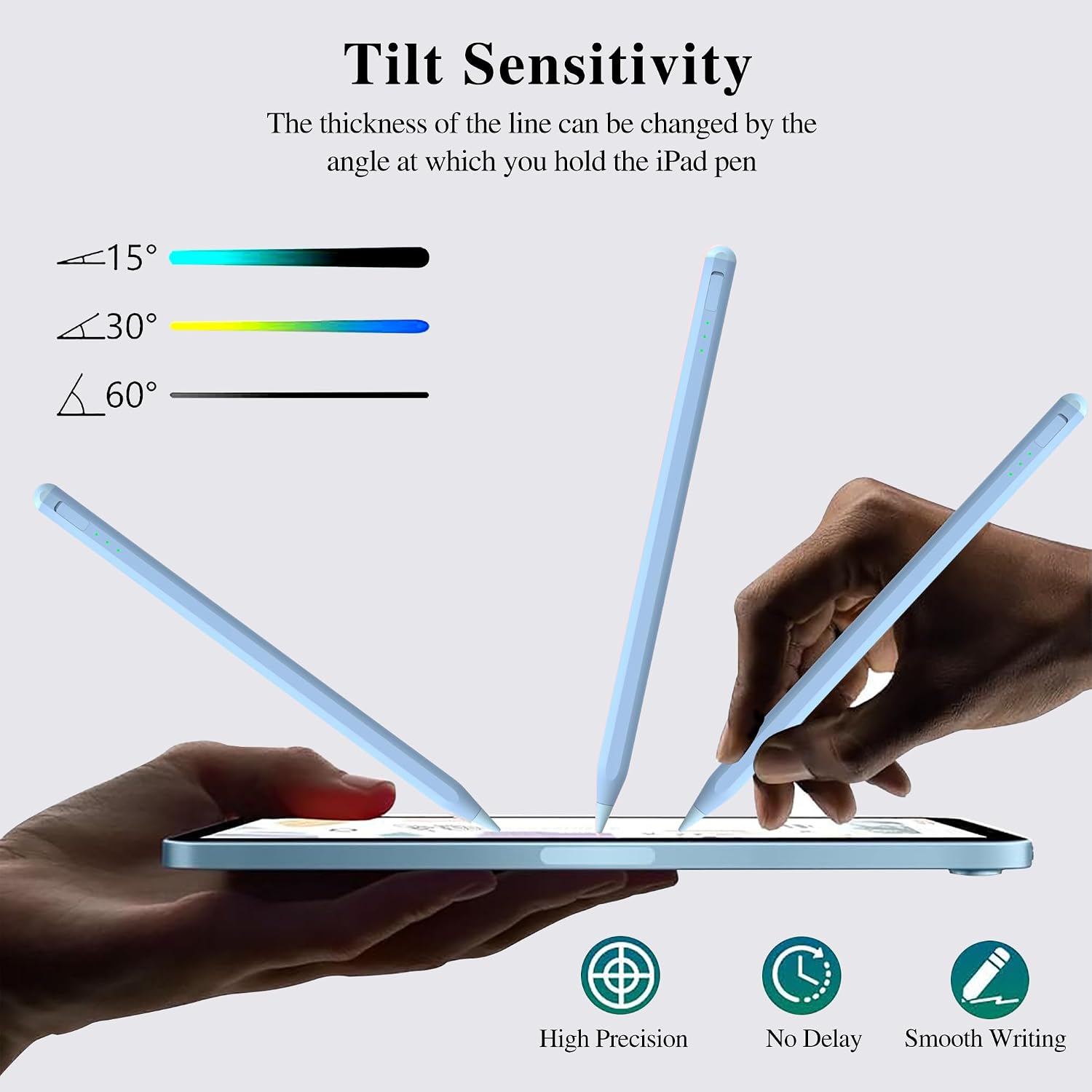
Tilt sensitivity is another day-to-day feature. Instead of always producing the same line, the stylus is described as being able to create different stroke thickness and depth by tilting the tip. If you do quick doodles, shading, or “handwriting with flair”, this is one of the features that can make the difference.
Palm rejection is also a big deal for comfort. The product description explicitly mentions palm rejection so you can place your hand on the screen without it interfering—useful for longer writing sessions where hovering feels awkward.
A practical example: imagine marking up notes during a commute or sketching a rough layout on your iPad. With palm rejection, you can rest your hand while still drawing, and with tilt sensitivity you can make a thicker line for emphasis without switching tools.
The essentials you should double-check before buying
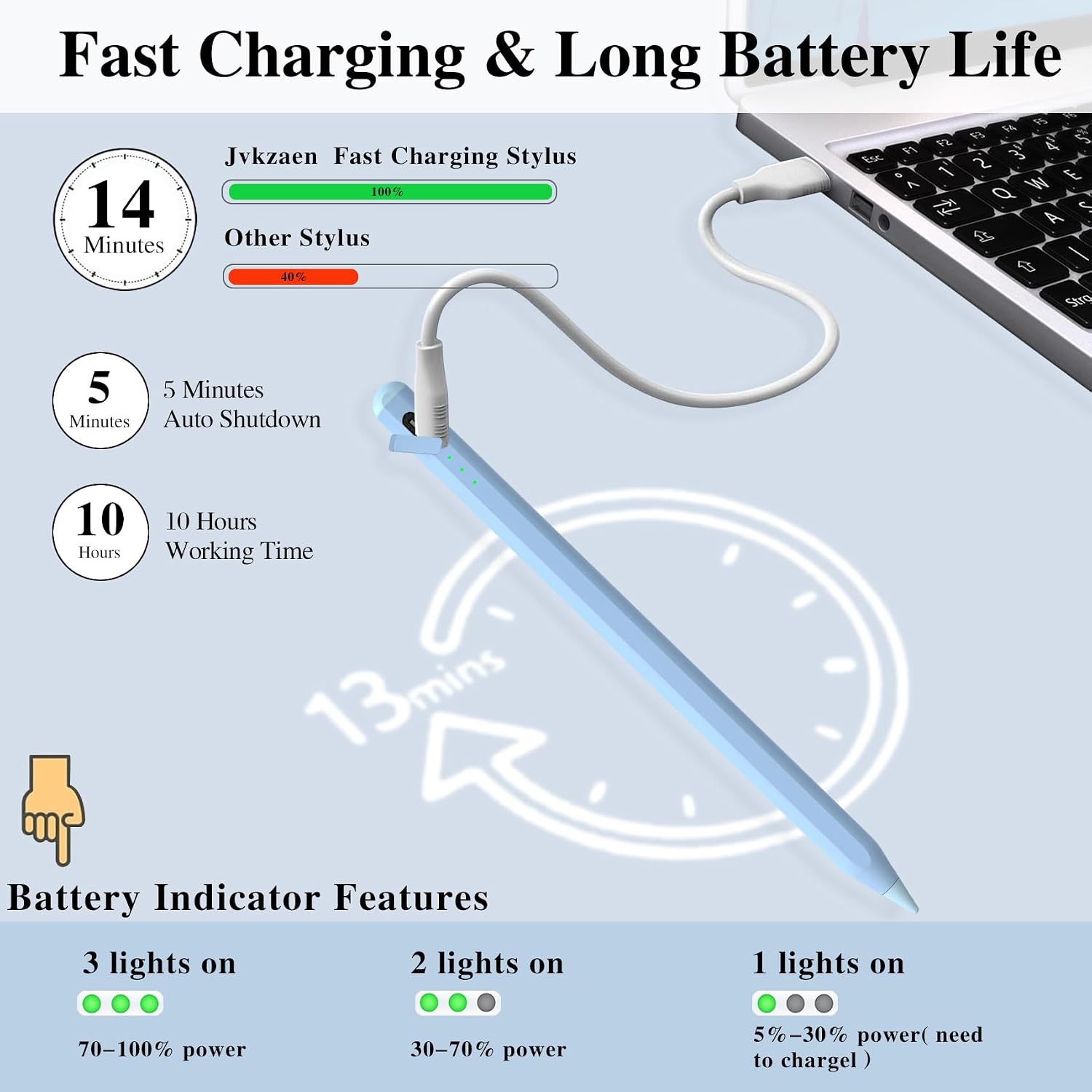
Compatibility is the first thing to verify. The brand states support for a range of iPads and “Pencil for iPad 11th/10th/9th/8th/7th/6th Gen”, including iPad Air 3rd/4th/5th Gen and iPad Pro 11 inches / iPad Pro 12.9 inches (3rd/4th/5th/6th Gen), plus iPad mini 5th/6th Gen. It also lists devices it doesn’t work for.
If you’re on a model that doesn’t support charging, this stylus includes a Type-C cable, which is convenient—but it also implies there are iPads where “charging support” works differently. So it’s worth checking your exact iPad model against the supported/unsupported list provided.
There’s also a real limitation to be aware of: the description says a thick screen protector (tempered glass thickness greater than 0.3 mm) or excessively wet hands may affect touch accuracy. It also recommends cleaning the stylus tip and the screen regularly to extend lifespan.
Finally, there’s a settings requirement mentioned: you may need to enable touch functionality and confirm that “Ignore Repeated Touches” is enabled, with a recommended setting of 0.1 seconds. If you’re not comfortable tweaking settings, this might be a small hurdle.
Tech details
- Charging: Type-C charging port (with a claim of full charge in about 14 minutes)
- Charging indicators: 3 LED indicators showing remaining battery life and charging progress
- Working time: up to 10 hours (as stated)
- Tip: 0.9 mm upgraded POM tip
- Drawing features: tilt sensitivity and palm rejection
- Compatibility note: includes Type-C cable for models that do not support charging (per the brand’s description)
Is it worth it?
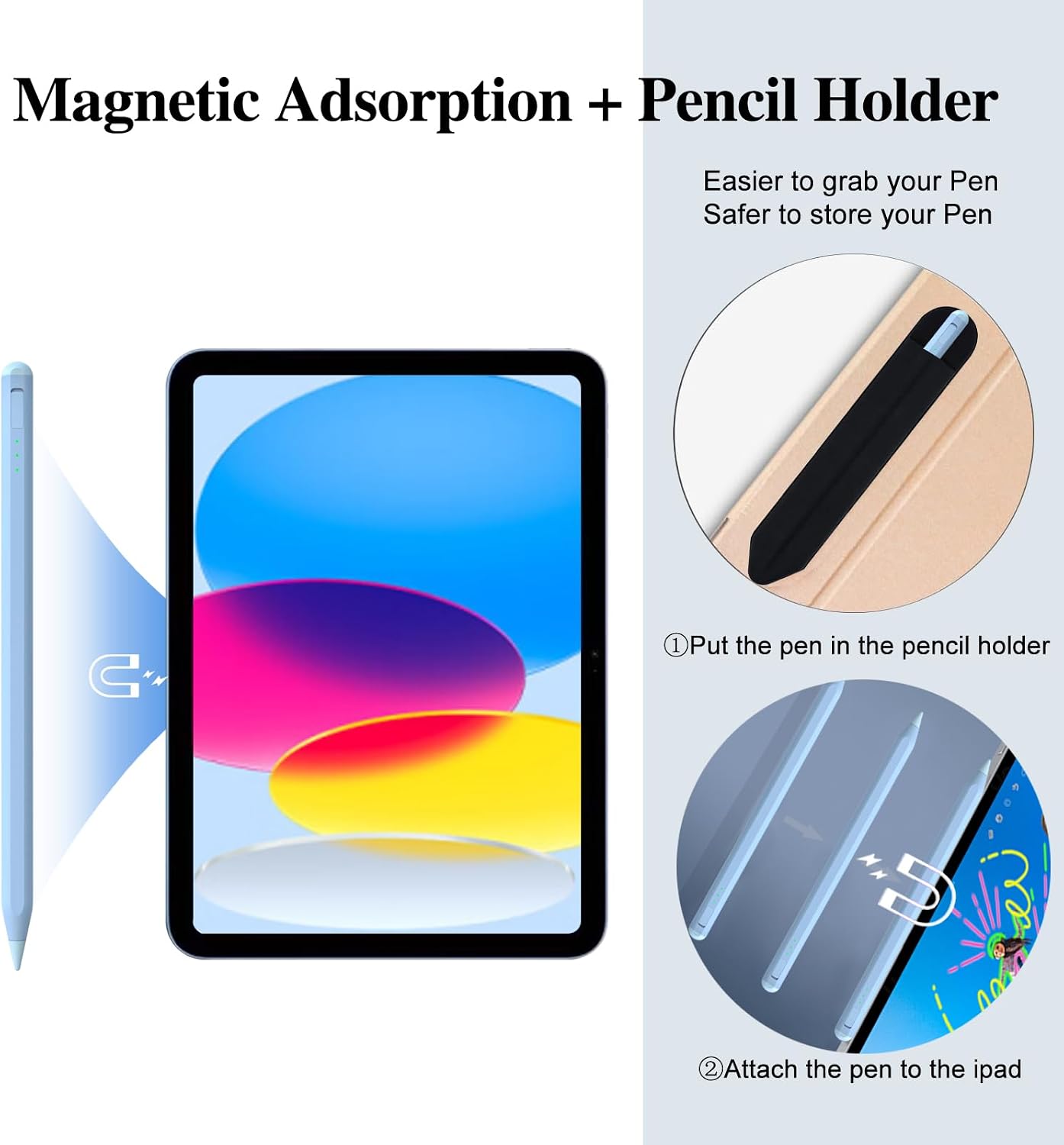
This stylus is a solid pick if you want a pen-style experience for writing and drawing on a compatible iPad, and you care about comfort features like palm rejection and the creative control that comes with tilt sensitivity. The one-piece dust plug and built-in pencil holder also make it more “grab-and-go” than split-plug designs.
You may want to skip it if your iPad model is listed as not working, or if you rely on a thick tempered glass screen protector (over 0.3 mm) where touch accuracy could be affected. It’s also not ideal if you’d rather not change iPad accessibility/touch settings—because the description suggests you should check “Ignore Repeated Touches”.
Overall, it looks best suited to people who want a practical stylus for day-to-day notes, school work, and casual sketching, without paying for the most premium accessory tier. Just take five minutes to confirm compatibility and screen-protector thickness, and you’ll be starting on the right foot.
Mini FAQ
Does it work for iPad Mini?
The brand states support for iPad mini 5th/6th Gen, and it also lists iPad Mini 1st/2nd/3rd/4th as not working. Check your exact model number before buying.
How does charging work?
It uses a Type-C charging port and includes 3 LED indicators for battery level/progress. The description also says a Type-C cable is included for some iPad models that do not support charging.
Will a screen protector affect it?
Yes, the description specifically warns that a tempered glass screen protector thicker than 0.3 mm may affect touch accuracy.
What about palm rejection and tilt?
Both are called out directly: palm rejection is meant to let you rest your hand on the screen, and tilt sensitivity is intended to change stroke thickness/depth.