

Sehawei Haute42 Arcade Stick T16 16Keys all-button arcade controller with Turbo, Custom RGB & hot-swap
Product description
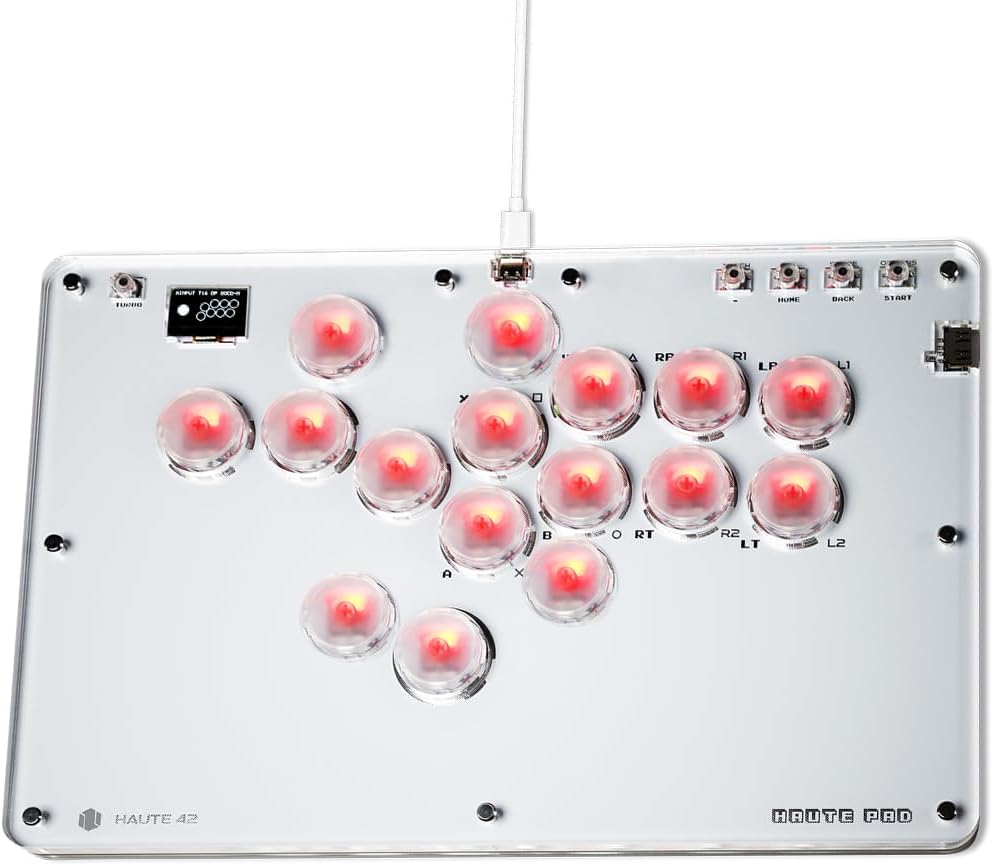
If you’re after an arcade-style fightstick that’s closer to a “gamer keyboard” feel than a traditional lever-and-ball setup, the Sehawei Haute42 Haute42 Arcade Stick T16 is designed for that job. It’s built around an all-button layout with 16 keys, plus turbo functions and custom RGB through a transparent acrylic design.
Still, it’s worth being realistic: you’re buying into a feature set that’s most useful if you’ll actually take advantage of modes, hot-swap switches, and SOCD cleaning options. If you just want something simple to plug in and forget, this may feel like more controller than you need.
The essentials
This model is an arcade controller aimed at street fighter and similar fighting games, with a larger all-button layout and RGB lighting. The manufacturer describes it as low-latency (a stated 1ms delay) and includes firmware update support.
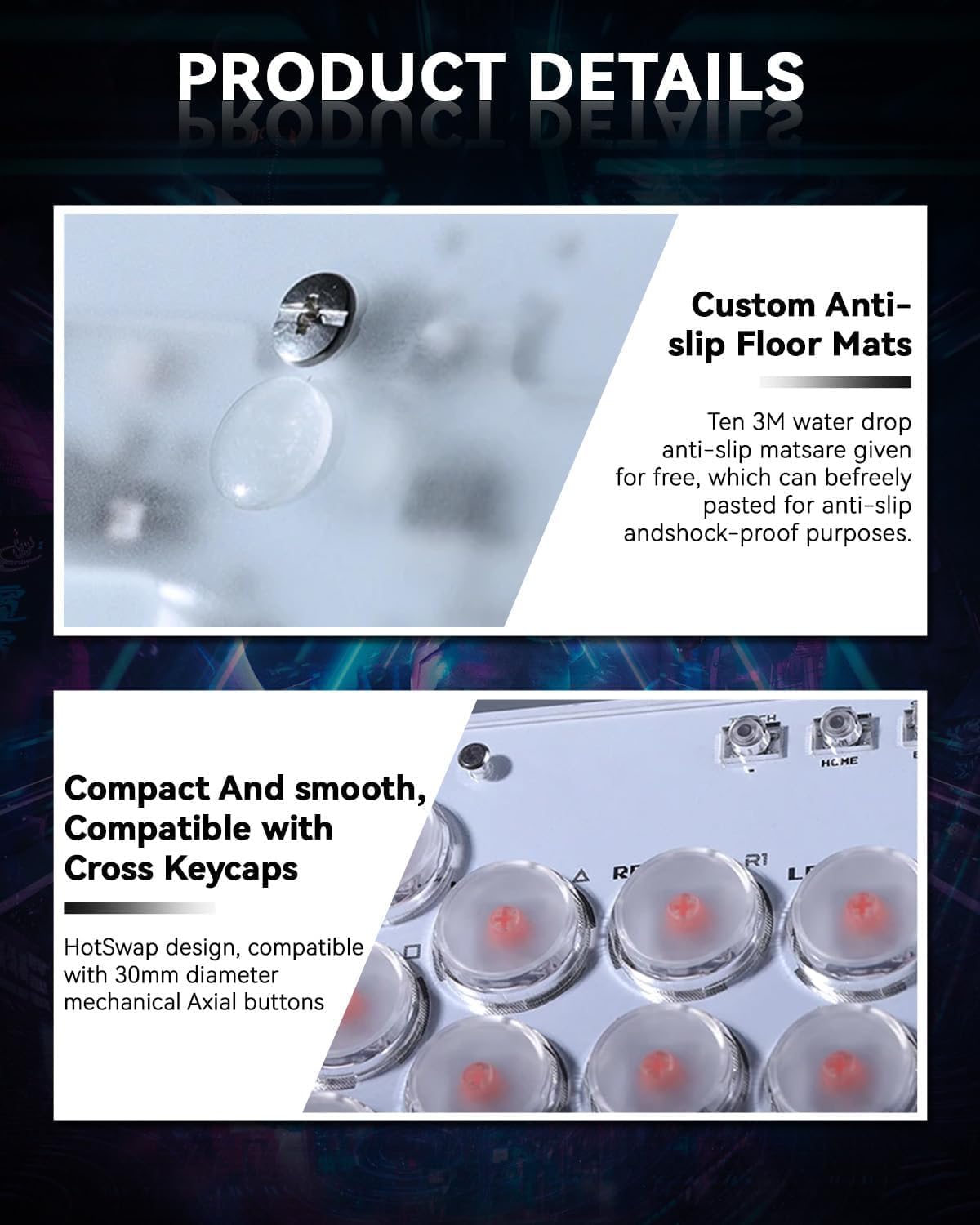
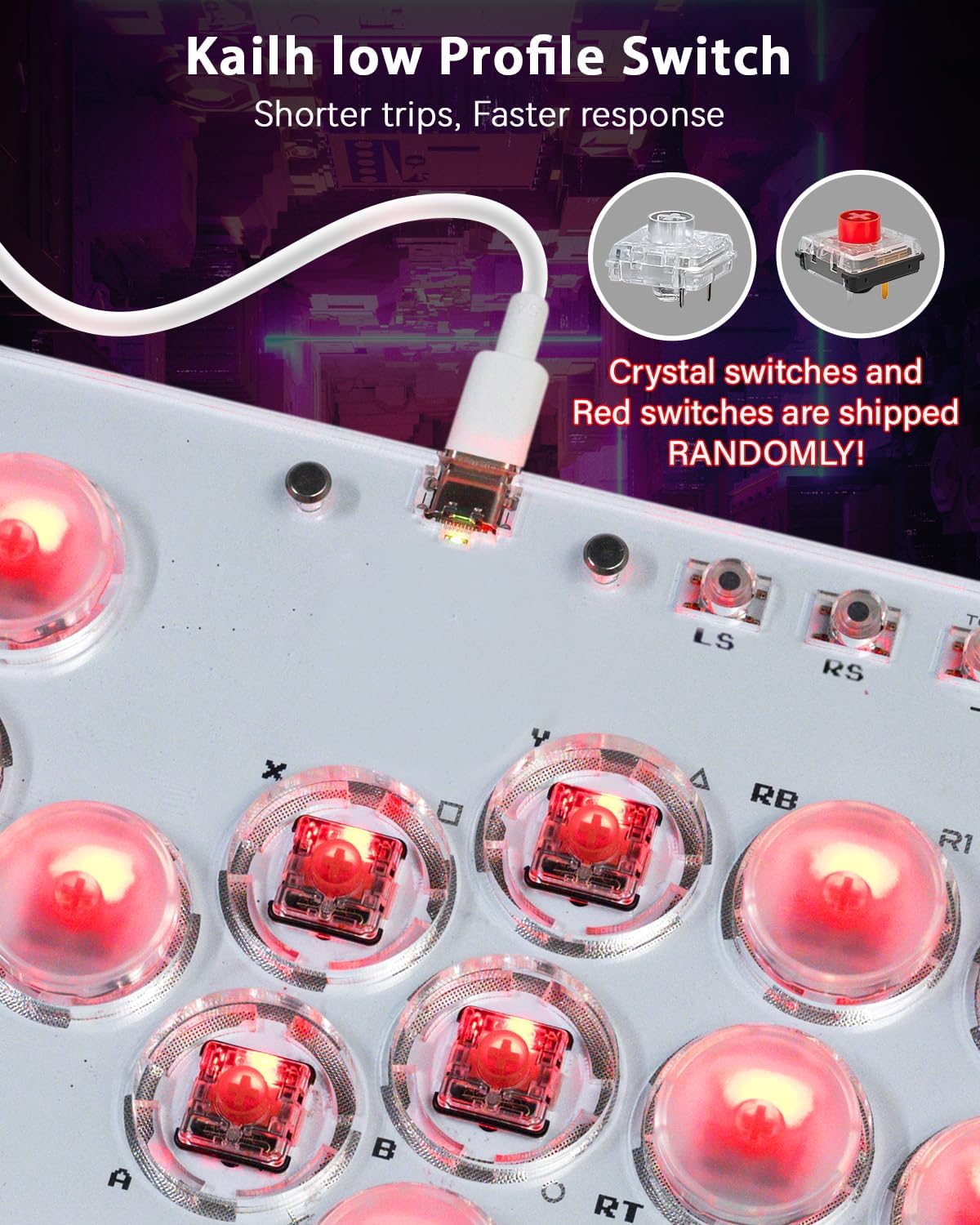
It also leans into customisation in a very “DIY” way. The keyboard-style approach includes hot-swappable key switches, and there’s support for user modifications such as changing the look with custom skins/colours. In practice, that means you’re not locked into one feel forever—at least on the key-switch side.
Key features and what you’ll notice
The headline features are the things you’d normally look for when reading reviews or buyer questions: connectivity options, input cleaning behaviour, and how flexible the build is.
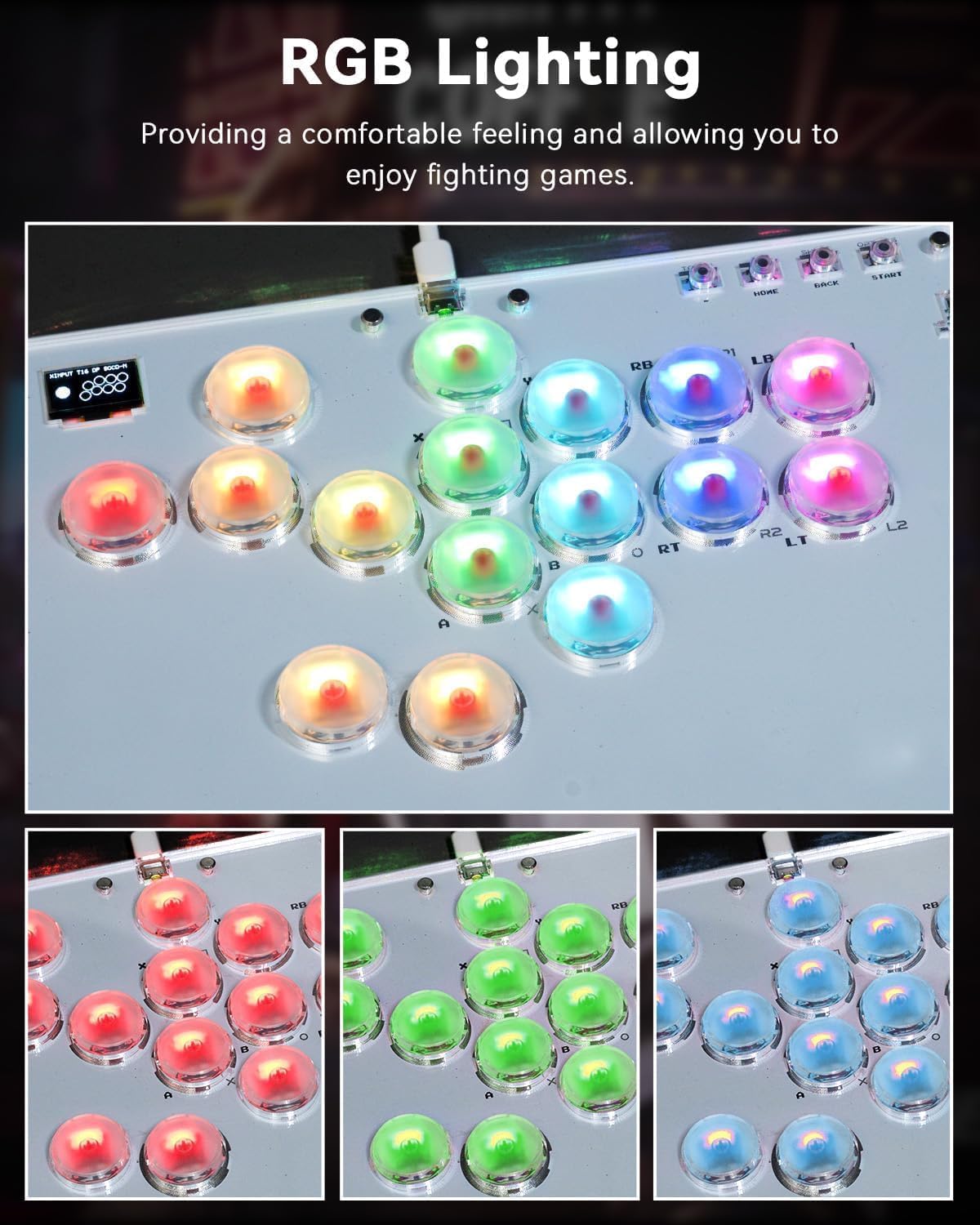
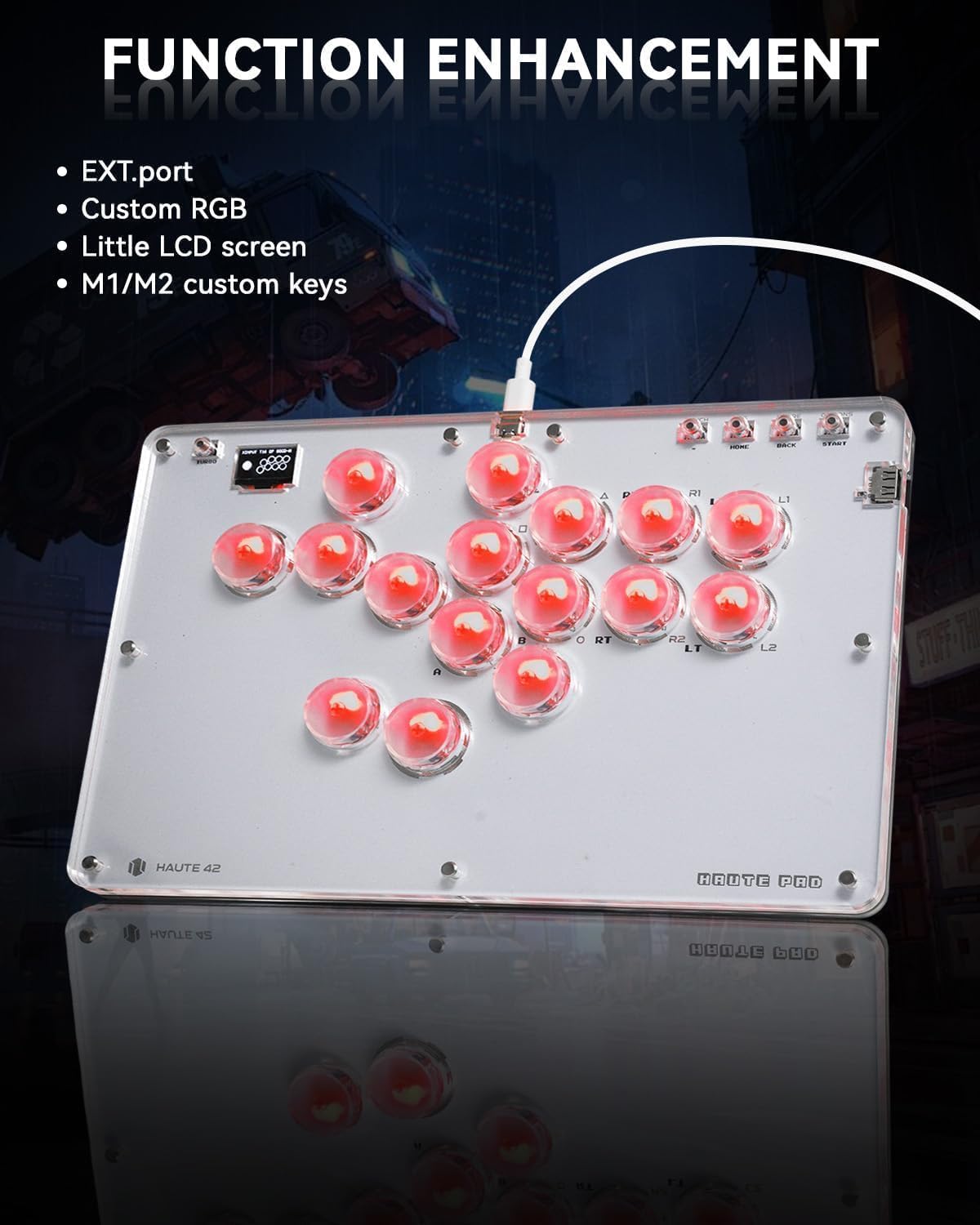
On paper, you get: - 5 controller modes: X-input, Switch, PS3, PS4, and Keyboard mode. - Multiple SOCD cleaning modes plus turbo functions. - Hot-swap & DIY support, described as avoiding welding when replacing switches. - Custom RGB design using transparent acrylic and a lighting effect. - EXT port and configuration options, including a built-in embedded web configuration.
There’s also mention of button layout swap and custom keys (M1/M2), plus an EXT port used for extension functions.
If you play on PC and you like tinkering, the combination of modes and web configuration is the kind of detail that can save time when you’re setting up binds or trying to match your preferred layout. On the RGB side, the acrylic look and “skin” idea is straightforward: you can personalise the visual theme rather than accept whatever you’re shipped with.
One small caution: the entry explicitly notes that connection setup for PS4/PS5 should be handled via the official website or manual, so don’t assume every console pairing is plug-and-play.
Compatibility and setup considerations
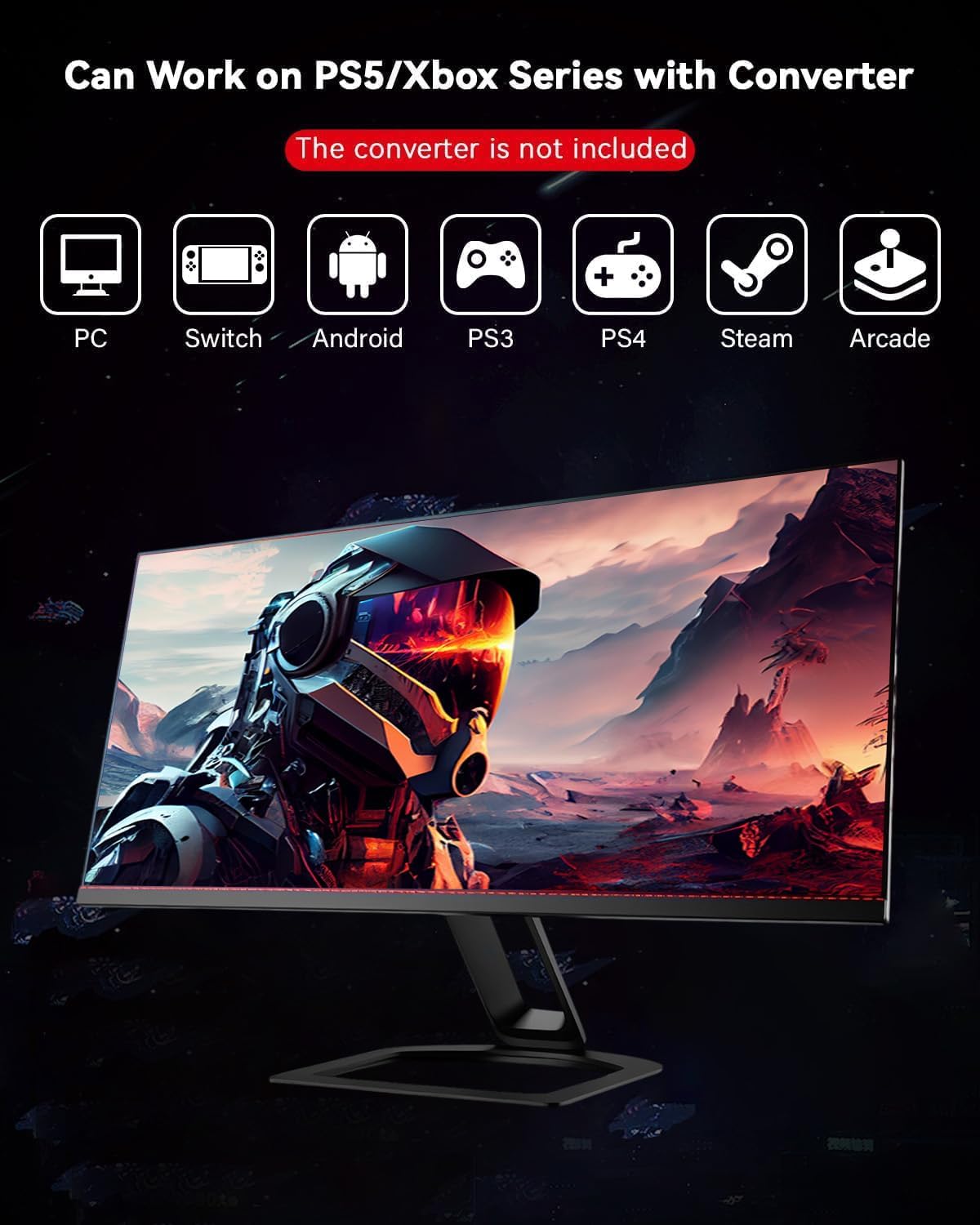
This controller lists broad system compatibility, including Windows 10 or above, Steam Deck, PS3, PS4, Switch, and several Linux-based systems via distribution support (the description names Lakka, RetroPie, Recalbox, Batocera), plus Raspberry Pi, MiSTer, and Android, iPadOS, and macOS (keyboard mode only).
That’s a strong list on paper, but there are two practical realities to keep in mind: 1. Keyboard mode is required for some platforms (as stated for macOS/Windows keyboard mode). 2. PS4/PS5 setup may require specific configuration using the official guidance.
Also note the EXT port: the product info says this port is for extension functions, so you should avoid plugging your console in through it.
Tech specs (from the provided information)
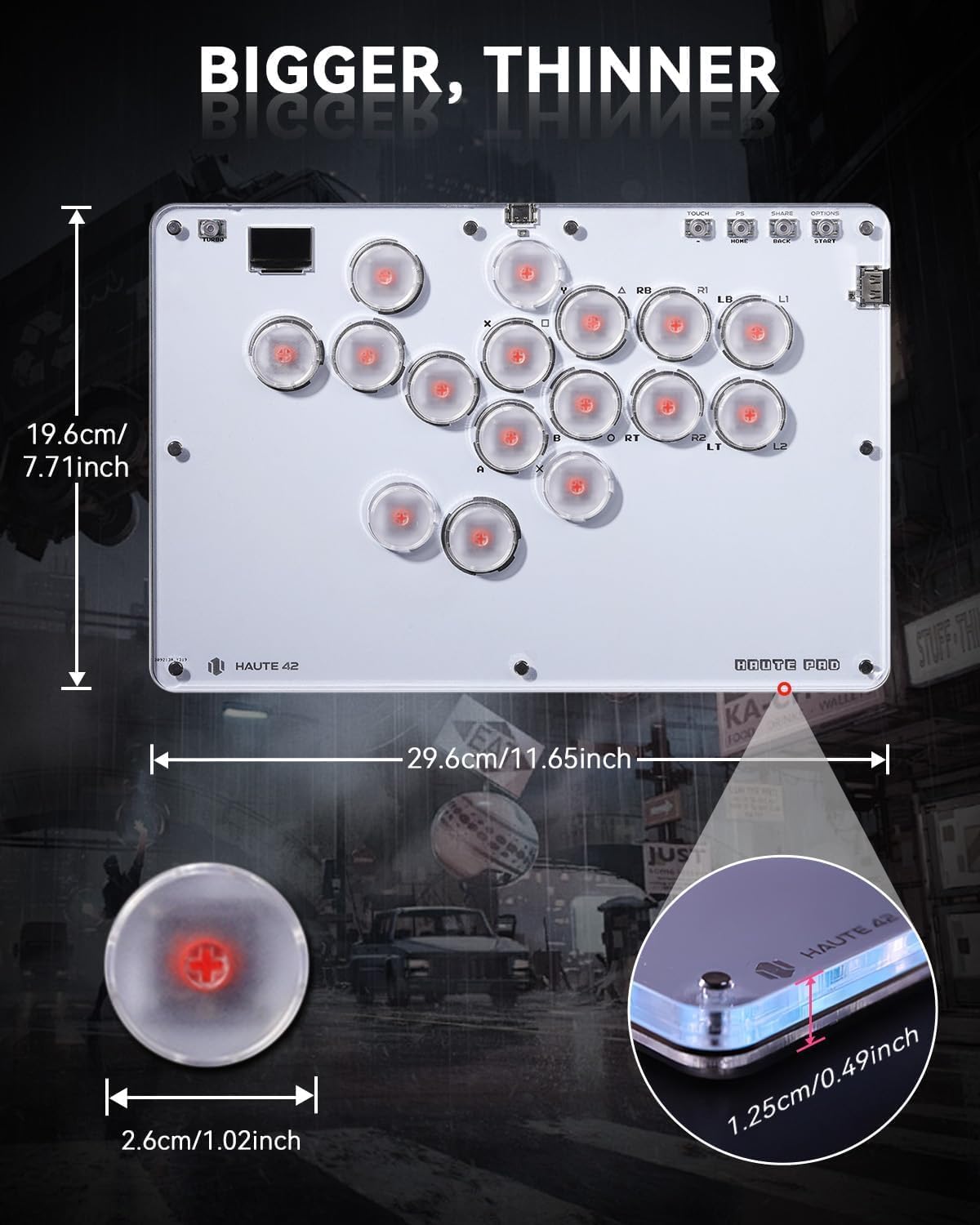
- Name: Sehawei Haute42 Arcade Stick 16Keys all-button arcade controller (T16)
- Type: Arcade keyboard-style controller
- Number of keys: 16 keys (all-button layout)
- Delay: 1ms (stated)
- Manufacturing/process: 40nm process node (stated)
- RGB: Transparent acrylic with RGB lighting effect (stated)
- Hot swap: Supported (no welding problems mentioned)
- Modes: 5 controller modes (X-input / Switch / PS3 / D-input / PS4 / Keyboard mode)
- Configuration: Built-in embedded web configuration (stated)
- Firmware updates: Supported (stated)
- EXT port: Used for extension functions (do not connect console through this port)
- SOCD: Multiple cleaning modes (stated)
Who it suits best (and who should be cautious)
It’s a good fit if you want an arcade-style fight controller that’s designed around all-button input, with turbo functions and SOCD cleaning modes, and you’re the sort of player who doesn’t mind spending a little time setting things up.
It may also suit you if you like to customise how a controller looks and feels over time. The hot-swap and DIY support is the kind of feature that makes sense for people who plan to tinker—whether that’s changing switches later or updating the look with your own skin ideas.
You may want to skip it if you’re mainly after a straightforward “casual” controller with minimal configuration. The multiple modes, SOCD options, and the mention of web configuration suggest a device that rewards attention.
Getting the most from it: practical setup scenario
A realistic example: if you play a street fighter title on a PC, you can start in X-input mode (as listed) and use the embedded web configuration to confirm your button layout and any turbo behaviour you want. If you later move to a different device (for example a handheld setup that supports Steam Deck), you can switch modes rather than replacing the controller entirely.
It’s not a perfect workflow for everyone—especially if you expect everything to be automatic—but if you’re willing to spend a little time early on, it can make the controller feel “yours” rather than generic.
Is it worth it?
Worth considering if you want an all-button arcade controller with turbo, SOCD cleaning modes, and a transparent acrylic custom RGB look, and you’re comfortable working with multiple connection modes. The hot-swap and DIY angle is the kind of thing that can extend the controller’s life beyond “it works” into “I can shape it”.
It might not be a great match if you only want simple plug-in-and-play console support, or if you’re not interested in setup guidance for PS4/PS5. In that case, the extra configuration expectations could feel like hassle.
Mini FAQ
Does it support hot-swappable keys?
Yes—hot-swap is supported, and the description suggests replacing switches without welding problems.
What platforms does it work with?
The provided info mentions Windows 10 or above, Steam Deck, PS3, PS4, Switch, Raspberry Pi with named distributions, MiSTer, Android, Linux, iPadOS, macOS, and Windows (keyboard mode only).
Is there RGB lighting?
Yes. It’s described as a transparent acrylic design with RGB lighting effect.
Are turbo and SOCD cleaning included?
Turbo functions and multiple SOCD cleaning modes are listed as included.
What is the EXT port for?
The entry states the EXT port is used for extension functions and says not to connect a game console through this port.