

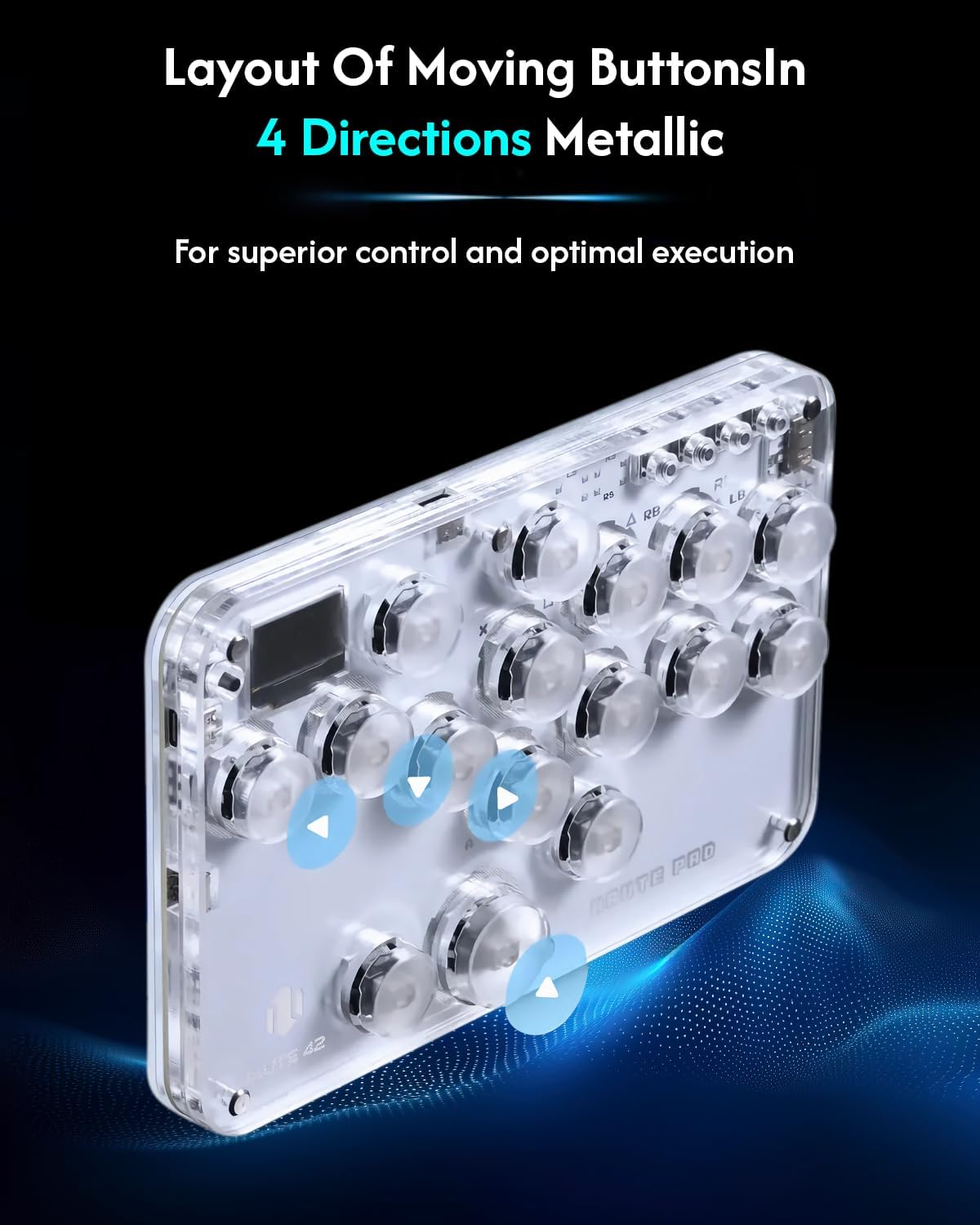
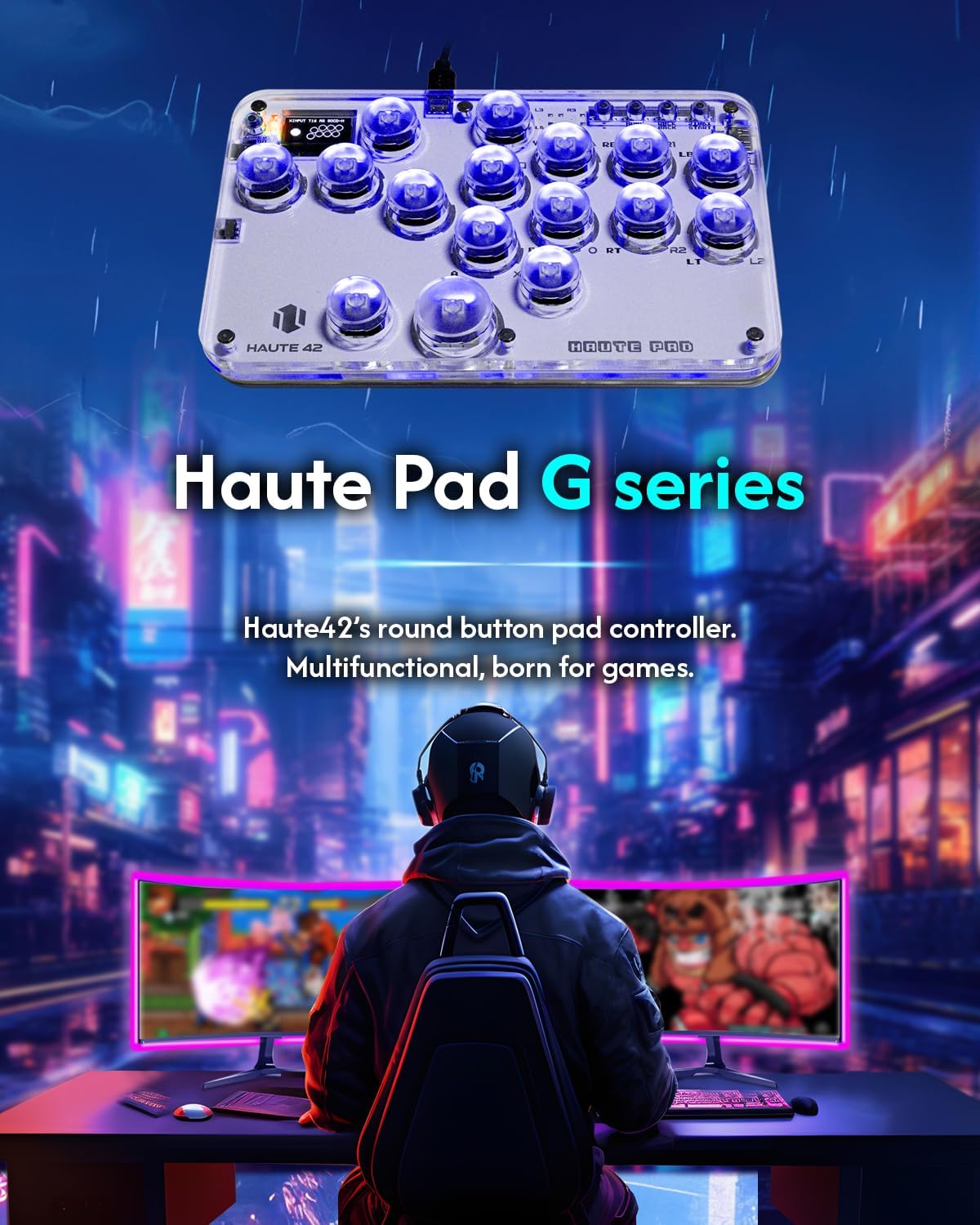
Sehawei Haute42 Arcade Stick 16Keys All-Button with Custom RGB & Turbo – Street Fighter style controller
Product description
What it is and why people buy it
The Sehawei Haute42 Arcade Stick 16Keys All-Button is an arcade-style fighting controller built for people who want a simple, responsive feel rather than relying on a regular gamepad layout. It’s an all-button fighting stick approach, aimed at “street fight” style play, and it comes with extra functions such as custom RGB and turbo, plus support for hot swap and SOCD (as stated in the product name).
On paper, what makes this stand out is the mix of arcade-controller form factor and flexible input handling across a wide range of platforms. If you’ve ever had to juggle different controllers for different devices, this is the kind of stick that’s designed to reduce that hassle.
Key points for a real-world decision
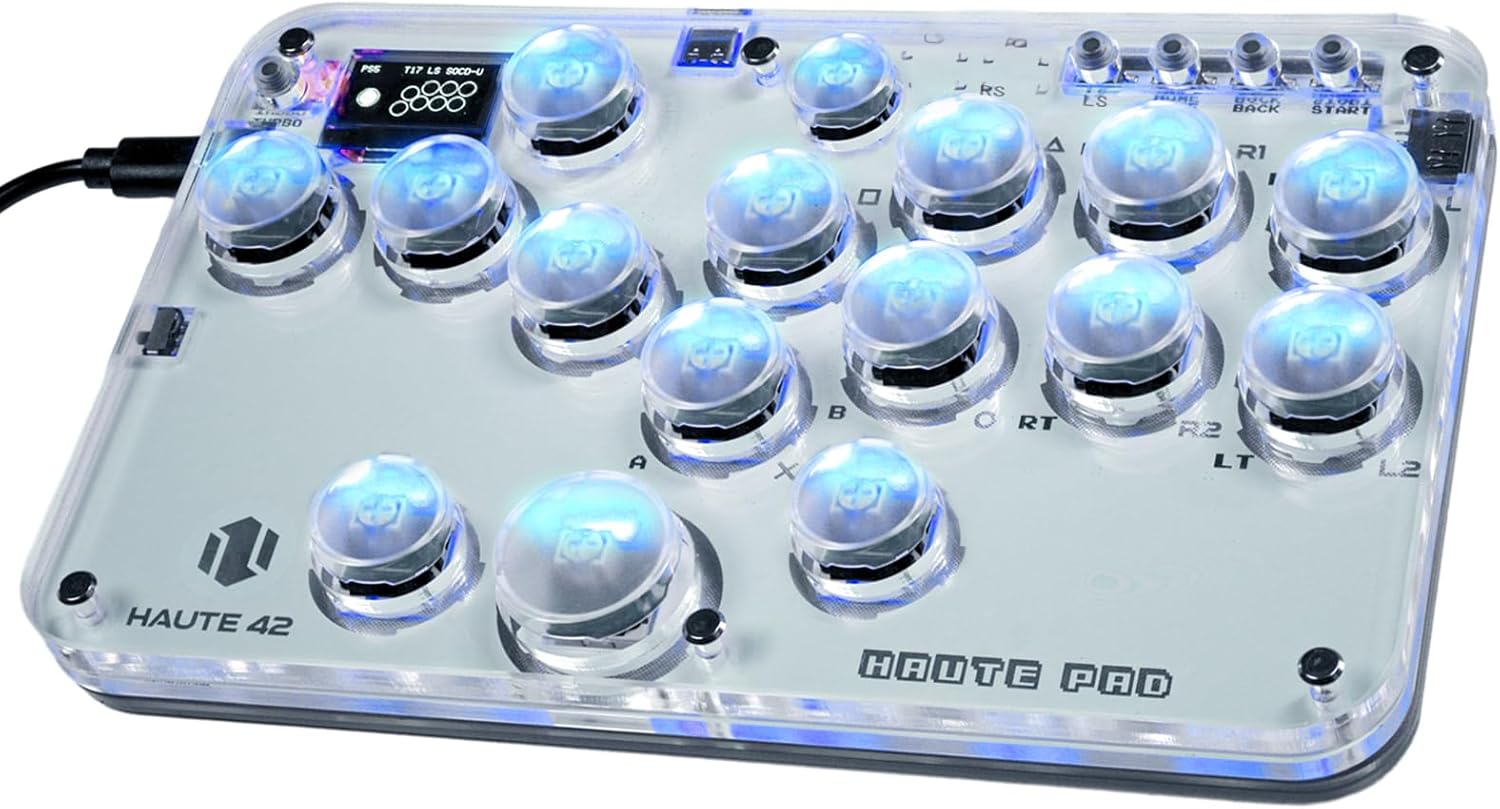
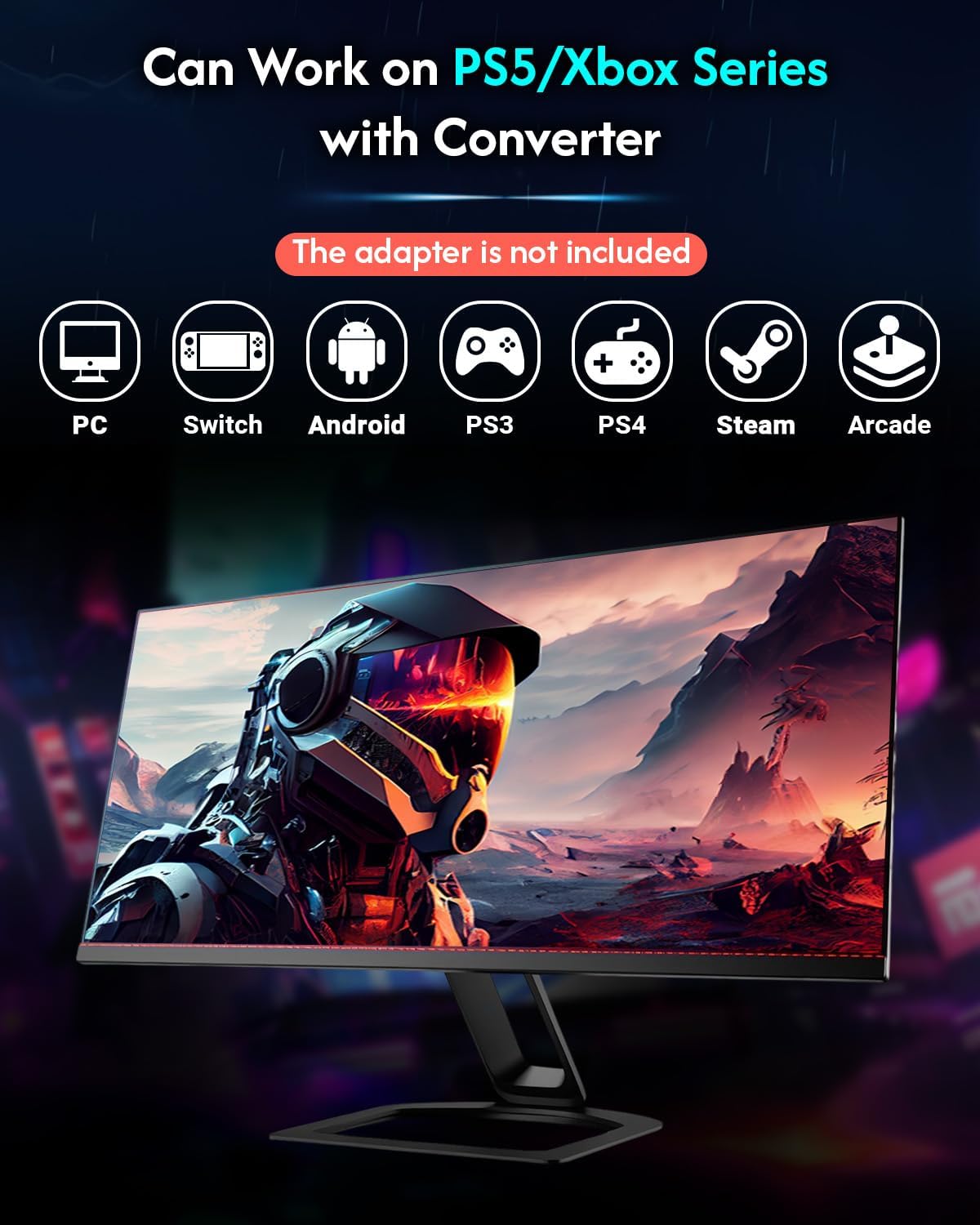
Compatibility is the big headline here. The manufacturer lists support for Windows 10 or later, Steam (including Steam Deck), PS3, PS4, Switch, and several Raspberry Pi setups (Lakka, RetroPie, Recalbox, Batocera), plus MiSTer, Android, Linux, iPadOS, macOS, and even Raspberry Pi-based systems. The caveat is that some of these are “keyboard mode” style support (not full controller support in every case), and for PS4/PS5 behaviour there’s a note to confirm via the manual and the official site.
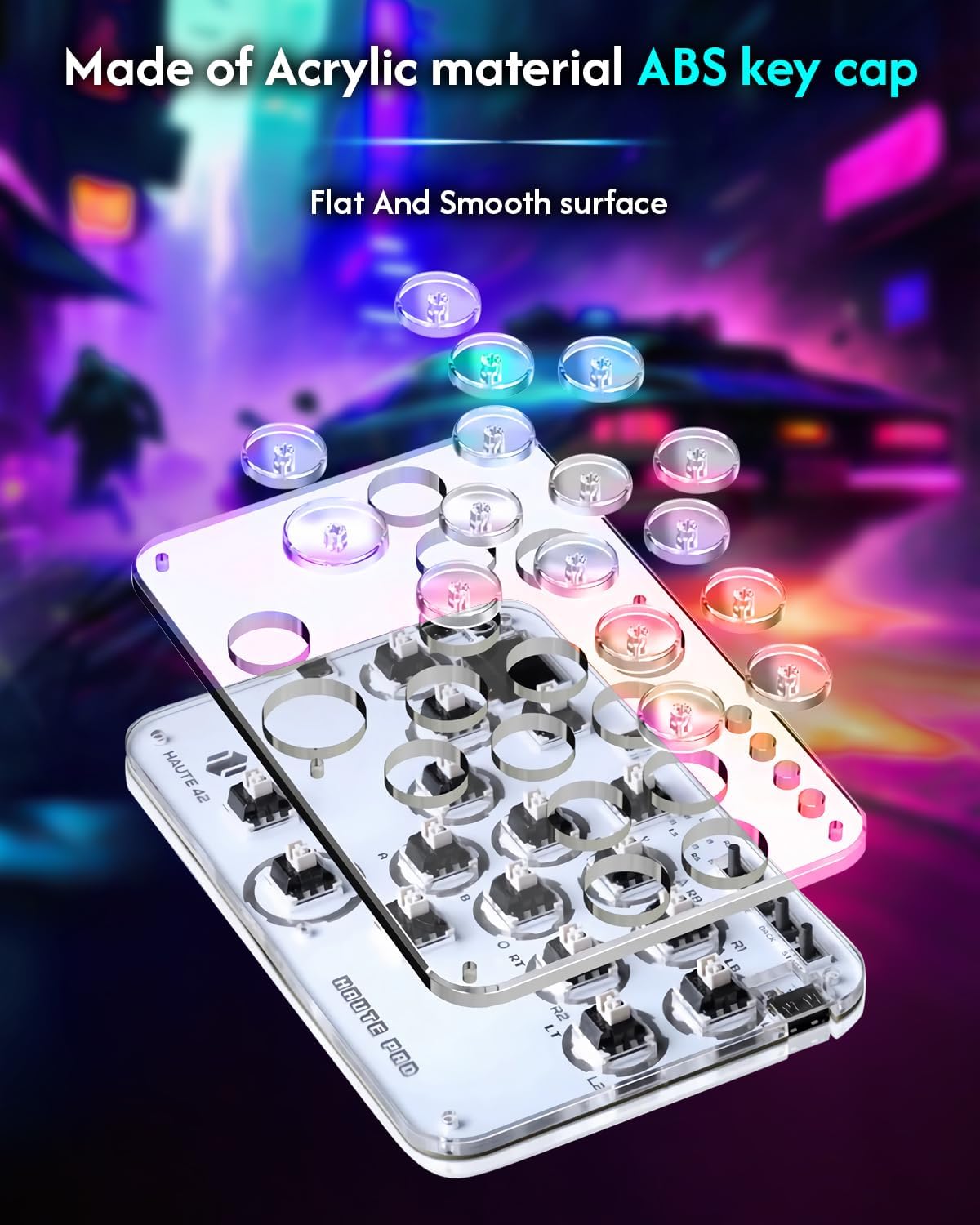
You also get a degree of portability and DIY friendliness. It’s listed at 480g, which is light enough that it won’t feel like dead weight in a bag, and there’s an option to DIY keycaps to match your setup.
One question you’ll want to answer before buying is how important it is that it works across all your devices with no tinkering. If you’re mostly locked into one platform (say Windows/Steam), it’s easier to feel confident. If you switch devices often, you’ll want to double-check the specific mode you plan to use.
What you’ll notice during play
The product description leans heavily into responsiveness and the underlying control chip, including a stated 1ms delay and a “no frame leak rate above 95%” claim. It also lists the controller’s main control chip as a Raspberry Pi RP2024, with “dual core ARM Cortex-M0” and a 133MHz figure, plus mentions dynamic low power consumption and low leakage.
Without testing it yourself, you can’t fully verify those performance figures—but the intent is clear: this is aimed at players who care about input accuracy more than flashy features.
A small practical example: if you’re playing a training session on a PC, you’d typically pick the controller mode that matches your game/inputs. The stick supports multiple modes via different buttons (more on that next), so you’re not stuck with one input style.
Multiple modes, and how the button choices map
The description lists a set of mode selectors based on which button you use:
- Button “B” for Xinput mode (Windows / Steam)
- Button “A” for Switch mode
- Button “X” for PS3/Dinput mode (Raspberry Pi / Android)
- Button “Y” for PS4 (with compatibility noted for PS4 games on a PS5 console)
- Button “RT” for keyboard mode
This is useful because it means you may be able to adapt the stick to different environments without needing a complicated setup each time. That said, it also means you should pay attention to which mode your target device and game expects. If you’re not willing to spend a little time in menus or testing input behaviour, keyboard-mode support can feel a bit less straightforward than full controller mapping.
Worth noting: the description includes an instruction to confirm the manual/official site for PS4/PS5 connection timing or requirements. That’s not a deal-breaker, but it’s a real limitation you should factor in.
Tech summary (the stuff that can matter)
The box contents listed include the G16 Board mini, a USB cable, and an instruction manual. It also mentions a “LEOBOG Graywood V4” switch variant, keycap/button parts, and tools such as keycap and switch extractors, plus 6mm button caps (listed as 2) and anti-slip pads.
From a buyer’s perspective, that bundle is a sign the stick is meant to be tinkered with, not just plugged in once and forgotten.
Who it suits (and who should be cautious)
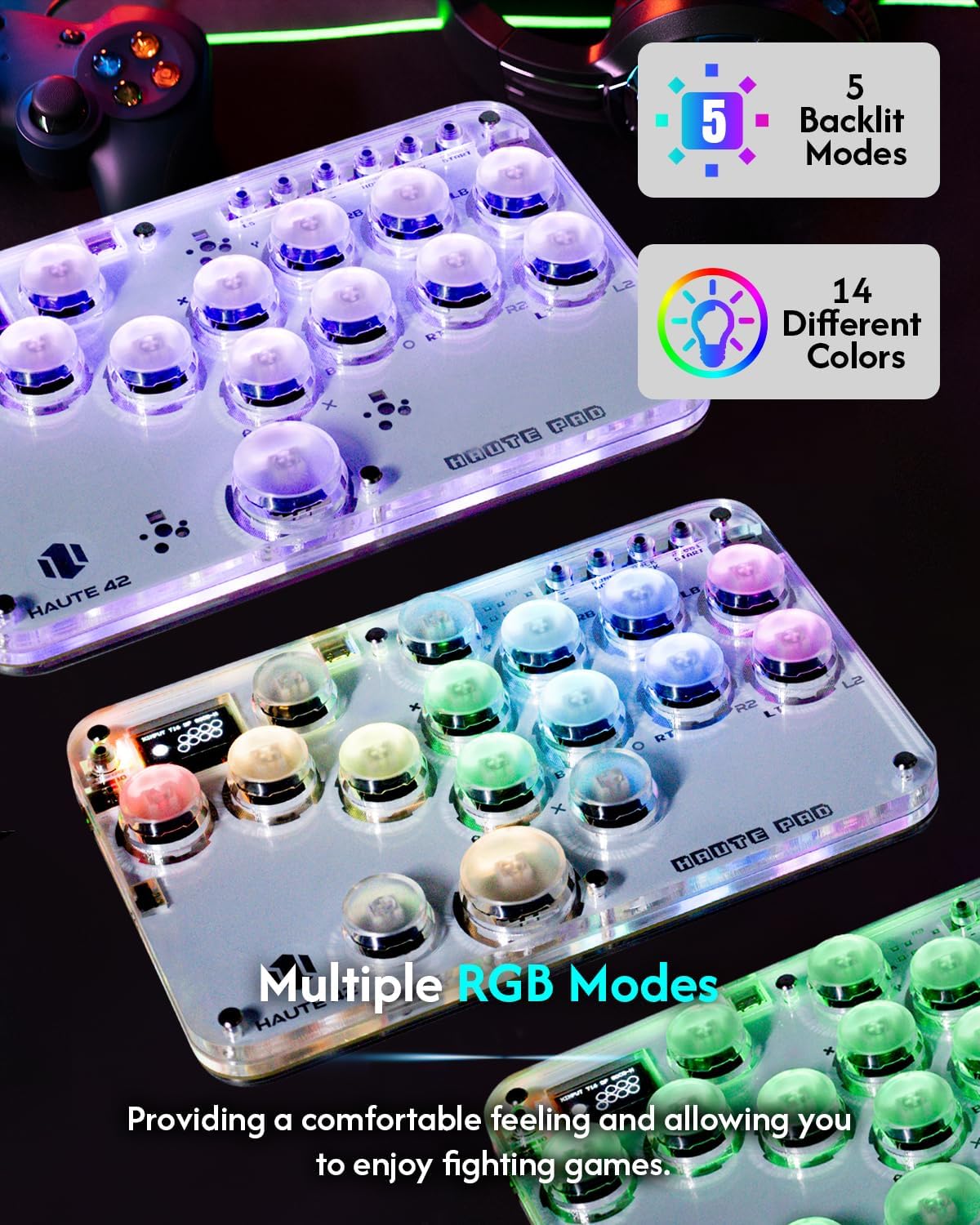
It makes sense if you want: - An arcade fighting stick style controller with an all-button layout for street-fighting inputs - A single controller you can potentially move between PC, Steam Deck, Switch, and some console/Raspberry Pi ecosystems - Customisation options (custom RGB and DIY keycap styling) - Hot swap support and the ability to change parts without going through heavy disassembly
It might not be the best match if: - You need guaranteed, identical controller-style support across every listed platform without using keyboard mode - You prefer “it just works” with no mode switching—because the controller relies on selecting different input modes - You’re very sensitive to setup uncertainty around PS4/PS5, since the description explicitly asks you to confirm details in the manual/official site
Also, while the performance claims are specific, they’re still “as stated” rather than independently verified here. So if you’re buying purely on spec sheets, consider whether you’re comfortable with that level of uncertainty.
Should you buy it?
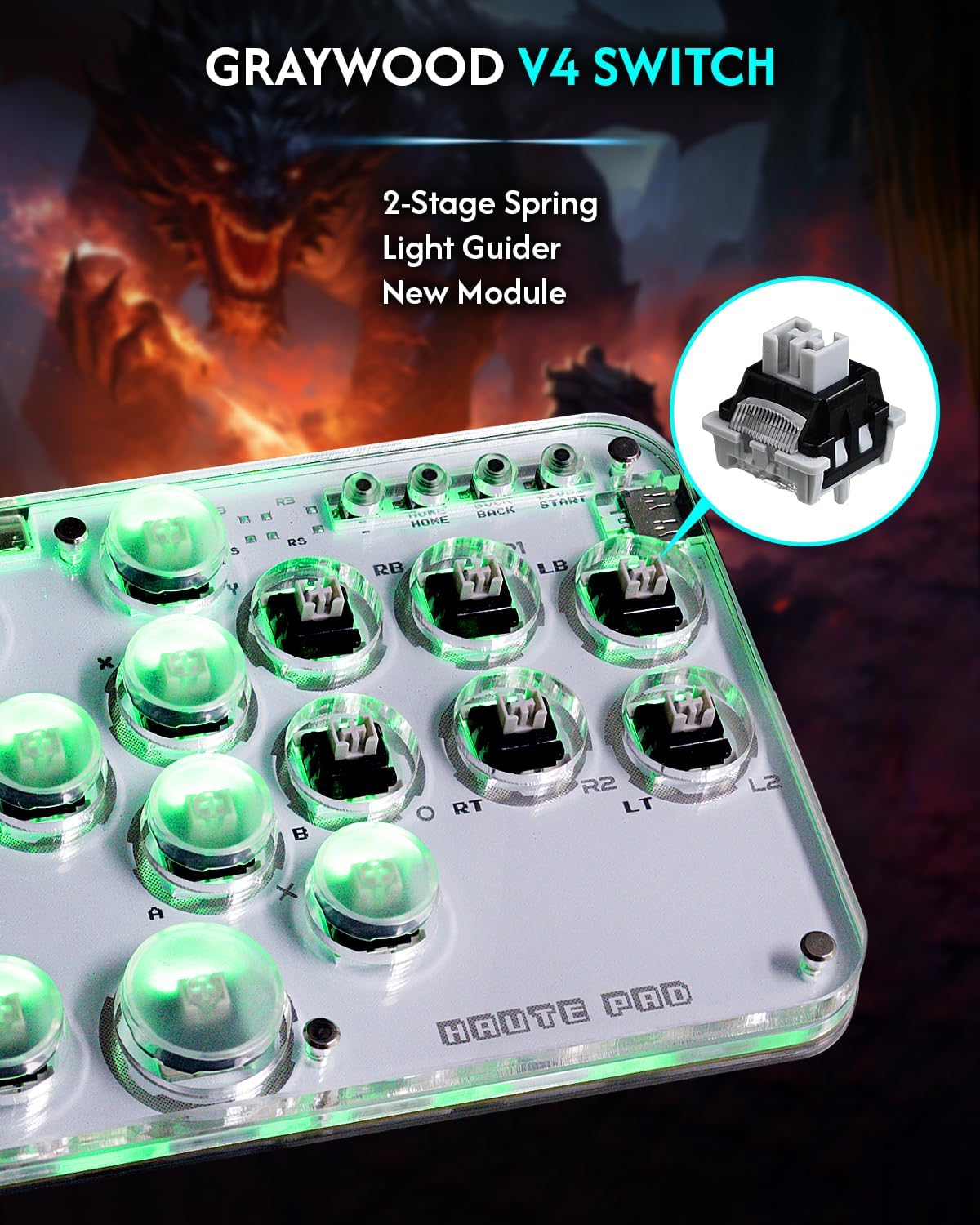
It’s a solid pick if your main goal is an arcade-style 16Keys fighting stick that can cover PC/Steam and then extend into Switch, PS3/PS4-style setups, and Raspberry Pi environments using the listed input modes. The inclusion of DIY tools, the hot swap support, and the RGB/turbo functions make it feel aimed at people who like to personalise their controller rather than leave it stock.
However, you may want to skip it if you’re expecting the same controller behaviour everywhere with zero setup, or if you don’t want to think about mode switching and keyboard mode implications. Pay attention especially to the note about PS4/PS5 requirements and confirm the details in the manual or official documentation before committing.
Mini FAQ
Frequently asked questions
Does it support keyboard mode? Yes—there’s a mode listed for “RT” that puts it into keyboard mode.
What platforms is it claimed to work with? The description lists Windows 10+, Steam Deck, PS3, PS4, Switch, Raspberry Pi setups (such as RetroPie/Recalbox/Batocera/Lakka), MiSTer, Android, Linux, iPadOS, macOS, and Windows (keyboard mode).
Are there different input modes? Yes. The description lists mode switching tied to button “B”, “A”, “X”, “Y”, and “RT”, each mapping to a different input style.
Is it built to be customised? It’s positioned as DIY-friendly: the description mentions custom RGB, DIY keycap styling, hot swap support, and tools included in the pack.
What should I double-check for PS4/PS5? The description explicitly asks you to confirm the manual and official site details for when/how PS4/PS5 connection is needed.