

Logitech G F710 Wireless Gamepad (2.4GHz) with USB nano-receiver – Grey/Black
Reviews
Price
Product description
The essentials
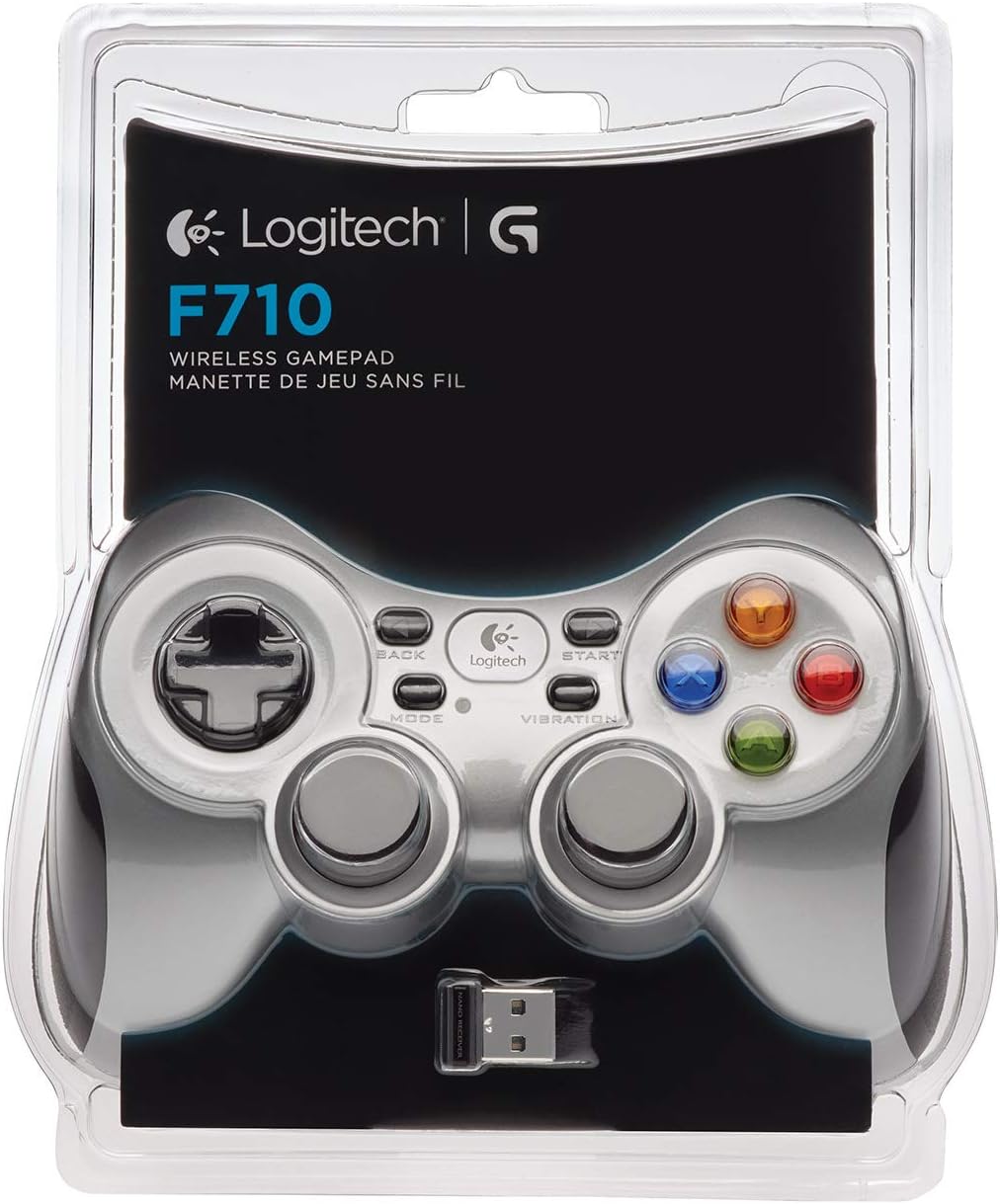
If you want a wireless gamepad for PC that’s more “plug in and play” than “set up a whole ecosystem”, the Logitech G F710 is a sensible option. It uses a 2.4GHz wireless connection and a tiny USB nano-receiver that’s designed to stay put in your PC rather than being constantly re-seated. On paper, that matters: it keeps things tidy, and it removes one of the more annoying parts of living with wireless controllers.
The F710 is also aimed at people who don’t want to be limited by what a specific game supports. Because it’s easy to configure and use across a wide range of games (from older titles through to more modern releases), it’s the sort of controller you can keep installed for weekend sessions without spending time micromanaging settings every time.
Quick overview: what you actually get
At the centre is a dual vibration feedback setup, so in games that support it you can feel impacts, bumps and explosions. That kind of detail is never life-changing, but it does add to immersion when a game implements it well.
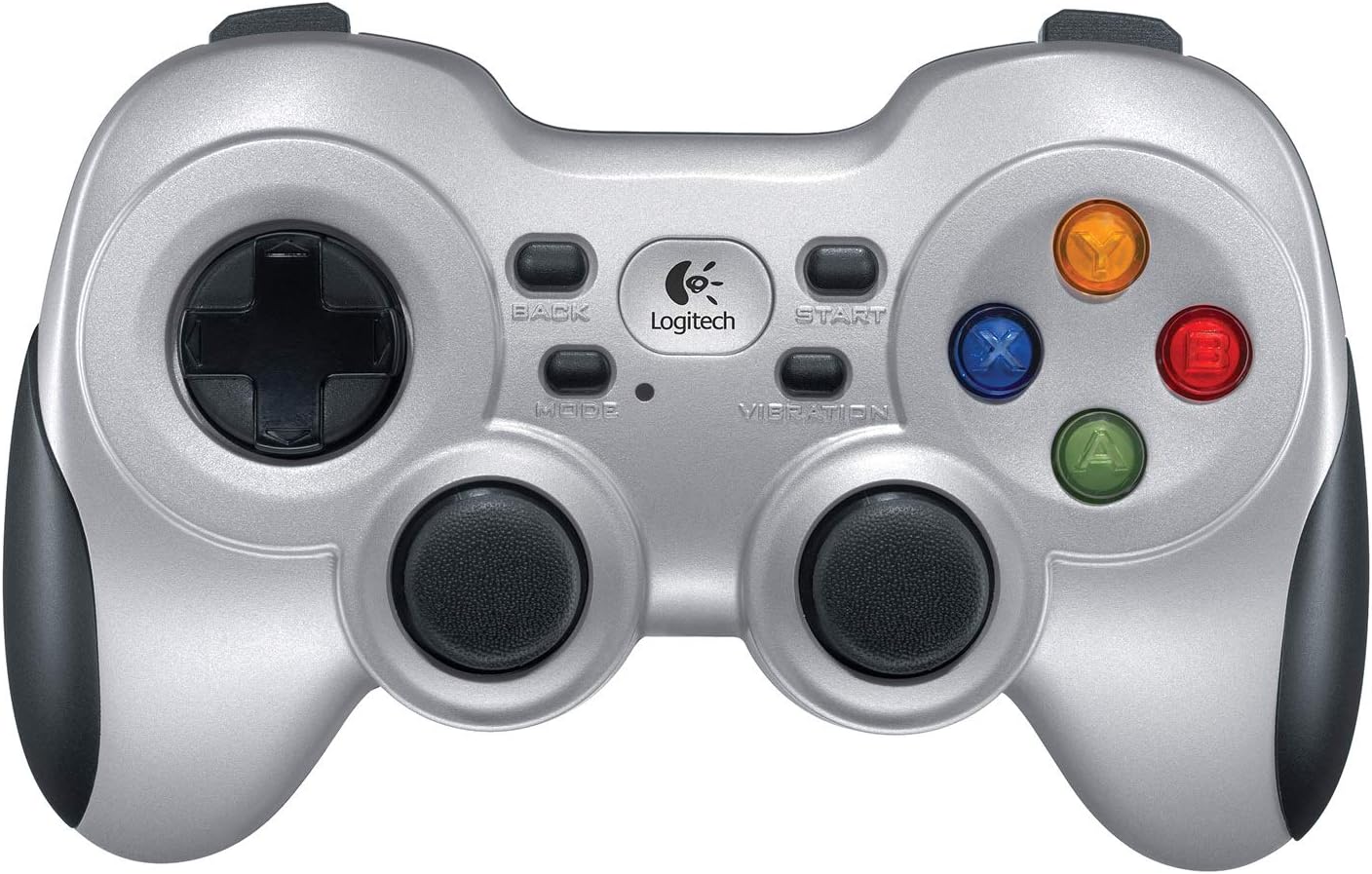
There’s also mention of a software Profiler tool. The practical value here is that it can help you map commands for keyboard and mouse actions when a game doesn’t natively support gamepads. That’s a useful safety net, especially if you play titles that feel a bit awkward with controller input.
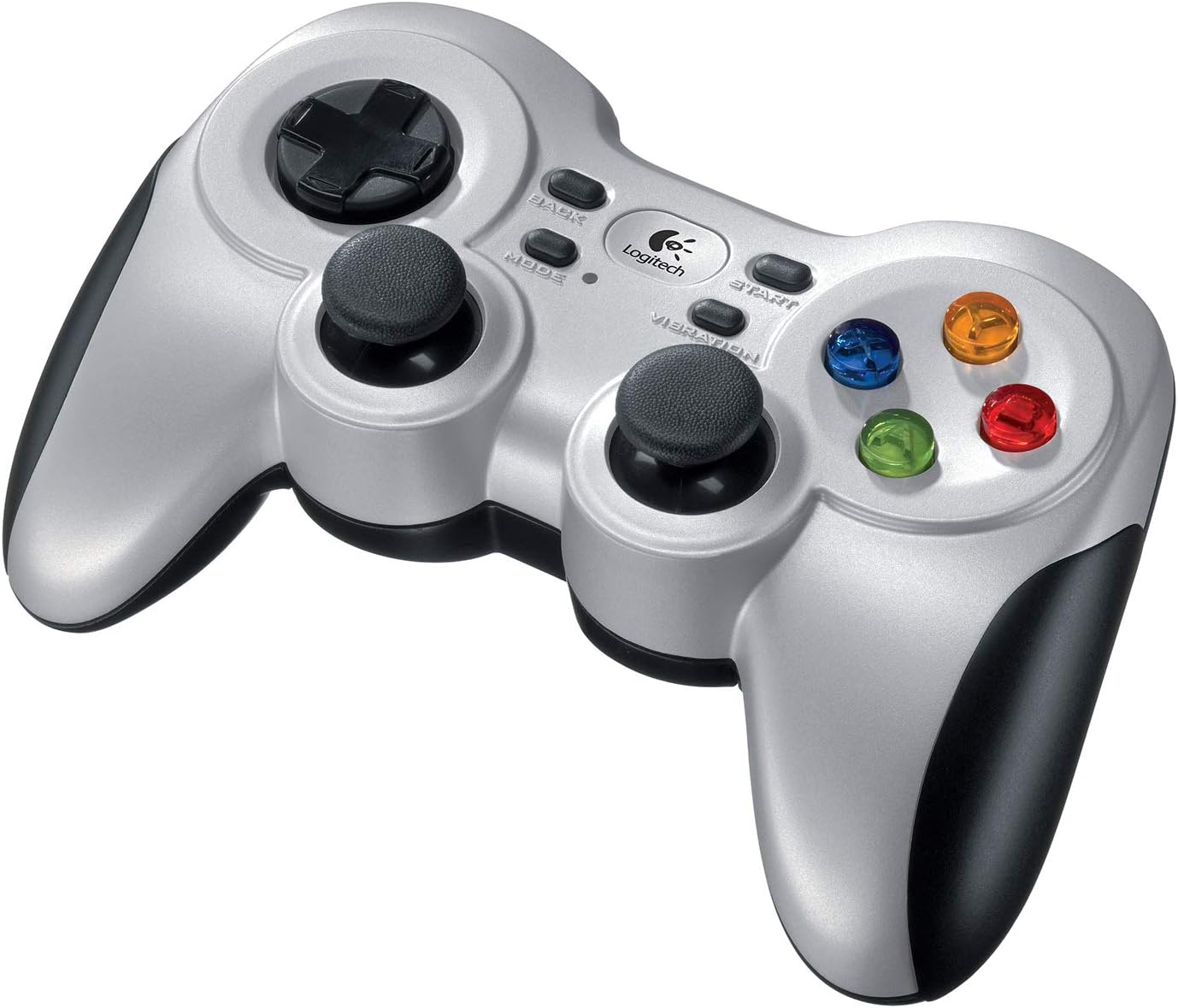
In terms of controls, the controller includes a 4-switch D-pad, which is a fairly classic layout choice. It won’t replace a more advanced controller if you’re chasing the most precise D-pad feel or extra custom inputs, but for straightforward navigation and general gameplay it should cover the basics.
What stands out in everyday use
The wireless setup is the headline. A nano-receiver that can be inserted and left in a USB port is the sort of feature that you notice every day. You’re less likely to forget it, misplace it, or keep bumping the connection while the receiver is half out of the port.
The second thing worth noting is the flexibility around game support. If a game doesn’t recognise a controller the way you’d expect, the software Profiler approach is there to bridge the gap by programming keyboard/mouse commands. That doesn’t guarantee every game will behave perfectly, but it gives you more ways to make it usable.
One limitation to keep in mind: if you mainly play modern, highly specific controller-first experiences, you may find you want deeper customisation than what’s implied here. Also, while vibration is included, it will only feel as “present” as the games that support vibration feedback.
Key specifications (as given)
- Name: Logitech G F710 Wireless Gamepad
- Type: Wireless gamepad with dual vibration feedback
- Format: 2.4GHz wireless
- Display: Not stated
- Resolution: Not stated
- Refresh rate: Not stated
- Processor: Not stated
- Memory: Not stated
- Connection: USB nano-receiver
- Compatibility note: Works with games that support controllers, Profiler can map keyboard/mouse commands for games that don’t
- D-pad: 4 switch
- Colour: Grey/Black
Who it suits (and who may want to skip it)
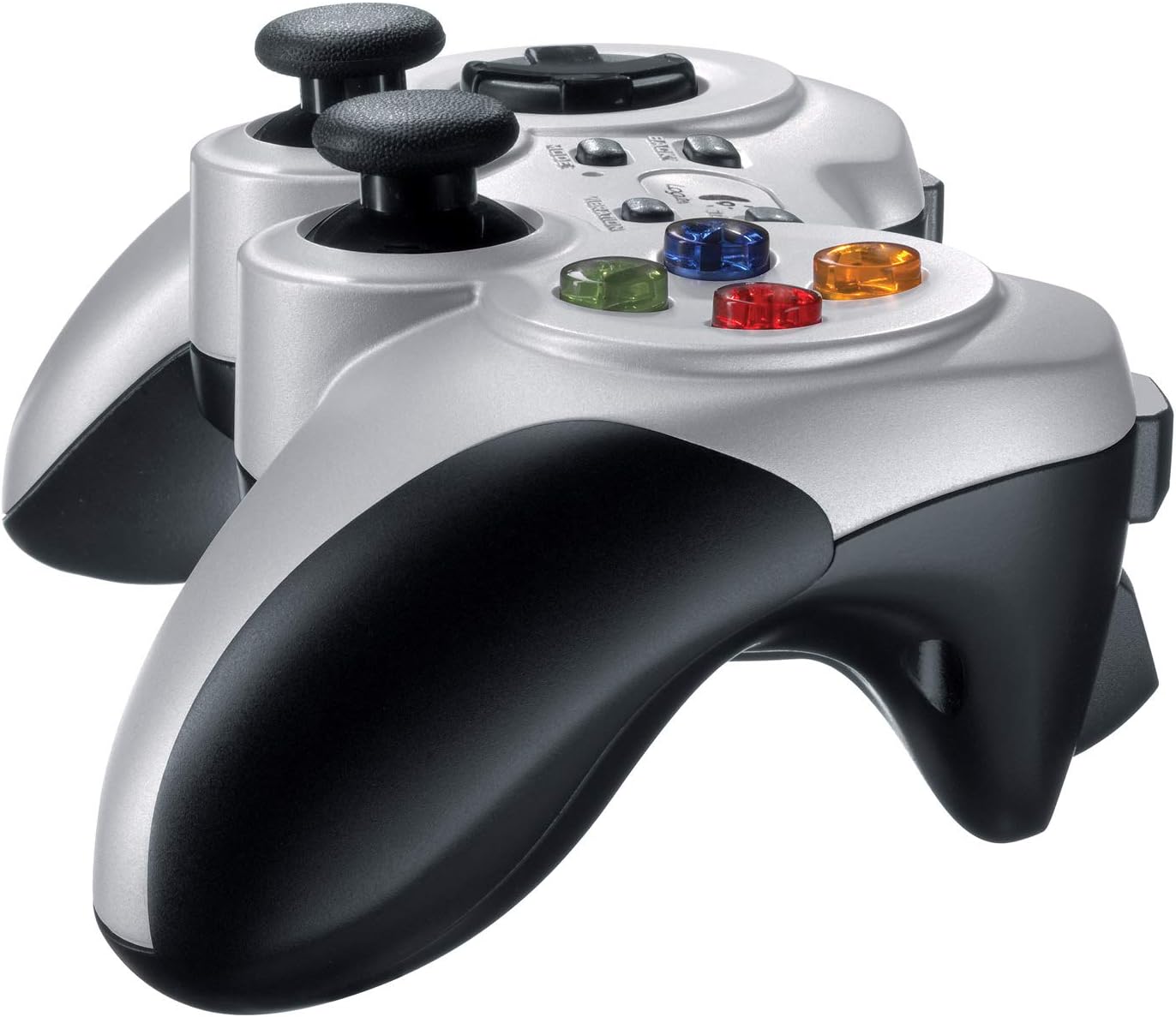
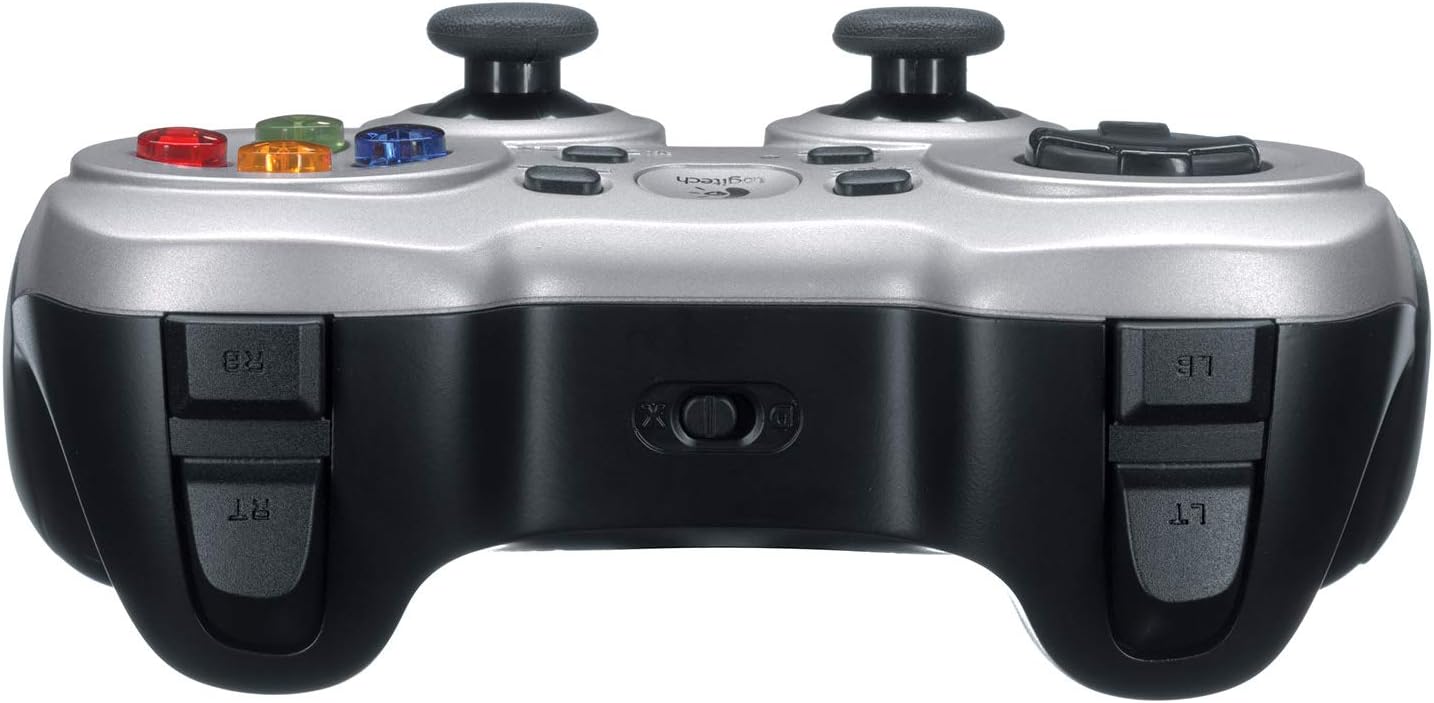
It’s a good fit if you’re buying your first wireless controller for PC, or if you simply want a reliable gamepad that’s easy to live with. You’ll likely appreciate the “nano receiver” design if you don’t want extra cable clutter or a controller setup that turns into a project.
It makes sense if you play a mix of titles and some don’t treat controllers the best way. The presence of Profiler for keyboard/mouse command programming gives you a route to get control schemes working when native gamepad support is lacking.
It’s not the best choice if you’re specifically chasing very advanced controller customisation, premium performance tuning, or a controller experience that’s heavily dependent on highly detailed software profiles. Also, if vibration feedback is a must-have for you in every game you play, you’ll want to remember it only really comes through when supported by the game.
Is it worth it?
Worth considering if you want a straightforward 2.4GHz wireless gamepad for PC with a USB nano-receiver you can leave plugged in, plus vibration feedback where the games support it. It also suits players who like having a fallback option: using the Profiler to map keyboard and mouse commands when a game doesn’t play nicely with controllers.
You may want to skip it if your priority is the most feature-rich modern controller setup, or if you expect vibration to be present in every title you launch. In practice, the F710 is more “practical and accommodating” than “deeply specialised”.
Mini FAQ
Does the F710 come with the USB nano-receiver?
Yes—based on the description, it uses a small USB nano-receiver designed to plug in and stay.
Can it be used with games that don’t support gamepads?
The included Profiler software is described as allowing you to program the gamepad to perform keyboard and mouse commands when games don’t admit gamepads.
Does the controller have vibration feedback?
It includes two vibration motors for games that support that feature.
How many D-pad switches does it have?
The description specifies a 4-switch D-pad.
Final checks before buying
Before you commit, it’s worth checking whether the games you play support the controller well on PC and whether vibration feedback is implemented. If you already know you’ll mainly rely on gamepad support from within the games themselves, the F710 should feel straightforward. If you often bounce between older titles or less controller-friendly games, the Profiler mapping angle may be the deciding factor.