

BENFEI USB C to HDMI Cable 1.8m – 4K@60Hz, Aluminium Shell, Thunderbolt 3/4 Compatible
Product description
What it is and what it solves
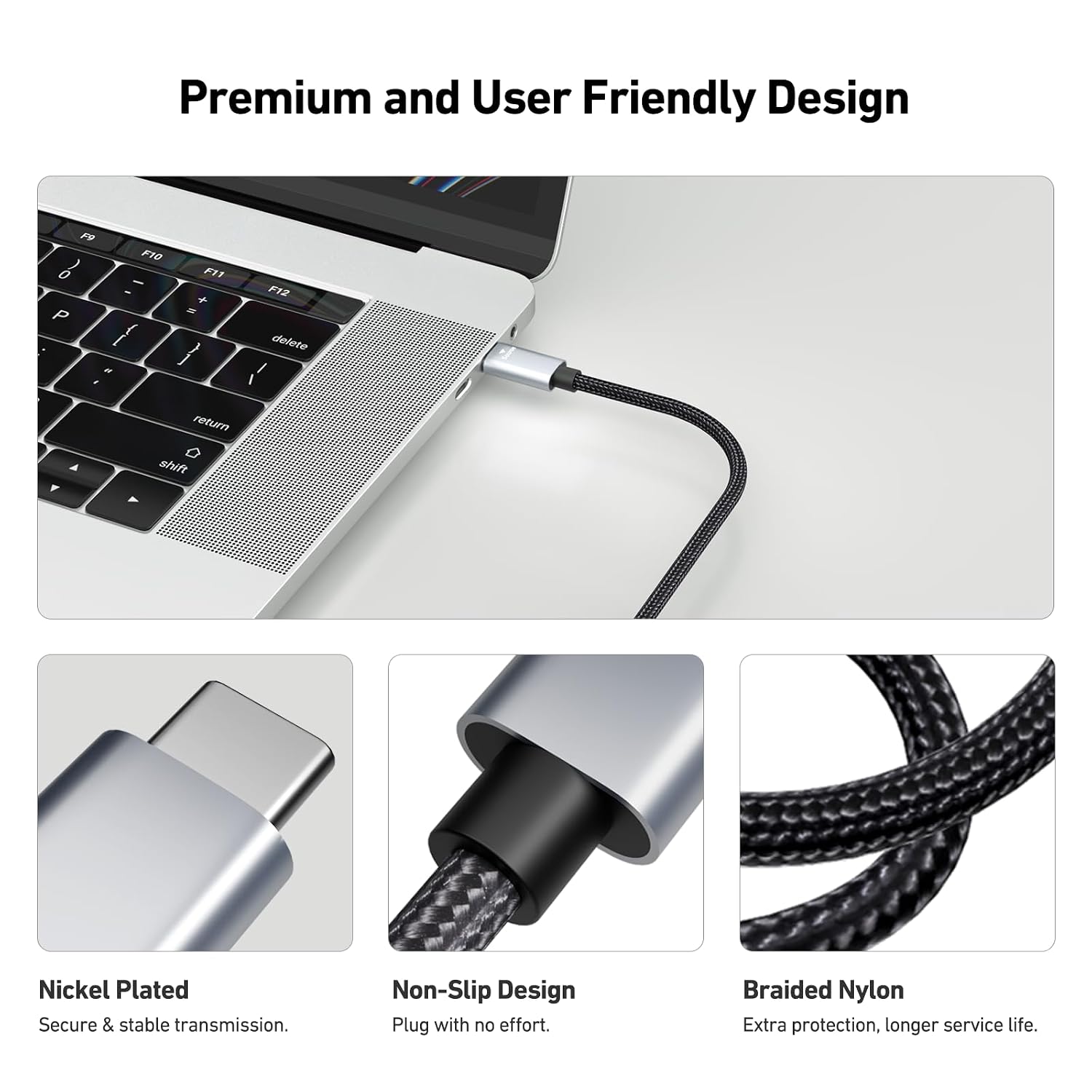
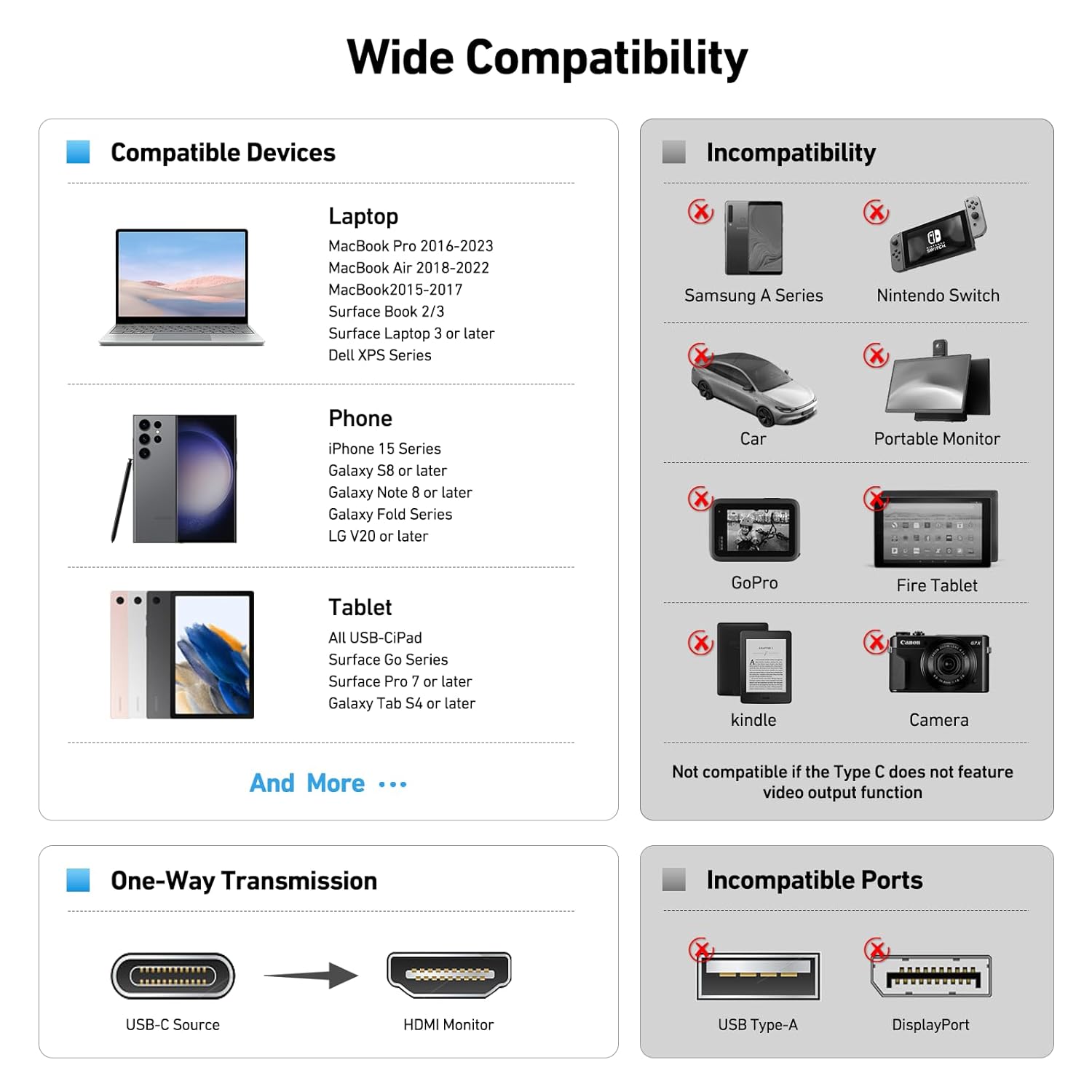
The BENFEI USB C to HDMI cable is a plug‑and‑play solution designed to mirror or extend your display from a USB‑C equipped device to an HDMI monitor, TV or projector. It is particularly aimed at computers and laptops, offering up to 4K resolution at 60Hz. The cable combines a 1.8 metre length with a durable aluminium shell and a nylon braided jacket for added resilience in day‑to‑day use. It supports Apple and Windows ecosystems that employ USB‑C or Thunderbolt 3/4 interfaces, and is compatible with a wide range of hosts including MacBook Pro/Air (2023), iPad Pro, Surface Book 2, Galaxy notebooks and more. It’s designed for video and audio transmission, charging through the adapter is not part of its remit, so you’ll want to keep the power needs separate if required.
How it performs on paper
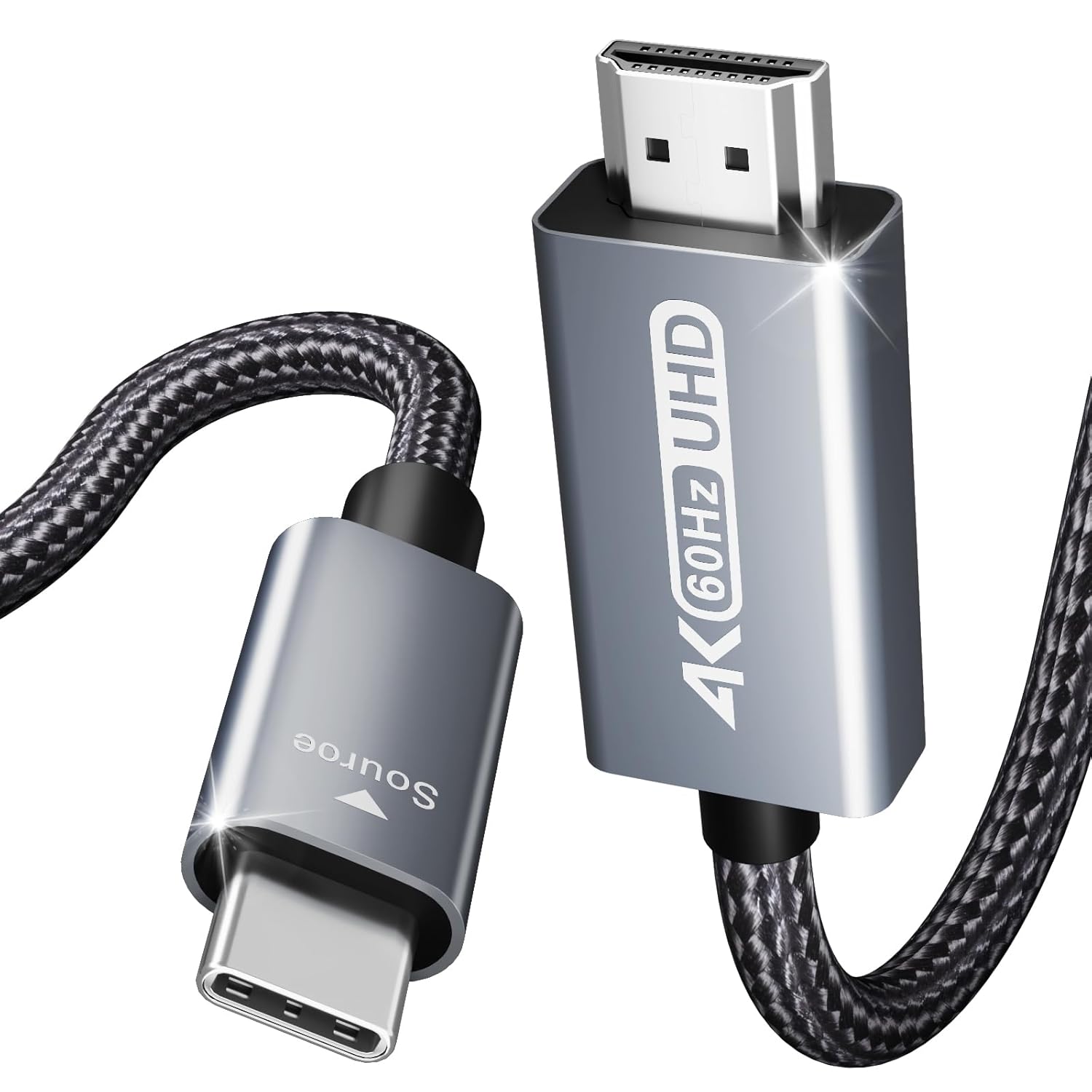
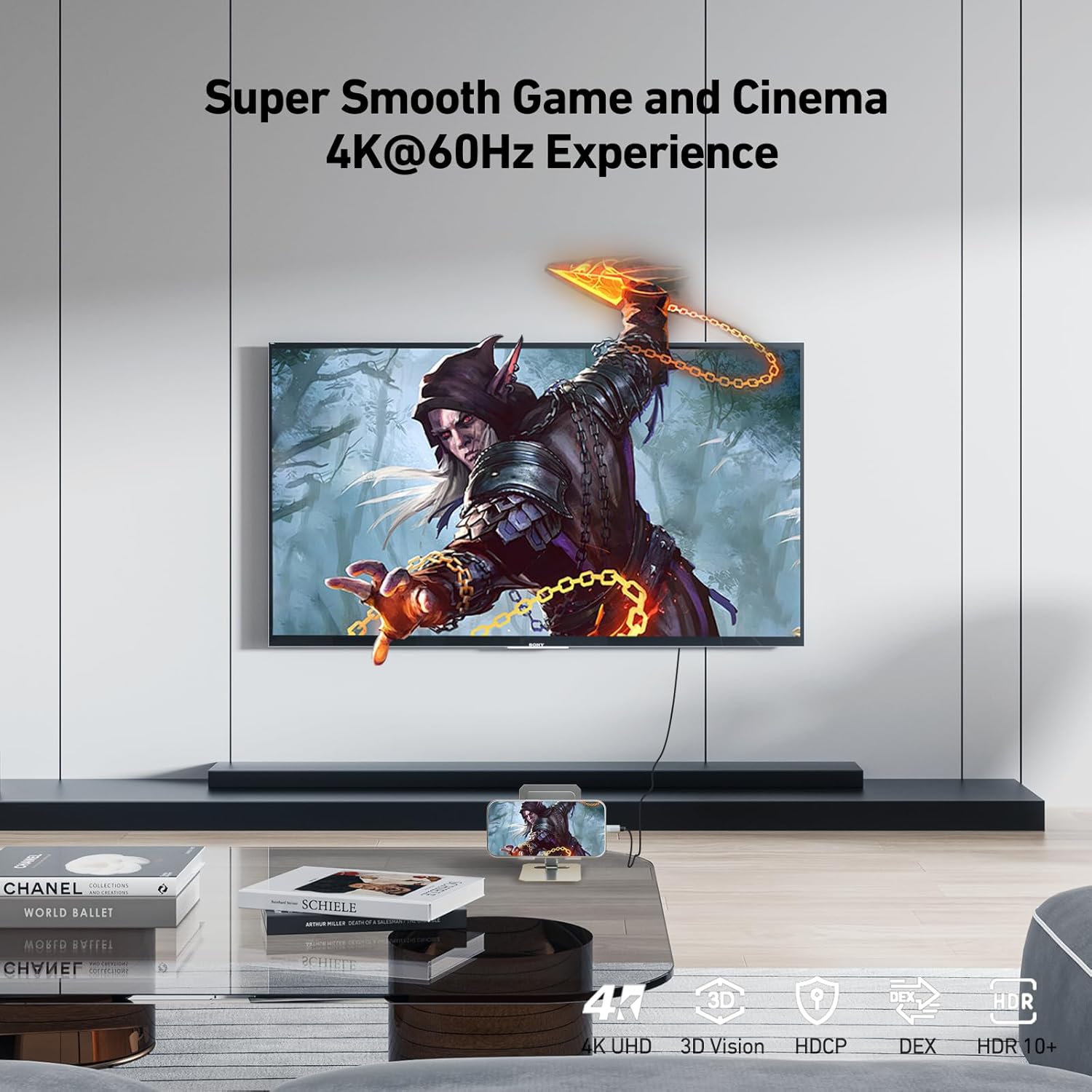
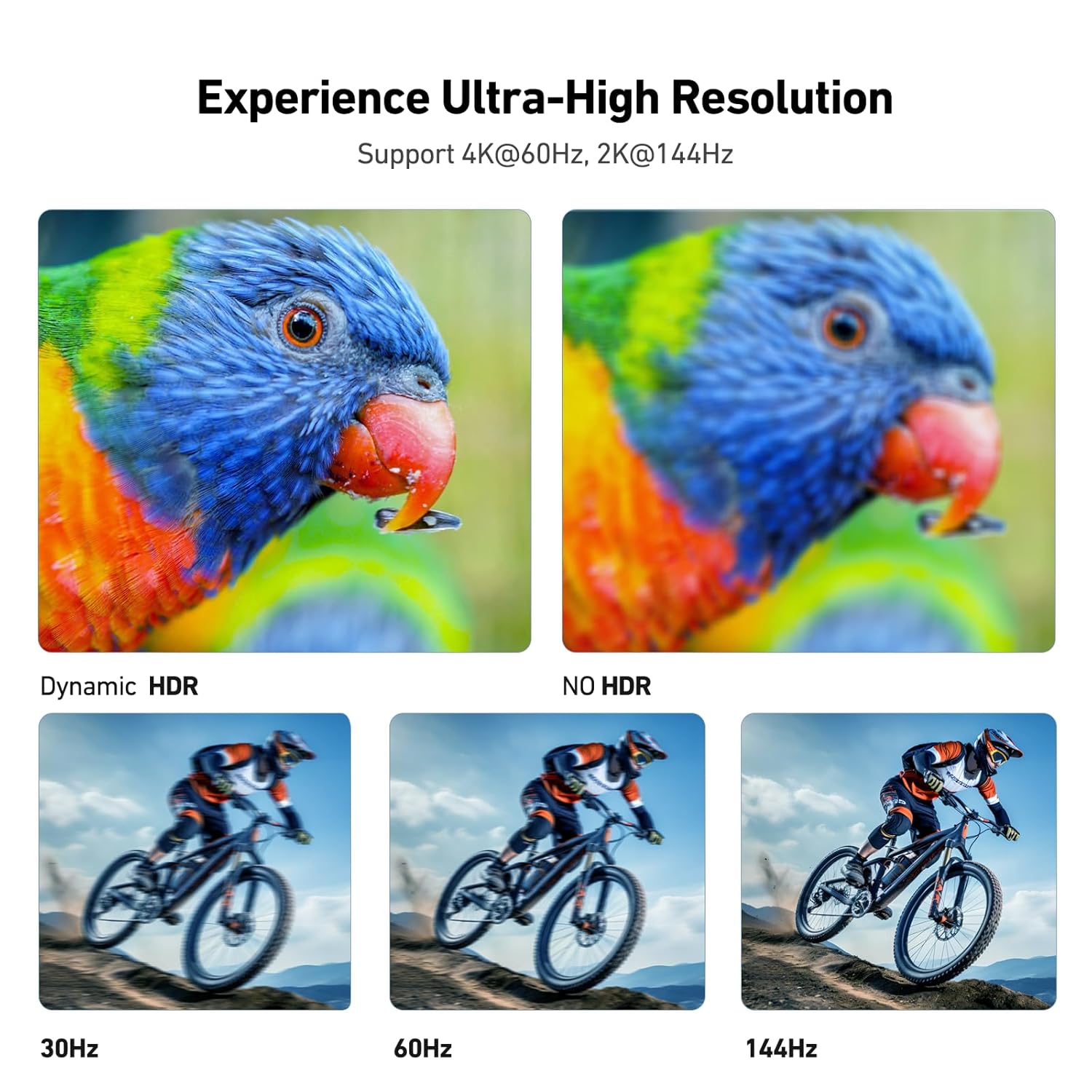
On the surface, this is a straightforward display pass‑through: USB‑C from your device to HDMI on your display. It supports 4K at 60Hz, which is sufficient for smooth video playback and most productivity tasks. The construction—aluminium alloy casing and braided nylon—aims to resist heat and wear, while a snug USB‑C fit helps maintain signal stability. However, it’s important to note the design intent: it’s primarily a computer‑oriented solution, not a universal USB‑C to HDMI adaptor for phones or tablets that rely on different charging and output profiles.
What stands out
- 4K@60Hz support for a crisp picture with compatible displays.
- Robust build: aluminium housing plus braided nylon for durability.
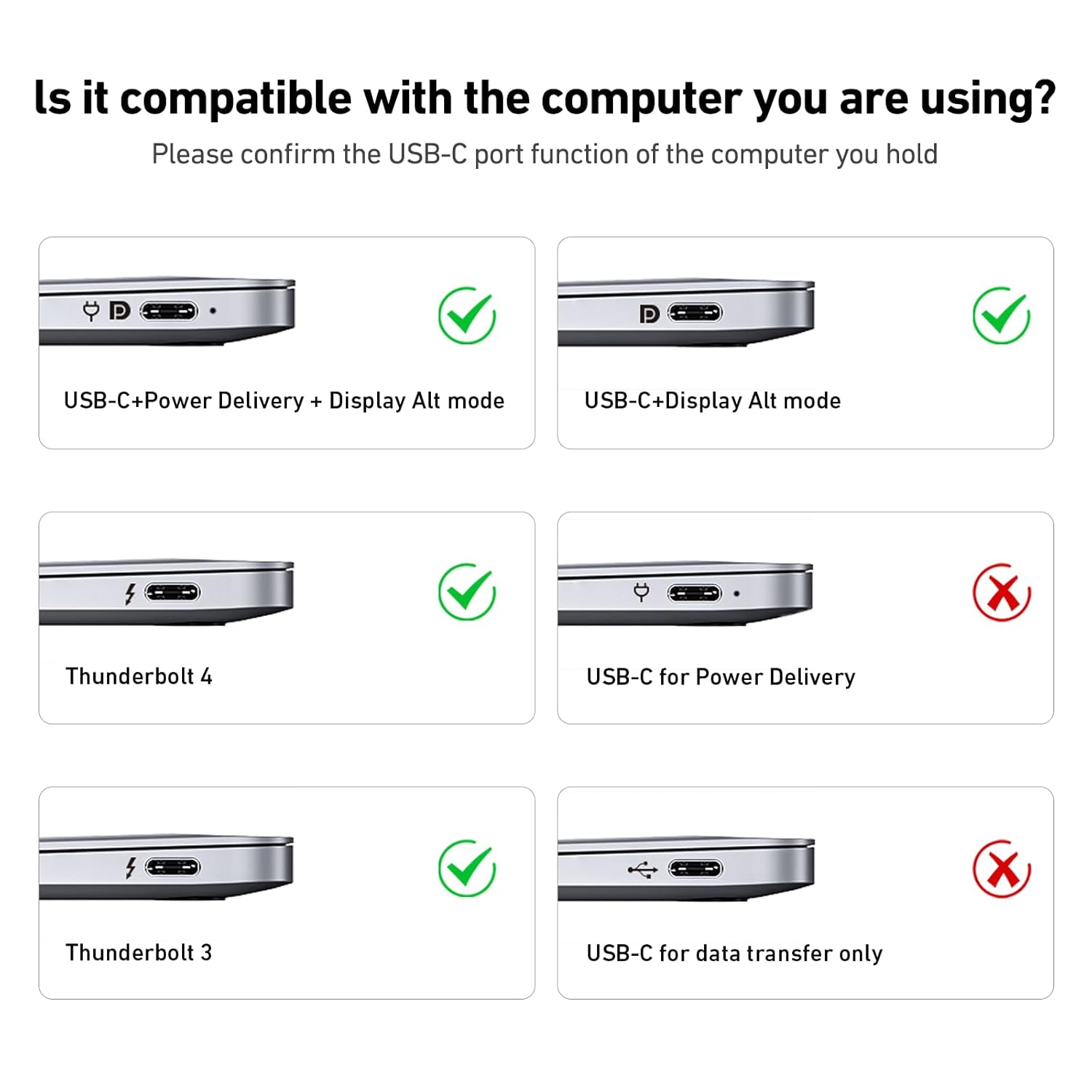
- Compatibility breadth: works with Thunderbolt 3/4 ports and many USB‑C laptops and tablets, including recent MacBook Pro/Air models and other Windows devices.
- Plug‑and‑play: no drivers or software required, once connected the signal should transfer for video and audio.
The limitations and when it might fall short
- It is not designed to provide power delivery through the adaptor, so devices that expect pass‑through charging while connected to HDMI may need a separate power arrangement.
- While it lists broad compatibility, performance can vary with devices that use non‑standard USB‑C/Thunderbolt implementations or lower bandwidth USB 3.1 Gen 1 hosts, in some cases the initial sync may take longer.
- The emphasis is on display mirroring or extending from computers, using it with tablets or smartphones that rely on different HDMI output behaviours may not be as seamless as with a full dongle‑style adapter.
Ideal user profile
If you routinely connect a USB‑C laptop or flagship tablet to a larger display for reviews, remote teaching, or media streaming where 4K output is helpful, this cable can be a pragmatic choice. It suits users who value durability and simple setup over multi‑port versatility. It’s less compelling if you need power delivery through the same cable or if you require built‑in extra ports (USB‑A, ethernet, etc.). If you prioritise a clean, reliable HDMI link from a modern USB‑C host to a 4K display, it’s worth considering.
Who it isn’t the best option for
- If you need charging while using HDMI, seek a solution that supports power delivery on the same cable or a dock with multiple ports.
- If your workflow relies on high‑end gaming with variable refresh rates or adaptive sync features beyond 4K@60Hz, you might look for models that advertise those capabilities explicitly.
- For tablet‑first or phone‑centric setups where the device’s output profile differs from computer outputs, on‑device compatibility may vary and a different adaptor approach might be preferable.
Before you buy: what to check
- Confirm your host device supports 4K@60Hz output over USB‑C/Thunderbolt 3/4 and that your HDMI display is capable of 4K at 60Hz.
- Consider whether you will need simultaneous charging, if so, the cable alone won’t provide power delivery and you may need a dock or separate charger.
- Verify device compatibility notes for your specific model if you’re using older or niche hardware, since some devices can require longer sync times or exhibit limited compatibility with certain USB‑C implementations.
Practical use example
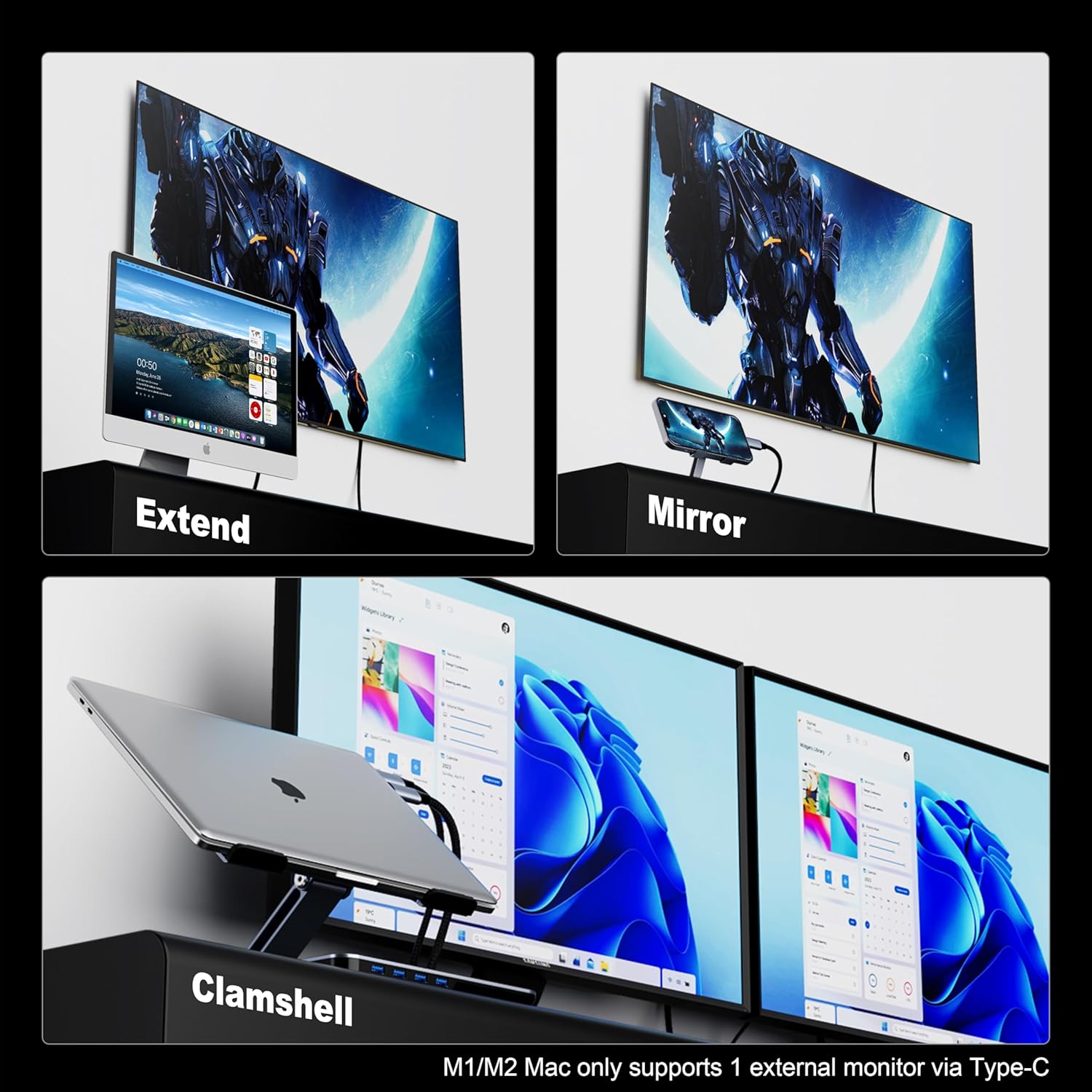
A typical workflow might be a MacBook Pro connected to a 4K monitor during a meeting or editing session. You plug the cable into the MacBook and the HDMI end into the monitor, the screen mirrors or extends, and you can also route audio to the display. The braided cable stays tidy on a desk‑side setup, and the aluminium shell helps with heat dissipation during longer sessions.
What to compare against (implied alternatives)
If you’re weighing options, this cable represents a straightforward, durable 4K@60Hz USB‑C to HDMI path for computer use. Alternatives in the wider market may include dongles with extra USB ports, or cables that prioritise charging or wider compatibility with phones. If your priority is a compact, single‑purpose HDMI link from a computer‑class USB‑C/Thunderbolt host, this BENFEI cable stands as a sensible, no‑frills choice.
Final decision
Is it worth it?
Worth considering if you mainly need a reliable 4K@60Hz USB‑C to HDMI link for a computer‑based setup and value durability plus straightforward plug‑and‑play use. It isn’t the best option if you require power delivery over the same cable or if your use case involves devices with non‑standard USB‑C outputs. A practical pick for desk setups where a single cable should do the job without fuss.
Quick FAQ
- Do you need drivers to use it? No, it’s plug‑and‑play.
- Will it charge my device while connected? No, charging isn’t a function of this adapter.
- Can I use it with a phone? It’s primarily aimed at computers, some Samsung devices are noted as compatible, but tablet/phone usage may vary depending on the device’s output profile.
- What length is it? 1.8 metres, which offers flexibility for desktop layouts without being too long to manage.