

PYS 23.8 Inch Privacy Screen for 24-inch Monitors (16:9) – Anti-Glare, Anti-Blue Light, Removable
Product description
What it is and what it solves
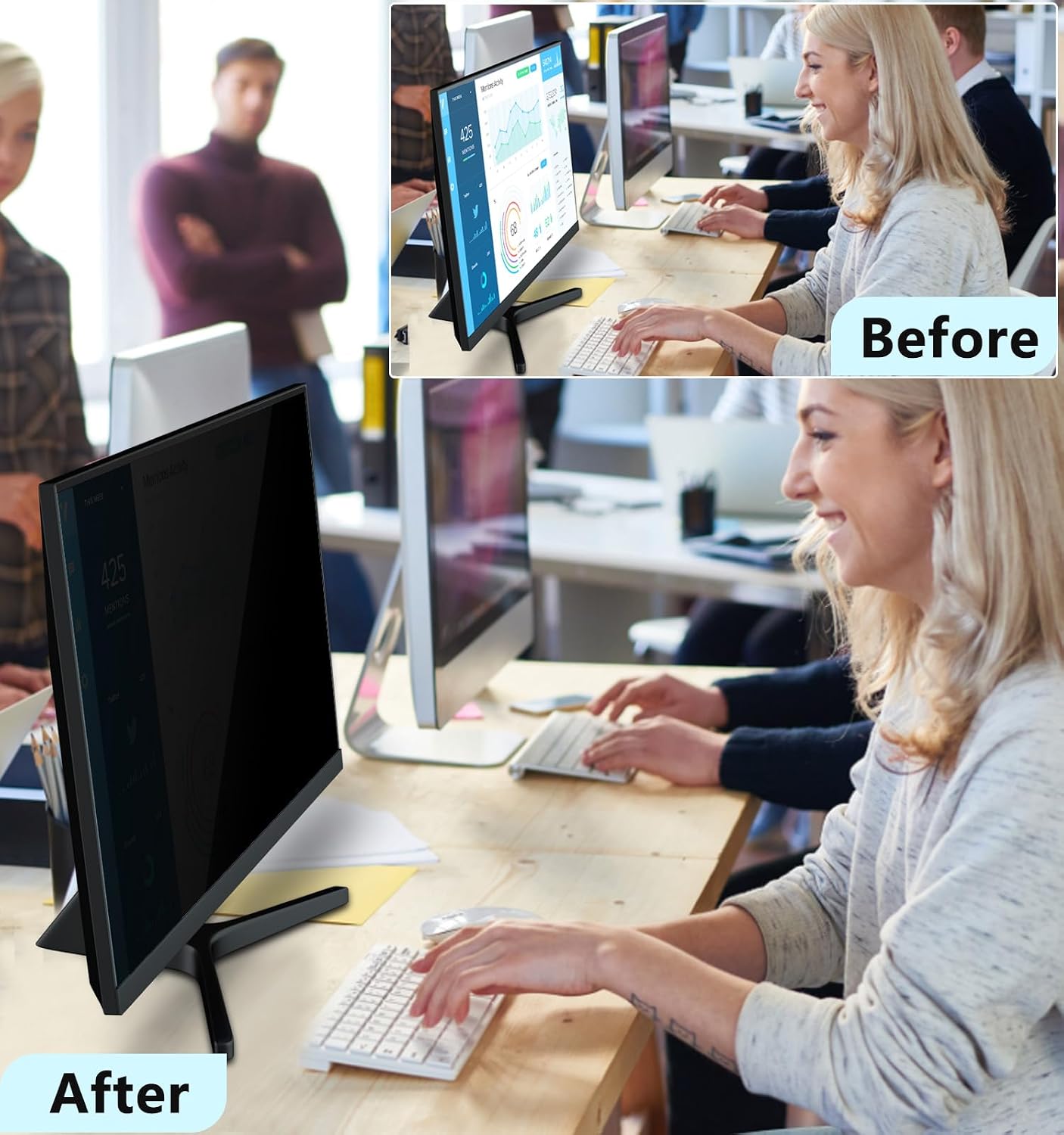
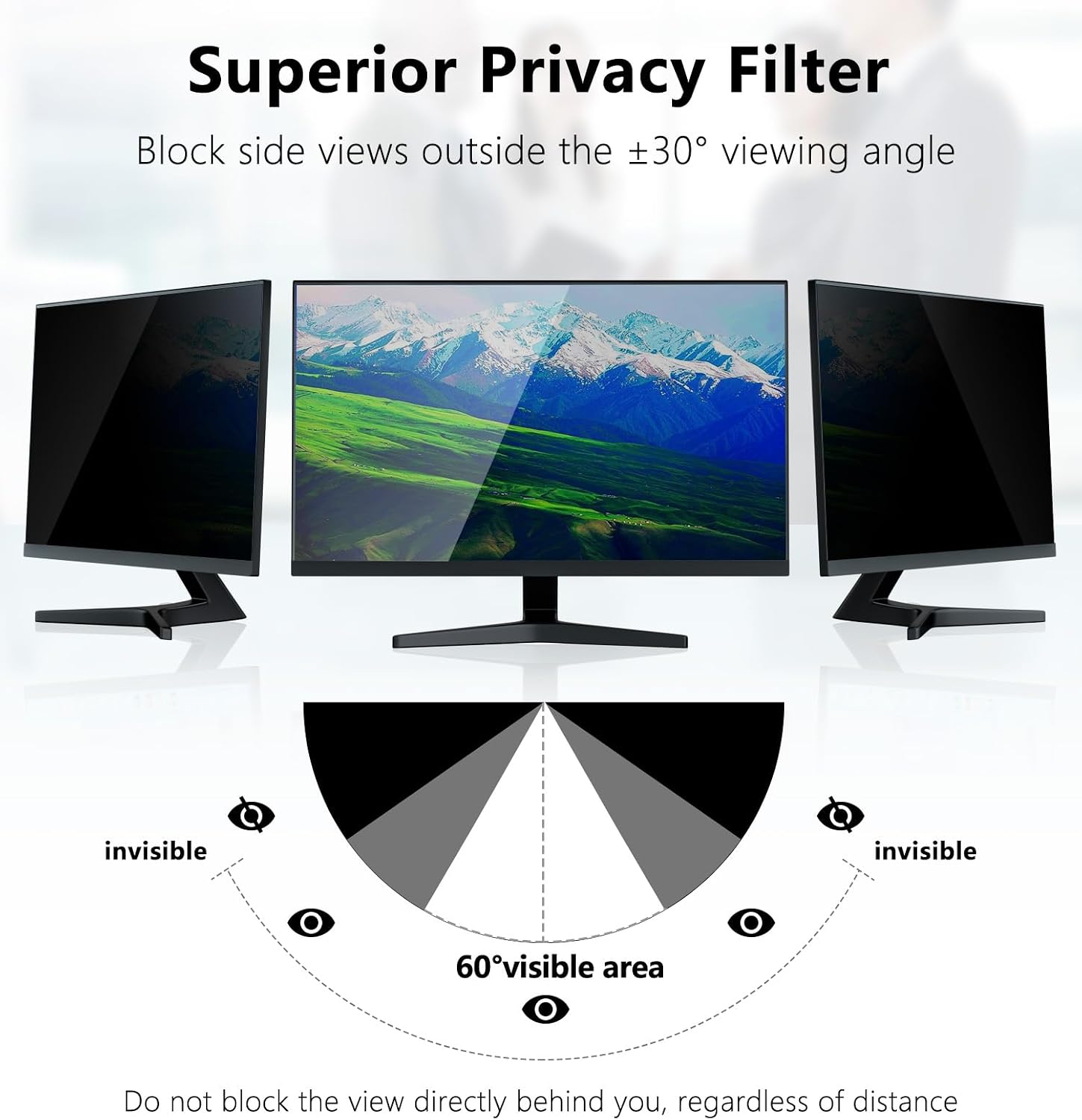
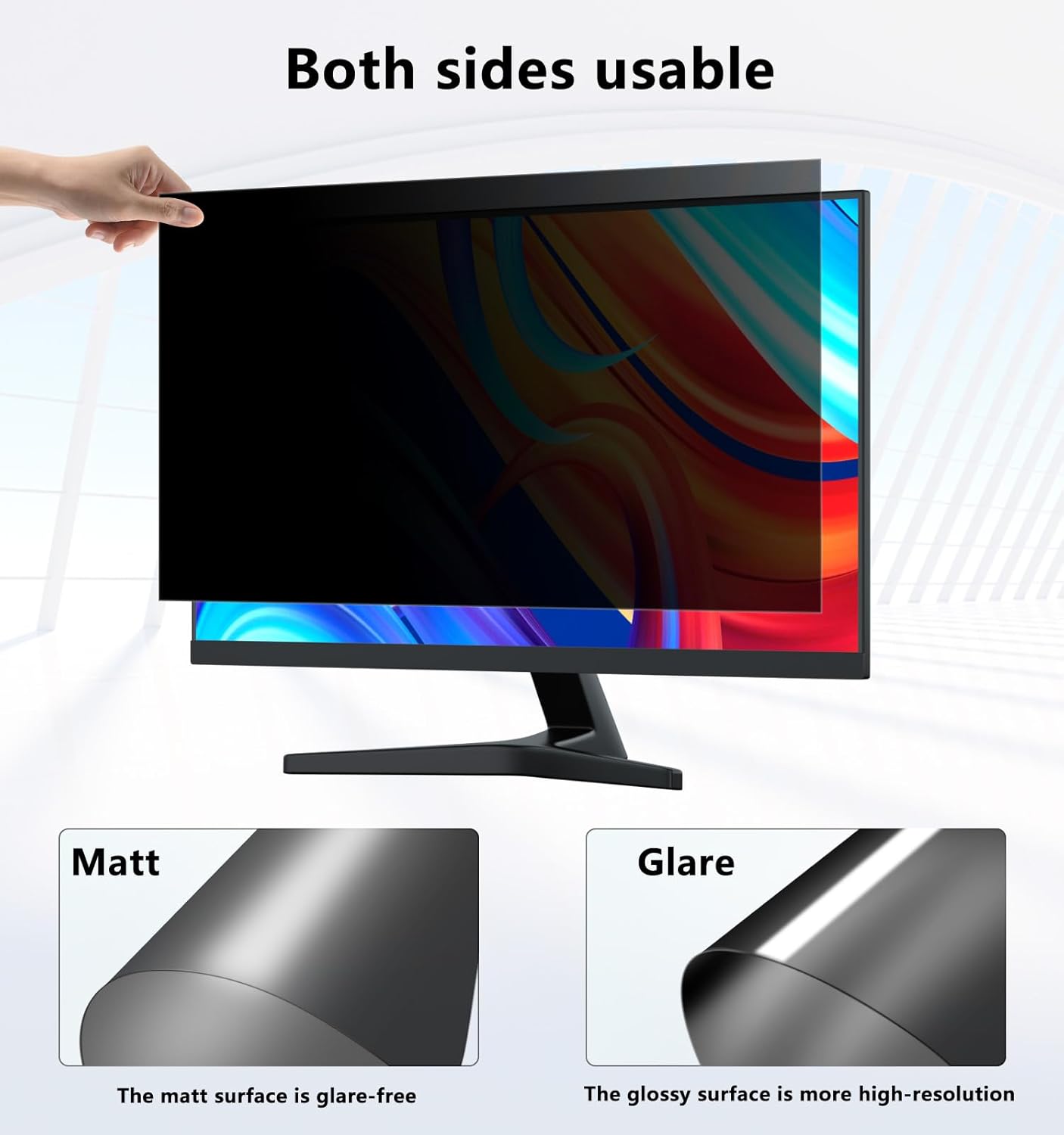
The PYS privacy screen is designed for most 24-inch class monitors with a 16:9 aspect ratio. It focuses on protecting sensitive information in public or shared spaces by narrowing the viewing angle to around ±30 degrees. Onlookers outside that narrow window see only a dark screen, while you continue to work with reduced glare and blue-light exposure. This is not a full monitor replacement, but a filter that sits over your display to help maintain privacy and reduce eye strain in busy environments.
How it works in practice
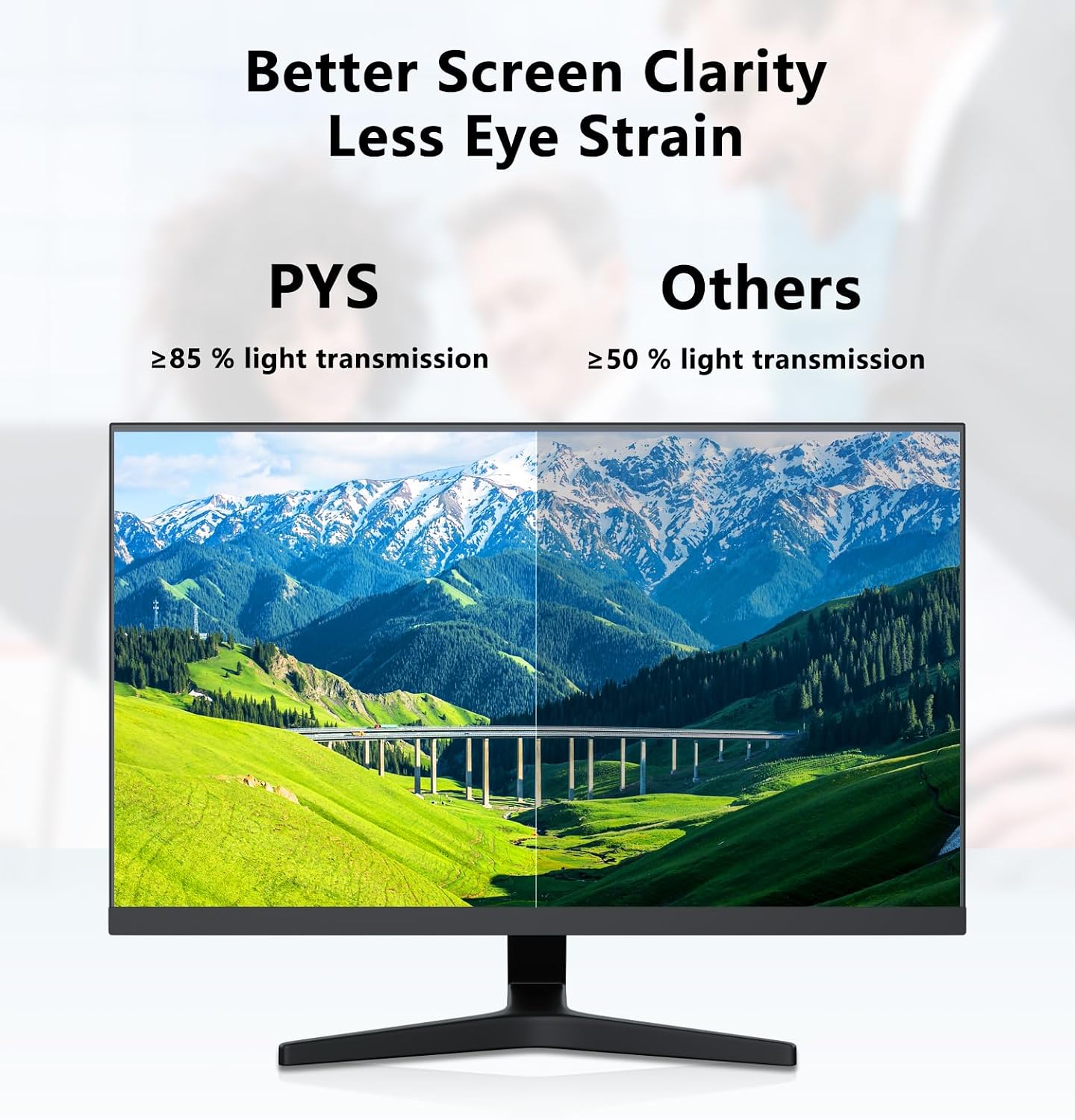
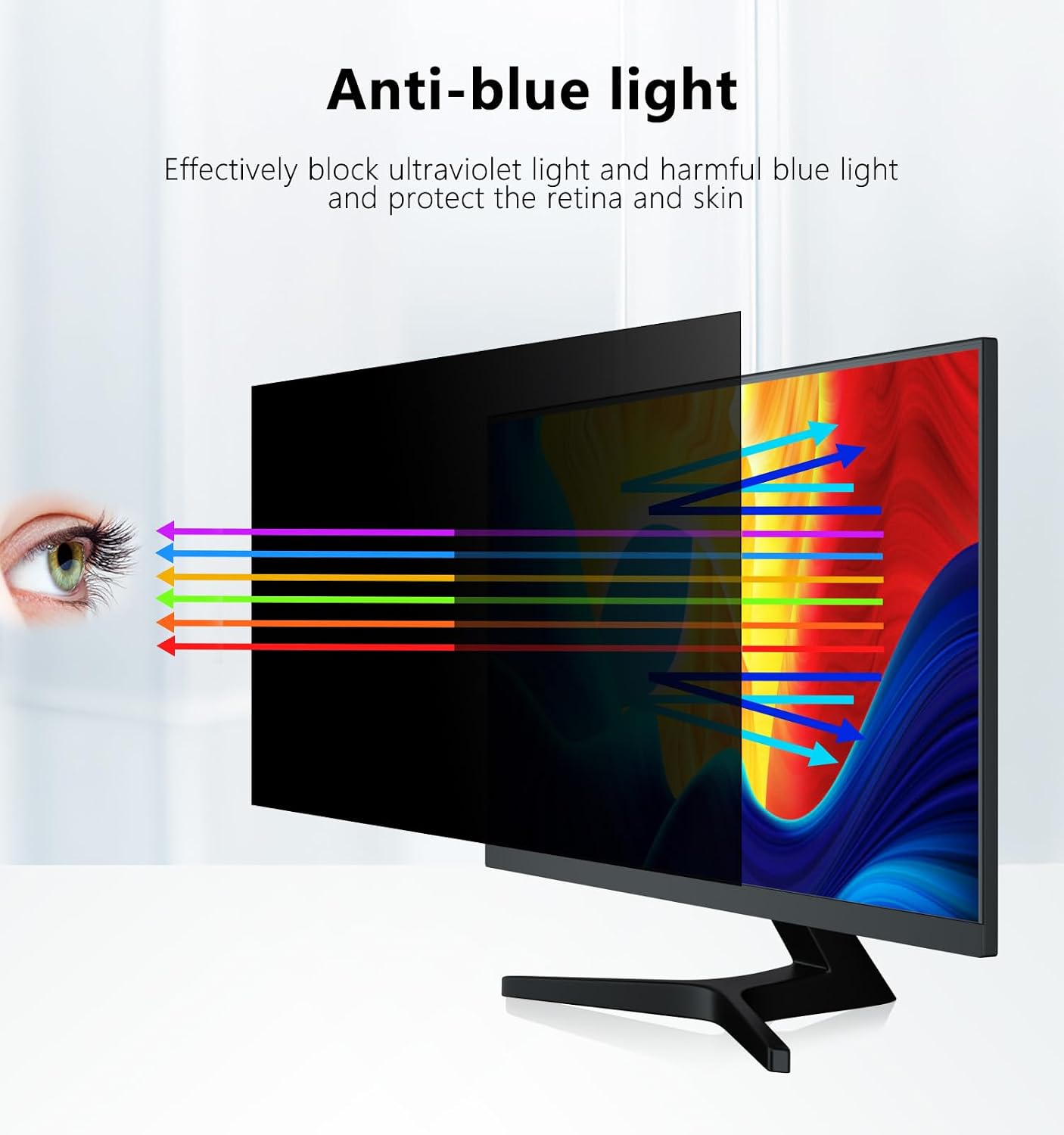
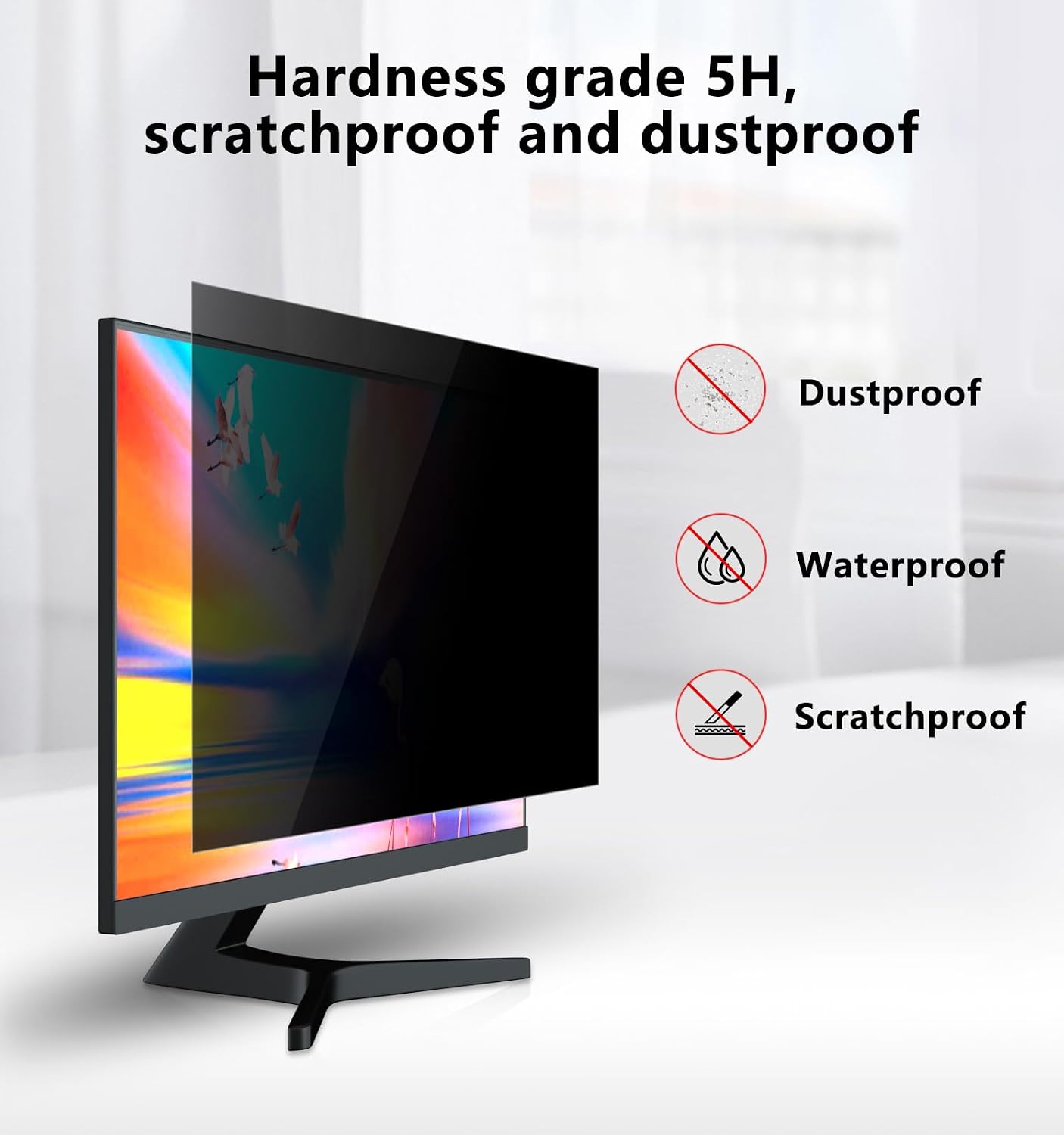
On the paper level, the filter renders the content visible primarily to the person directly in front of the screen. The anti-glare coating helps minimise reflections from office lighting, windows or screens, which translates to clearer text and more comfortable viewing during long sessions. The anti-blue light feature aims to lessen the potential fatigue that can come from prolonged screen time. If you work in open-plan offices, clinics, libraries or on transport hubs, this sort of filter can be a practical companion when privacy is a concern.
What fits and what doesn’t
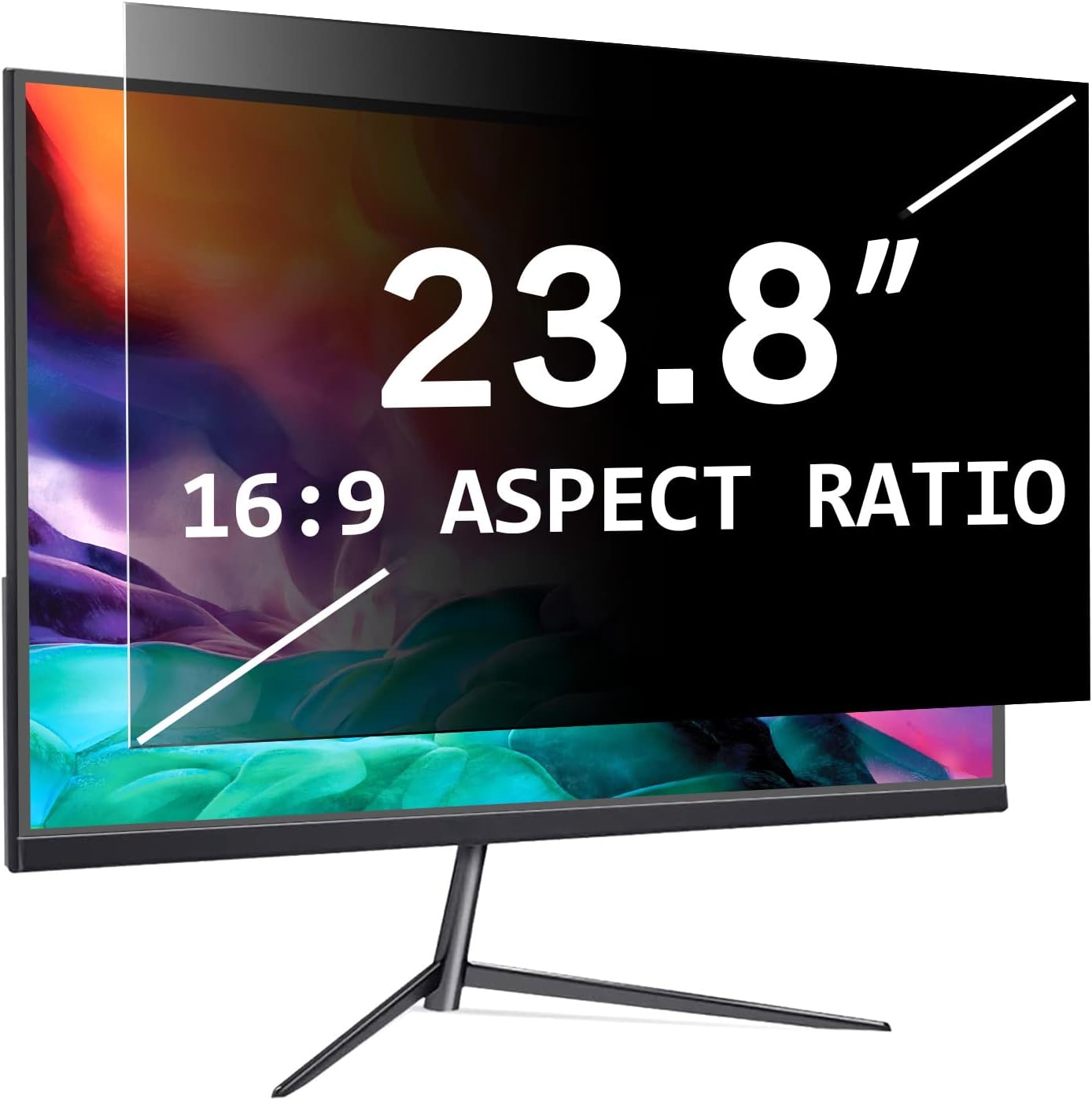
This filter is stated as compatible with all 24 inch/23.8 inch diagonal monitors at 16:9, within a specified width of 528 mm and height of 297 mm. Before ordering, you should verify your monitor’s exact width and height to ensure fit. It’s designed to be broadly compatible with many brands and models, including popular lines from HP, Samsung, Dell, Lenovo, Acer, Asus, LG and ViewSonic. If your screen dimensions diverge from the stated target, the fit may be less than ideal and the privacy effect could be affected.
How to install and what you get
There are two straightforward installation options. You can use clear adhesive strips to attach the filter directly to the screen, or you can use slide mount tabs that attach to the display frame and are removable. The package includes installation kits: slide mount tabs (2), clear adhesive strips (6) and a microfiber cloth. The removal process is designed to be quick, which is useful for travel or temporary privacy needs. Keep in mind that adhesive strips may leave residues if left on too long, the removable tabs provide a cleaner option when you’re changing screens frequently.
Practical pros and potential drawbacks
On the plus side, you gain privacy in busy spaces and reduce glare for more comfortable viewing. It can be a prudent choice if you frequently work on public transport, in clinics, libraries or coworking spaces where privacy matters and other people might glance at your screen. The anti-blue light feature may help minimise eye strain during long sessions. However, there are practical limitations: the claimed privacy angle is approximate and depends on viewing position, in very high-glare environments or very wide screens, the effect may vary. It is also worth noting that privacy does not replace secure data practices, and a privacy screen doesn’t inherently secure data from digital interception.
Who it’s for
It makes sense for professionals who sit in open workspaces, caregivers or students who occasionally need to protect sensitive information in public places, and travellers who want a quick privacy solution while away from a dedicated workstation. If you rarely work near others or your monitor sits in a private room, a privacy filter may offer less value. It’s also more suitable for standard 24 inch monitors rather than ultra-wide or non-standard aspect ratios.
When it’s worth considering
If you prioritise privacy during dot-completing tasks, spreadsheets or personal data review in shared environments, this filter can be a sensible addition. It’s also handy for temporary privacy needs during travel or meetings in public spaces. If you require a slate of features beyond privacy, such as higher-end exact colour fidelity, stronger optical coatings or a guaranteed perfect fit for a non-standard display, you might want to compare with other privacy screen options or alternative screen management tools.
Before you buy: quick checks
- Confirm your monitor’s exact width and height match the 528 mm × 297 mm range or that the filter’s size aligns well with your bezel and frame.
- Decide which installation method suits you: permanent-ish adhesive or removable frame-mounted tabs.
- Consider whether you need the blue-light reduction feature in addition to privacy and anti-glare benefits.
- Remember that privacy angles are approximate and dependent on viewing angle, sit directly in front of the screen for best results.
- If you’re often moving between locations, the ease of removal becomes a real convenience factor.
FAQ (based on available information)
- How is privacy achieved? It uses a restricted viewing angle so content is visible mainly to someone directly in front of the screen.
- Is it easy to install? Yes, there are two installation methods described, with a kit included.
- Will it fit all 24 inch monitors? It’s marketed as compatible with 23.8–24 inch 16:9 monitors, but you should verify your screen’s width and height before ordering.
Is it worth it?
Final verdict: Worth considering if privacy in public or shared spaces is a priority and your screen fits the described dimensions. It offers a practical balance of privacy, anti-glare and blue-light considerations without requiring complex setup. If your use case involves frequent movement between locations or you value a removable option, the two installation methods add flexibility. Not the best choice if you need a guaranteed perfect fit on non-standard displays or if you require higher fidelity for critical on-screen tasks.