

NIIMBOT B1 Pro Bluetooth Label Printer: 300 DPI, Red/Black Dual-Colour Printing
Product description
What it is and who it’s for
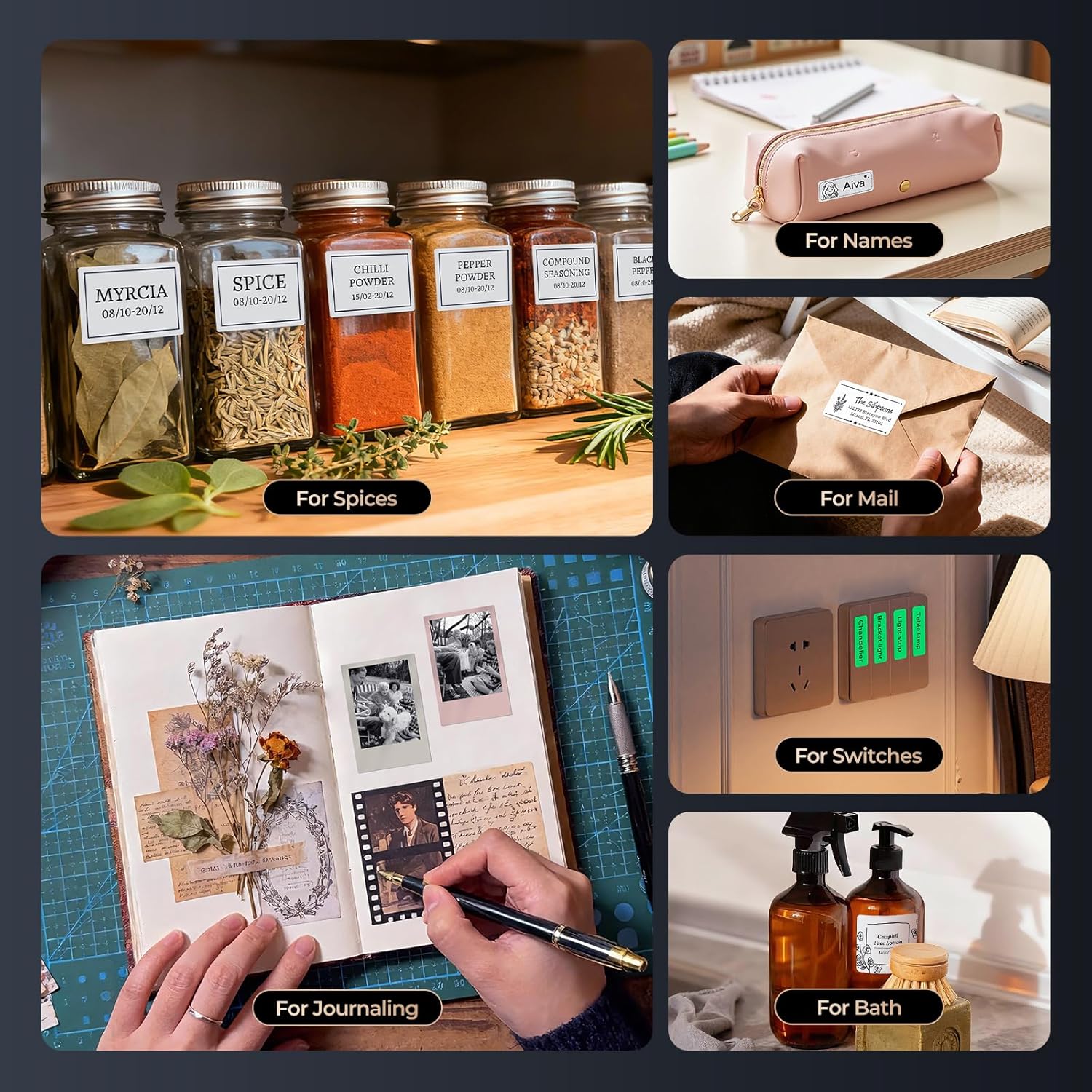
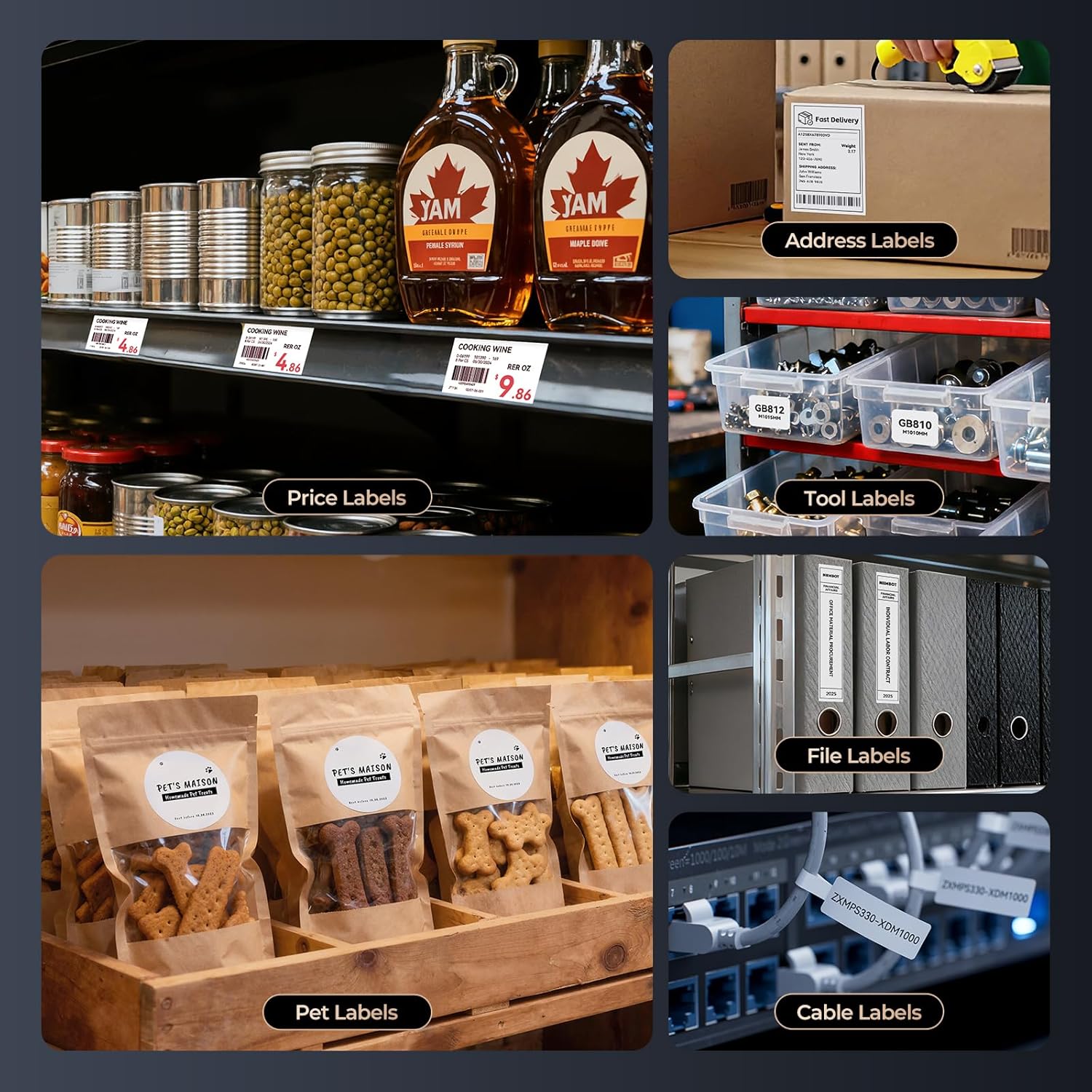
The NIIMBOT B1 Pro is a compact Bluetooth label printer designed for personal and business labelling needs. It aims to simplify asset management, inventory organisation and document visual cues with a compact, wireless solution. If you’re looking for a device that can print on demand without being tied to a computer, this model is worth considering, especially for small offices or shops that value quick, on‑site label production.
Print quality and capabilities
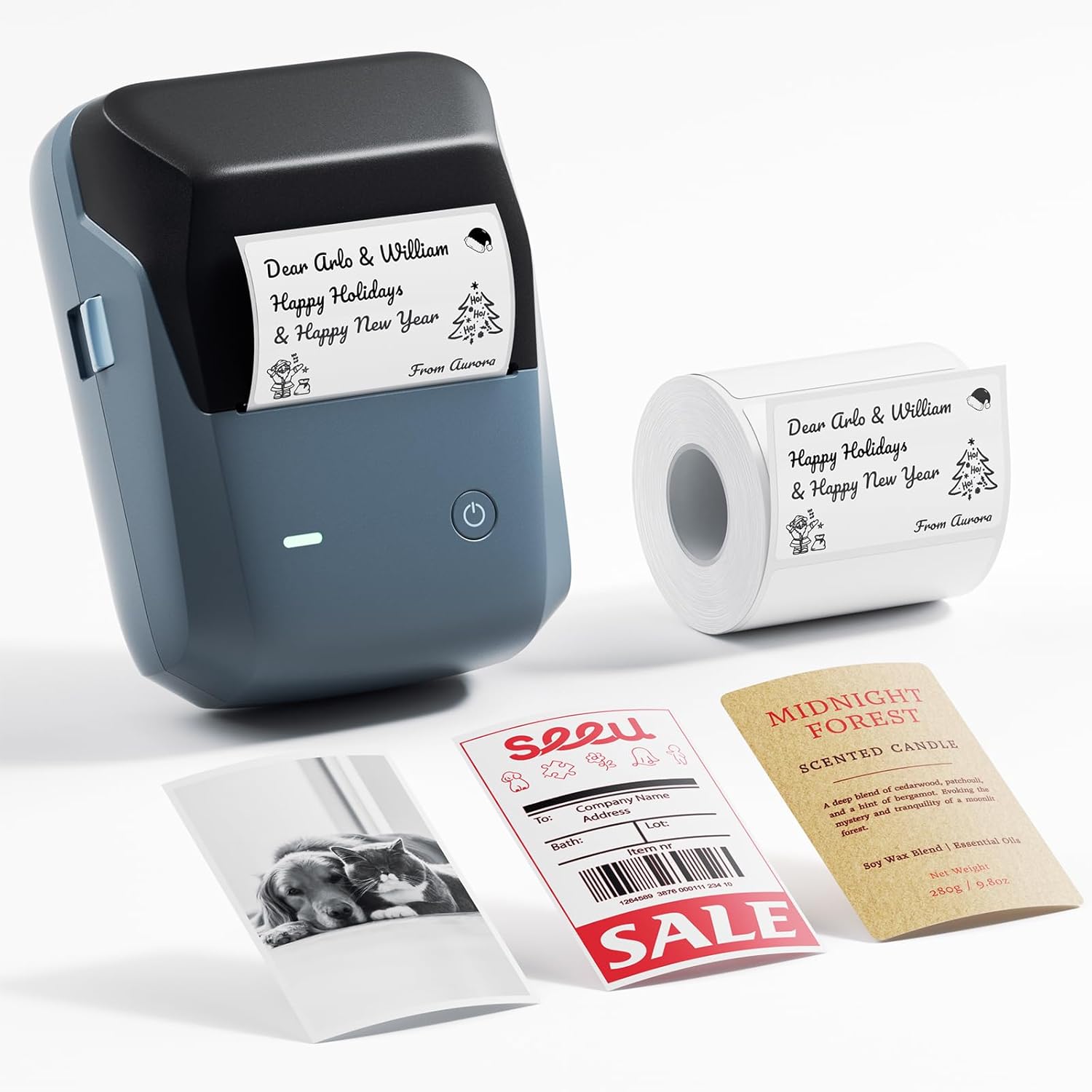
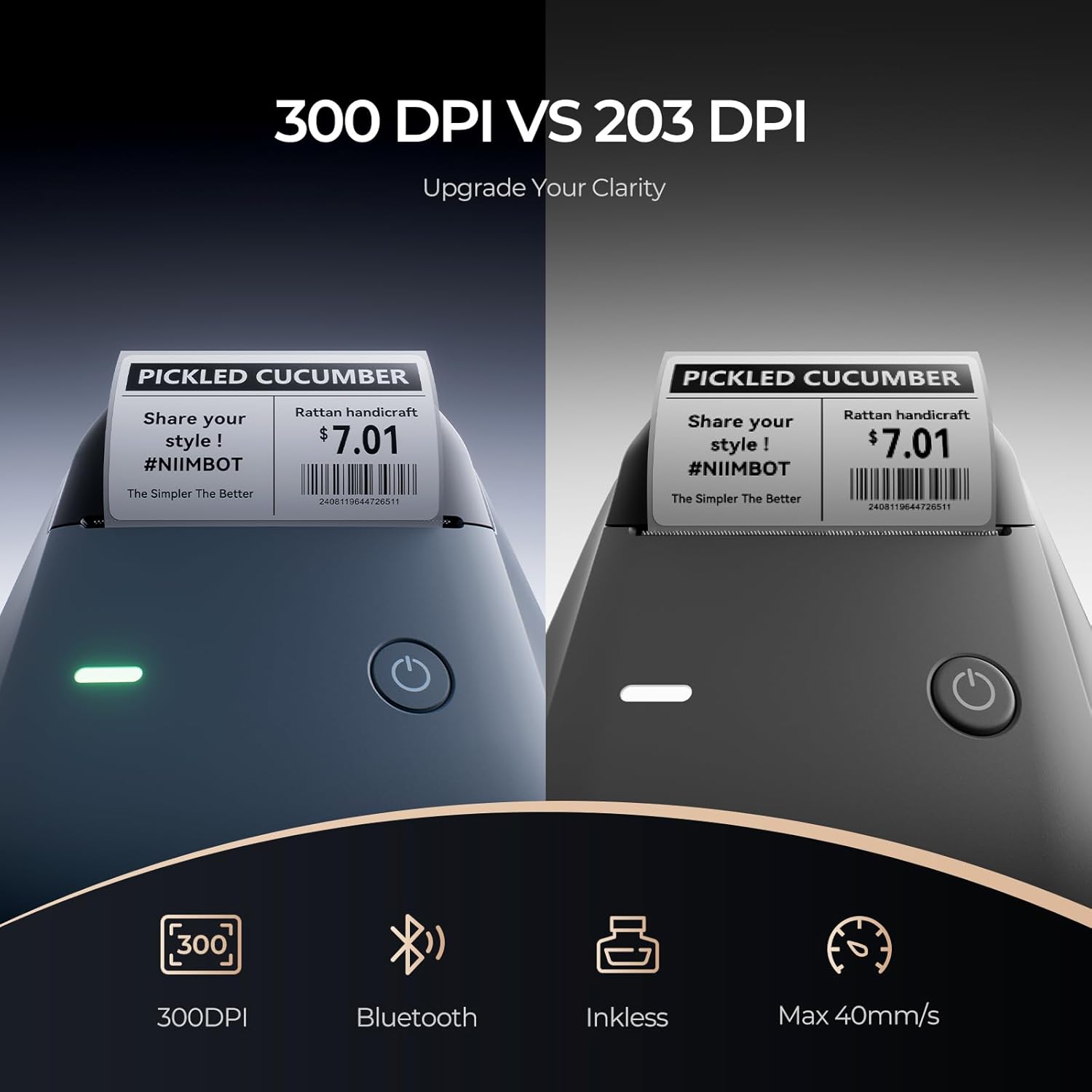
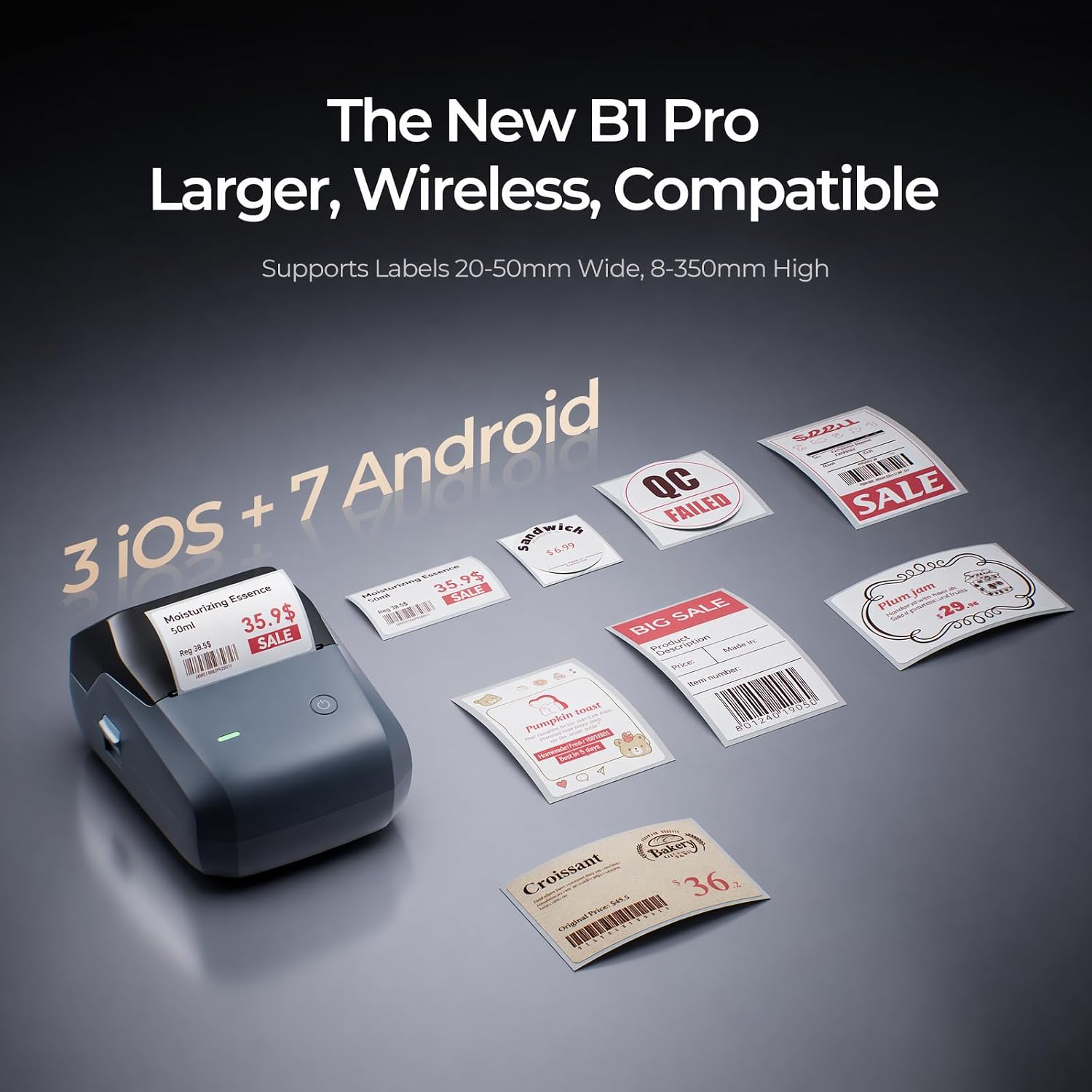
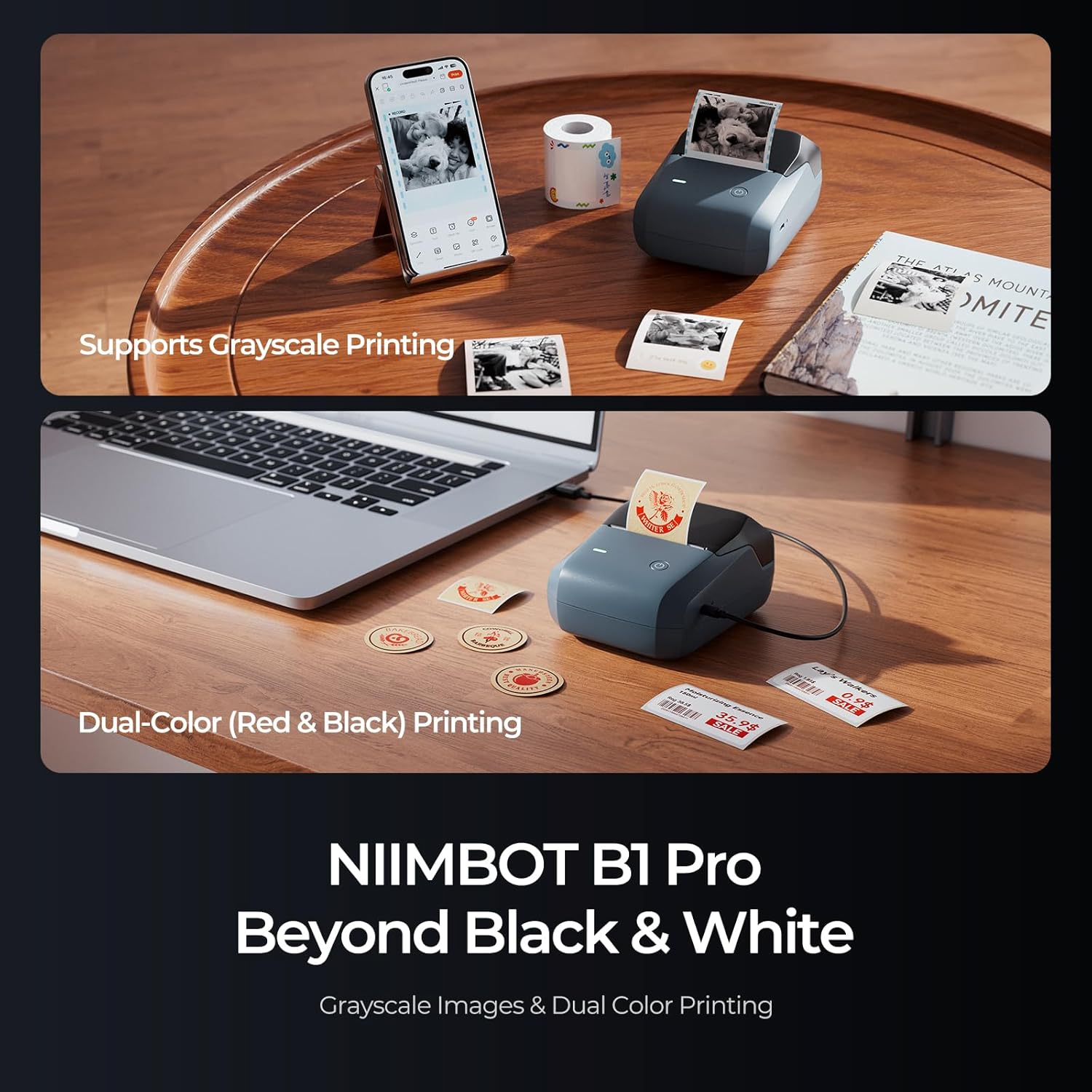
On paper, the B1 Pro delivers sharp output thanks to its 300 DPI high‑definition thermal printing. It supports a wide printing height range of 8–350 mm, which covers many standard label sizes. Grayscale printing allows detailed barcodes, QR codes and images, with compatible grayscale labels sold separately. In addition, the printer can produce two‑colour labels (red and black) using compatible two‑colour label rolls (sold separately). If you prioritise colour‑coding or emphasising certain information on labels, this dual‑colour feature can be useful, though the two‑colour labels are not included in the package.
Connectivity and multi‑device use
A notable feature is multi‑device Bluetooth connectivity: the B1 Pro can pair with several devices simultaneously, including multiple iOS and Android devices and a Windows PC. This makes it practical for teams where several people need to print from different devices without swapping cables or configurations.
App and design experience
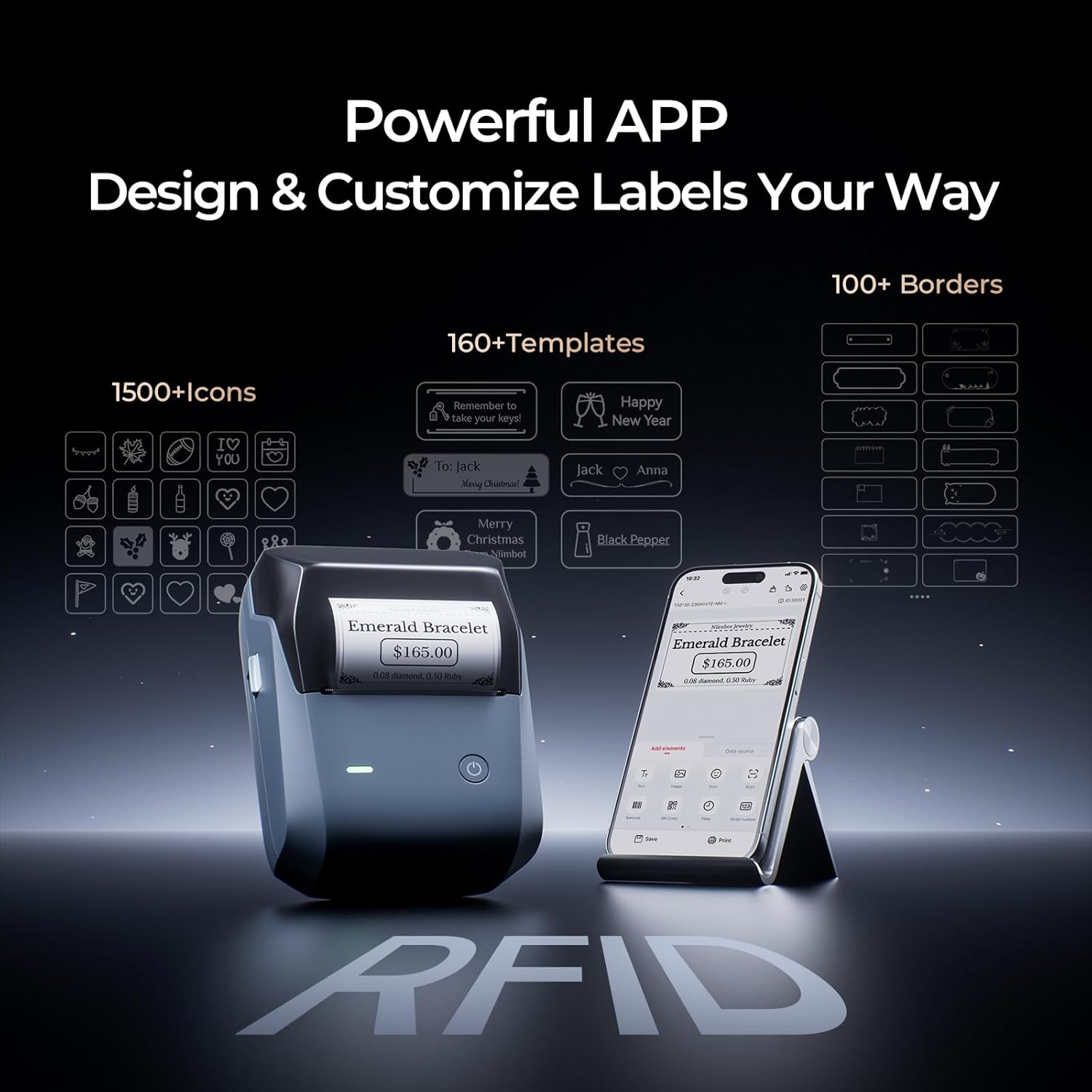
The NIIMBOT app is designed to expand printing options, offering a range of fonts, borders and design elements, and enabling printing directly from Excel and PDF files. This can save time in busy environments by reducing the need to export or convert documents for printing. However, given the reliance on an app, functionality may depend on the app’s compatibility with your device and operating system, and there could be a learning curve to unlock its full potential.
What stands out
- 300 DPI brings more detail than basic label printers, helpful for small text, fine barcodes and images.
- Grayscale printing expands options for higher‑fidelity visual labels when colour isn’t essential.
- Dual‑colour capability is a clear differentiator if you want to highlight or categorise items by colour coding.
- Multi‑device Bluetooth support can improve efficiency in small teams.
What may not convince everyone
- The requirement to buy separate grayscale and two‑colour label rolls means ongoing costs and the need to manage additional consumables.
- The dual‑colour feature relies on compatible rolls that aren’t included, so the total cost of ownership increases if you plan to use colour labels extensively.
- Power on issues are mentioned in the base note (low battery)—you’ll need to keep the device charged to ensure reliable use.
- It’s not a plug‑and‑play all‑in‑one solution for every environment, some users may prefer a device with bundled consumables or built‑in label options.
Who it’s for
- Small businesses or offices needing flexible label production from multiple devices.
- Teams that benefit from colour‑coding labels for quick visual organisation.
- Users who print a mix of text, codes and small images and require decent resolution without going into high‑end thermal printers.
Who it might not be the best fit
- If you primarily print monochrome labels and don’t need grayscale or colour, a simpler, lower‑cost option could be more economical.
- If you want a fully pre‑bundled system with included colour rolls, you’ll need to assess the total cost of ownership.
- If you rely on a constant, plug‑in printing workflow from a laptop, confirm the Windows or macOS compatibility and available drivers beforehand.
When it makes sense to buy
- You print for several users across different devices and need a shared label printer that is easy to deploy via Bluetooth.
- Colour coding or emphasis on certain label elements is a priority and you’re prepared to source compatible rolls.
- You value a broad label height range (8–350 mm) for different label formats and occasional image prints.
What to review before buying
- Confirm compatibility of grayscale and two‑colour label rolls with your intended label material and printer model.
- Check the NIIMBOT app’s features on your OS version to ensure Excel/PDF printing integrates smoothly into your workflow.
- Consider battery management and keep an eye on battery life and charging requirements to avoid interruptions during use.
Practical use example
Imagine organising a small retail stock room: you print location labels with grey scale barcodes, then use red on black labels to highlight high‑priority items or bulk SKUs. Team members can print from their own devices via Bluetooth, reducing trips to a central PC.
Final decision
Is it worth it?
Worth considering if multi‑device Bluetooth printing and the option to print in grayscale or two colours align with your label‑design needs and you’re prepared to source compatible label rolls. It may not be the cheapest entry, and you should factor in consumables and battery reliability when judging long‑term value.
FAQ
- Do I need separate rolls for grayscale or two‑colour printing? Yes, compatible grayscale and two‑colour label rolls are sold separately.
- How many devices can connect to the printer at once? The base data mentions multi‑device Bluetooth capability, including several iOS, Android devices and a Windows PC, but exact simultaneous printing limits aren’t specified.
- What if the device won’t power on? A note indicates it may be due to a low battery, so charging first is advised for normal use.
- Is the app essential for printing? The app expands design options and enables direct printing from Excel and PDF files, but basic printing may be possible with other setups if compatible.