

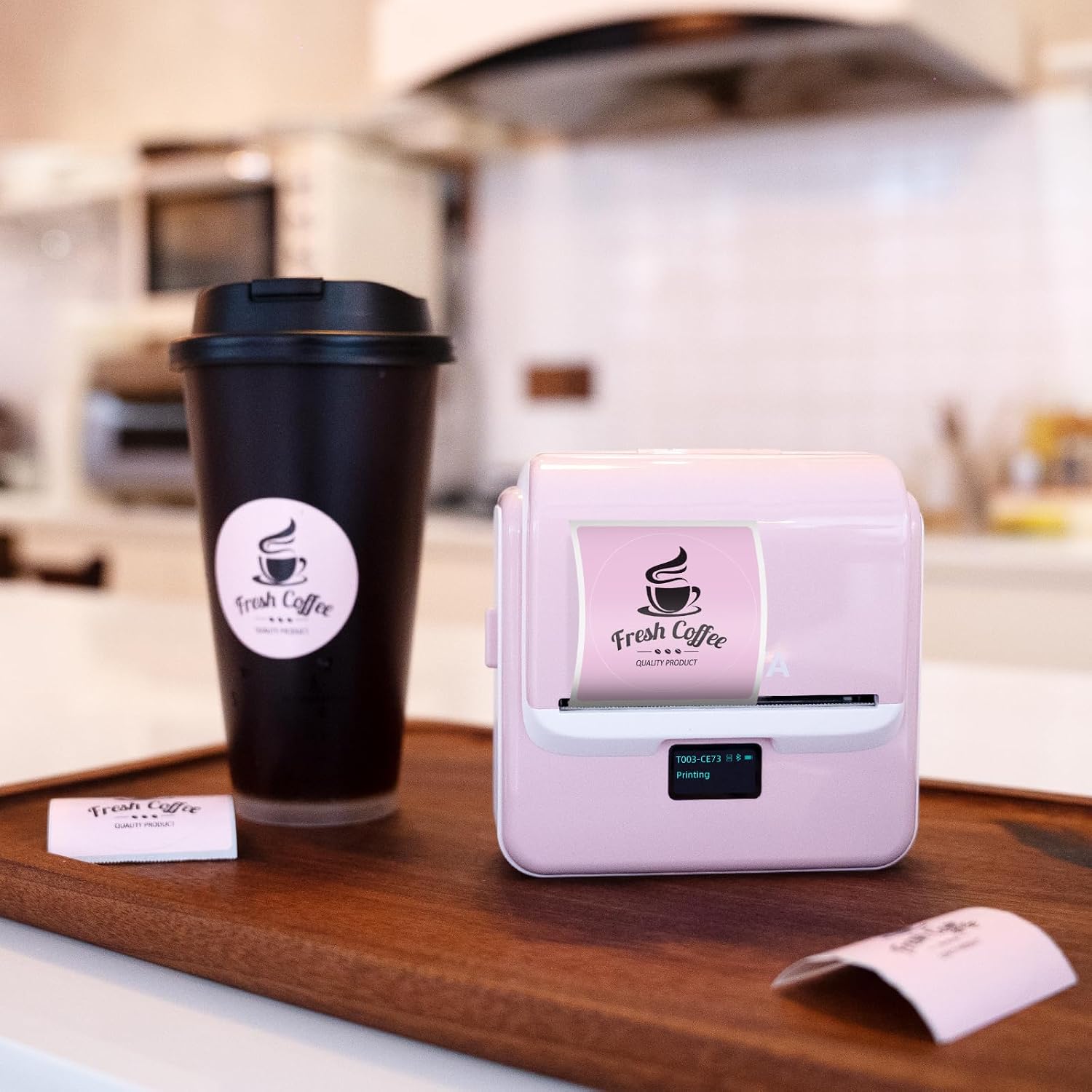
ORGSTA T003 Thermal Label Maker (20–75mm) with Bluetooth and USB – portable handheld shipping label printer
Product description
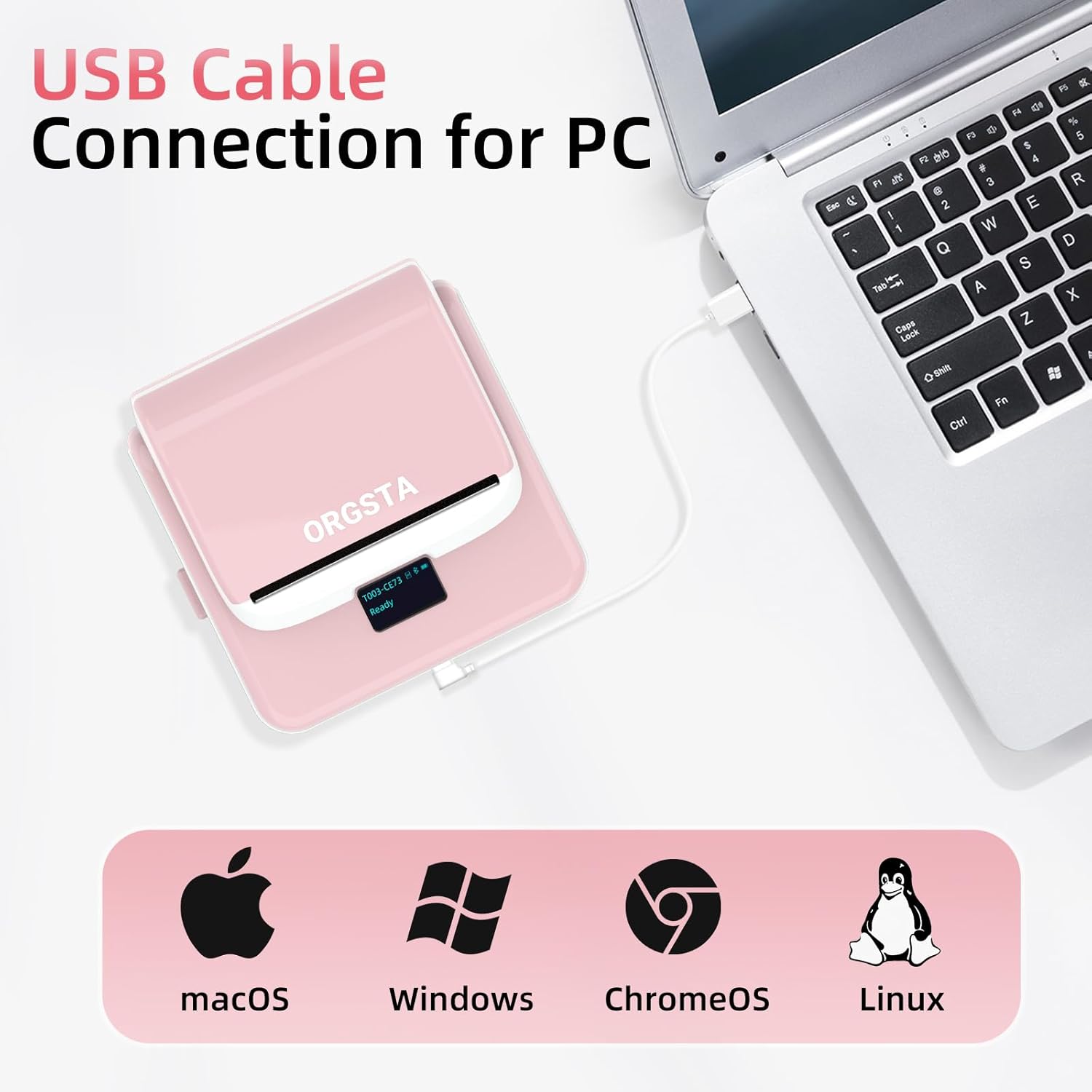
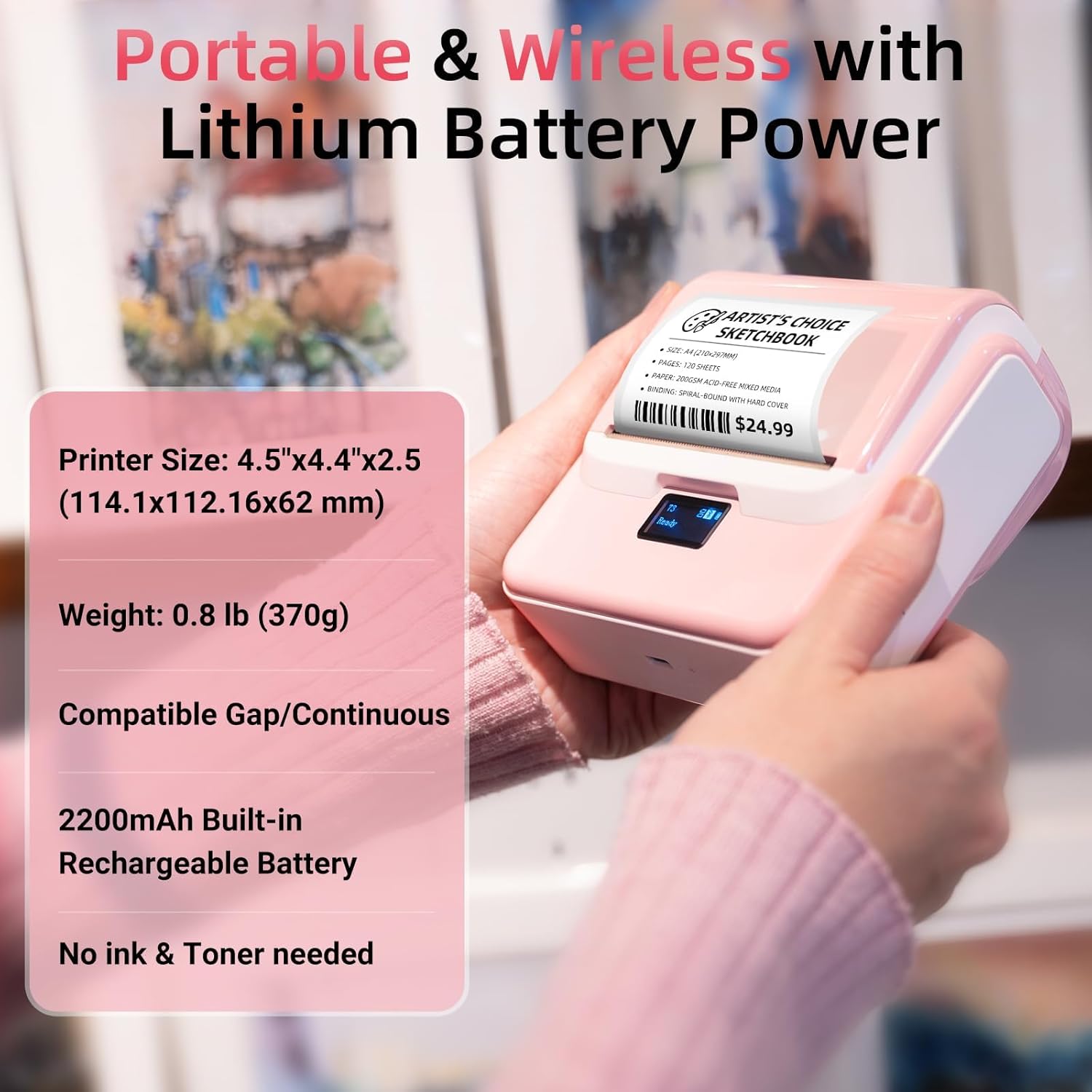
If you regularly print shipping labels, product tags or barcode stickers, the ORGSTA T003 is one of those devices that looks simple at first… then saves time once you’re actually using it. It’s a portable thermal label maker that prints without ink or toner, and it’s set up to connect via Bluetooth to your phone (and also works with a PC via USB).
On paper, the appeal is pretty clear: you get a direct thermal workflow, plus an app with a large set of ready-to-use label templates. That said, it’s not aimed at people who need big-volume industrial printing every day—this is more “small business, home, school and crafting” territory, where speed and convenience beat complexity.
The essentials
The ORGSTA T003 is a handheld thermal label maker designed for printing labels in the 20–80mm range (the listing also describes width support as 0.8–3.15", i.e. 20–80mm). It uses direct thermal technology, so there’s no ink cartridge or toner to buy and replace. Instead, you rely on thermal paper/label rolls.
The kit includes one roll of adhesive thermal label (described as 1.97" x 1.18" adhesive thermal label with 230 stickers) so you can print straight away, rather than starting from zero.
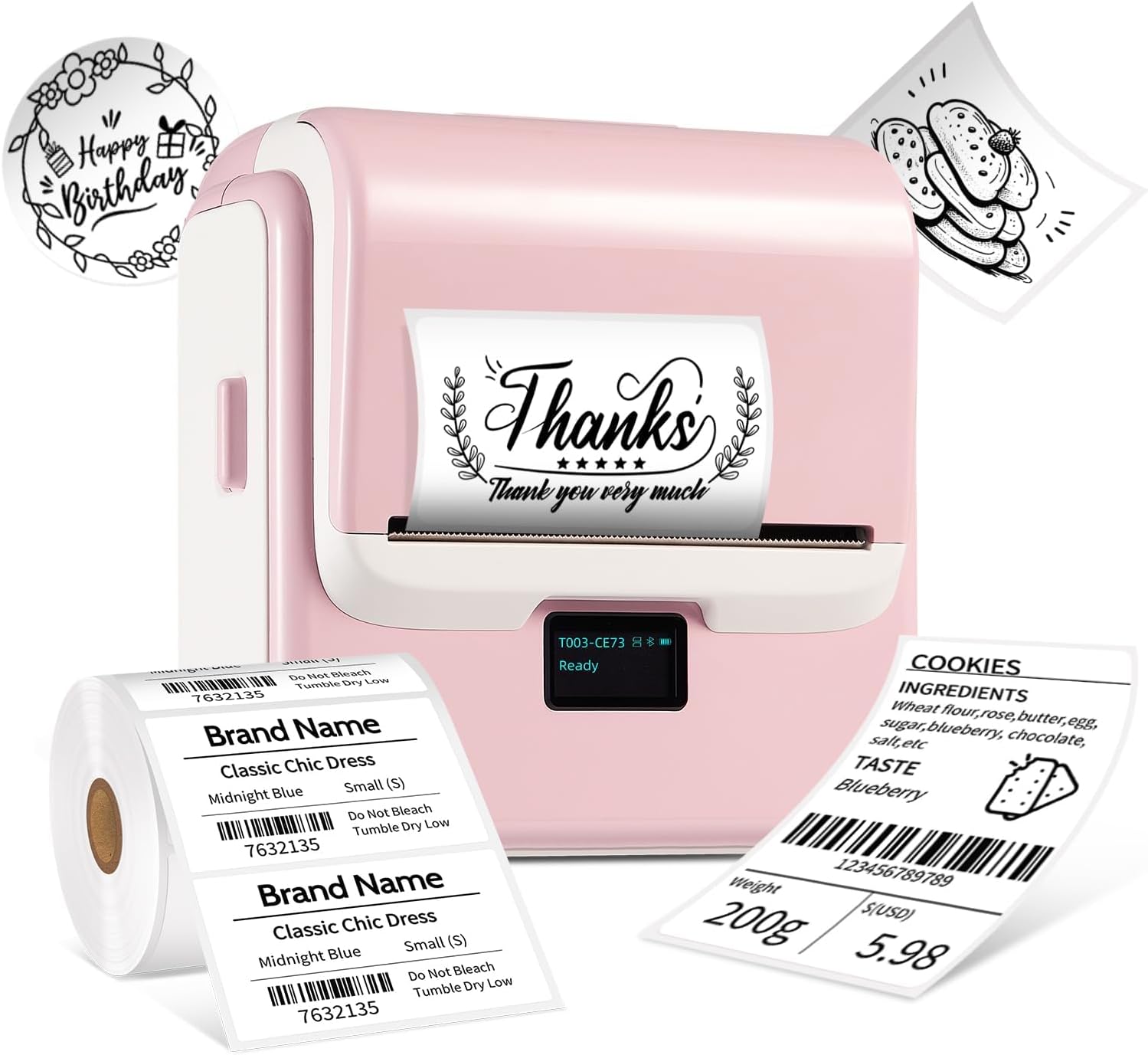
It also supports two ways of working with media: fixed-size thermal labels and continuous thermal paper. That flexibility can matter if your needs change—for example, you might want standard sticker sizes for product tags one day, then a custom-length label for shipping the next.
What you’ll notice day to day
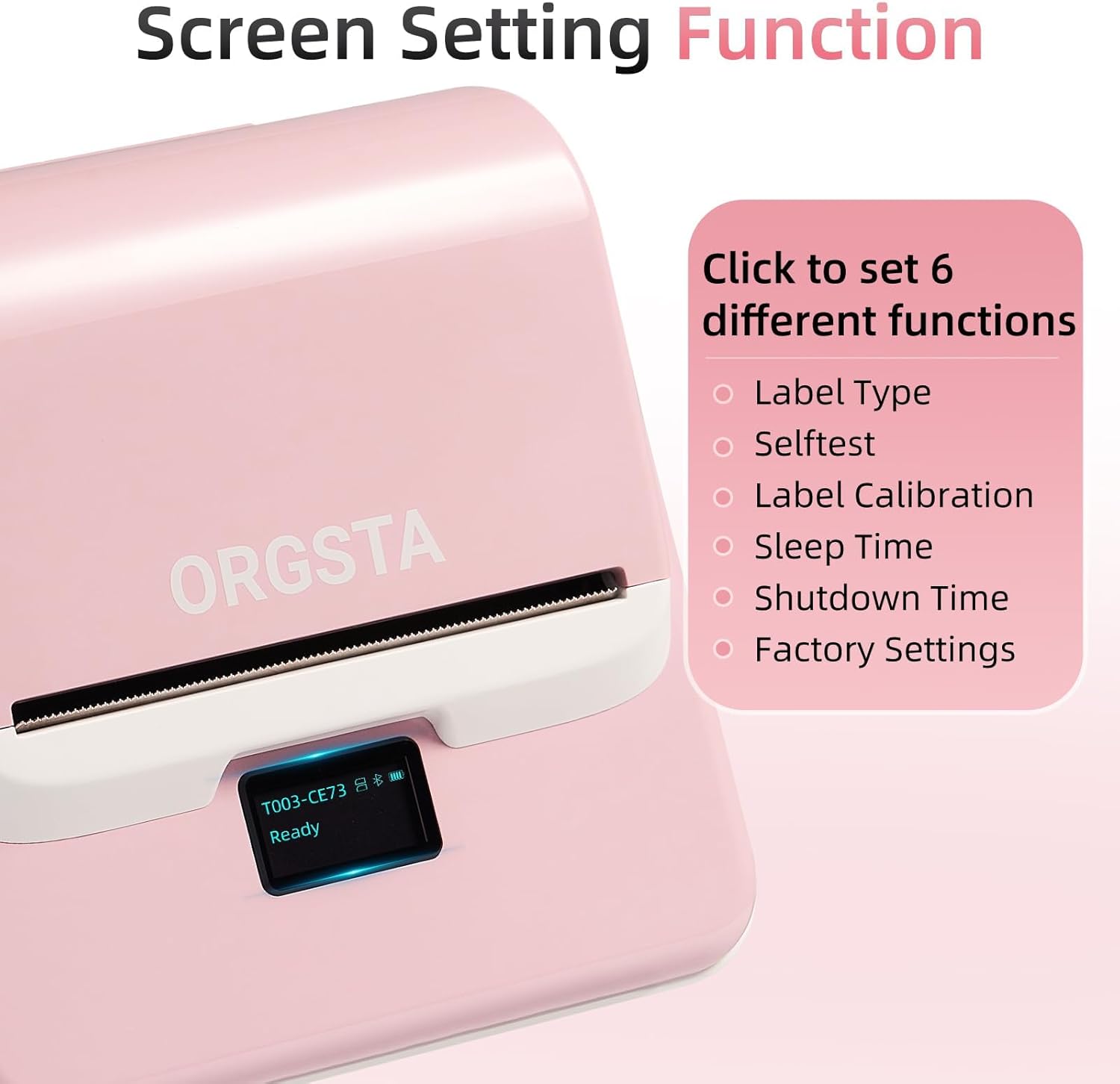
A small LED screen is built in, which helps you avoid the usual “are we connected?” guessing game. The display is described as showing battery level, Bluetooth connection status and printing status at a glance.
There are also practical printer-side controls mentioned: you can select label types, set sleep timers, and schedule automatic shutdowns. Those aren’t features you’ll obsess over, but they can make a difference for day-to-day use—especially if the printer sits idle between batches.
One sensible note from the listing: it’s recommended to charge the printer before first use. You don’t want your first print attempt to be limited by power.
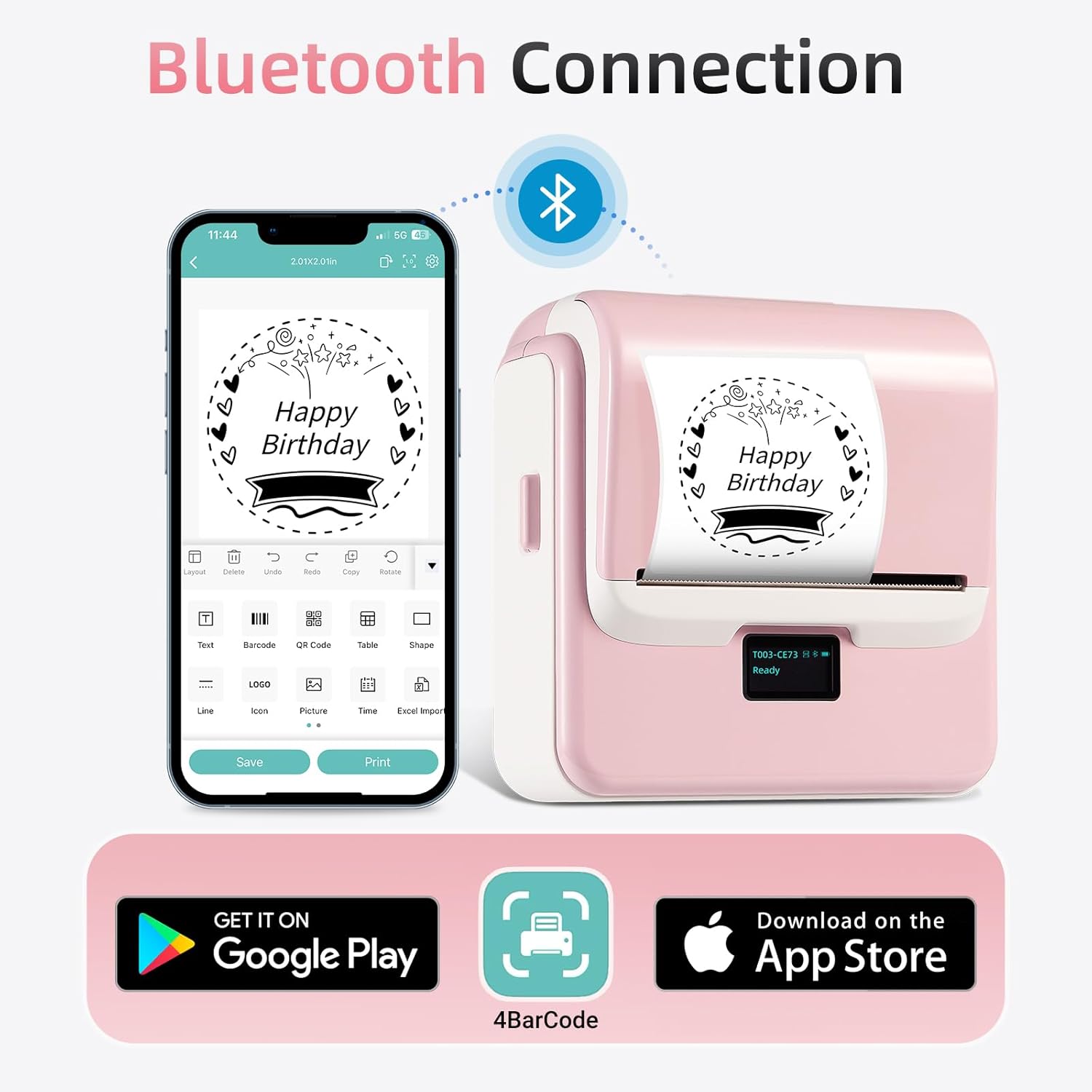
And the real-world “micro-experience” is pretty straightforward: pair it to your phone over Bluetooth, choose a label template in the app (for example, a QR code or barcode format), tweak the text/address fields, then print a crisp sticker you can peel and apply. For small shipping runs or keeping craft items organised, that flow is the whole point.
Connectivity and app workflow
Bluetooth connectivity is the centre of the experience, with the free 4Barcode app referenced in the listing. The app includes over 150 ready-to-use label templates, and it also lets you design and save your own layouts.
The design tools described include 80+ fonts and 670+ icons, plus support for things like QR codes, barcode labels, tables, materials, timestamps, numbers, text and icons. In other words, you’re not locked into one style of label.
If you’re someone who already manages product info and wants to output labels quickly, this app-first approach should feel natural. If you prefer printer-only operation without a mobile workflow, you may find the dependence on the app less convenient—though the listing does mention compatibility with phone and PC.
Where it shines (and where it may not)
What stands out is the direct thermal approach combined with broad “media independence”. The listing states it is fully compatible with any brand of thermal paper, aiming to avoid dependency on brand-specific consumables.
That can be a real buying advantage: it helps you shop around for the thermal paper/labels that are available and practical, instead of feeling boxed in.
Still, there are limitations to keep in mind. The listing doesn’t mention resolution, print speed, or long-term durability of prints, so you should avoid assuming it will behave like higher-end warehouse printers. It also sits in a small, portable bracket—if your main need is high-volume, heavy-duty batch printing, this may feel more “handy tool” than “workhorse”.
It might not be the best fit if you need extremely precise, professional colour workflows (not what thermal direct printing is for), or if your labels demand features not mentioned in the listing.
Key specifications
- Type: Thermal label maker (direct thermal, no ink or toner)
- Supported label width: 20–80mm (0.8–3.15")
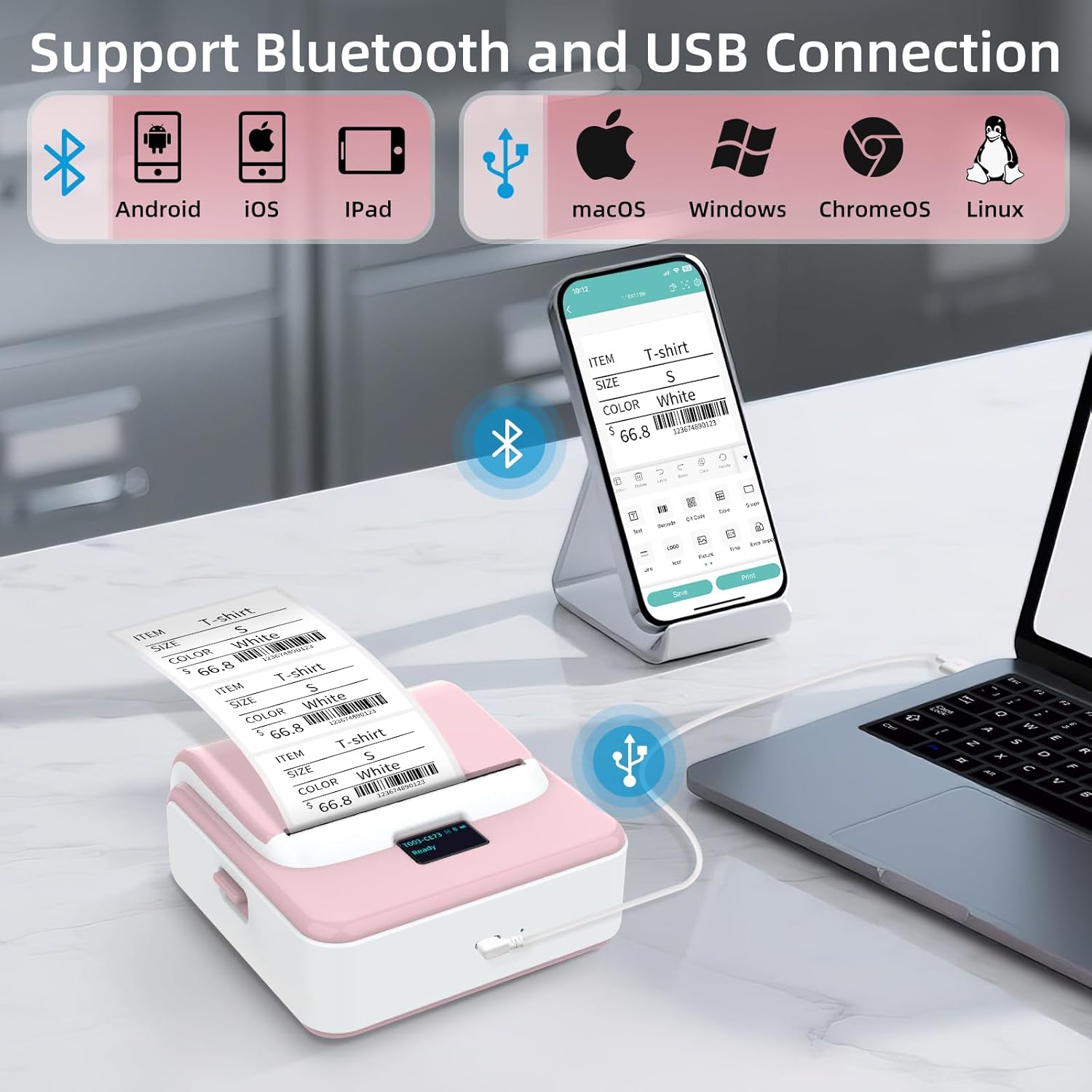
- Connectivity: Bluetooth and USB (PC support referenced)
- Screen: LED display for battery level, Bluetooth status and printing status
- App: 4Barcode app (templates and label design)
- Included consumables: one roll of adhesive thermal labels (230 stickers) described as 1.97" x 1.18"
Who it suits
It makes sense if you’re labelling for a small business or everyday life use: clothing labels, crafts, retail item tags, jewellery, classroom/student organisation, and similar setups. The listing highlights that it can print addresses, barcodes, QR codes, prices, dates, ingredients and product tags.
It’s also pitched for seasonal labelling (Christmas, Halloween, Thanksgiving, Father’s Day and Mother’s Day). Even if you only use it occasionally, the “no ink/toner” concept can reduce the friction of keeping it ready.
It might not be the ideal choice if you need consistent, large-format output or the kind of industrial printing guarantees you’d normally look for in higher-spec systems. In this category, it’s better to treat it as a practical labelling tool rather than a replacement for a full print operation.
When it makes sense
If you want a portable thermal label maker that works with Bluetooth and an app—so you can create barcode/QR/address labels and print them on demand—then the ORGSTA T003 is worth considering. It’s especially compelling if you care about flexible label media (fixed-size labels and continuous thermal paper) and you don’t want to be tied to one brand of consumables.
You may want to skip it if your priorities are print performance metrics not covered in the listing (speed, resolution, durability), or if you’re expecting a complex “set and forget” workflow without using the app.
Before you buy, it’s a good idea to check that your labels and shipping workflow actually sit within the 20–80mm width range, and that you’re comfortable using the 4Barcode app for templates and custom designs.
Mini FAQ
Does it print without ink or toner?
Yes. The listing describes direct thermal technology with no ink or toner.
What label sizes can it handle?
It’s described as supporting label widths from 20mm up to 80mm.
Is the printer tied to one brand of thermal paper?
The listing says it’s fully compatible with any brand of thermal paper, aiming to avoid brand-specific consumables.
Can I design my own labels?
The 4Barcode app is described as letting you design and save your own templates using fonts and icons, as well as adding things like QR codes and barcodes.
Will it work with my phone?
Bluetooth connectivity is mentioned, and the listing states it’s compatible with phone and PC.