

MUNBYN Bluetooth 4x6 Desktop Thermal Label Printer (USB & iOS/Android) for shipping labels
Product description
The essentials
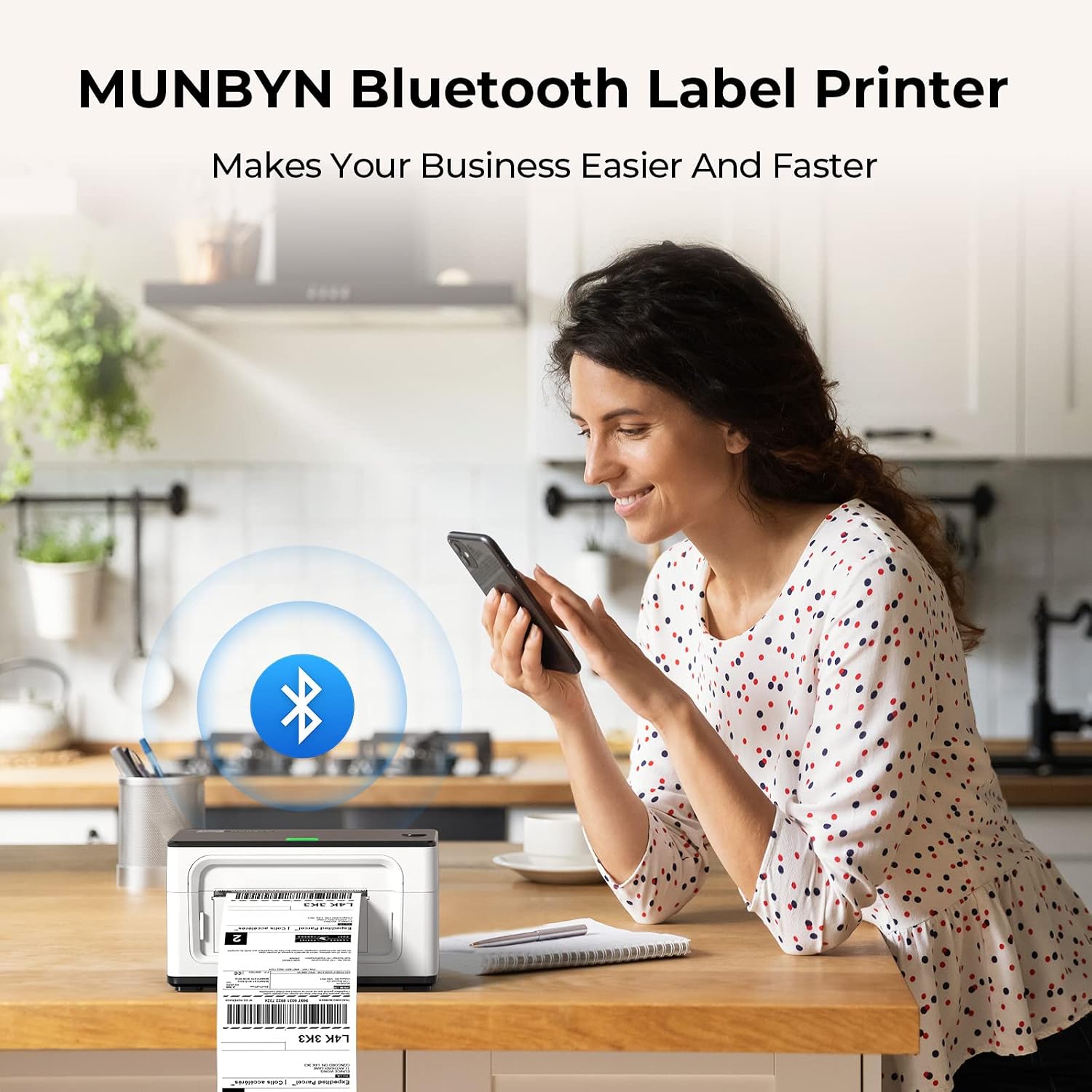
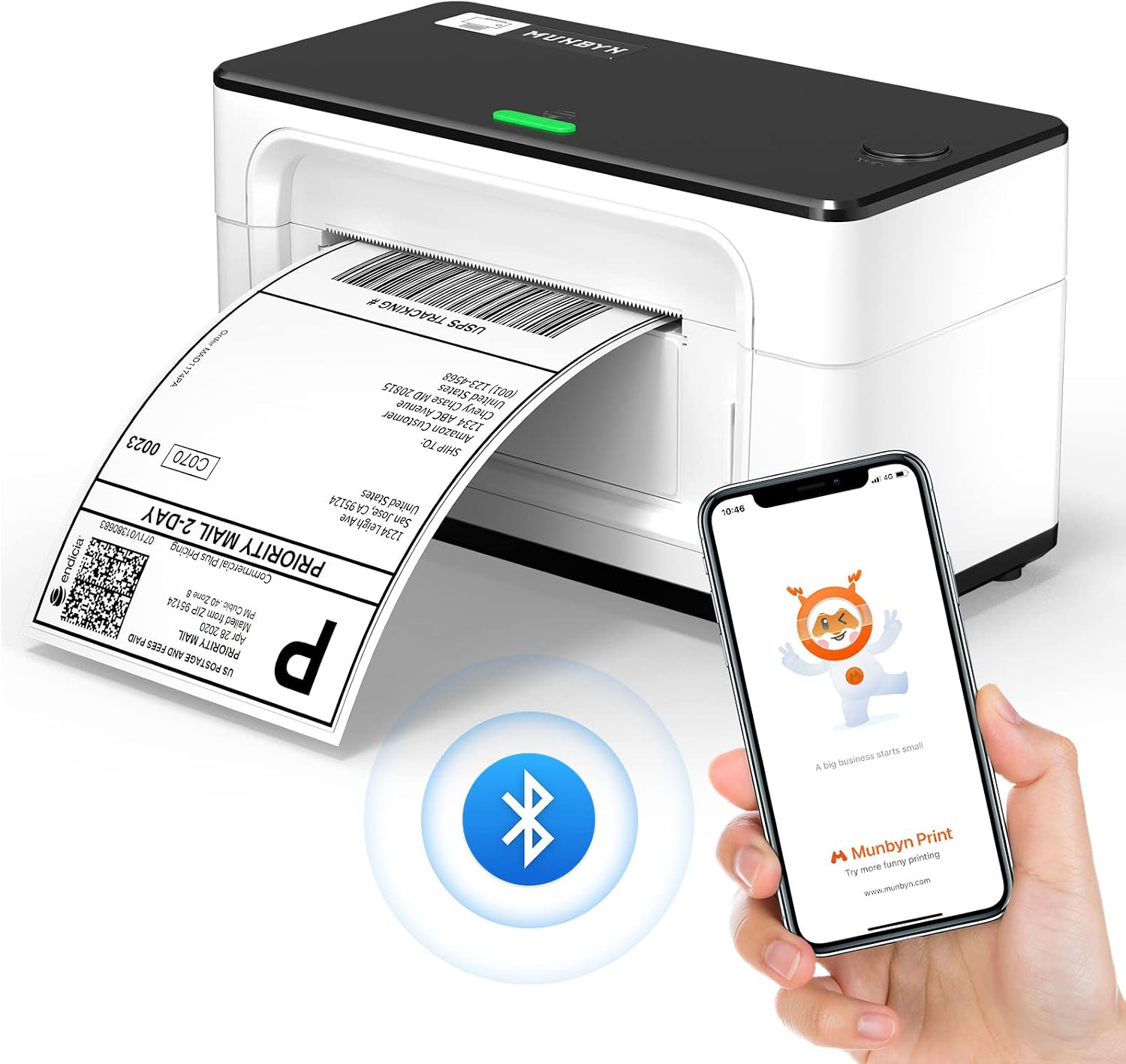
If you’re printing shipping labels at home or in a small office, a desktop thermal label printer can take a lot of friction out of the process. The MUNBYN Bluetooth Label Printer is designed around that idea: print direct thermal labels using either a Bluetooth connection for compatible iOS/Android devices, or a USB connection for computers.
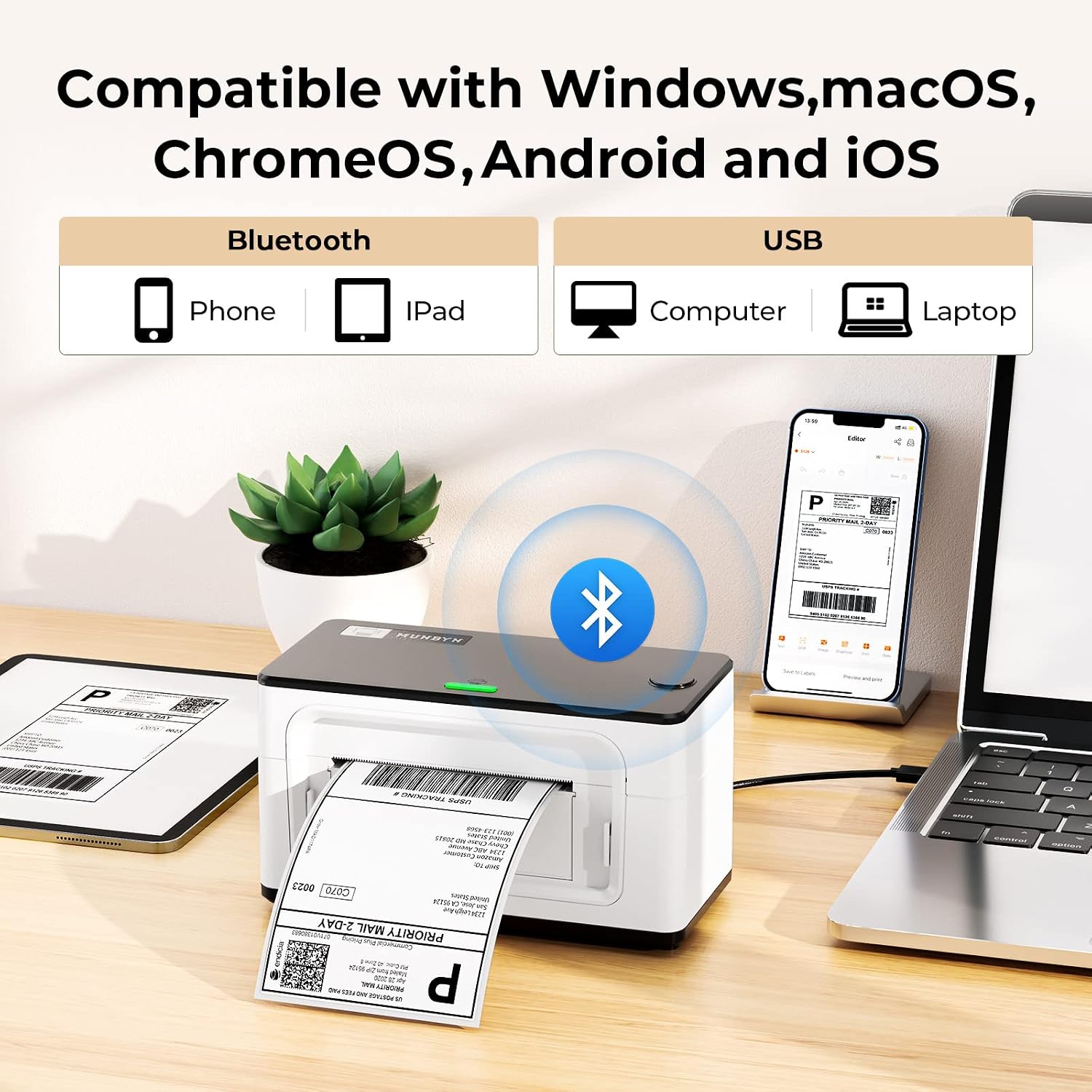
On paper, the appeal is the flexibility. Bluetooth is positioned for mobile printing (iOS/Android phones and tablets), while Windows, macOS, Linux and Chromebook rely on USB. It’s also built to work with popular selling and shipping platforms, so you’re not stuck doing everything manually.
That said, it’s not a one-size-fits-all device. If you mostly work on a Windows laptop but don’t want to deal with any driver situation, you’ll want to check how your setup lines up with the connection and app requirements first.
Key points
The unit is a desktop thermal label printer aimed at 4x6 shipping labels. The big differentiator is how it connects and how it sets itself up. It supports a Bluetooth workflow for iOS/Android via the “MUNBYN Print” app, while USB covers a wider range of desktop and laptop systems.
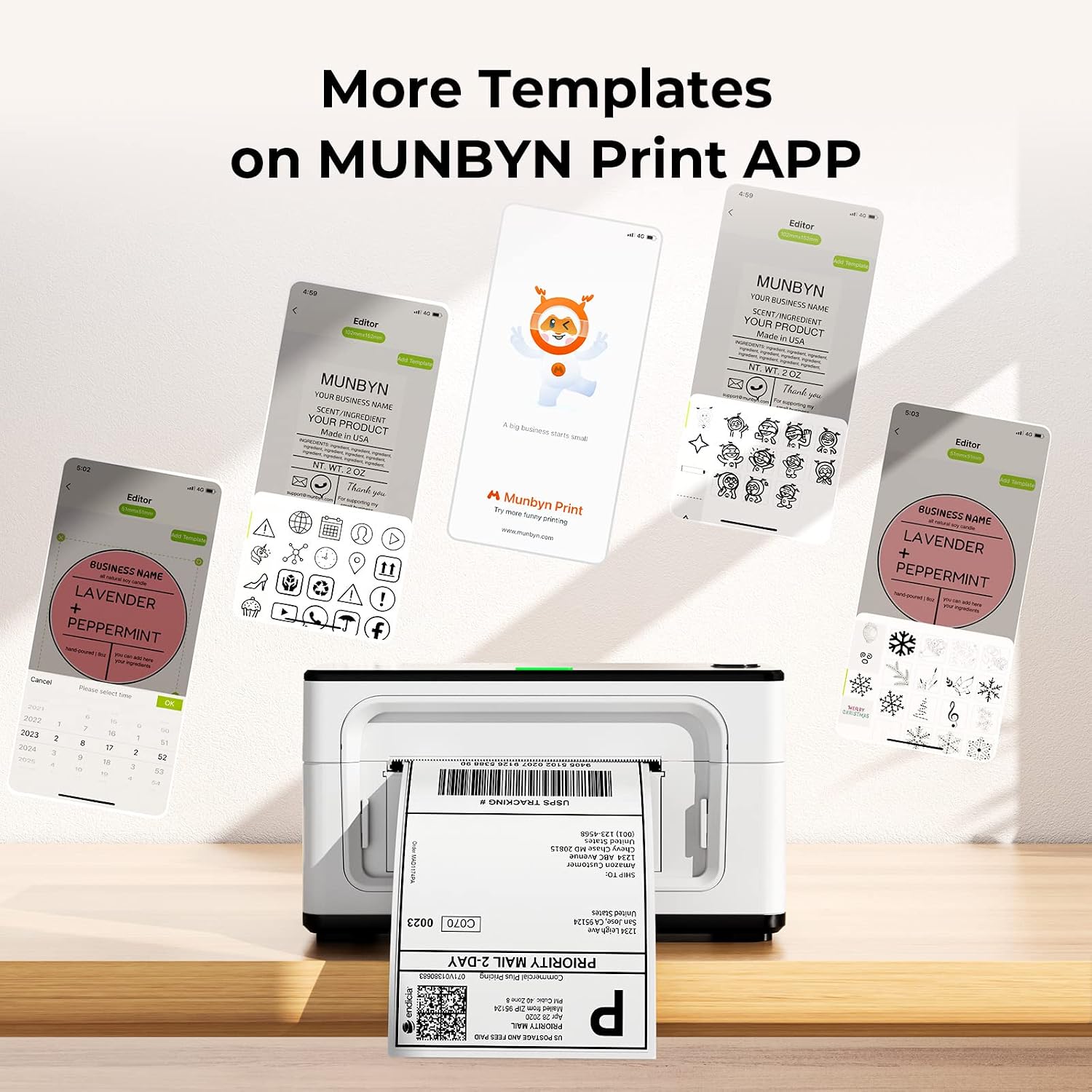
Another practical benefit is the positioning for “real life” label printing rather than tinkering. The printer automatically calibrates labels, which should reduce the chances of a misaligned first batch. For creators and small sellers, the app also mentions templates, patterns and icons, plus the ability to upload and share edited label content.
Worth noting: it can print labels from 1.57" to 4.3" wide, so it’s not limited to a single narrow use case. If your workflow includes different label widths, that range matters.
What you’ll notice day to day
A setup that takes “about a minute” (as claimed) is the sort of thing you notice when you’re trying to print today rather than after a weekend project. In use, the workflow typically becomes: pick your label in your sales/shipping platform, generate it, then print through the supported connection mode.
There’s also guidance on printing without a driver using a Chrome browser (except for Windows). If you’re the sort of person who prefers minimal installs, that can be a good fit. If you need more advanced settings, the product description says downloading the driver is recommended.
It also mentions compatibility with Royal Mail, FedEx and UPS labels and general “thermal direct labels” for shipping and related label types. As a micro-example: if you dispatch parcels from home and frequently print 4x6 shipping labels, having both mobile (Bluetooth) and desktop (USB) options can help if one device is faster for the task that day.
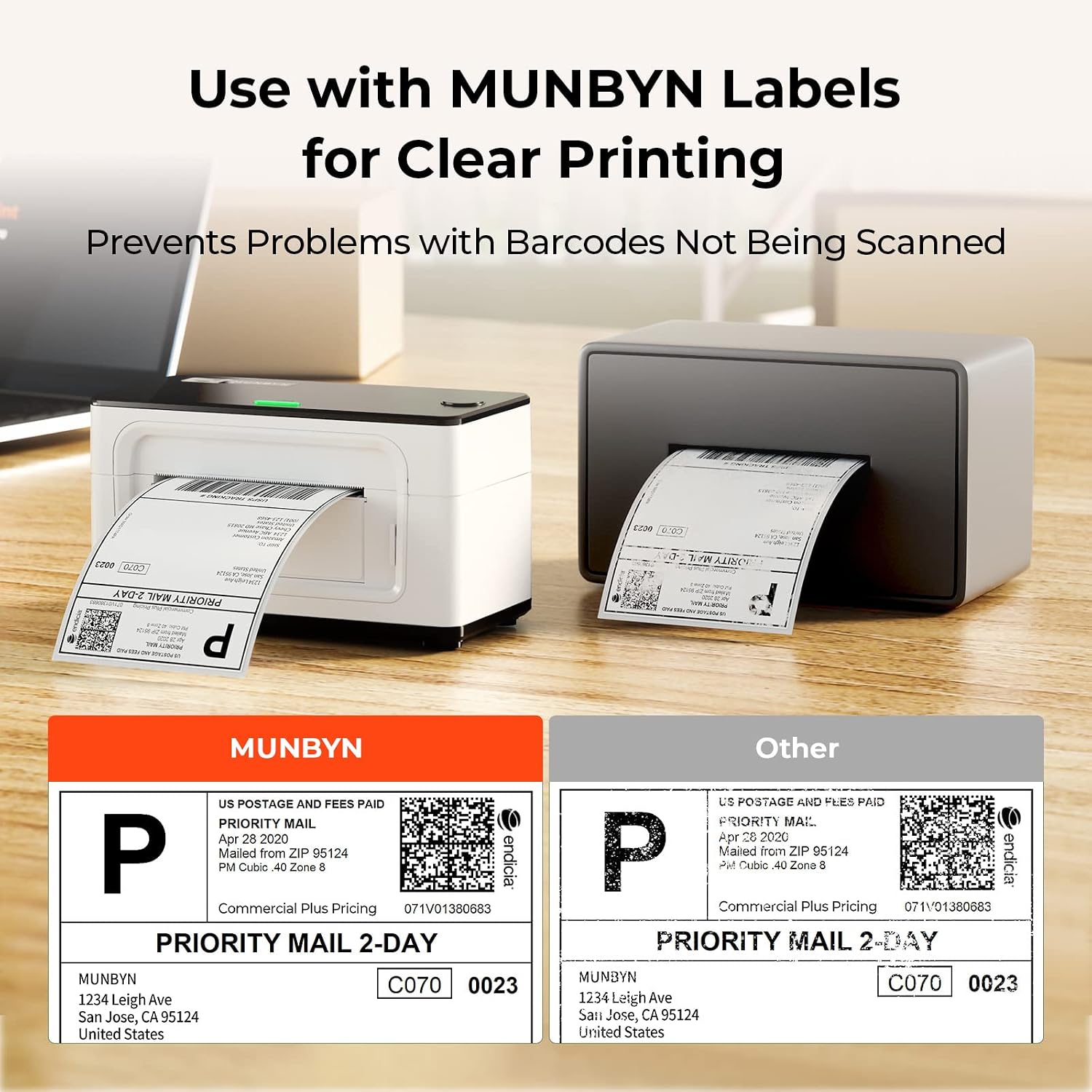
Where it shines
This model makes most sense if you want a straightforward way to handle shipping label printing for everyday selling. It’s positioned as compatible with major platforms such as Shopify, Etsy, eBay and amazon, alongside shipping workflows that many small businesses already use.
It also looks like a sensible choice if you’re operating across devices. Bluetooth via iOS/Android can be handy when you’re away from your desk or when using a tablet as your “packing station control screen”. USB support is there when you need the broader computer compatibility.
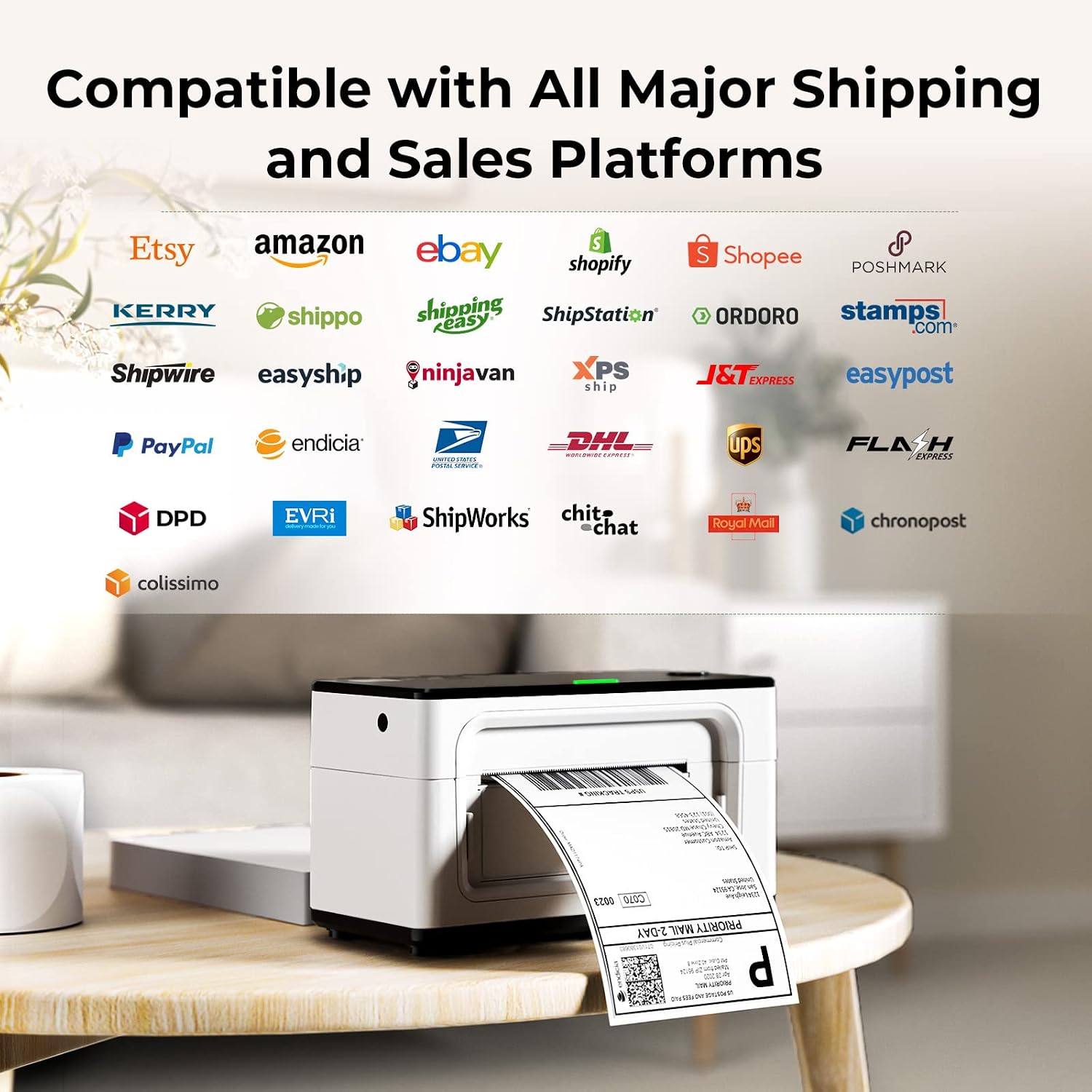
In practice, it’s more of a business-support printer than a “graphic designer” device, even though the app mentions DIY templates and icons for label content.
Tech specs
- Connection type: Bluetooth (iOS/Android phones and tablets) and USB (Windows, macOS, Linux, Chromebook)
- Printer type: Desktop thermal label printer
- Supported label width: 1.57" to 4.3" (4x6 use case mentioned)
- Setup/calibration: Automatic label calibration
- App for mobile: “MUNBYN Print” (download from Google Play or App Store)
- Driver guidance: Driver download recommended for more advanced settings, Chrome browser printing mentioned (except for Windows system)
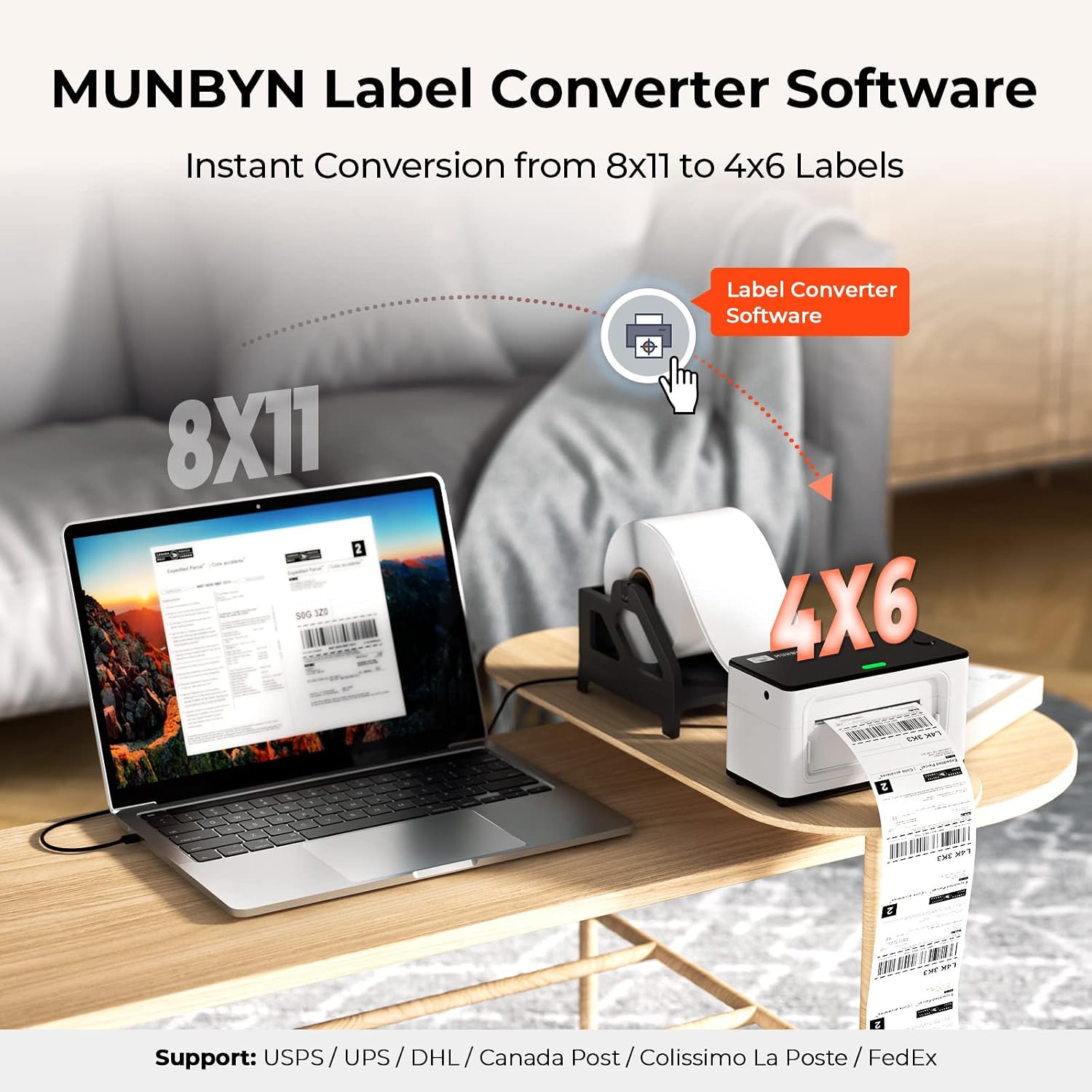
Who it’s for
You’ll likely get the most value if you run a small operation that prints shipping labels regularly—think online selling, parcel dispatch, and using common marketplace platforms. It’s also a decent fit if you want the option to print from a phone or tablet without always switching back to a desktop.
It may not suit you as well if your setup is very specific and you’re hoping for pure plug-and-play across every scenario without any driver/app considerations. The description is clear that printing without a driver is tied to Chrome (with an exception mentioned for Windows), so check what “no extra steps” looks like for your device.
Also, if you need label sizes outside the stated width range, this may be limiting.
Is it worth it?
Choose the MUNBYN Bluetooth 4x6 desktop thermal label printer if your priority is everyday shipping label printing for a home small business, with the flexibility of Bluetooth for iOS/Android and USB for computers. It also looks like a practical buy if you want automatic calibration and compatibility with common selling/shipping platforms.
Skip it (or at least double-check the setup) if you’re mainly on Windows and want to avoid any driver-related steps, or if your label widths fall outside the stated range. As with any label workflow, it’s worth verifying that your preferred device and browser/app route matches what the printer supports before you commit.