

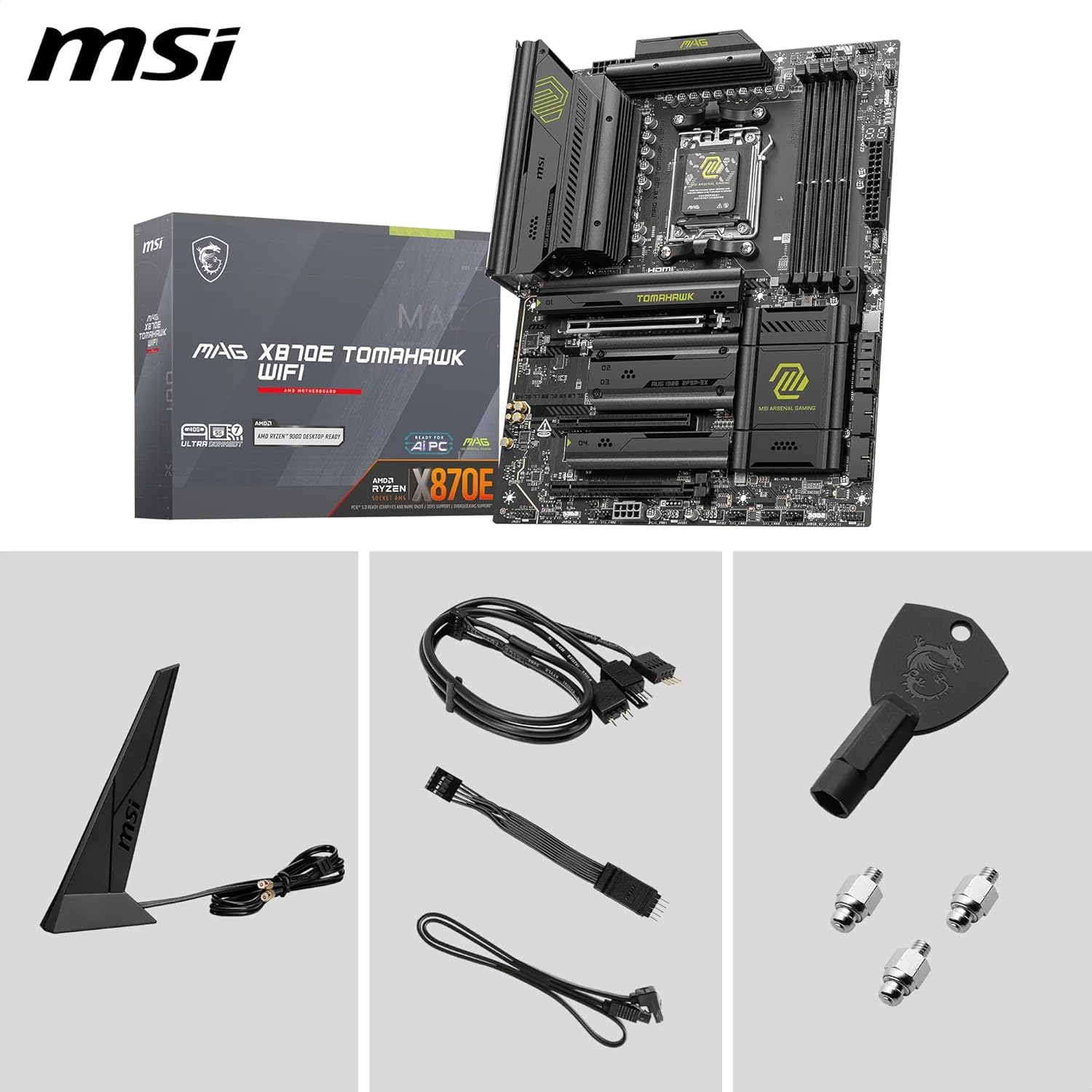
MSI MAG X870E TOMAHAWK WIFI (ATX) AM5 motherboard with Wi‑Fi 7 and PCIe 5.0
Product description
The essentials
The MSI MAG X870E TOMAHAWK WIFI is an ATX motherboard built around AMD’s AM5 platform, aimed at people putting together a high-performance Ryzen system rather than a basic office PC. On paper it’s clearly designed for “serious” modern hardware: support for AMD Ryzen 9000/8000/7000 processors, a PCIe 5.0 x16 graphics slot, and M.2 storage options that include M.2 Gen5 drives.
It’s also a board that leans into stability and thermals. The VRM is described as a 14 Duet Rail Power System with an 80A (SPS) configuration, and there are multiple cooling elements including MOSFET thermal pads and an extended heatsink approach. If you’re planning to run a demanding CPU and want something that’s not just the minimum spec, it’s the sort of board that tends to make sense.
That said, it’s not a “set and forget” bargain for everyone. AM5 plus DDR5 plus PCIe 5.0 and Gen5 storage support usually means higher component expectations overall, so it may feel like overkill if your build priorities are budget-first or low-power use.
Key features that matter in real builds
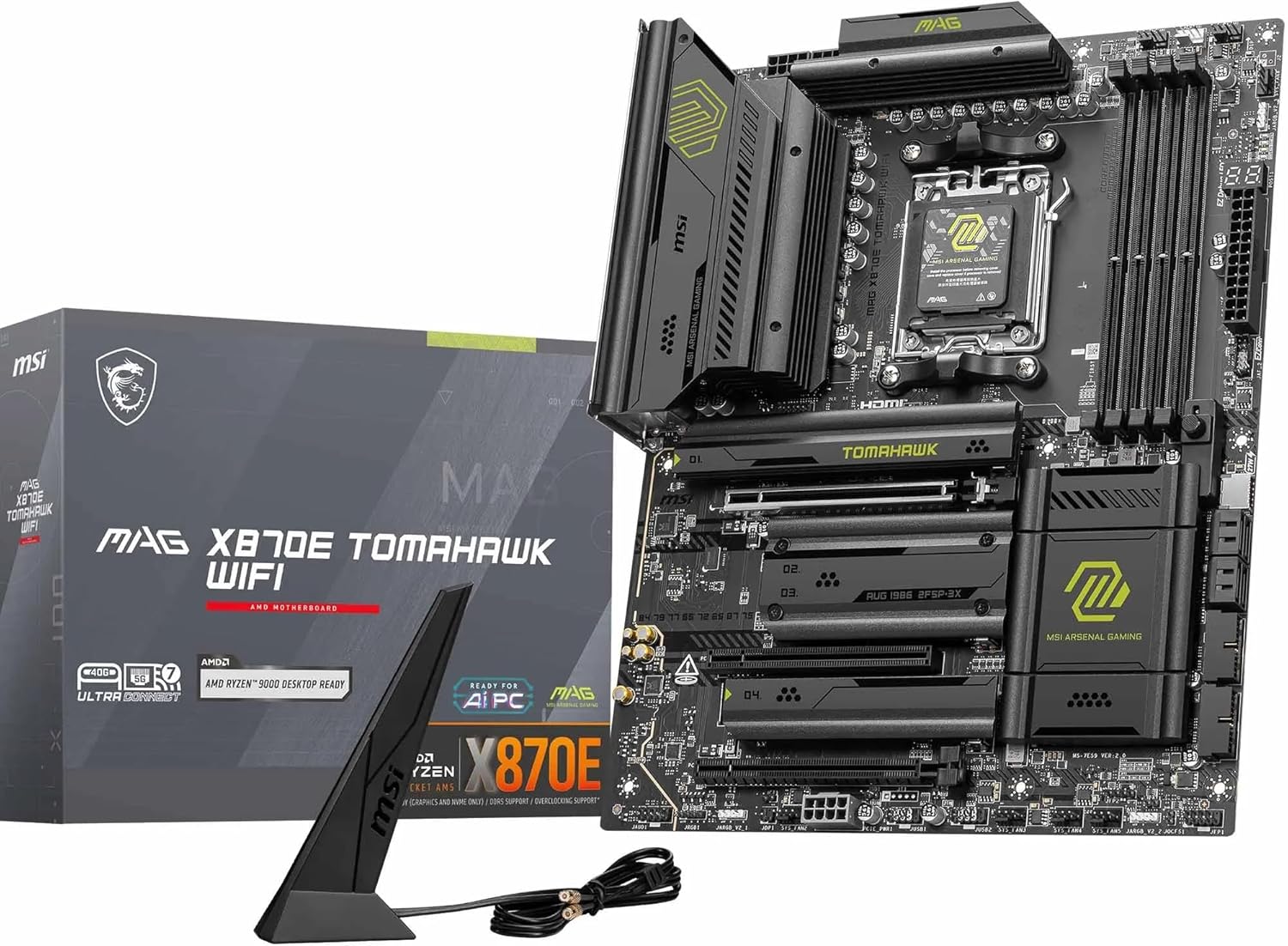
What you’ll notice first is the mix of connectivity and expansion. For graphics, it includes a PCIe 5.0 x16 slot (with Steel Armor II mentioned for the slot), which is the headline for anyone planning on the fastest generation of GPUs.
For storage, the board offers multiple M.2 slots across two generations: 2 x M.2 Gen5 x4 (128Gbps mentioned) and 2 x M.2 Gen4 x4 (64Gbps mentioned). That combination is practical. Gen5 is there for maximum speed if you have the drives to match, while Gen4 slots give you flexibility if you’re starting with existing SSDs or a more modest storage plan.
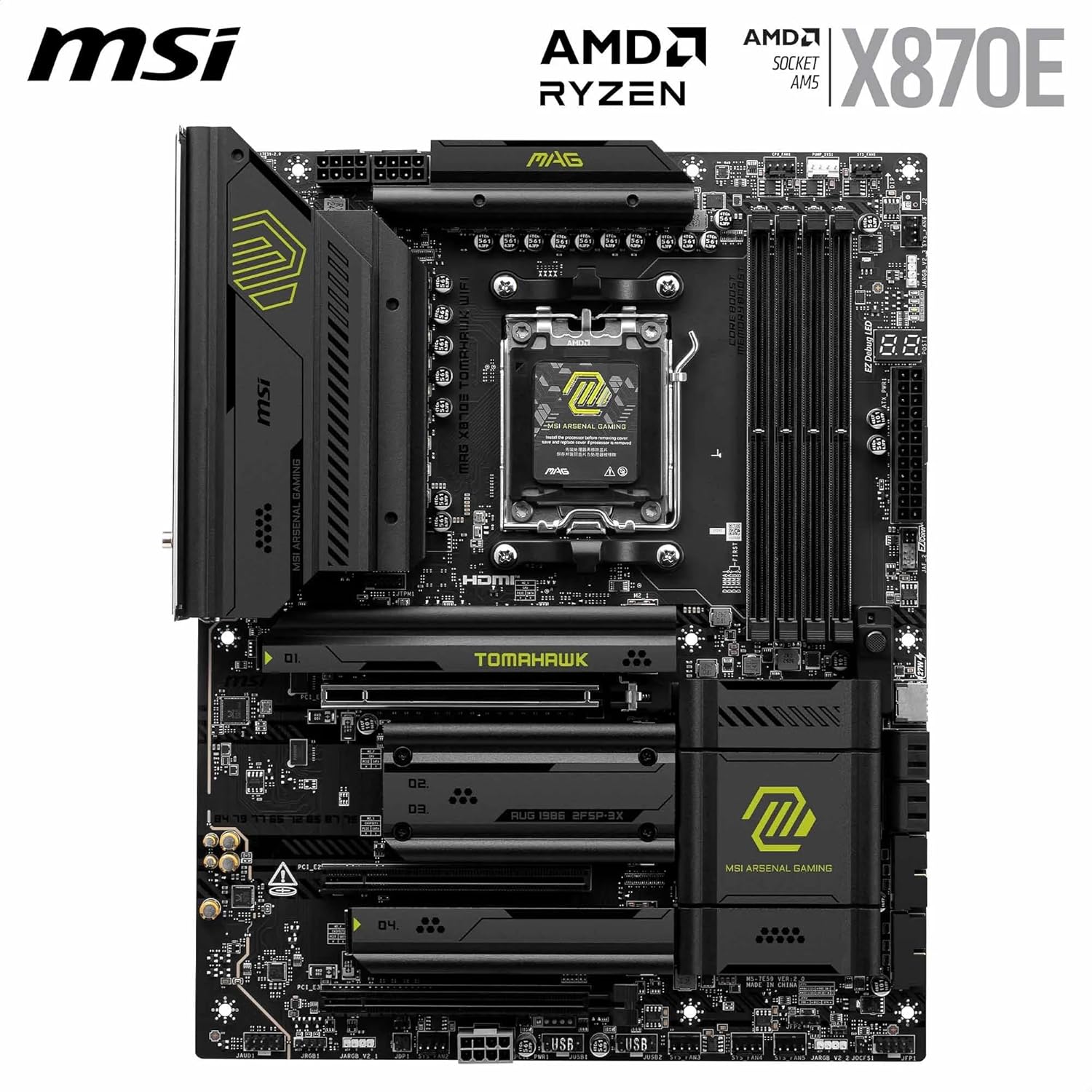
Thermals are a recurring theme. There’s an EZ M.2 Shield Frozr II for the M.2 area (designed to help prevent thermal throttling), plus a chipset heatsink and multiple thermal pad references. It’s not magic, but it’s the right kind of attention if you’ll be gaming, building content, or running workloads that keep the system busy.
Network-wise, the Wi‑Fi 7 module is listed alongside Bluetooth 5.4, and there’s also 5G LAN. If you want a cleaner “single-system” setup without relying on a separate Wi‑Fi card, that integration is a plus.
What it feels like day to day (and where it can fall short)
In everyday use, this board is essentially trying to tick the boxes you run into during upgrades: enough M.2 room to grow your storage, modern bus support for faster components, and networking that doesn’t feel dated quickly.
The DDR5 angle is also worth keeping in mind. The spec states DDR5 Memory Boost up to 8400+ MT/s (OC). Realistically, that kind of speed can depend on your exact CPU and memory kit, and overclocking may not be effortless for everyone. If you want maximum stability rather than chasing peak speeds, you’ll want to be a bit cautious about assuming the highest figures will be effortless.
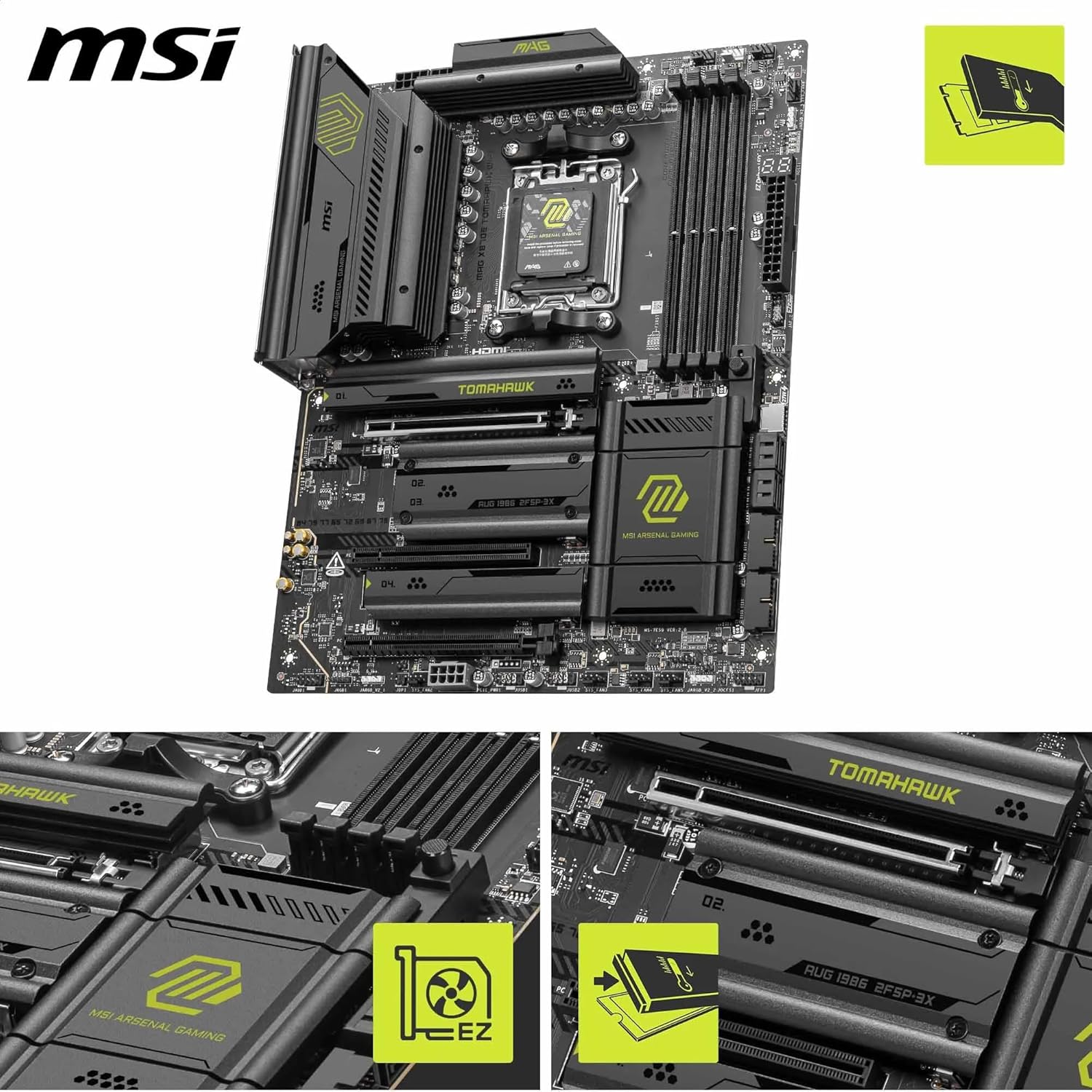
Also, because it’s positioned as a high-performance AM5 ATX board with multiple “extra” cooling and shield features, it may come across as more premium than needed if your build is mainly for web browsing and light tasks.
Tech specs
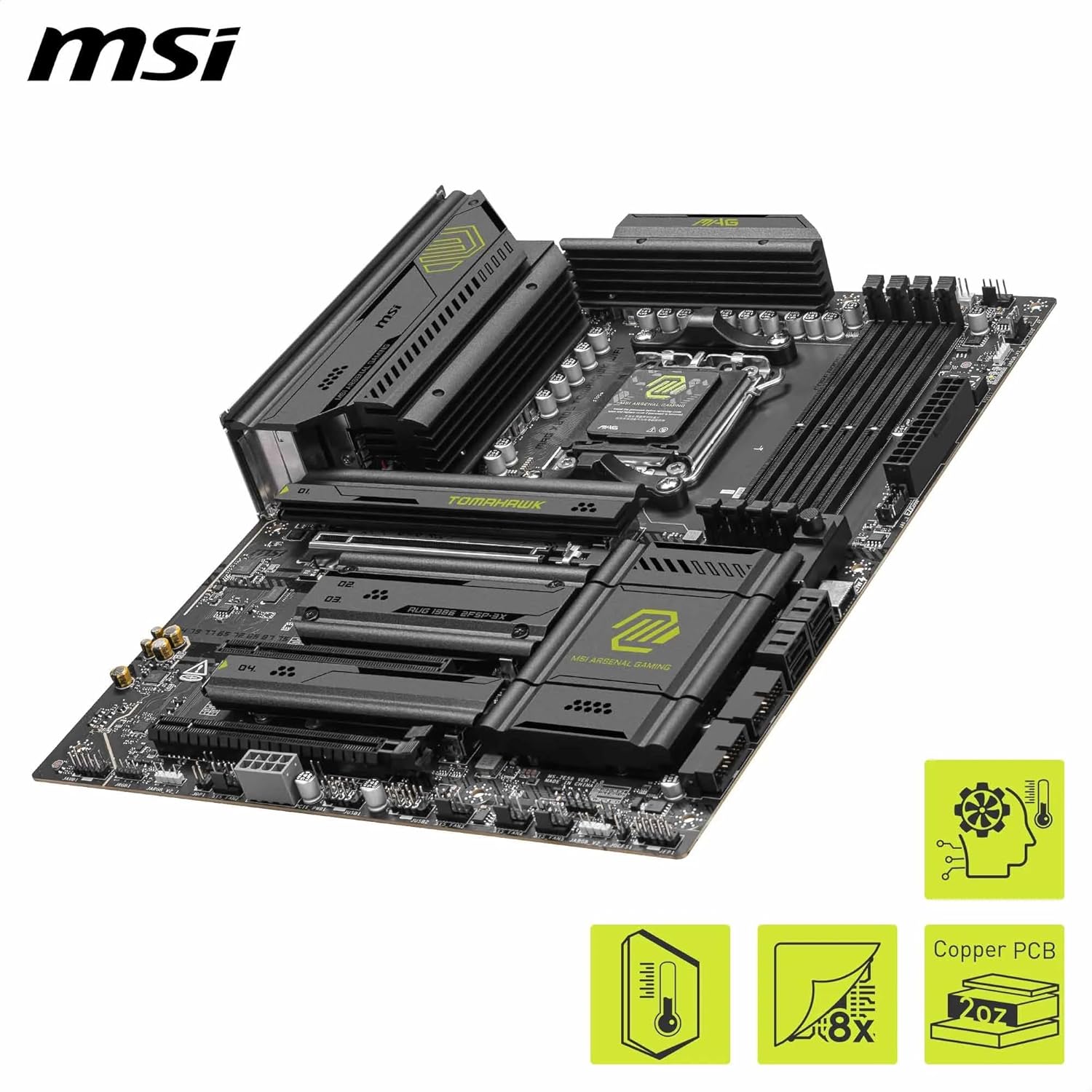
- VRM: 14 Duet Rail Power System, 80A (SPS)
- CPU support: AMD Ryzen 9000 / 8000 / 7000 (AM5, chipset listed as X870E)
- Memory: DDR5 DIMM slots (4 x DDR5 DIMM), Memory Boost up to 8400+ MT/s (OC)
- PCIe graphics: 1 x PCIe 5.0 x16 slot (128GB/s mentioned), with Steel Armor II
- Expansion/storage: 2 x M.2 Gen5 x4 128Gbps slots
- Expansion/storage: 2 x M.2 Gen4 x4 64Gbps slots
- M.2 cooling/shielding: EZ M.2 Shield Frozr II (double-sided mentioned)
- Networking: Wi‑Fi 7 module with Bluetooth 5.4, 5G LAN
- Rear ports mention: USB4 Type‑C 40Gbps with display output
- Audio mention: Audio Boost 5 with 7.1 USB High Performance Audio, S/PDIF output supported (as stated)
- Cooling components mention: FROZR GUARD with 7W/mK MOSFET thermal pads and extended heatsink, combo-fan header (3A)
Who it suits best (and who should think twice)
It makes sense if you’re building an AM5 system with a Ryzen 9000/8000/7000 CPU and you care about having headroom for fast graphics and fast SSDs. Worth considering if you want Wi‑Fi 7 built in, and if you expect to add multiple M.2 drives over time.
It may not be the best match if you’re planning a budget-focused build where DDR5/PCIe 5.0/Gen5 SSD support isn’t really on the roadmap. Also, if you’re not interested in tuning at all, the overclocking-oriented memory messaging may simply be extra complexity you won’t use.
Buying verdict
Is it worth it?
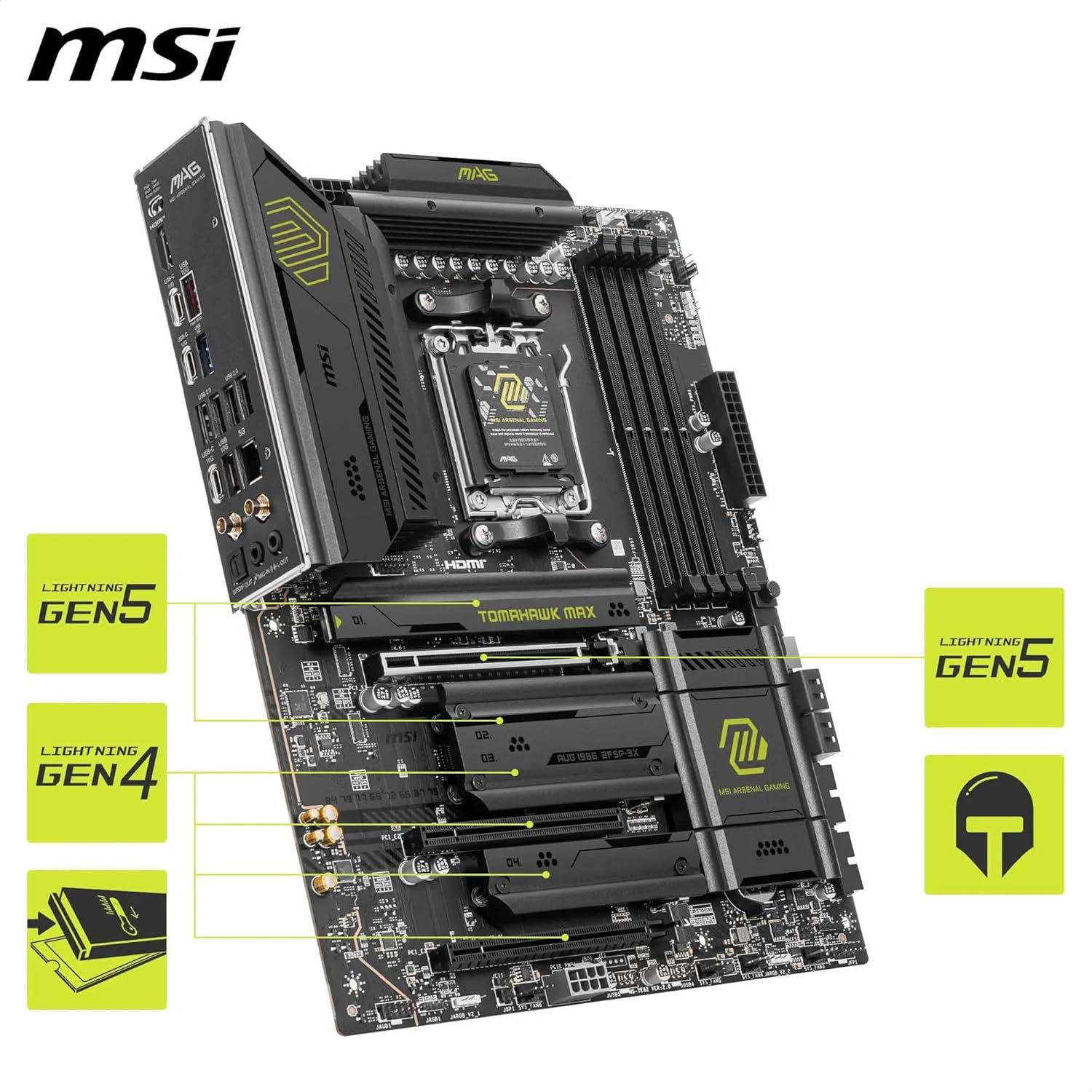
Buy it if your goal is a high-performance AM5 ATX motherboard with modern I/O, PCIe 5.0 for graphics, and both M.2 Gen5 and Gen4 slots for flexible storage upgrades. The focus on VRM power and cooling features (including MOSFET thermal pads and M.2 shielding) is a sensible match for demanding builds.
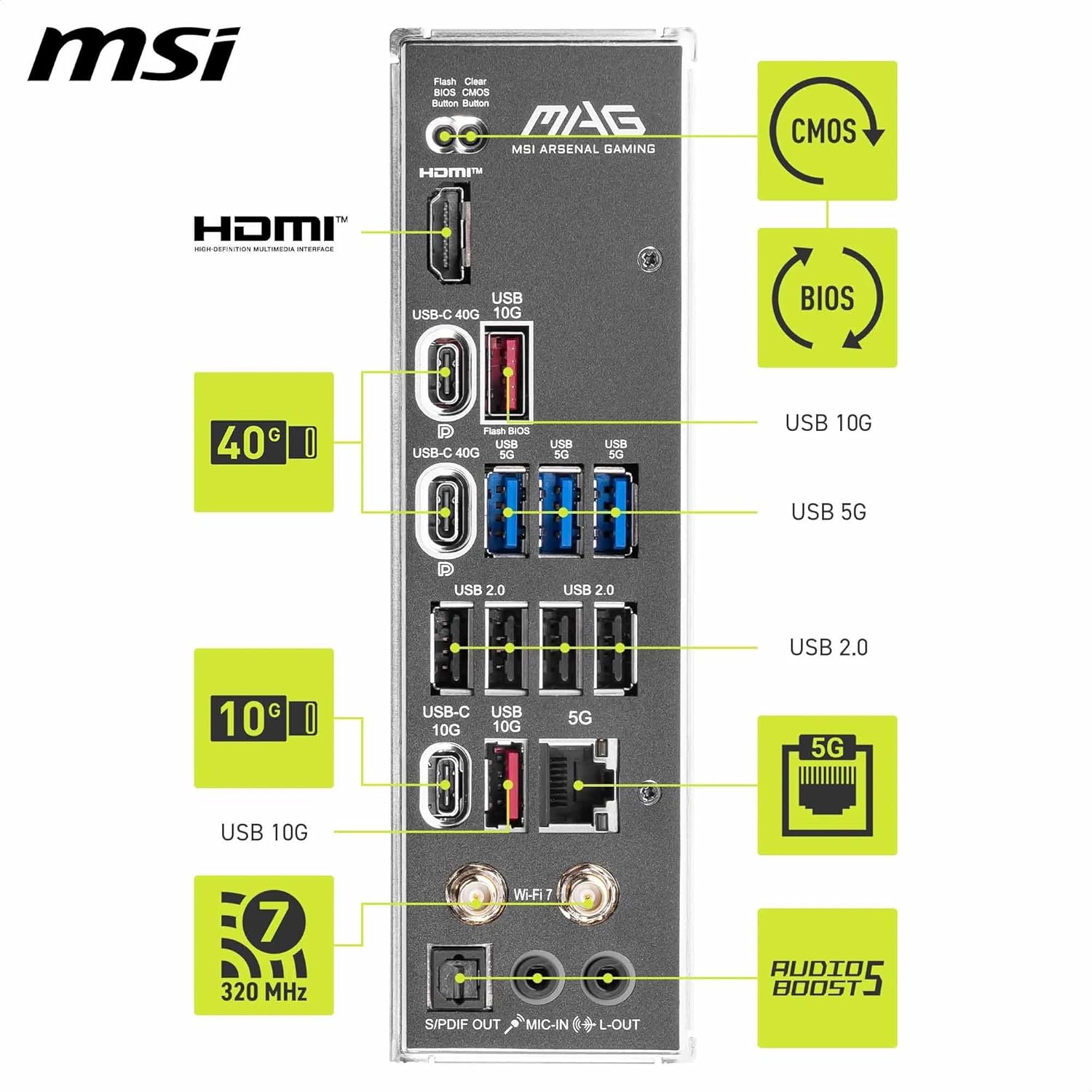
Skip it if you’re not actually going to benefit from the modern platform features—especially PCIe 5.0 and Gen5 SSD capacity—or if you want something simpler and more cost-conscious. On paper, it’s positioned for performance enthusiasts more than mainstream, low-spec users.
Mini FAQ
Does this board support Wi‑Fi without extra add-ons? Yes—Wi‑Fi 7 is listed as part of the board’s networking, alongside Bluetooth 5.4.
How many M.2 drives can you add? It includes four M.2 connectors: 2 x M.2 Gen5 x4 and 2 x M.2 Gen4 x4 (as stated).
Is PCIe 5.0 available for the graphics card? The board mentions a PCIe 5.0 x16 slot for graphics, with Steel Armor II.
Is the 8400+ MT/s DDR5 figure guaranteed? It’s described as DDR5 Memory Boost up to 8400+ MT/s (OC). Overclock results can vary depending on your memory kit and setup, so treat it as a target rather than a guaranteed setting.
What kind of user should buy an AM5 board like this? If you’re building a modern Ryzen system and plan to use fast storage and contemporary connectivity, it’s a good fit. If your requirements are basic and you’re trying to keep costs down, you may not need this level of specification.