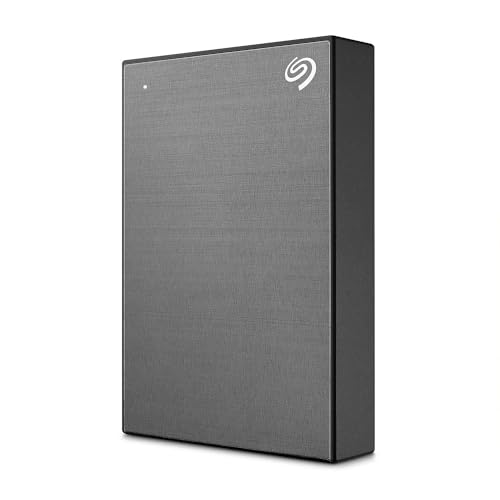
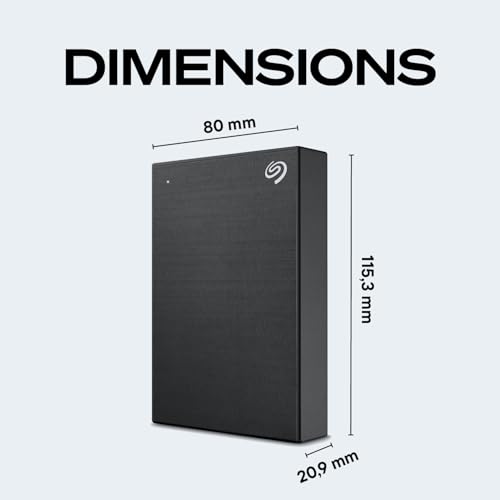
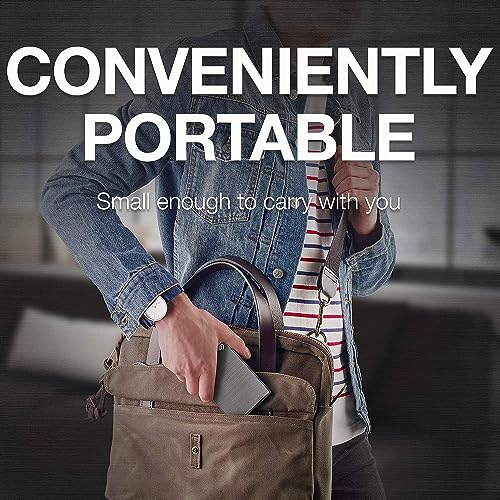
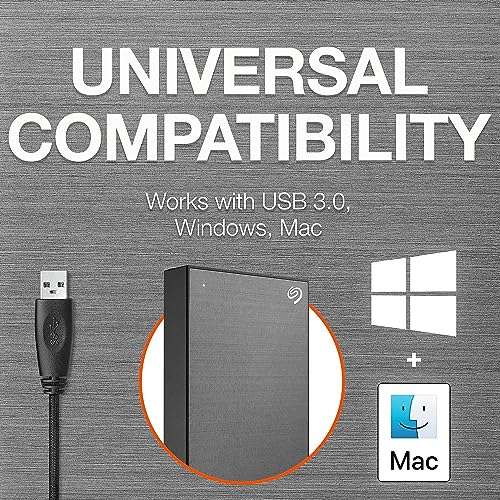
What it is and what it solves\nThe Seagate 5TB One Touch Portable Hard Drive is a compact, portable external drive designed to back up and access your photos and files on the go. With USB 3.0 connectivity, it aims to provide a straightforward plug‑and‑play solution for both Windows and Mac users, offering a simple path to local storage expansion without constant cloud reliance.\n\n## Who it’s for\nIf you need extra capacity for personal media, travel with a reliable storage companion, or want a ready‑to‑go backup drive for a laptop or desktop, this model targets everyday consumers who value ease of use and a clean aesthetic. The brushed metal enclosure lends a minimalist look that fits neatly on a desk or in a bag. It’s potentially a sensible option for those who prioritise a physically portable, high‑capacity drive that doesn't require ongoing setup fiddliness.\n\n## What stands out in use\nOn paper, the One Touch delivers backup with a single click and supports scheduled backups, which can help reduce manual maintenance. The inclusion of complementary software subscriptions—Mylio Create for organising photos and a four‑month Adobe Creative Cloud Photography plan—adds practical value for photographers or creative hobbyists who want to manage, edit, and share images without browsing for tools separately. The drive also comes with a two‑year limited warranty and a two‑year Rescue Data Recovery Service, which can offer extra peace of mind for important files.\n\n## Strengths to note\n- Generous 5TB capacity in a portable form factor supports a broad photo library or document collection.\n- USB 3.0 interface promises reasonable transfer speeds for a drive of this class, suitable for backups and large file transfers.\n- Compatibility with Windows and Mac (Time Machine requires reformatting) means flexible usage across common systems.\n- Added software benefits (Mylio Create, Adobe CC Photography) provide practical workflow enhancements for photo management and editing.\n- Strong value proposition for those who want a straightforward, rugged backup workflow with long‑term support through warranty and data recovery cover.\n\n## Limitations and caveats\n- Time Machine compatibility isn’t native and may require reformatting, which could complicate use for macOS users who rely on Apple’s backup workflow.\n- No resilience features beyond standard portability, as with any external HDD, it’s important to avoid drops and to back up critical files in more than one place if possible.\n- The bundled software benefits are time‑limited (subscriptions require redemption) and availability can vary by country.\n\n## How it fits into a buying decision\n- If you want a straightforward, large‑capacity portable drive for travel or home‑office use, this model offers a cohesive package with backup convenience and some useful tooling for photo workflows.\n- If you already rely on Time Machine as your macOS backup strategy or require ultra‑fast sustained transfer speeds for video editing on the road, you might wish to compare with options that emphasise macOS compatibility or speed.\n- It’s worth noting that the value hinges partly on the practicality of the included software subscriptions and the perceived benefit of Rescue Data Recovery in your personal plan.\n\n## What to check before buying\n- Confirm whether Time Machine compatibility is essential for your setup and whether you’re comfortable reformatting the drive if needed.\n- Consider your backup cadence: is a single‑click backup plus scheduling enough for your routine, or do you need more granular control?\n- Think about where this drive will live day‑to‑day, while portable, keeping it in a protective case when travelling is advisable.\n\n## Practical use example\nImagine editing a photo project while away from the desk: you copy raw files onto the drive, organise with Mylio Create, and make quick edits using the included cloud photography plan. When back at your workstation, you restore versions or share a selected gallery with a single click.\n\n## Is it worth it?\nA solid pick if you prioritise transportable capacity and a simple backup routine, with the bonus of creative‑tool perks and data recovery cover. It may not be the best match if you need seamless Time Machine integration without reformatting, or if you require high‑end transfer speeds for time‑critical workloads.\n\n## FAQ (practical answers)\n- Do I need to reformat for my Mac? Time Machine may require reformatting, check your backup needs before purchasing.\n- Is the drive fast enough for large photo transfers? USB 3.0 offers decent speeds for backups and file transfers, but it’s not the top tier for professional video editing on the road.\n- What does the software bundle include? A one‑year subscription to Mylio Create and a four‑month Adobe Creative Cloud Photography plan, with redemption requirements and country availability limitations.\n