

Yeelight Monitor Light Bar 40cm — Touch Control, Dimmable USB LED Screen Lamp
Product description
What it is and what it aims to solve
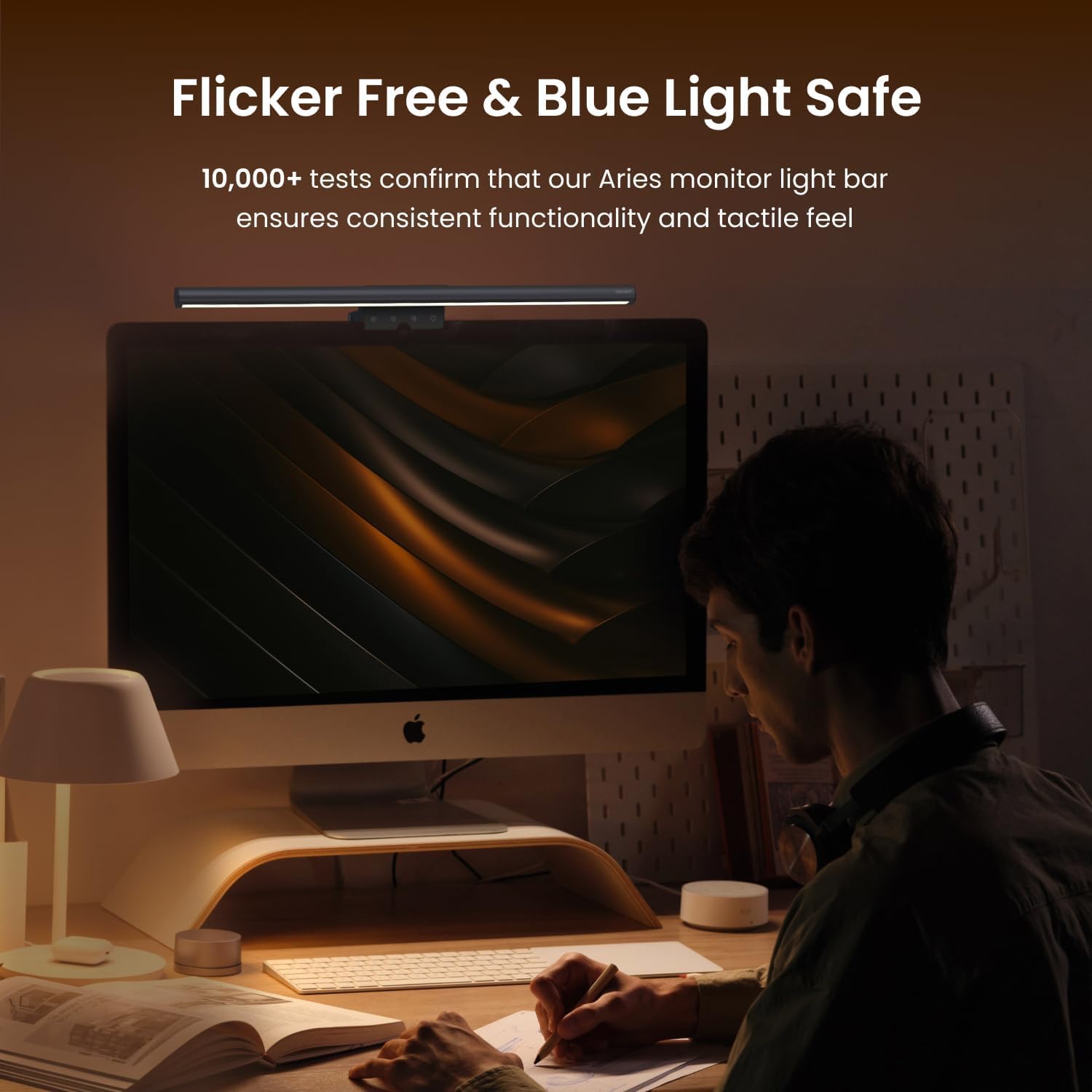
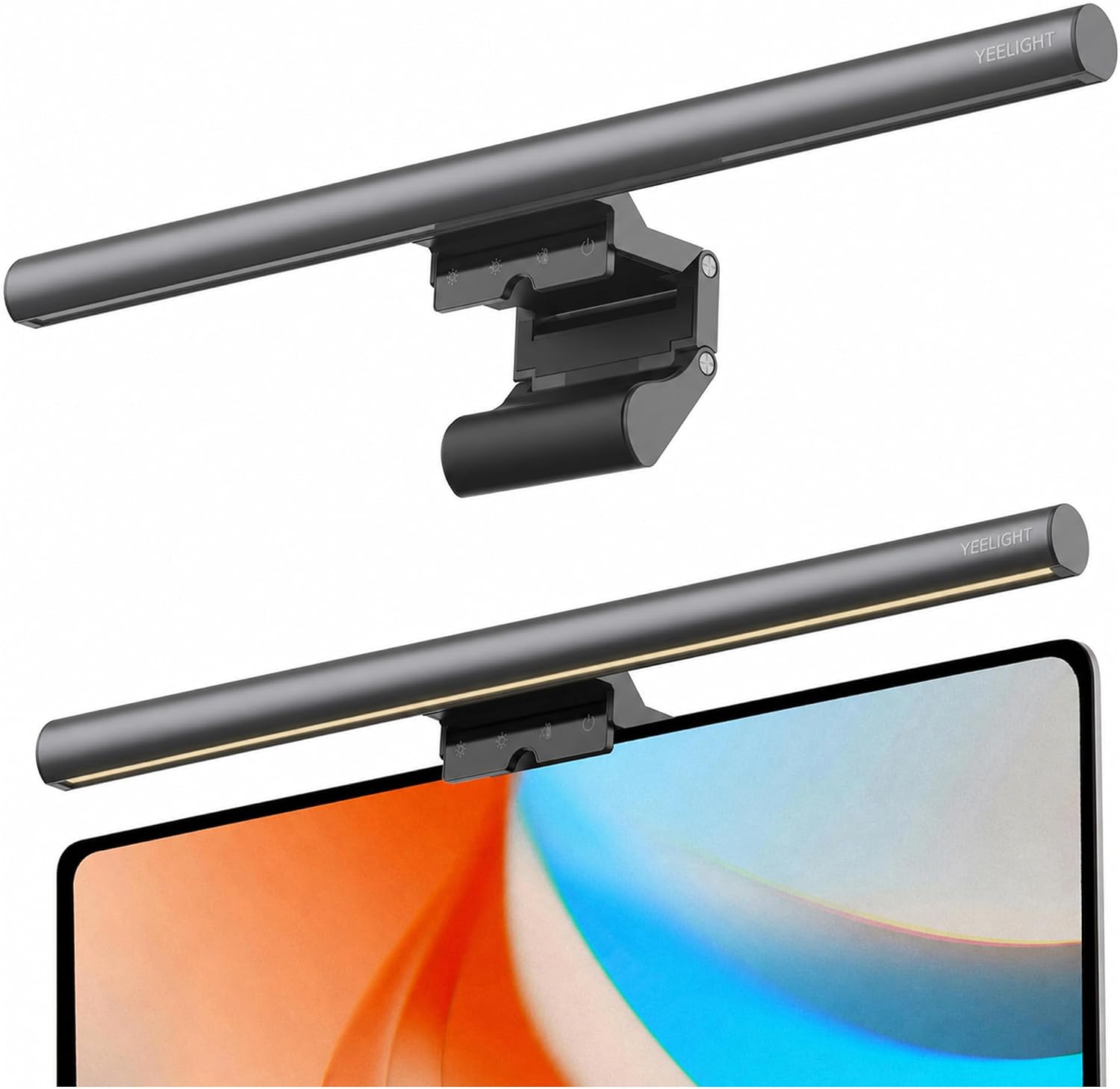
The Yeelight Monitor Light Bar is a compact, USB-powered LED strip designed to sit on top of your monitor. Its purpose is to provide desk lighting that reduces eye strain, minimises glare on screen, and keeps your work area well lit without occupying desk space. On the paper, it combines stepless brightness with adjustable colour temperature, staying out of the way while you focus on the screen. It’s a practical tool for long hours at the computer, particularly if you want consistent illumination without a stand-alone lamp hogging your desk.
How it works and what you get
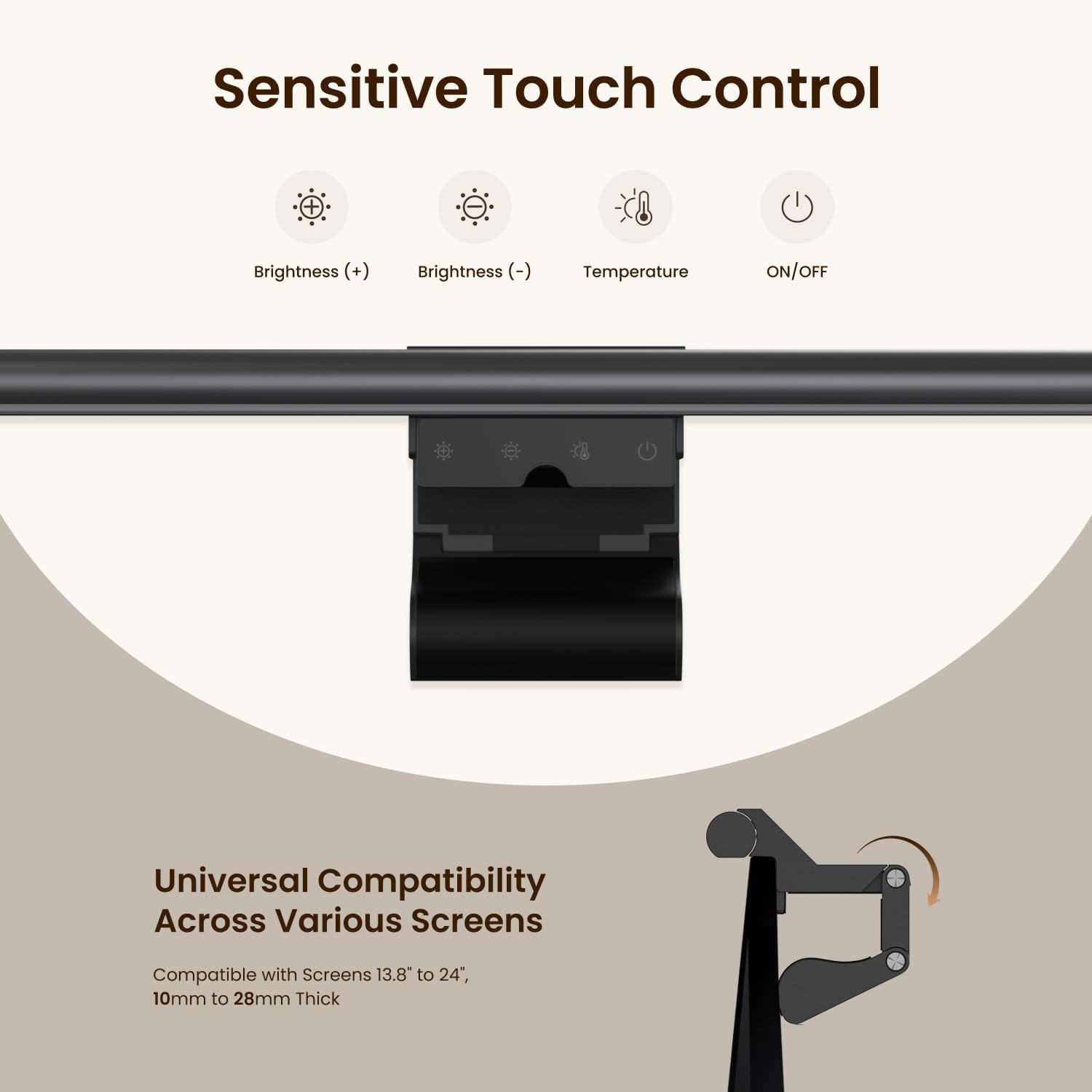
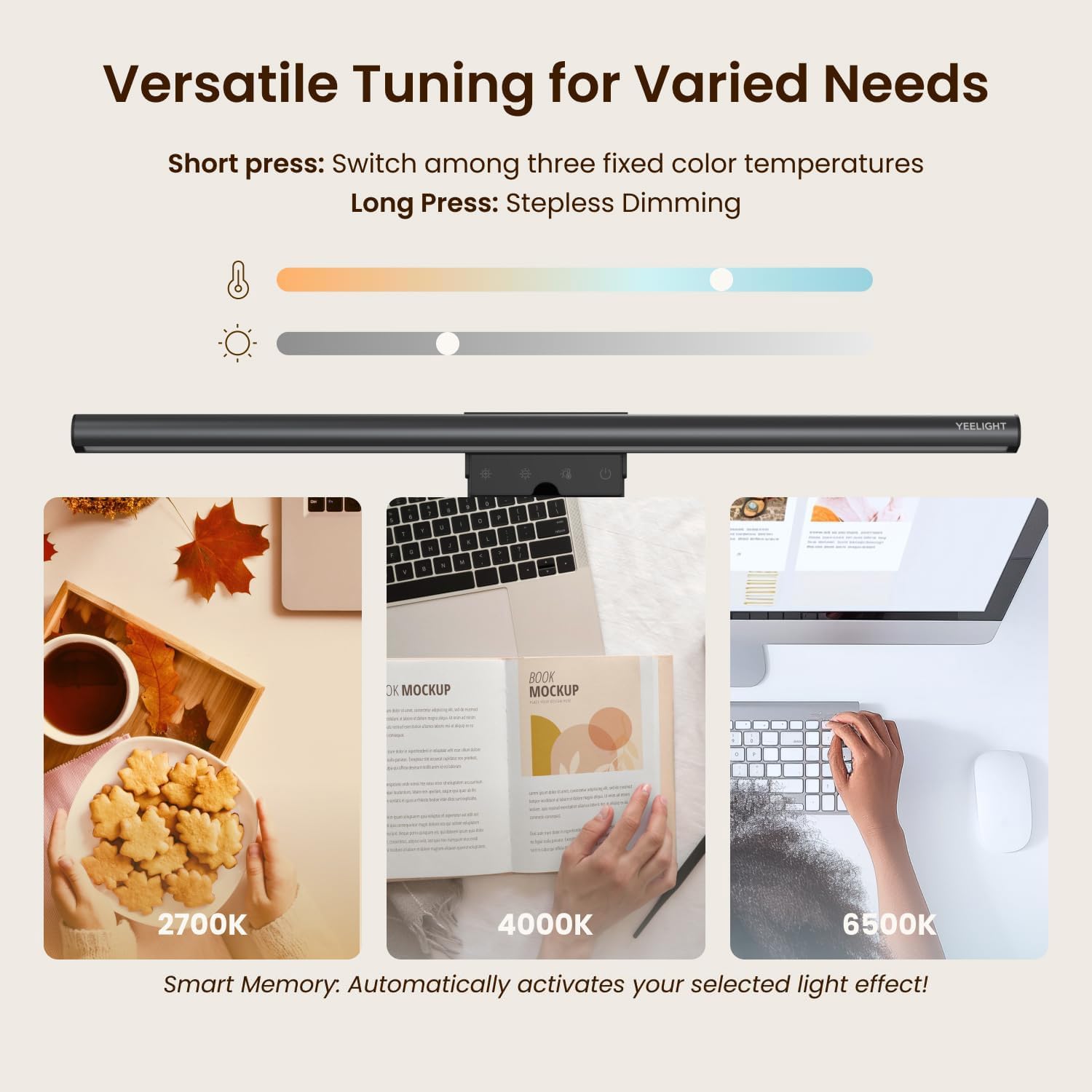
Install is straightforward: clamp the light bar to the top of most monitors (0.3" to 1.4" thick) and power it via USB. The light uses 78 LEDs to deliver up to 250LM with a brightness of around 1500LUX at the screen, providing even coverage across the workspace. You can dial in a warmer 2700K setting for late-night reading or a cooler 6500K for focused work, with stepless dimming and three fixed colour temperatures accessible with a single touch. A key benefit here is reduced screen glare and flicker-free operation, which should help ease eye fatigue during extended sessions.
What stands out and where it may fall short
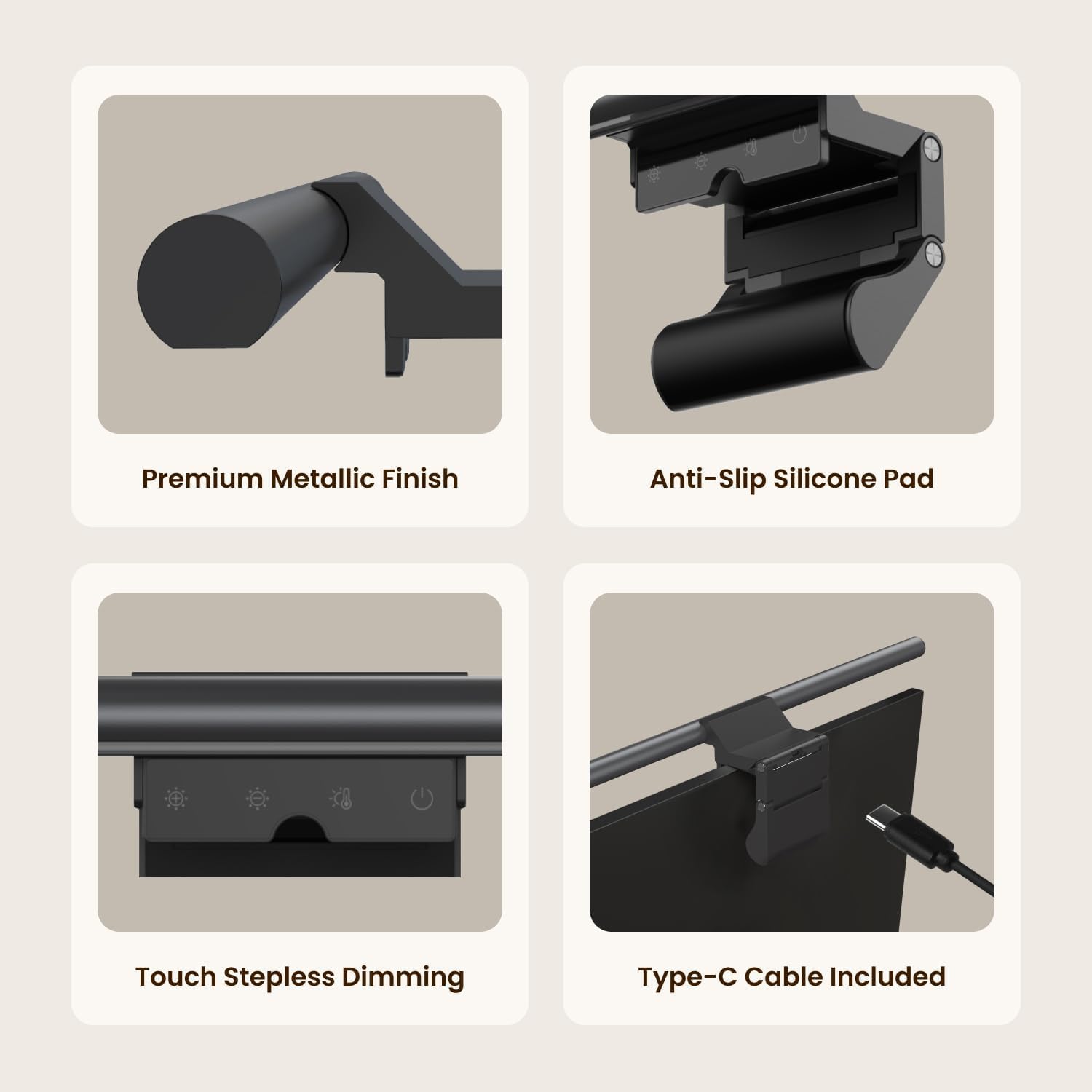
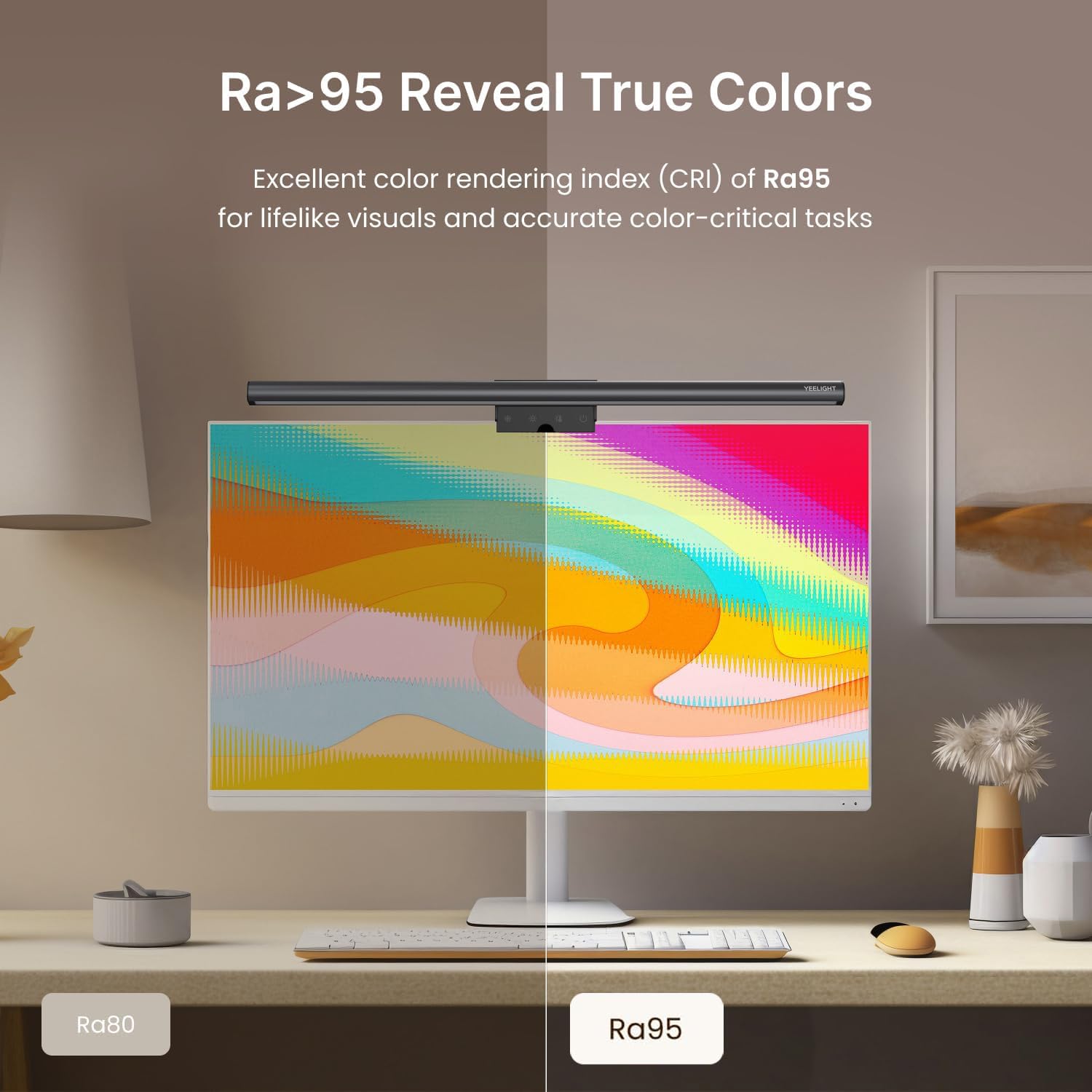
On the upside, the full-metal build looks sturdy and feels premium compared with plastic alternatives, plus heat dissipation should help the light stay comfortable to the touch during long use. The lack of a bulky base frees up desk space, and the clip-on design makes installation quick. However, the setup depends on USB power availability and screen size, it won’t replace a dedicated room light if you need brighter illumination or a broader spread across the room. If you prioritise precise colour fidelity for design work, the Ra95 rating is a strong point, but practical use depends on ambient lighting and screen brightness.
Who this is for
If you work long hours at a computer, value eye comfort, and want to keep your desk uncluttered, this monitor light bar can be a sensible addition. It’s potentially well suited for students, remote workers, and hobbyists who want a focused light source that won’t interfere with their screen glare. It may be less compelling for those who need a high-powered lamp to light a larger room or for those who require very custom lighting setups beyond the three fixed modes.
Who might want to think twice
If your monitor is very thick or you require lighting that spreads beyond the screen area, a larger or more versatile lamp could be a better match. Also, if you seldom use software-lighting features and simply want a basic desk lamp, this bar may feel more specialised than necessary.
When it makes sense to buy it
Consider this if you want concentrated monitor-top lighting, a neat, space-saving form, and reliable eye care with a flicker-free, colour-adjustable option. The USB-powered design is convenient for laptops and desktops alike, and the metal body suggests durability for regular daily use.
What to check before you buy
- Confirm your monitor width and thickness fall within the clip range (0.3"–1.4").
- Ensure you have USB power available at your workstation for continuous operation.
- Think about your typical lighting needs: do you mainly need warmer ambient light or cooler task lighting?
- Consider whether three fixed colour modes plus stepless dimming cover your usual scenarios.
Practical usage example
Imagine you’re editing photos after a long day. You can set a cool, steady 6500K light to illuminate your desk without creating harsh reflections on the screen, then switch to a warmer 2700K for late-night emails. The setup feels unobtrusive, and the light can be adjusted mid-task with a gentle press and hold.
FAQ snapshot
- How easy is it to install? Very straightforward via the clamp and USB power, most setups take seconds.
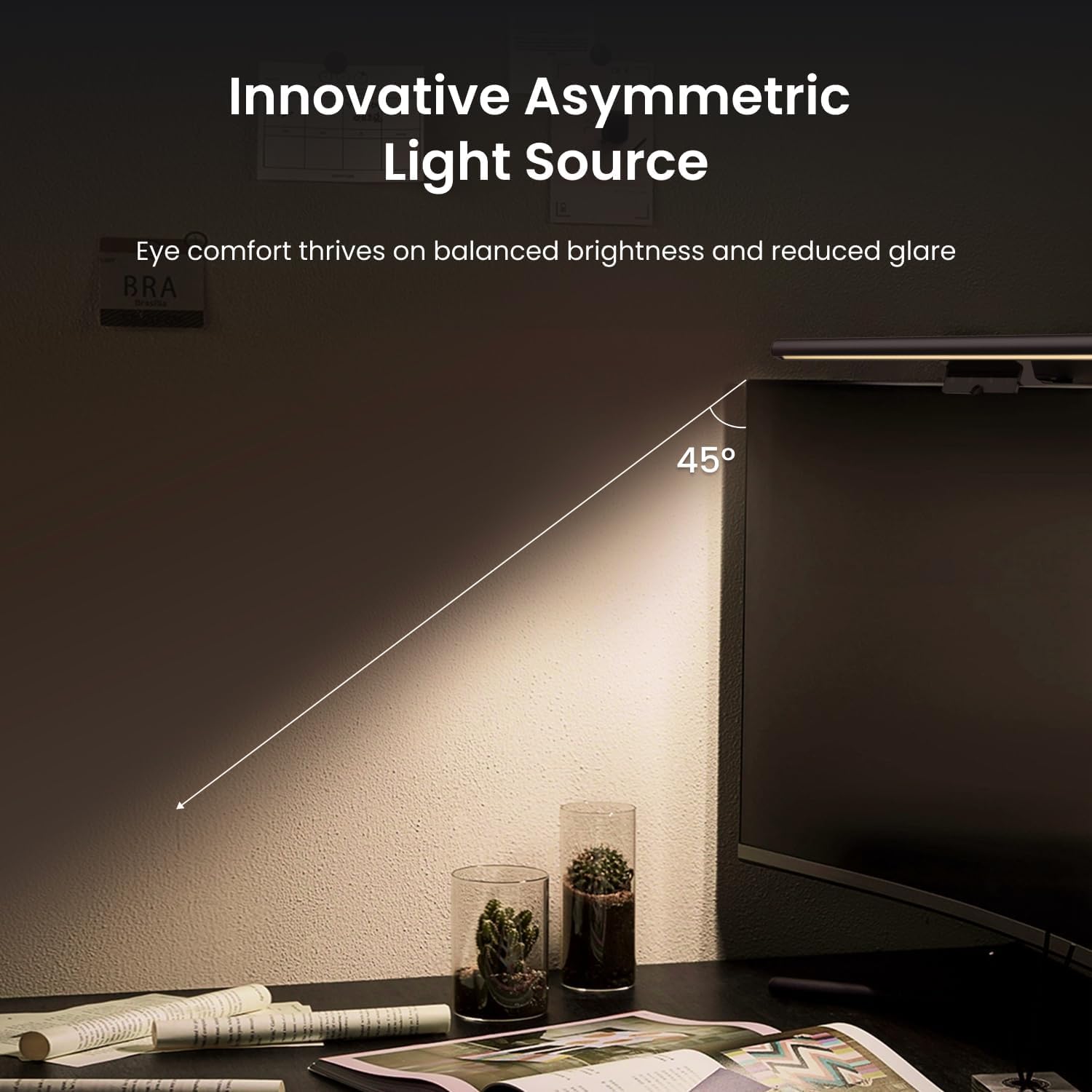
- Will this glare-proof my screen completely? It helps reduce glare and reflections, but results depend on screen brightness and room lighting.
- Can I use it with curved monitors? Yes, the flexible clip accommodates curved screens within the stated thickness range.
Is it worth it?
Worth considering if you prioritise a dedicated, space-saving monitor light that protects your eyes and keeps desk clutter to a minimum. It isn’t the best option if you need broad room lighting or ultra high colour accuracy for critical visual work, for general use and everyday tasks, it offers a practical balance of convenience and comfort.