

UGREEN USB C to HDMI 2.1 cable 8K
Reviews
Price
Product description
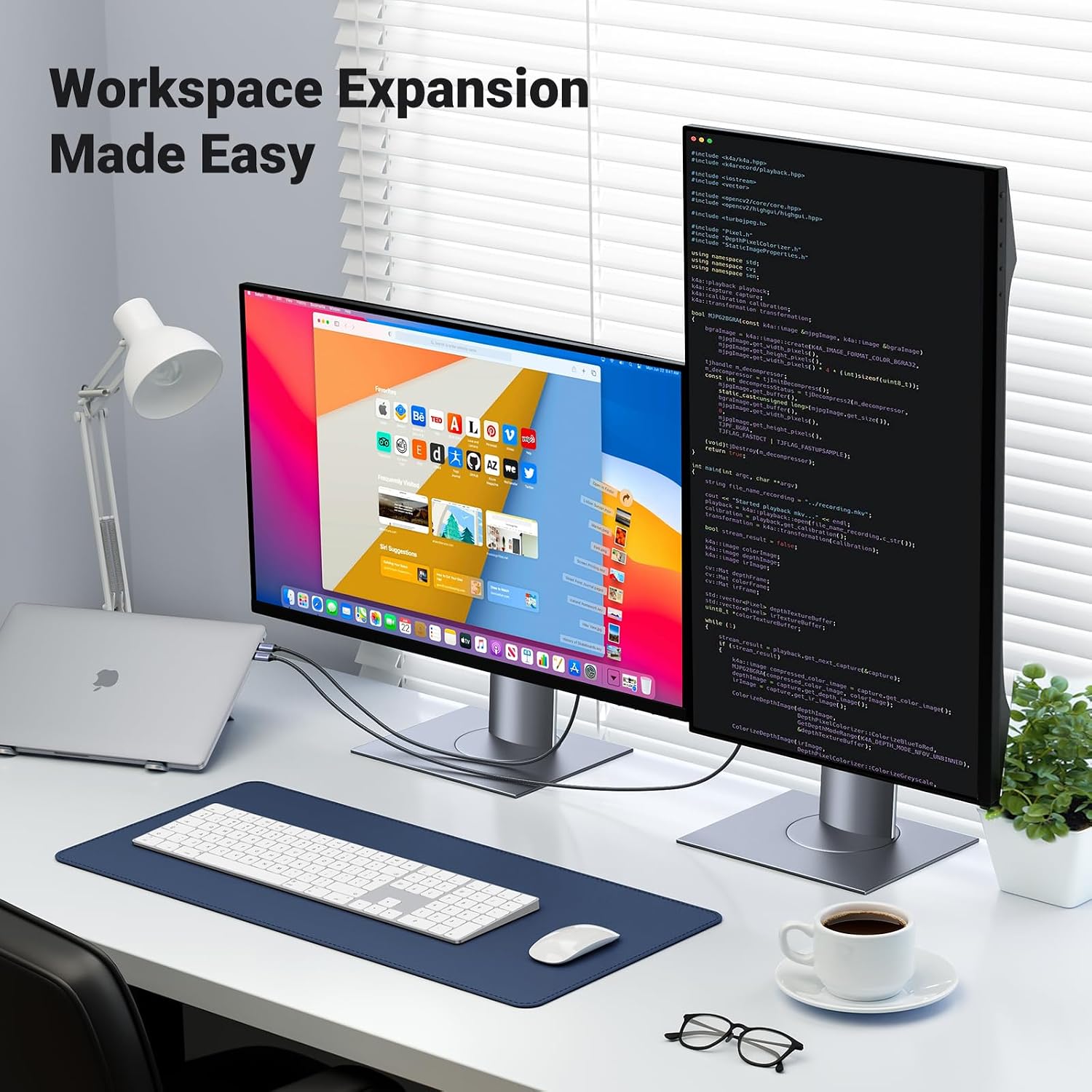
If you want a straightforward way to mirror your laptop, tablet or compatible phone to a bigger screen, this UGREEN USB C to HDMI 2.1 Cable is built for the job. Plug it in and connect to a TV or monitor for a clear, high resolution viewing experience, whether you are watching content, presenting work or gaming. 🖥️ 📺 It is a one way cable for video output from the USB C device to the HDMI display, so it matches common home and office setup needs.
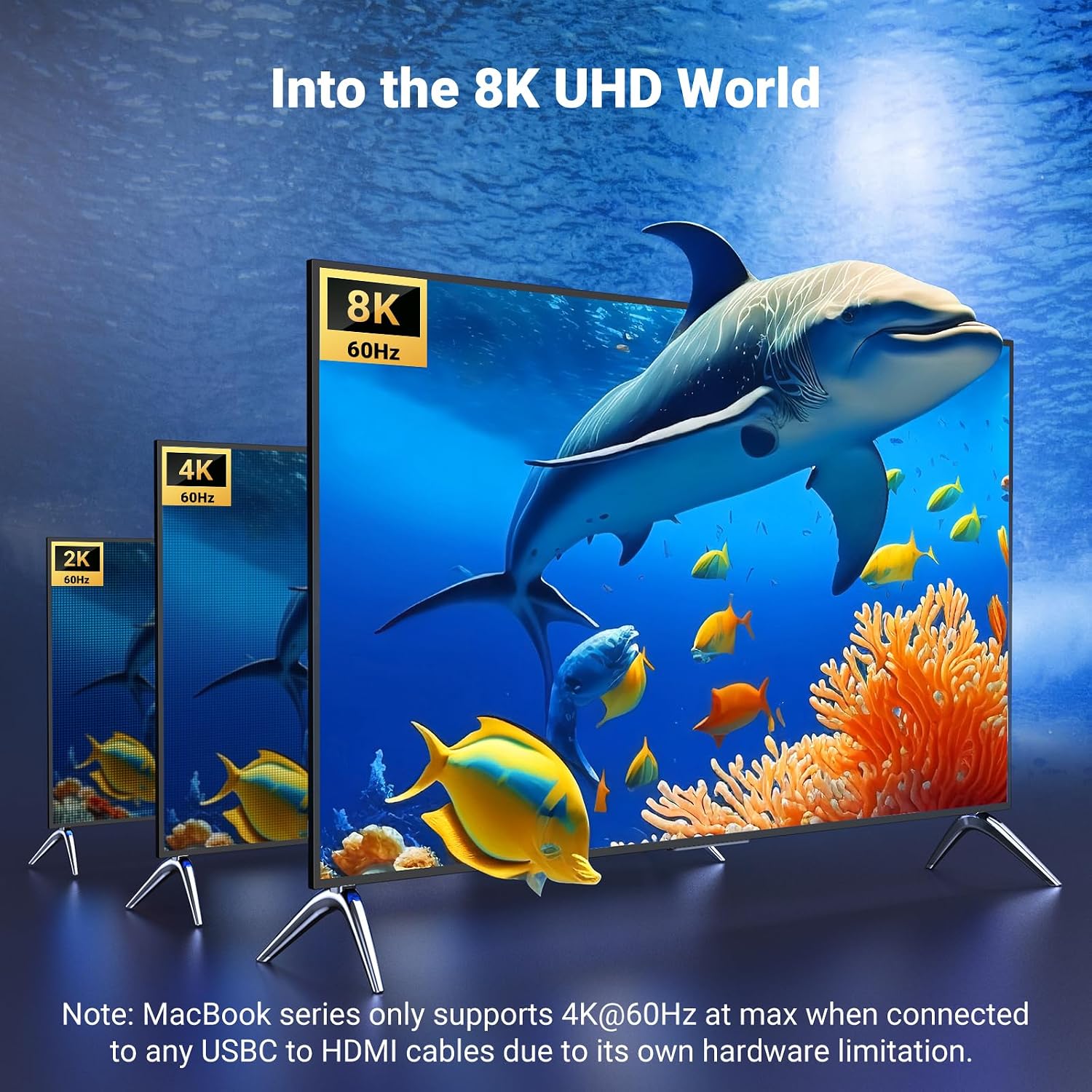
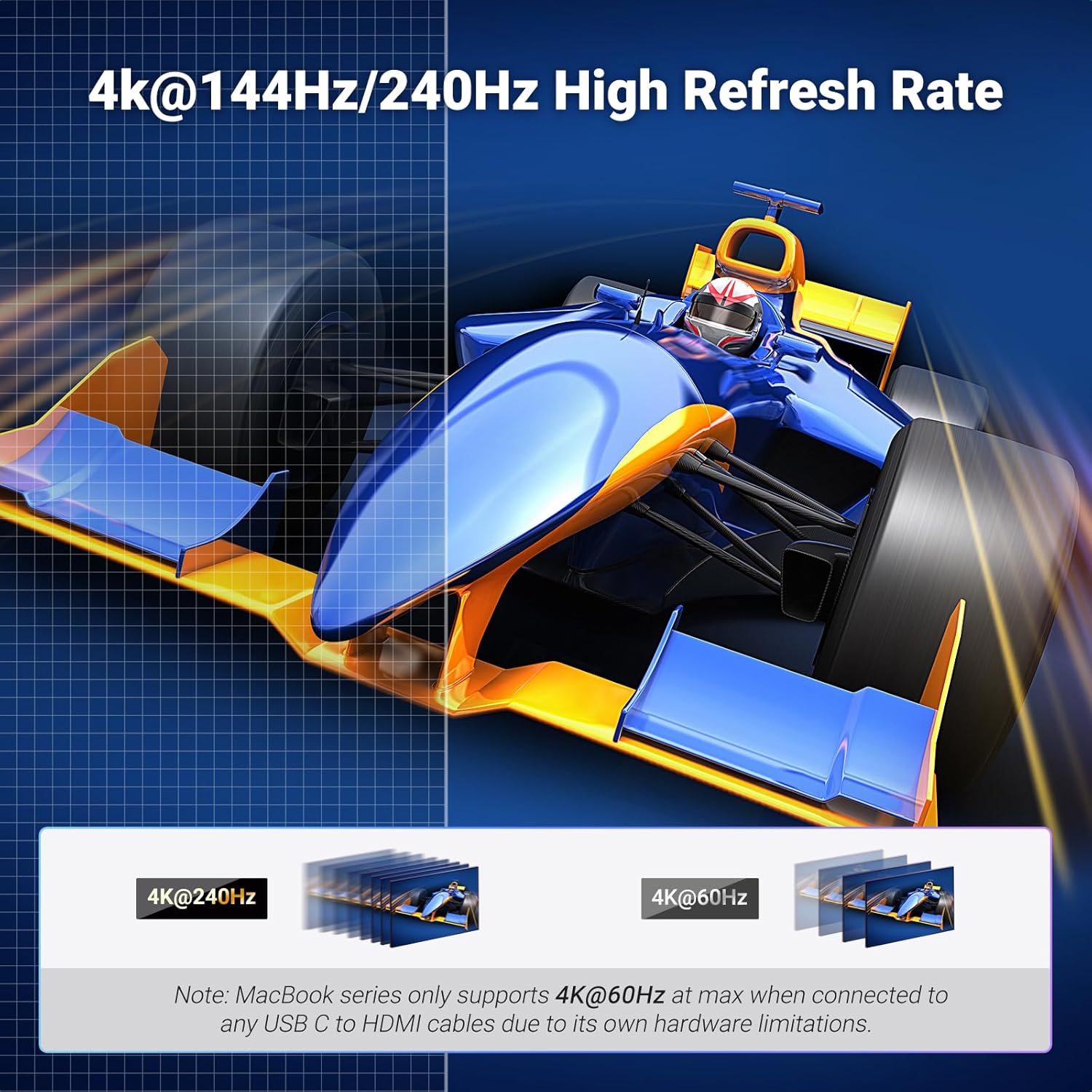
Alongside plug and play convenience, the cable supports high refresh rates and modern HDR formats. According to the manufacturer, it reaches up to 8K at 60Hz, and also supports 4K at higher frame rates for smoother motion. For best results, it also relies on your device supporting the right video output mode such as DP Alt Mode or Thunderbolt 3 to 4 video transmission.
Key features at a glance
This UGREEN cable is designed to convert the USB C video output from your device to a standard HDMI connection, without driver installation. That makes it practical for everyday switching between a laptop desk and a living room display, or for quick screen sharing during meetings. The video transmission is unidirectional, meaning it sends video from the USB C source to the HDMI screen, not the other way round. ✅
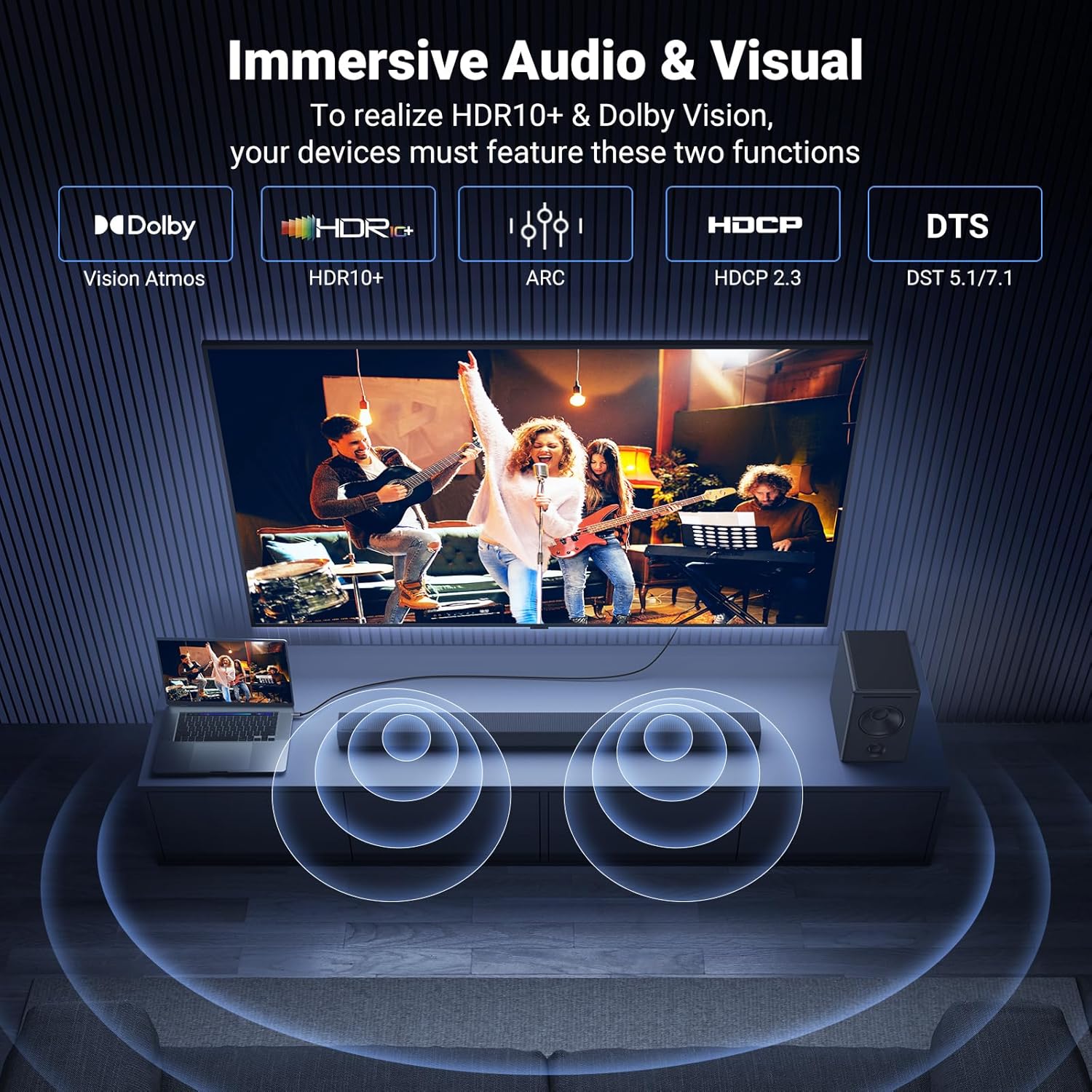
It supports high resolution modes and higher frame rate outputs, which can help keep fast scenes looking smoother on compatible TVs and monitors. The cable is also described as supporting HDCP 2.3 and dynamic HDR, and it references Dolby support to help maximise compatibility with modern media playback. 🎬
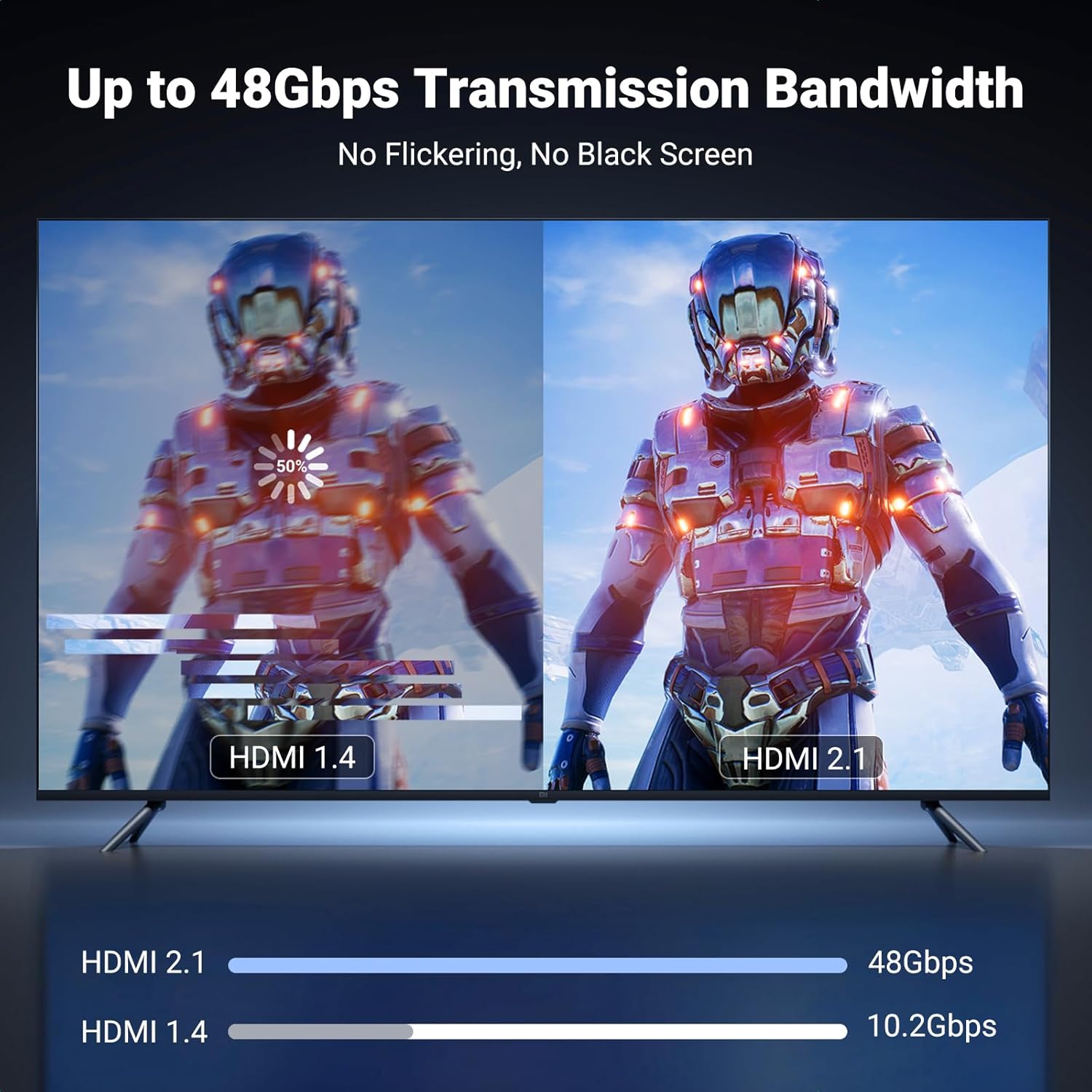
There is also a speed focused angle in the design. The cable is stated to support HDMI 2.1, with transmission rates up to 48Gbps, which is useful when you are connecting to displays that can make the most of higher performance signals. 🧠
Tech specs
- Type: USB C to HDMI 2.1 video cable
- Resolution: up to 8K at 60Hz
- Supported refresh rates: 4K at 240Hz, 144Hz and 120Hz
- Compatibility: HDCP 2.3 support and dynamic HDR
- Data rate: up to 48Gbps
- Cable length: 3 m
- Materials and build: tinned copper conductors, multi shielding and braided nylon outer
What to know before you buy
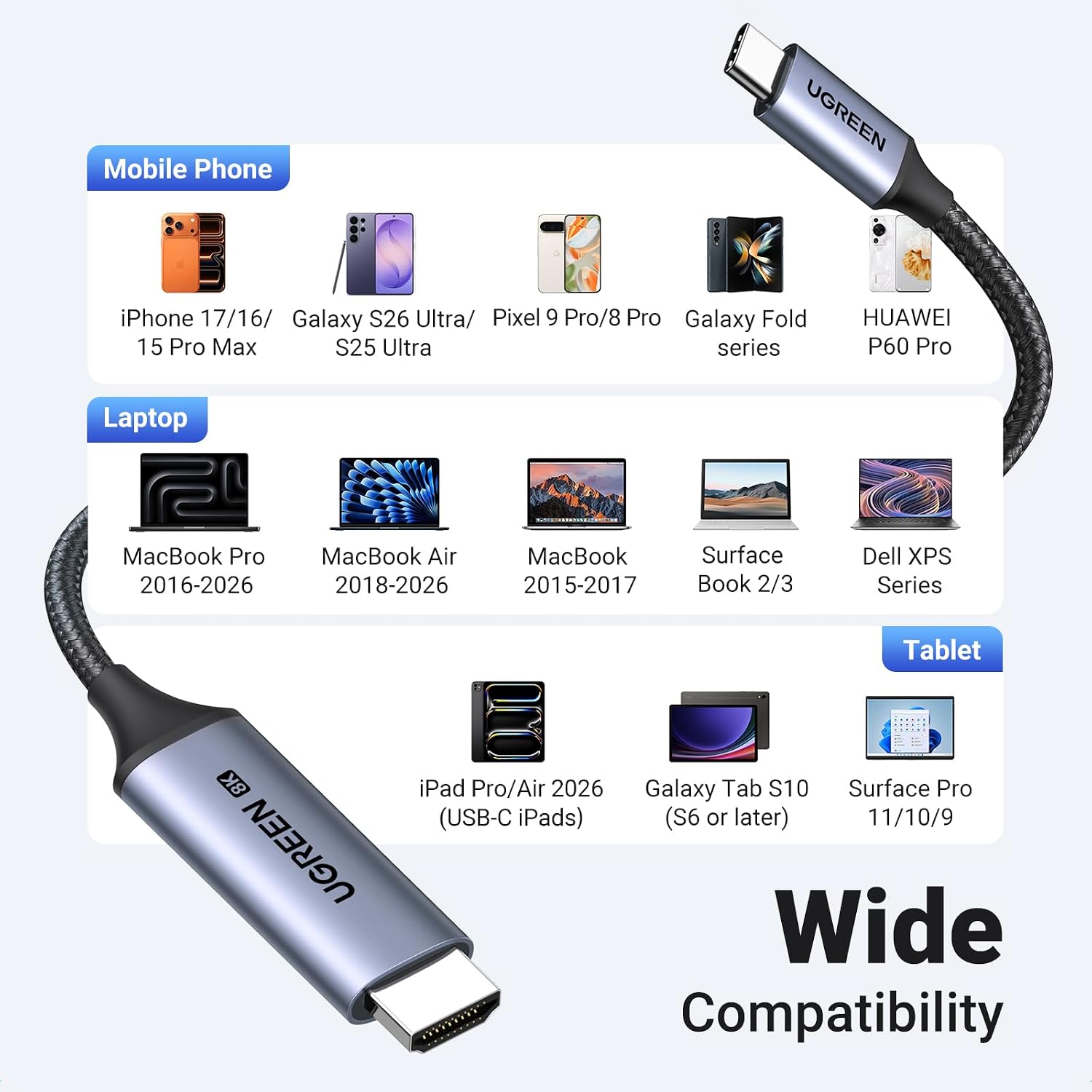
A cable like this only works if your USB C port can output video. UGREEN specifies that you should check whether your device supports DP Alt Mode or Thunderbolt 3 to 4 video transmission, otherwise the USB C to HDMI connection will not function. That is one of the most important practical checks, especially on phones and tablets where USB C charging can be present without video output capability. 🔎
Assuming your device is compatible, the connection is described as plug and play, so you can typically avoid software setup and focus on getting your screen working quickly. The cable is intended for connecting a compatible device to HDMI displays such as TVs and monitors for larger screen viewing. This makes it a good fit for home entertainment setups, workstations, and travel use where you want a reliable single cable solution.
On the signal quality side, the manufacturer highlights multi shielding and a tinned copper copper conductor design to reduce interference and help keep the signal stable. For day to day durability, the braided nylon jacket is stated to be robust against bending and repeated plugging, and the aluminium HDMI connector is described as resistant to heat and corrosion. If you move your devices often or keep cables in bags, that kind of build detail is worth considering.
The essentials
It’s a good fit if you want a single USB C to HDMI lead for plugging your compatible laptop or tablet into an HDMI monitor for video, viewing or presentations. It also makes sense if you are aiming for higher specification output such as 8K at 60Hz and faster 4K refresh rates on a supported display. You may like it if you prefer a simple plug and play connection and you already know your device supports DP Alt Mode or Thunderbolt 3 to 4 video output.
It’s not for you if your USB C port does not support video output, because the cable is unidirectional from the USB C device to the HDMI screen. Better avoided if you need an HDMI to USB C direction for capturing or sending video back to your device. It might not be a great match if your display setup does not support the high resolution or refresh rate modes you are looking for.