

StarTech USB-C to DisplayPort 1.4 Cable (CDP2DP146B) – 6 ft / 1.8 m, 8K 60Hz, HDR, DSC, DP Alt Mode
Product description
What it is
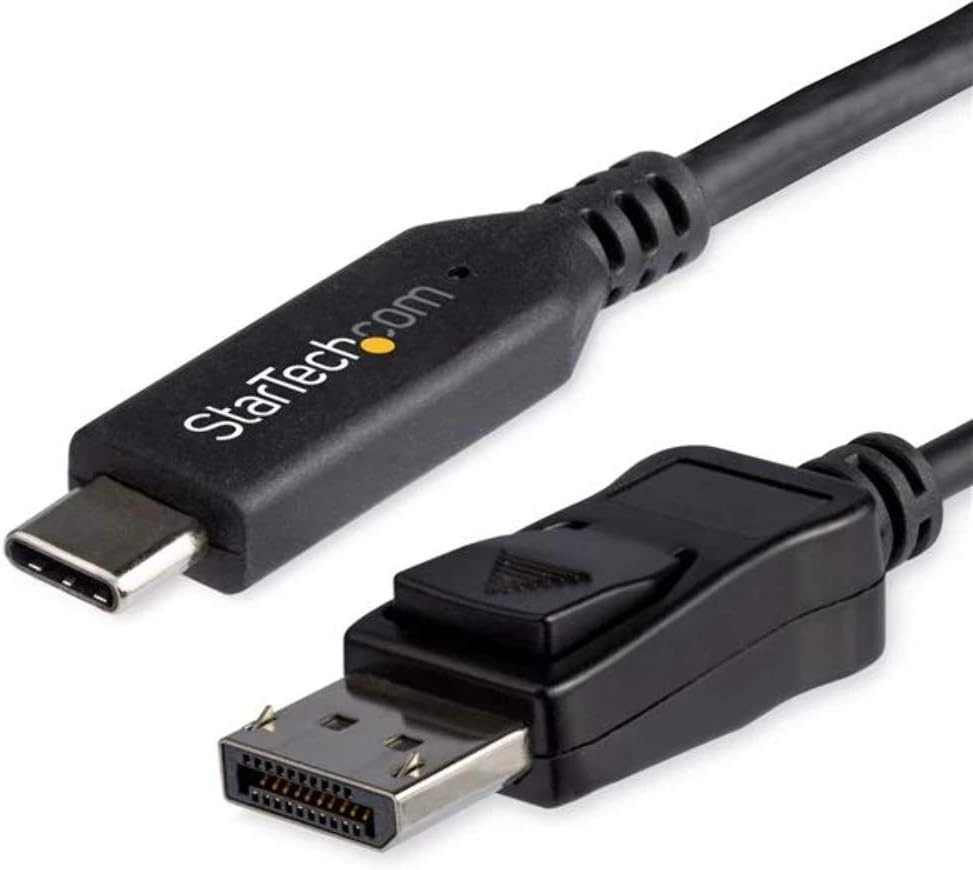
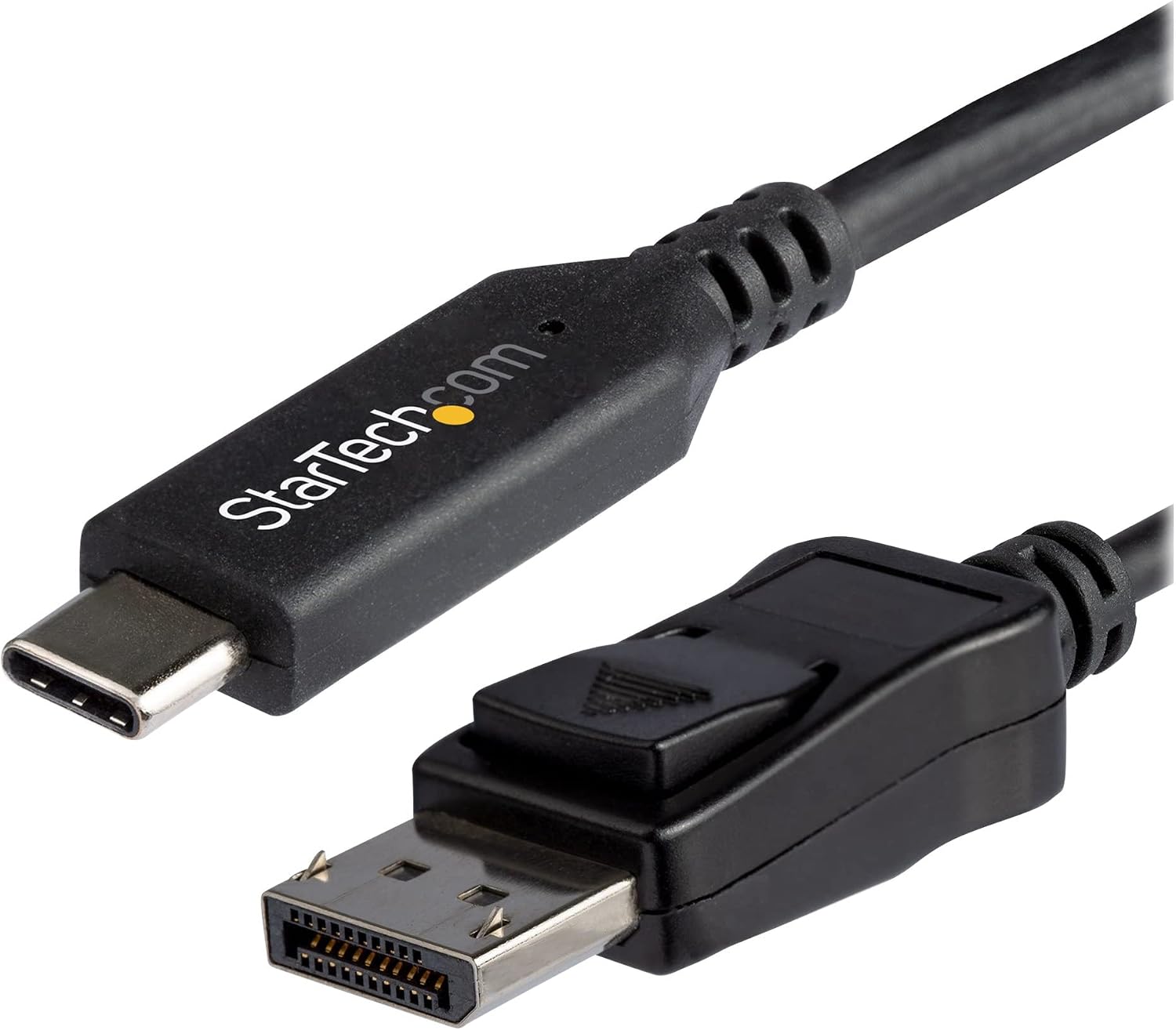
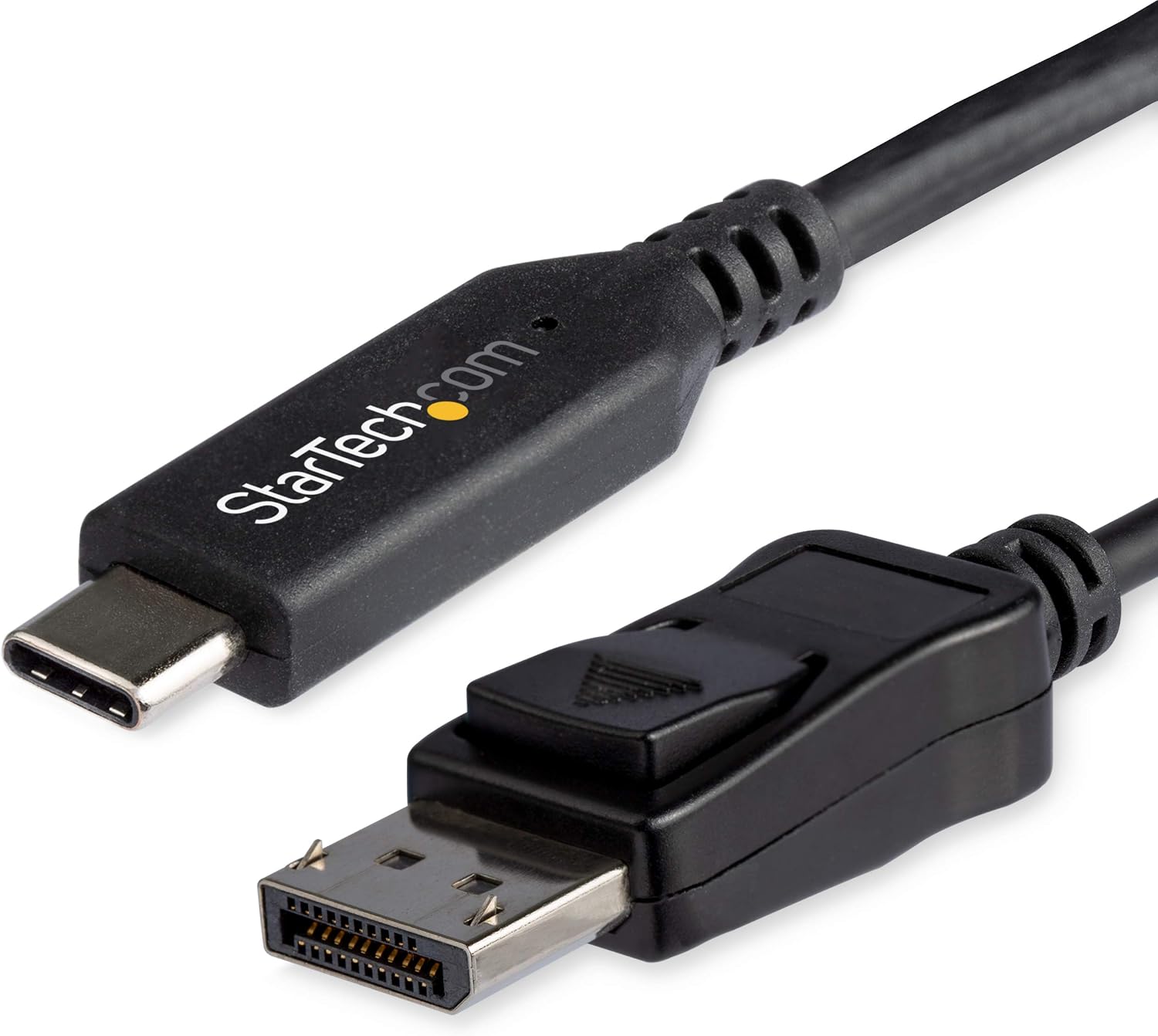
The StarTech CDP2DP146B is a USB-C to DisplayPort 1.4 cable designed to connect a USB-C or Thunderbolt 3 device directly to a DisplayPort display. With a fixed 6 ft (1.8 m) length and a locking DisplayPort connector, it aims to minimise signal loss and reduce connection issues in busy setups.
What problem it solves
If you want to drive high-resolution displays from a modern laptop or desktop with USB-C/Thunderbolt 3, this cable promises a straightforward, driver-free solution. It supports HDR and Display Stream Compression (DSC), HDCP 2.2/1.4, and high bandwidth up to 32.4 Gbps, enabling high refresh rates and colour depth at resolution tiers like 8K at 60 Hz or 4K up to 120 Hz.
Performance on paper
On paper, the cable advertises compatibility with HDR, DisplayHDR, and HBR3, along with backward compatibility to DisplayPort 1.2. It’s designed for use with USB-C DP Alt Mode and Thunderbolt 3 devices, including common models such as laptops from major brands and iPad Pro setups. The integrated latching DP connector is mentioned as a feature to reduce accidental disconnections and improve reliability.
Strengths you’ll notice in use
For content creators and professionals who work with high-resolution visuals, it can simplify a desk setup by replacing multiple adapters. The lack of required drivers means plug‑and‑play on a broad range of operating systems (Windows, macOS, Linux, iPadOS, Chrome OS and Android). The 1.8 m length gives a bit of room for arranging cables without stretching, which helps in cluttered work areas.
Potential limitations
No product is perfect for every scenario. While the spec shows support for 8K at 60 Hz and 4K at 120 Hz, practical performance depends on the source device’s capabilities, DisplayPort version support on the monitor, and the overall bandwidth needs of active content. Some setups may require a more capable GPU or host controller to reach the upper limits. Also, as with many high-bandwidth cables, cable quality and shielding matter, if your environment has significant EMI, you may want to verify shielding guarantees in your specific use case.
Who it’s for
This cable suits professionals who need a tidy, driver-free path from USB-C/Thunderbolt 3 laptops or desktops to DisplayPort monitors, especially when high-resolution and high colour depth are important (e.g., photo/video editing, 4K/8K content review, or multi-monitor desk arrangements).
Who it isn’t ideal for
If your setup only requires basic 1080p display or you don’t have a USB-C/Thunderbolt 3 source, this cable may be overkill. Likewise, if you’re operating in an environment where the monitor or source cannot support DisplayPort 1.4 features (DSC, HDR, 8K60), the advantages won’t fully materialise.
When it makes sense to buy
- You need a simple, driver-free USB-C to DisplayPort 1.4 link for high-resolution displays.
- You want a reliable connection with a locking DP connector to reduce accidental unplugging.
- Your source and display both advertise support for 8K60 or 4K120 with HDR and DSC.
What to check before purchasing
- Confirm your source device supports DP Alt Mode over USB-C or Thunderbolt 3.
- Check that your display supports DisplayPort 1.4 with DSC and HDR capabilities at the intended resolution/refresh rate.
- Ensure the required cable length is appropriate for your desk arrangement and device placement.
Practical usage example
Imagine editing 8K reference frames on a laptop docked to a colour-calibrated 8K display. You’d plug this 6 ft cable into the USB-C/Thunderbolt 3 port and into the DisplayPort input of the monitor. The aim is a clean signal path with minimal adapter clutter, allowing comfortable monitoring at full resolution with reliable connectivity during long sessions.
What it relates to when comparing alternatives
If you’re weighing between adapters or shorter/longer runs, this cable stands out for its integrated latching connector and driver-free operation. For setups that don’t need 8K or HDR, a lower-bandwidth option might suffice and could offer cost savings or more flexibility in routing.
Is it worth it?
Should you prioritise a straightforward, high-bandwidth USB-C to DisplayPort link with minimal fuss and a locking connection, this StarTech cable is worth considering. It’s a practical choice for professionals who need robust, high‑resolution output without extra adapters.
FAQ
- Do I need drivers to use this cable? No, it is designed to work driver-free with DP Alt Mode devices.
- Will it work with older DisplayPort monitors? Yes, it’s backward compatible with DisplayPort 1.2, though you may not access the full 8K/4K capabilities depending on monitor support.
- Can I use this with a Thunderbolt 3 MacBook? Yes, it supports Thunderbolt 3 devices as well.
Final note
If you value a tidy, reliable connection for high-resolution displays from USB‑C/Thunderbolt 3 sources, and your equipment supports DP 1.4 features, this cable offers a sensible balance of performance and simplicity. If your needs are more basic or your monitors don’t support the higher bandwidth modes, you may want to assess whether the extra capability aligns with your typical workload.