

Inateck Tablet Bluetooth Keyboard with Touchpad (KB01105) – White
Product description
What it is and who it’s for
The Inateck KB01105 is an ultra-slim Bluetooth keyboard with a built-in touchpad designed to pair with tablets, PCs and laptops. If you want a compact, travel-friendly input device that can handle typing on the go and provide cursor control without a separate mouse, this model aims to cover that need. It’s particularly relevant for users who juggle multiple devices and value portability alongside a ready-made typing experience.
Design and portability
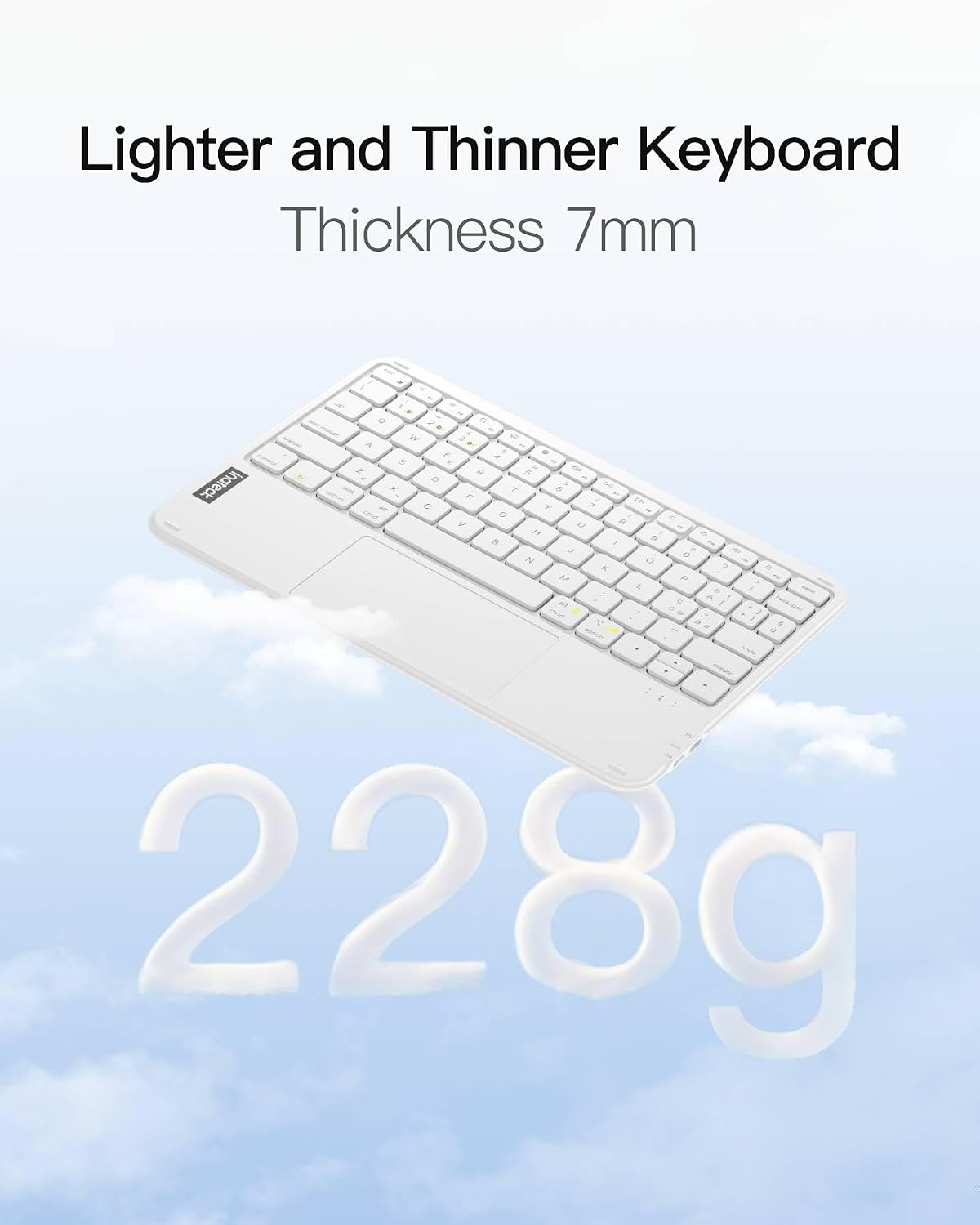
At just 0.2 inches thick and weighing 228g, the keyboard prioritises lightness and ease of transport. The slim profile makes it a sensible companion for commuters, cabin baggage or desk setups where space is at a premium. The non-slip base helps keep the keyboard stable during typing, a small but meaningful detail when you’re working on a train table or a coffee shop desk.
Connectivity and compatibility
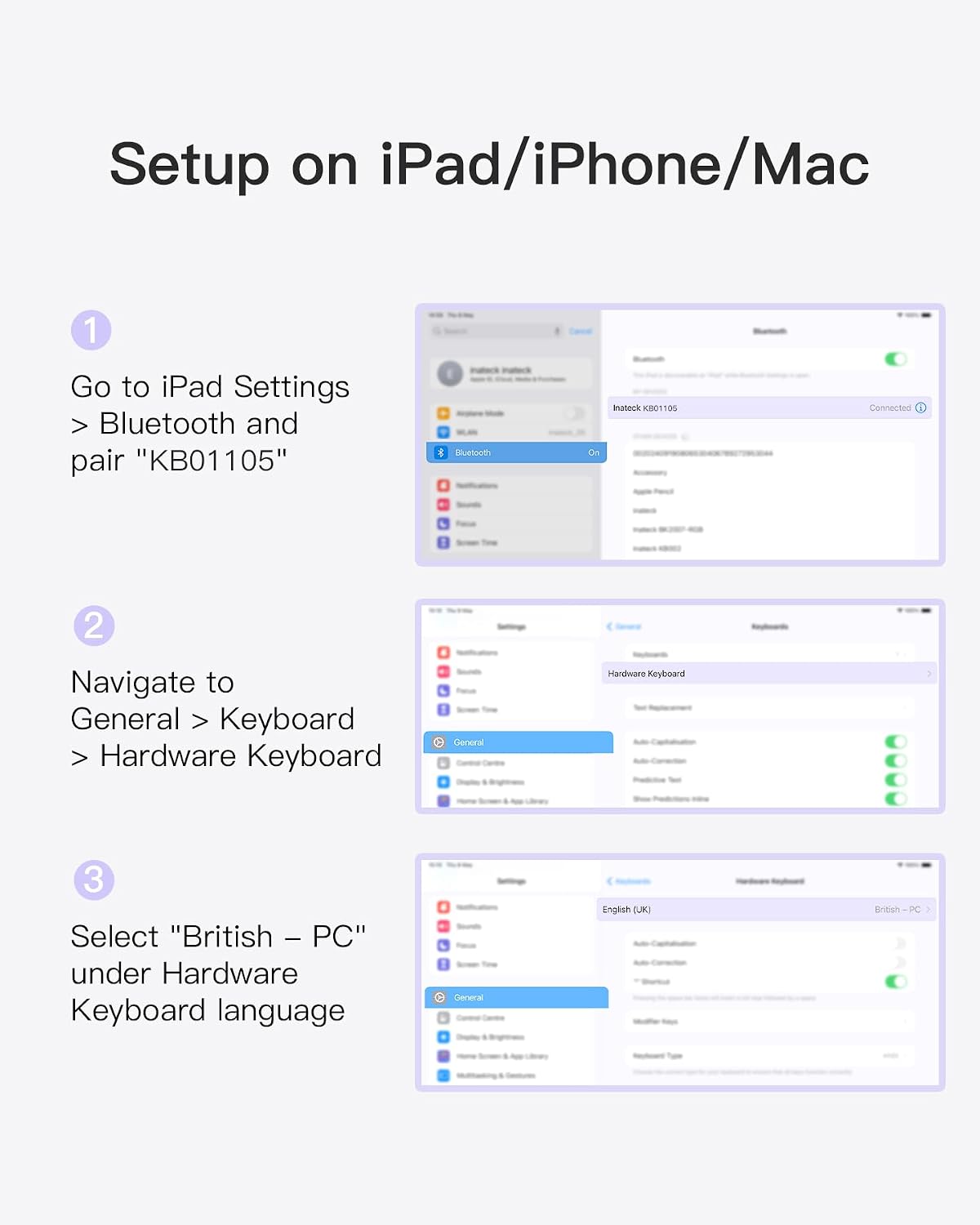
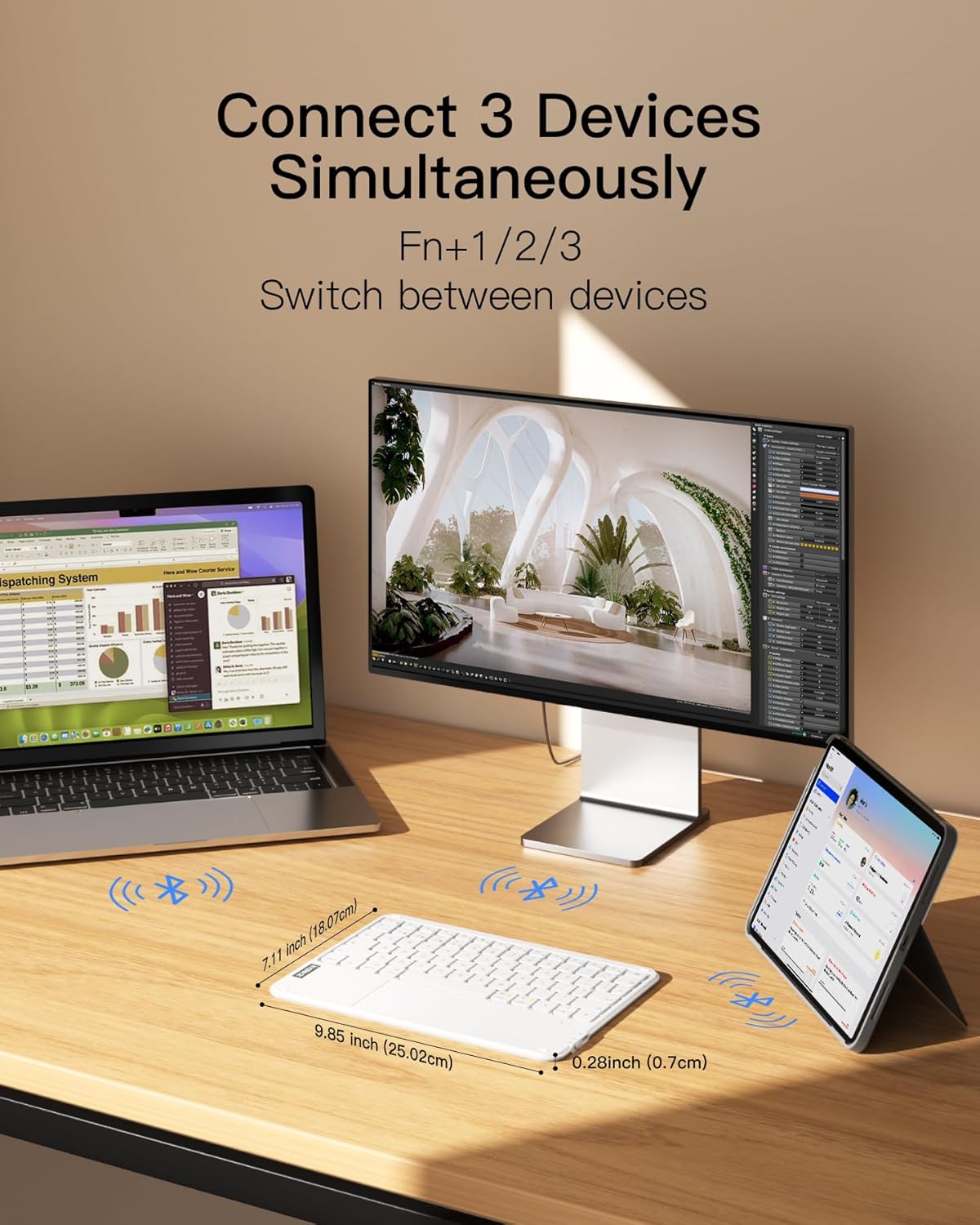
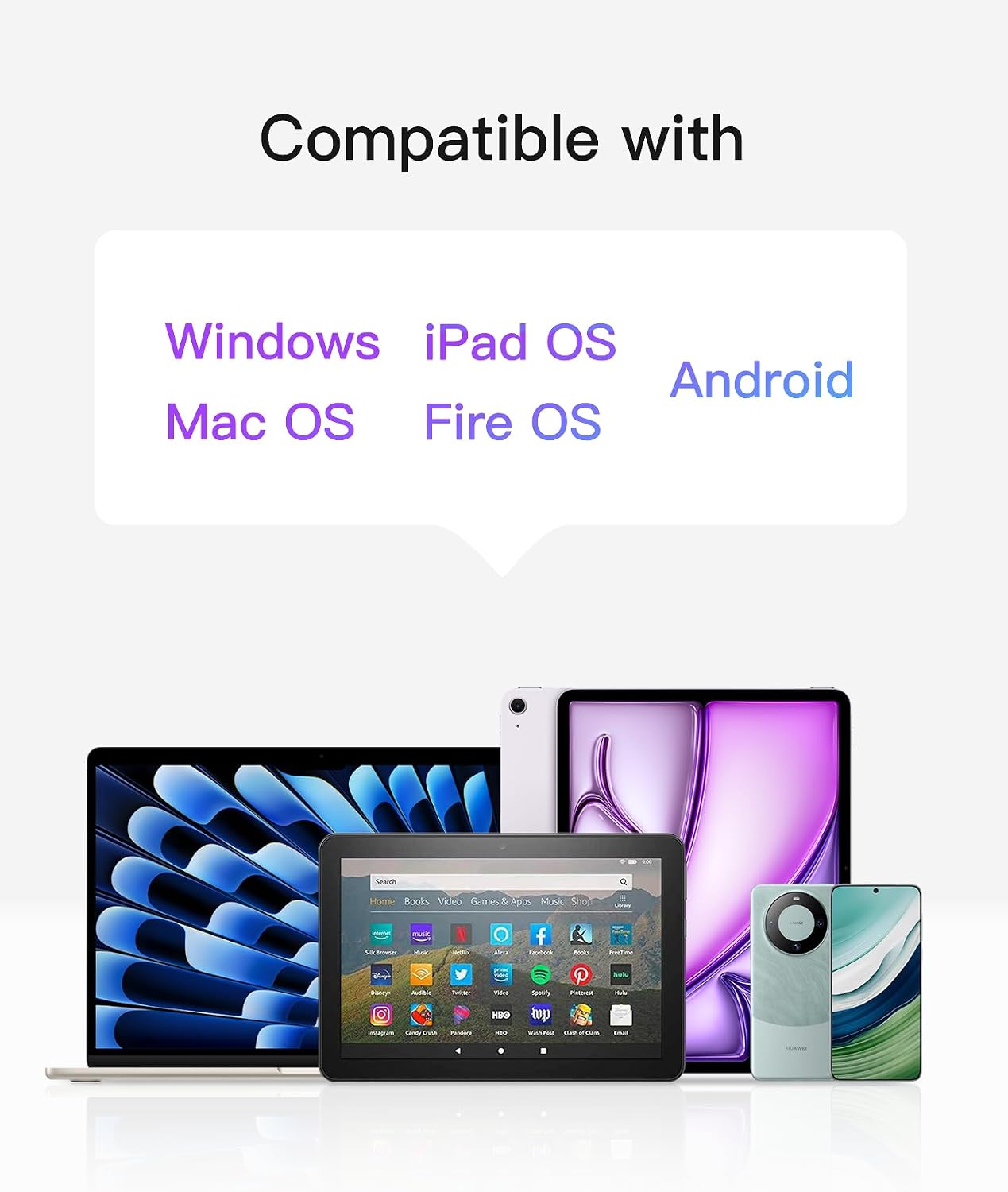
The KB01105 supports three Bluetooth channels, which means you can connect up to three devices simultaneously and switch between them as needed. With Bluetooth 5.3, you should expect a stable connection that’s less prone to drops, provided you stay within typical wireless ranges. It’s advertised as fully compatible with Windows and iPadOS, allowing use with desktops, laptops and various iPad models. A useful practical note is the recommendation to set the hardware keyboard language to British-PC on iPad or Mac for a smoother typing experience, which is common if you’re using a UK layout.
Typing and trackpad experience
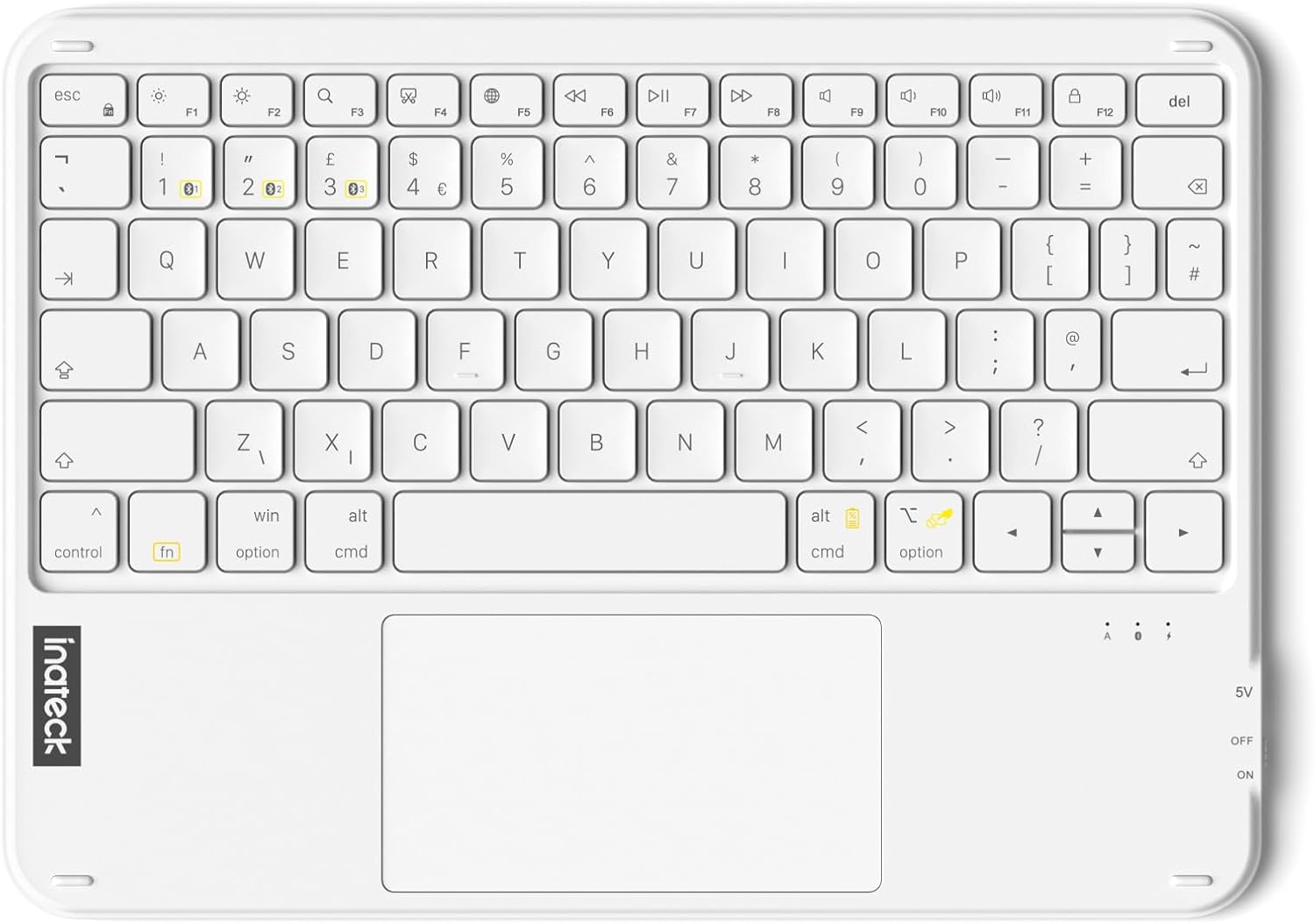
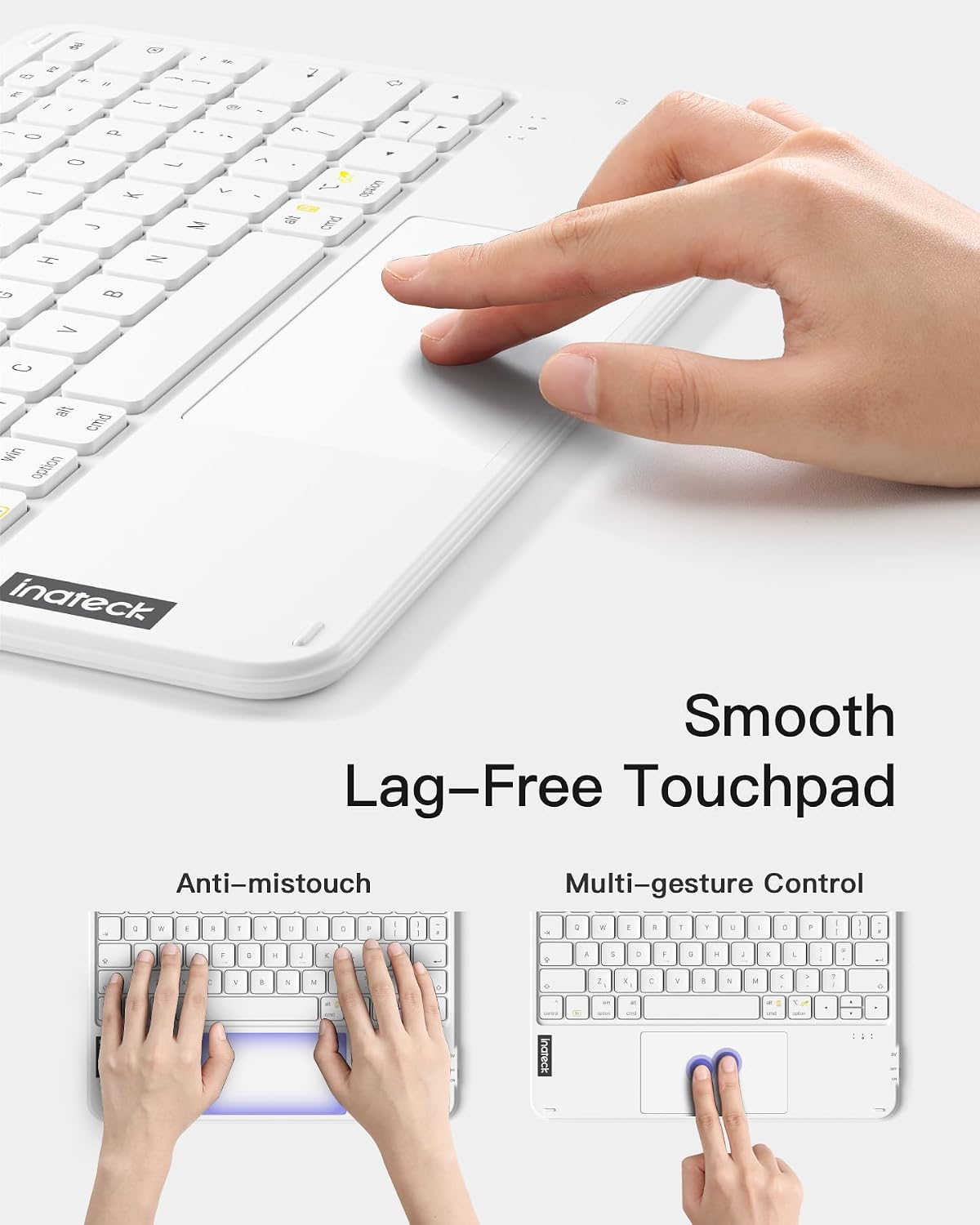
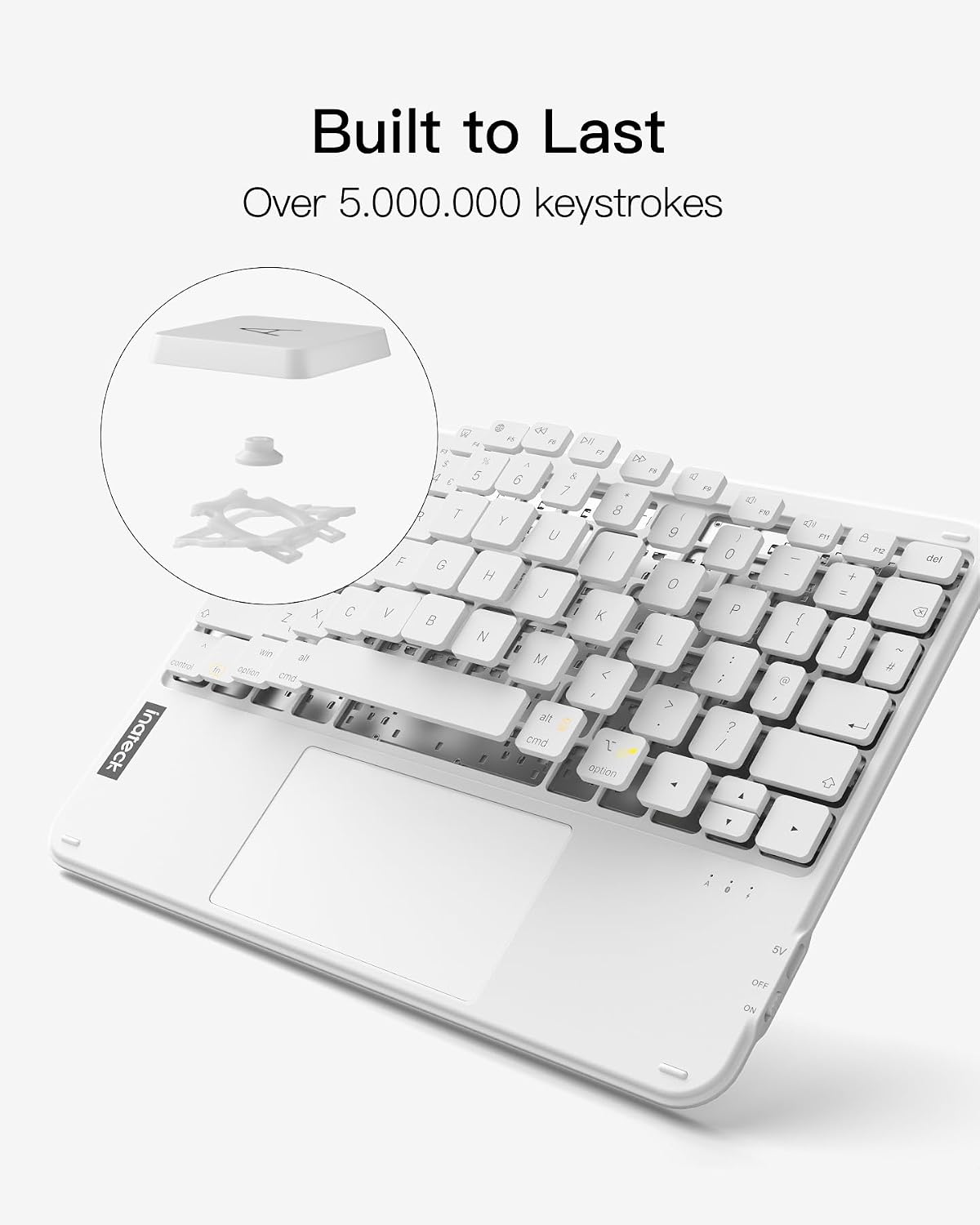
The keyboard features a larger touchpad with responsive cursor control and dedicated shortcut keys on the top row for quick access to functions. The build aims to offer a lag-free typing experience, which is helpful if you’re writing emails, taking notes, or navigating documents directly from the keyboard. Keystrokes are claimed to be rated for over 5 million presses, a nod to durability for everyday use. If you rely on precise navigation, the trackpad size and lag-free performance are important considerations, though real-world performance can depend on device pairing and OS integration.
Battery life and durability
With a full charge, standby life is described as up to 150 days, which could reduce the burden of frequent recharging during travel. That said, actual battery life will depend on how often you use the touchpad, how many devices are connected concurrently, and how much the keyboard is used for backlighting or power-sipping features (if present). The keycaps and switch design are robust enough to withstand routine typing, but you should expect some wear if you’re a heavy, daily typist over many years.
App support and AI features
An interesting aspect is the support for the Inateck Origin APP, which enables data transfers between Windows devices. It’s pitched as a practical solution to file storage, photo backups or software migration without cloud storage costs. The app also claims AI features that can be accessed via FN+R, including translation pop-ups and AI-powered Q&A. This adds a toolkit beyond basic typing, though you’ll need to consider whether that ecosystem aligns with your workflow and whether you’re comfortable using the app on your devices.
Practical use cases and limitations
If your work involves quick typing on a tablet while staying connected to a desktop or laptop, this keyboard can simplify device management by reducing the number of peripherals you carry. It may suit students, remote workers, or frequent travellers who value an all-in-one input solution. However, it’s worth noting that the product description focuses on compatibility and features rather than deep integration with every OS update. If you prioritise maximising AI-assisted features or cloud-based collaboration, you might want to assess how well the app ecosystem fits your needs.
What to check before buying
- Confirm you’re comfortable with a three-device Bluetooth switching workflow and whether multiple devices will be used simultaneously.
- Consider whether you’ll frequently type on iPadOS and need the British keyboard layout for seamless accuracy.
- Check that you’re prepared to use the Inateck Origin APP for intended data transfers and AI features, ensure your devices support the app requirements.
- Reflect on how often you’ll rely on the touchpad for navigation and whether you’re happy with the available tracking surface.
In-use scenario: practical example
Imagine commuting with a tablet and a light laptop. You compose a document on the tablet, switch to the laptop for heavy editing with the keyboard, and use the touchpad to navigate within both environments. When you travel, the compact form factor makes it easy to pack, while the long standby helps you avoid frequent recharges on long trips.