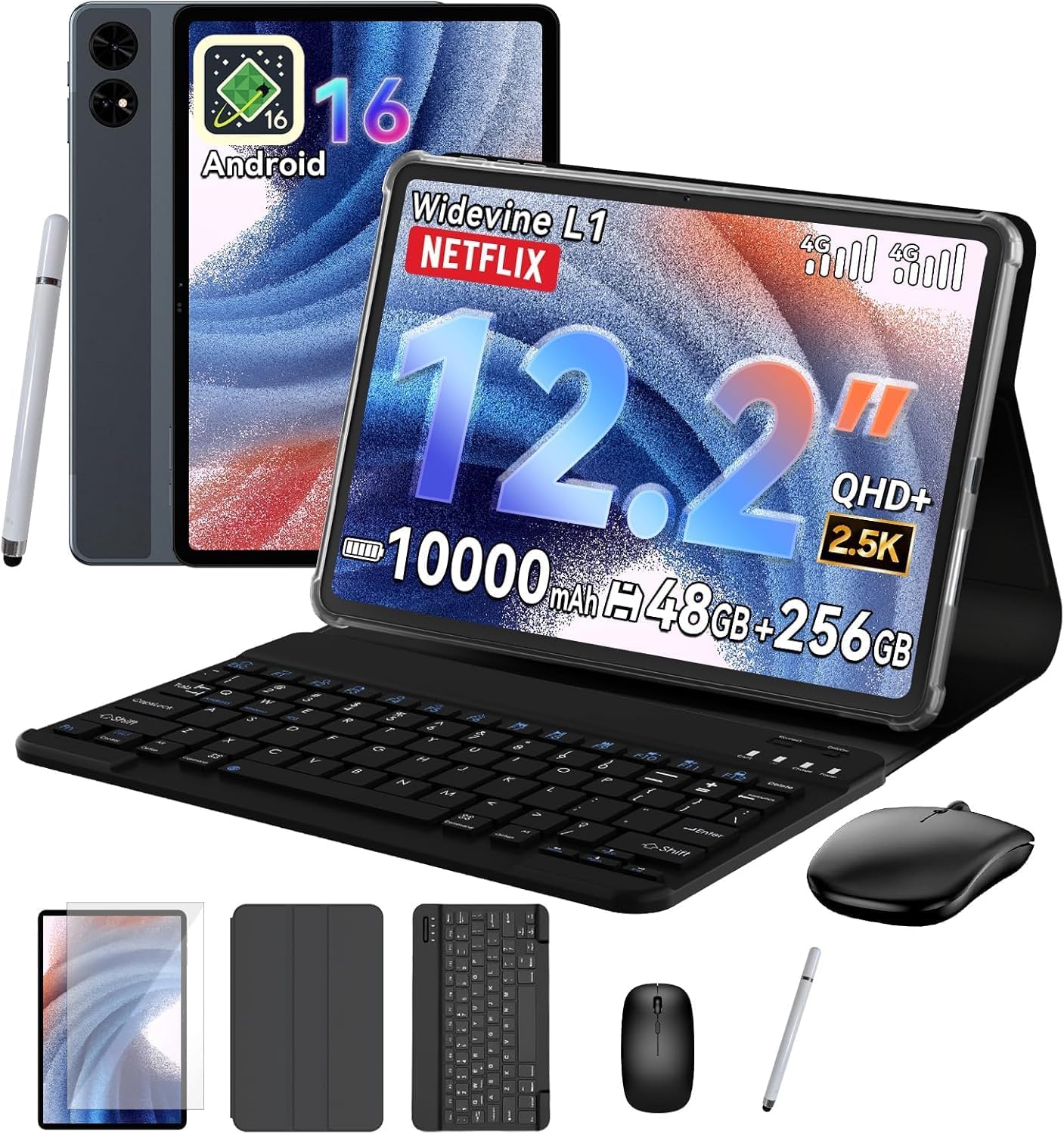
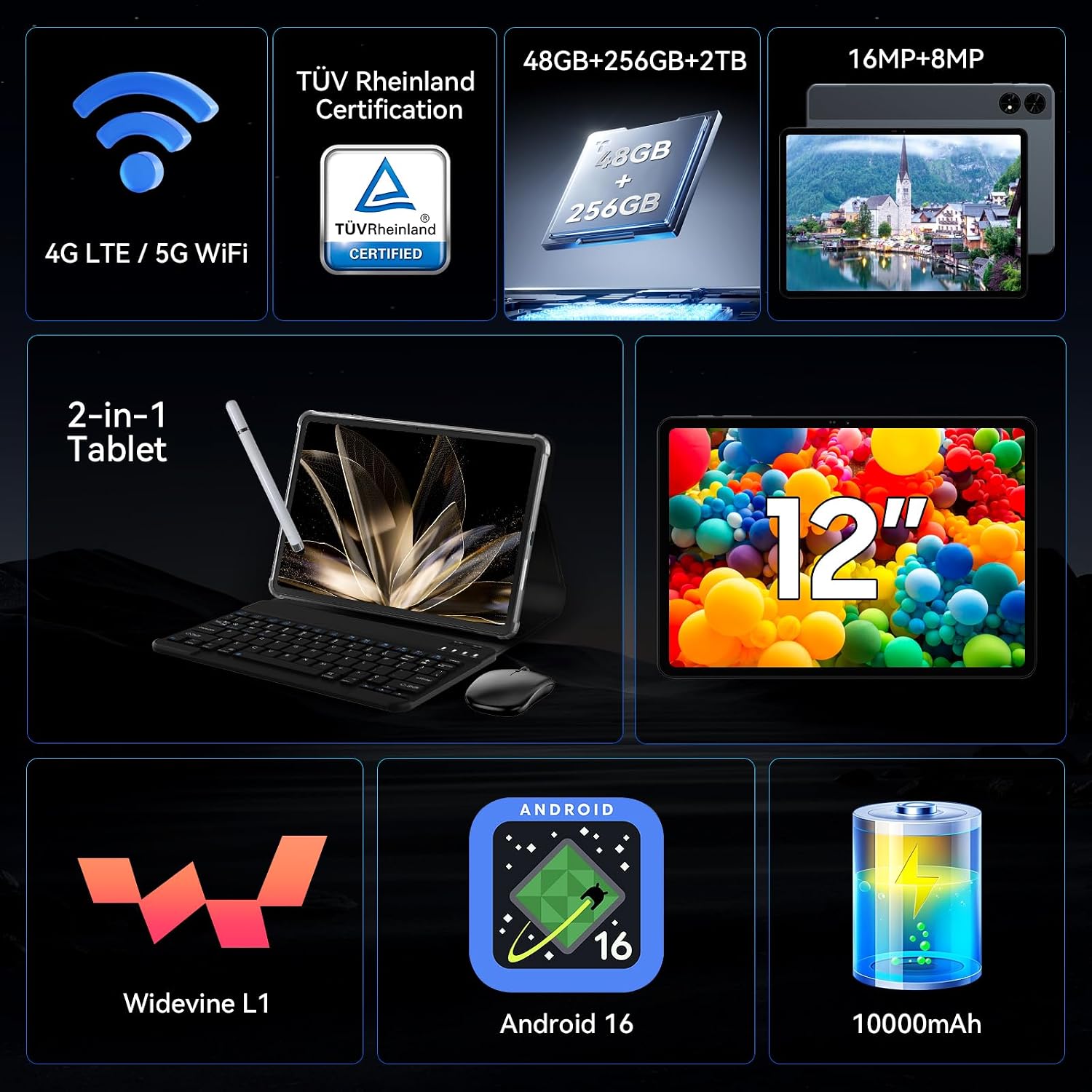
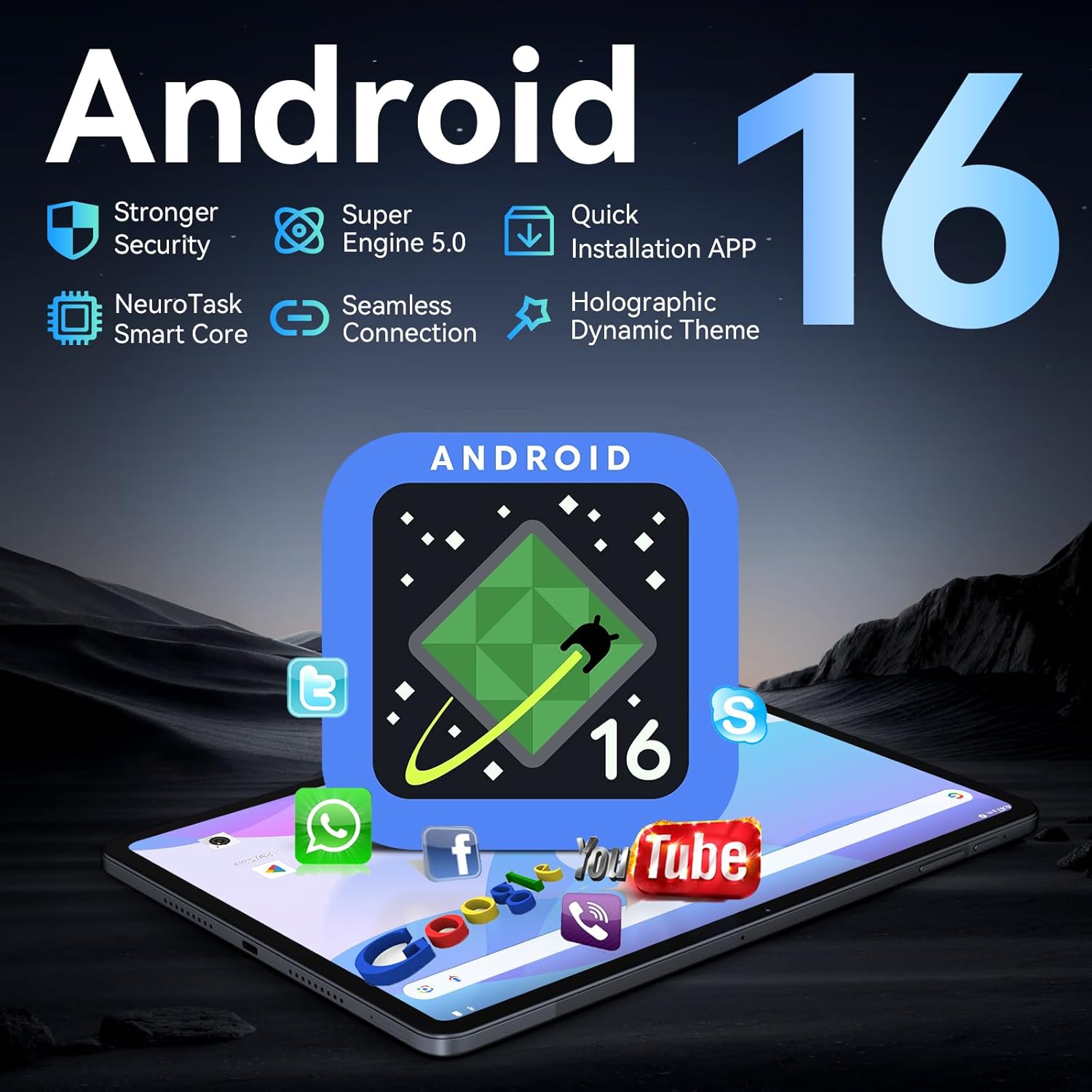
What matters most\nIf you’re after a large-screen Android tablet that doubles as a compact portable workstation, the Latest Android 16 Tablet 12 Inch with Keyboard Work & Study Bundle offers a compelling package. It combines a sizeable 12.2‑inch CSOT display with eye‑friendly features, a high RAM spec for multitasking, and a bundled keyboard and stylus to support both work and study tasks. On paper, the OS promises a clean, privacy-focused experience with Google Gemini AI for assistance with documents, planning, and productivity. Whether you’re drafting notes, editing PDFs, or streaming during commutes, the device is positioned as a capable all‑rounder.\n\n## Design, display and comfort in use\nThe 12.2‑inch screen is described as 2.5K with a wide 99% sRGB colour gamut and anti‑glare technology, aimed at creators and long sessions of reading or video. Built‑in eye protection and auto‑brightness suggest a safer, more comfortable viewing experience over extended periods. In practice, that combination should help reduce eye strain when you’re reading late or working on documents. However, be mindful that panel quality and colour accuracy vary in real‑world lighting, so don’t expect flawless colour beyond what the spec promises.\n\n## Performance you can feel\nWith 24GB RAM (8GB physical + 16GB virtual) and an octa‑core processor running at a 90Hz refresh rate, the tablet is designed for smooth multitasking and responsive app switching. Internal storage is 256GB, expandable up to 1TB via TF card, which should ease growth for media libraries and large projects. If your workflow relies on heavy apps or multiple windows, this setup aims to minimise slowdowns and crashes caused by storage limits or memory constraints.\n\n## Battery and power features\nA 10000mAh battery is a standout claim, offering long video playback and work sessions between charges. The inclusion of OTG reverse charging adds a practical edge for travellers who need a portable power bank solution. In real use, battery life will depend on brightness, apps, and network use, so you may not hit the peak stated figures in every scenario, but it should still out‑last many mid‑range tablets.\n\n## Connectivity and data on the move\nDual 4G LTE SIM slots mean you can stay connected even without Wi‑Fi, which is useful for commuters or when travelling. Combined with dual‑band Wi‑Fi, Bluetooth 5.0, and GPS/Galileo, this tablet is designed to keep you productive wherever you are. The presence of a dedicated SIM slot is essential for people who want a truly portable work setup or who need reliable data access on the move.\n\n## Work & study bundle: more than a tablet\nThe all‑in‑one bundle includes a magnetic keyboard, a precision stylus, wireless mouse and protective case. It’s framed as a portable workstation, so you can switch from note‑taking to document editing with minimal fuss. For digital artists and students, the stylus adds a level of control for sketches or annotations. Do bear in mind that the bundled accessories may vary in feel compared with dedicated third‑party options, and it’s worth testing the keyboard layout if you rely on specific keys.\n\n## Who it’s for and who it isn’t ideal for\nIf you prioritise uninterrupted productivity on a big screen, with offline storage space and flexible connectivity, this bundle could be a strong fit. It’s probably less of a fit if you require a lightweight device for casual streaming on the sofa, or if you rely on a very specific software ecosystem not optimised for Android 16 with Gemini AI. The keyboard and stylus help, but the overall experience hinges on how you value the 12‑inch form factor and the AI features.\n\n## Before you buy: what to check\n- Ensure the SIM compatibility matches your network and travel plans in the UK.\n- Consider your storage needs beyond 256GB, the expansion option helps, but verify TF card compatibility and speeds.\n- Test the keyboard and stylus feel if you’ll do substantial typing or drawing, as input quality matters for daily use.\n- Look at power management in settings to balance performance and battery longevity.\n\n## Practical usage example\nImagine editing a lengthy presentation on a commute: you open a document, Gemini AI summarises key points, you jot notes with the stylus, and you switch to a video call with the keyboard attached—all without hunting for a charger. That flow illustrates how the bundle is designed to work in real life.\n\n## Is it worth it?\nIf you’re after a large‑screen Android tablet with serious multitasking credit and a complete work/study kit, this model frames a practical option in the entry to mid‑range space. It may not be the best choice if you prioritise the lightest possible device or if you need the utmost peak performance for highly demanding software.\n\n## FAQ (born from typical questions)\n- Can I use this tablet without the keyboard? Yes, as a standalone tablet, but the keyboard is included for convenience.\n- Is the display sharp enough for detailed design work? The 2.5K panel with 99% sRGB supports precise colour, but results depend on lighting and calibration.\n- Will Gemini AI speed up daily tasks? It aims to help with summarising and planning, though the usefulness depends on your specific activities.\n\n## Final verdict\nIt makes sense if you want a sizeable Android tablet that ships with a ready‑to‑work bundle and you value long battery life and mobile connectivity. If your needs lean more toward ultra‑portable forms or high‑end gaming, you may want to weigh alternatives before committing.