

HUION Note Smart Notebook Digital Writing Pad with Bluetooth 5.0 and 8192 pressure levels (A5, Brown)
Reviews
Price
Product description
The essentials
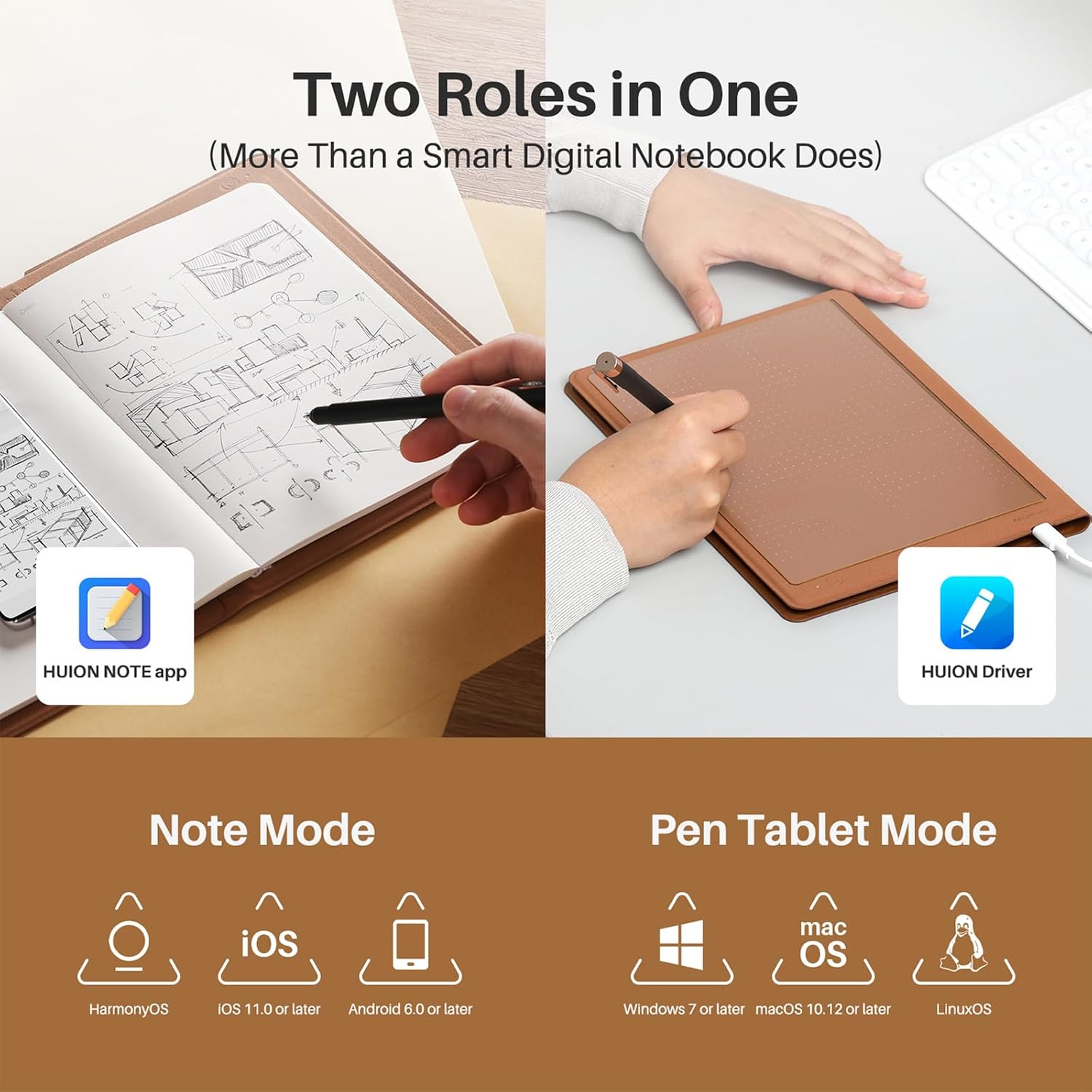
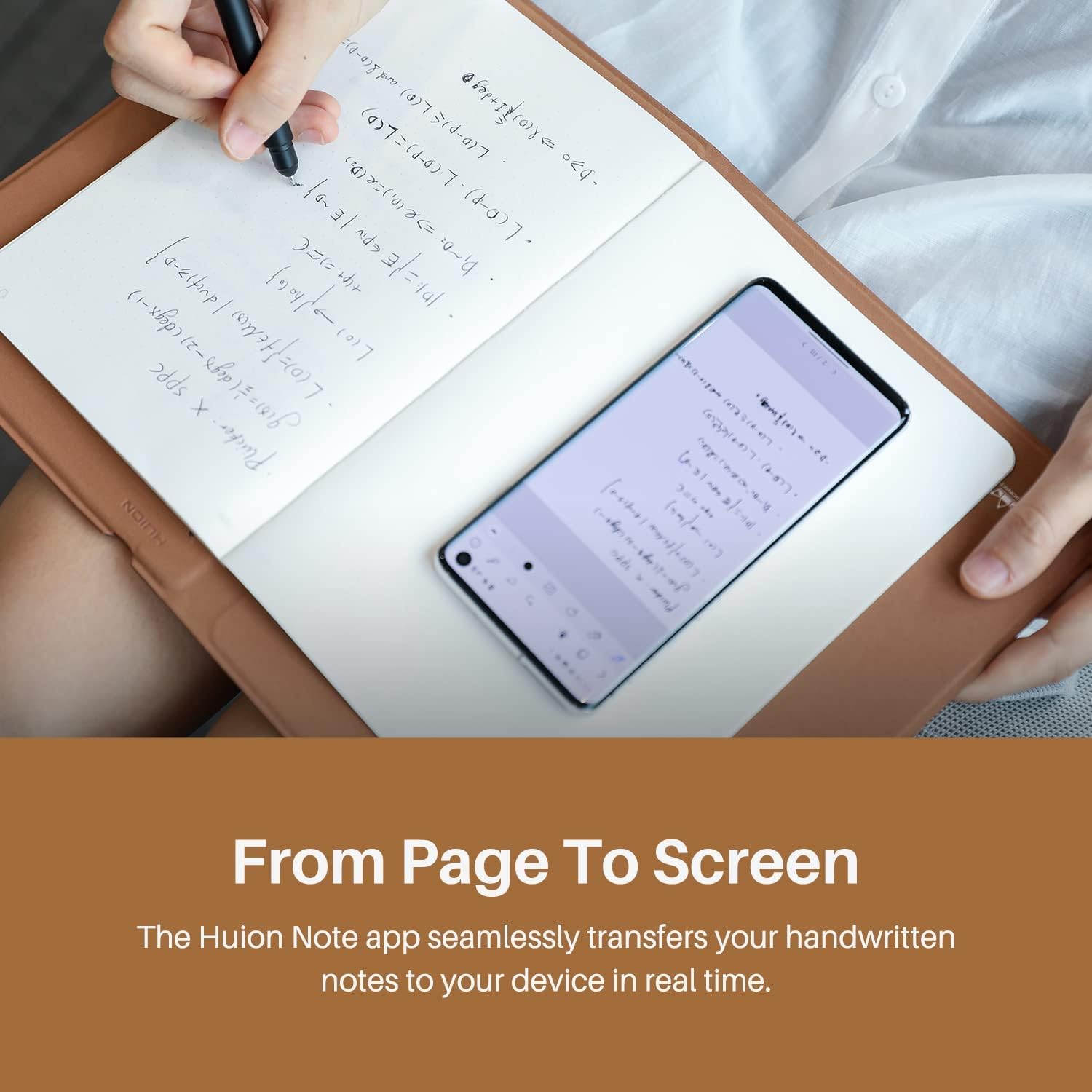
HUION Note is an A5 smart notebook that aims to do two jobs at once: you write and sketch on paper, then you can turn that into a digital note with syncing, organising tools and (if you want) one-click PDF sharing. It’s also paired with the HUION Scribo pen, including PenTech 3.0 for smoother stroke and curve performance on the “writing” side, plus a couple of extra touches like voice recording.
In practice, this kind of product is for people who don’t want to choose between a traditional notebook experience and a tablet-style workflow. You still get the feel of writing on paper, but with enough software features to make your notes usable beyond a single day. That said, it’s not “magic”: you’ll get the best experience if you’re happy to pair, use the app, and manage edits in the HUION Note app.
Key features that matter in everyday use
What stands out here is the “smart notebook” blend: writing synchronisation, offline storage, document management, and PDF sharing. On top of that, the notebook cover is described as a durable spunlace leather protective cover, and there are 50 pages of replaceable paper—useful if you expect to keep going through notebooks rather than treating it like a one-off device.
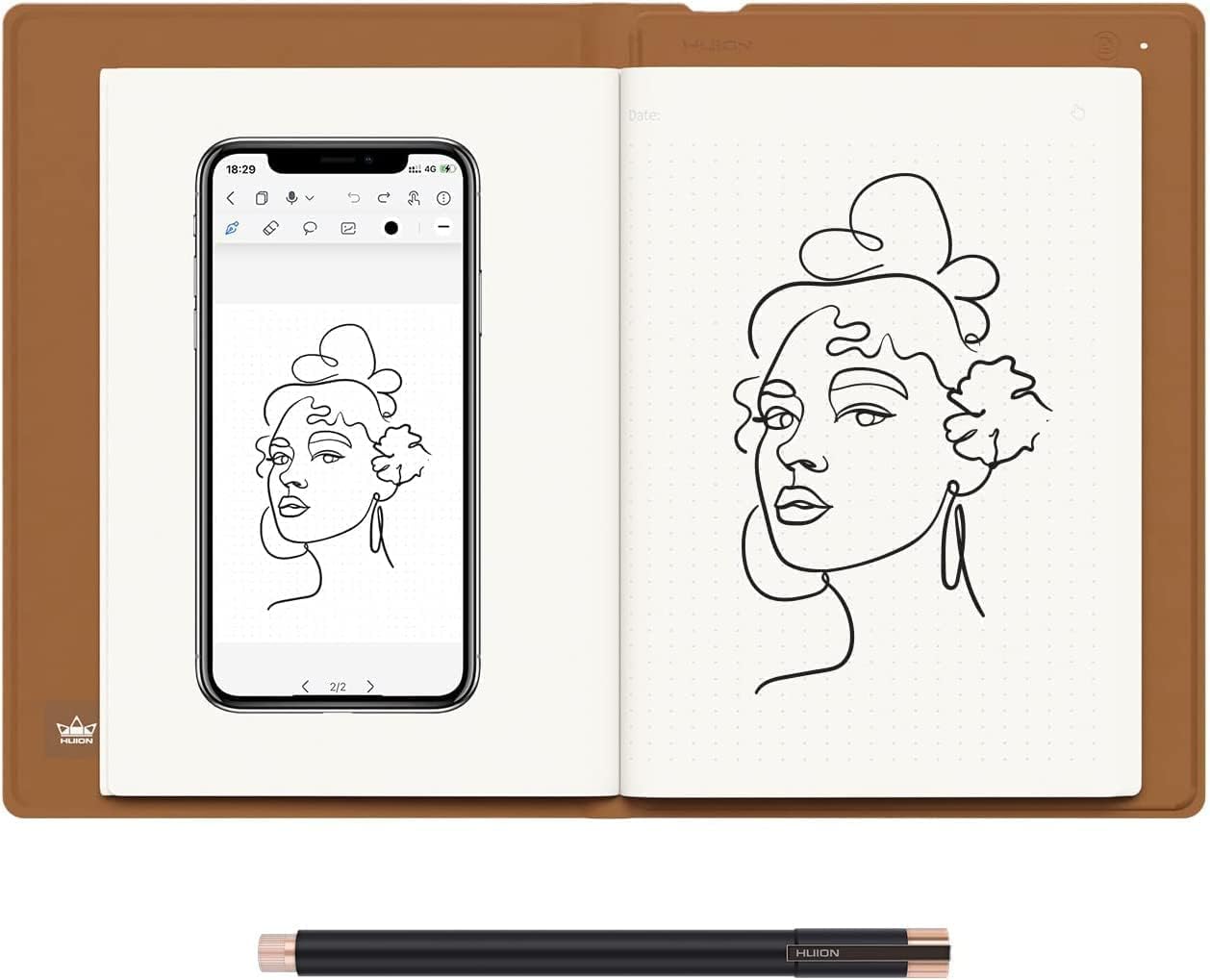
The app side is also fairly clear-cut: editing tools include highlighters, erasers and a lasso tool for selecting and adjusting notes. There’s also an option for your handwriting to be synced to your phone as an e-document, which is handy if your phone is where you do most of your reviewing.
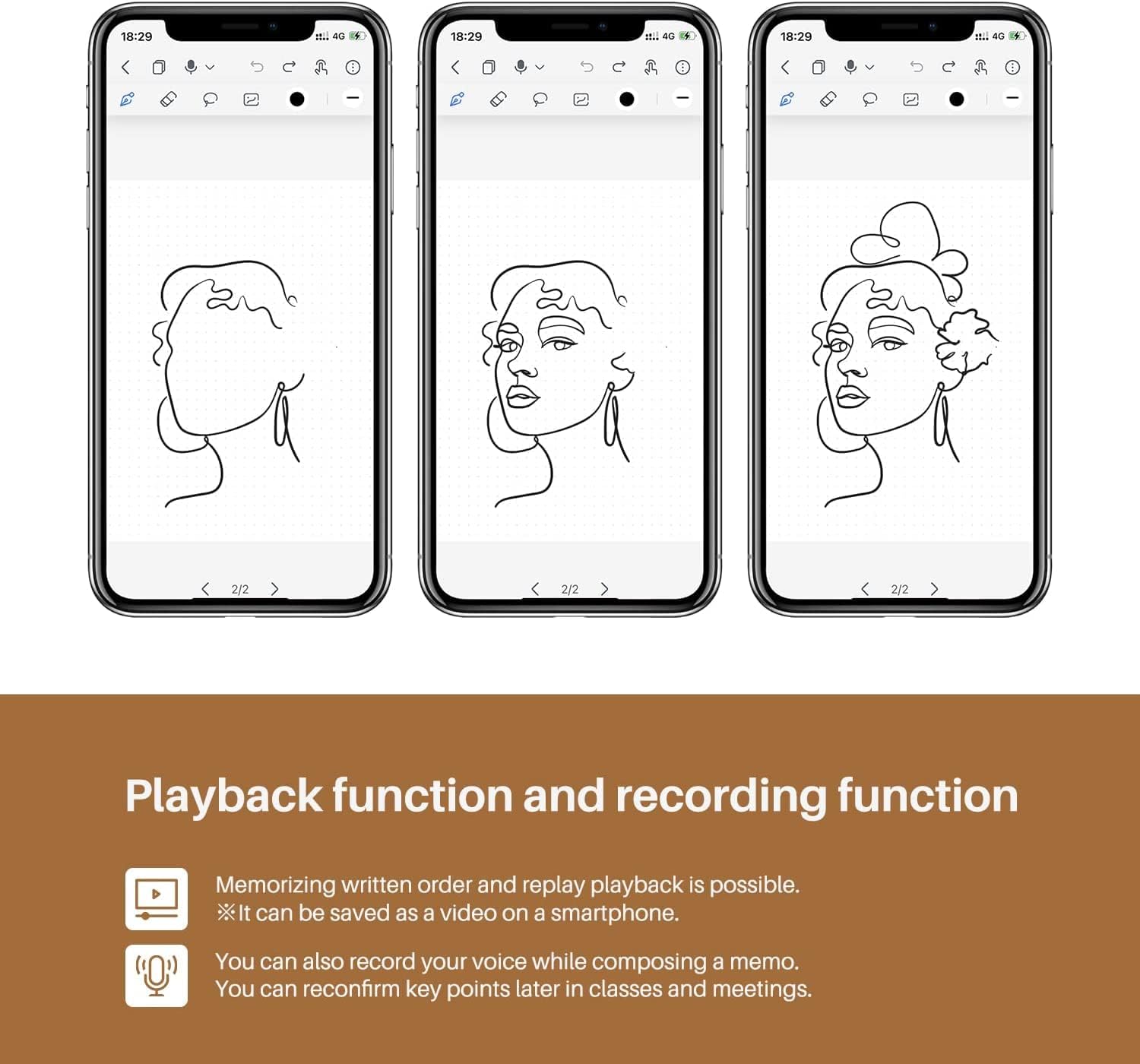
There’s even voice support for notes: recording, replaying and sharing voice. That’s one of those features that can genuinely save time in meetings or lectures—assuming you’ll use it often rather than letting it sit untouched.
Pen performance and the artist add-on
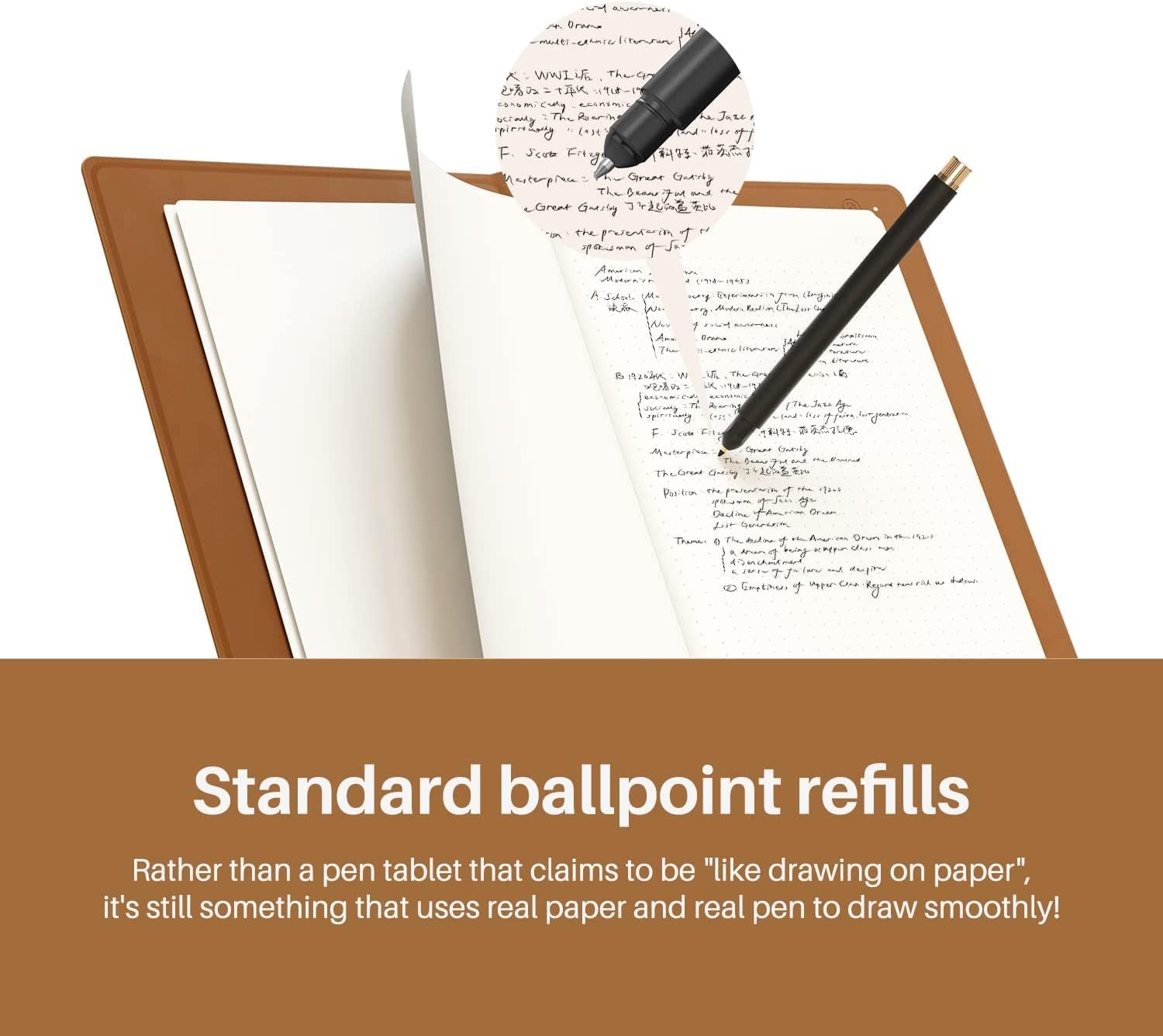
The included 2nd gen HUION Scribo pen uses PenTech 3.0, which HUION positions as more stable for strokes and curves. It’s paired with plastic nibs and standard ballpoint refills, which is relevant because it suggests you’re not locked into a single “pen nib” style for every writing need.
For artists, HUION also provides a Pen Tablet mode. The idea is that you replace the inner pages with the panel inside the box and then connect the notebook to your PC (with a HUION driver preloaded). In this mode, you get 8192 levels of pressure sensitivity and a ±60° tilt function. That’s a big difference from basic “note-taking only” devices: if you’re sketching seriously, the pressure and tilt are what you’ll be looking at.
Worth noting: the “Pen Tablet mode” needs the product to be set to that mode, and it connects a bit differently depending on the computer/OS.
Tech specs (the bits to sanity-check)
- Bluetooth: Bluetooth 5.0
- Pressure levels: 8192 pressure levels
- Tilt function: ±60° tilt
- Size: 7.35 × 5.5 inch
- Battery life: up to 18 hours
- Paper: 50 pages of replaceable paper
- Battery indicator: included (shows current battery level)
- Voice notes: recording, replaying and sharing supported
- Compatibility (note-taking mode): wireless with iOS/iPadOS/Android
- Compatibility (pen tablet mode): wired/wireless with Windows/macOS/Linux
- Linux limitation: currently linuxOS only supports wired connections
What stands out, and where it can feel limiting
This is a sensible choice if you want portability (A5 format), a real-paper writing feel, and a way to capture and share notes as PDFs. The all-day battery life (up to 18 hours) and auto pair/disconnect behaviour on opening/closing the notebook are also the kinds of practical details that reduce friction.
However, it’s not perfect, and a couple of limitations matter. First, Linux has a specific constraint in Pen Tablet mode (wired only). Second, for desktop/PC workflows, you need to ensure the device is set to “Pen Tablet Mode” when connecting to Windows or macOS, otherwise you may not get the connection you expect.
If you’re after something purely minimal—no app, no syncing, no voice recording—this may feel like overkill. On the other hand, if you like the idea of editing tools such as highlighters and a lasso selection in the app, it’s closer to a complete workflow.
Who it suits (and who should look elsewhere)
It makes sense if you’re the type of person who takes notes in real life (work, study, planning) but still wants them to end up neatly organised digitally. It also suits people who dabble in sketching and want pen pressure and tilt via Pen Tablet mode, rather than just relying on plain digital note tools.
It may not suit you if you primarily need a simple digital notepad without syncing or sharing, or if your setup is heavy on Linux desktop use and you can’t easily go wired.
There’s also a workflow consideration: you’ll get more value if you’re comfortable using the HUION Note app for editing and exporting/sharing, rather than treating the notebook as “write and it’s done”.
Everyday use tips
Try this kind of micro-workflow to see if it clicks for you: open the notebook, write your meeting agenda, and when you finish, check the app for the handwriting sync. If there were tricky points, record a short voice clip while you’re still thinking about them, then replay it later. Finally, share the notes in PDF format with whoever needs the information.
For sketchers, Pen Tablet mode can be a useful switch: sketch on the panel after replacing the inner pages, connect to your PC, and use the pressure levels and tilt to shape line weight and angle.
When it makes sense
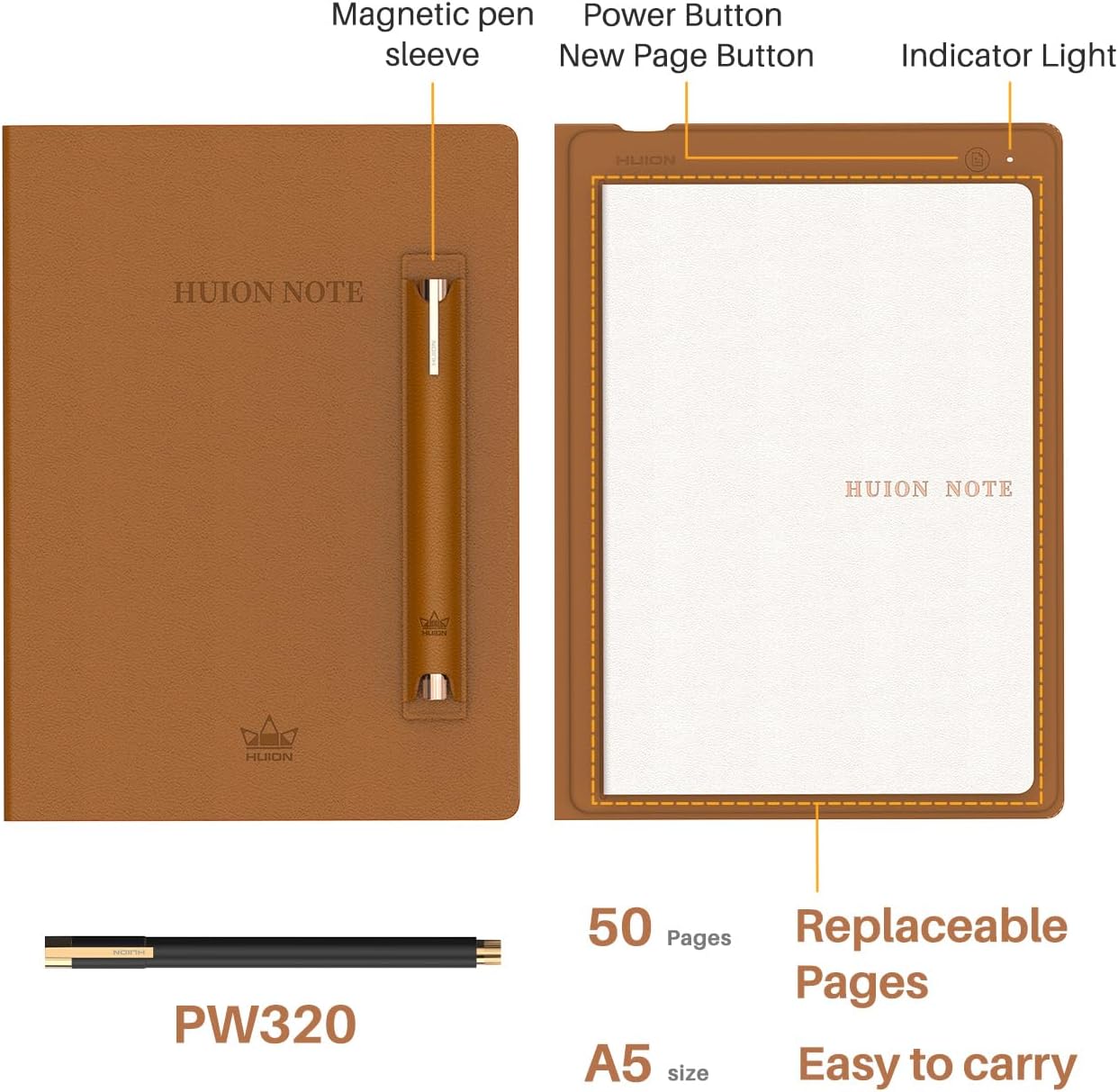
If you want an A5 notebook that combines paper-first writing with digital syncing, offline storage, document management and PDF sharing, HUION Note is a strong “middle path” rather than a full tablet replacement. The 18-hour battery life and automatic pairing/disconnect behaviour are practical wins for everyday note-taking.
You should probably skip it if your priorities are only basic digital notes, or if your Linux setup would force constant wired connections. Also, make sure you’re ready to use the HUION Note app for edits and syncing, because the workflow depends on it.
Mini FAQ
Is HUION Note mainly for writing, or can it do sketching too?
It’s designed for both. You can take notes and edit them in the app, and it also has a Pen Tablet mode aimed at artists with 8192 pressure levels and ±60° tilt.

How does the connection work on a phone or tablet?
In note-taking mode, it connects wirelessly to iOS/iPadOS/Android, and it auto-pairs when you open the notebook with the app.
Does Linux work with it?
Yes, but linuxOS is currently wired-only in note-taking/Pen Tablet setup as described: linuxOS only supports wired connections.
How long does the battery last?
The notebook is rated for up to 18 hours of battery life, and it includes an indicator for the current battery level.
Can I share notes as PDFs?
Yes—PDF one-click sharing is mentioned, and the product supports sharing notes in PDF format.
Buying verdict
HUION Note looks like a credible smart notebook if you want a paper writing experience plus real digital tools (sync, editing, organisation and PDF sharing). It’s not the cheapest route into “smart notes”, but it’s built around practical use—replaceable paper, a protective cover, and a pen that supports pressure and tilt when you switch to Pen Tablet mode. Buy it if you’ll actually use the app features and sharing, consider another approach if you mainly want a standalone digital notepad with no syncing or mode-switching.