

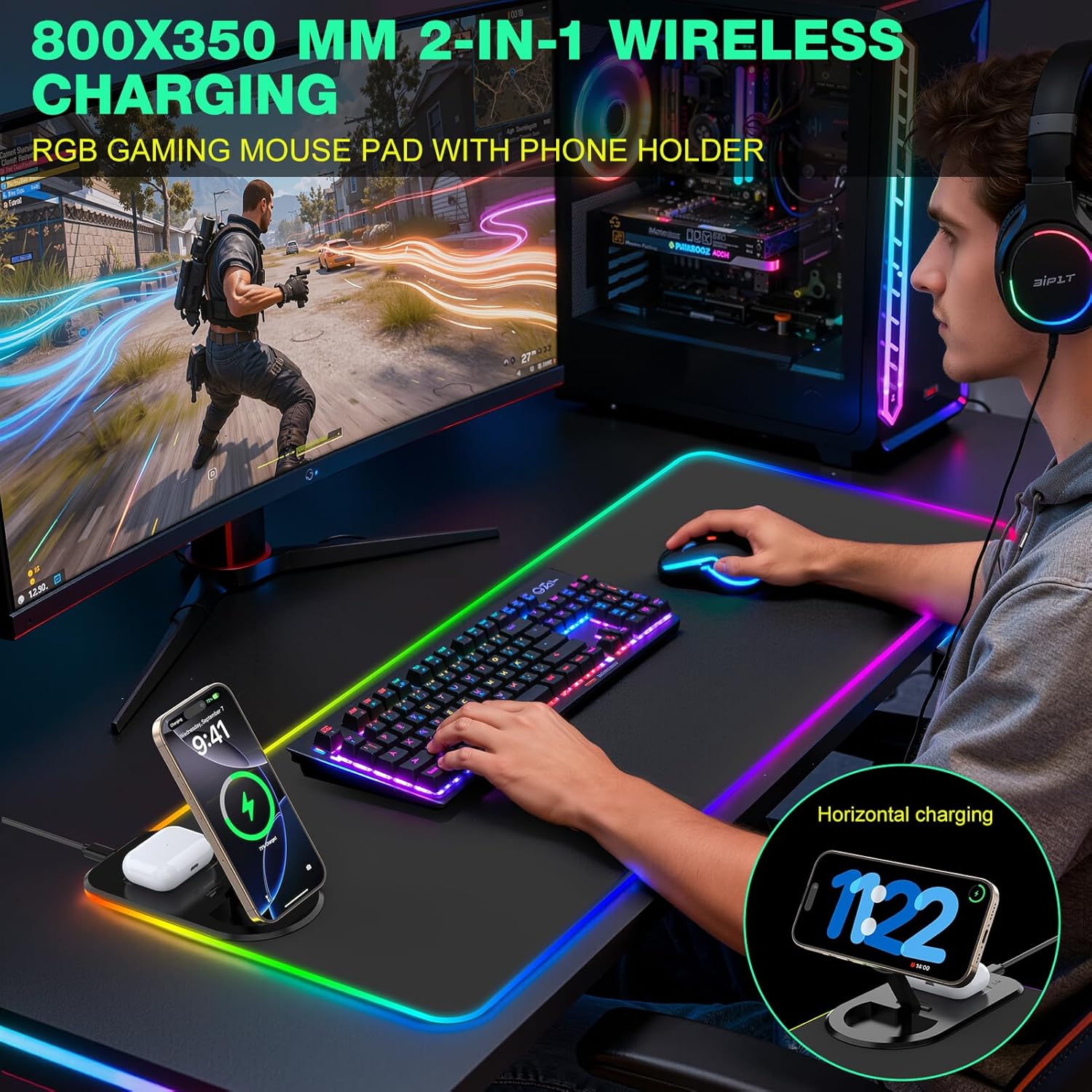
GIM Wireless Charging RGB Gaming Mouse Pad 15W (800x350x4mm) with 10 Light Modes
Reviews
Price
Product description
The essentials
A big desk setup needs more than a mouse mat that just lies there. The GIM Wireless Charging RGB Gaming Mouse Pad 15W combines a large RGB surface with a built-in Qi wireless charging area, plus a non-slip rubber base and a stitched, waterproof-style edge. On paper, it’s aimed at people who want one tidy accessory to cover both gaming (smooth tracking and even control) and daily use (a charger you don’t have to plug in every time).
That “one accessory” idea is where it gets interesting. You’re not only getting an extended mouse pad, you’re also adding charging convenience for Qi-enabled phones—at least when you have the right power adapter and expectations set correctly about charging behaviour.
Key features
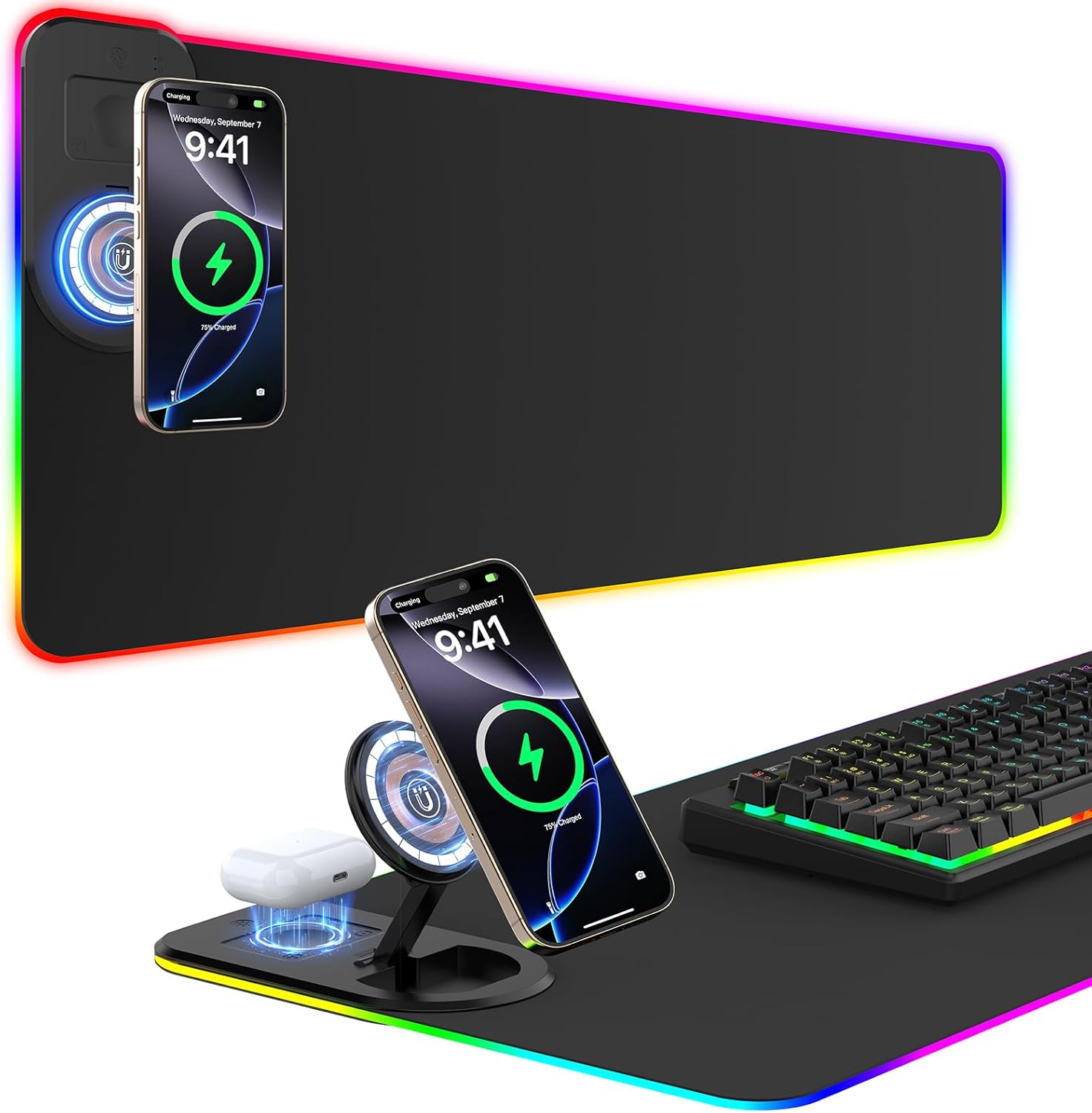
The pad is sized at 800x350x4mm, which should give you a much larger working and gaming area than a standard desk mat. The surface is described as ultra smooth, designed to help mouse sensors track with less resistance.
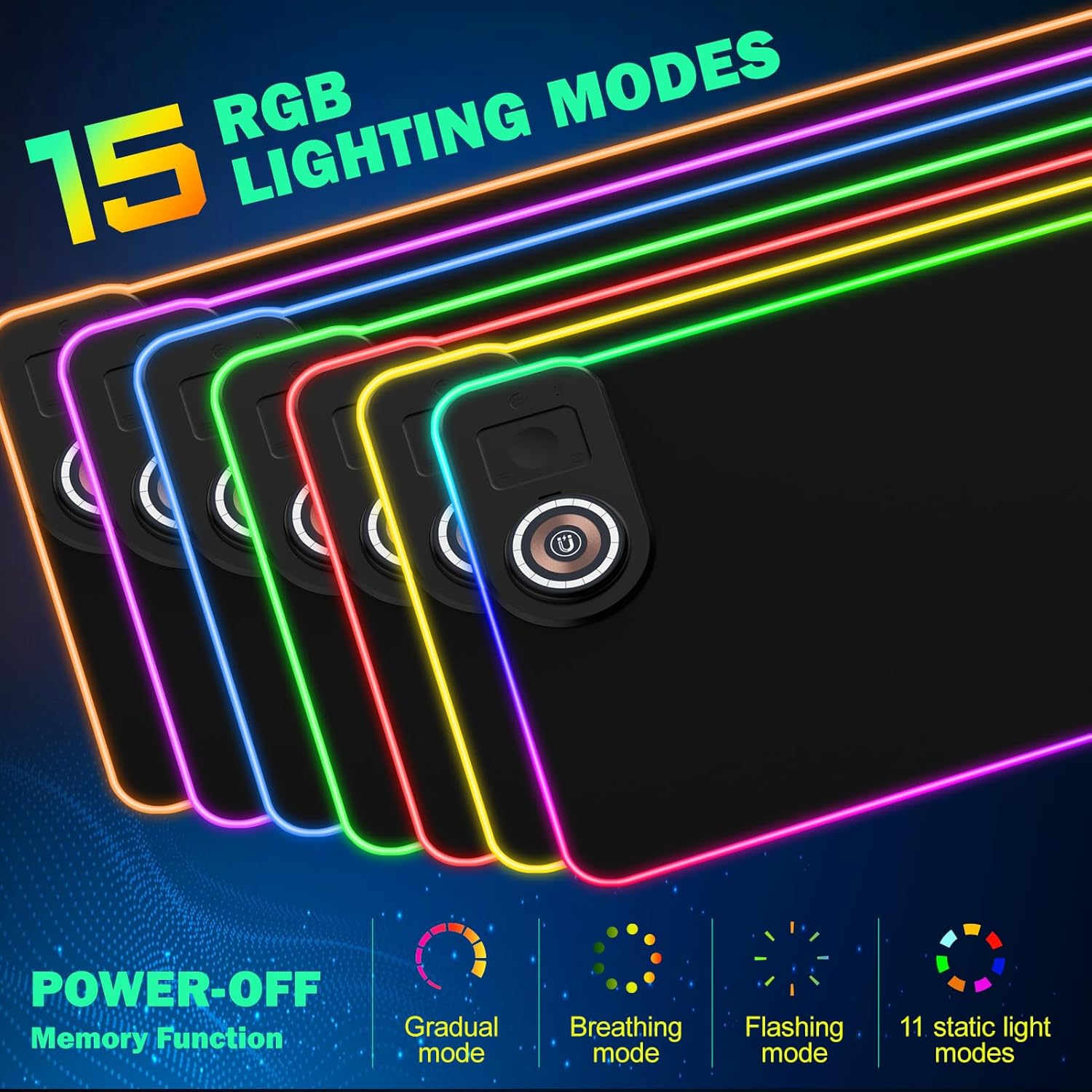
For the lighting side, it includes 10 RGB modes: 7 static and 3 dynamic. There’s also a memory function that remembers your last light mode when you switch the mat back on, so you don’t have to keep cycling through the modes.
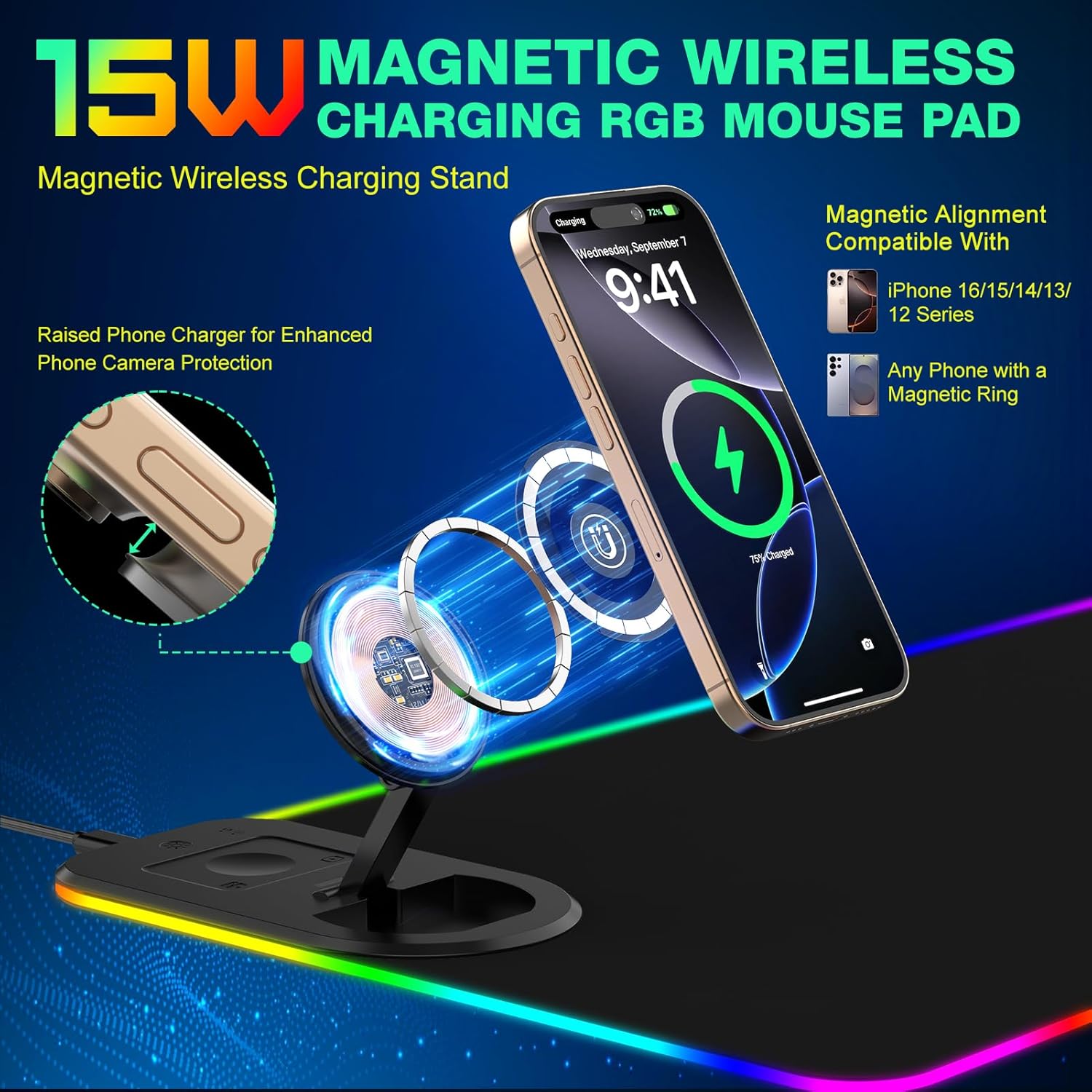
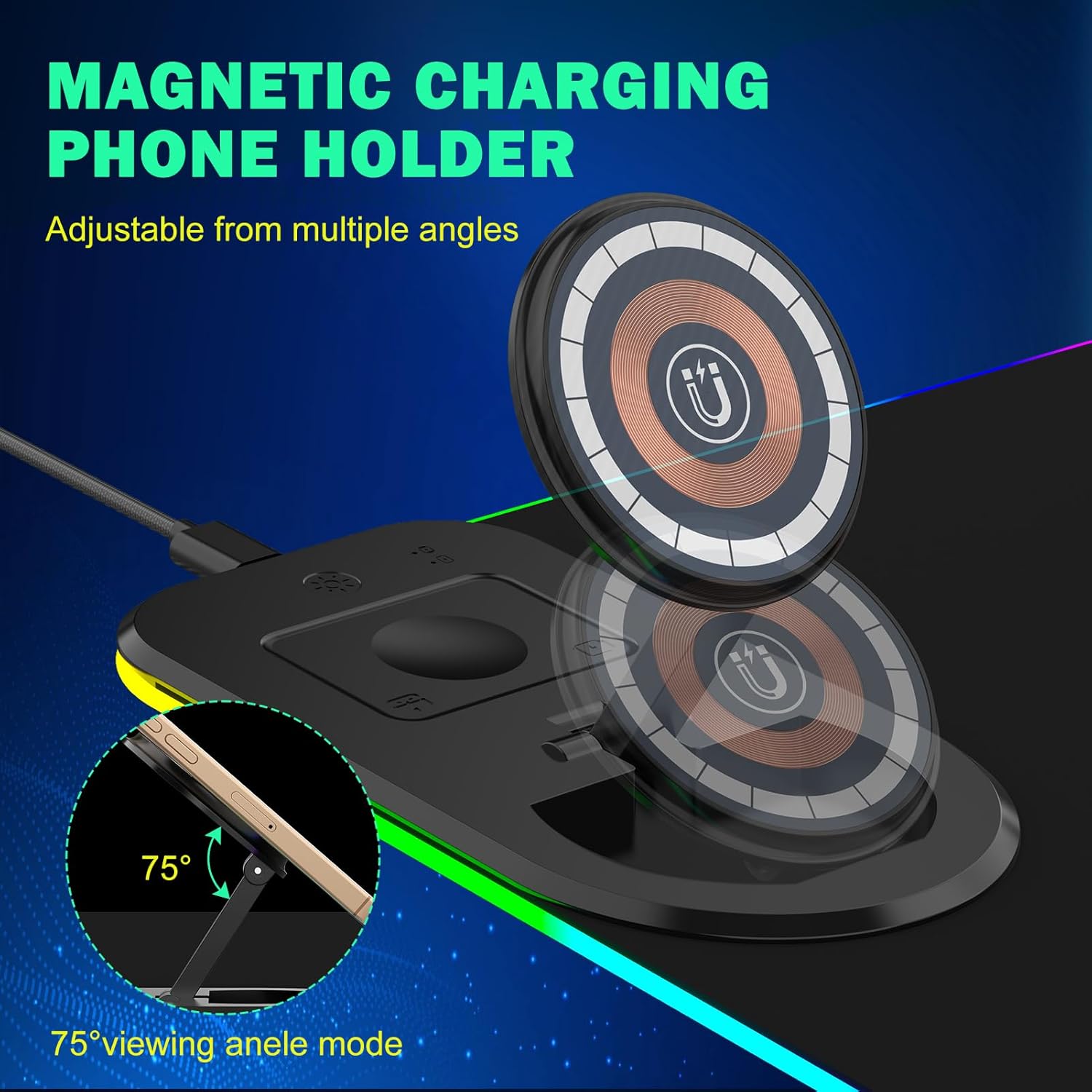
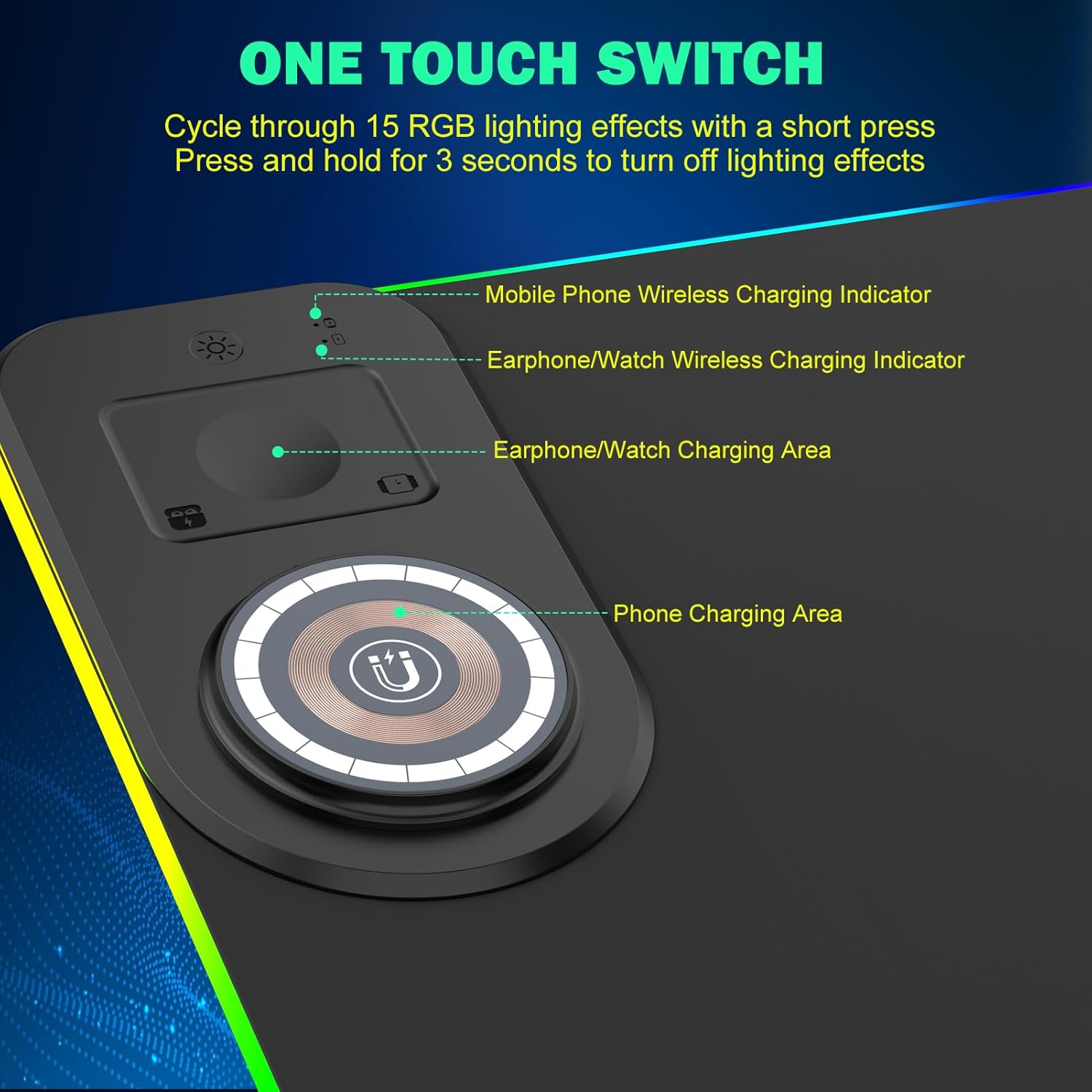
The most distinctive element is the 15W Qi wireless charging. It also includes charging status indicators: RED for charging, GREEN for fully charged, and BLUE for standby.
Tech specs
- Name: GIM Wireless Charging RGB Gaming Mouse Pad 15W
- Type: Wireless charging Qi mouse mat with RGB lighting
- Charging power: 15W
- Dimensions: 800x350x4mm
- Charging indicators: RED (charging), GREEN (fully charged), BLUE (standby)
- Light modes: 10 (7 static + 3 dynamic)
- Thickness: 4mm
What stands out in everyday use
If you play with a lower sensitivity or you like controlled, consistent movement, a smooth, extended surface can make your desk feel more “set up” from the first session. With this kind of XXL mat, you also tend to get more comfort for wrist rest positions simply because there’s more coverage across the desk.
The charging feature is the big convenience win—again, provided you place your phone correctly over the charging area and power it properly. The RED/BLUE/GREEN indicators are a sensible touch, because they help you tell whether the mat is actively charging, already full, or idle.
Where you may need to set expectations
There’s a notable limitation to be aware of: the description says a 15W charge needs a power adapter rated 9V 2A, and importantly, the adapter is not included. So if you’re buying this as a “plug in and forget” solution, you’ll want to check that you already have a suitable adapter on hand.
It’s also described as non-slip with a 4mm thickness intended to keep its shape stable and prevent wave formation. Still, if your desk has a very textured surface or you move the mat around frequently, grip can feel slightly different from person to person—so treat “non-slip” as a strong aim, not a guarantee across every desk surface.
Who it’s for (and who should skip it)
It makes sense if you want a single, extended black mouse/keyboard mat that also adds RGB ambience and wireless charging for a Qi-enabled phone. If you regularly game at your desk and also use your phone for work during the day, the charging status lights and memory function are the sort of practical touches that reduce day-to-day hassle.
It might not be a great match if you don’t need wireless charging at all, or if you prefer to keep desk clutter minimal by using only a dedicated charging dock. It may also be better avoided if you don’t want to source the correct 9V 2A power adapter separately.
Mini FAQ
Is the wireless charging compatible with iPhones and Samsung phones?
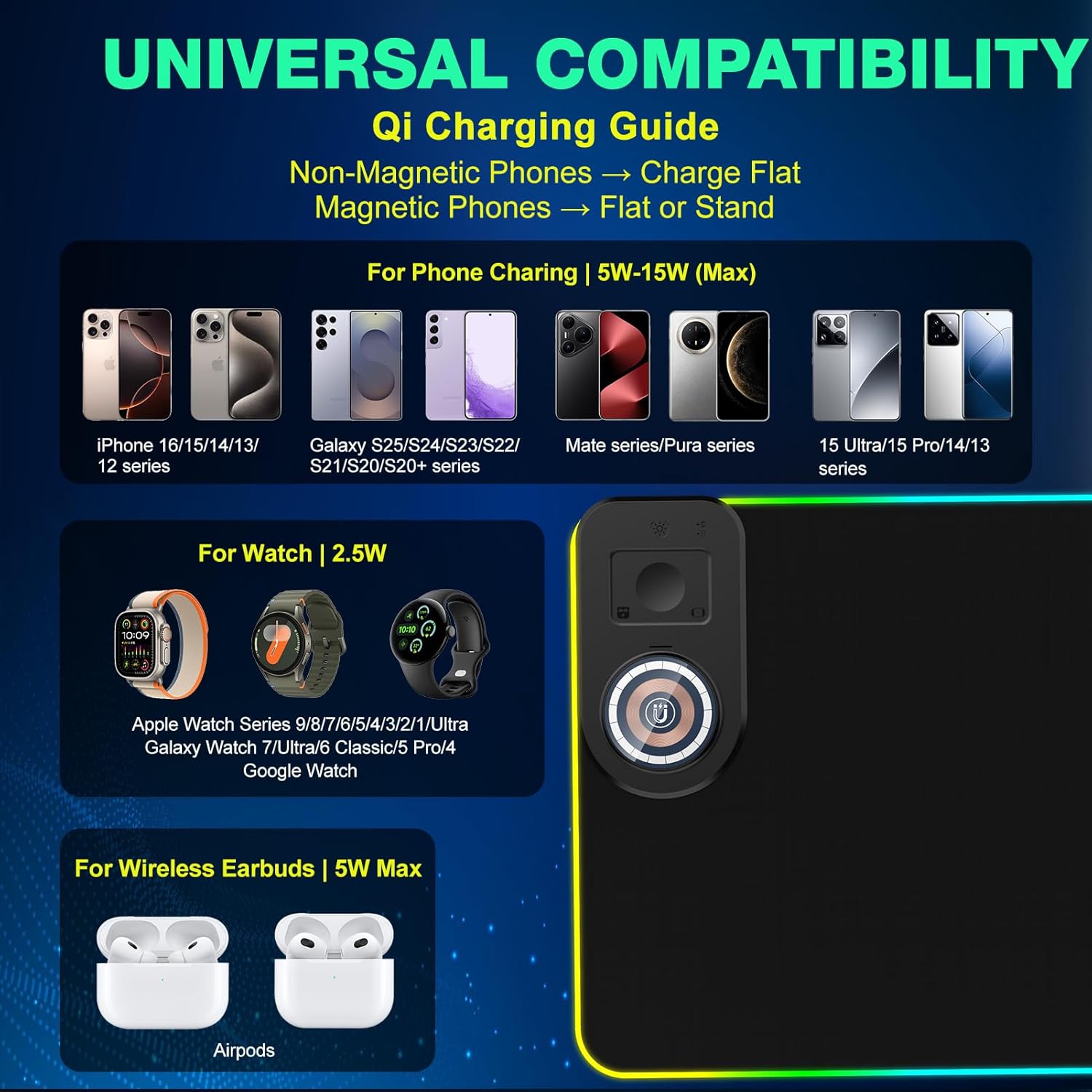
The listing says it’s compatible with Qi-enabled smartphones such as iPhone 8/X/XR/XS/11/11 Pro, 12/13/14/15 series, and Samsung Galaxy models including S10/S9/S8 Plus, S20/S20+ (Ultra), and Note 9/8.
What do the charging lights mean?
The pad uses RED for charging, GREEN for fully charged, and BLUE for standby mode.
Does it remember the last RGB mode?
Yes. There’s a memory function designed to remember the last light mode choice when switched on again.
Do I need to buy a power adapter?
Yes, for 15W wireless charging the description states you need a 9V 2A power adapter, and that the adapter is not included with the mouse pad.
Is it suitable for office work as well as gaming?
The extended size (800x350x4mm) is positioned as useful for covering a mouse area and keyboard area, so it should work for both gaming sessions and office setups.
Final verdict
Worth considering if you want an XXL RGB mouse mat with smooth tracking and the convenience of built-in 15W Qi wireless charging—especially if you already have (or are willing to source) the required 9V 2A adapter. It may not suit you if wireless charging isn’t a priority, or if you’d rather not think about correct power requirements and phone placement.