

Frameo 15.6 Inch Digital Photo Frame 32GB 🖼
Product description
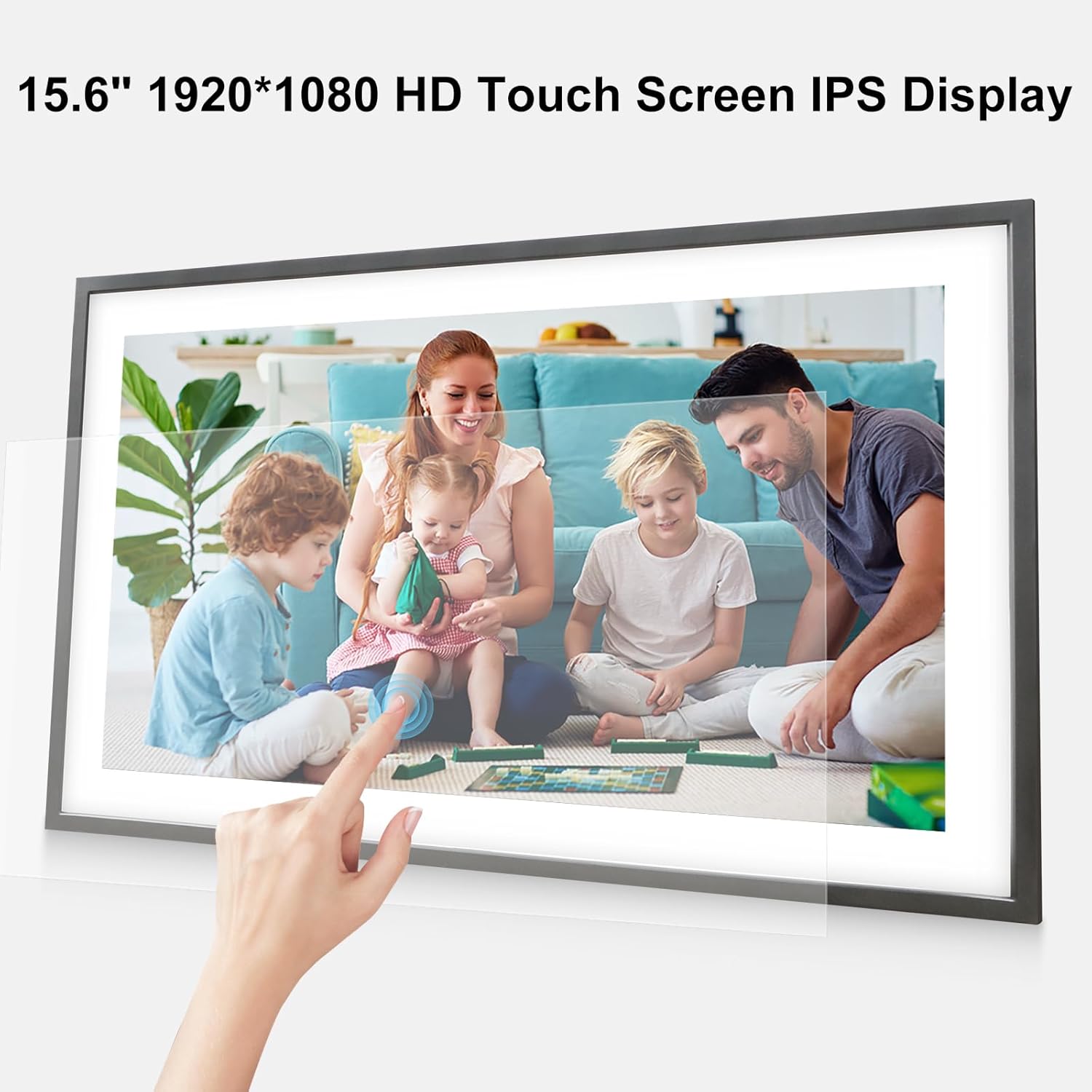
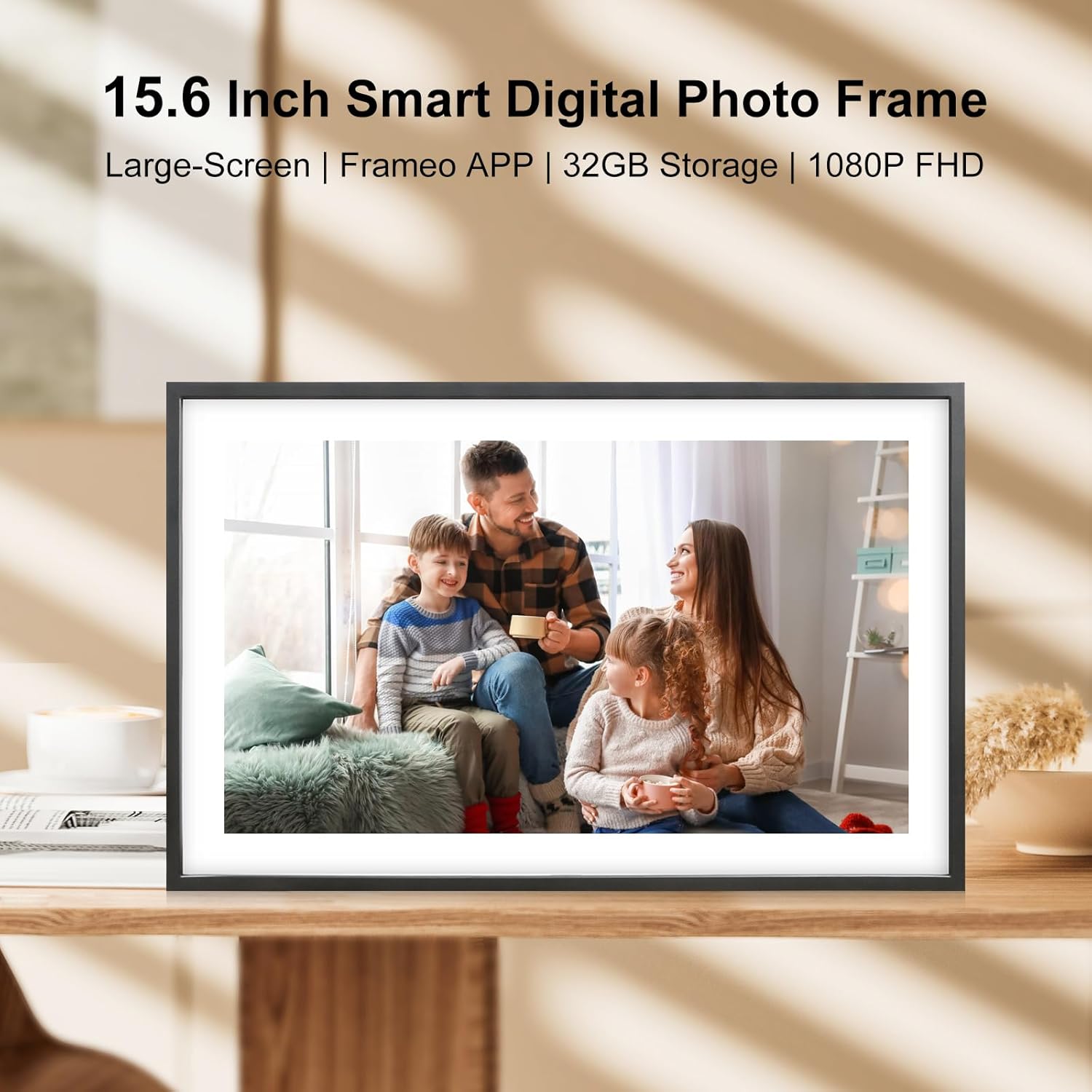
This 15.6 inch digital picture frame is designed to keep family memories on display with minimal fuss, making it simple to share photos and short videos across distances. It pairs a large 1920 x 1080 Full HD IPS touch screen with expandable storage and easy controls, so grandparents, parents and busy households can enjoy recent moments without complicated setups.
Key Points
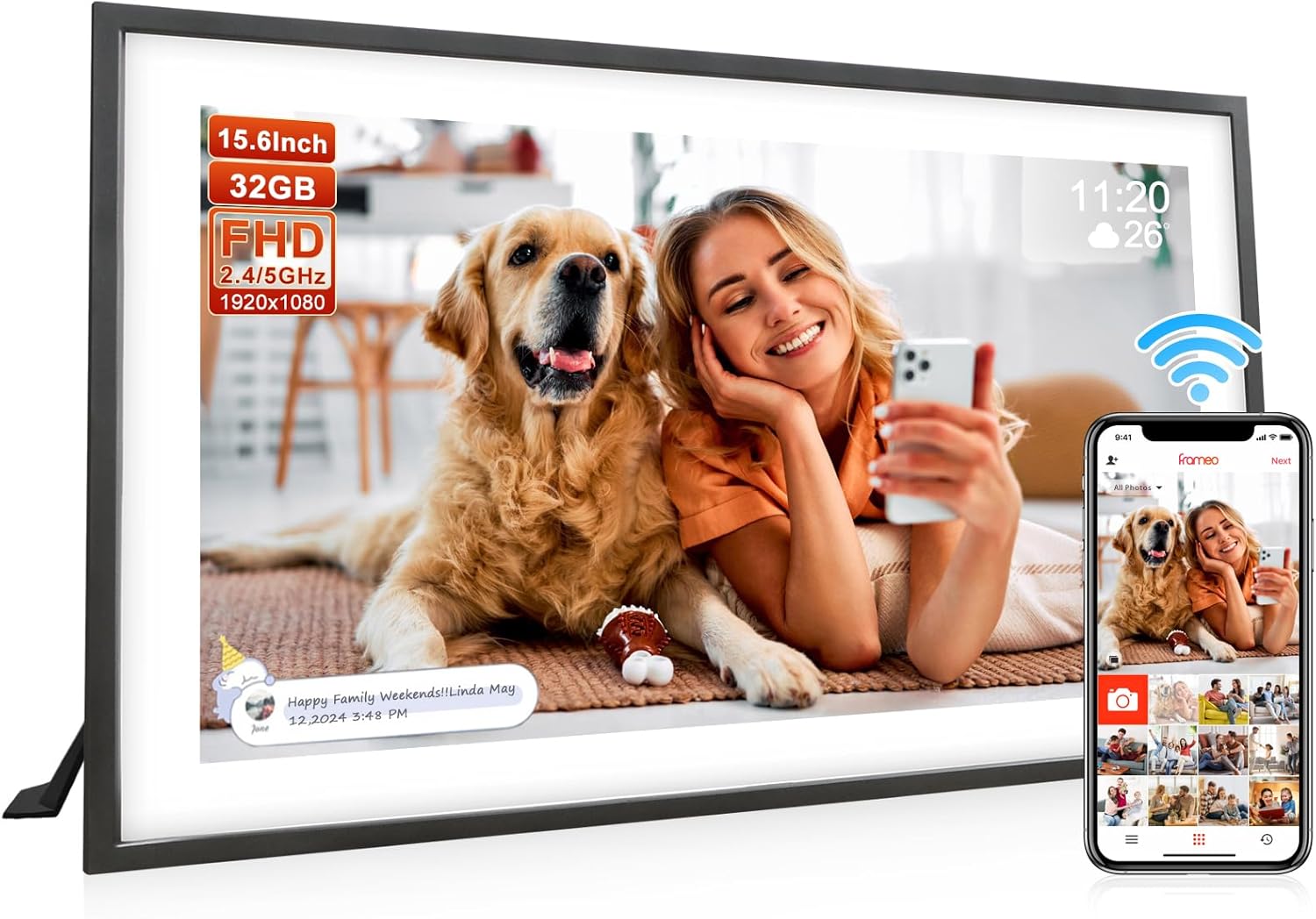
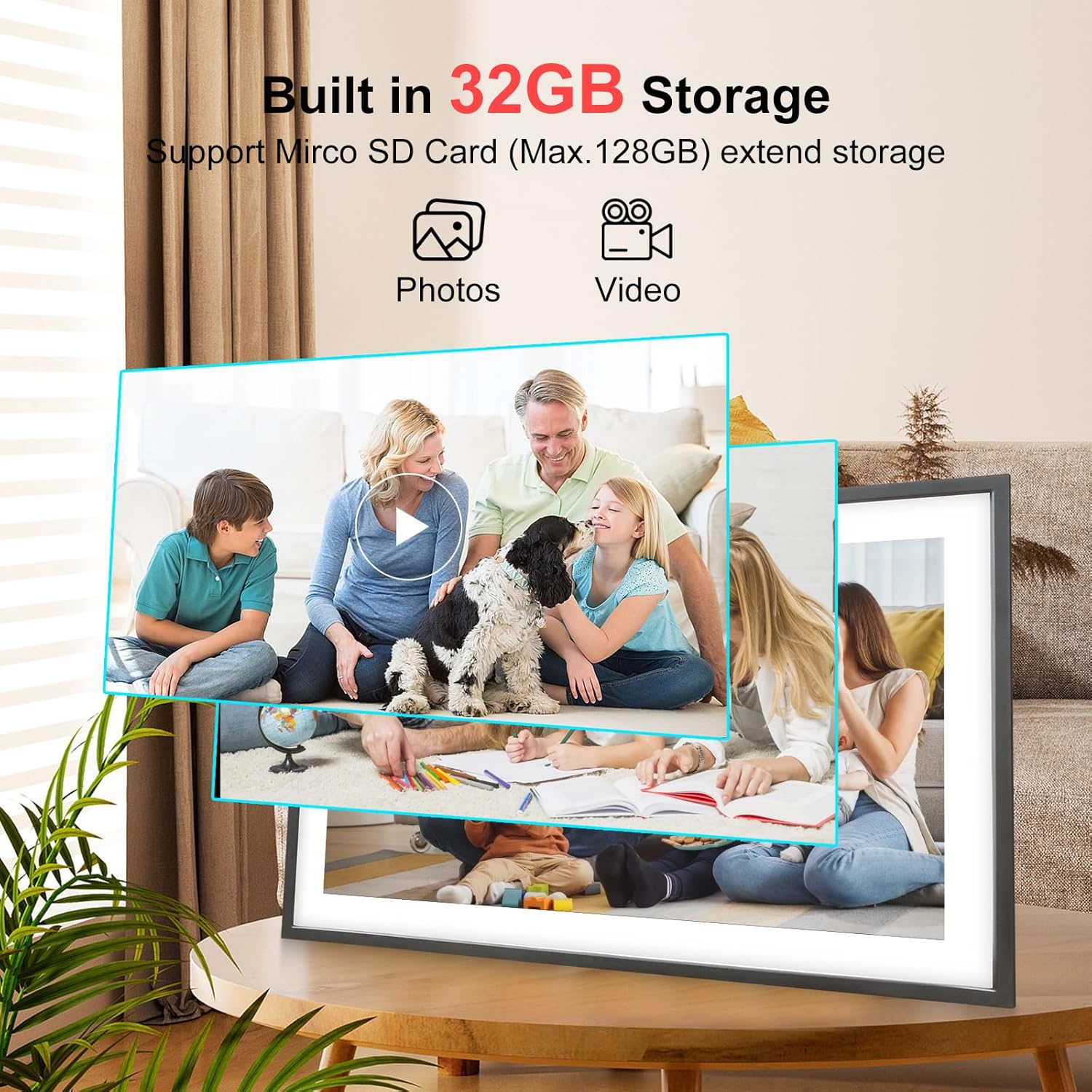
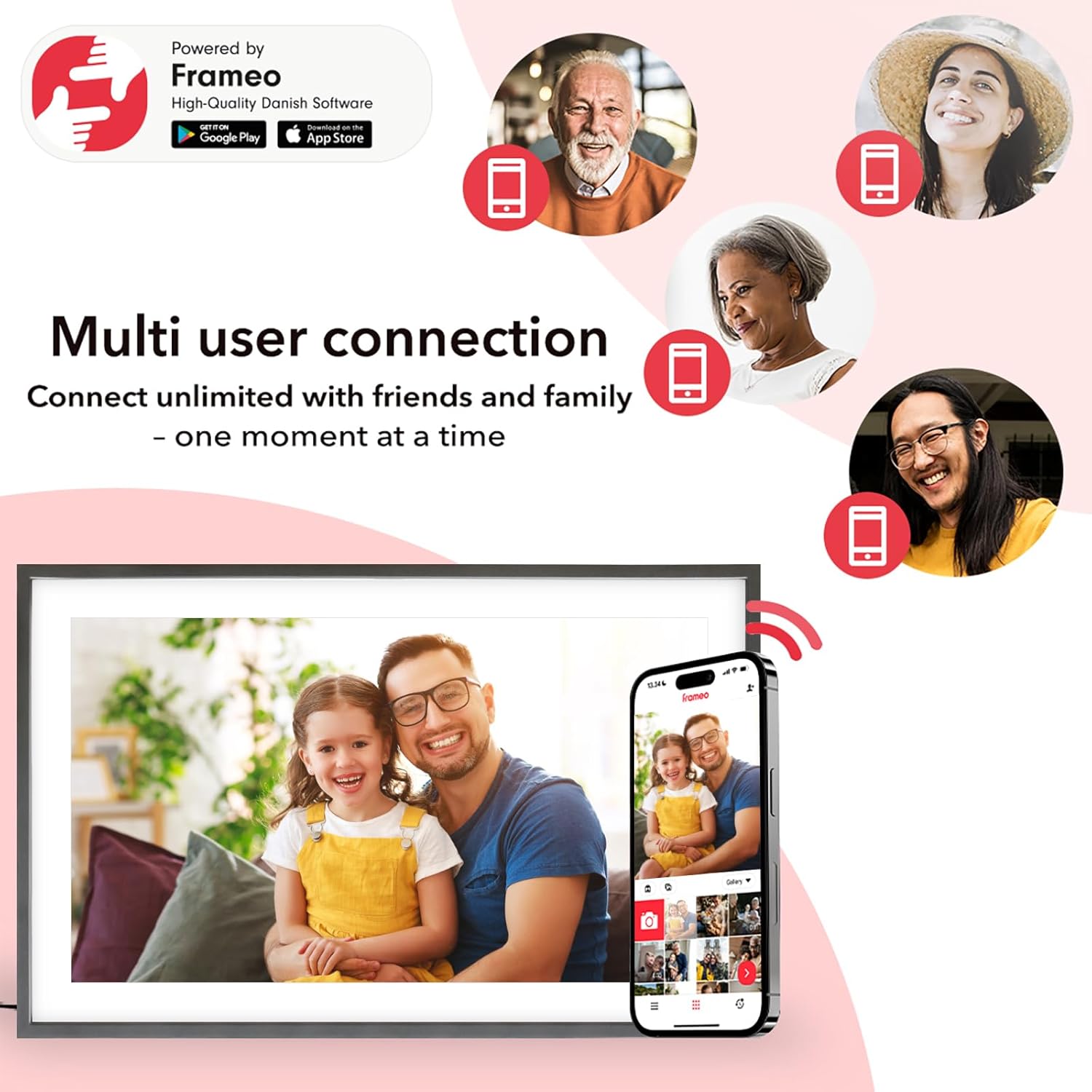
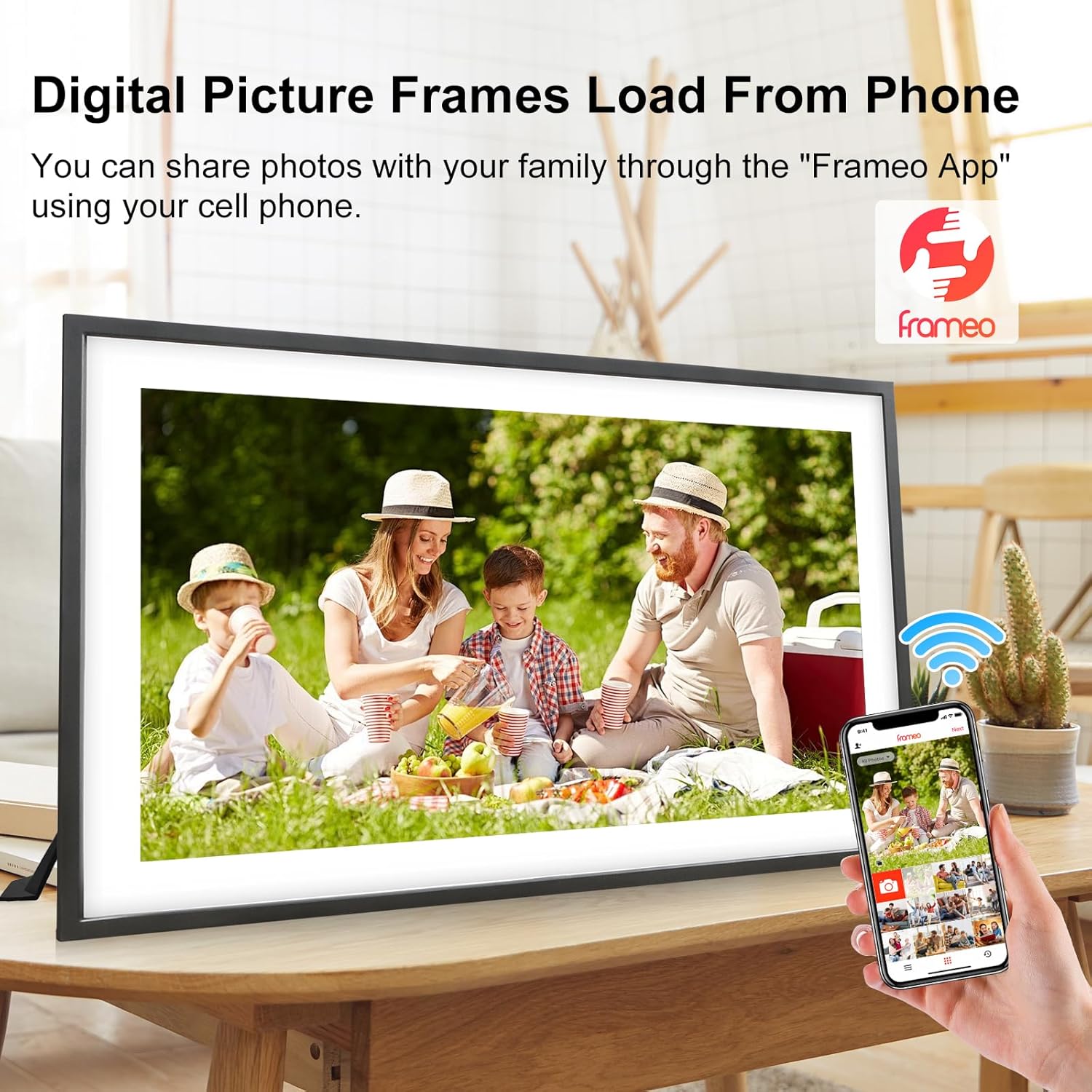
The frame supports instant sharing via the Frameo app, allowing multiple users to send images and short 15-second videos directly to the device for real-time updates. It arrives with 32GB built-in storage and supports a further 64GB expansion, which helps store thousands of pictures locally as well as files received over WiFi. The touchscreen responds to taps and gestures for straightforward navigation and slideshow control, while auto-rotate adjusts orientation between portrait and landscape automatically. 📷
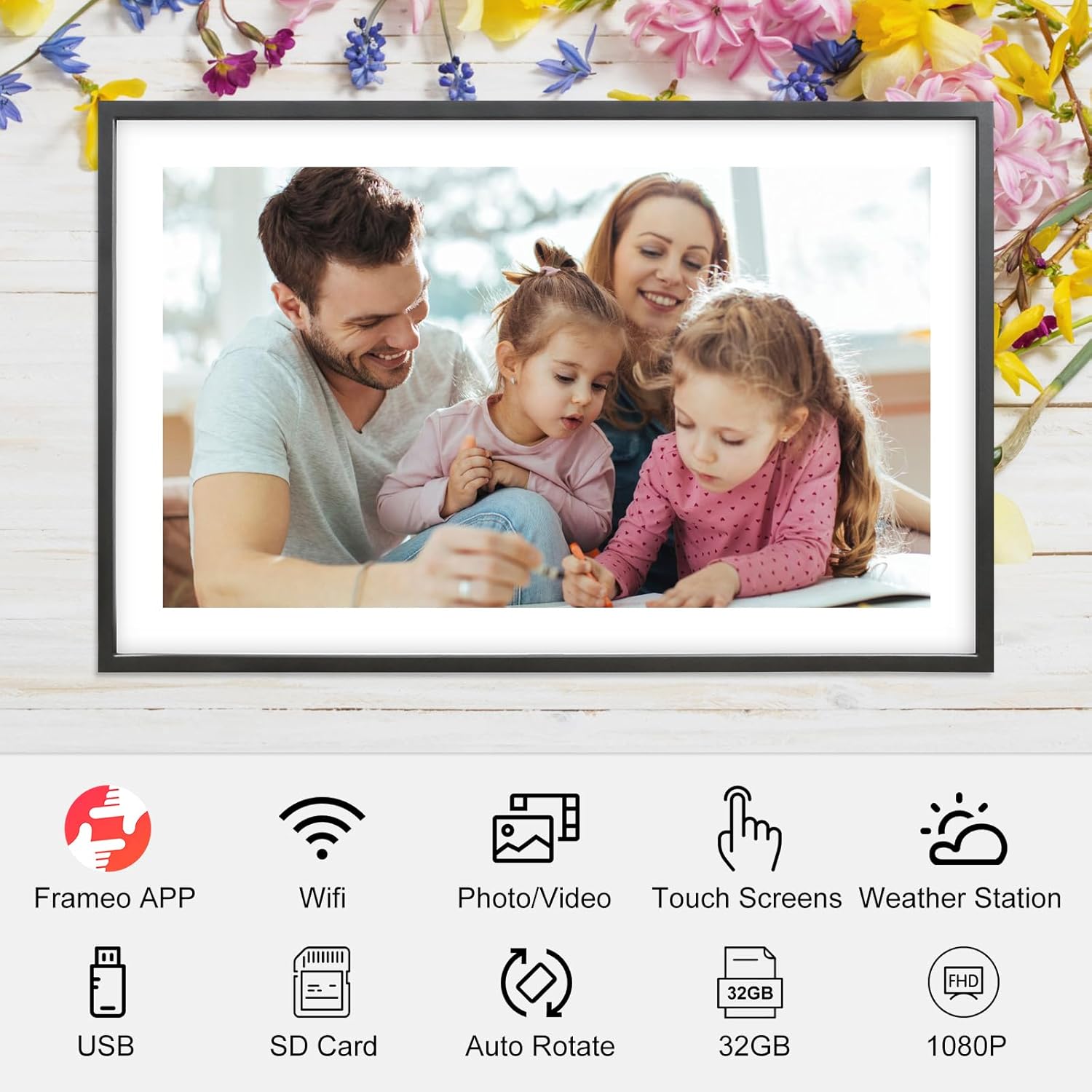
This model also includes simple interactive features such as emoji reactions and adjustable slideshow settings for brightness and volume. For users who prefer not to use WiFi, the frame accepts full-size SD cards and USB drives via USB-C, enabling plug-and-play viewing without app involvement. Consider that cloud features require a network connection and that video clips are limited to 15 seconds when sent through the app, according to the manufacturer. 🎞️
Technical Specifications
- Name: Frameo 15.6 Inch Large Digital Photo Frame
- Display: 15.6 inch IPS touch screen, 1920 x 1080 Full HD
- Internal storage: 32GB, expandable up to 64GB
- Supported formats: JPG, JPEG, BMP, PNG, MP4
- Connectivity: WiFi, USB-C, SD card slot
- Special features: Auto-rotate, sleep mode, emoji reactions
Usage Recommendations
Place the frame on a tabletop or mount it on the wall depending on available space and viewing angle. When setting up for distant relatives, enable WiFi and invite family members to the Frameo app so photos can arrive automatically; for tech-averse users, transfer images by SD card or USB for a completely offline experience. For continuous display in shared areas, adjust the sleep mode schedule to reduce power use overnight and keep brightness at a comfortable level for different lighting conditions.
If you plan to send many full-resolution videos, be aware the app limits video length when sending directly. For higher volumes of content, using an SD card or larger USB drive can simplify management and help maintain image quality over time.