

LG TV Remote Replacement for Magic Universal
Reviews
Price
Product description
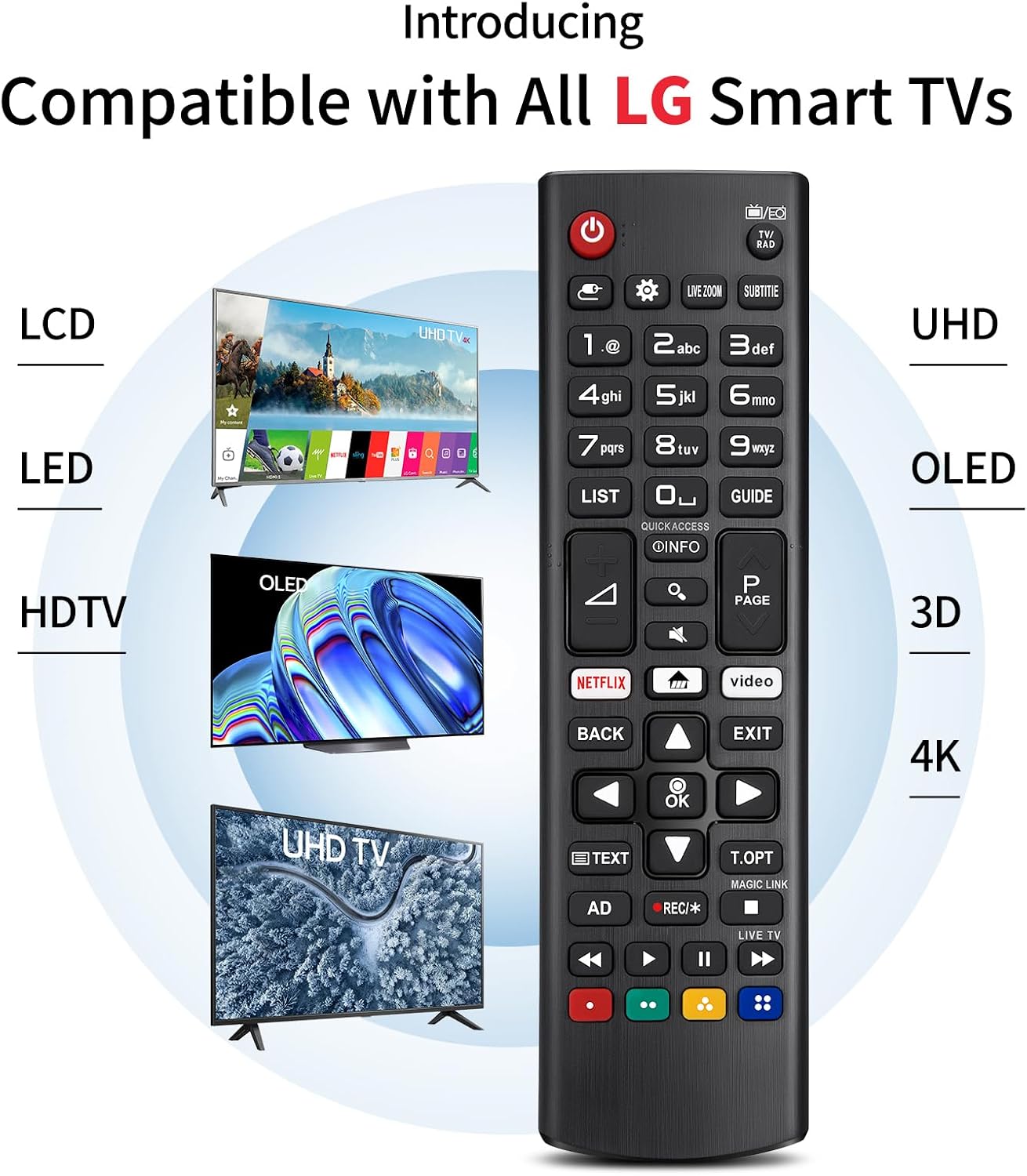
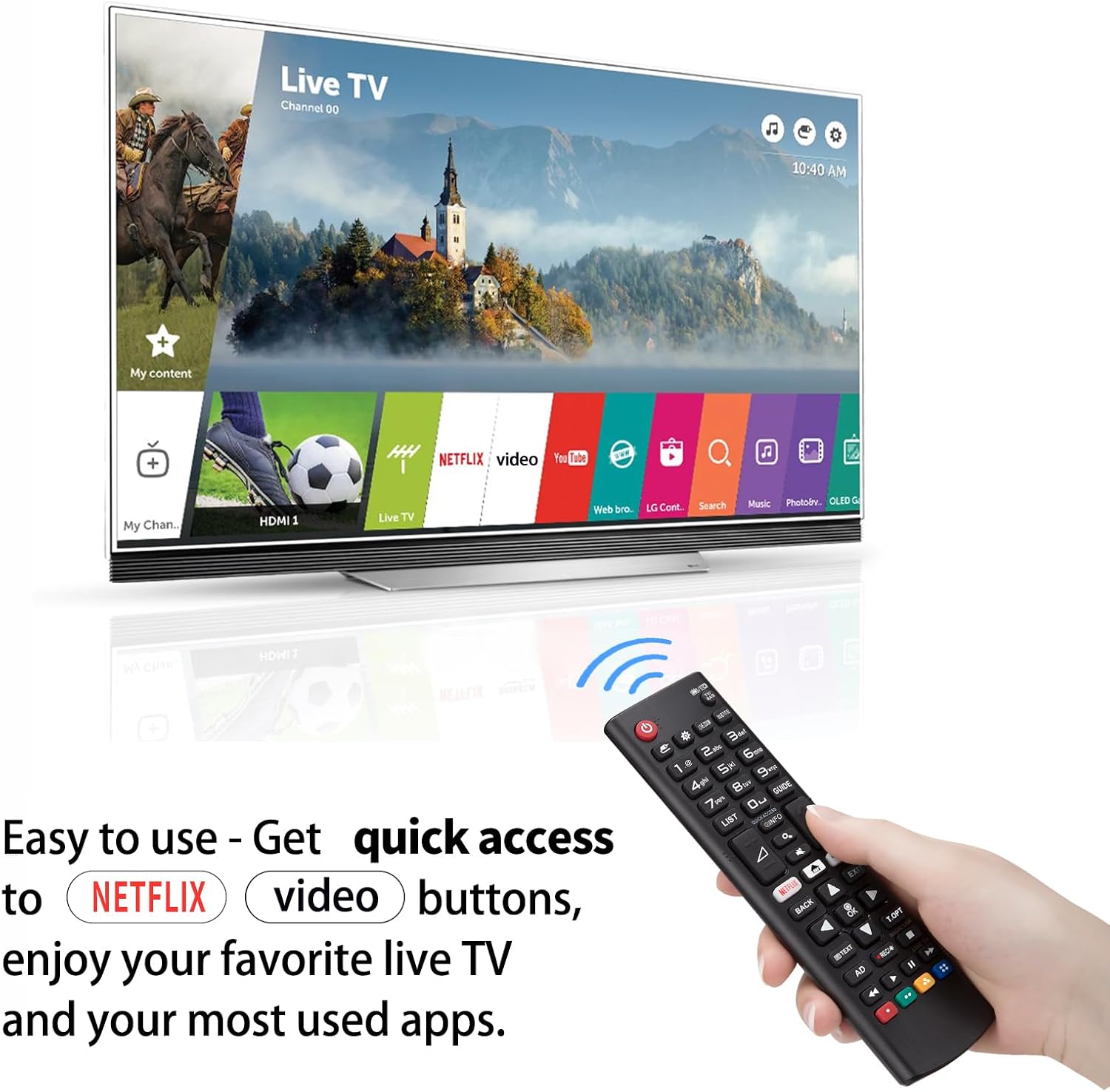
This replacement remote control for LG Smart TVs restores full functionality without the need for programming, offering a compact alternative to a damaged or lost original. It covers gesture Magic features and supports a wide range of LG series, helping you control TV, volume and navigation with the familiar button layout.
Key Points
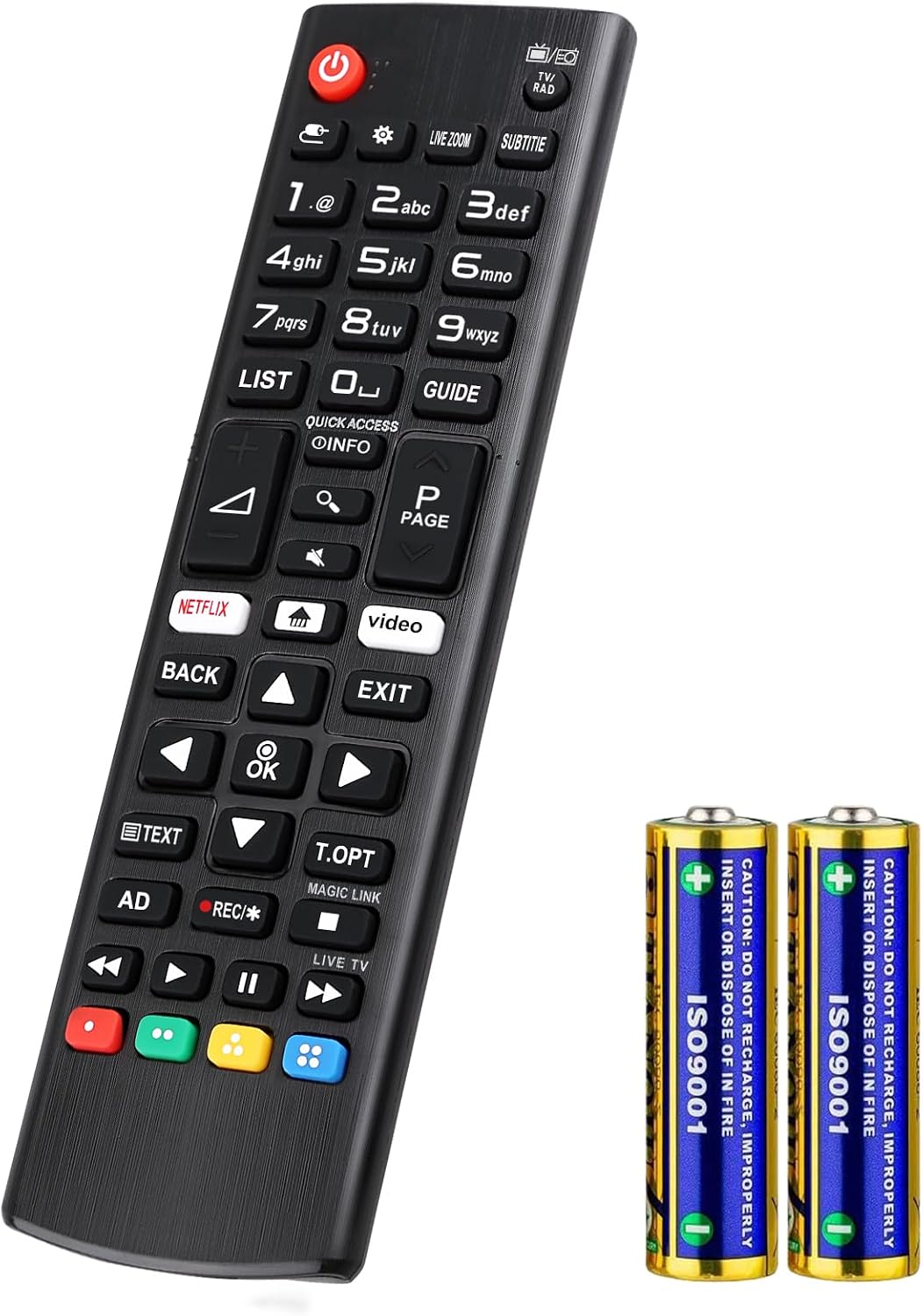
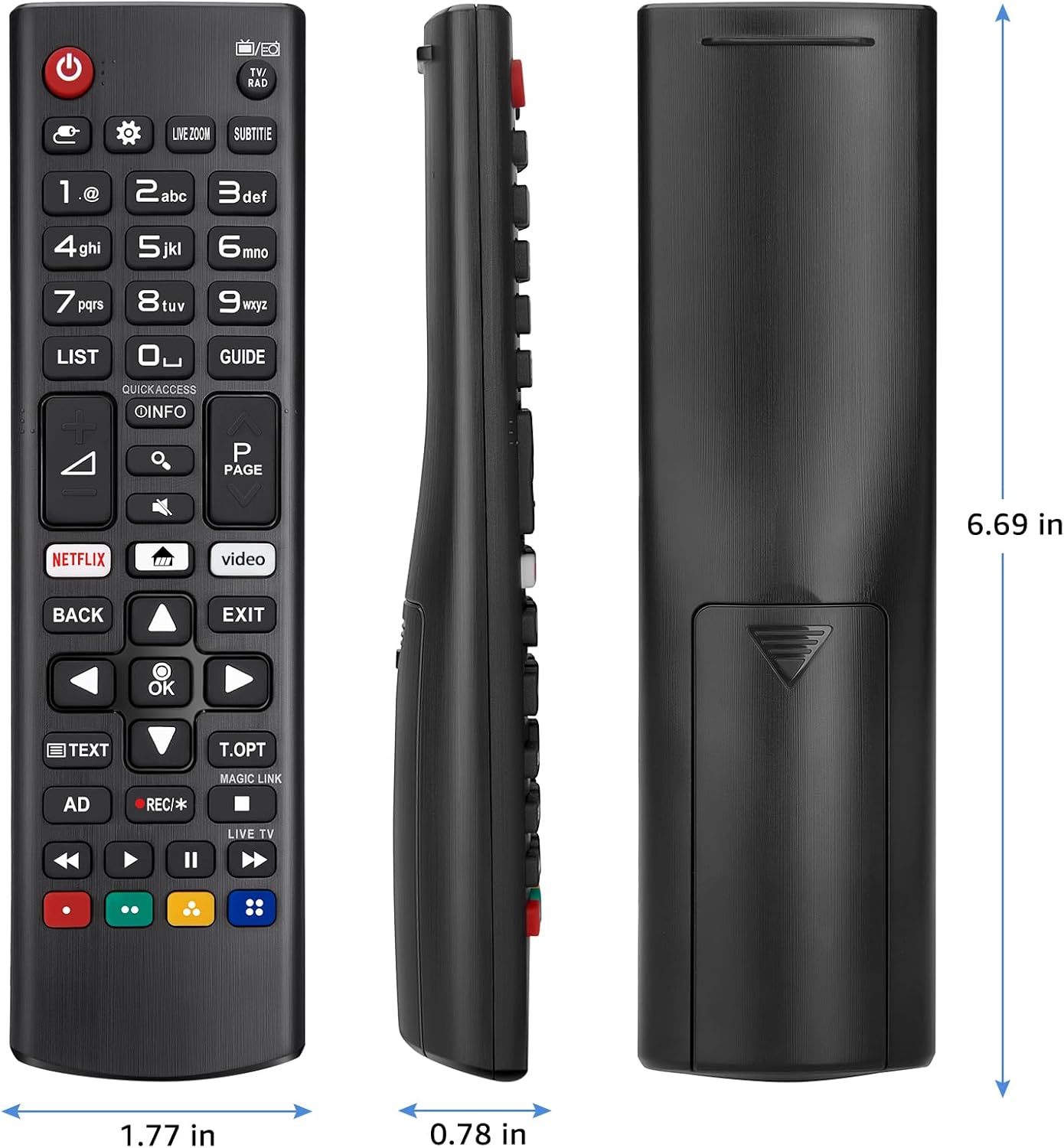
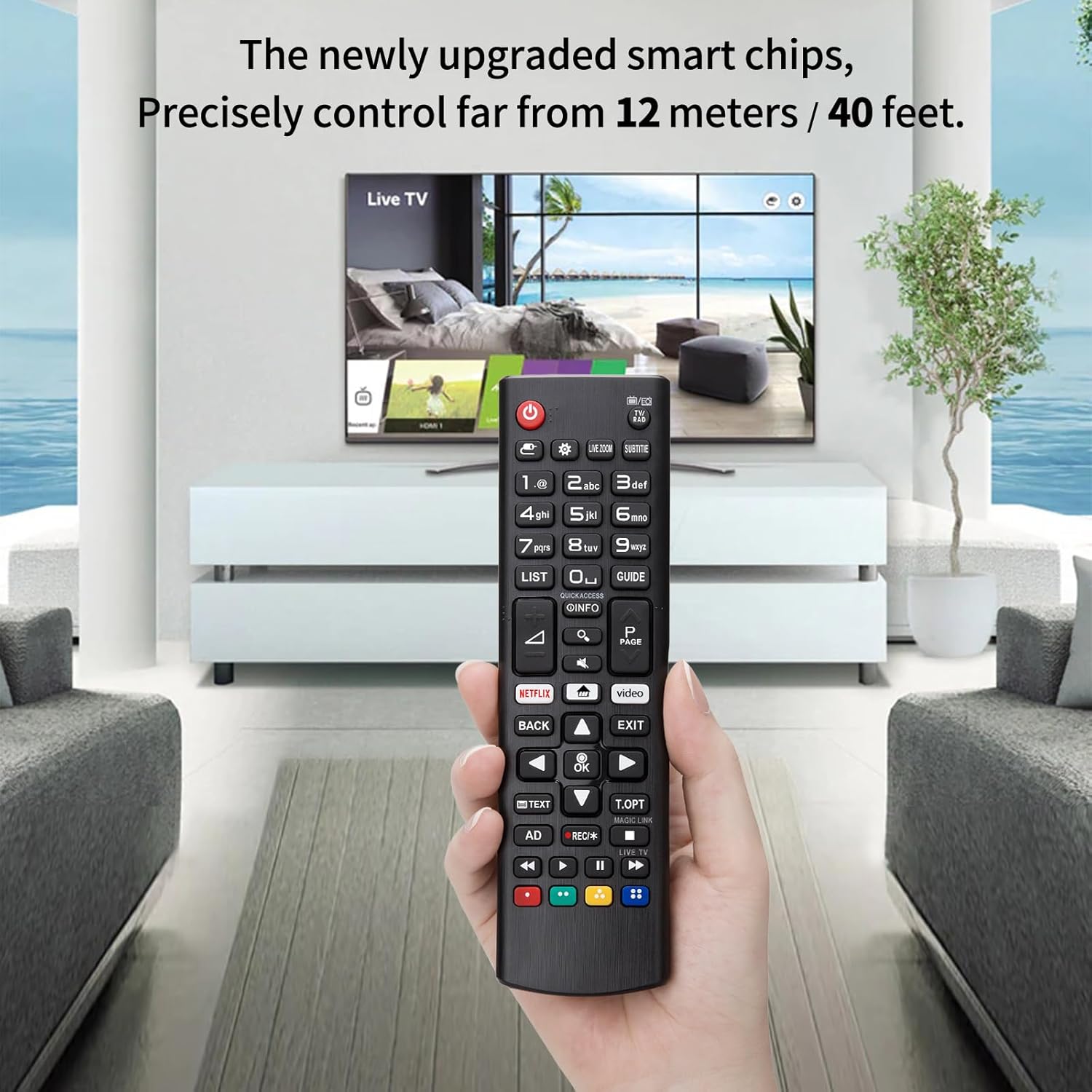
The remote works out of the box and comes with two AAA batteries included, so it is ready to use straight away. It is designed to match the original control functions and has increased transmission distance for more stable performance. The casing is compact and textured for a better grip and less chance of slipping from the hand. Note that some advanced TV-specific functions might depend on the television model and, according to the manufacturer, perfect parity with every original feature cannot be guaranteed.
Benefits
Replacement units such as this are useful when the original remote is lost or stops working, and they tend to be more affordable than official spares. This remote offers universal compatibility across a wide set of LG models, which reduces the need to check multiple part numbers. It includes batteries included, avoiding the extra purchase of cells and allowing immediate operation. For living rooms where a reliable infrared range matters, the greater transmission distance may improve day-to-day responsiveness. 😊
Technical Specifications
- Name: LG AKB338 / AKB696 / AKB729 replacement
- Compatibility: Replacement for AKB338, AKB696, AKB729, AKB736, AKB737, AKB744, AKB749, AKB750, AKB753, AKB756, AKB758, AKB760 series
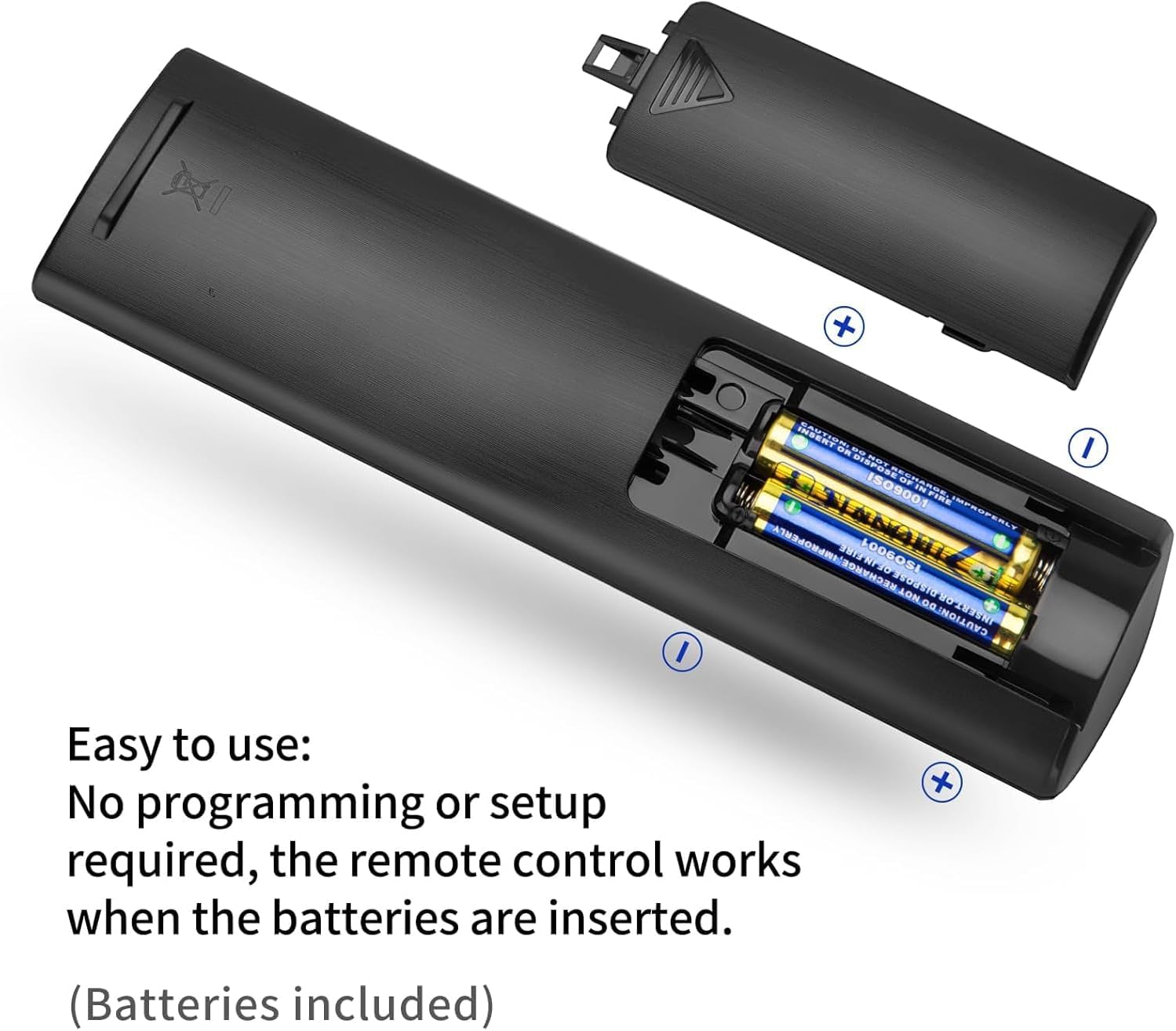
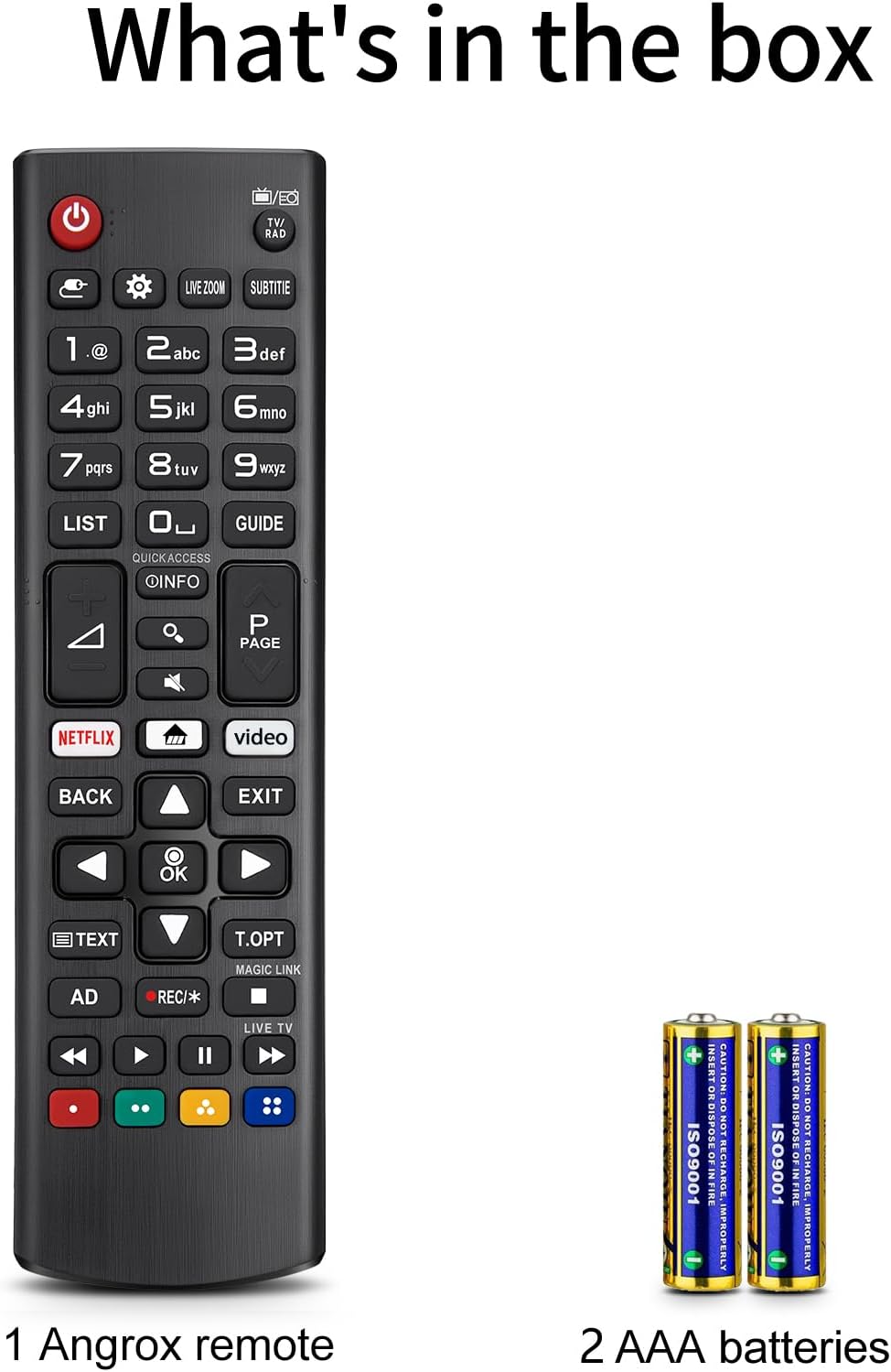
- Batteries: 2 x AAA included
- Functionality: Covers standard TV control, volume, channel, navigation and Magic gesture support
- Fit: Compatible with LG Smart TV UHD, OLED, EVO, QHD, QNED, NanoCell 4K and 8K models according to product listing
Usage Recommendations
Insert the supplied batteries matching polarity and test the main buttons first, such as power, volume and input selection, to confirm compatibility. If the TV requires pairing for certain features, follow the TV manufacturer’s instructions for remote setup, as some functions may need a quick sync step. For best range, point the remote directly at the TV’s sensor and avoid obstructions. 🔧📺
Consider that very model-specific functions like voice commands or proprietary smart features might not be fully available on third-party replacements, so check the buttons you use most frequently before relying on all advanced controls.