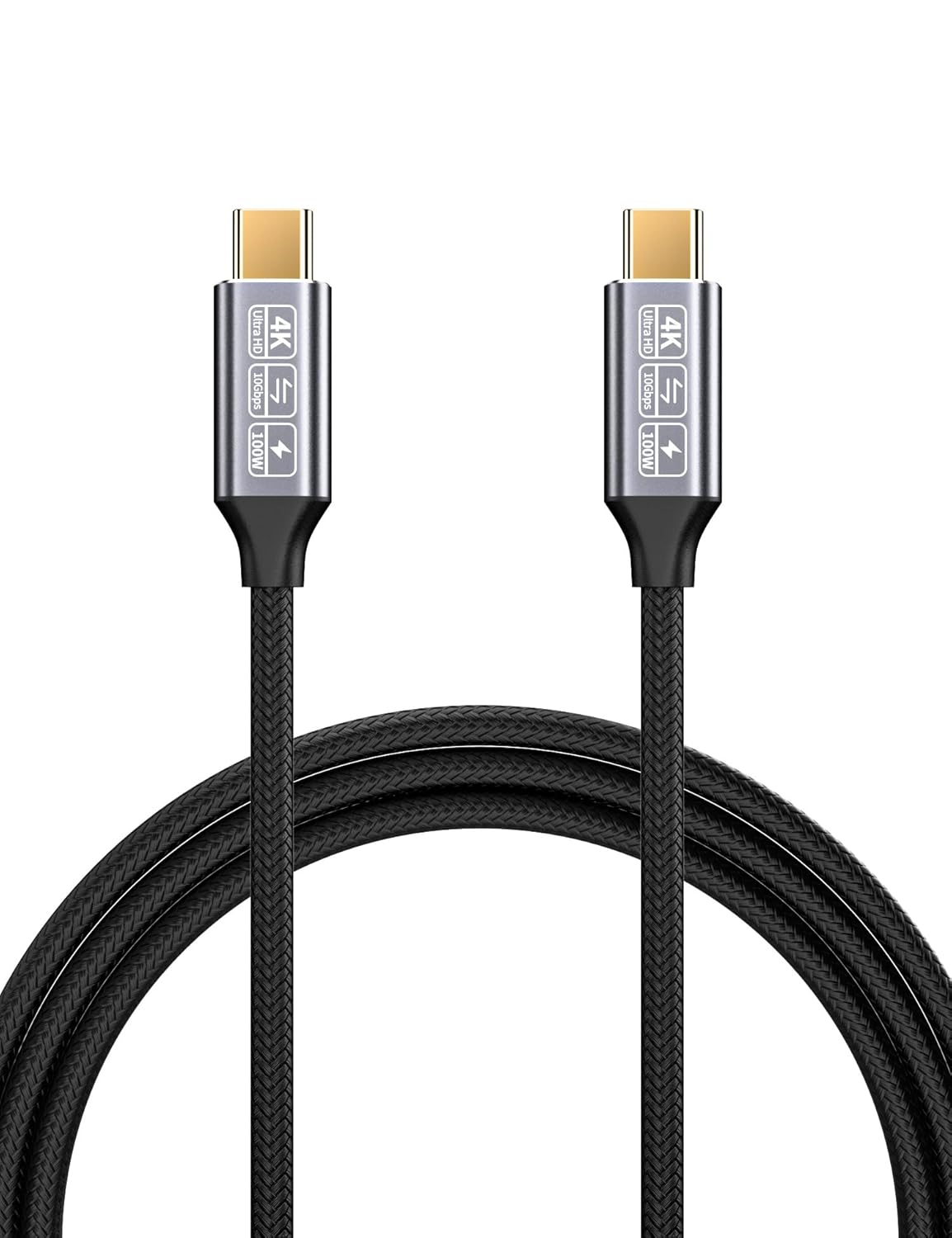
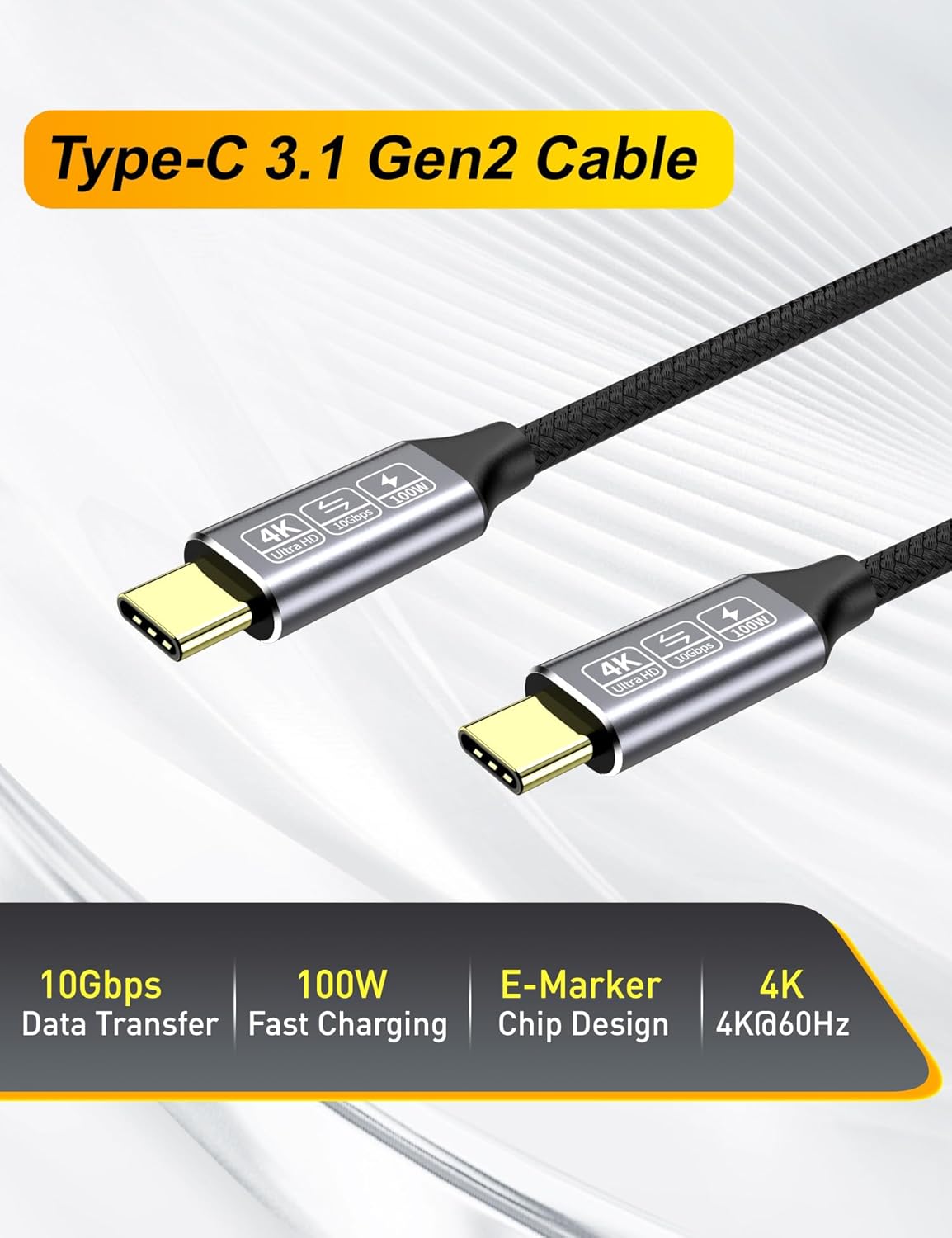
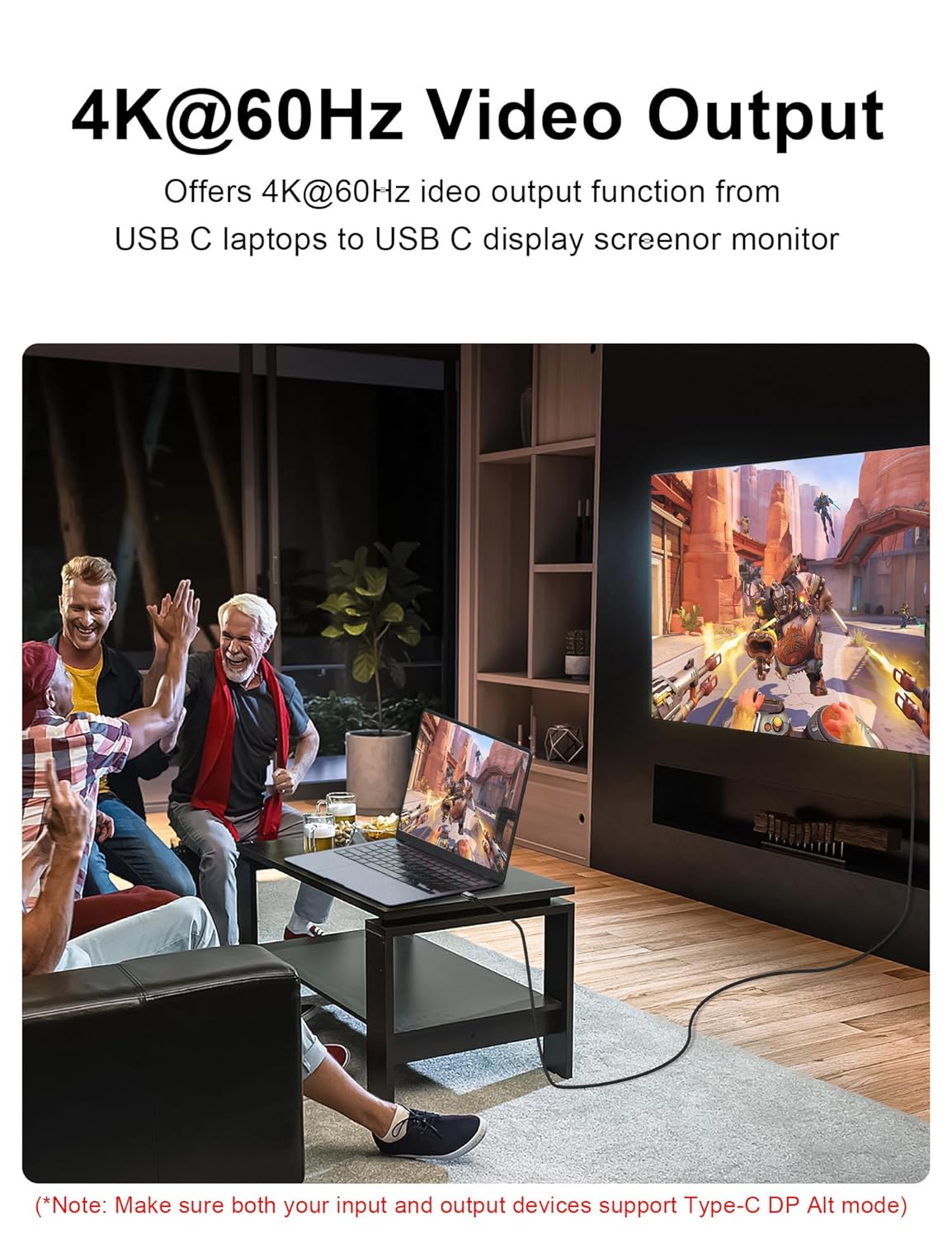
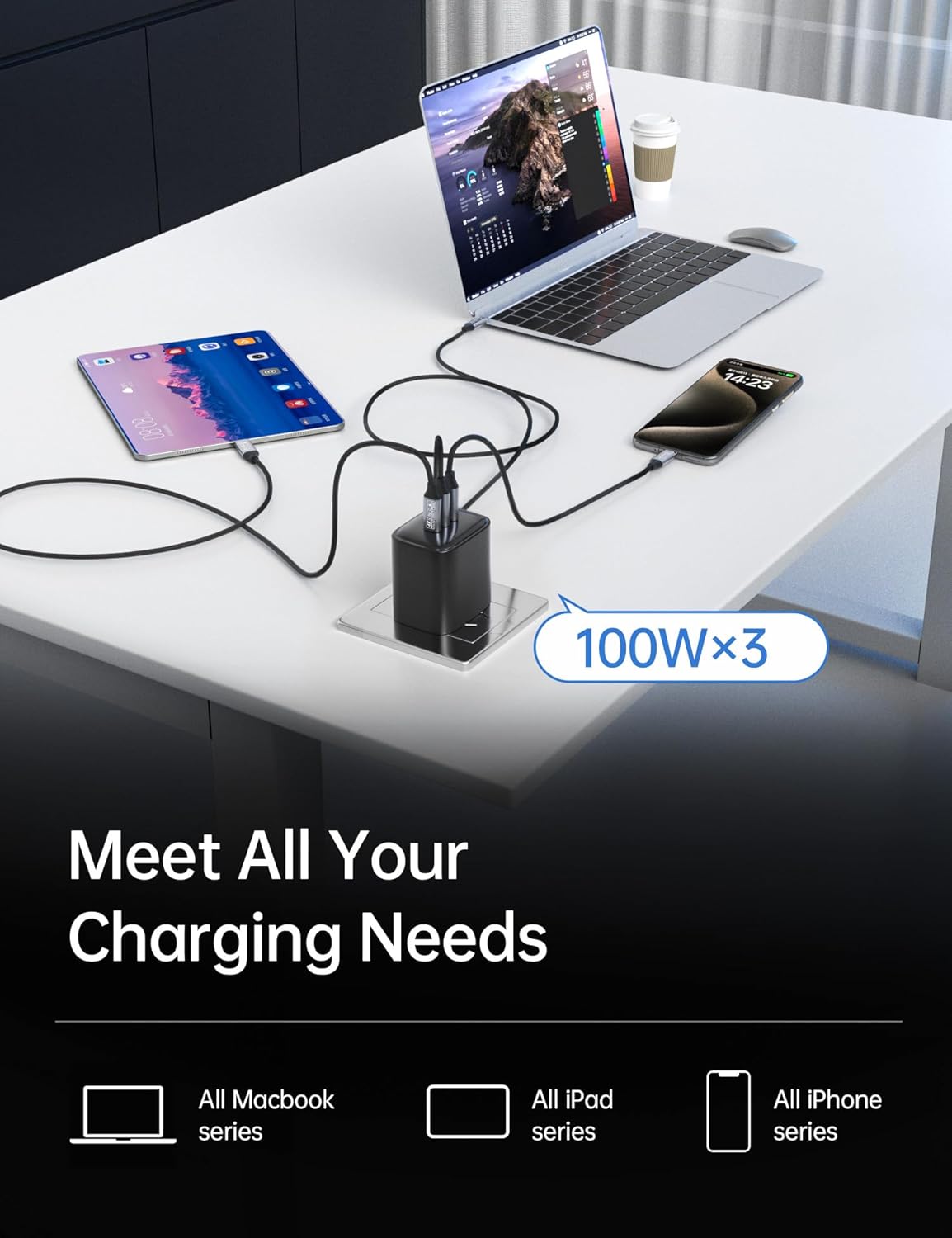
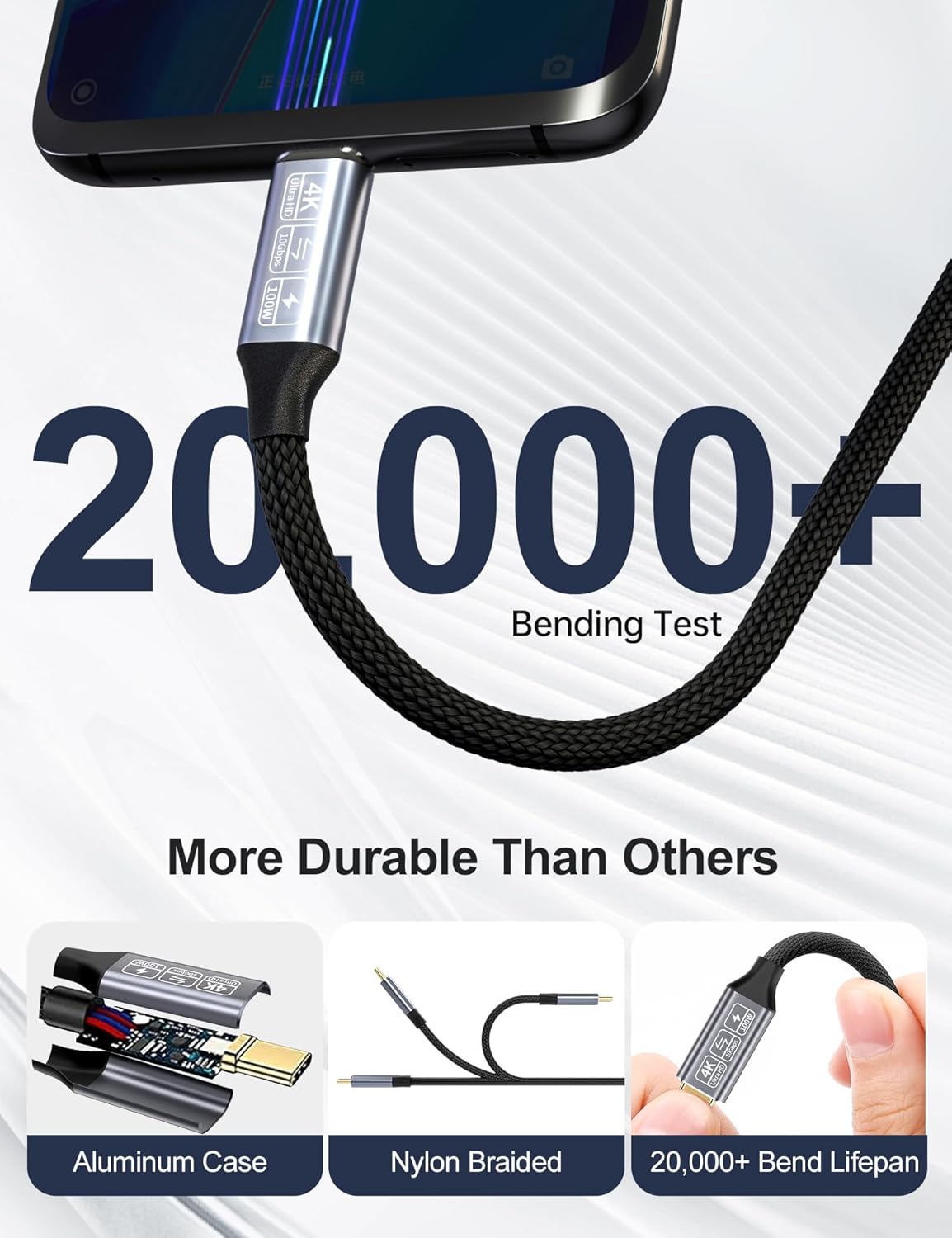
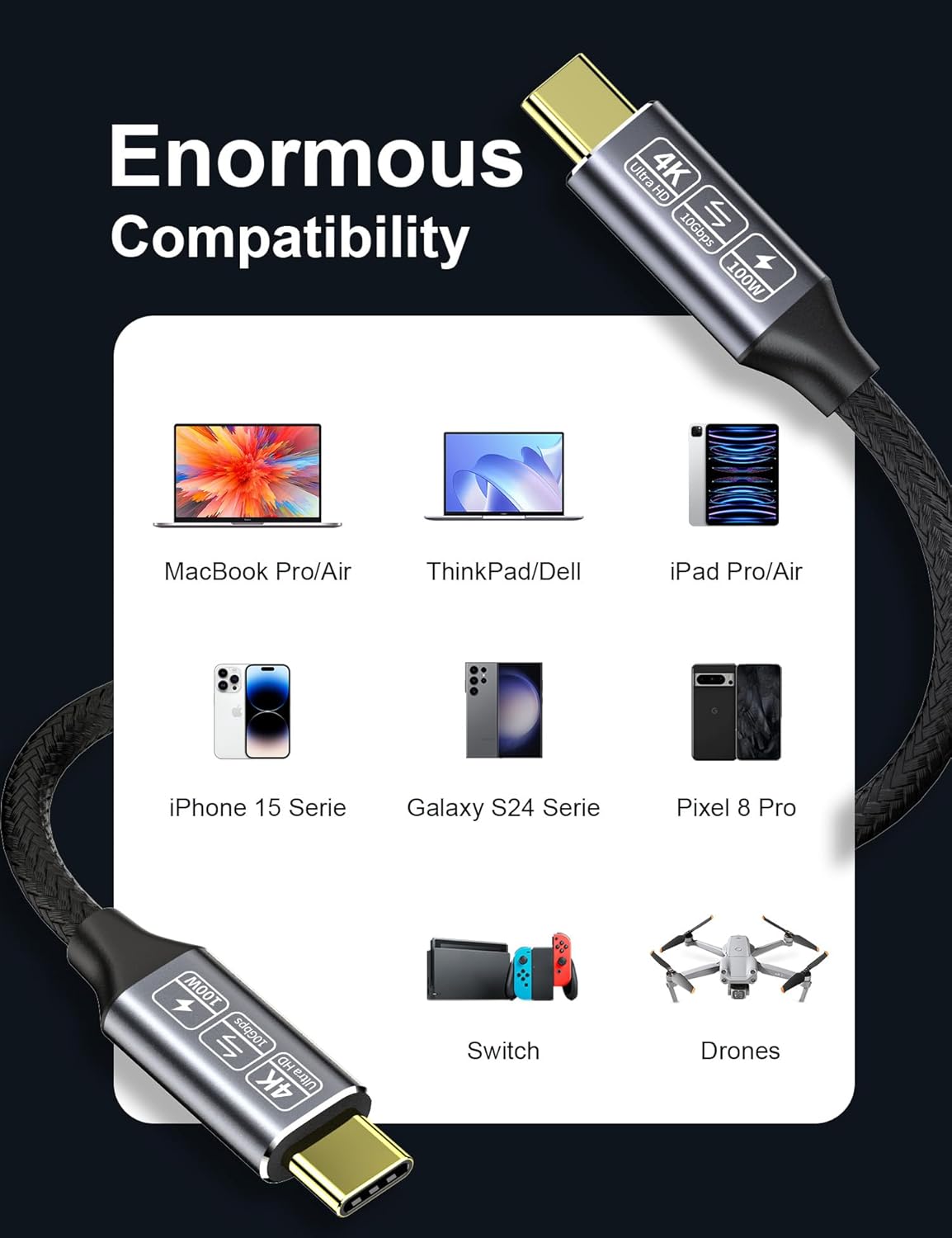
What it is and what it’s for\nThe CAKOBLE USB-C to USB-C 3.1 Gen2 cable is a high‑speed USB‑C cable designed for fast data transfer, high‑power charging and video output. On the data side, it delivers up to 10Gbps transfer speeds, making large file moves and backups quicker than older USB standards. For power, it supports up to 100W (5A) of charging, which covers a wide range of USB‑C devices when used with an appropriate charger. This makes it a practical option for both syncing and powering devices like laptops, tablets and certain high‑drain accessories.\n\n## Performance Outlook\nOn paper, 10Gbps data transfer is two to three times faster than USB‑C cables derived from earlier generations, which translates to noticeably shorter wait times when moving large files or backing up media. The inclusion of an E‑marker chip is aimed at safer power delivery up to 100W, but the actual charging speed will depend on the charger you use and the device’s own charging profile. The 3.3ft length provides a balance between portability and reach, reducing excessive slack while avoiding too much tension.\n\n## Video and Display Capabilities\nThis cable supports DisplayPort Alternate Mode and 4K at 60Hz when connected to compatible devices with Thunderbolt 3 or USB‑C video output. In practice, this means it can carry a clean 4K signal to a compatible monitor or display, which is handy for laptops without a dedicated HDMI output or for quick multi‑screen setups. However, performance can vary with device compatibility and adapters used, so it’s sensible to confirm that your hardware supports DP Alt Mode over USB‑C.\n\n## Compatibility and Scenarios\nIt’s advertised as compatible with a range of USB‑C devices, including various MacBook and iPad Pro models, Google Pixel devices and Samsung Galaxy notes and S‑series phones, among others. This breadth makes it a decent all‑round option if you own several USB‑C gadgets and want a single cable for data, charging and video tasks. That said, real‑world results depend on the charger and device you pair it with. If you rely on very fast charging or want to push external displays at the highest refresh rates, you may want to verify support with your exact setup.\n\n## Strengths and potential limitations\nOn the plus side, the cable uses copper conductors and multiple shielding layers for durability and signal integrity, with gold‑plated contacts to resist corrosion. It’s described as a practical, all‑in‑one USB‑C to USB‑C option for data, power and video. Potential limits include reliance on device and charger compatibility for peak 100W charging and 4K video output, not every USB‑C port supports DP Alt Mode or Thunderbolt 3, and actual speeds can be affected by cable length, device baud rate, or hub usage.\n\n## Before you buy\nAsk yourself whether you need a single cable for fast data transfer, substantial power delivery and 4K video output. If your workflow includes moving large files often, charging a high‑powered device, and connecting to a 4K display from a USB‑C source, this type of cable can simplify your kit. If your main priority is the absolute fastest charging or the most reliable 4K video at high refresh rates, you may want to compare with cables specifically marketed for those extremes.\n\n## Practical usage example\nImagine transferring a multi‑gigabyte video project from an external SSD to a laptop in minutes rather than hours, while the same cable keeps the laptop charged and connected to a 4K display for review at the desk. It’s not a magic solution, but it can reduce cable clutter and simplify cabling during a typical creative or development session.\n\n## Quick FAQ\n- Is 100W charging guaranteed? It supports up to 100W with compliant chargers and devices, but charging speed depends on the combination of charger and device.
\n- Will it work with my USB‑C monitor? If your monitor supports DP Alt Mode over USB‑C, it can carry 4K@60Hz video via this cable, subject to device compatibility.\n- How long is the cable? It is 3.3ft (approximately 1 metre) in length.\n- Can I use it for Thunderbolt 3 accessories? It supports DP Alt Mode, Thunderbolt 3 performance can vary by port and device.\n\n## Final verdict\nWorth considering if you want a single, versatile USB‑C cable for data, power and video from compatible sources. It’s a practical mid‑range solution for mixed use, with the caveat that exact performance depends on the charger, device compatibility and display capabilities. If your setup prioritises peak charging speed or dedicated high‑bandwidth video consistently, check compatibility with your specific devices before buying.