

ByteCintia Bluetooth Thermal Label Printer – Wireless 4x6 shipping labels for small business (White)
Reviews
Price
Product description
If you ship parcels regularly, a thermal label printer can feel like one of those “why didn’t I do this sooner?” upgrades. The ByteCintia Bluetooth Thermal Label Printer is built for printing 4x6 shipping labels over both Bluetooth and USB, with support for Android, iPhone and Windows/macOS setups. On paper, it’s aimed at small businesses that want fewer hassles than inkjet/toner printers, and a more mobile workflow when you’re packing orders.
That said, it’s not a miracle box. You’re still dealing with label apps, compatible label sizes and a process that depends on the printing method and software you use. If you just need occasional labels, you might want to weigh whether a dedicated thermal printer is actually worth it for your routine.
Key takeaways
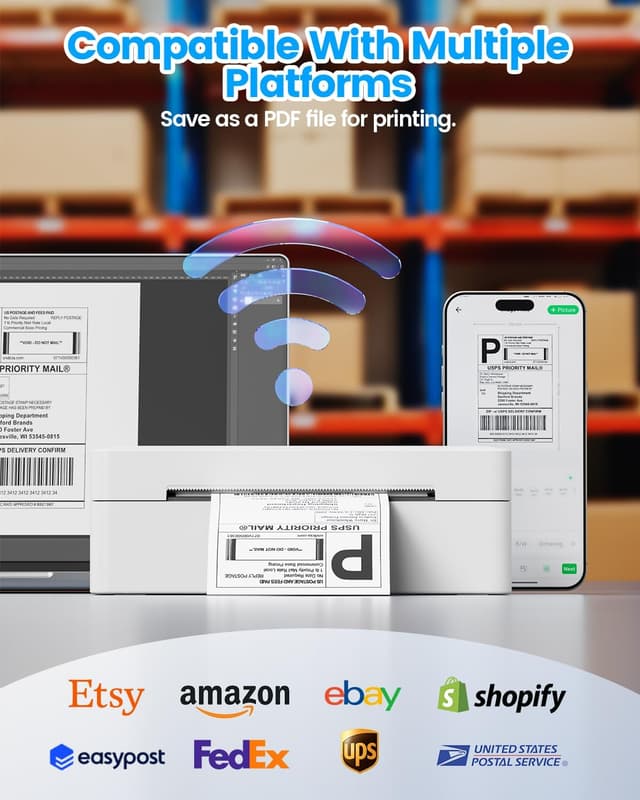
The main appeal here is flexibility: dual connection via Bluetooth and USB, plus broad device support across Android, iPhone and Windows (and macOS/Windows 10 or later is mentioned). It’s designed for direct thermal printing (so you’re not buying ink or toner), and it targets common small business use such as amazon, eBay, Shopify and Etsy workflows, plus USPS.
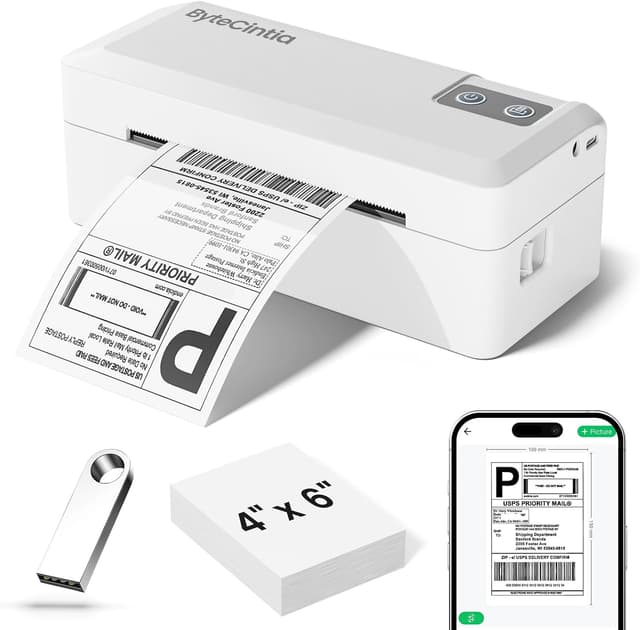
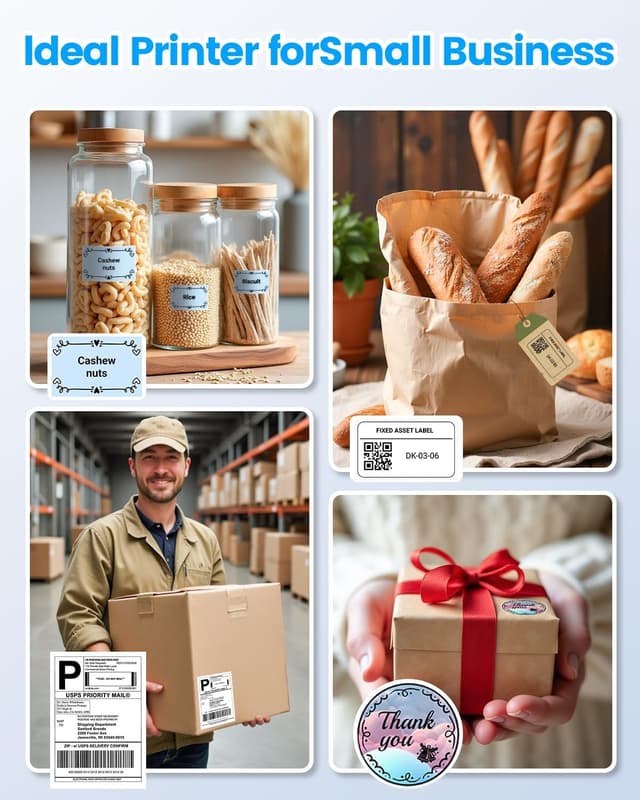
Another practical point is the label-width range. If you mainly print standard shipping labels you’ll be in the sweet spot, but it’s also described as capable of creating other label styles such as product labels, QR code stickers and barcodes via the app. That makes it more than a “one job only” printer.
What to know before you buy
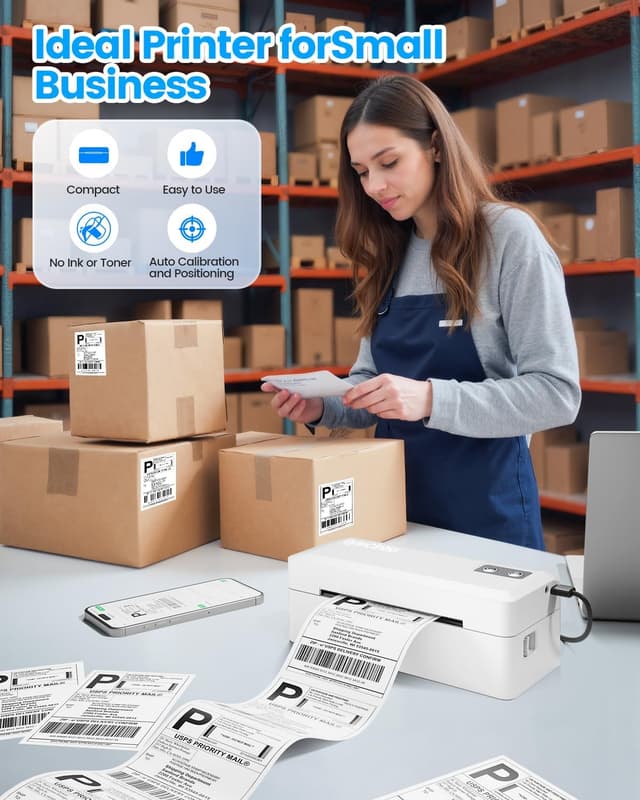
The ByteCintia uses direct thermal technology, so there’s no ink cartridge or toner to replace. Over time, that can simplify costs and logistics—though it’s worth remembering that thermal printing is still a system: you’re relying on your label app and the way it formats barcodes, QR codes and shipping details.
You’ll also want to check your actual label size needs. The description focuses on 4x6 shipping labels, and it mentions printable label widths from 1.38 inches (3.5 cm) up to 4.3 inches (10.9 cm). If your business uses unusual sizes outside that range, this might be less suitable.

One more thing to consider: it’s a compact, lightweight unit intended to be carried around. That’s great for small operations, but if you need heavy-duty, high-volume desktop-style printing day after day, you may find other approaches better match your workload.
Where it shines in everyday use
Imagine a typical packing session: orders come in, you create the label in the supported app, and you print straight from your phone or laptop without extra cabling. With Bluetooth support, you can keep the printer near your packing station, then print labels from your device—no “walk back to the desk” situation.
The description also mentions features intended to reduce paper issues: auto-calibration, smart paper retraction and self-diagnosis. Those are the kinds of details that matter when you’re printing label after label and don’t want to constantly troubleshoot feed problems.
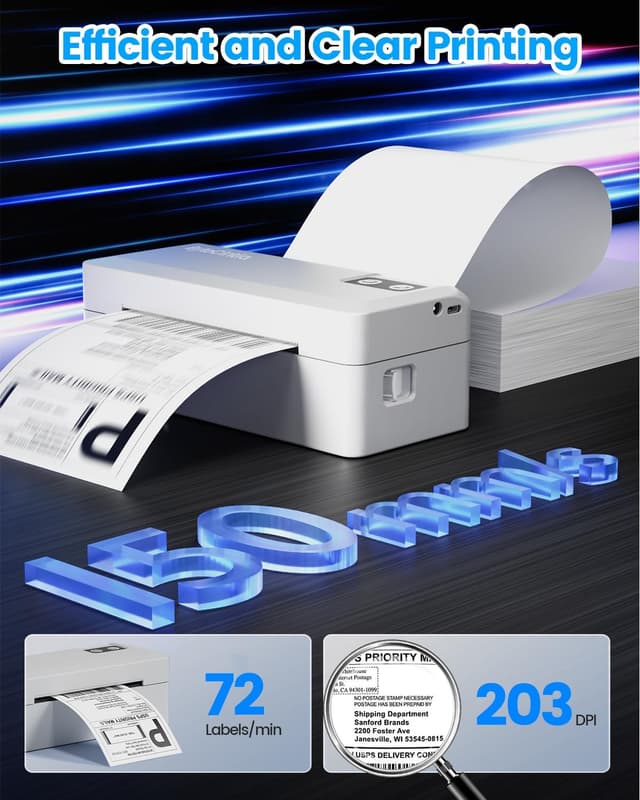
As for print quality, it’s stated to be 203 DPI, aimed at producing sharp, readable labels that are easy to scan.
Key specifications
- Type: Bluetooth and USB wireless thermal label printer
- Resolution: 203 DPI
- Print speed: 100 mm/s
- Label size focus: 4x6 shipping labels (also mentions 10x15 cm per second)
- Supported label width range: 1.38 in (3.5 cm) to 4.3 in (10.9 cm)
- Connections: Bluetooth and USB
- Supported devices: Android, iPhone, and macOS/Windows 10 or later
- Weight: 0.45 kg
Pros

- No ink or toner required thanks to direct thermal printing
- Dual connectivity (Bluetooth and USB) for a flexible packing setup
- 203 DPI resolution is positioned for scan-friendly labels
- Compact and lightweight design is easier to store and move
- Mentioned support across popular marketplaces and shipping scenarios such as Amazon, eBay, Shopify, Etsy and USPS
It might not suit you if
It might not be the best match if you only print labels occasionally and would rather avoid learning a dedicated label workflow. It may also be less ideal if you need printing outside the label width range mentioned (1.38 inches to 4.3 inches), or if your operation relies on a very specific label format that your chosen app can’t generate cleanly.
And yes, it’s worth noting the printer is described as “small business” friendly and compact—so if you’re expecting a heavy-industrial daily print workload, you may want to look at alternatives designed for that scale.
When it makes sense?
Worth considering if you run a small shipping and fulfilment routine and want a portable thermal printer that can work with both phone-first and laptop-first setups. It suits people who like the idea of printing labels without buying ink, and who want to cover common marketplace routes such as Amazon/eBay/Shopify/Etsy and USPS.
You may want to skip it if your label needs are very occasional, your label sizes fall outside the stated width range, or your process depends on features and integrations that aren’t clearly covered in the information provided.
Quick FAQ
Does it print over Bluetooth as well as USB?
Yes. The description highlights dual Bluetooth and USB syncing so you can connect instantly via Bluetooth or use a USB connection when needed.
What devices can it work with?
It’s described as supporting Android and iPhone, and also macOS/Windows 10 or later.
Do I need ink or toner?
No ink or toner is required, since it uses direct thermal printing.
Can it do more than shipping labels?
It’s described as also acting as a label creator for codes like barcodes and QR codes, plus product labels, thank-you sticker styles and commercial or name labels via the app.
Will it work with USPS and marketplace platforms?
The information mentions USPS and marketplaces such as Amazon, eBay, Shopify and Etsy as common use cases.