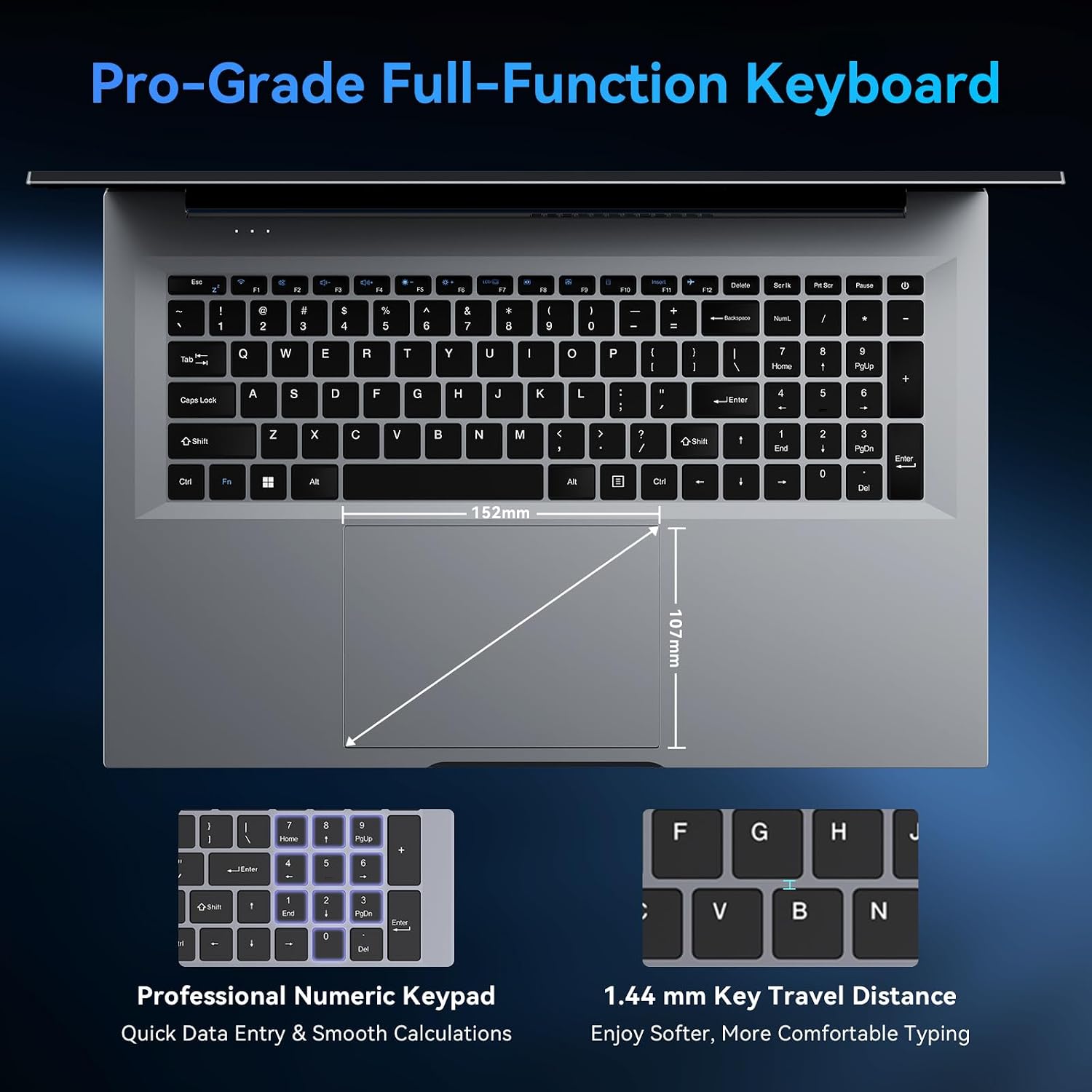
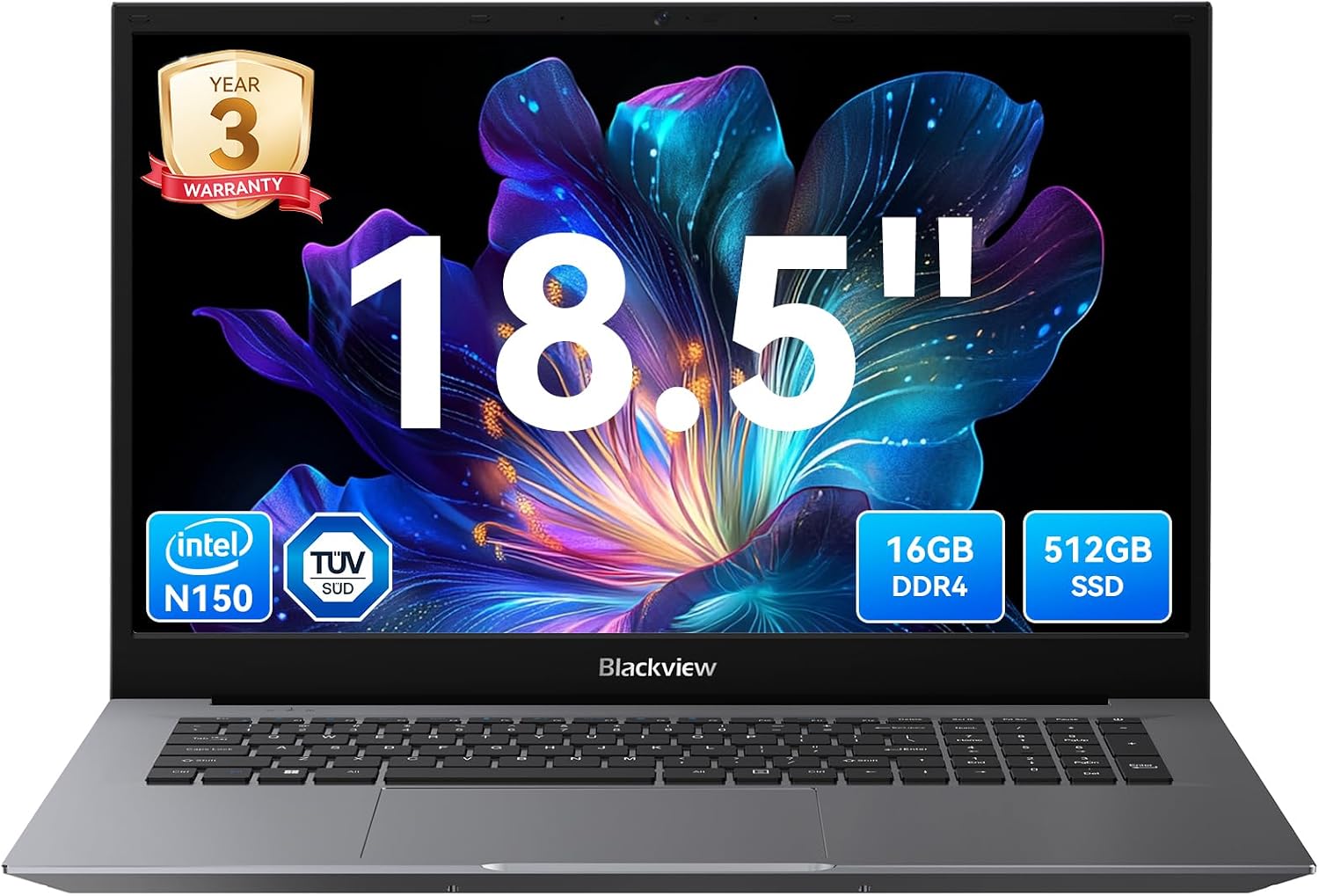
What this is and what it’s for\nThe Blackview 18.5" laptop is a larger-screen portable PC aimed at users who want more screen real estate for tasks like multitasking, document work, light media consumption, and online classes. On paper it combines a quad‑core N150 processor with 16GB of RAM and a 512GB SSD, plus a Full HD IPS panel. If your daily routine involves splitting attention between several apps, swapping between spreadsheets and web browsers, or presenting to colleagues, this device offers a desktop-like feel in a compact footprint. It’s not a gaming laptop, and the configuration suggests it targets productivity and general use rather than demanding 3D titles. The 18.5‑inch display and TÜV Rheinland low blue light certification indicate a focus on comfort during longer sessions, which can be appealing for remote workers or students.
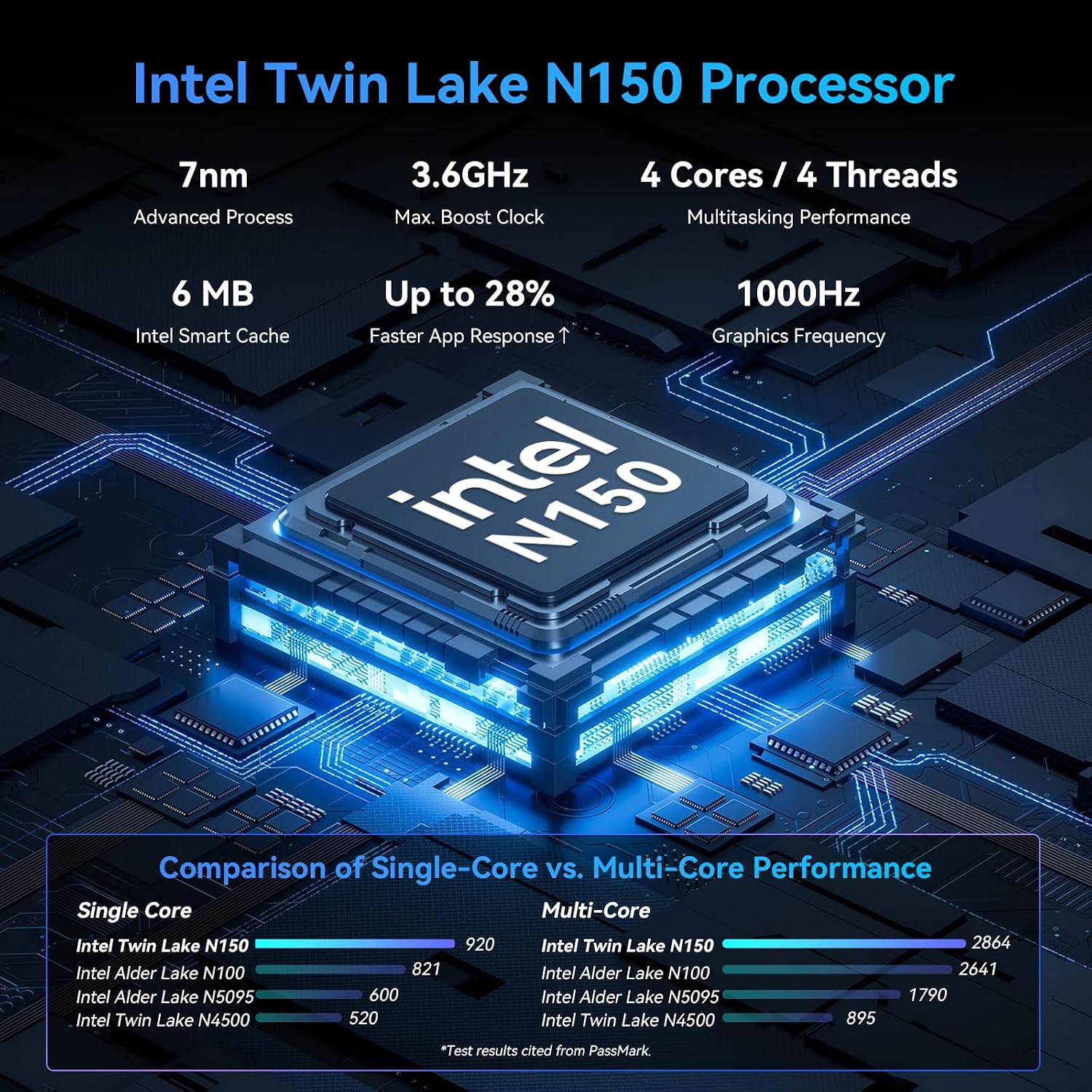
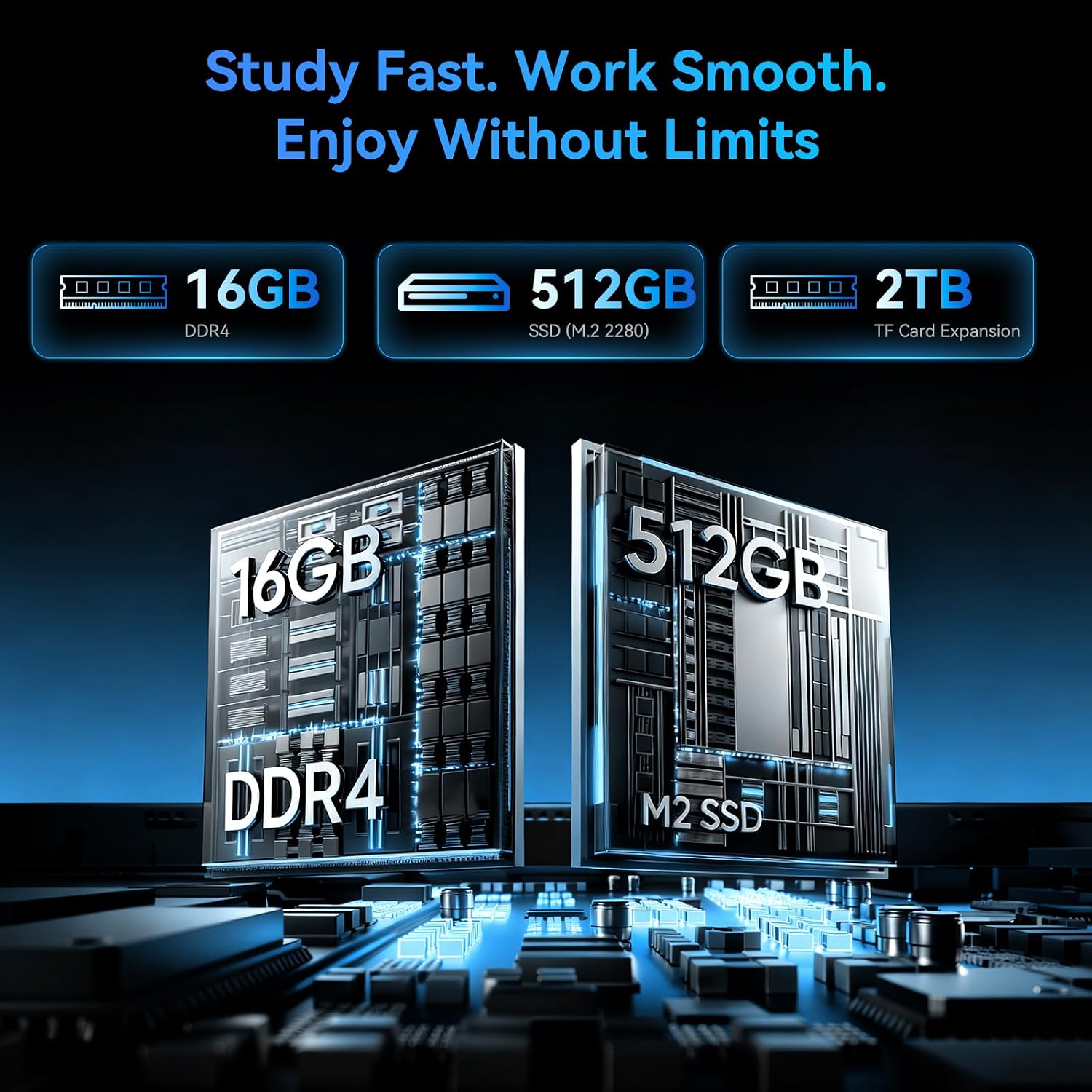
Performance and efficiency on paper\nThe N150 CPU, advertised as up to 3.6GHz, is designed for responsive day‑to‑day tasks and light multitasking. The claimed 6W power design points to energy efficiency, which is helpful in a laptop that pairs with a sizeable battery. With 16GB RAM, you should be able to keep several browser tabs open while running office applications or editing media files without obvious slowdowns. The 512GB SSD provides faster boot and load times than a traditional HDD, and there’s potential to expand storage via a TF card if you need extra space for media or documents. Real‑world performance will depend on workload and software optimisation, but the spec sheet suggests a sensible balance for office productivity and streaming.
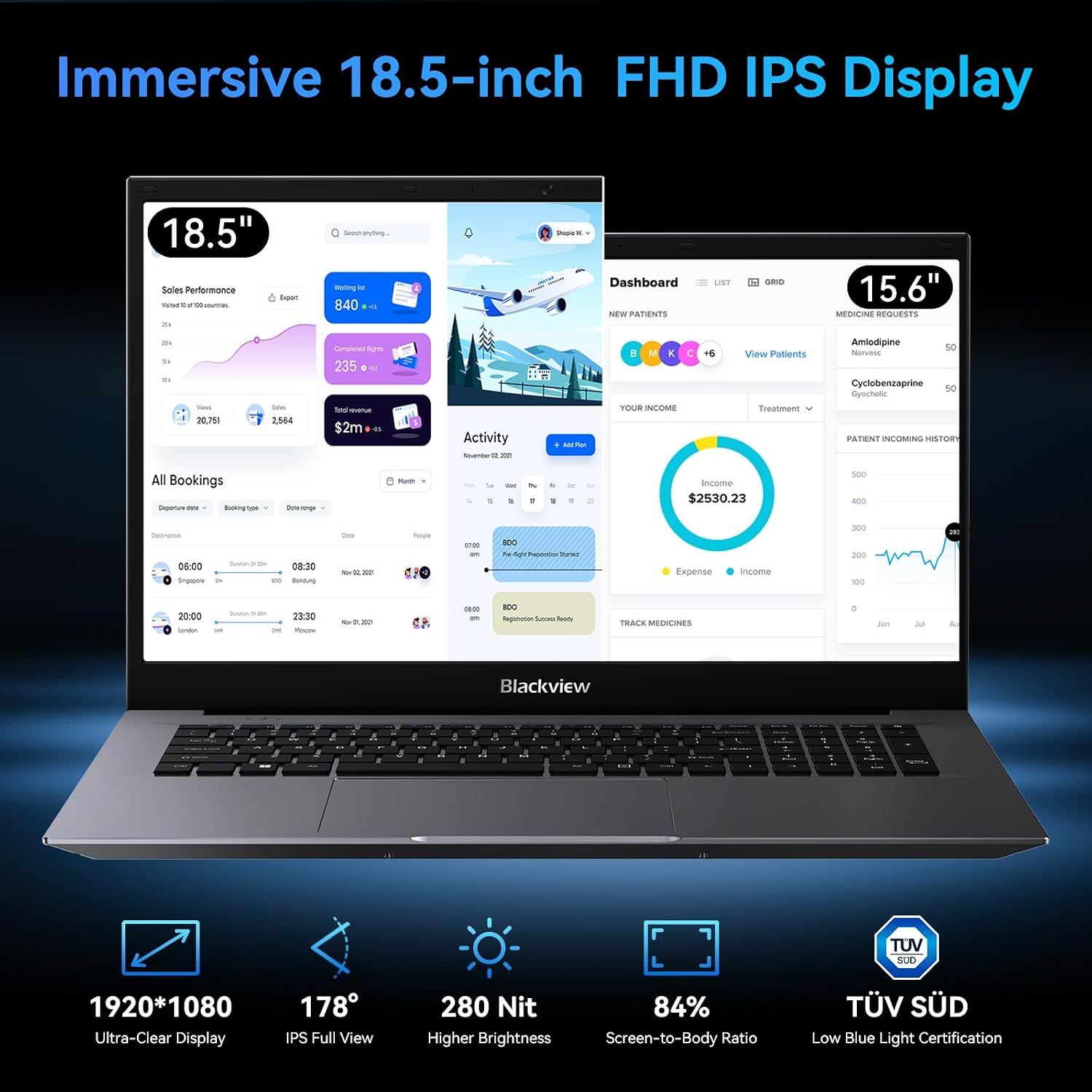
Display and viewing comfort\nA standout feature is the 18.5" Full HD IPS panel, offering a broader canvas and a 180° viewing angle. That size is useful for sharing your screen with colleagues or classmates without having to reposition the laptop. The panel also benefits from low blue light certification, which can reduce eye fatigue during long study or work sessions. However, a larger screen typically means more desk space and a heavier chassis, so consider whether you’ll be commuting with it regularly.
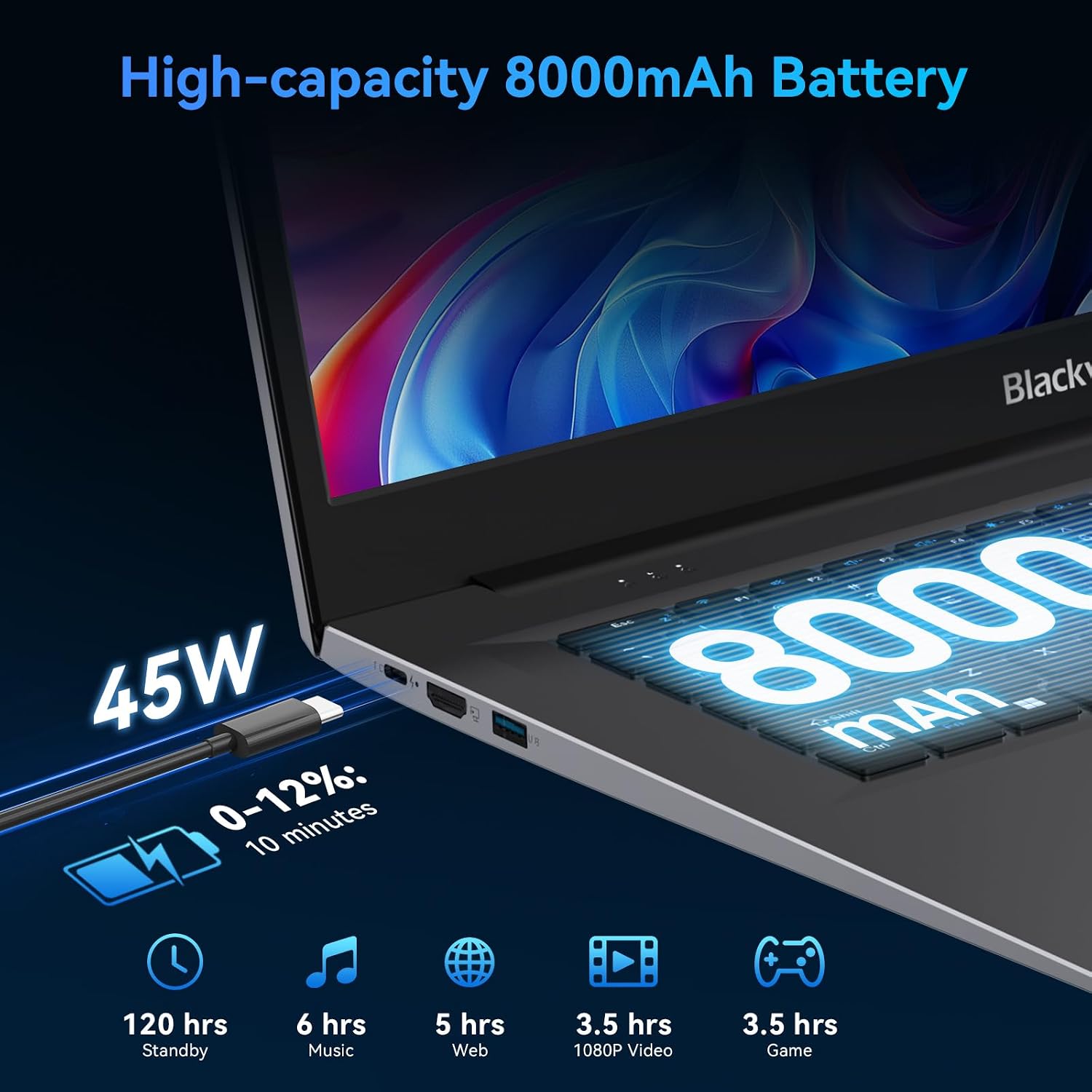
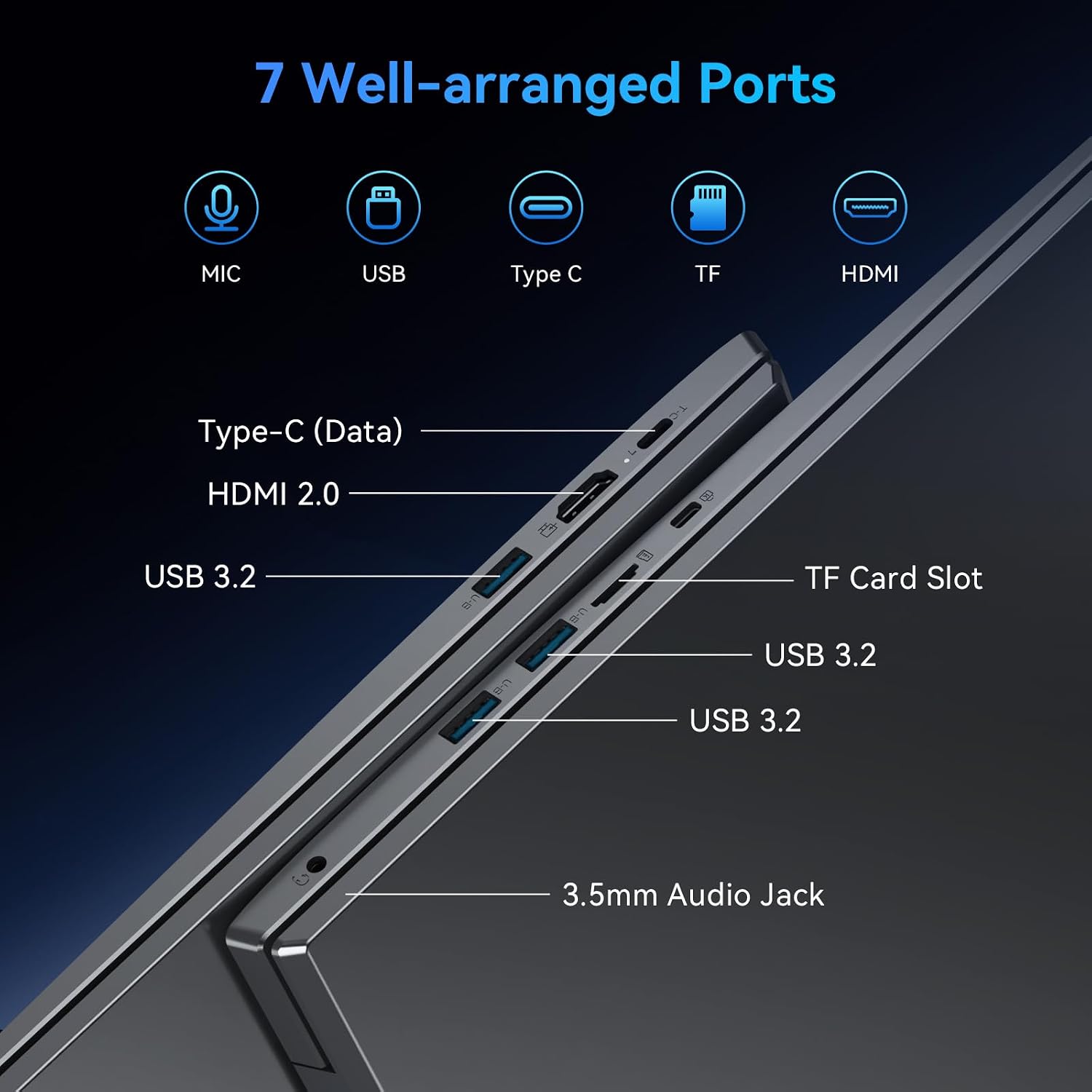
Connectivity and ports\nConnectivity is practical for everyday use: Wi‑Fi 6 and Bluetooth 5.2 support modern wireless peripherals and reliable network access. Ports include 3× USB 3.2 for peripherals, an HDMI 2.0 output capable of 4K external displays, and a multifunctional USB‑C port that supports 45W fast charging and data transfer. If you frequently attach an external monitor or need quick data transfers, the port selection aligns with those needs. The package claims a 45W charger, which should feel adequate for top‑up charging during the day, though the 8000mAh battery will determine total all‑day runtime.
Battery life and practical use\nAn 8000mAh (60.8Wh) battery stance is decent for a laptop of this size, and the description notes roughly three hours more runtime than standard laptops in similar classes. That translates to typical day‑to‑day tasks like note‑taking, light edits, streaming, and online meetings, but heavy multimedia editing or gaming will likely shorten the day. The fast charging capability helps address battery anxiety when you’re on the move, letting you top up quickly between sessions.
What’s included and warranty posture\nThe product is marketed with a 45W Type‑C PD power adapter and safety/certification documents. A three‑year manufacturer’s warranty plus 24/7 multilingual online support is highlighted, which can offer reassurance if you’re buying for a business or student environment. As always, confirm the exact contents for your region and ensure you’re comfortable with the after‑sales terms before purchase.
Who it’s best for and who may want to look elsewhere\nThis Blackview model is sensible for buyers prioritising screen real estate, decent all‑round performance, and modern connectivity at a reasonable price point. It’s likely to appeal to students, remote workers, or anyone needing a capable daily driver with a large display. It may not be the ideal choice if you expect sustained heavy multitasking across very demanding software, or if you prioritise ultra‑light portability and very long battery life.
Before you buy: quick checks\n- Ensure the display size fits your workspace and transport needs, as 18.5" is sizeable for a portable device.\n- Check whether you require more than 512GB storage, assess whether TF expansion will cover future needs.\n- Verify that your typical software supports the CPU and RAM profile, especially if you run memory‑heavy programs.\n- Consider your daily battery expectations, three hours more than some peers is helpful, but you’ll want to plan for charging on long days away from a power source.
Usage example: practical scenario\nImagine delivering a class presentation from a quiet room: you project the screen on a larger display via HDMI, keep your notes open on one side, and run several browser tabs for reference on the other. The 16GB RAM helps you switch between documents and streaming content without obvious stutter, while the large screen makes collaboration easier when you’re sharing visuals with a small group.
Alternatives and how this fits into the market\nIf you’re weighing options, this device sits in a pragmatic middle ground: larger display and decent all‑round performance, without the premium price tag of high‑end ultrabooks. A more compact alternative may offer better portability at the expense of screen size, while a more powerful machine would bring higher price and stronger graphics performance. If display real estate and contemporary connectivity are top priorities, this Blackview could be worth a closer look.
FAQ (brief, based on available data)\n- Does it support external displays well? Yes, via HDMI 2.0, capable of 4K output.\n- Can I upgrade storage later? The built‑in 512GB SSD is fixed, with optional TF card expansion up to 2TB.\n- Is it good for long study sessions? The TÜV Rheinland low blue light display helps reduce eye strain, but panel size and overall weight are factors to consider for frequent transport.\n- What about warranty after purchase? A 3‑year manufacturer’s warranty with 24/7 online support is advertised.\n
Decision time: Is it worth it?\nIs it worth it? If you prioritise a large, comfortable screen, modern wireless connectivity, and solid all‑round performance for office tasks and media, this Blackview offers tangible value at a pragmatic price point. It may be less compelling if you need all‑day battery life away from power or require top‑tier graphics for demanding workloads.